











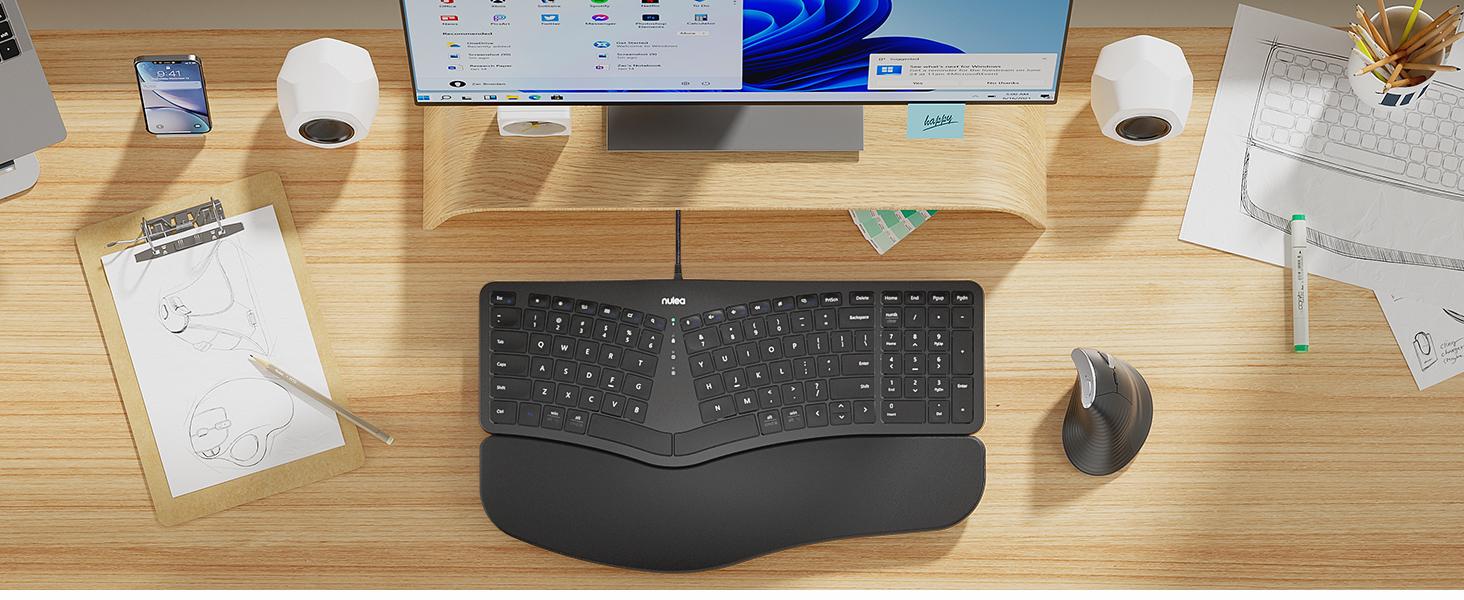
Meet Nulea Ergo Series
Promote natural postures and relaxed movements with innovative and smart designs
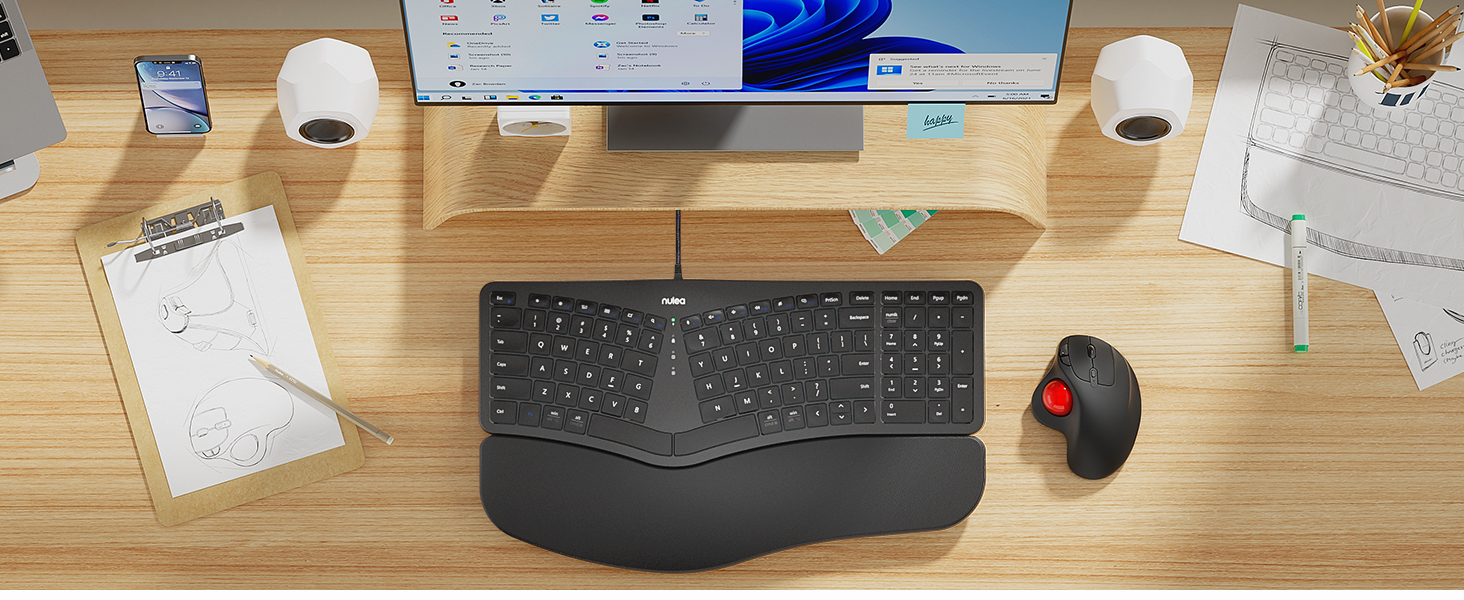
Meet Nulea Ergo Series
Promote natural postures and relaxed movements with innovative and smart designs
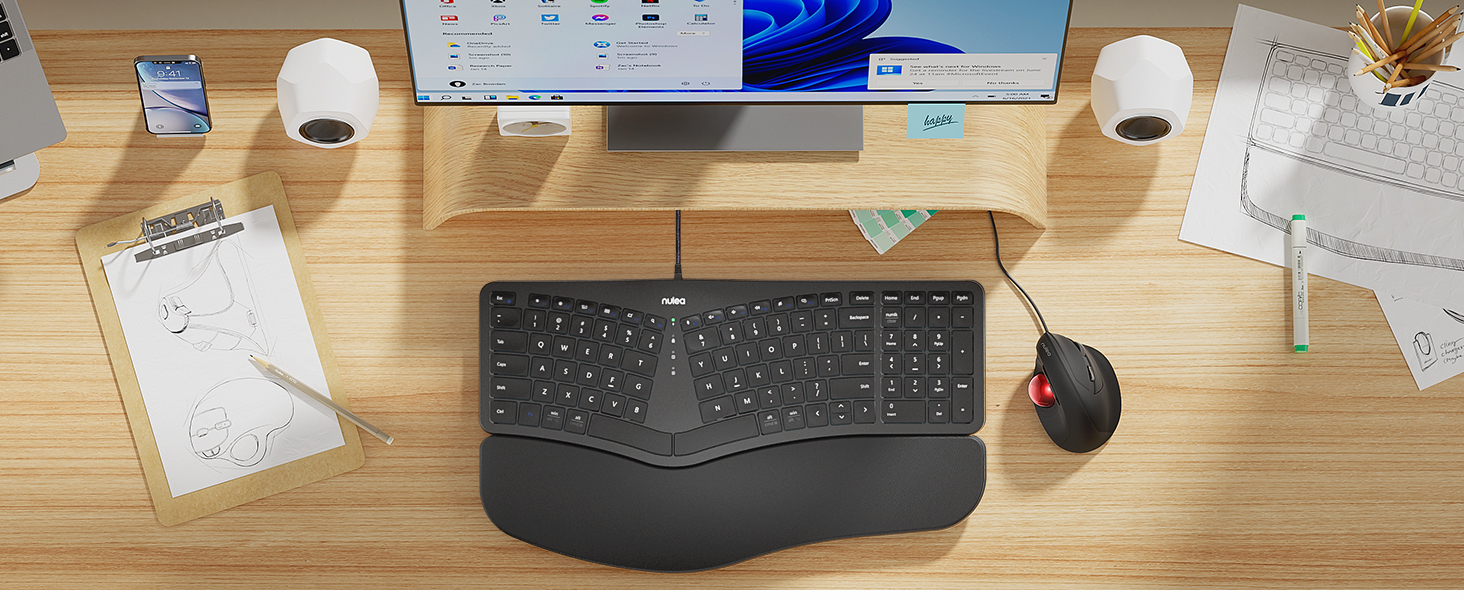
Meet Nulea Ergo Series
Promote natural postures and relaxed movements with innovative and smart designs
How to switch the keyboard's F1-F12 usage function?
When "Fn" is in lock mode and pressing F1-F12 directly has no effect, then you need to press "Fn" while pressing F1-F12. Note: Press "Fn" and "Esc" at the same time to switch Fn function lock or unlock.
When the keyboard is jammed:
1. The issue was caused by a computer update. Attempt restarting your computer and reconnecting your keyboard.
2.Debris could fall into the crevices of the keys while in use. Try flipping the keyboard over and tapping to get rid of the object.
How to distinguish the use of alt and cmd function keys on different systems?
The silkscreen above the horizontal line corresponds to the Win system, and the silkscreen below the horizontal line corresponds to the Mac system



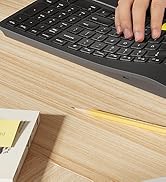
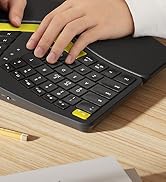


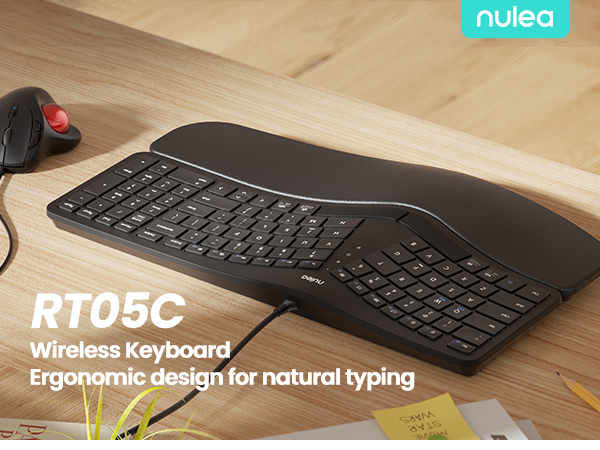
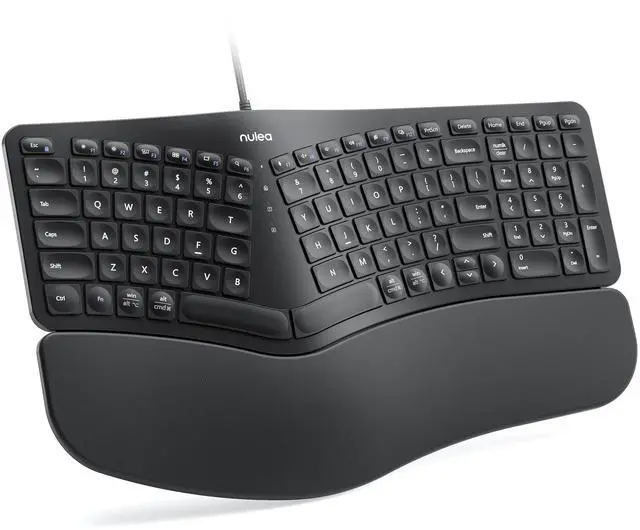
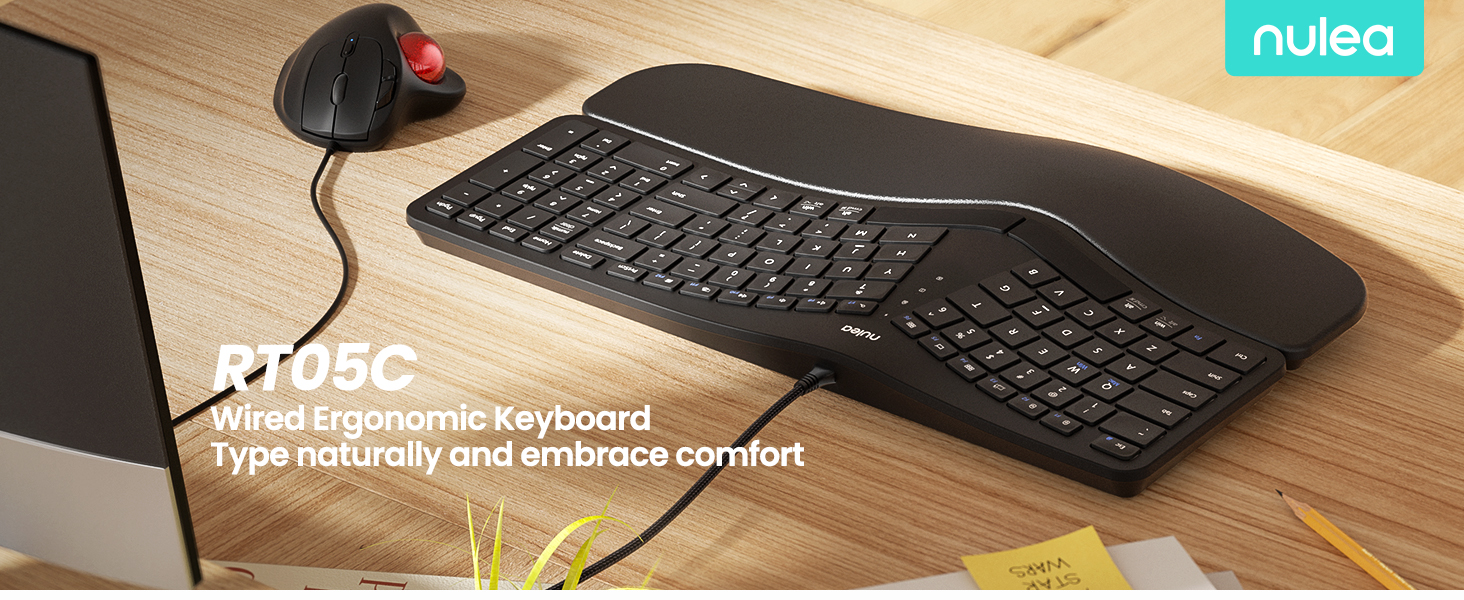
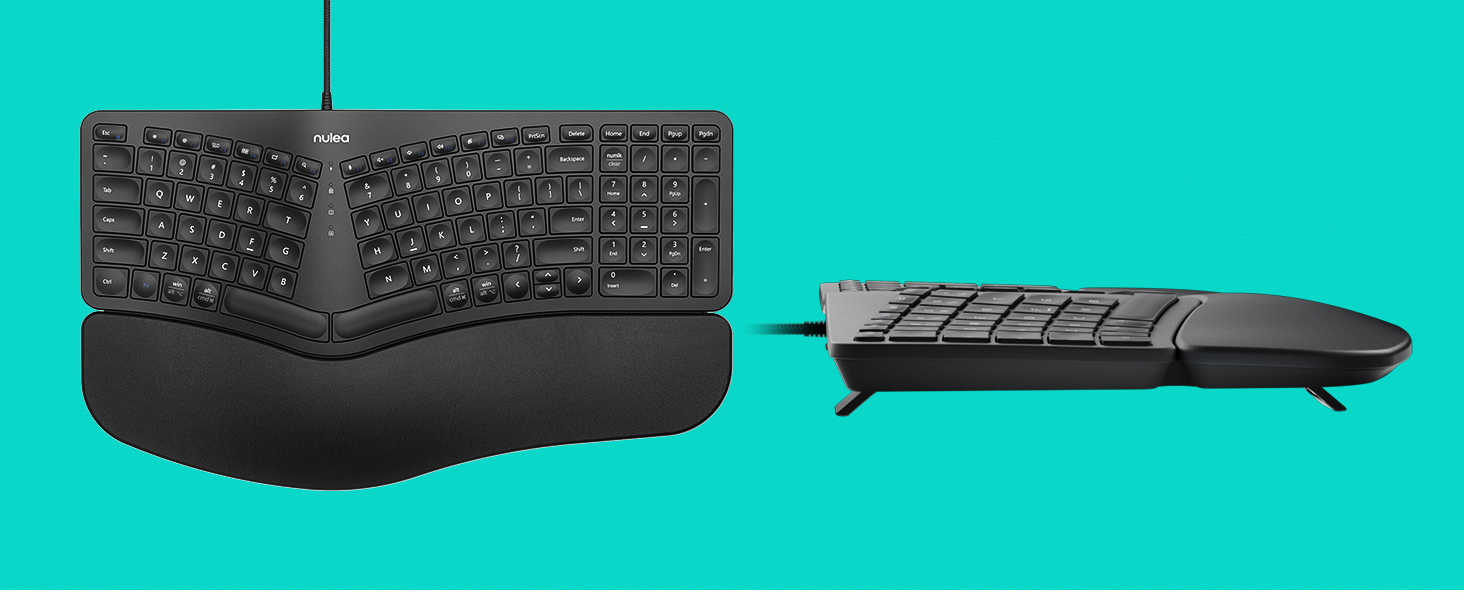
Ergonomic Split & Splayed Design
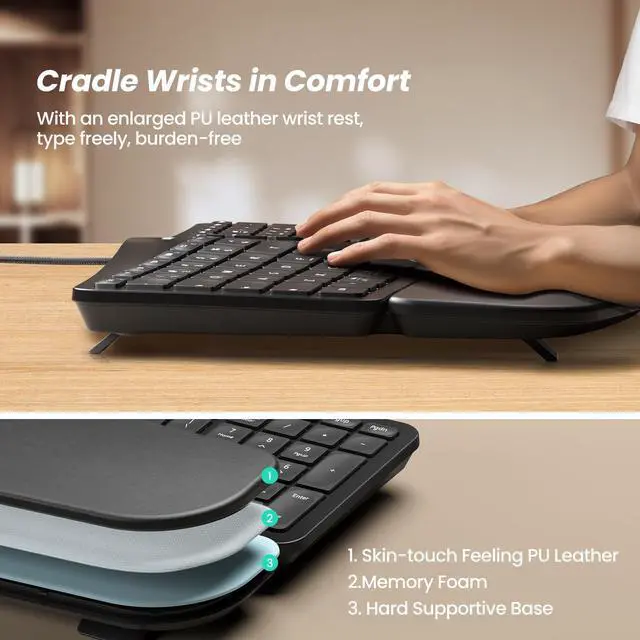
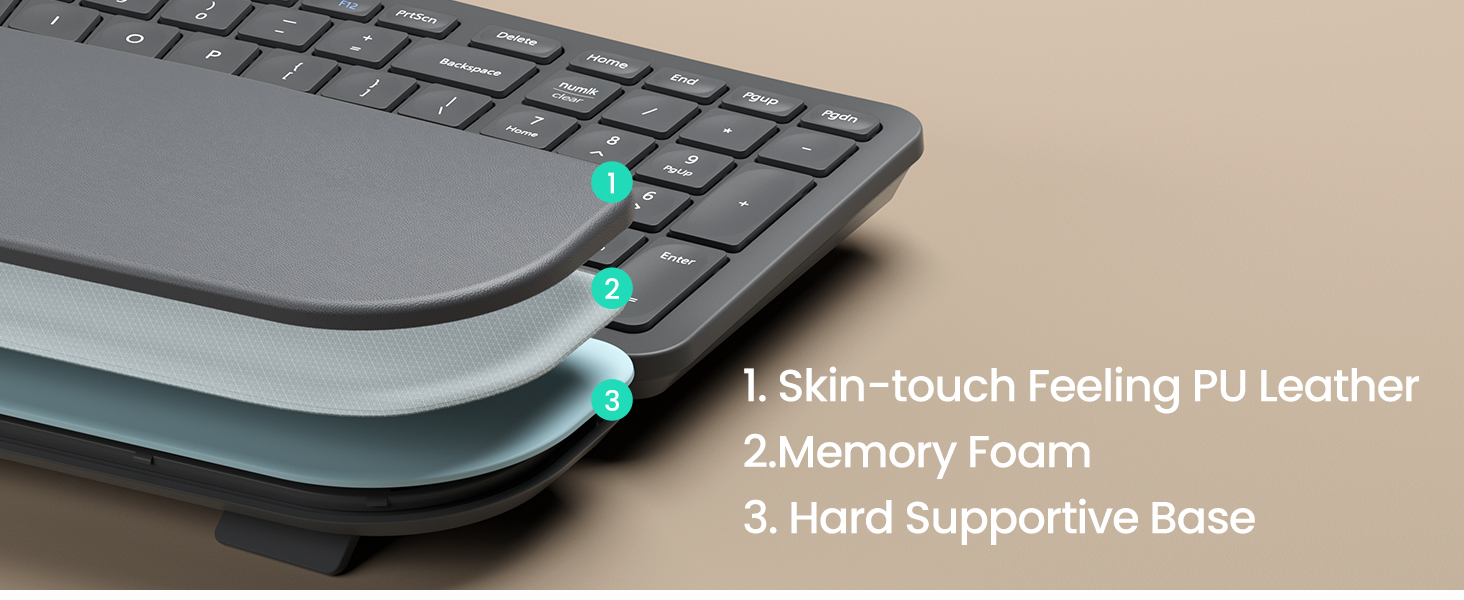
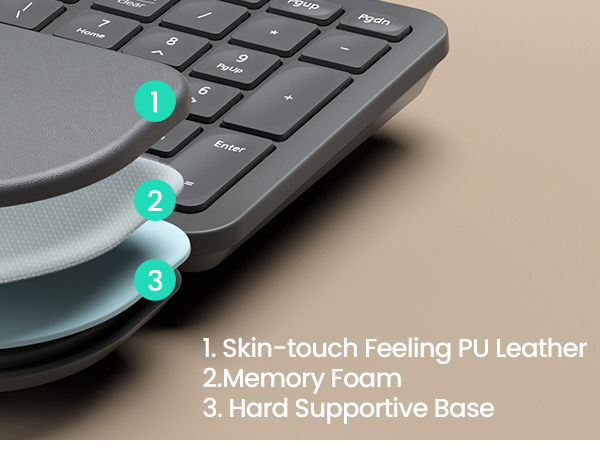
Larger Pillowed Palm Rest
Adjustable Tilt Legs
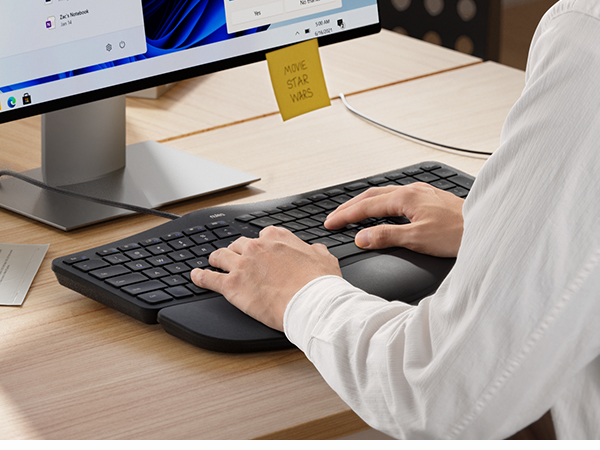
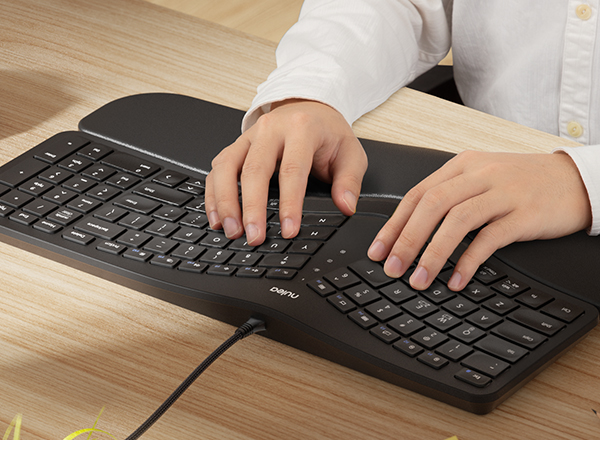
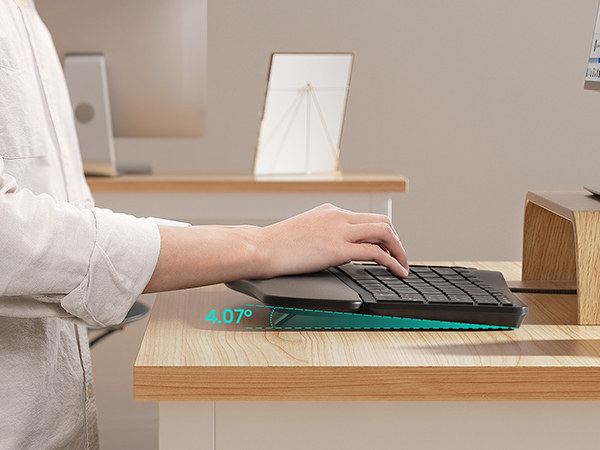
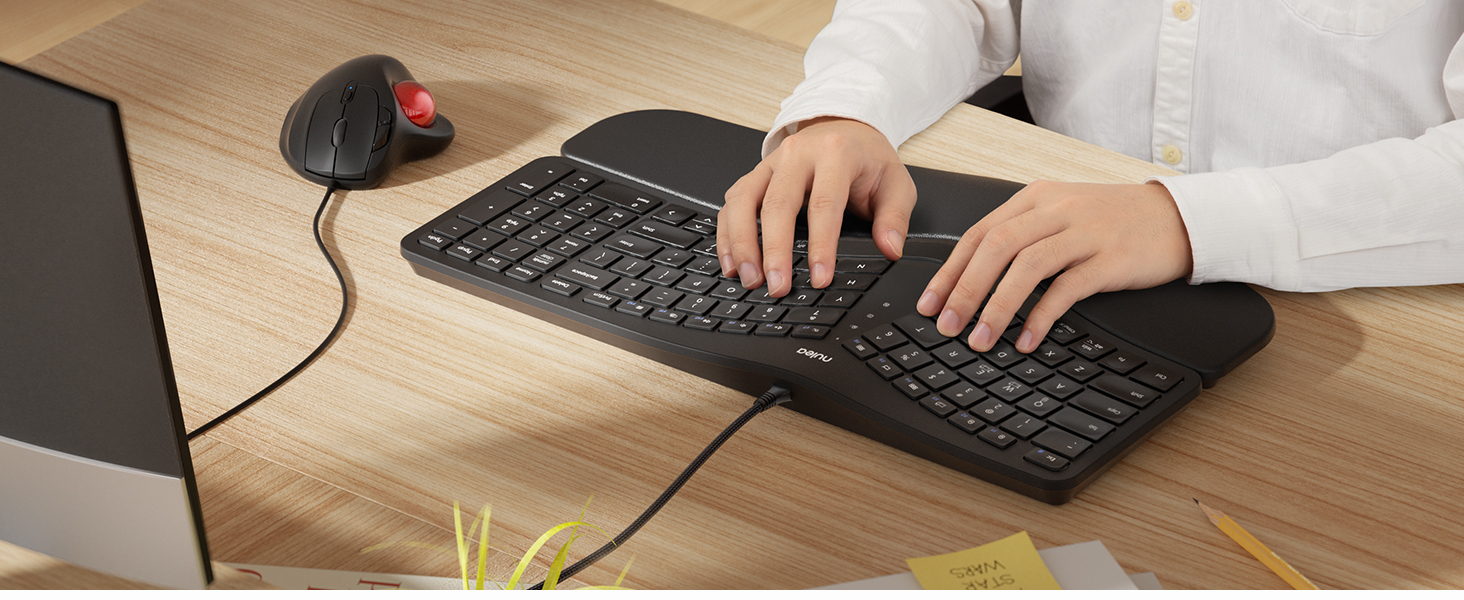
Type more naturally to reduce muscle strain on your wrists and forearms
Support your palm and wrist better and boost a more relaxed typing angle
Always keep your wrists in a comfortable
position for different postures
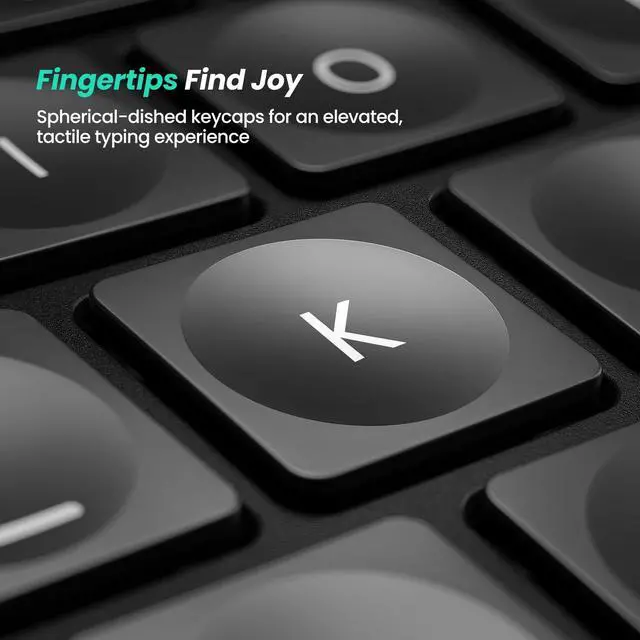
Designed to fit your fingertips

With specially shaped keys, each tap offers satisfying feedback
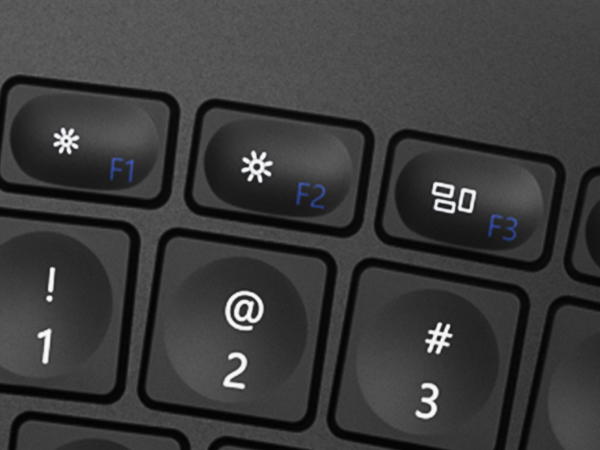
Easy Switch Button
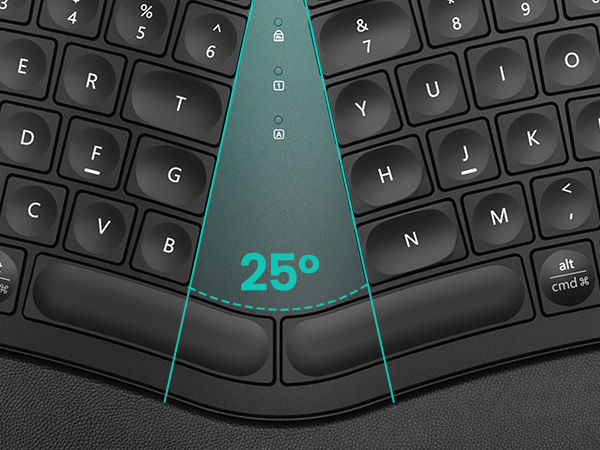
Split, Curved Keyframe
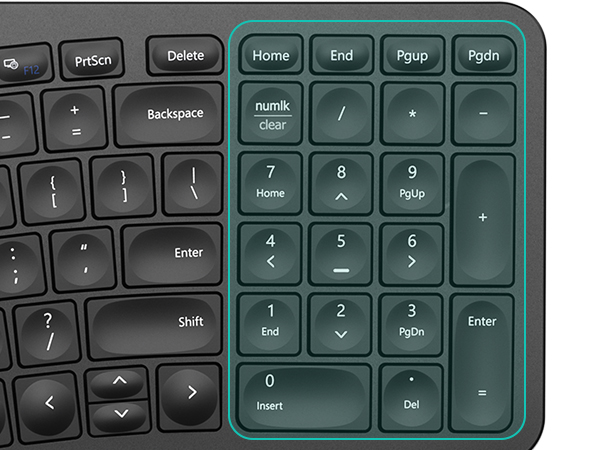
Paired With a Numeric Keyboard
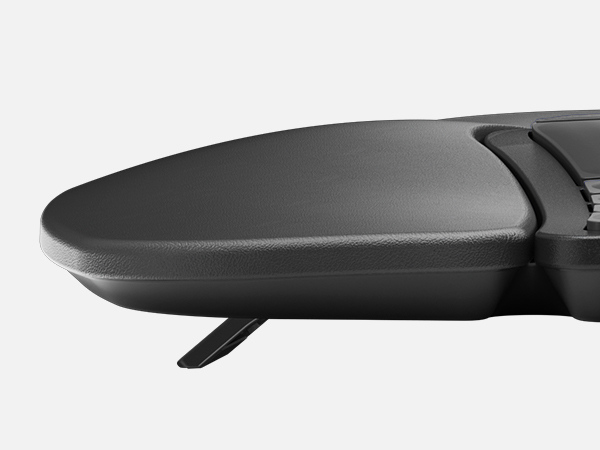
Pillowed Wrist Support
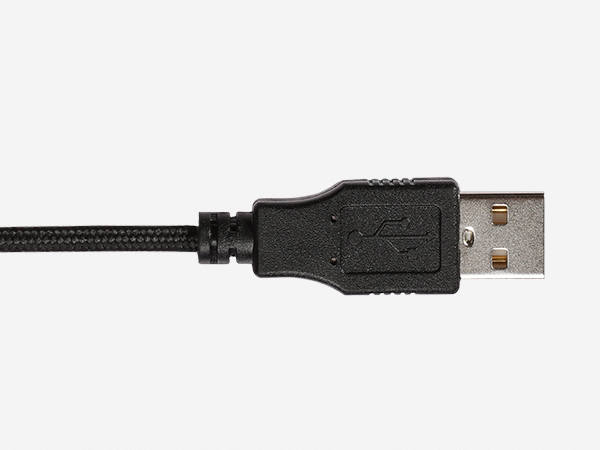
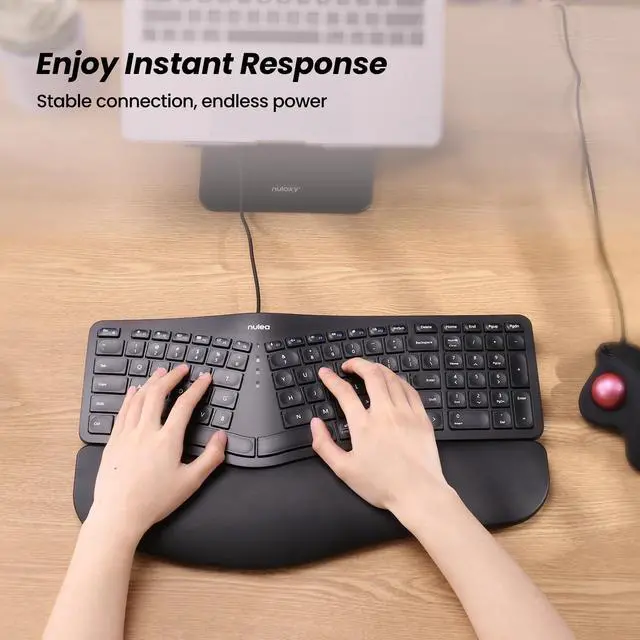
Wired Peace Of Mind
Meet Nulea Ergo Series
Meet Nulea Ergo Series
Meet Nulea Ergo Series
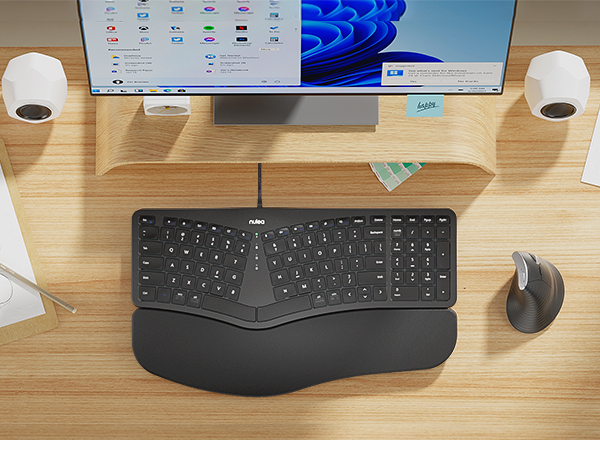
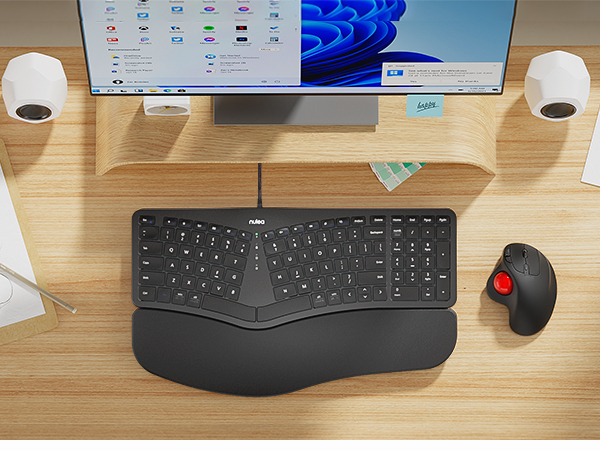
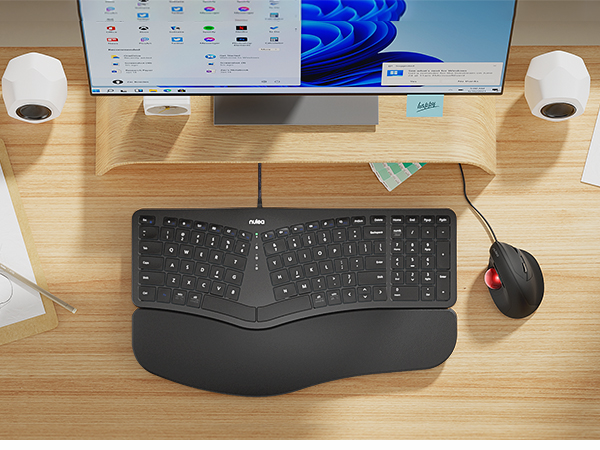
Promote natural postures and relaxed movements with innovative and smart designs
Promote natural postures and relaxed movements with innovative and smart designs
Promote natural postures and relaxed movements with innovative and smart designs
How to switch the keyboard's F1-F12 usage function?
When "Fn" is in lock mode and pressing F1-F12 directly has no effect, then you need to press "Fn" while pressing F1-F12. Note: Press "Fn" and "Esc" at the same time to switch Fn function lock or unlock.
When the keyboard is jammed:
1. The issue was caused by a computer update. Attempt restarting your computer and reconnecting your keyboard.
2.Debris could fall into the crevices of the keys while in use. Try flipping the keyboard over and tapping to get rid of the object.
How to distinguish the use of alt and cmd function keys on different systems?
The silkscreen above the horizontal line corresponds to the Win system, and the silkscreen below the horizontal line corresponds to the Mac system
For Ergonomic Mouse
For Ergonomic Keyboard
