






What systems do this keyboards support ?
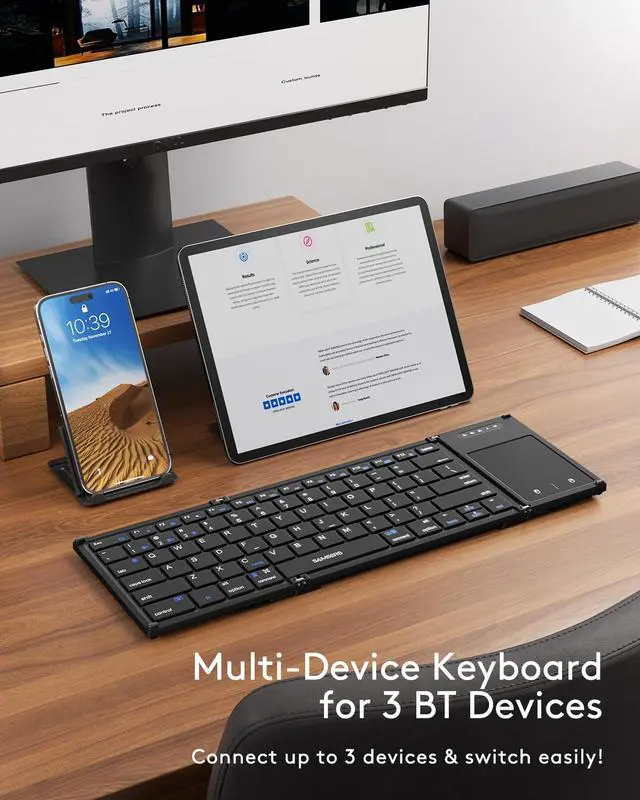
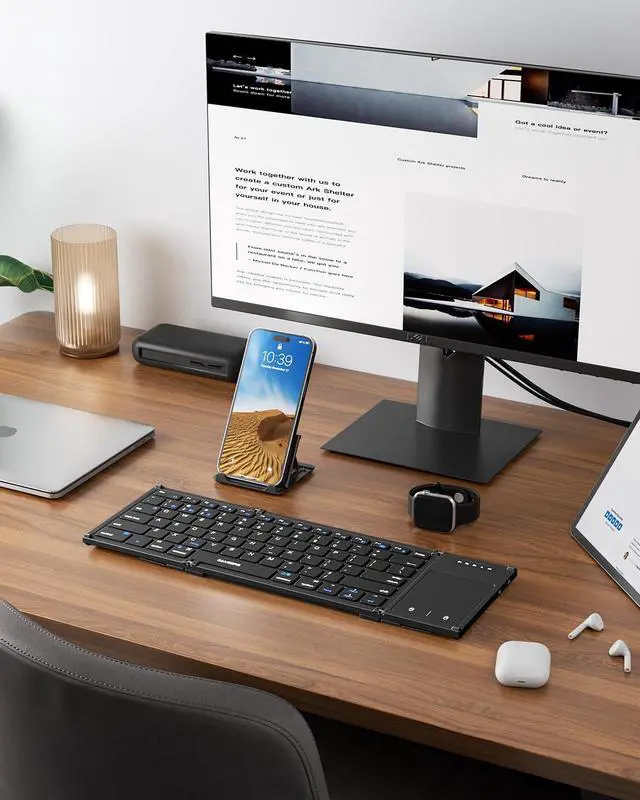
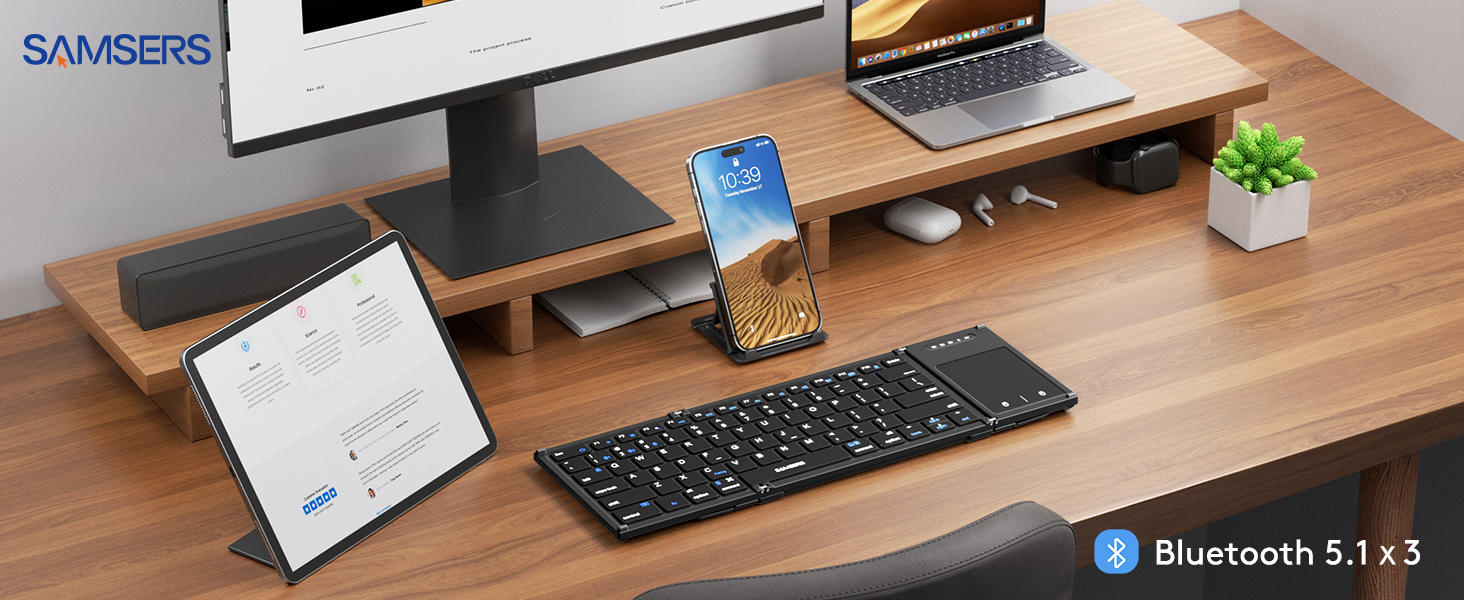
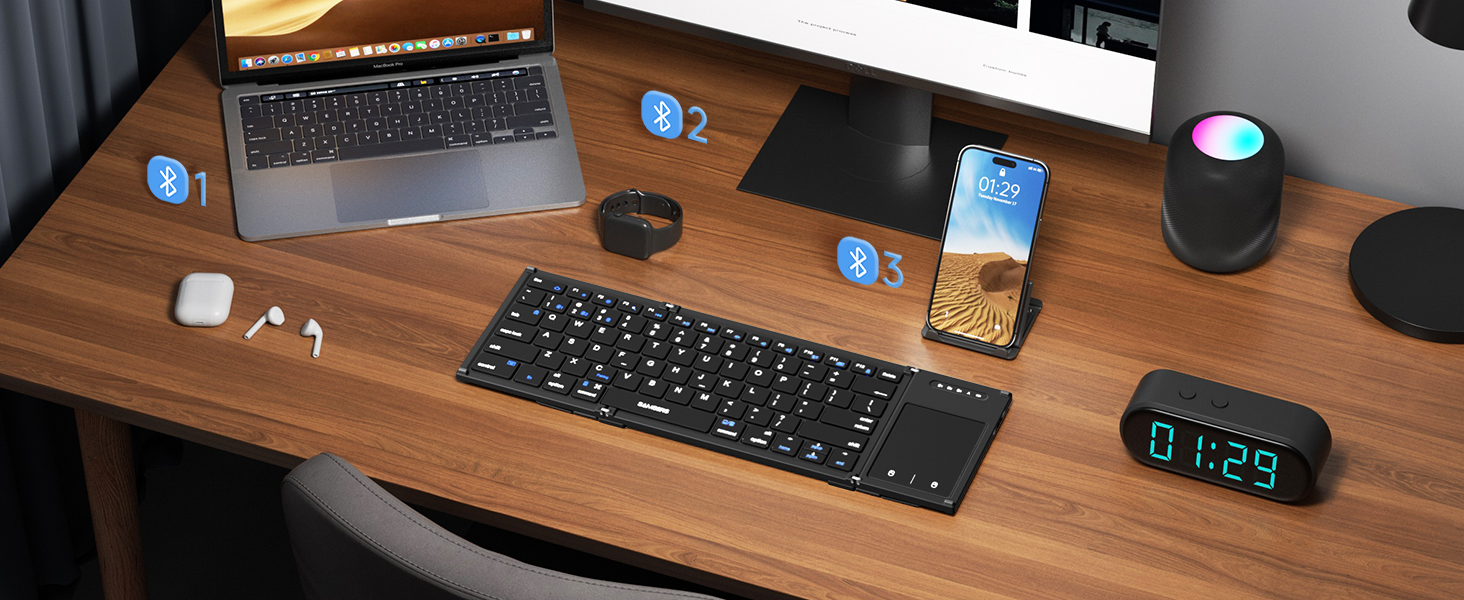
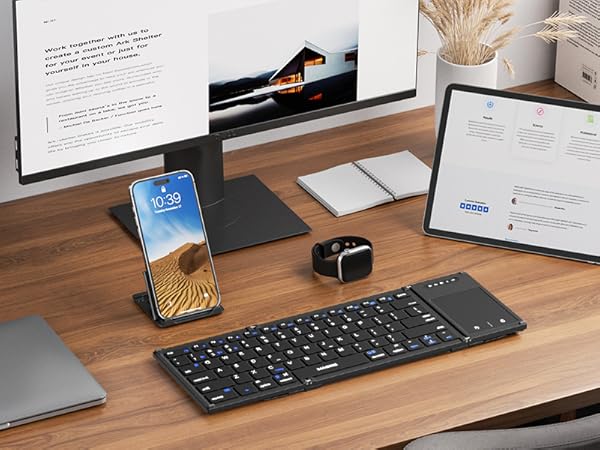
This product is compatible with Windows, Mac, iOS, Android (computers, laptops, cell phones, and tablet devices)
Please note that the product is may not compatible with systems and devices such as PS4, PS5, XBOX, Smart TV, Mac mini and Linux.
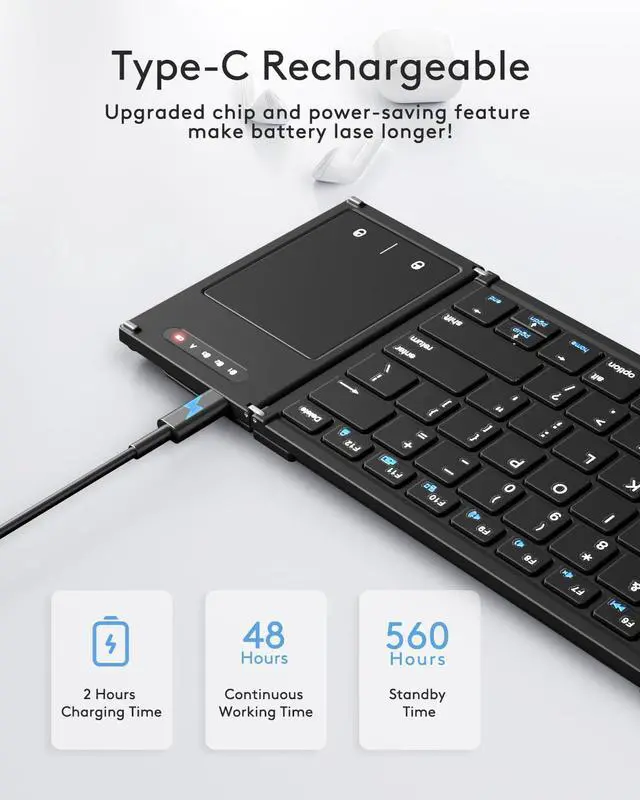
Can l charge and use Samsers foldable keyboard simultaneously ?
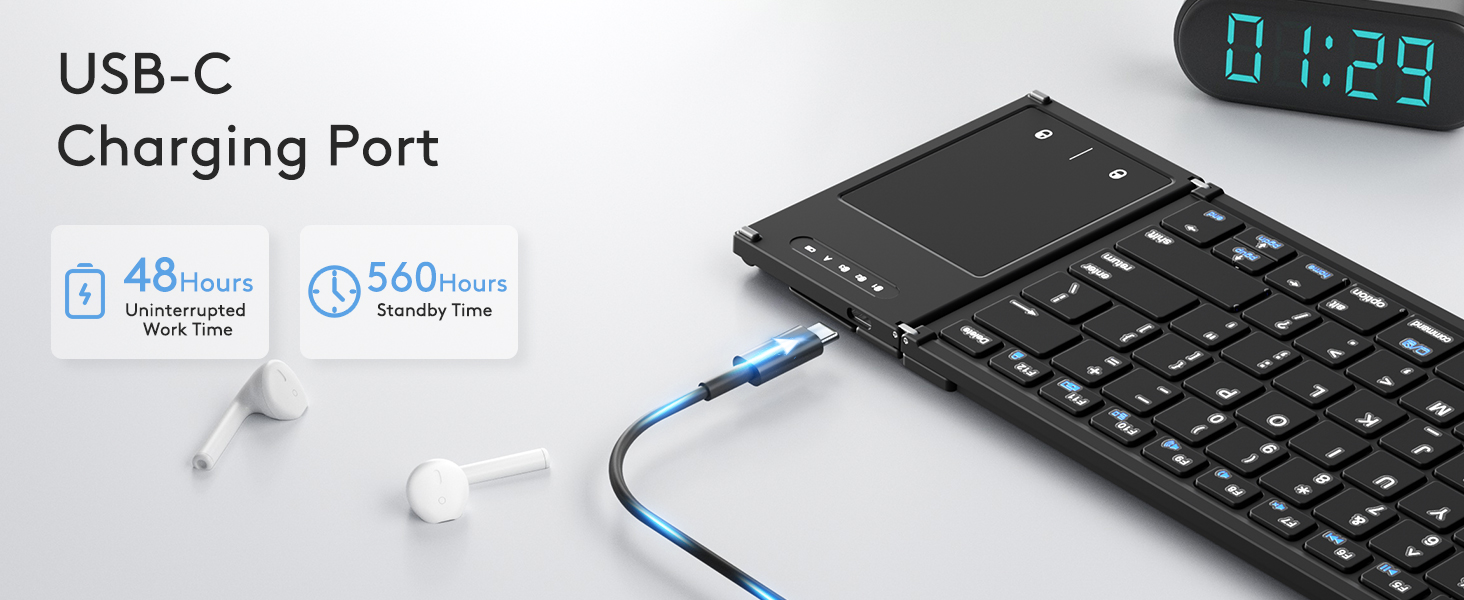
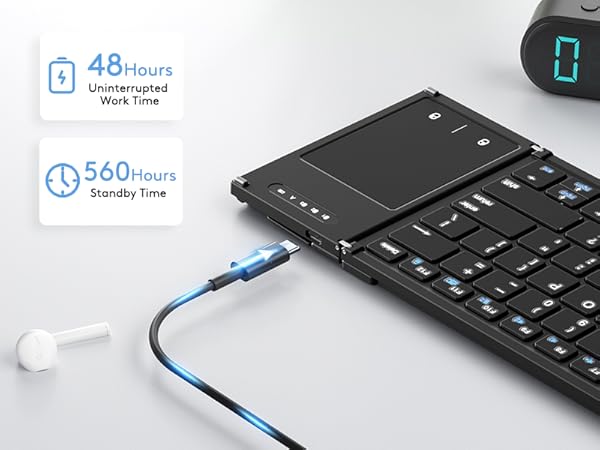
Yes, it can charge and use the folding keyboard as well. It is recommended that when not in use, you should remember to turn off the power to save power
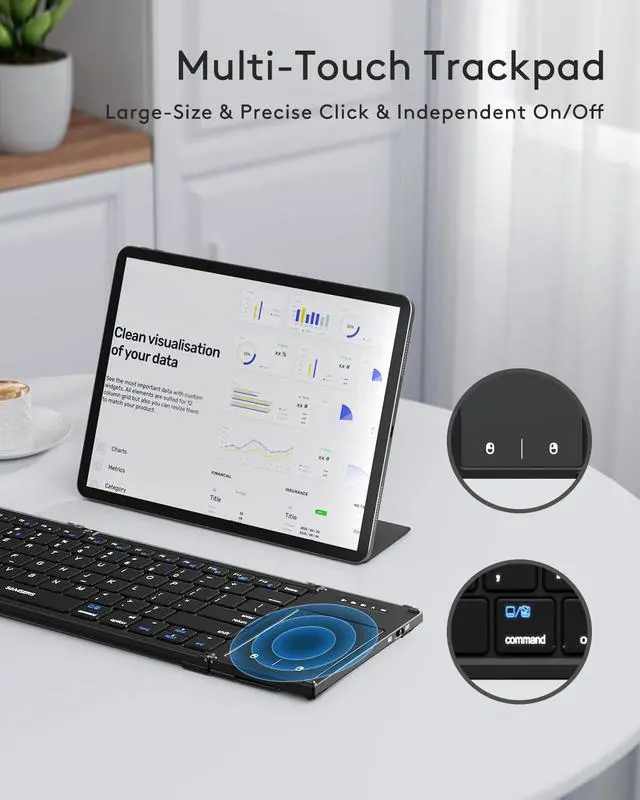
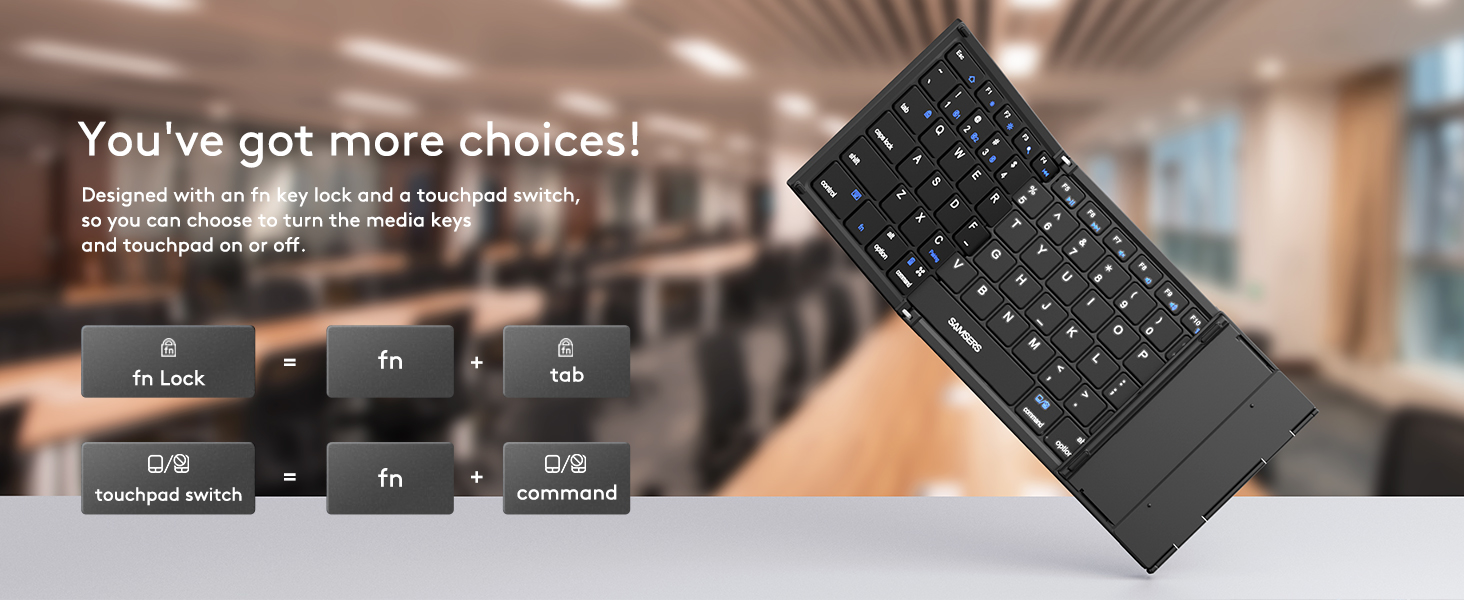
Touchpad not Working? It's Not Responding ?
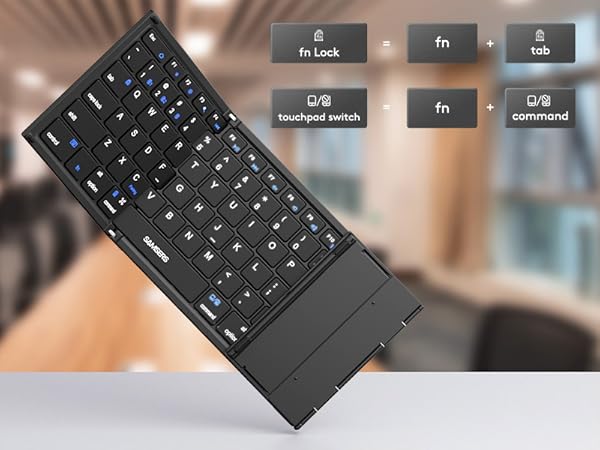
Use the fn+ command (right key)key combination to check if the trackpad is turned off.
Open "Settings"-"Accessibility"-"Touch"-"AssistiveTouch"-"On", and you can enable the touchpad function.
If the battery is nearly empty and I still need to use the keyboard, can I keep using it while it's charging ?
Yes, you can continue to use the keyboard while it is charging.
What should I do if the Samsers keyboard connection fails ?
1. Charge keyboard for 30 minutes. On your device, delete/remove/forget the previous connection record
2. On your device, turn Bluetooth off and turn Bluetooth on again. Follow the Pairing Instruction to connect it again.
Unlock More Colors, More Series and Styles from Samsers
 Samsers B066T | 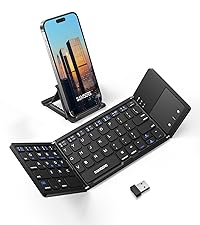 Samsers KT03M |  Samsers KT06S | 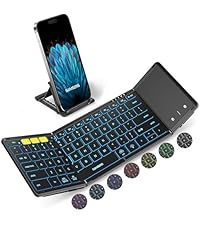 Samsers KT06X |  Samsers KF06S | 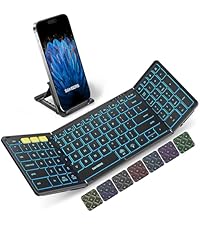 Samsers KF06X |  Samsers KM01 Combo | |
|---|---|---|---|---|---|---|---|
Customer Reviews | — | — | — | — | — | — | — |
Price | — | — | — | — | — | — | — |
Highlights | Full Size, Larger Touchpad | Compact Size, Touchpad | Full Size, Larger Touchpad | 7-color Backlit, Full Size | Full Size, Larger Numpad | 7-color Backlit, Full Size | Full Size Layout, Mouse |
Shell Material | High Quality ABS | High Quality ABS | Premium PU Leather | Premium PU Leather | Premium PU Leather | Premium PU Leather | Premium PU Leather |
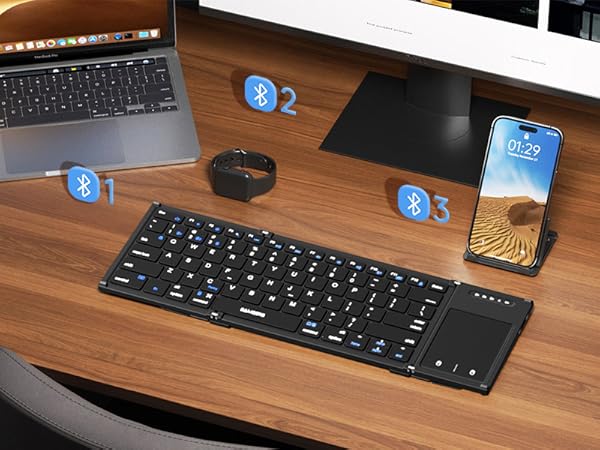
Connectivity Tech | BT 5.1 X 3 | 2.4G USB, BT 5.1 X 2 | BT 5.1 X 3 | BT 5.1 X 3 | BT 5.1 X 3 | BT 5.1 X 3 | 2.4G USB, BT 5.0 X 2 |
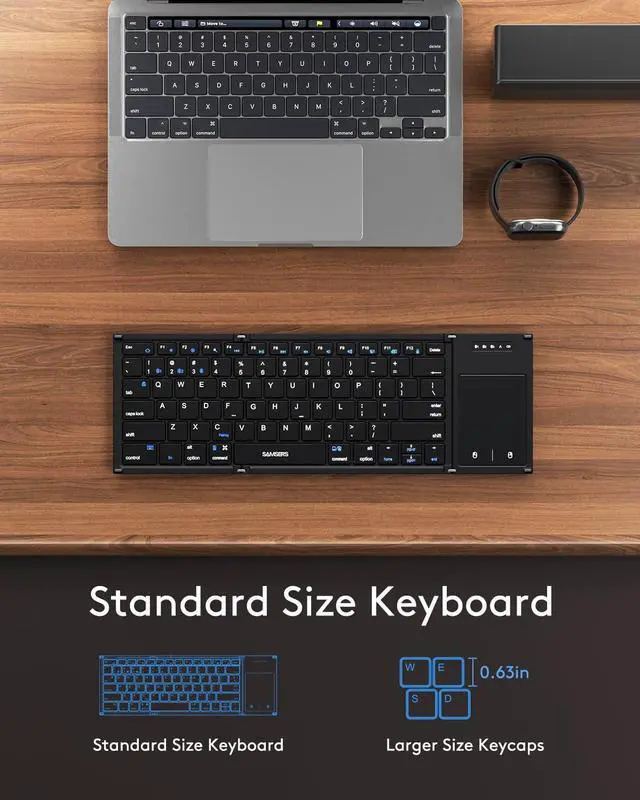
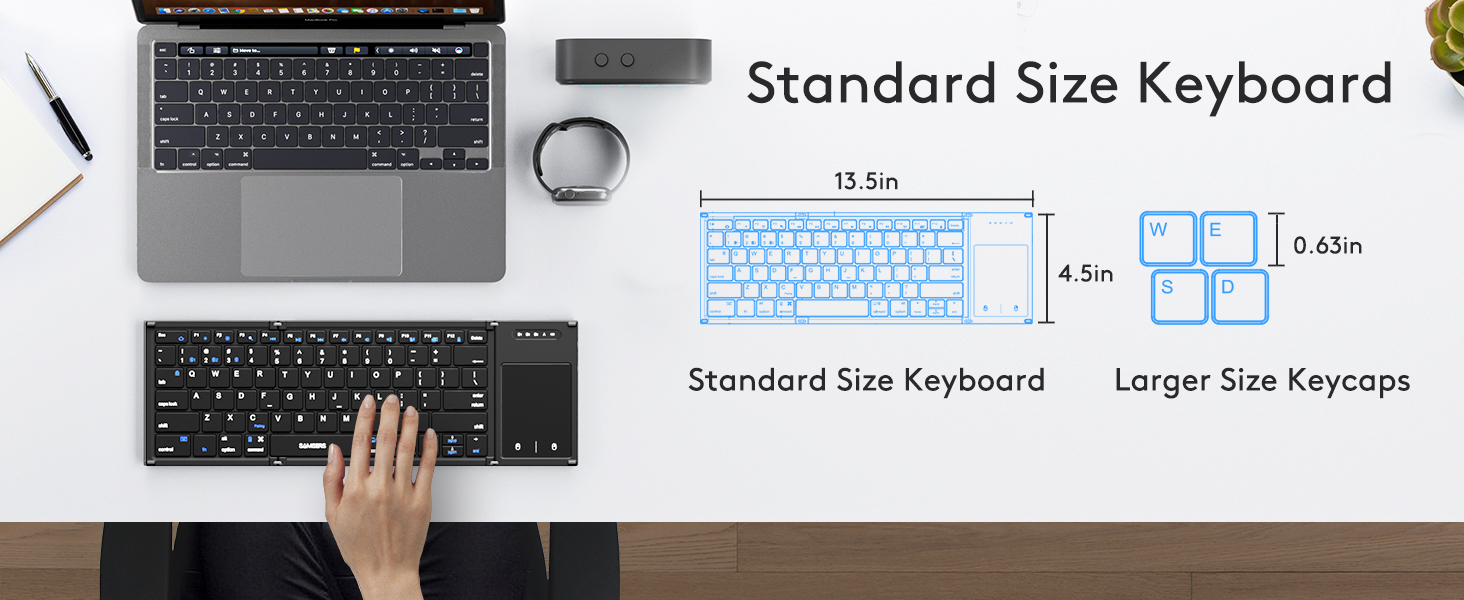
Keycap Dimension | 0.62 in | 0.57 in | 0.62 in | 0.62 in | 0.62 in | 0.62 in | 0.62 in |
Keyboard Open Size | 13.5"L x 4.5"W x 0.4"H | 11.89"L x 3.85"W x 0.22"H | 13.5"L x 4.5"W x 0.35"H | 13.5"L x 4.5"W x 0.35"H | 13.5"L x 4.5"W x 0.35"H | 13.5"L x 4.5"W x 0.35"H | 13.5"L x 4.5"W x 0.35"H |
USB C Recharge | ? | ? | ? | ? | ? | ? | ? |
Phone Stand Included | ? | ? | ? | ? | ? | ? | ? |
Carry Pouch/Case Included | ? | ? | ? | ? | ? | ? | ? |
Windows, IOS, Mac OS, Android | ? | ? | ? | ? | ? | ? | ? |
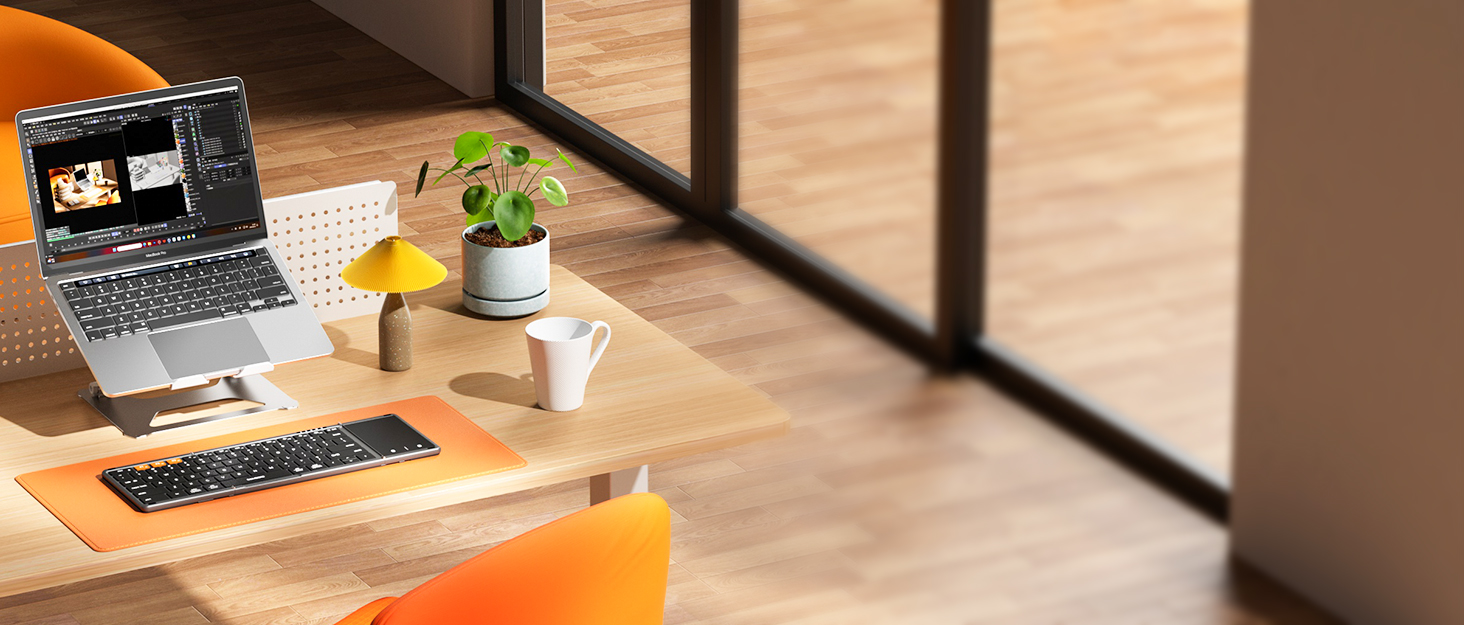
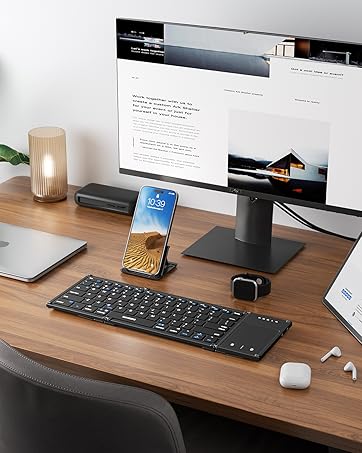



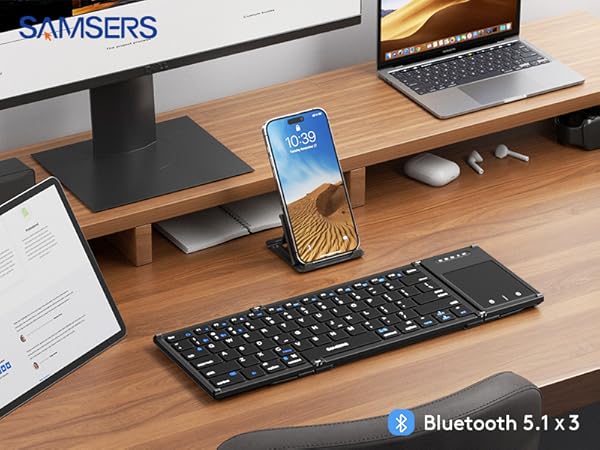
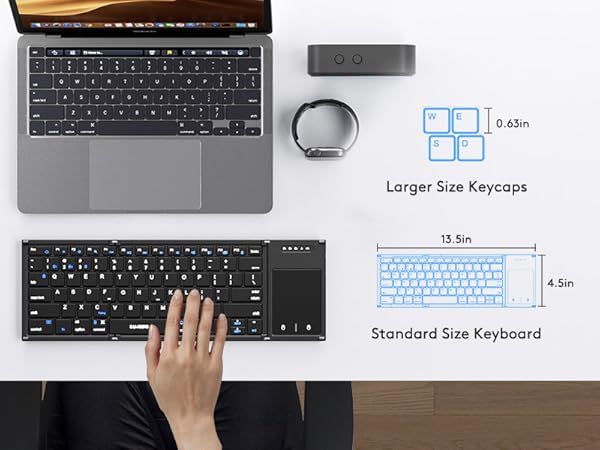
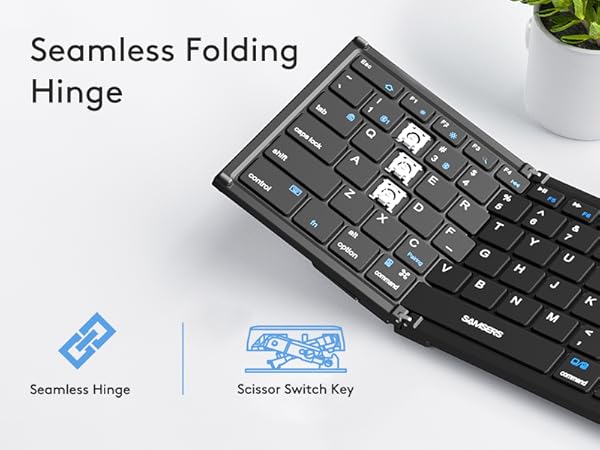
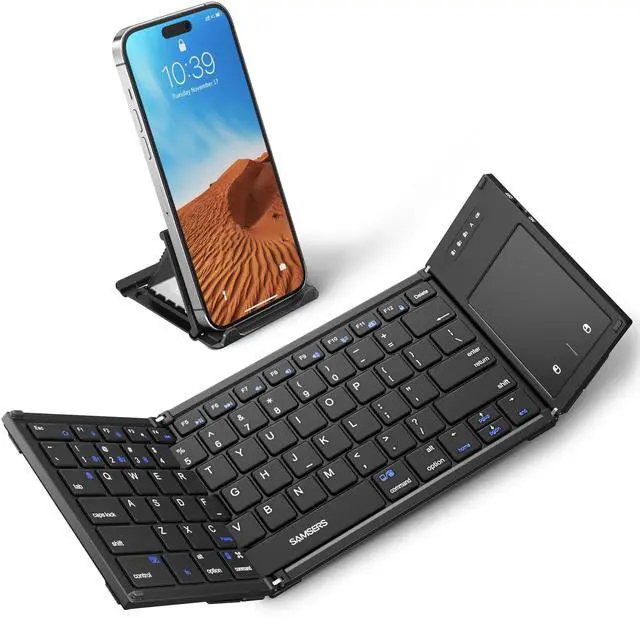
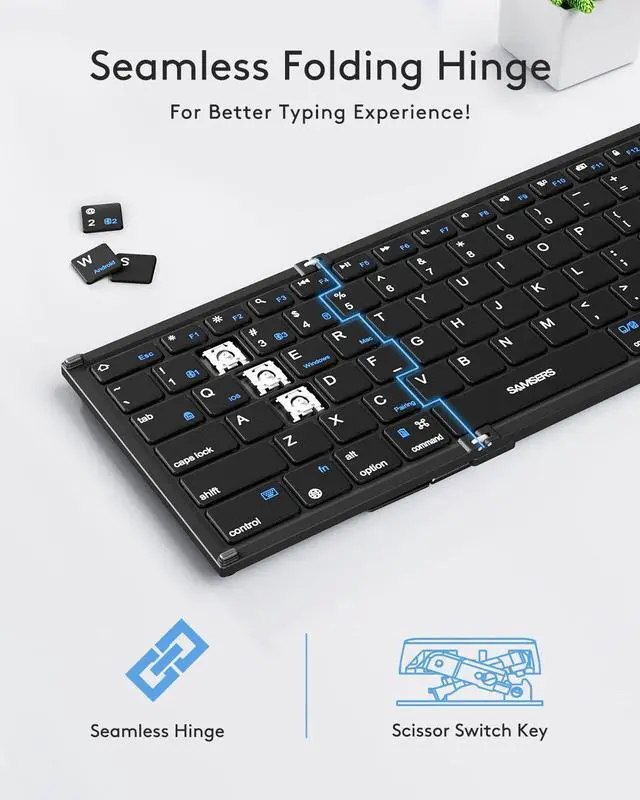
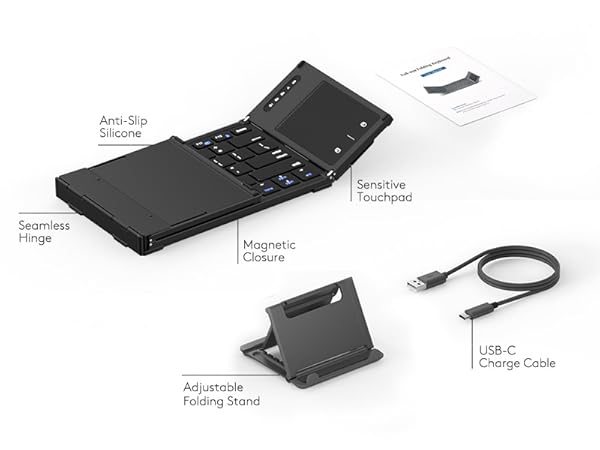
Portable Folding Keyboard

- Portable & lightweight.
- Weighs only 8.1 ounces.
- Easy to carry anywhere.
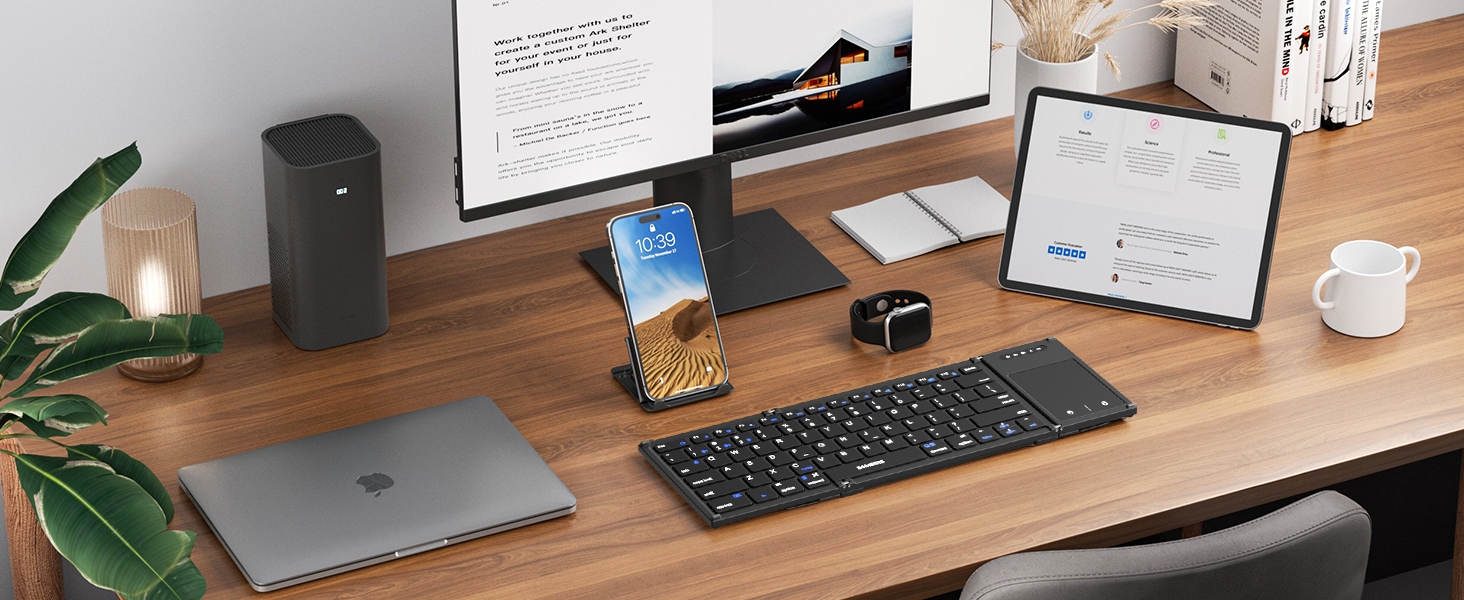
What systems do this keyboards support ?
This product is compatible with Windows, Mac, iOS, Android (computers, laptops, cell phones, and tablet devices)
Please note that the product is may not compatible with systems and devices such as PS4, PS5, XBOX, Smart TV, Mac mini and Linux.
Can l charge and use Samsers foldable keyboard simultaneously ?
Yes, it can charge and use the folding keyboard as well. It is recommended that when not in use, you should remember to turn off the power to save power
Touchpad not Working? It's Not Responding ?
Use the fn+ command (right key)key combination to check if the trackpad is turned off.
Open "Settings"-"Accessibility"-"Touch"-"AssistiveTouch"-"On", and you can enable the touchpad function.
If the battery is nearly empty and I still need to use the keyboard, can I keep using it while it's charging ?
Yes, you can continue to use the keyboard while it is charging.
What should I do if the Samsers keyboard connection fails ?
1. Charge keyboard for 30 minutes. On your device, delete/remove/forget the previous connection record
2. On your device, turn Bluetooth off and turn Bluetooth on again. Follow the Pairing Instruction to connect it again.
Unlock More Colors, More Series and Styles from Samsers
Samsers B066T |  Samsers KT03M | Samsers KT06S | Samsers KT06X | Samsers KF06S | Samsers KF06X | Samsers KM01 Combo |
|---|---|---|---|---|---|---|
| Customer Reviews | ||||||
| — | — | — | — | — | — | — |
| Price | ||||||
| — | — | — | — | — | — | — |
| Highlights | ||||||
| Full Size, Larger Touchpad | Compact Size, Touchpad | Full Size, Larger Touchpad | 7-color Backlit, Full Size | Full Size, Larger Numpad | 7-color Backlit, Full Size | Full Size Layout, Mouse |
| Shell Material | ||||||
| High Quality ABS | High Quality ABS | Premium PU Leather | Premium PU Leather | Premium PU Leather | Premium PU Leather | Premium PU Leather |
| Connectivity Tech | ||||||
| BT 5.1 X 3 | 2.4G USB, BT 5.1 X 2 | BT 5.1 X 3 | BT 5.1 X 3 | BT 5.1 X 3 | BT 5.1 X 3 | 2.4G USB, BT 5.0 X 2 |
| Keycap Dimension | ||||||
| 0.62 in | 0.57 in | 0.62 in | 0.62 in | 0.62 in | 0.62 in | 0.62 in |
| Keyboard Open Size | ||||||
| 13.5"L x 4.5"W x 0.4"H | 11.89"L x 3.85"W x 0.22"H | 13.5"L x 4.5"W x 0.35"H | 13.5"L x 4.5"W x 0.35"H | 13.5"L x 4.5"W x 0.35"H | 13.5"L x 4.5"W x 0.35"H | 13.5"L x 4.5"W x 0.35"H |
| USB C Recharge | ||||||
| ? | ? | ? | ? | ? | ? | ? |
| Phone Stand Included | ||||||
| ? | ? | ? | ? | ? | ? | ? |
| Carry Pouch/Case Included | ||||||
| ? | ? | ? | ? | ? | ? | ? |
| Windows, IOS, Mac OS, Android | ||||||
| ? | ? | ? | ? | ? | ? | ? |
Enhance your work productivity!
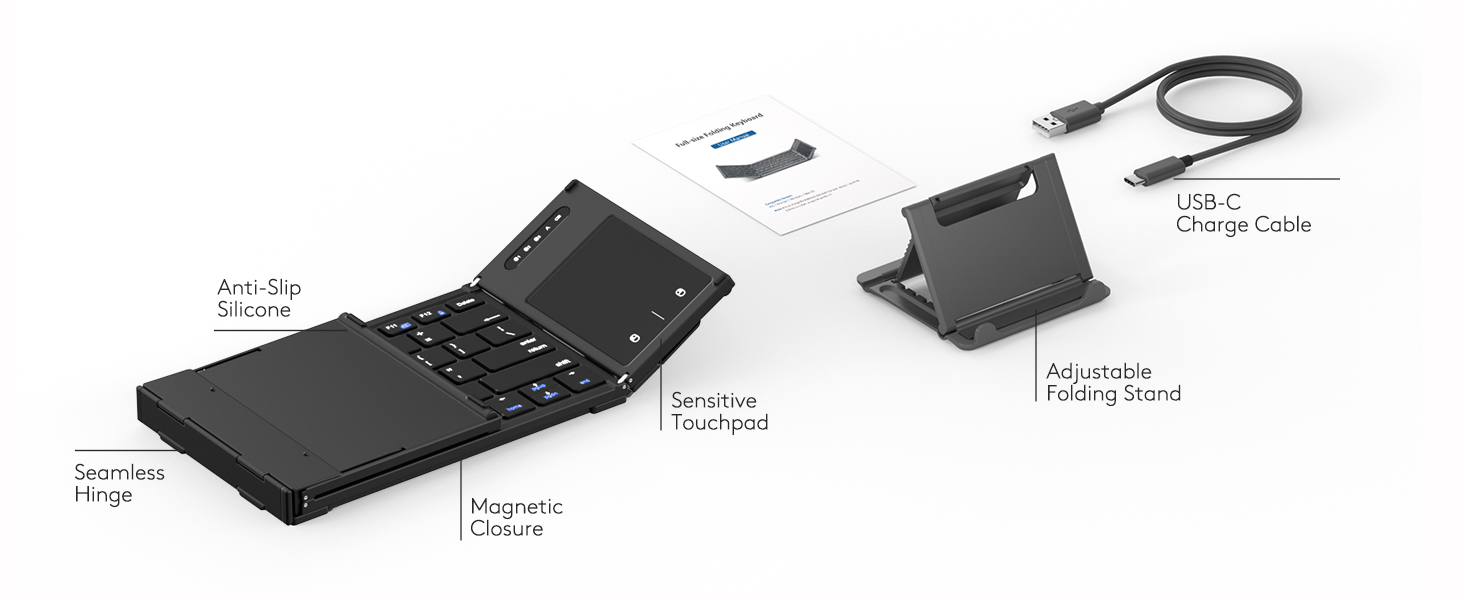
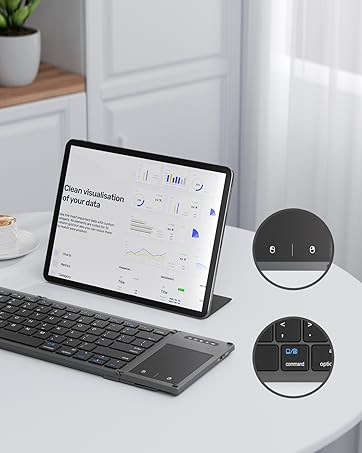
Sensitive and Smooth touchpad !
