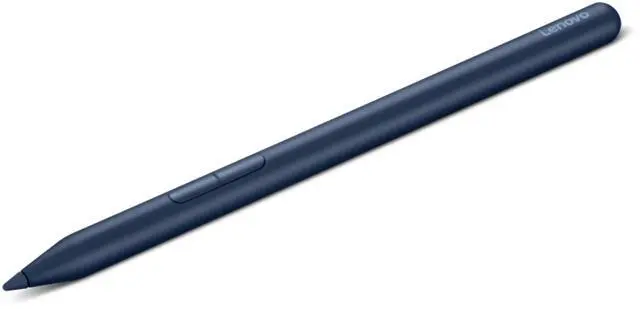
The Lenovo Pen 2 in Cosmic Blue is a portable stylus for compatible Lenovo PCs, suited to users who want to sketch, take notes, or navigate with precise pen input and convenient side buttons.
Recommended For
- Owners of a compatible Lenovo 2-in-1 who want to handwrite notes or mark up documents directly on the screen; verify the exact laptop model before buying.
- Sketchers using a compatible touchscreen device who want pen-based drawing input, rather than a separate screen-equipped drawing tablet.
- Users replacing an active stylus who are prepared to check their device’s supported pen protocol instead of choosing by brand name alone.
Real-World Use Scenarios
- On a compatible Lenovo touchscreen, a student can handwrite lecture notes in a note-taking app and keep them saved digitally for later review.
- When reviewing a PDF or document on a compatible device, a user can write comments or mark passages directly on the screen instead of switching between typing and a separate paper copy.
- For brainstorming or casual creative work, a user can sketch diagrams, rough layouts, or simple illustrations in a drawing app; the result depends on the app and the compatible device’s pen support.
- In tablet mode, a user can tap small on-screen controls, select text, or navigate apps with the pen when finger input feels imprecise.




 here!