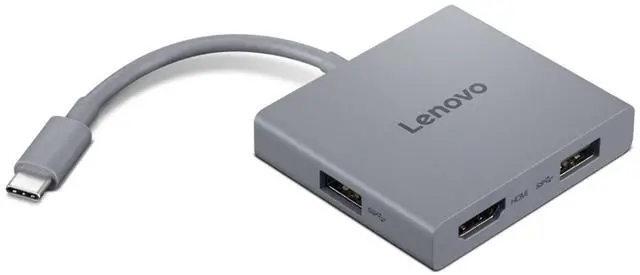
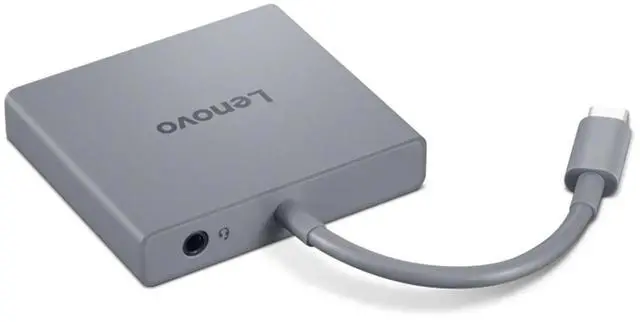
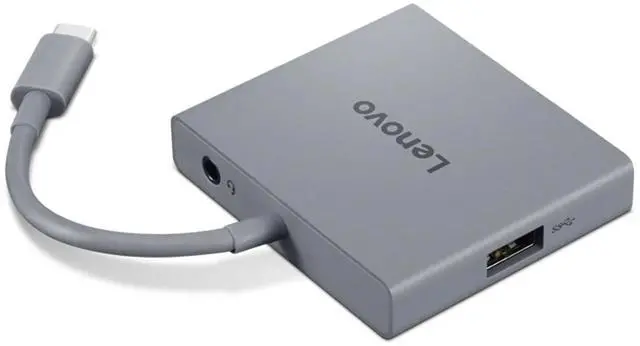
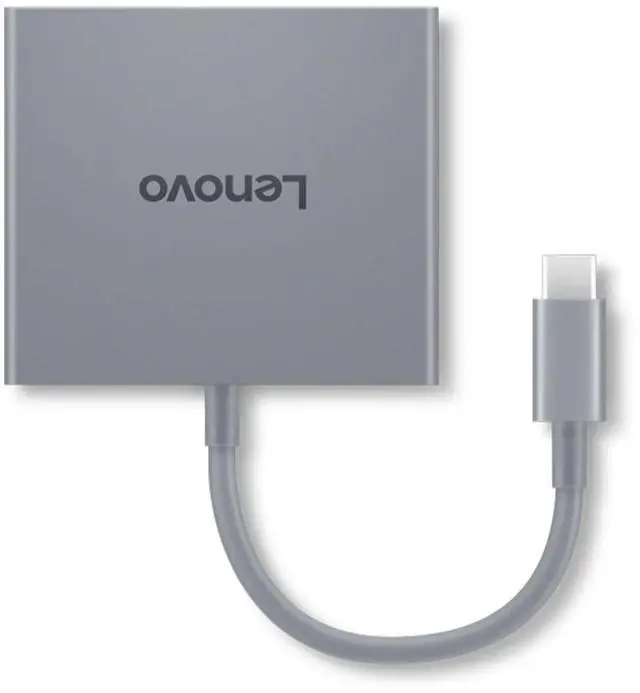
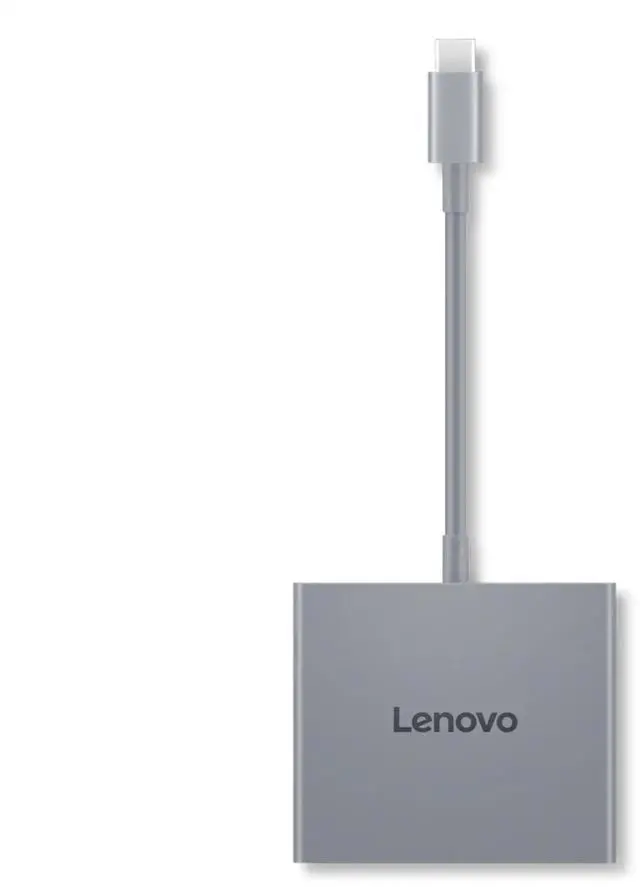
The Lenovo USB-C 4 in 1 Travel Hub Gen2 adds two 5Gbps USB-A ports, 4K@60Hz HDMI, and a 3.5mm combo audio jack through one USB-C connection, making it suitable for notebook users who want several everyday connections in a travel hub.
Recommended For
- Traveling professionals who need one HDMI display plus USB-A accessories and a headset connection at hotel desks, hot desks, or meeting rooms.
- Presenters and instructors connecting a USB-C laptop to one HDMI monitor or projector while keeping a USB-A receiver or other basic accessory plugged in.
- Laptop users with a USB-C port that supports DisplayPort Alt Mode who want a single external HDMI screen, including a 4K display at up to 60Hz.
- Users whose laptop has limited USB-A or audio connectivity and who need up to two USB-A peripherals and a CTIA/OMTP-compatible 3.5 mm headset connection.
Real-World Use Scenarios
- At a hotel desk or temporary office, connect a USB-C laptop to one HDMI monitor for a larger workspace; video output depends on the laptop’s USB-C port supporting DisplayPort Alt Mode.
- At a shared workspace, use the hub’s USB-A ports for a wired mouse and keyboard while keeping them connected through one laptop port.
- When moving between work locations, connect a USB-A flash drive or other USB accessory without relying on the laptop to have built-in USB-A ports.
- For a video call or online meeting, plug a compatible wired headset into the hub’s 3.5 mm combo jack instead of using a separate audio adapter.
- For a presentation, connect the laptop to an HDMI-equipped display and keep a USB-A presentation accessory connected at the same time, reducing the need to swap plugs during setup.




 here!

 Top Rated