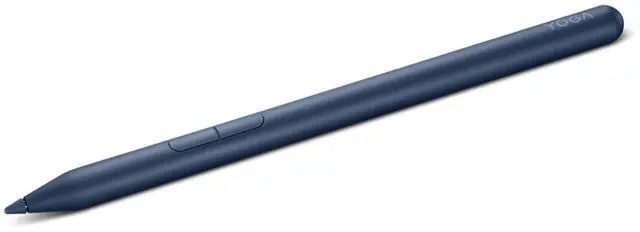
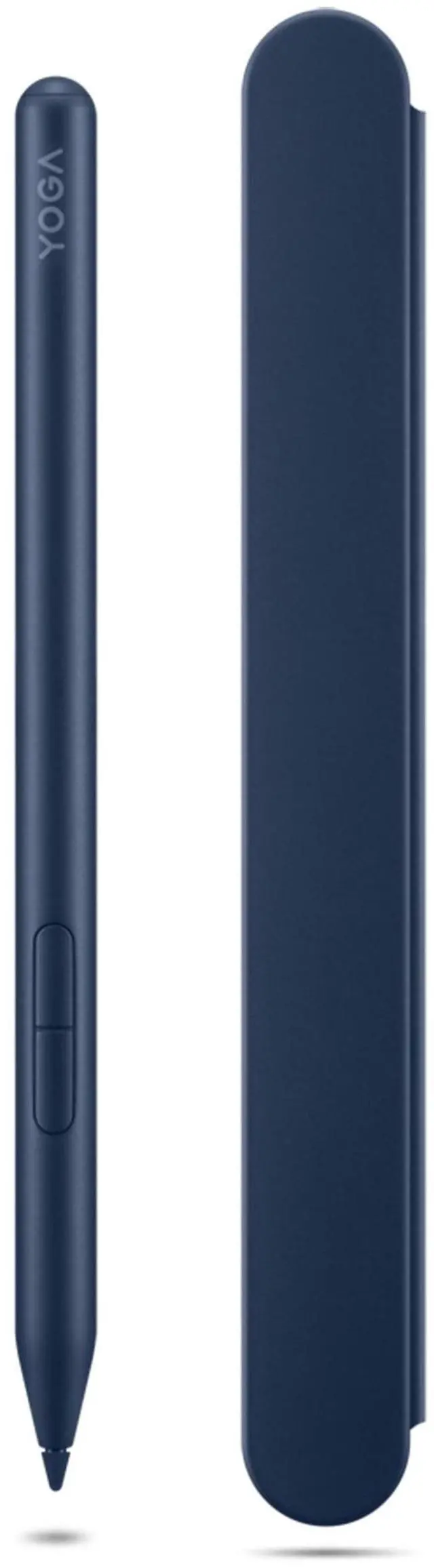
The Lenovo Yoga Pen 2 with Pen Case is a Cosmic Blue stylus for Yoga PC users who want to sketch, take notes, or navigate with a pen; multi-protocol support and seamless pairing help keep it ready to use.
Recommended For
- Yoga 2-in-1 owners who take handwritten notes, mark up PDFs, or sketch directly on a compatible pen-enabled touchscreen or touchpad.
- Students and meeting-goers who want to jot notes or annotate documents on a compatible laptop instead of switching between the screen and a separate notebook.
- Casual digital sketchers who want a rechargeable pen with tilt support and customizable button actions for drawing in compatible apps.
- People who carry a compatible pen-enabled device between classes, meetings, or workspaces and want a magnetic case for keeping the pen with their setup.
- Users with more than one pen-enabled device who have confirmed that each device supports a protocol this pen can use; one community tester reported successful use across several Windows 2-in-1s and Chromebooks.
Real-World Use Scenarios
- During a class or meeting, write notes directly on a compatible Yoga touchscreen; the pen lets you capture handwriting and quick sketches alongside typed notes.
- When reviewing a PDF or presentation on a compatible Yoga PC, mark up the page by hand to highlight passages, add comments, or call attention to details.
- While brainstorming, sketch a rough diagram or annotate an idea on the touchscreen; this is useful for communicating a quick visual before refining it in another app.
- For casual digital drawing on a compatible Yoga touchscreen, use the pen to make freehand lines and sketches; the experience depends on the laptop, app, and screen, so it is not a standalone graphics tablet.
- When a document needs a handwritten signature, sign on the compatible Yoga PC’s screen instead of printing the page, signing it, and scanning it back.




 here!