



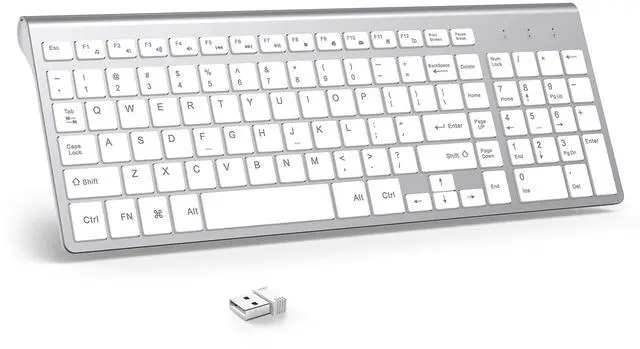
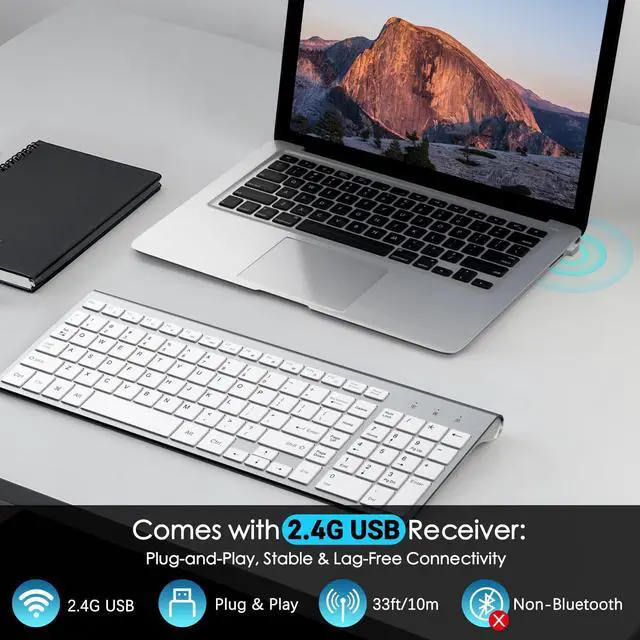


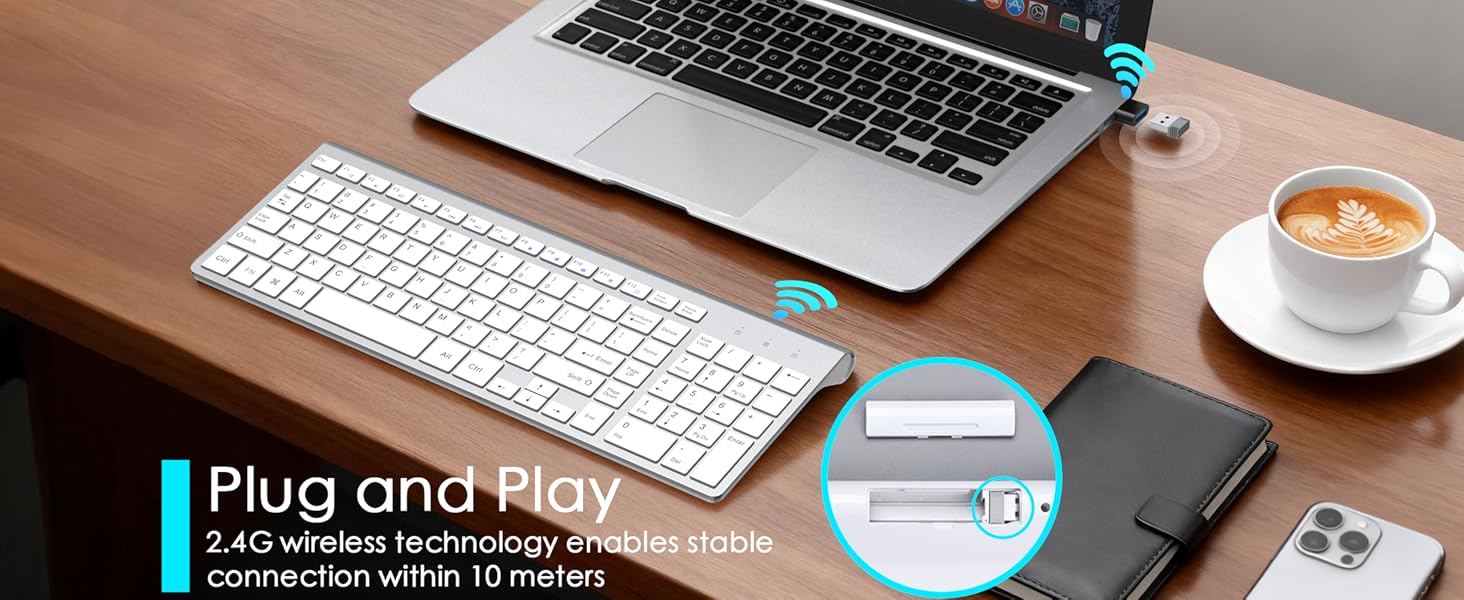
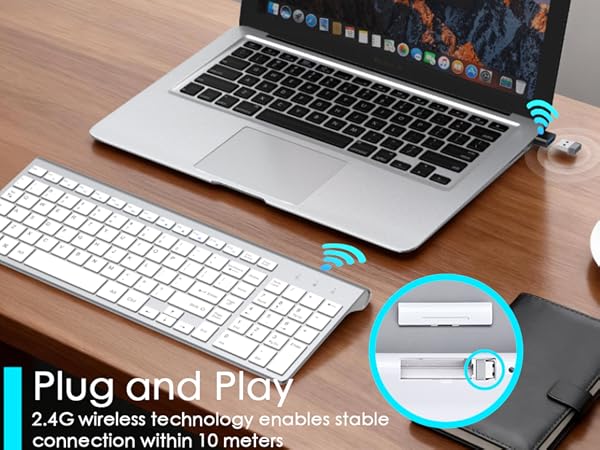
How to connect the keyboard with a 2.4G USB receiver?
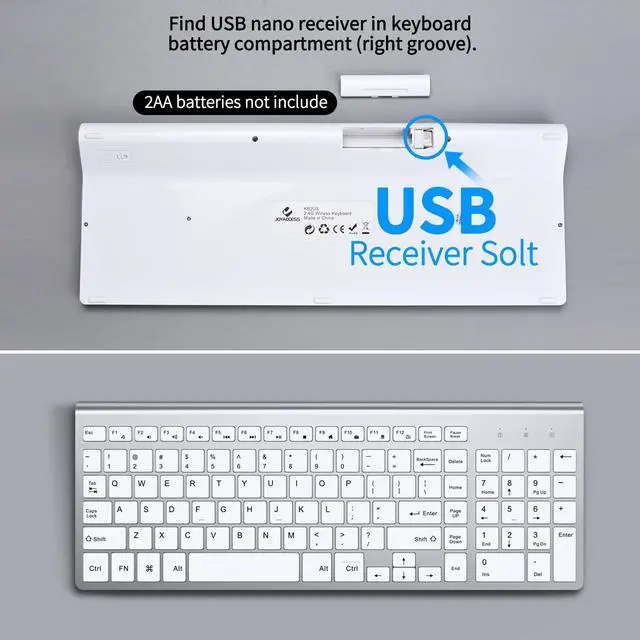
1. Install 2 AA batteries (not included) and power on the keyboard.
2. Plug the USB receiver into a USB port.
The keyboard doesn’t connect after setup. What to do?
1. Check battery polarity/charge, replace if weak.
2. Replug USB receiver into another port.
3. Keep 1-2m away from other 2.4G devices to avoid interference.

JOYACCESS
Silky smooth for work and play
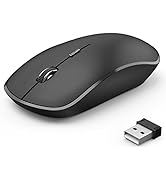
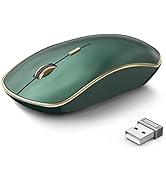
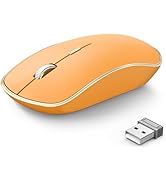
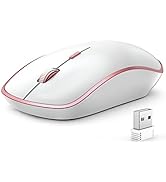
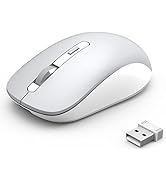
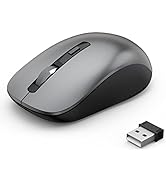
2.4G Wireless Mouse
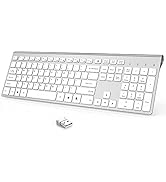
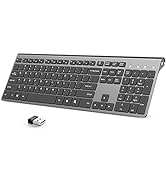
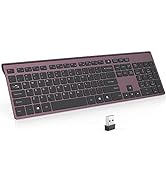
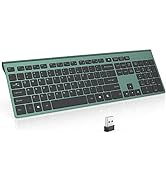
Rechargeable Wireless Keyboard

Bluetooth Wireless Mouse

JOYACCESS consistently devote to making quality wireless and Bluetooth mouse with high performance. Our company has always insist on independent research and development, and strictly control the quality of our products. We are always committed to satisfying high-quality products and services for our customers.
Making life easier, simpler, convenient and more enjoyable is mission and original intention!
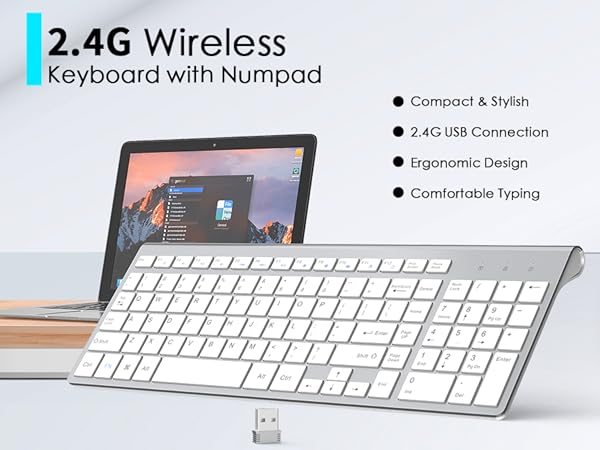
How to connect the keyboard with a 2.4G USB receiver?
1. Install 2 AA batteries (not included) and power on the keyboard.
2. Plug the USB receiver into a USB port.
The keyboard doesn’t connect after setup. What to do?
1. Check battery polarity/charge, replace if weak.
2. Replug USB receiver into another port.
3. Keep 1-2m away from other 2.4G devices to avoid interference.
JOYACCESS
Silky smooth for work and play
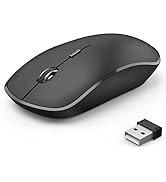
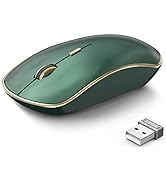
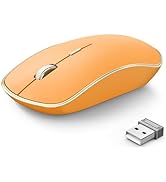
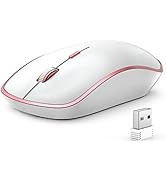
2.4G Wireless Mouse
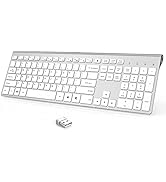
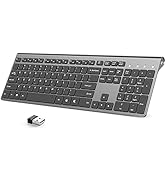
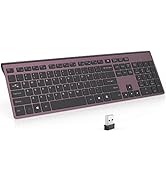
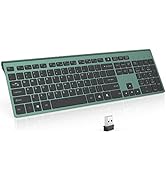
Rechargeable Wireless Keyboard
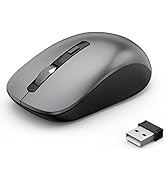
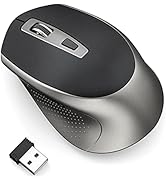
Bluetooth Wireless Mouse
JOYACCESS consistently devote to making quality wireless and Bluetooth mouse with high performance. Our company has always insist on independent research and development, and strictly control the quality of our products. We are always committed to satisfying high-quality products and services for our customers.
Making life easier, simpler, convenient and more enjoyable is mission and original intention!
