




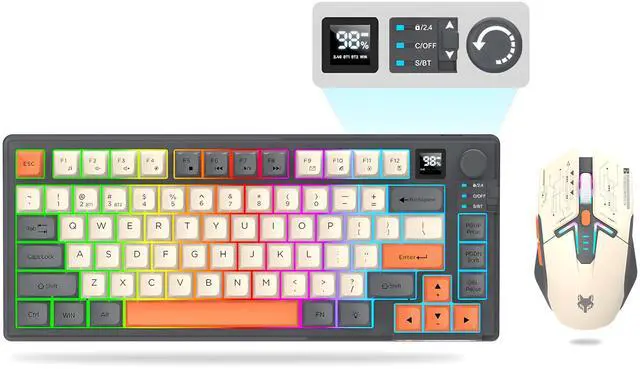
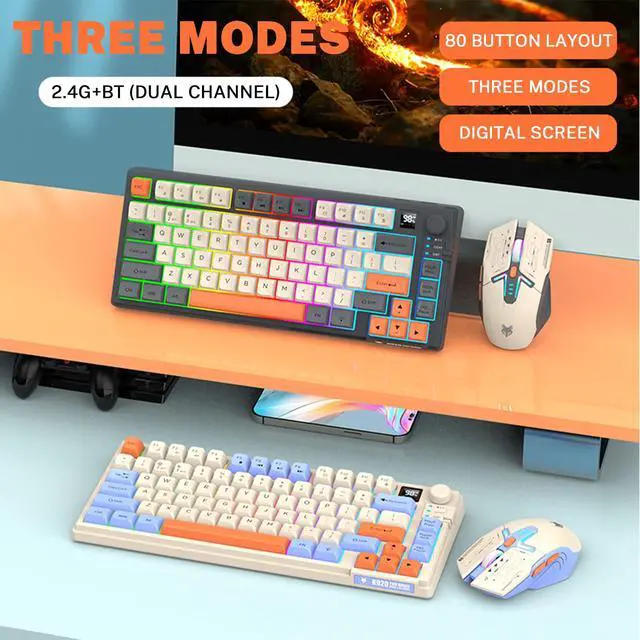
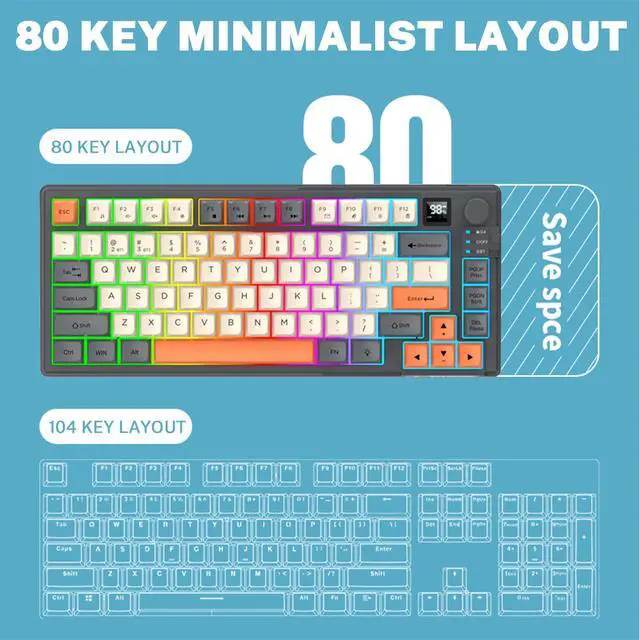


Ergonomic Wireless Keyboard & Mouse Combo


Wide Compatibility

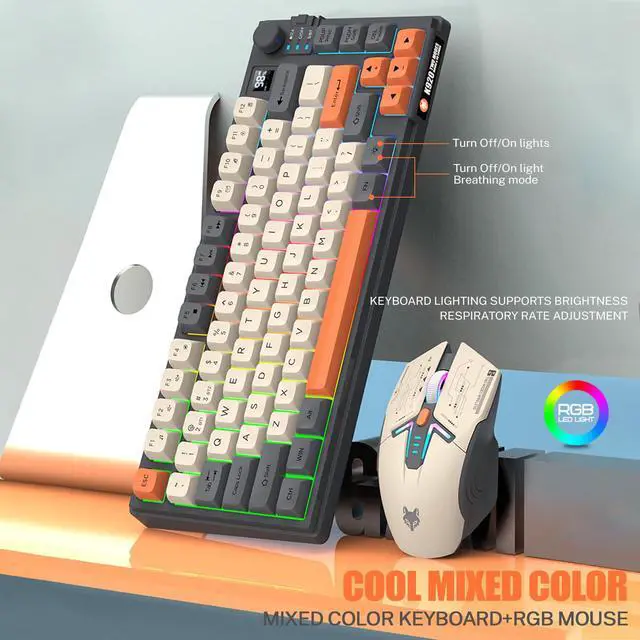
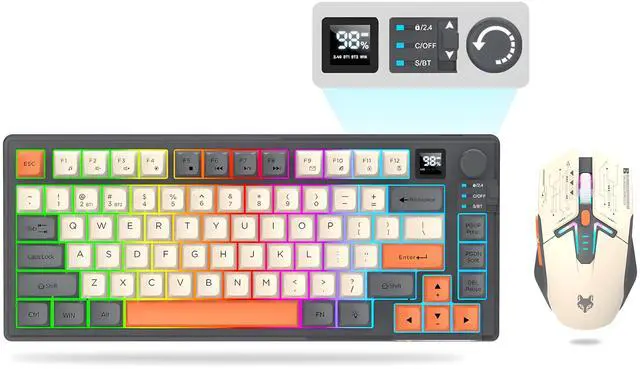
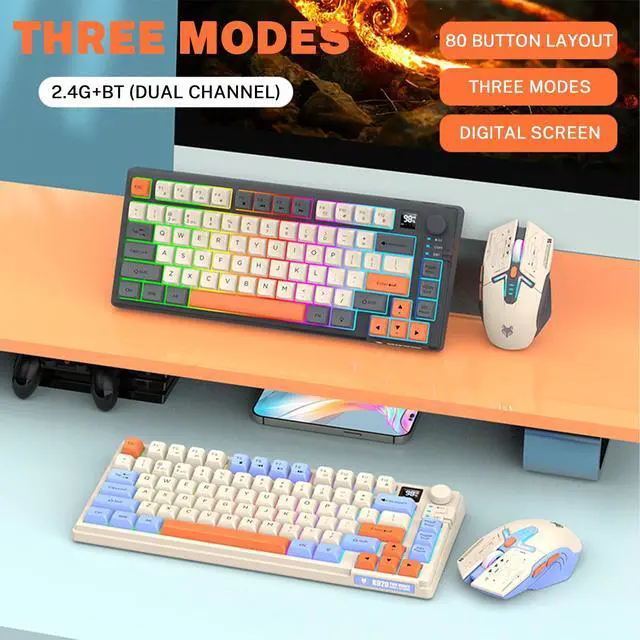
Wireless Keyboard and Mouse Combo

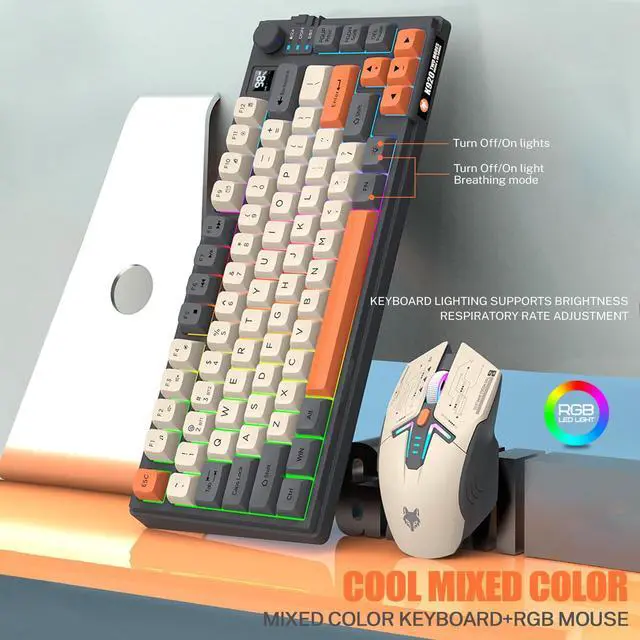
Removable Keycaps

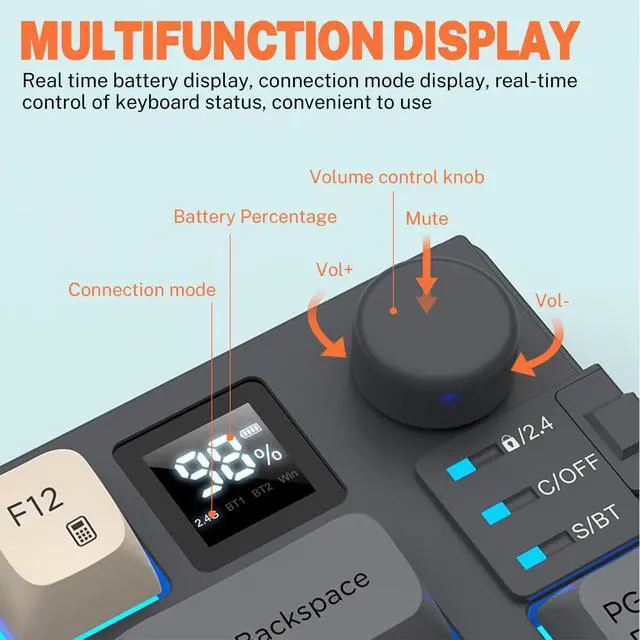
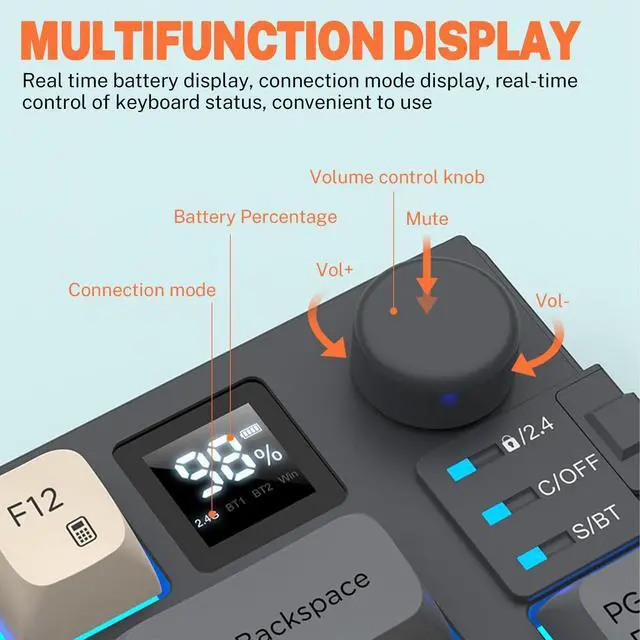
Volume Control Knob

Rechargeable Type-C

Silent Click
Keyboard 2.4G Mode Connection Procedure
1.Flip the switch to 2.4G. / 2.Insert the USB receiver. / 3.Wait for the system to read.
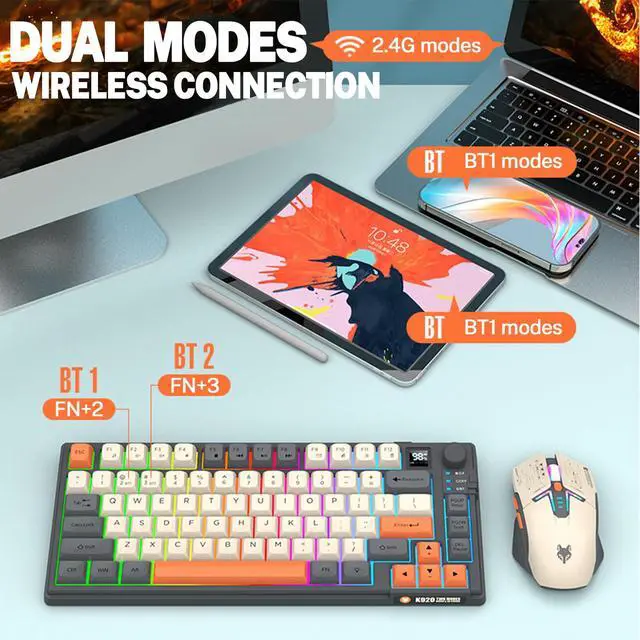
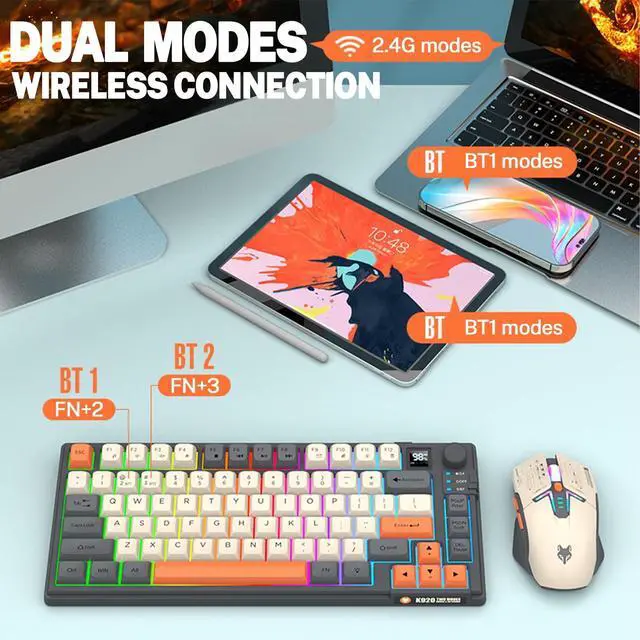
Keyboard Bluetooth connection Steps:
1.Toggle the switch to BT. / 2. Press "FN+2" or "FN+3" to enter pairing status. / 3.Turn on the device to be paired for Bluetooth pairing, you can use it after successful pairing.
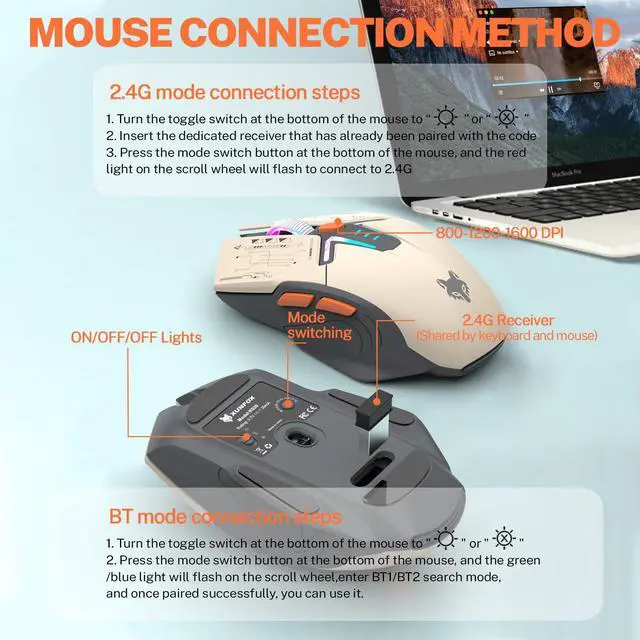
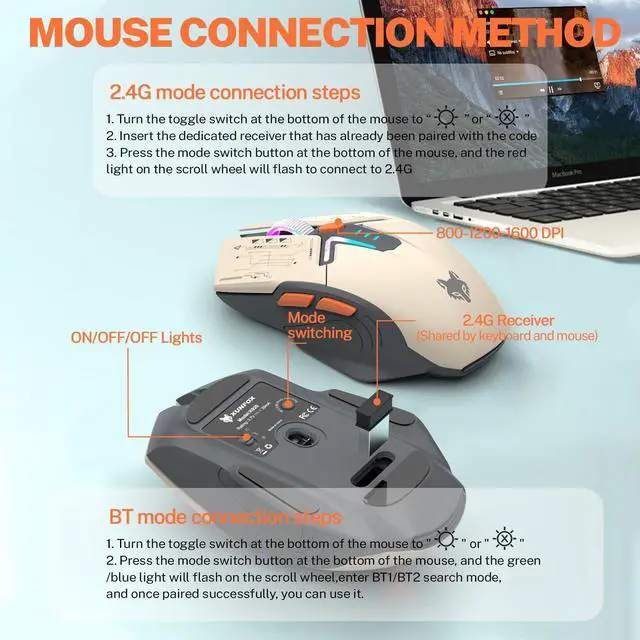
Mouse 2.4G connection steps:
1. Toggle the switch at the bottom of the mouse to “light” or “no light”. / 2.Insert the USB receiver. / 3. Press the mode switch button at the bottom of the mouse, the red light flashes at the scroll wheel, you can connect 2.4G.
Mouse Bluetooth connection steps:
1. Toggle the switch at the bottom of the mouse to “light” or “no light”. / 2. Press the mode switch button at the bottom of the mouse, the green light/blue light at the scroll wheel blinks. / 3. Enter the BT1/BT2 search mode, Ready to Pair.


ATTOE's story began in 2012 with the mission of making high quality high-end keyboards and mice for the electronics industry. For a long time, all of our products are made by taking into account every detail of the consumer's usage habits, only to create high-quality products at an affordable price to help them achieve peak performance at an affordable price.
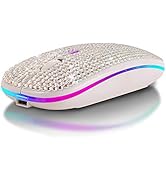
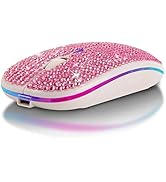
Wireless Bluetooth Mouse
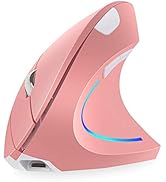
![Vertical Mouse, Ergonomic USB Wired Vertical Mouse with [5 D Rocker] [10000 DPI] [11 Programmable...](//c1.neweggimages.com/sellingpilot/modules/product/a-plus/48cf5fccbc8abe8c333de74105bd91c59257356c51c5ee269c159a35da71627d.jpg)
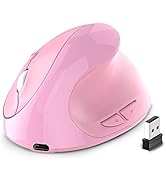
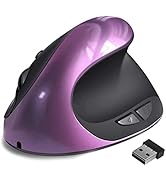
Ergonomics Mouse
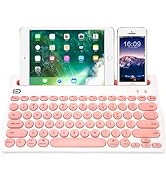
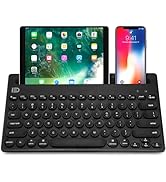
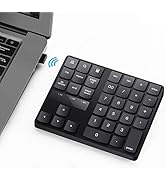
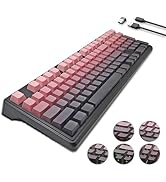
Wireless Keyboard
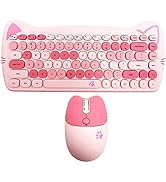
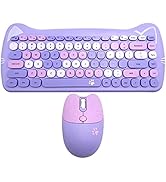
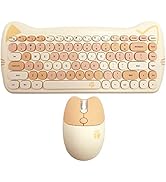
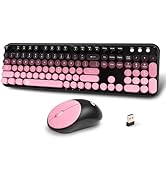
Keyboard & Mouse Set
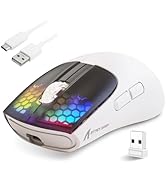
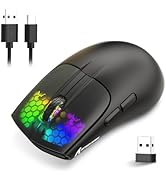
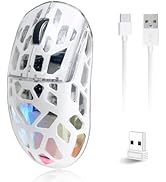
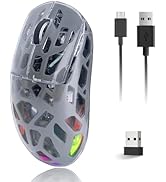
Gaming Mouse
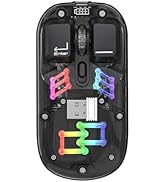
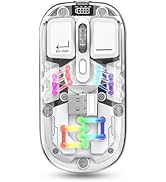
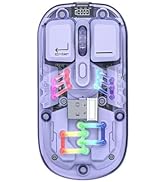
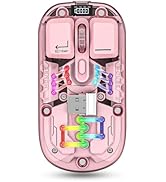
Mechanical Transparent Mouse
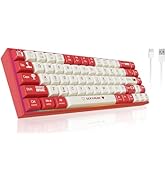
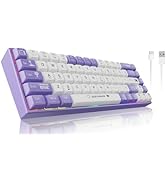
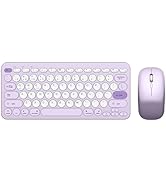
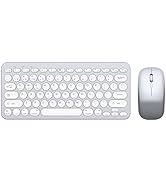
Gaming Keyboard
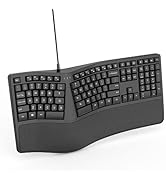
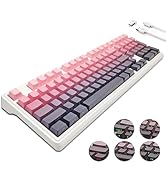
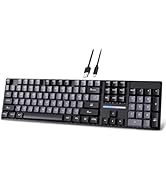
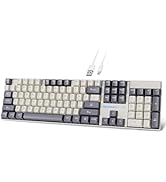
New High-End Keyboard
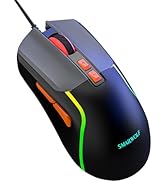
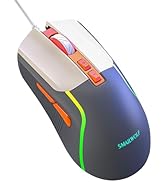
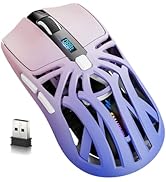
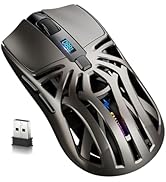
Wireless Bluetooth Mouse
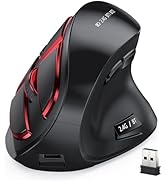
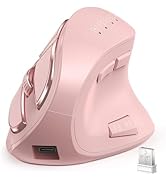
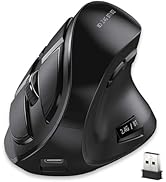
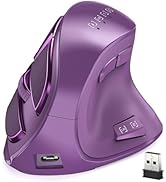
Vertical Mouse
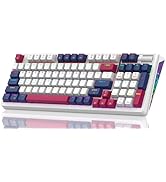
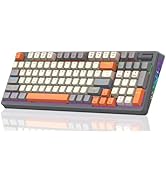
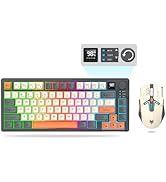
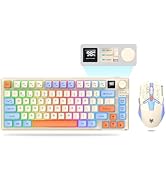
Keyboard and Mouse Combo
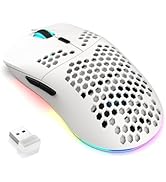
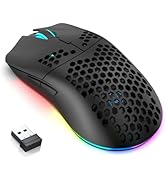
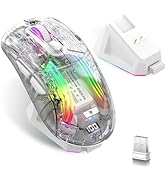
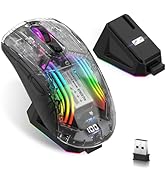
Transparent RGB Gaming Mouse
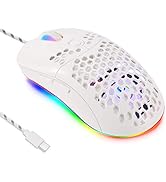
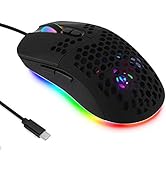
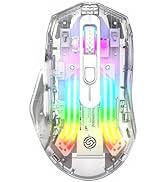
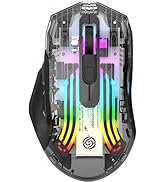
Bluetooth Wireless Mouse

![Vertical Mouse, Ergonomic USB Wired Vertical Mouse with [5 D Rocker] [10000 DPI] [11 Programmable...](http://c1.neweggimages.com/sellingpilot/modules/product/a-plus/48cf5fccbc8abe8c333de74105bd91c59257356c51c5ee269c159a35da71627d.jpg)
Ergonomic Wireless Keyboard & Mouse Combo


Wide Compatibility

Wireless Keyboard and Mouse Combo
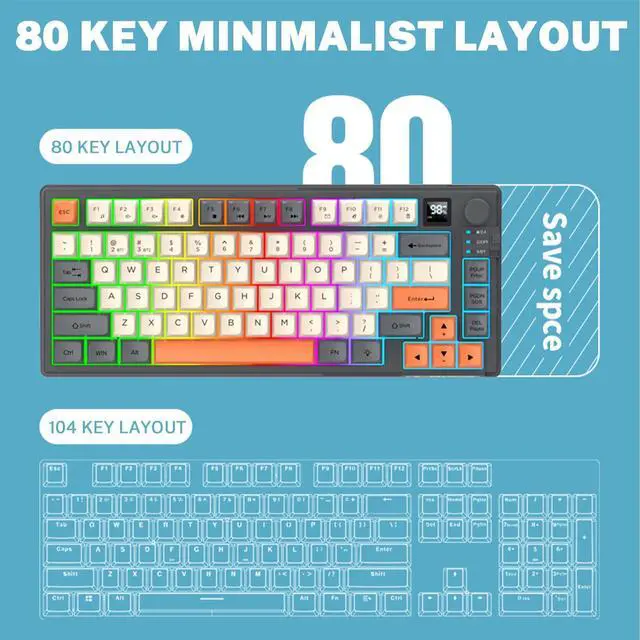
Removable Keycaps
Volume Control Knob
Rechargeable Type-C
Silent Click
Keyboard 2.4G Mode Connection Procedure
1.Flip the switch to 2.4G. / 2.Insert the USB receiver. / 3.Wait for the system to read.
Keyboard Bluetooth connection Steps:
1.Toggle the switch to BT. / 2. Press "FN+2" or "FN+3" to enter pairing status. / 3.Turn on the device to be paired for Bluetooth pairing, you can use it after successful pairing.
Mouse 2.4G connection steps:
1. Toggle the switch at the bottom of the mouse to “light” or “no light”. / 2.Insert the USB receiver. / 3. Press the mode switch button at the bottom of the mouse, the red light flashes at the scroll wheel, you can connect 2.4G.
Mouse Bluetooth connection steps:
1. Toggle the switch at the bottom of the mouse to “light” or “no light”. / 2. Press the mode switch button at the bottom of the mouse, the green light/blue light at the scroll wheel blinks. / 3. Enter the BT1/BT2 search mode, Ready to Pair.
ATTOE's story began in 2012 with the mission of making high quality high-end keyboards and mice for the electronics industry. For a long time, all of our products are made by taking into account every detail of the consumer's usage habits, only to create high-quality products at an affordable price to help them achieve peak performance at an affordable price.
Wireless Bluetooth Mouse
Ergonomics Mouse
Wireless Keyboard
Keyboard & Mouse Set
Gaming Mouse
Mechanical Transparent Mouse
Gaming Keyboard
New High-End Keyboard
Wireless Bluetooth Mouse
Vertical Mouse
Keyboard and Mouse Combo
Transparent RGB Gaming Mouse
Bluetooth Wireless Mouse