



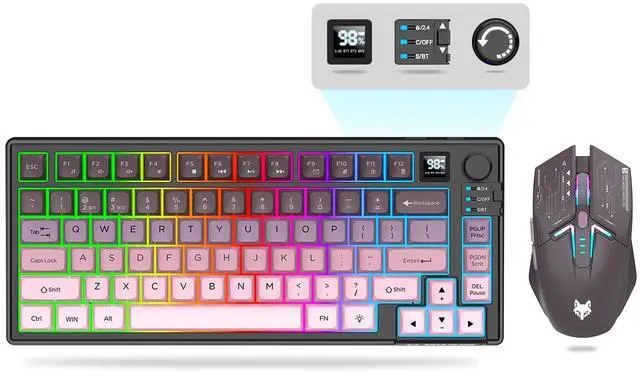
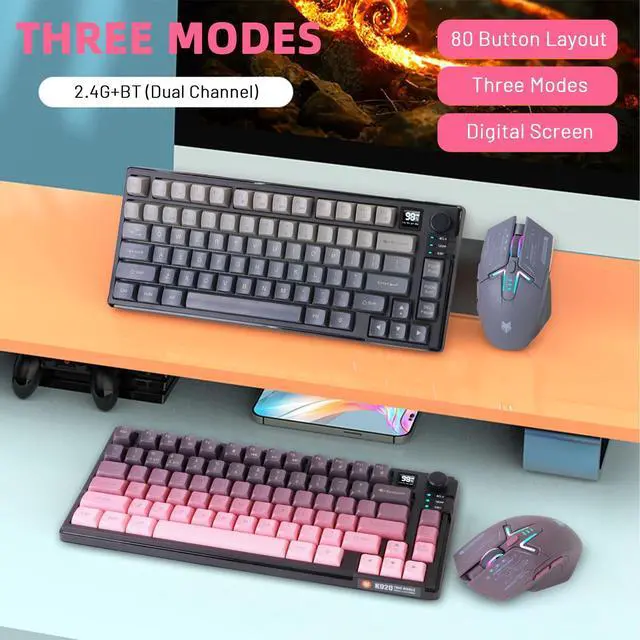
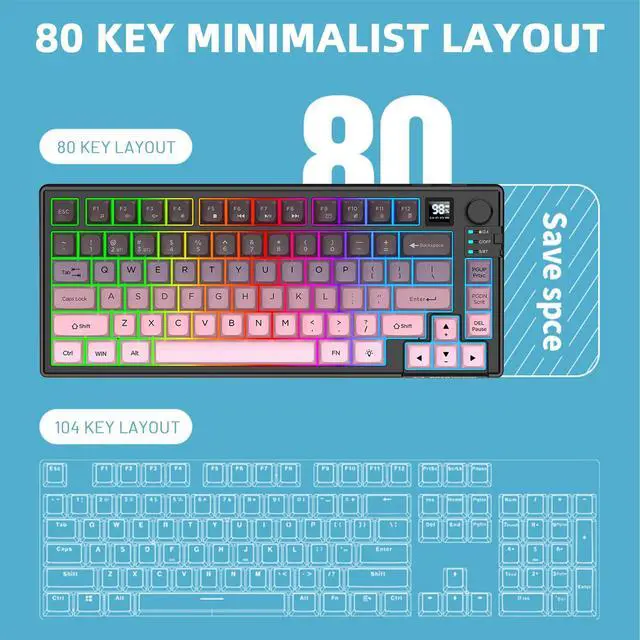



Ergonomic Wireless Keyboard & Mouse Combo


Wide Compatibility

Wireless Keyboard and Mouse Combo

Removable Keycaps

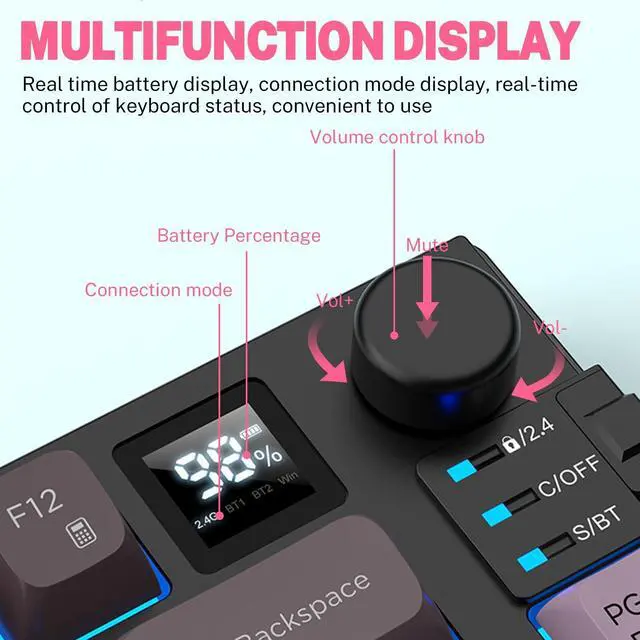
Volume Control Knob

Rechargeable Type-C

Silent Click
Keyboard 2.4G Mode Connection Procedure
1.Flip the switch to 2.4G. / 2.Insert the USB receiver. / 3.Wait for the system to read.
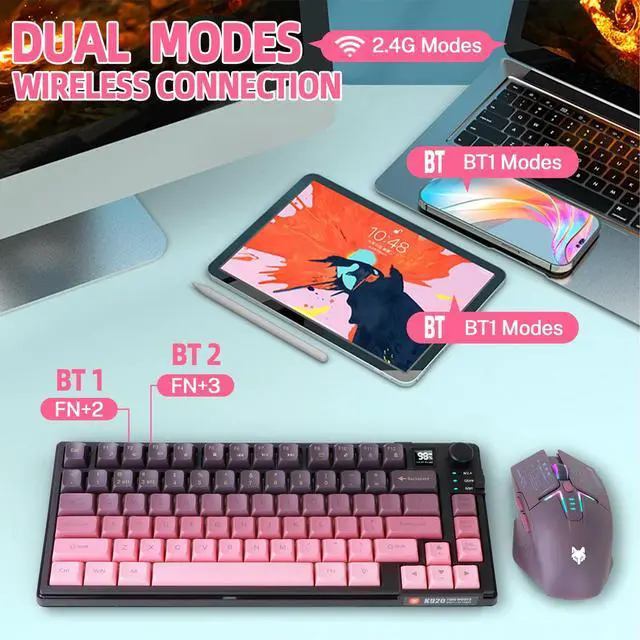
Keyboard Bluetooth connection Steps:
1.Toggle the switch to BT. / 2. Press "FN+2" or "FN+3" to enter pairing status. / 3.Turn on the device to be paired for Bluetooth pairing, you can use it after successful pairing.
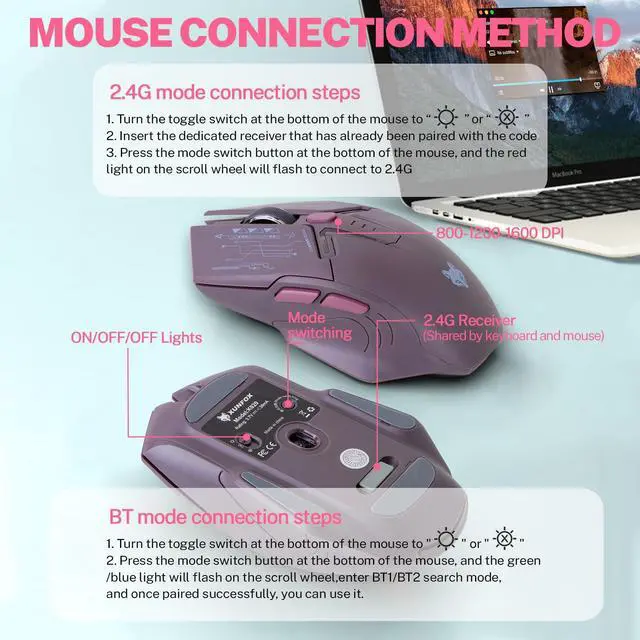
Mouse 2.4G connection steps:
1. Toggle the switch at the bottom of the mouse to “light” or “no light”. / 2.Insert the USB receiver. / 3. Press the mode switch button at the bottom of the mouse, the red light flashes at the scroll wheel, you can connect 2.4G.
Mouse Bluetooth connection steps:
1. Toggle the switch at the bottom of the mouse to “light” or “no light”. / 2. Press the mode switch button at the bottom of the mouse, the green light/blue light at the scroll wheel blinks. / 3. Enter the BT1/BT2 search mode, Ready to Pair.
Ergonomic Wireless Keyboard & Mouse Combo


Wide Compatibility

Wireless Keyboard and Mouse Combo
Removable Keycaps
Volume Control Knob
Rechargeable Type-C
Silent Click
Keyboard 2.4G Mode Connection Procedure
1.Flip the switch to 2.4G. / 2.Insert the USB receiver. / 3.Wait for the system to read.
Keyboard Bluetooth connection Steps:
1.Toggle the switch to BT. / 2. Press "FN+2" or "FN+3" to enter pairing status. / 3.Turn on the device to be paired for Bluetooth pairing, you can use it after successful pairing.
Mouse 2.4G connection steps:
1. Toggle the switch at the bottom of the mouse to “light” or “no light”. / 2.Insert the USB receiver. / 3. Press the mode switch button at the bottom of the mouse, the red light flashes at the scroll wheel, you can connect 2.4G.
Mouse Bluetooth connection steps:
1. Toggle the switch at the bottom of the mouse to “light” or “no light”. / 2. Press the mode switch button at the bottom of the mouse, the green light/blue light at the scroll wheel blinks. / 3. Enter the BT1/BT2 search mode, Ready to Pair.