



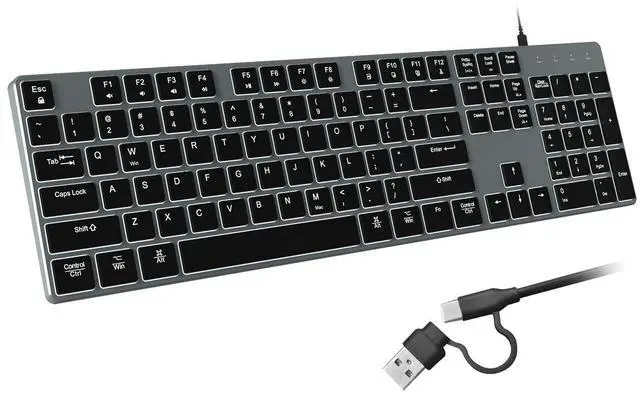
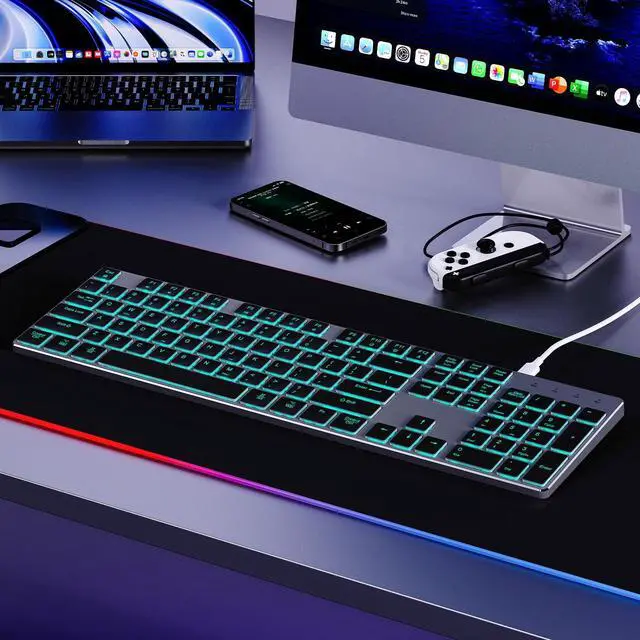
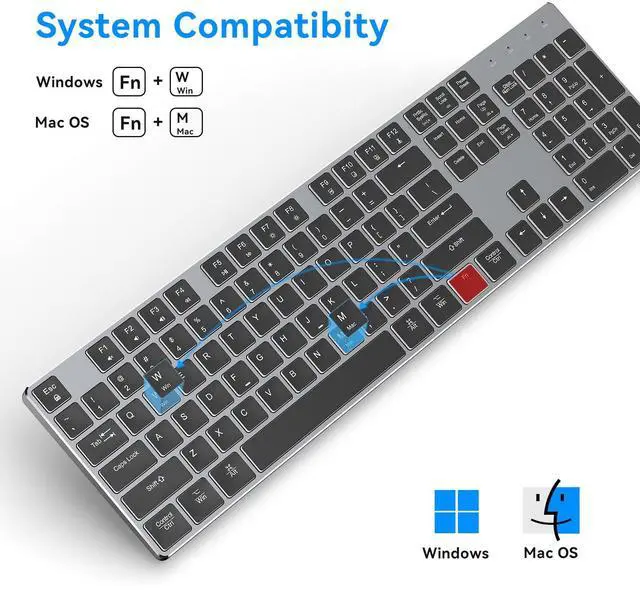
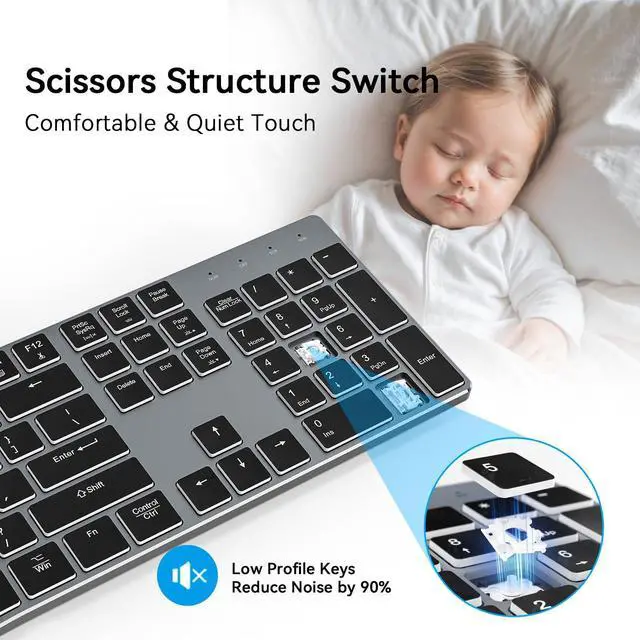
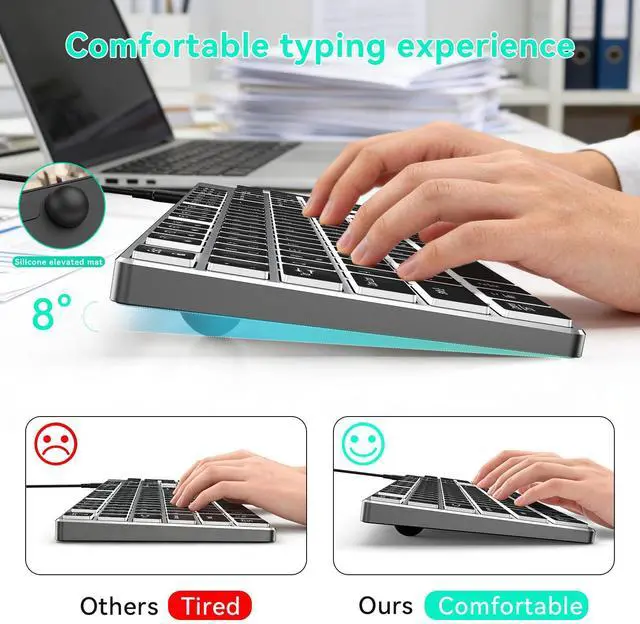
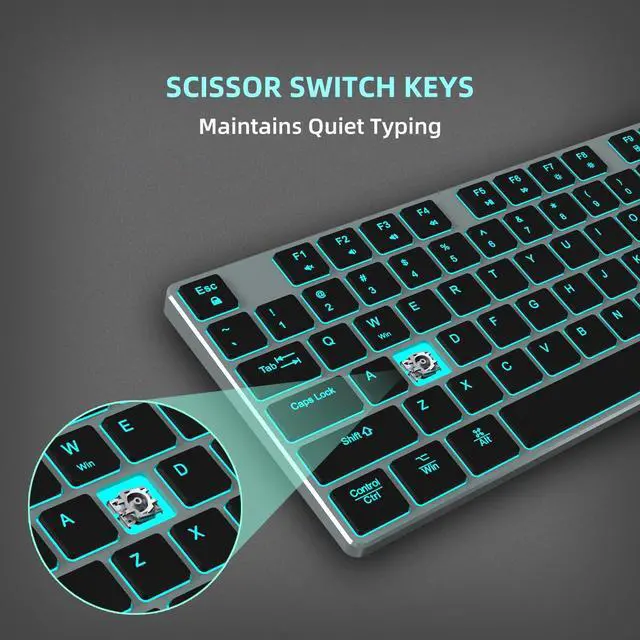
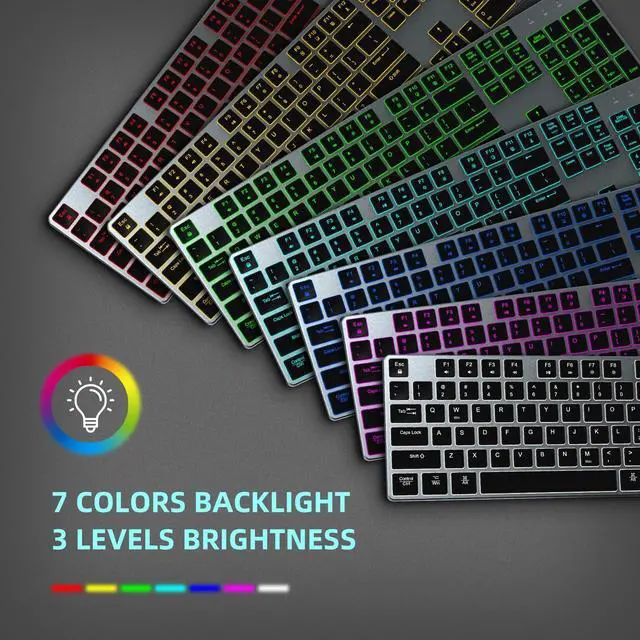


backlit wired keyboard
Merchant Video


Instructions for Use:
For Windows Computers: Plug the USB connector of the keyboard into the device’s USB port for plug-and-play use.
For Mac Computers(Some computers do not require;plug and play is supported):
? Insert the keyboard’s USB connector into the device’s USB port.
? When the Keyboard Setup Assistant appears, click Continue.
? Follow the on-screen instructions to press the key to the right of the left Shift key. If the interface does not respond, click the page and press the key again until you proceed to the next step.
? Follow the on-screen instructions to press the key to the left of the right Shift key. If the interface does not respond, click the page and press the key again until you proceed to the next step.
? Select ANSI and click Done
backlit wired keyboard
Merchant Video


Instructions for Use:
For Windows Computers: Plug the USB connector of the keyboard into the device’s USB port for plug-and-play use.
For Mac Computers(Some computers do not require;plug and play is supported):
? Insert the keyboard’s USB connector into the device’s USB port.
? When the Keyboard Setup Assistant appears, click Continue.
? Follow the on-screen instructions to press the key to the right of the left Shift key. If the interface does not respond, click the page and press the key again until you proceed to the next step.
? Follow the on-screen instructions to press the key to the left of the right Shift key. If the interface does not respond, click the page and press the key again until you proceed to the next step.
? Select ANSI and click Done