








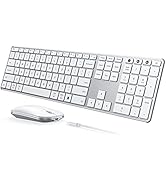
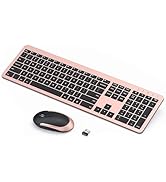
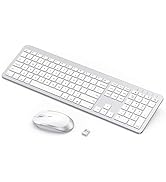
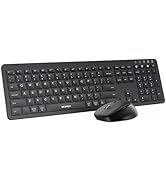
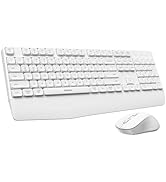
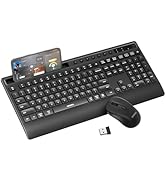



Is this Bluetooth-compatible?
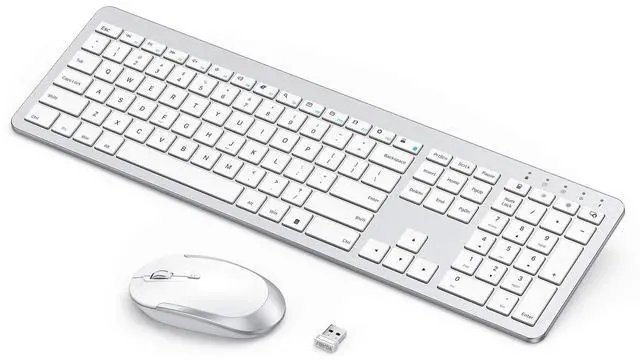
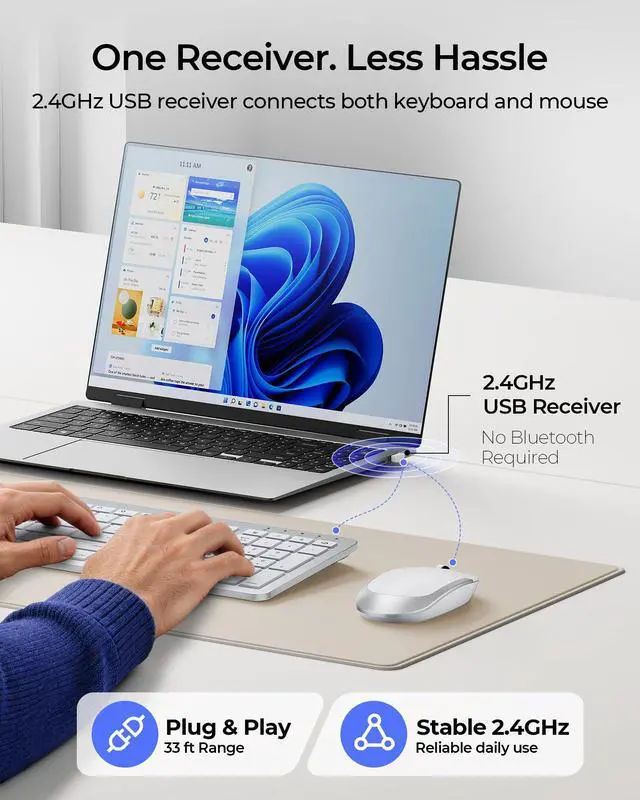
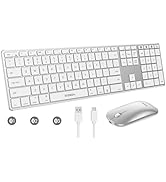
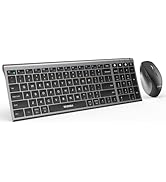
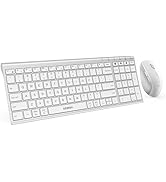
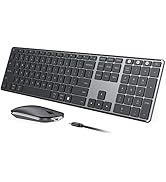
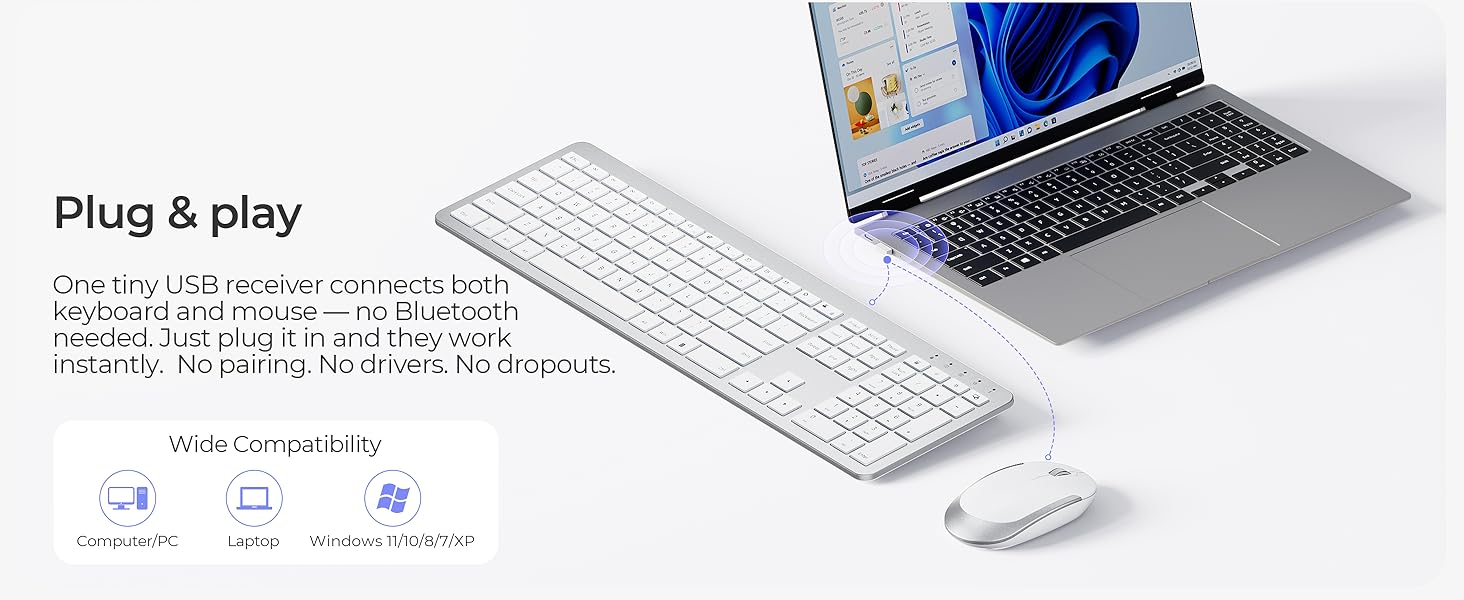
Sorry. This set is designed for a USB-A receiver connection only (no Bluetooth). A dedicated receiver gives you a more reliable, stable, and hassle-free connection with less interference. Plug it in and you're good to go.
What to do if keys not working/key input delay/automatic key input?
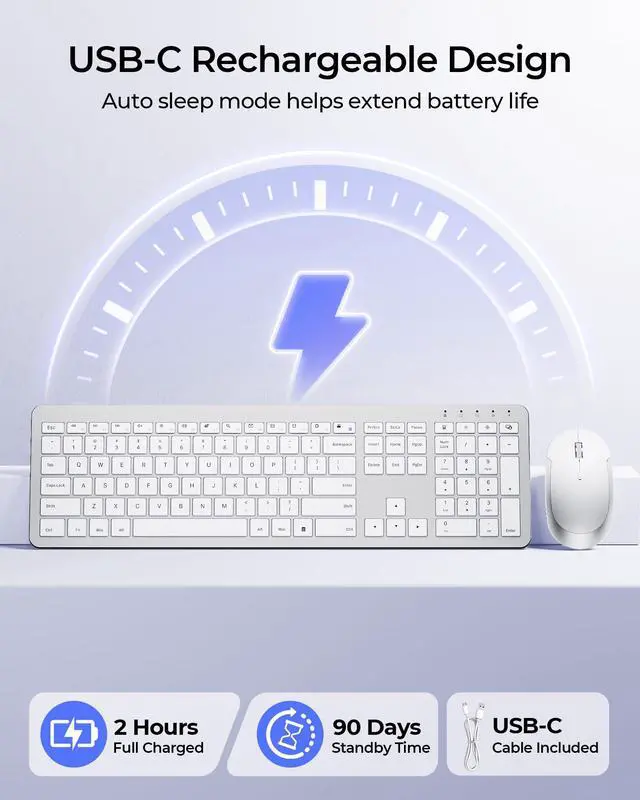
1. Please fully charge it and then try to re-pair.
2. If only one or a few specific keys are problematic, press the non-working key firmly for 5-7 seconds to see if it starts working normally.
Where's the receiver?
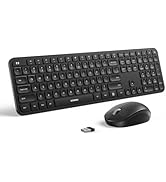
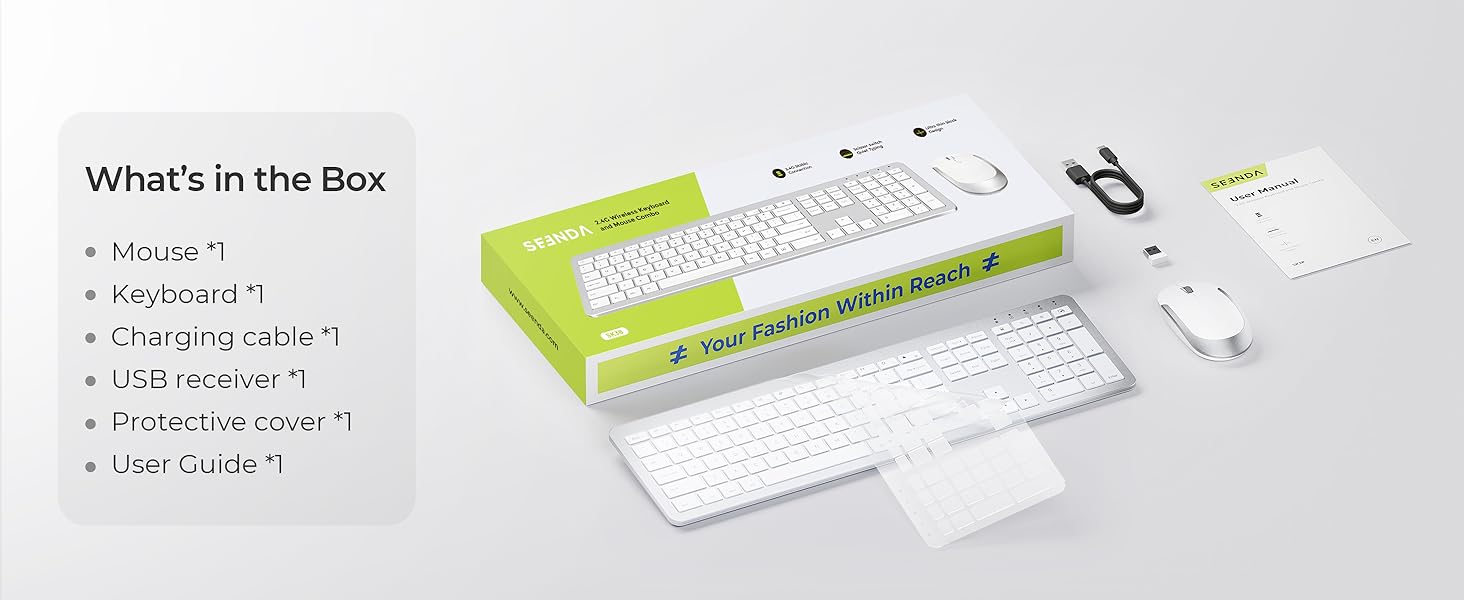
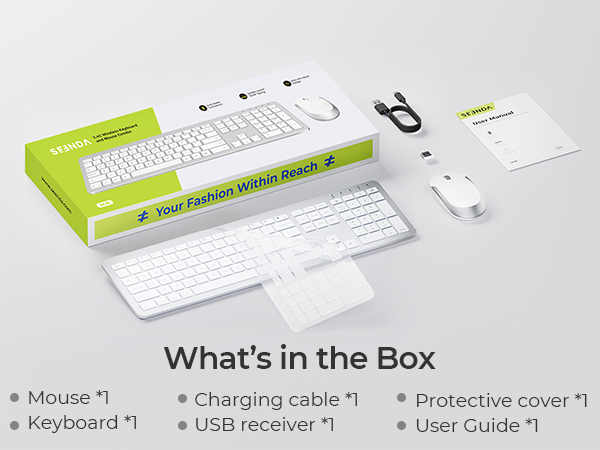
It's tucked inside the mouse battery compartment. Pop it back in when you're done working or hitting the road—keeps it safe, secure, and impossible to lose.
What to do if unable to connect / connection is intermittent?
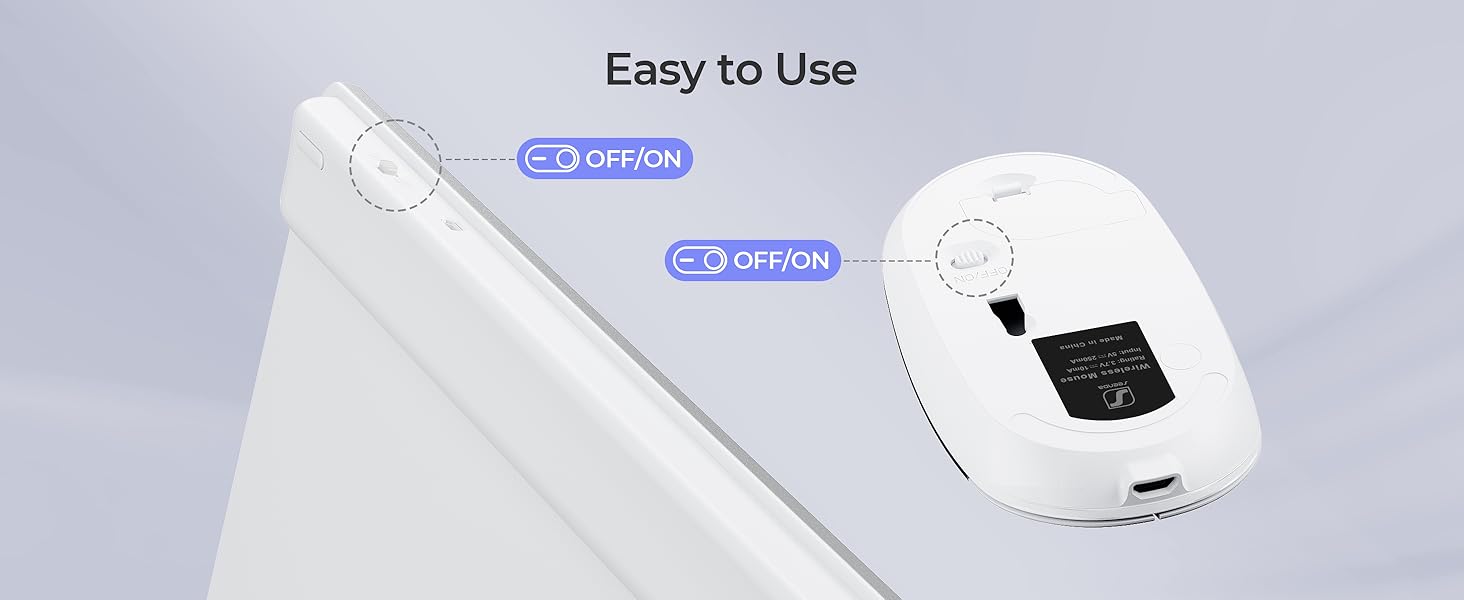
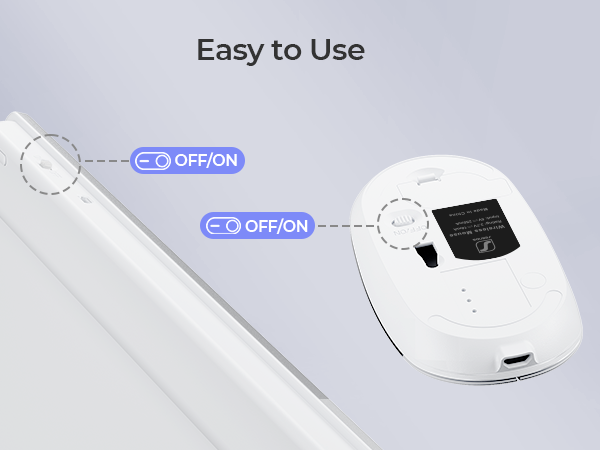
1. Try fully charging it and confirm whether the keyboard/mouse can be turned on.
2. Insert the USB receiver into your device (try a different one if necessary).
3. It can be used properly
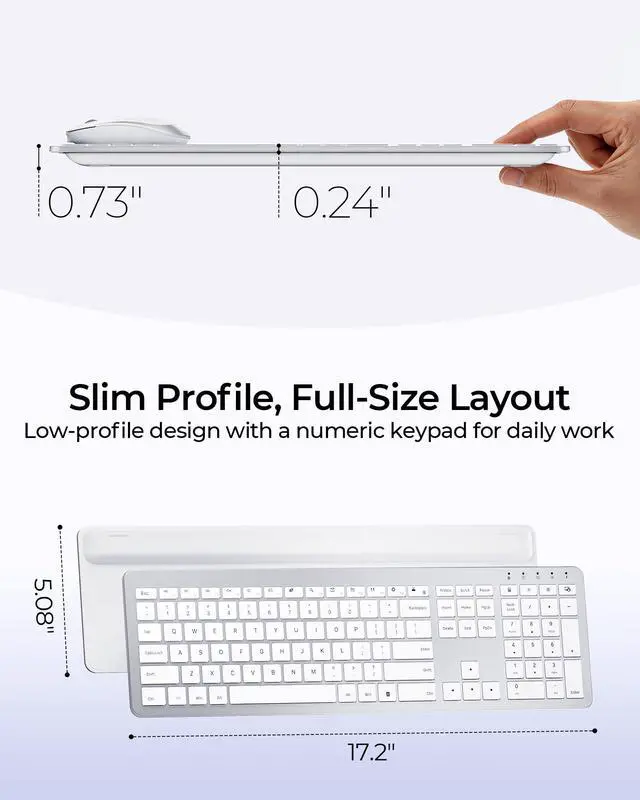
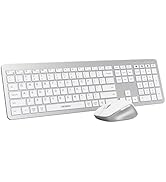
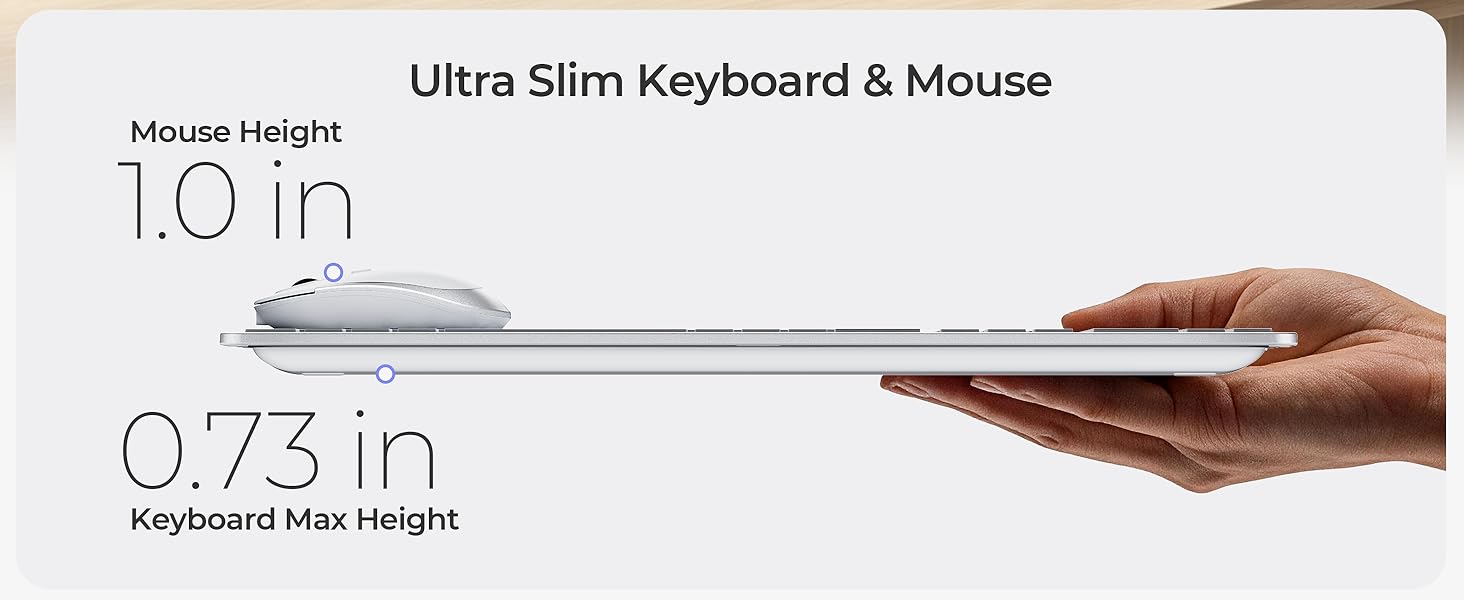
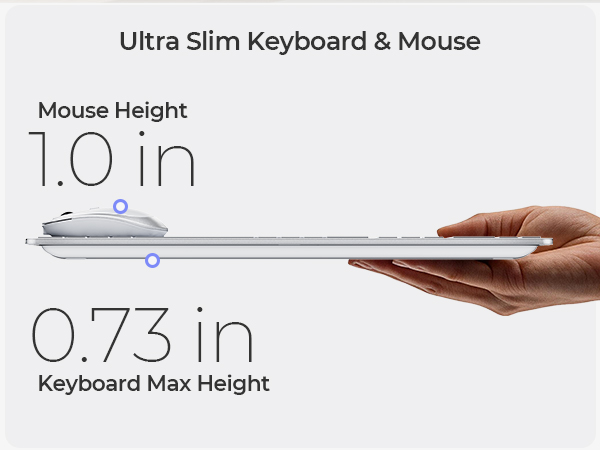
Is the keyboard comfortable to use even though it's so thin?
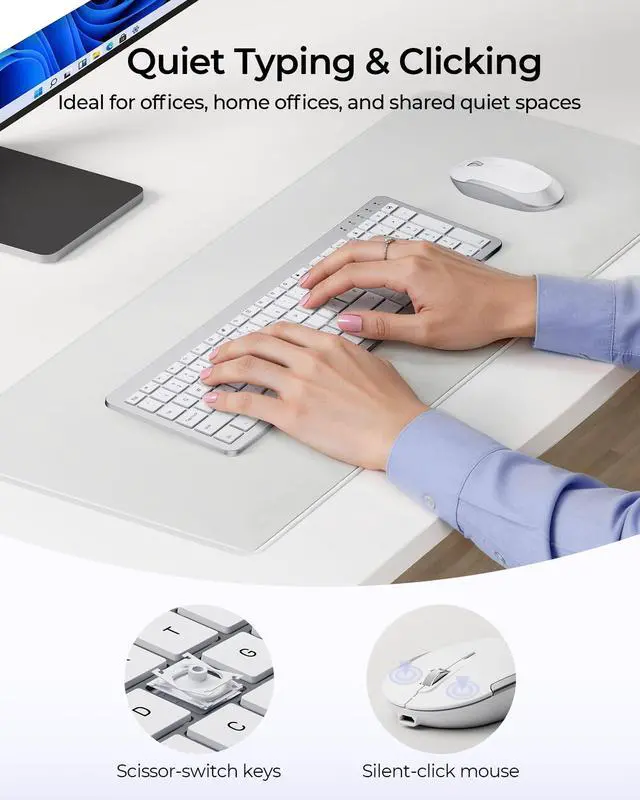
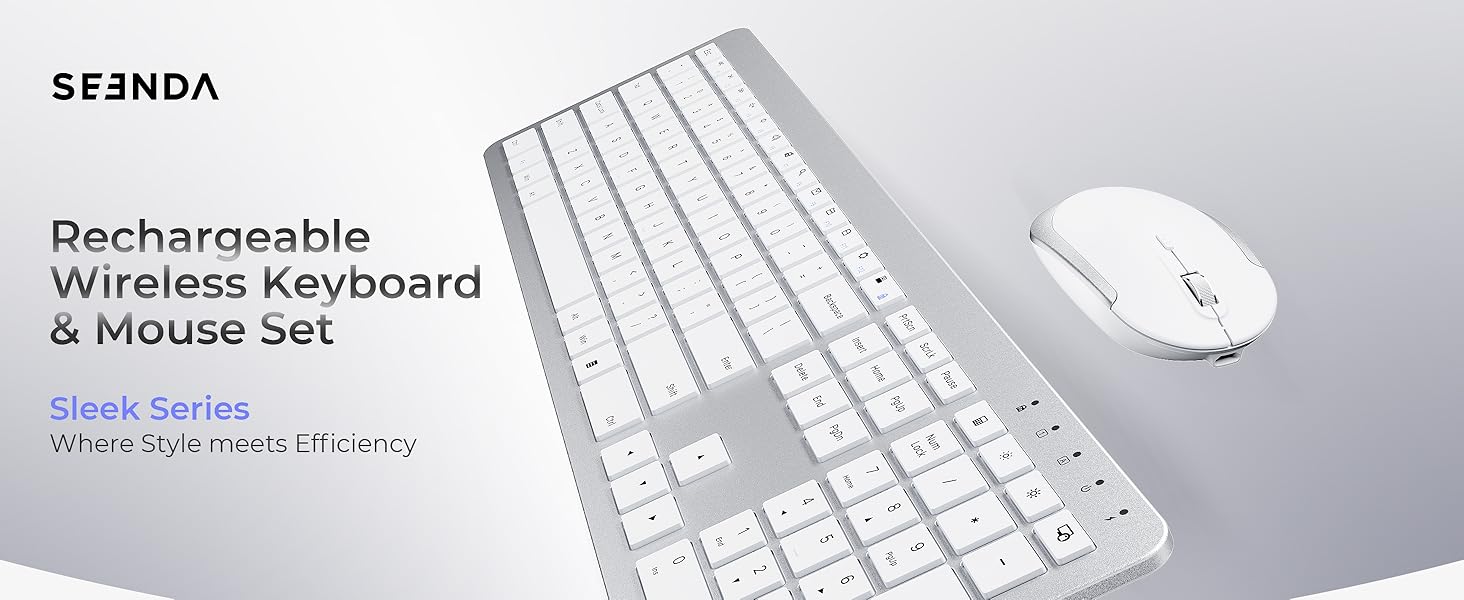
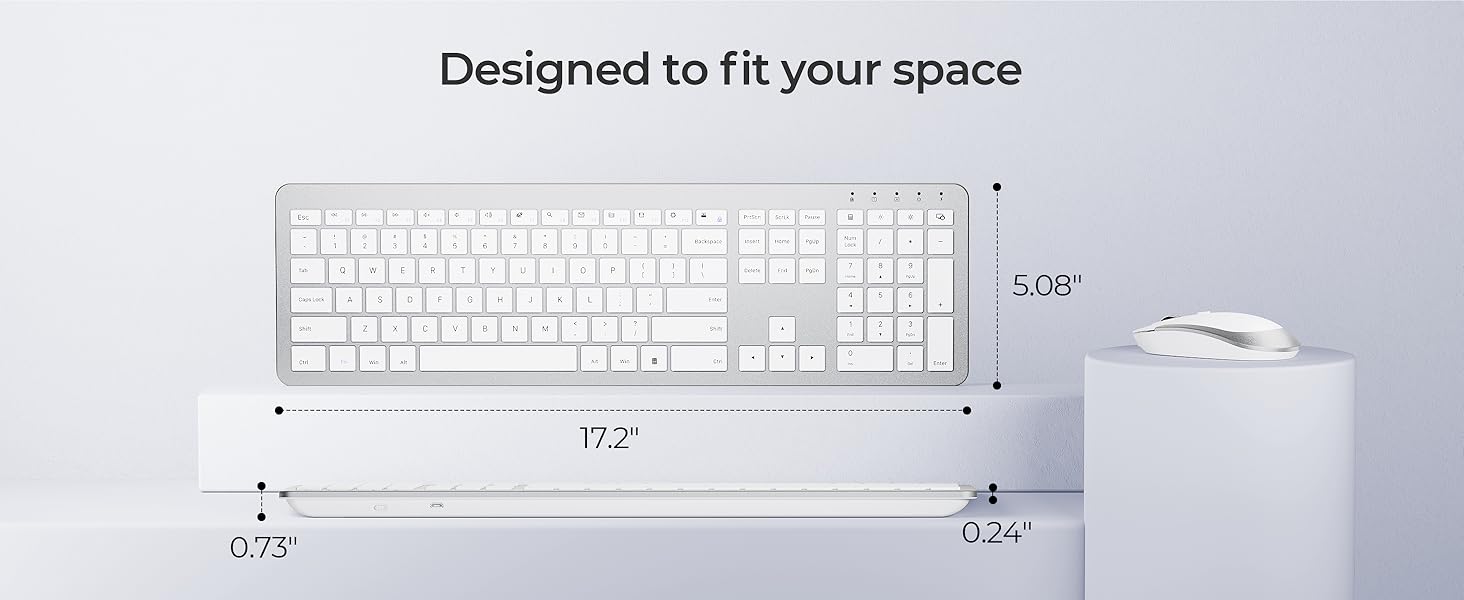
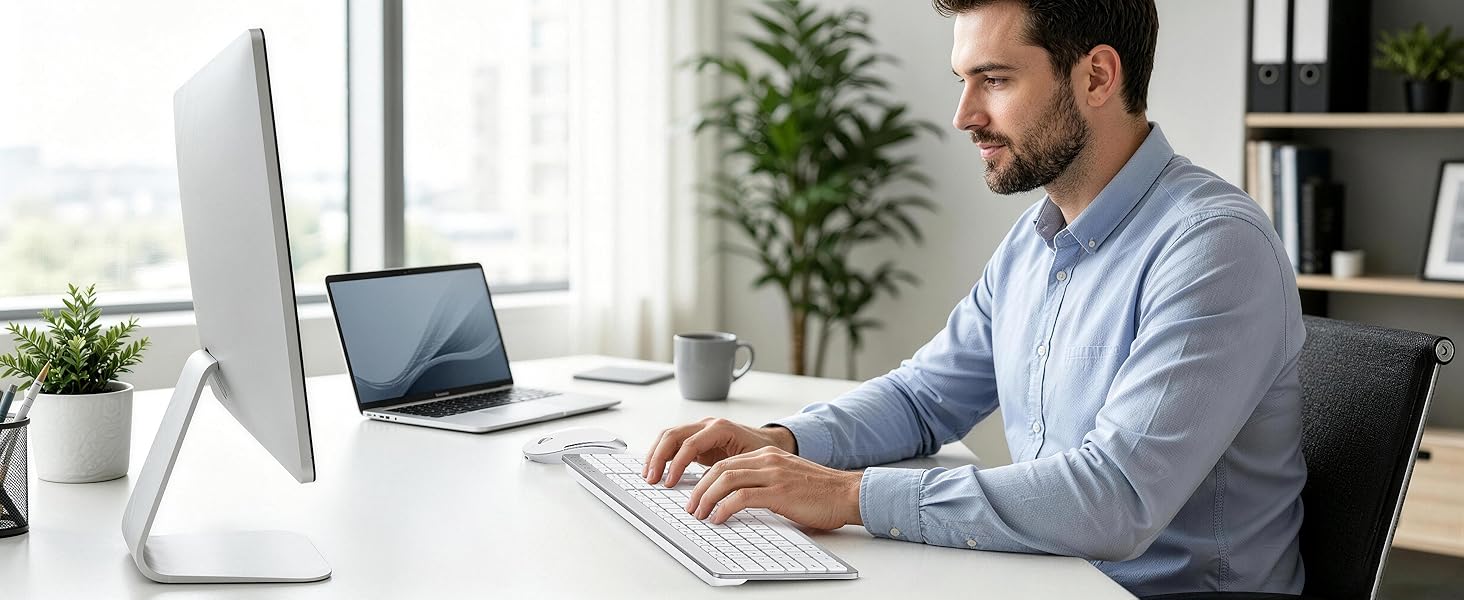
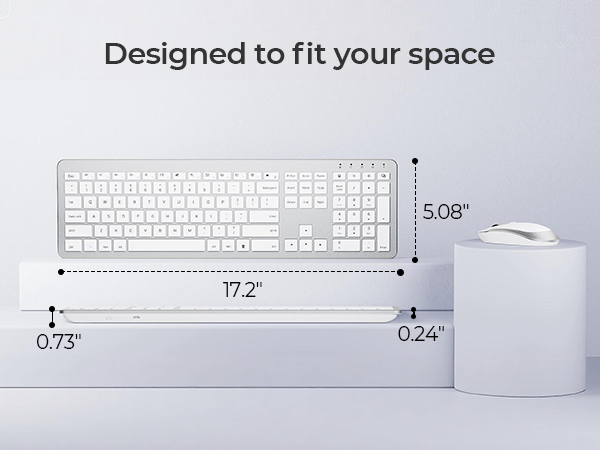
Yes. The low-profile keys and slim design don't sacrifice comfort — they actually promote a more natural wrist position while typing. Plus, the sleek look makes you actually want to keep it on your desk.
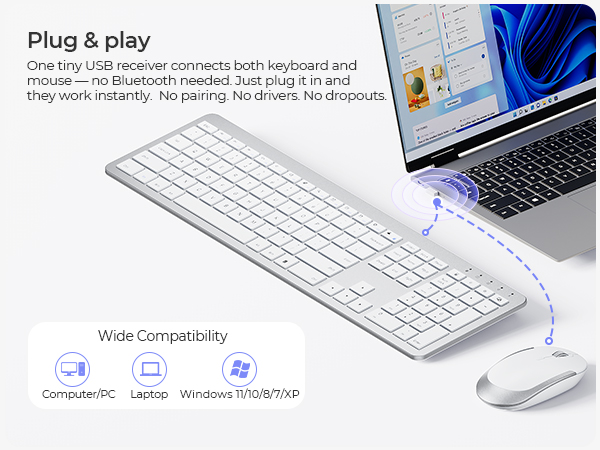



Is this Bluetooth-compatible?
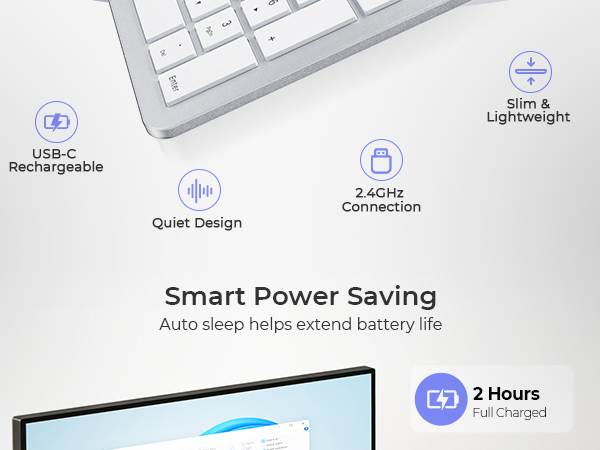
Sorry. This set is designed for a USB-A receiver connection only (no Bluetooth). A dedicated receiver gives you a more reliable, stable, and hassle-free connection with less interference. Plug it in and you're good to go.
What to do if keys not working/key input delay/automatic key input?
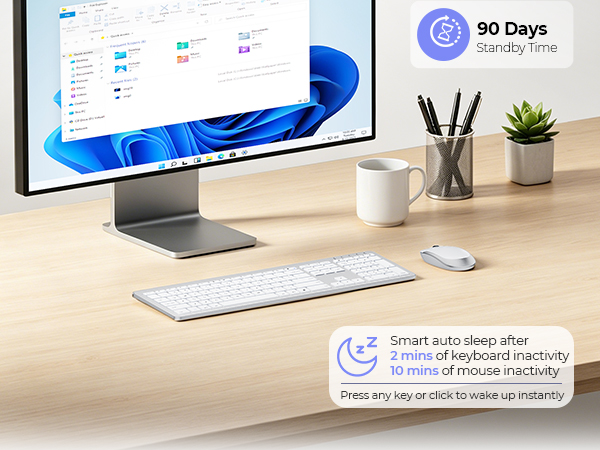
1. Please fully charge it and then try to re-pair.
2. If only one or a few specific keys are problematic, press the non-working key firmly for 5-7 seconds to see if it starts working normally.
Where's the receiver?
It's tucked inside the mouse battery compartment. Pop it back in when you're done working or hitting the road—keeps it safe, secure, and impossible to lose.
What to do if unable to connect / connection is intermittent?
1. Try fully charging it and confirm whether the keyboard/mouse can be turned on.
2. Insert the USB receiver into your device (try a different one if necessary).
3. It can be used properly
Is the keyboard comfortable to use even though it's so thin?
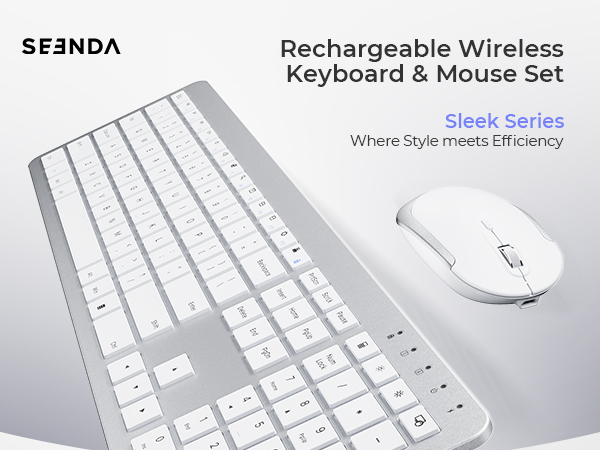
Yes. The low-profile keys and slim design don't sacrifice comfort — they actually promote a more natural wrist position while typing. Plus, the sleek look makes you actually want to keep it on your desk.
Mac Bluetooth Keyboard Mice
USB + Dual Bluetooth Combos
Full-Size Slim Keyboard Mice
Multi-Device Ergo Combos
USB + Bluetooth Mice
