



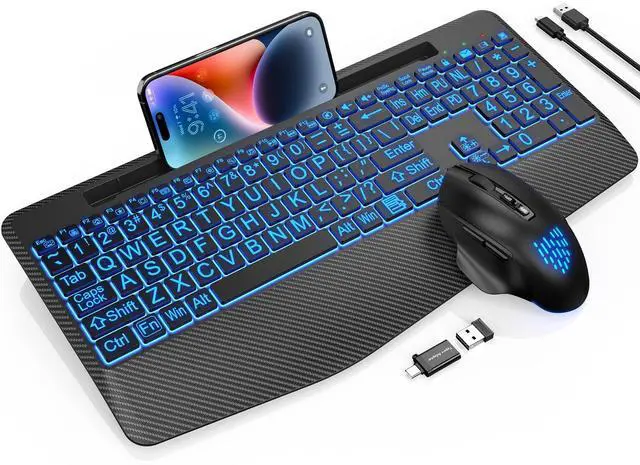
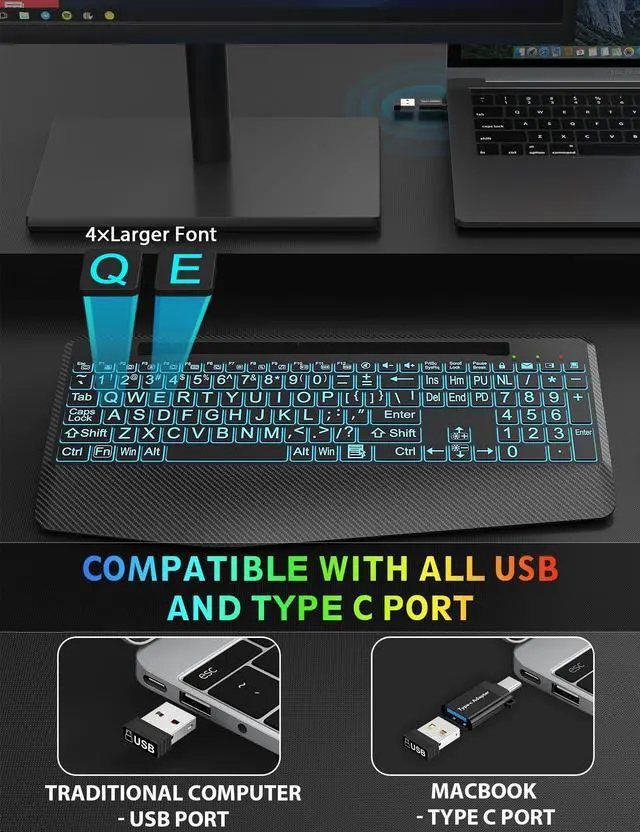
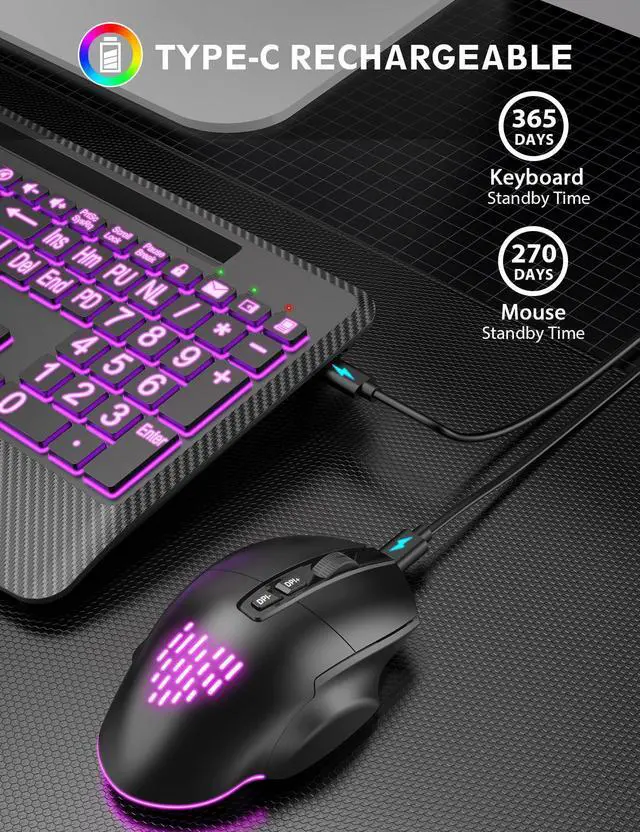
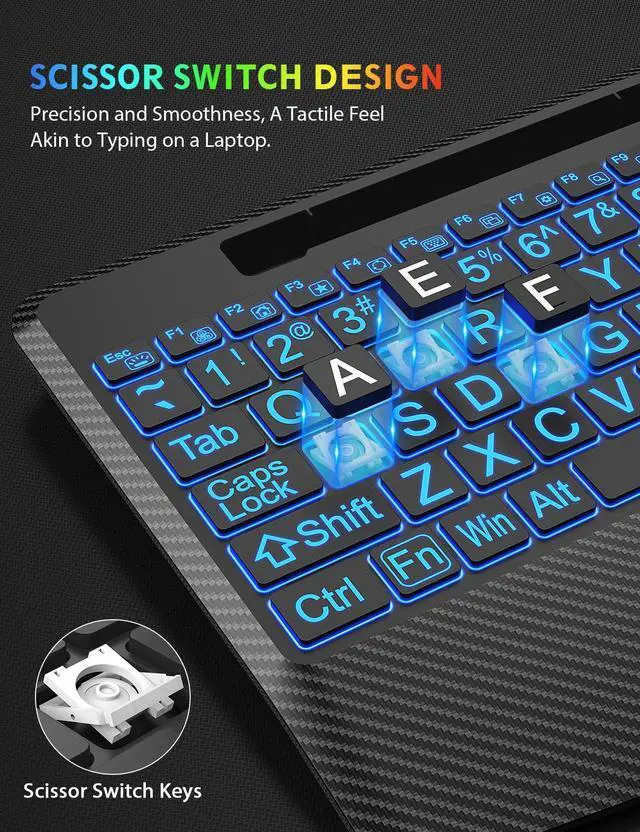
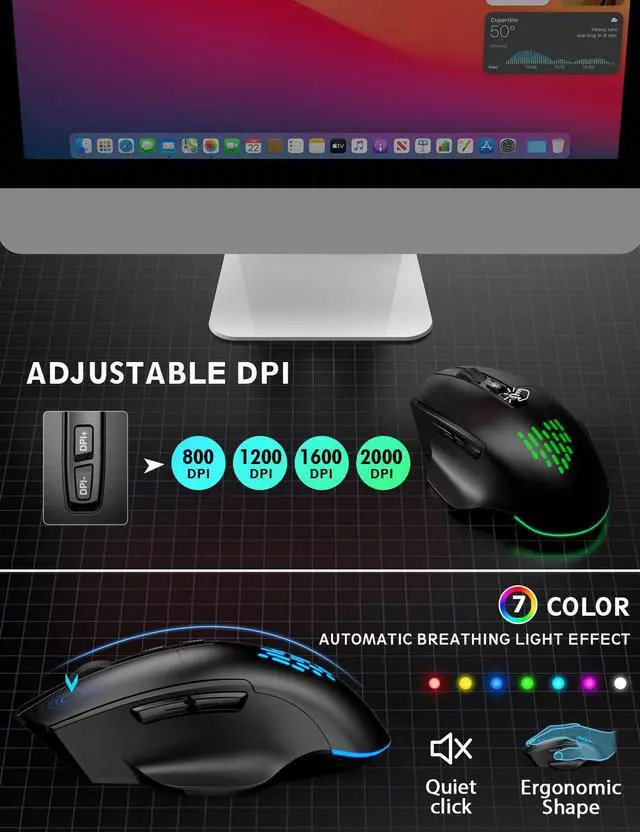



SABLUTE has focused on the manufacture and sale of keyboards and mice for many years, our aim is quality, innovation and you. 2017, we received some letters from some of our customers, they wanted a little more ambiance in their boring work as well as wanted the keys to light up for typing in the dark. So we started to develop wireless keyboards and mice with backlight, just to bring you a better experience and more productivity.


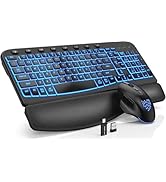
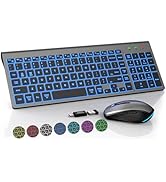
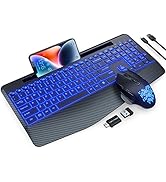
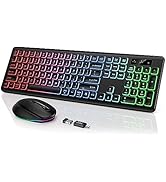
Make Work More Enjoyable
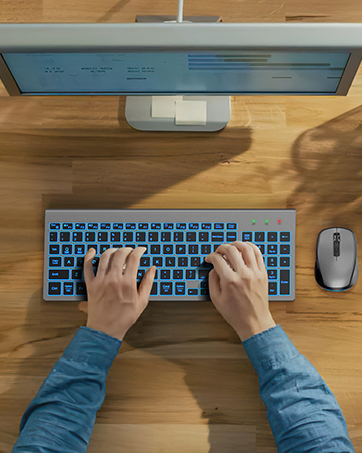
Slim Keyboard Duo


Generous Palm Rest
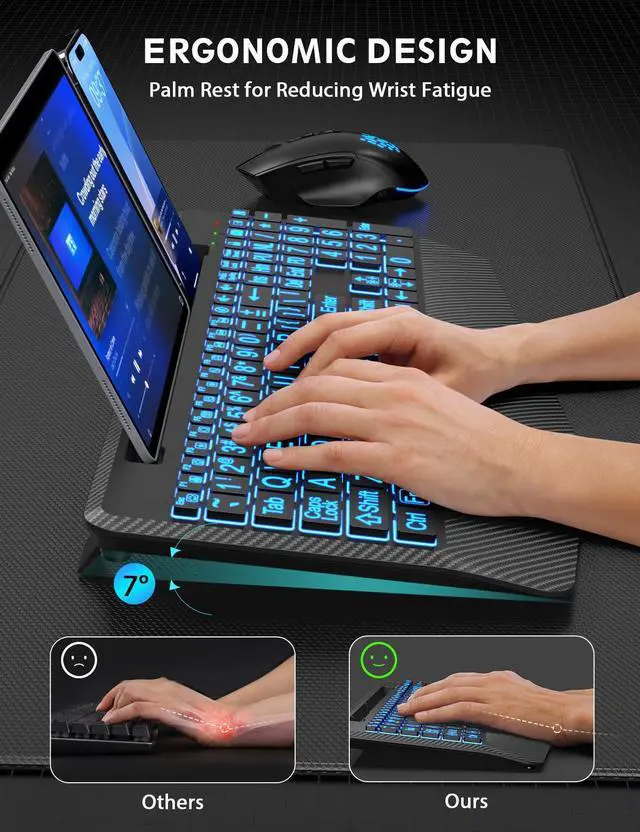
The wireless keyboard is equipped with an extra-large wrist rest, which can increase wrist support by 54% and provide you with the most ergonomic Cushioning power and height.

Maximize Comfort
Enhance your comfort with a keyboard wireless featuring a foldable tilt leg for customizable angle and height adjustments, ensuring a burden-free experience during extended use.


How to solve the problem that the mouse cursor moves by itself?
Press and hold the Jiggler button (the second button of the scroll wheel) for 5 seconds to enter/exit the jitter mode.
How to resolve the issue when a product is unable to charge?
First, ensure the charging cable is properly connected. Second, try using a different charging cable. If neither of these steps resolves the issue, please reach out to us for assistance.
How to adjust the backlit lightings?
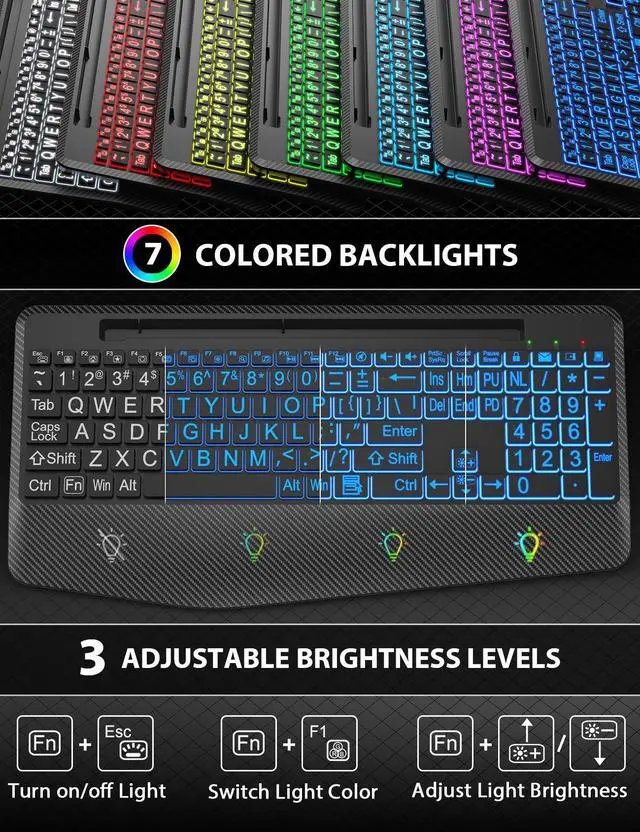
Press Fn+F1 to change the backlight colors, Fn+Up Arrow (or Fn+Down Arrow) to adjust the brightness. The mouse lightings are random.
When will the sleep mode work?
After idle for 30 mins, the keyboard will sleep; after idle for 15 mins, the mouse will sleep.


Generous Palm Rest
The wireless keyboard is equipped with an extra-large wrist rest, which can increase wrist support by 54% and provide you with the most ergonomic Cushioning power and height.
Maximize Comfort
Enhance your comfort with a keyboard wireless featuring a foldable tilt leg for customizable angle and height adjustments, ensuring a burden-free experience during extended use.


How to solve the problem that the mouse cursor moves by itself?
Press and hold the Jiggler button (the second button of the scroll wheel) for 5 seconds to enter/exit the jitter mode.
How to resolve the issue when a product is unable to charge?
First, ensure the charging cable is properly connected. Second, try using a different charging cable. If neither of these steps resolves the issue, please reach out to us for assistance.
How to adjust the backlit lightings?
Press Fn+F1 to change the backlight colors, Fn+Up Arrow (or Fn+Down Arrow) to adjust the brightness. The mouse lightings are random.
When will the sleep mode work?
After idle for 30 mins, the keyboard will sleep; after idle for 15 mins, the mouse will sleep.
SABLUTE has focused on the manufacture and sale of keyboards and mice for many years, our aim is quality, innovation and you. 2017, we received some letters from some of our customers, they wanted a little more ambiance in their boring work as well as wanted the keys to light up for typing in the dark. So we started to develop wireless keyboards and mice with backlight, just to bring you a better experience and more productivity.
Make Work More Enjoyable
Slim Keyboard Duo