

Your Browsing History

Meet Your Seller

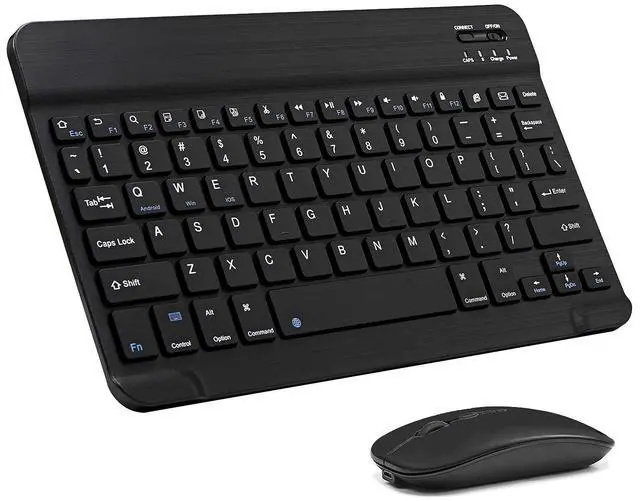
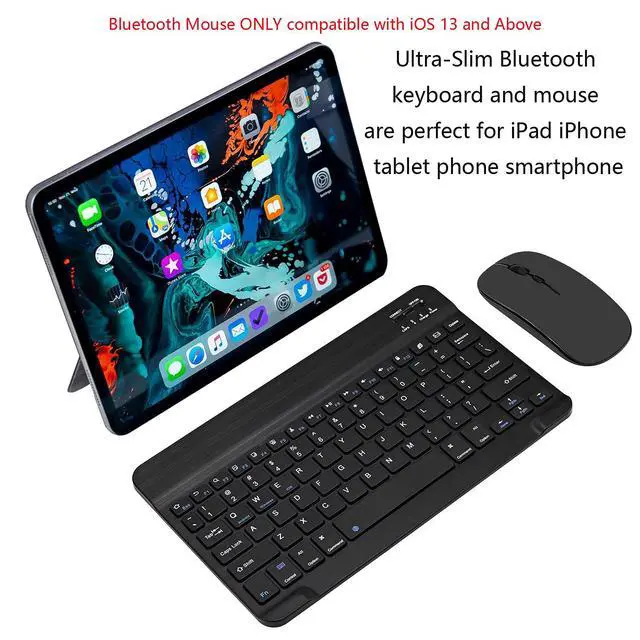


Ultra-Slim Bluetooth Keyboard and Mouse Combo Rechargeable Portable Wireless Keyboard Mouse Set for Apple iPad iPhone iPadOS/iOS 13 and Above Samsung Tablet Phone Smartphone Android (Black)
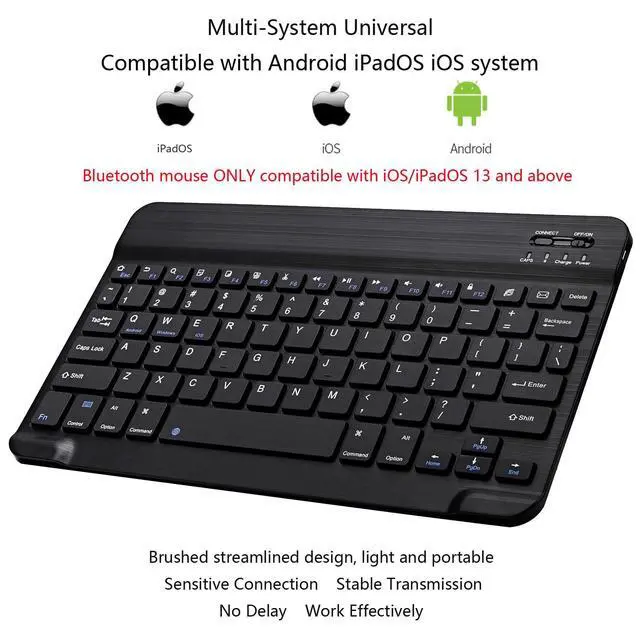
- Excellent Compatibility: The Mouse ONLY compatible with iOS 13 and Above. You need to update the system of your ipad and iphone to iOS 13 and above, and turn on Setting>Accessibility>Touch>Assistive Touch. The keyboard and mouse compatible with iOS, Android and iPad OS system. They are perfect for Apple iPhone, iPad, iPad Mini, iPad Pro, iPad Air, Android Samsung LG tablet smartphone cell phone.
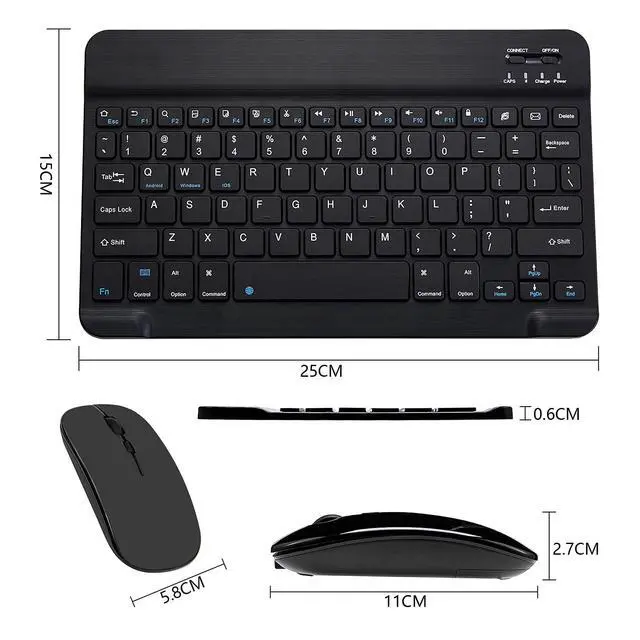
- Lightweight and Compact: This keyboard is much lighter, smaller than traditional keyboard. The Dual-Mode mouse supports Bluetooth and 2.4GHz connection. You can easily carry them without taking up more space on your desk or bag. Keyboard dimensions: 25 x 15 x 0.6 cm, weight: 180g (Size: 9.84 x 5.9 x 0.24 inch, weight: 6.35ounce). Mouse dimensions: 11 x 5.8 x 2.7 cm, weight: 60g (Size: 4.33 x 2.3 x 1.04 inch, weight: 2.12ounce).
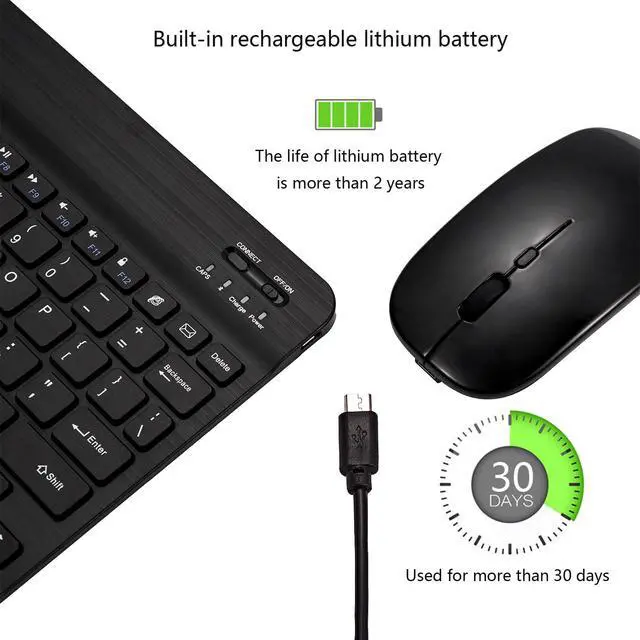
- Long-term use: Built-in rechargeable lithium battery, after fully charged, they can be used for more than 20 days (When used continuously for 2 hours a day). If you don't use them for more than 10 minutes, they will automatically enter the sleep state to save power. If you want to continue to use them, just click any key to wake up the keyboard and mouse.
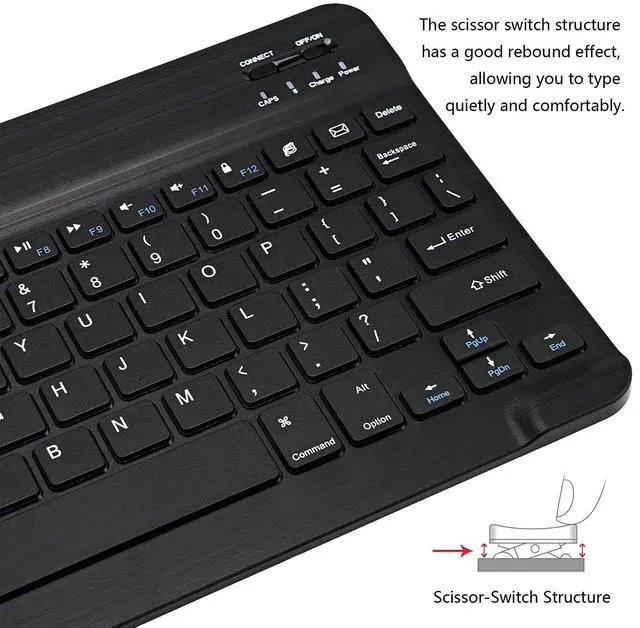
- Quiet and Comfortable Typing, Silent Click: The square chocolate keycaps, scissor-structured keys, small external keyboard and mute mouse, which allow you to type quietly on your tablet, iPad, iPhone, and smartphone etc., and provide you with a comfortable and pleasant typing experience.
+
+
Overview
Specs
Reviews

Any questions? Our AI mode will help you find out quickly.
Try me now
Keyboard connection method:
1: Turn on the ON/OFF switch.
2: Press CONNECT, the indicator of the Bluetooth logo will flash.
3: Turn on the Bluetooth switch of the tablet/smartphone, search for Bluetooth Keyboard.
4: Click the Bluetooth Keyboard on the tablet/smartphone to connect.
2. Dual-Mode mouse: Bluetooth + 2.4GHz connection
Note: You need to update the system of your iPad and iPhone to iOS 13 and above. And then turn on Assistive Touch : Open Setting> Accessibility> Touch> Assistive Touch.
1. Bluetooth mouse connection method:
1: Turn on the ON/OFF switch to switch to Bluetooth.
2: Turn on the Bluetooth switch of the tablet/smartphone, and search for the Bluetooth mouse.
3: Click the BT5.2 Mouse on the tablet/smartphone to connect.
2. 2.4G mouse connection method:
1: Turn on the ON/OFF switch to switch to 2.4G.
2: Just plug the USB receiver into the USB port of the computer and you can start using it.
Note: The keyboard/ mouse cannot be connected to two devices at the same time. Therefore, if you want to replace another device, you must first disconnect the pairing connection of the original device.
Product Specifications:
Keyboard Layout: US QWERTY
Connection Method: Bluetooth
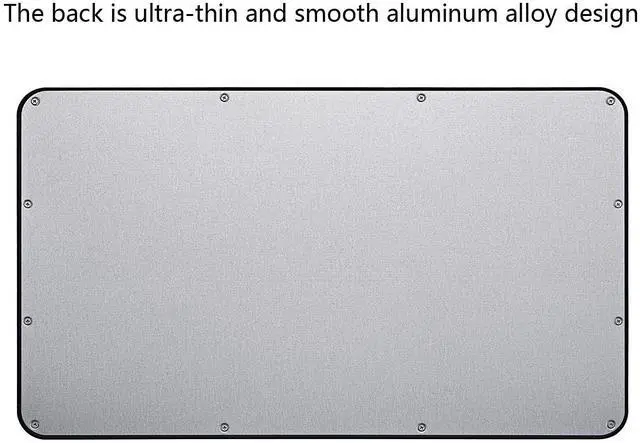
Material: ABS +Aluminum alloy
Charging Interface: Type-C
Hot Keys: Press Fn + F function keys
Package including:
1 * Bluetooth Keyboard
1 * Bluetooth Mouse
1 * Type-C Charging Cable
If you have any questions, please contact us. We provide one year warranty service, so you do not have any risk. If you are not satisfied with our products, we can replace you with a brand new product or a full refund to you.
Warranty & Returns
Warranty, Returns, And Additional Information
Warranty
- Please contact the Seller directly for warranty information. Warranty information may also be found on the Manufacturer's website.
- CONTACT
Return Policies
- Return for refund within: 30 days
- Return for replacement within: 30 days
- This item is covered by Super discount store Return Policy
Manufacturer Contact Info
- For a directory of all our manufacturers, please click below.
- Manufacturers Directory
LOADING...