



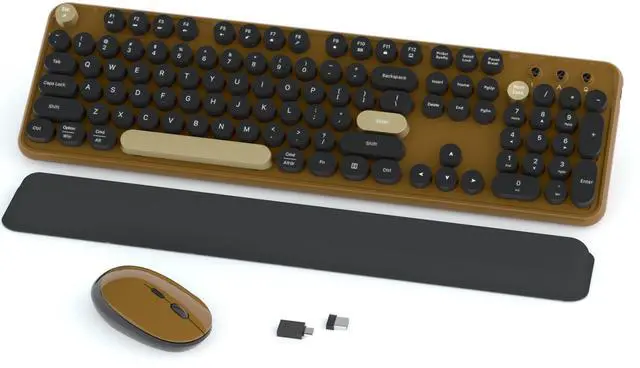
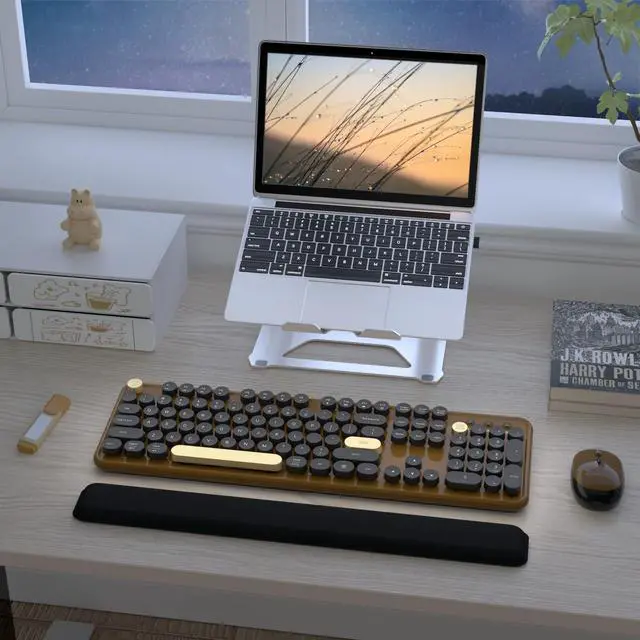
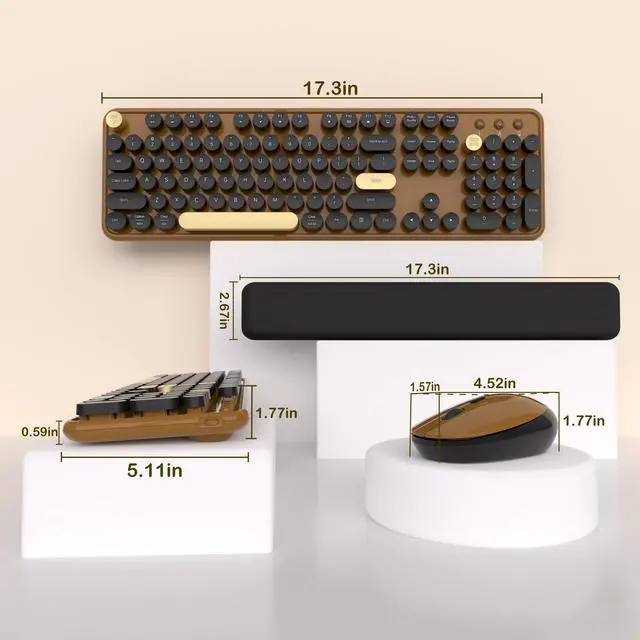


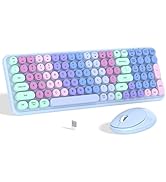
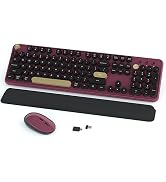
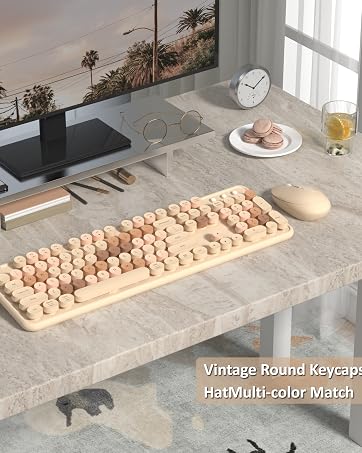
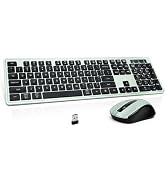
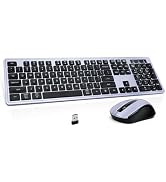
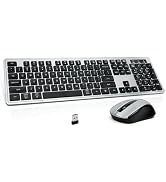
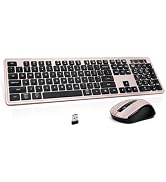
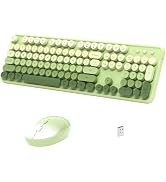
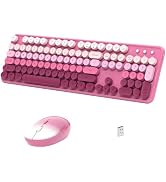
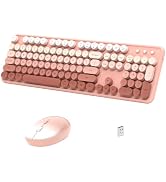
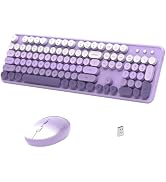
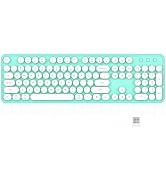
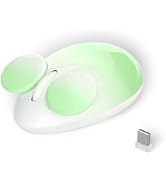
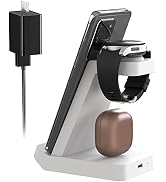
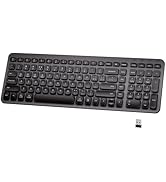
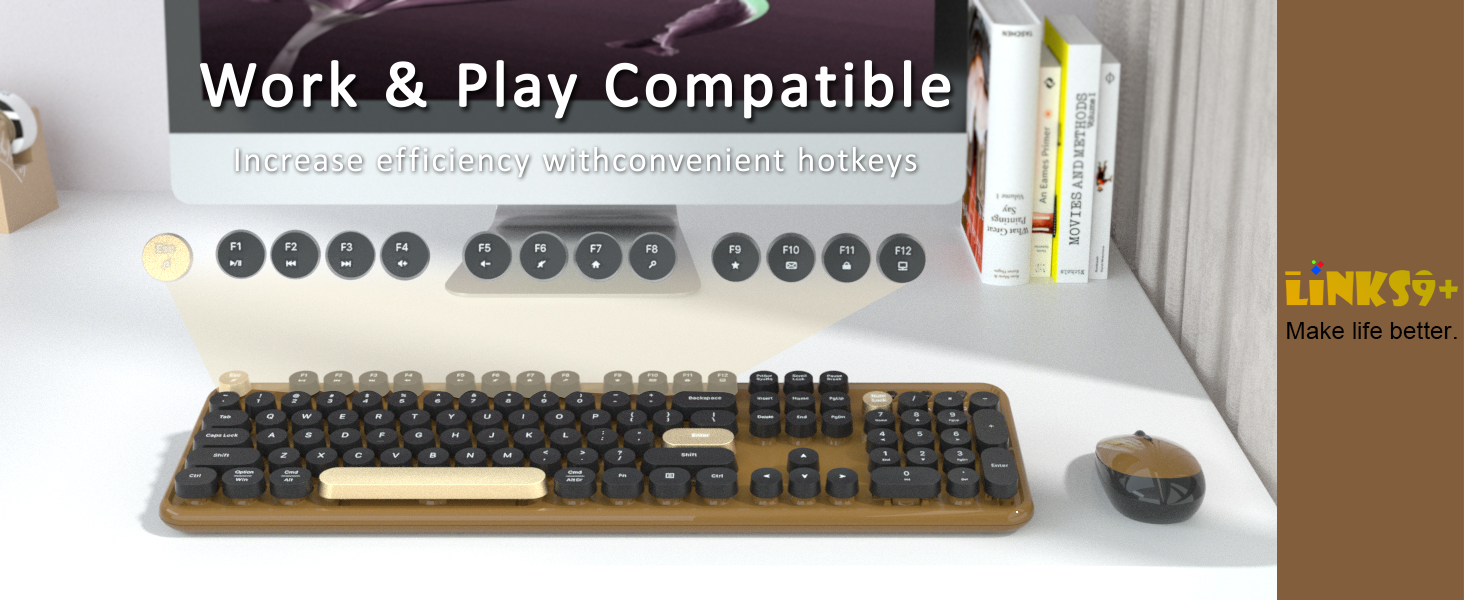
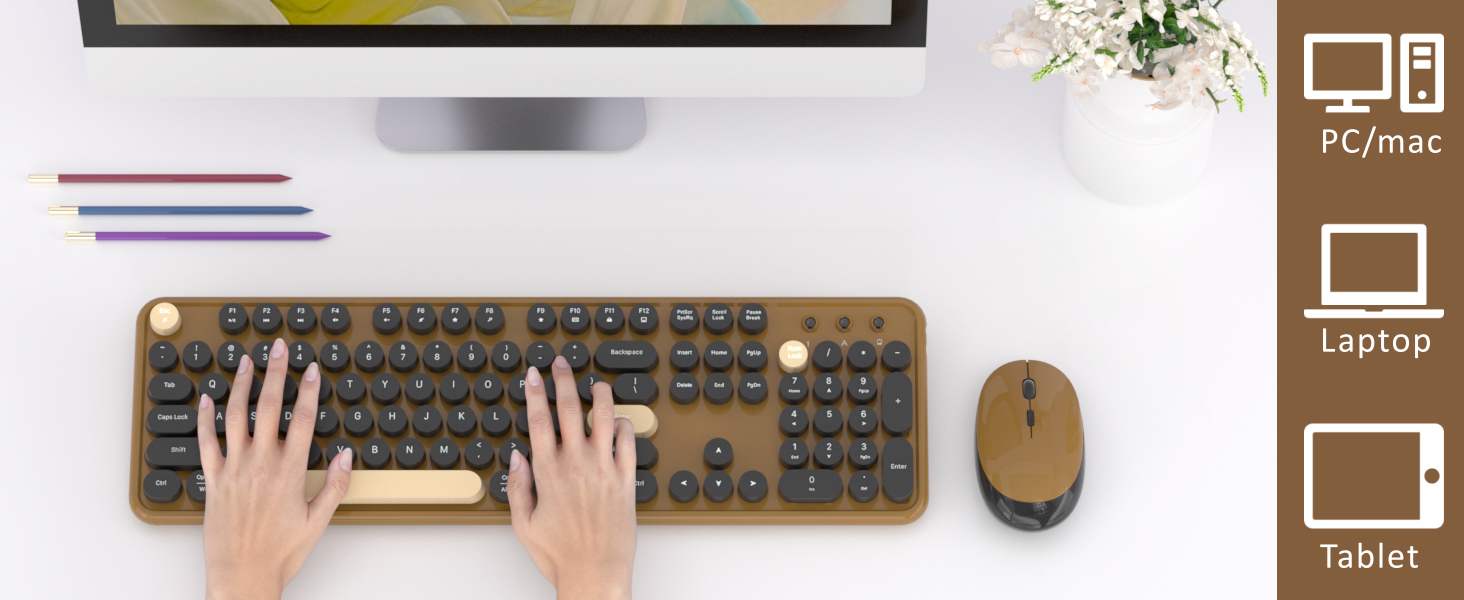
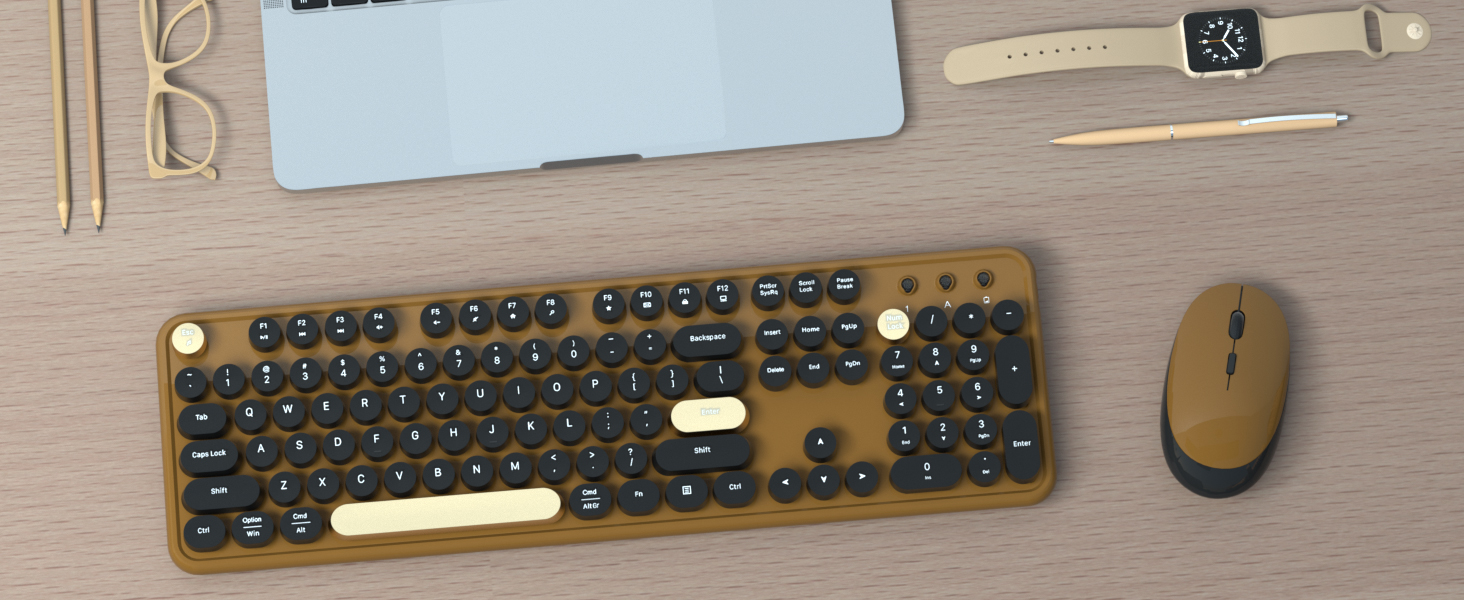
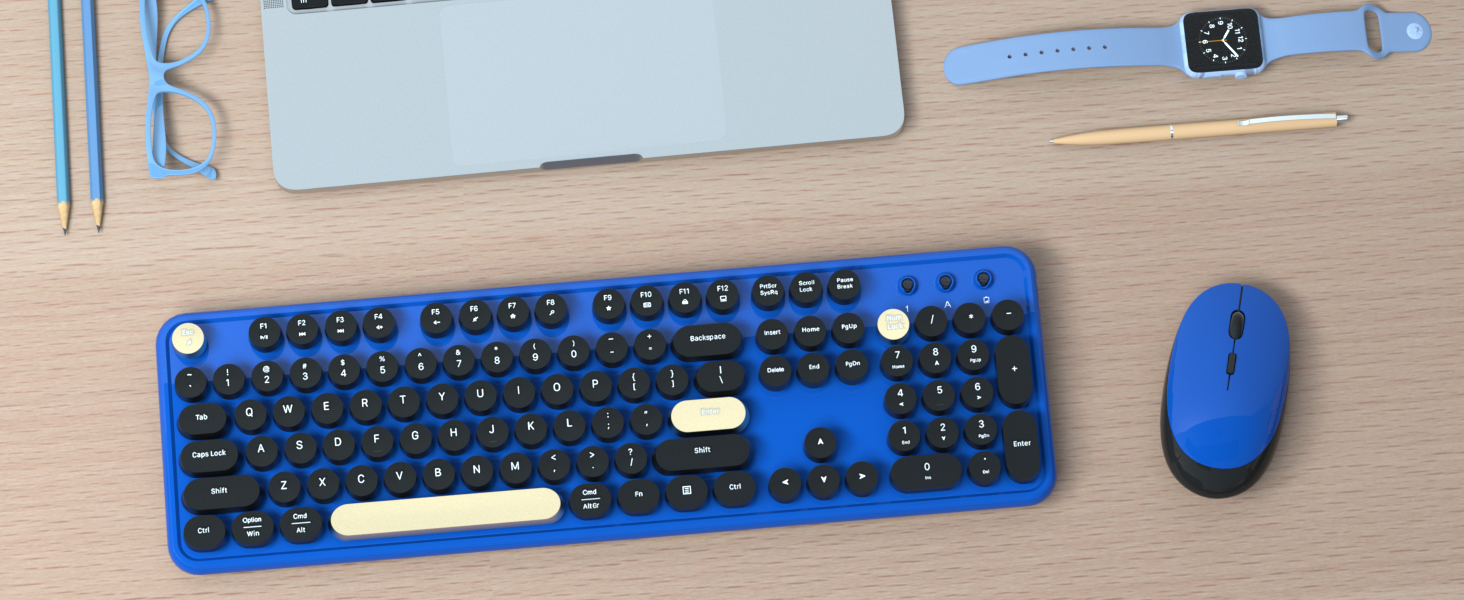
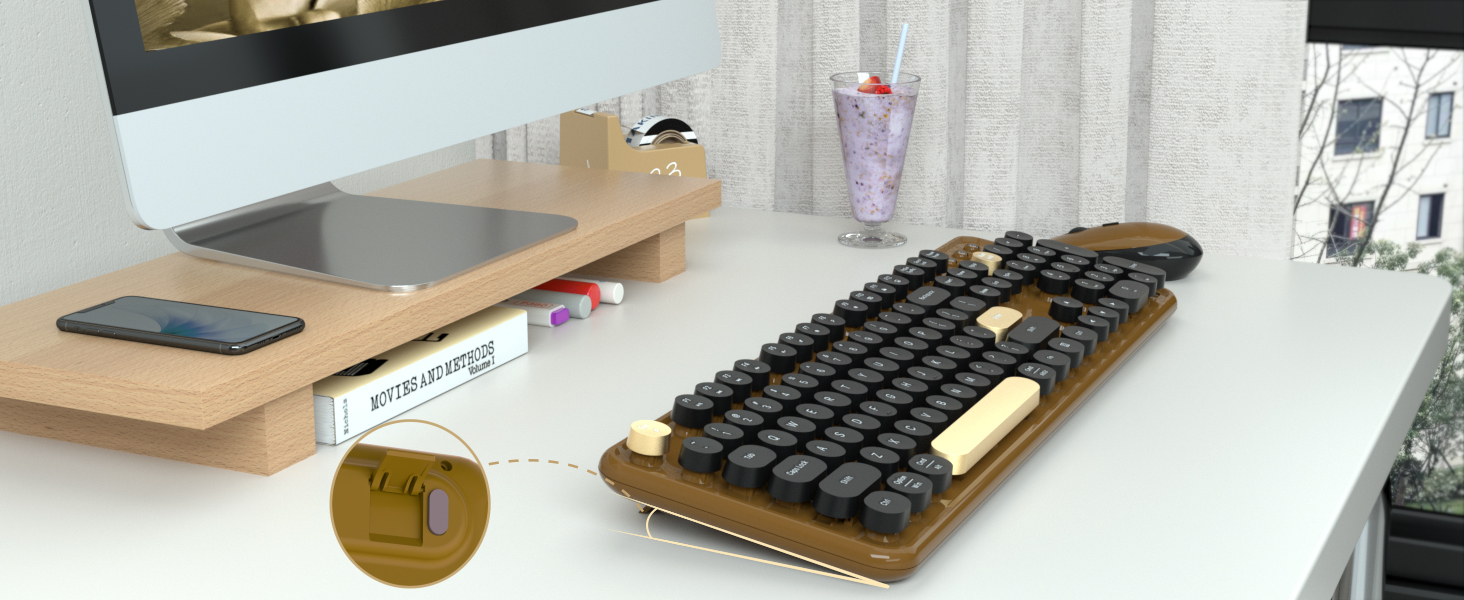
Soft Wrist Rest Keyboard
Hot Selling Attributes
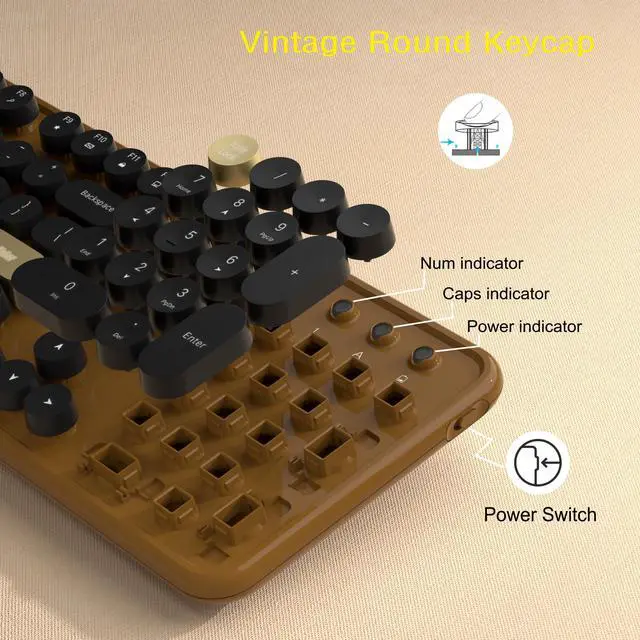
Round Keycaps | ||
Adjustable Feet | ||
Wrist Rest | ||
Backlight | ||
Phone Stand | ||
With Mouse | ||
Power Switch |
Round Keycaps | ||
Adjustable Feet | ||
Wrist Rest | ||
Backlight | ||
Phone Stand | ||
With Mouse | ||
Power Switch |
Round Keycaps | ||
Adjustable Feet | ||
Wrist Rest | ||
Backlight | ||
Phone Stand | ||
With Mouse | ||
Power Switch |
Round Keycaps | ||
Adjustable Feet | ||
Wrist Rest | ||
Backlight | ||
Phone Stand | ||
With Mouse | ||
Power Switch |


What should I do if I encounter an issue while using the product?
If you encounter any issues, please visit our store page and reach out to our staff. We also have a 24/7 online support team ready to assist you.
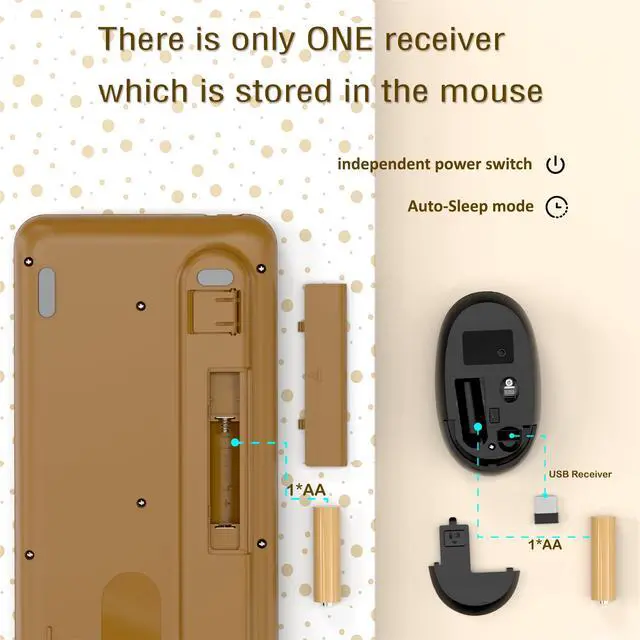
Where can I find the USB receiver?
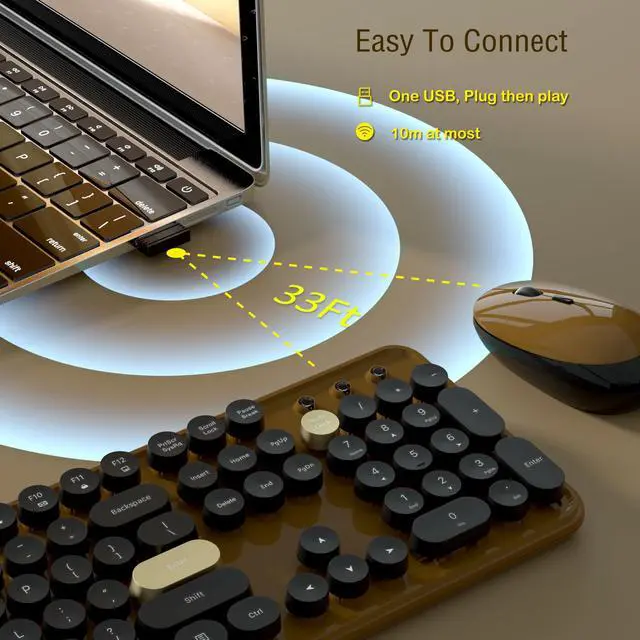
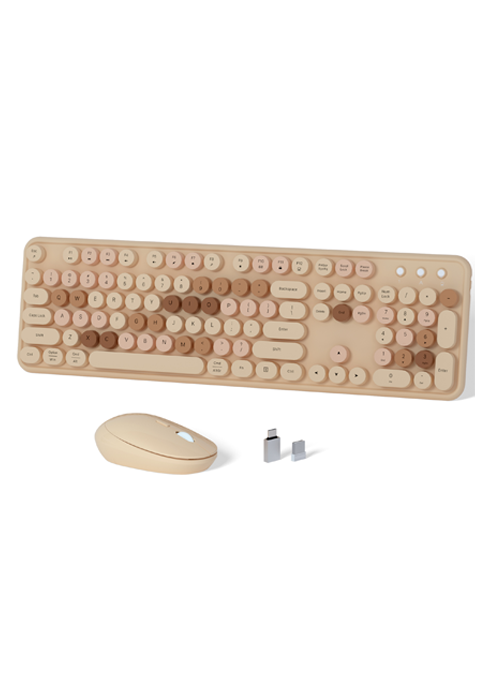
The USB receiver is in the battery compartment on the bottom of the mouse. Open the cover to access it. Note: The keyboard and mouse share the same receiver. For assistance, feel free to reach out via our store page.
How do I reconnect the paired wireless mouse?
1: Remove the battery and restart, press and hold "left" and "right" buttons at the same time.
2: When optical sensor flashes, quickly insert USB receiver and wait for pairing(13in).
NOTE: If pairing still fails, repeat the above steps.
How do I reconnect the paired wireless keyboard?
1: Remove the battery and reboot, press and hold the ESC+Q keys.
2: When the indicator light blinks, quickly plug in the USB receiver and wait for pairing(13in).
NOTE: If pairing still fails, repeat the above steps.
How do I copy and paste on MacOS?
On MacOS, the "Win" key replaces the "Ctrl" key. Copy: Win+C; Paste: Win+V; Select All: Win+A. Or hold down "Fn "+"E" to switch to Mac system, Copy: Cmd+C; Paste: Cmd+V; Select All: Cmd+A.
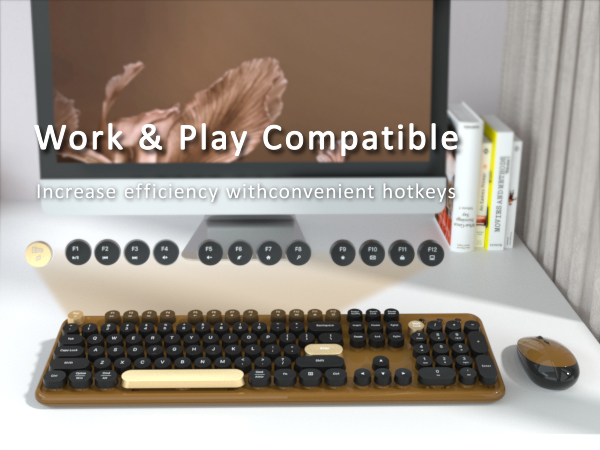
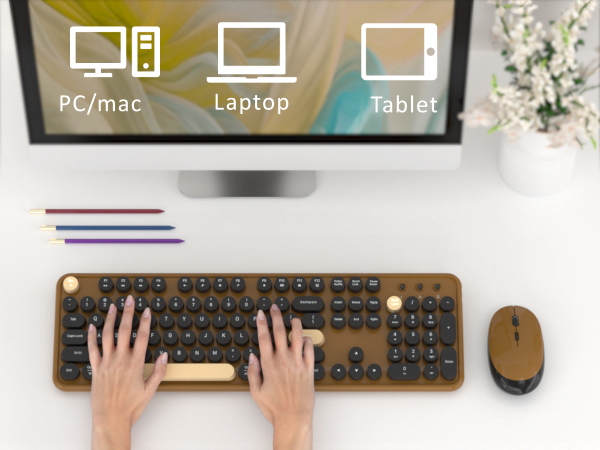
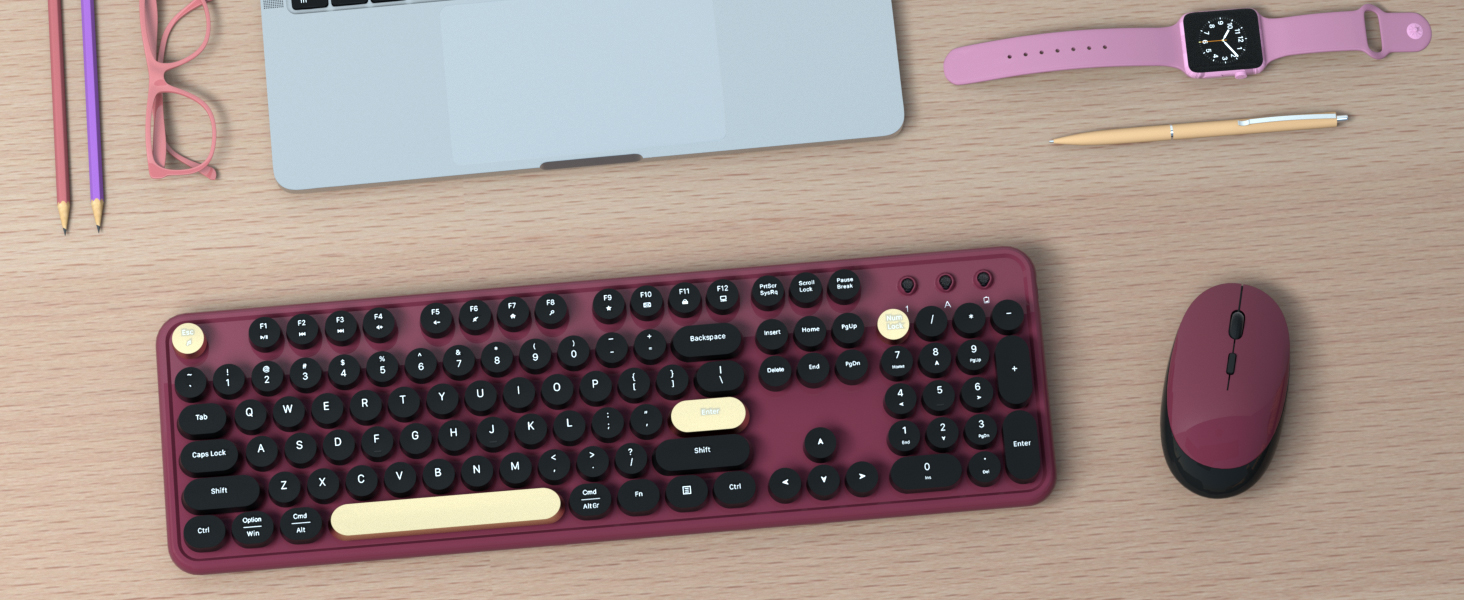
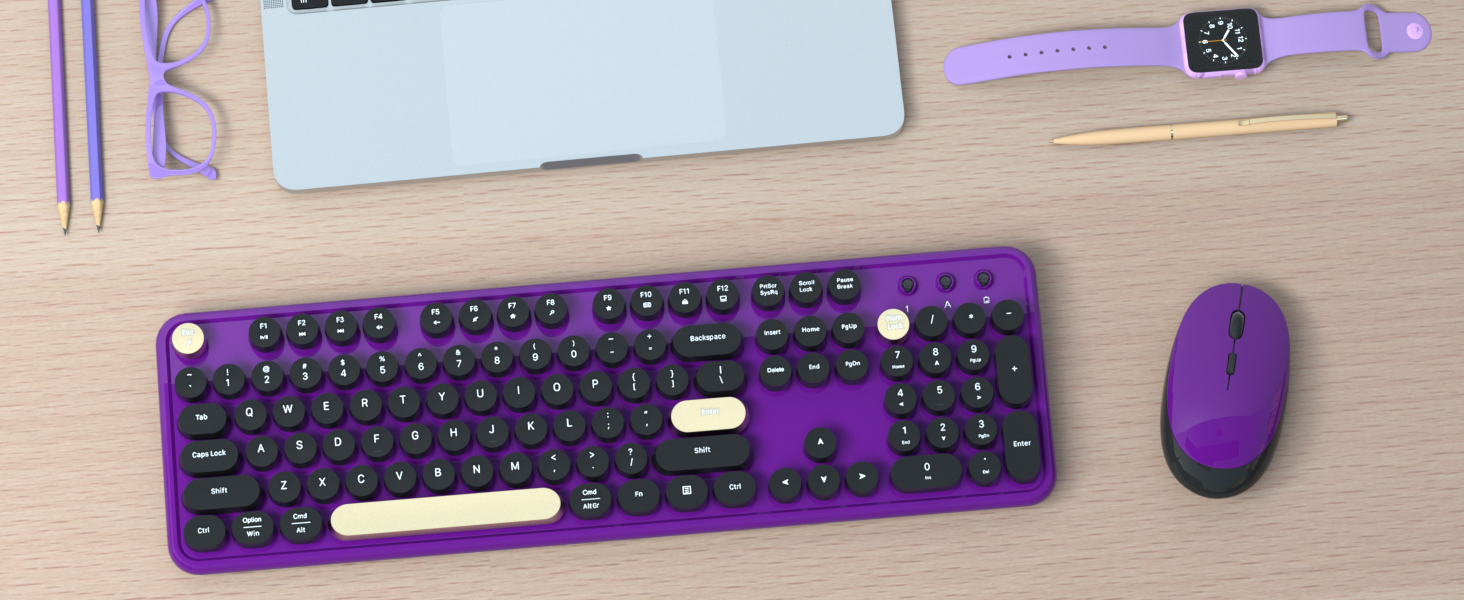
COFFEE
BLUE
BURGUNDY
PURPLE
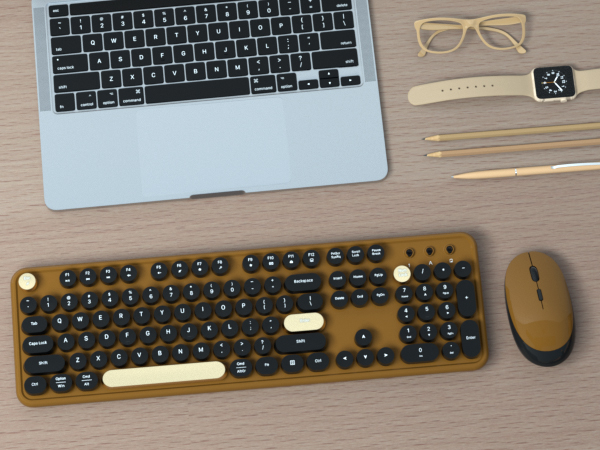
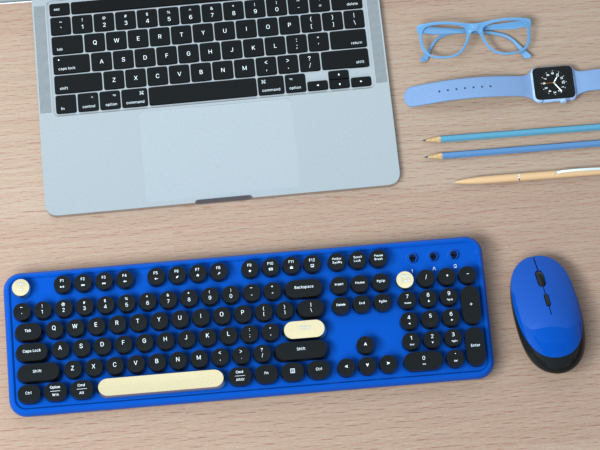
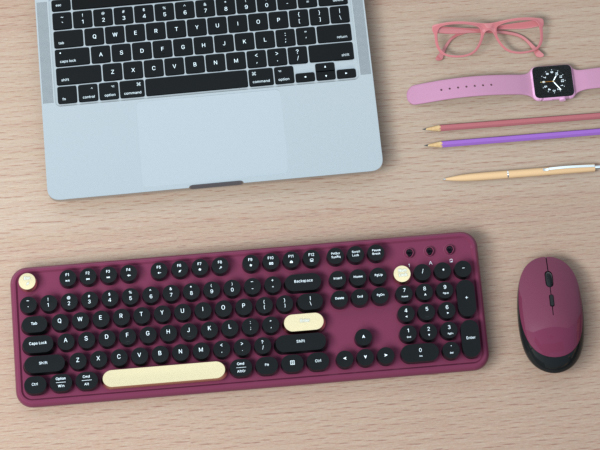
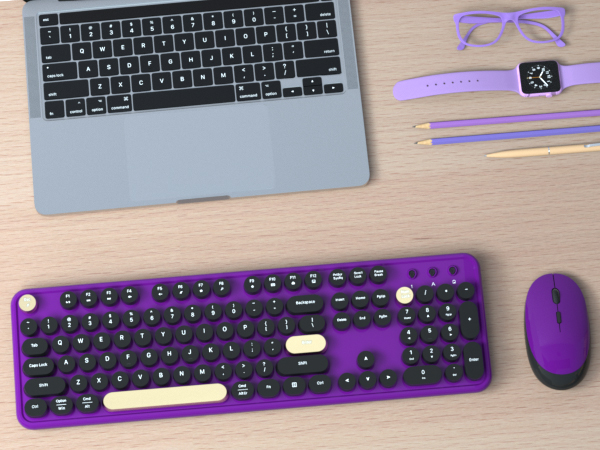
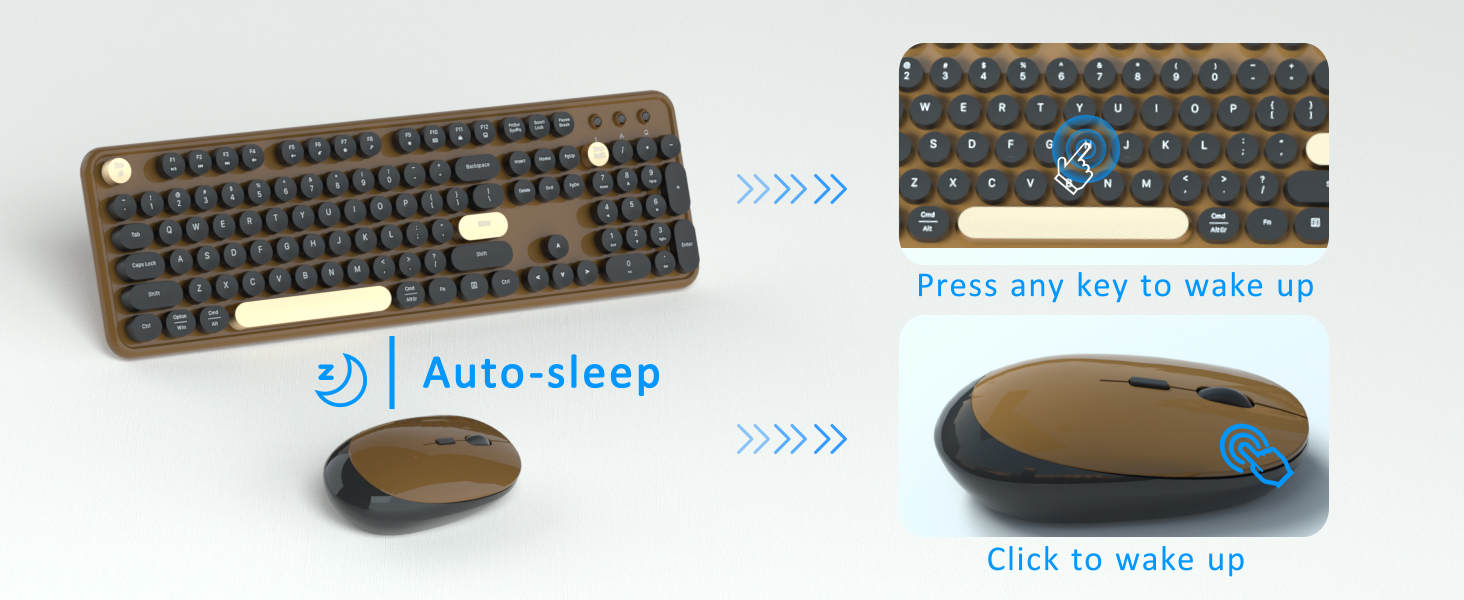
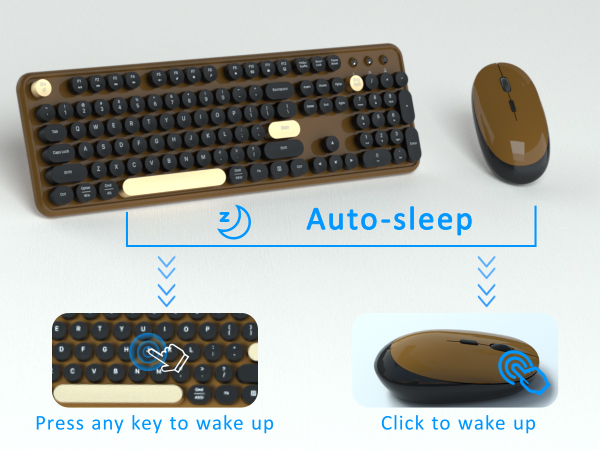
Smart Power Saving
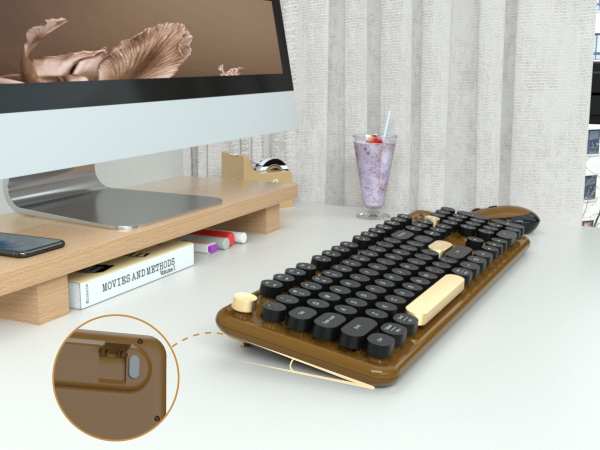
Adjustable Keyboard Feet
Hot Selling Attributes
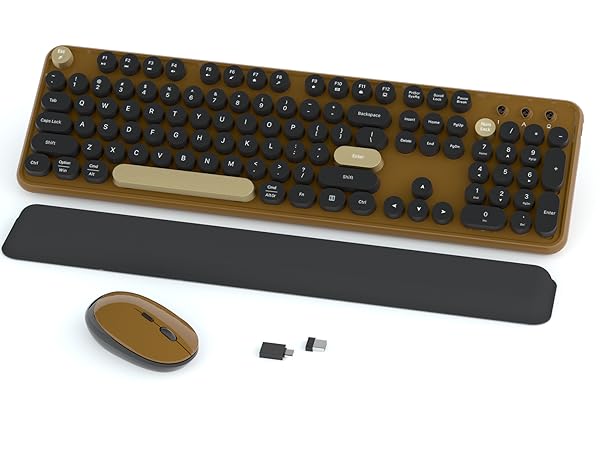
Soft Wrist Rest Keyboard
Round Keycaps
Adjustable Feet
Wrist Rest
Backlight
Phone Stand
With Mouse
Power Switch
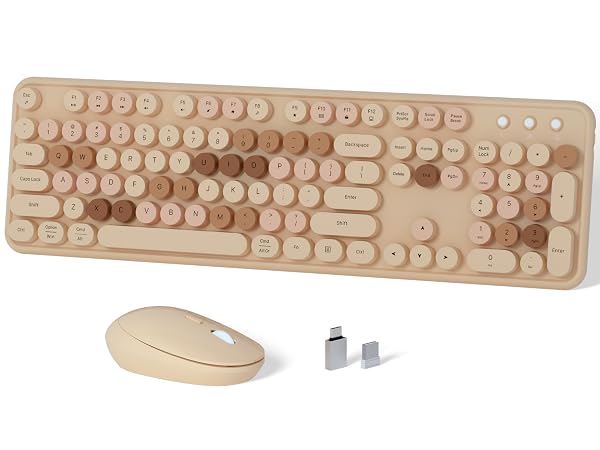
Colorful Keyboard Combo
Round Keycaps
Adjustable Feet
Wrist Rest
Backlight
Phone Stand
With Mouse
Power Switch
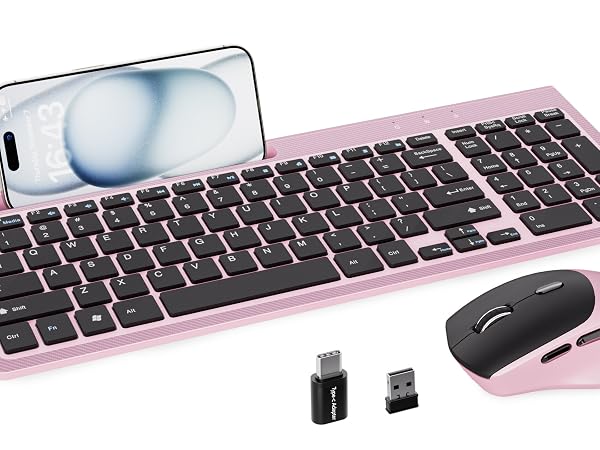
Phone Holder Keyboard
Round Keycaps
Adjustable Feet
Wrist Rest
Backlight
Phone Stand
With Mouse
Power Switch
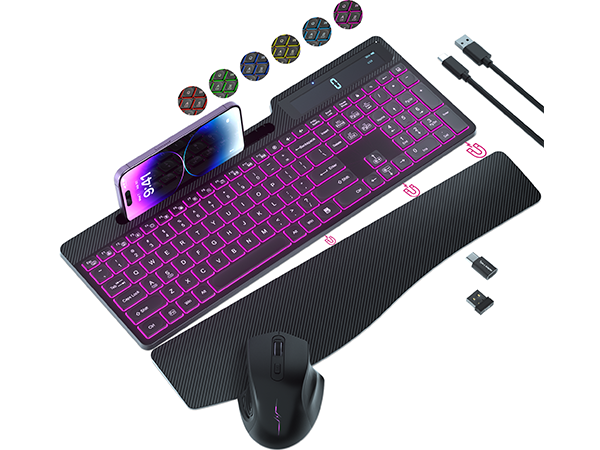
Backlit Keyboard Combo
Round Keycaps
Adjustable Feet
Wrist Rest
Backlight
Phone Stand
With Mouse
Power Switch
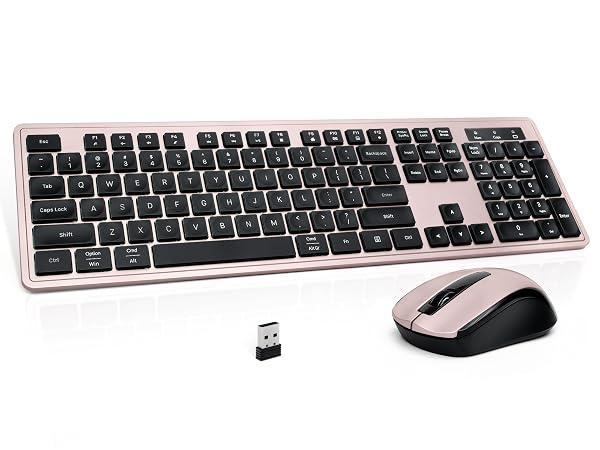
Minimalist Keyboard
Round Keycaps
Adjustable Feet
Wrist Rest
Backlight
Phone Stand
With Mouse
Power Switch
What should I do if I encounter an issue while using the product?
If you encounter any issues, please visit our store page and reach out to our staff. We also have a 24/7 online support team ready to assist you.
Where can I find the USB receiver?
The USB receiver is in the battery compartment on the bottom of the mouse. Open the cover to access it. Note: The keyboard and mouse share the same receiver. For assistance, feel free to reach out via our store page.
How do I reconnect the paired wireless mouse?
1: Remove the battery and restart, press and hold "left" and "right" buttons at the same time.
2: When optical sensor flashes, quickly insert USB receiver and wait for pairing(13in).
NOTE: If pairing still fails, repeat the above steps.
How do I reconnect the paired wireless keyboard?
1: Remove the battery and reboot, press and hold the ESC+Q keys.
2: When the indicator light blinks, quickly plug in the USB receiver and wait for pairing(13in).
NOTE: If pairing still fails, repeat the above steps.
How do I copy and paste on MacOS?
On MacOS, the "Win" key replaces the "Ctrl" key. Copy: Win+C; Paste: Win+V; Select All: Win+A. Or hold down "Fn "+"E" to switch to Mac system, Copy: Cmd+C; Paste: Cmd+V; Select All: Cmd+A.
LINKS9+, founded in 2020
We recognize that product is not just a tool, but also an artistic expression of individuality and style
Big Spring Sale
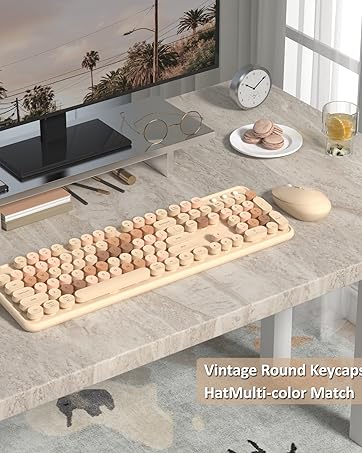
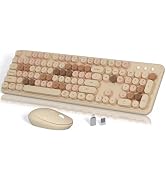
Milk Tea Color Keyboard Mouse
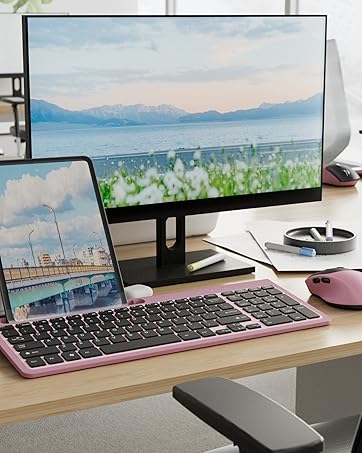
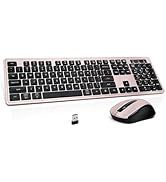
Scissor Keyboard Set
New Square Keyboard
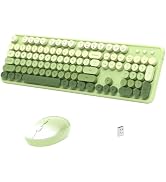
Gradient Keyboard Set
Super Sale Zone
