




 here!
I’m your shopping assistant for PC builds, upgrades, and everything tech.
Got questions? Ask away!
Start a conversation
here!
I’m your shopping assistant for PC builds, upgrades, and everything tech.
Got questions? Ask away!
Start a conversation Hot Seller
 Top Rated





Any questions? Ask CelesteSM will help you find out quickly.
Seamless Visuals, Powerful Performance
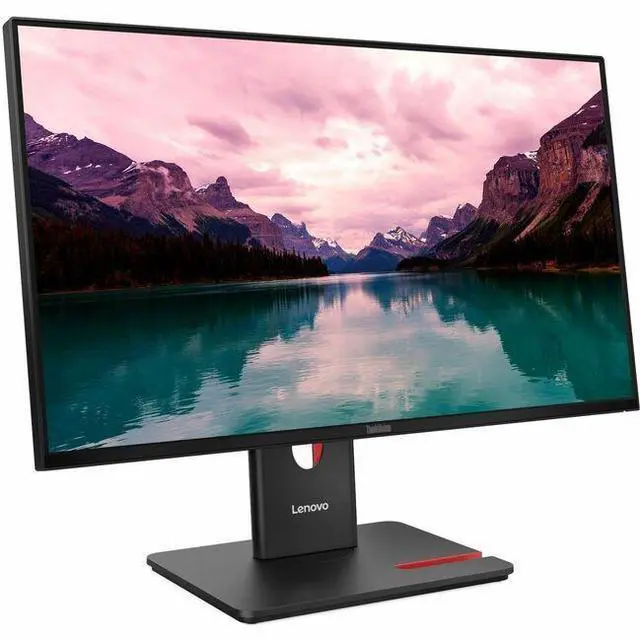
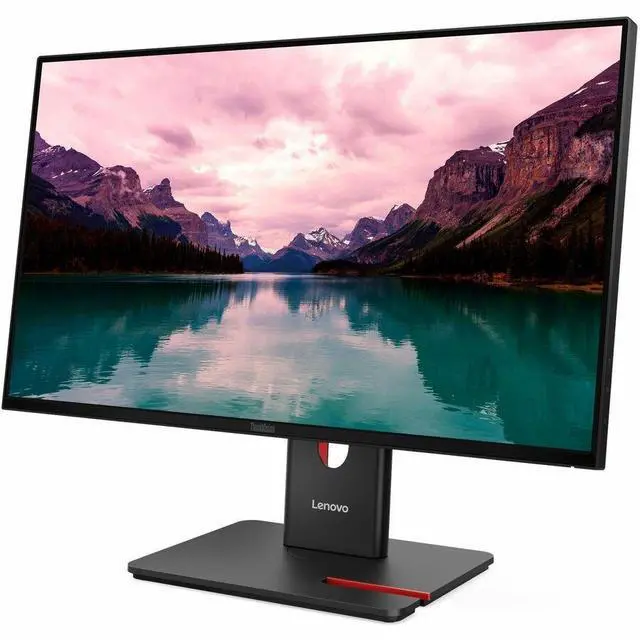
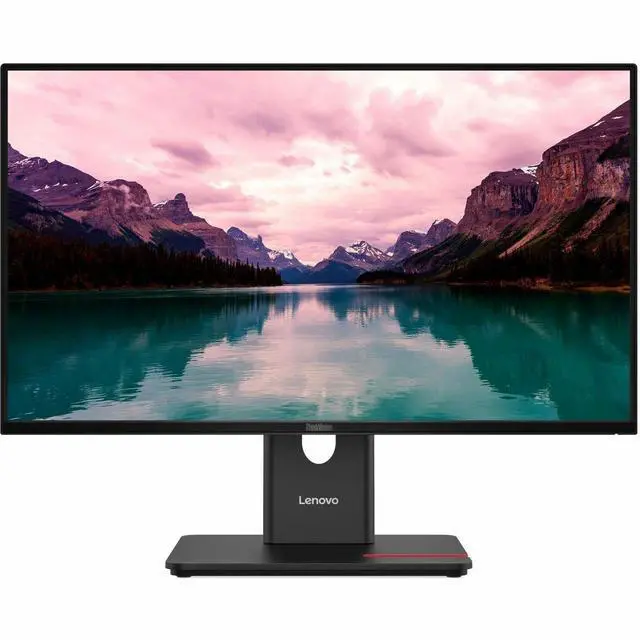
|The ThinkVision T24-40 Monitor features a 23.8-inch FHD IPS screen with a wide color gamut of 99% sRGB and 99% BT.709, which deliver vivid images at any viewing angle. Match your screen to your workflow with the monitor's 48-120 Hz dynamic refresh rate. It dynamically adjusts to match on-screen content, resulting in smoother motion for fast-moving pictures or reduced power-saving rates when viewing still images. Integrated Natural Low Blue Light technology protects your eyes from fatigue even during long work hours. Five-star TÜV Rheinland Eye Comfort certification ensures harmful blue light is significantly reduced more than ever before.
| |||23.8 1920 x 1080 FHD clarity; 99% sRGB color
||Natural Low Blue Light display without affecting color performance
||4-sided ultra thin display maximizes your vision, good for multi-tasking
|HDMI+DP+VGA
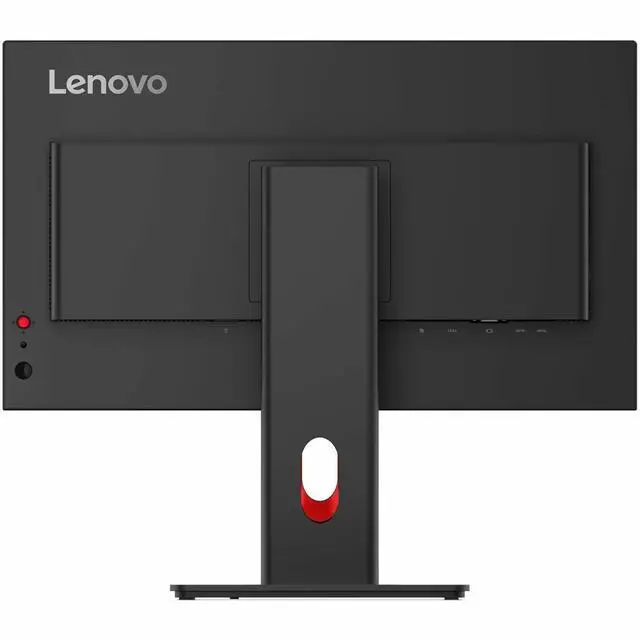
|You wont miss a beat with the ThinkVision T24-40 Monitor. A range of connectivity options from VGA and HDMI 1.4 ports to DP 1.2 ports ensure youre always ready to plug in and perform.
|4 × USB 3.2 Gen 1
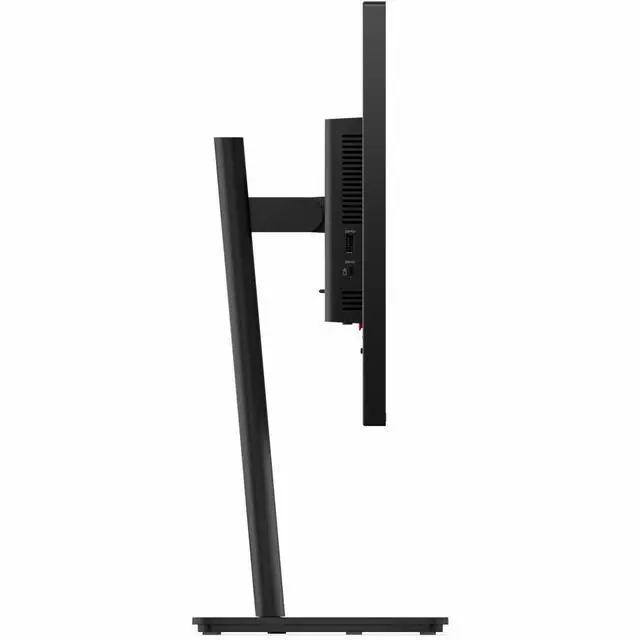
|Take advantage of the monitors four USB 3.2 Gen 1 ports (3xUSB-A, 1xUSB-C 15W PD data only) to easily extend USB devices. Provides easy access to your USB devices.
|Sustainable Development
|This monitor has been made with sustainable materials including 85% recycled plastics with post-consumer plastic. And it is packed with sustainable paper pulp that is good for the environment. The monitor also meets the latest environmental standards.
|Multi-Function Ergonomic Stand
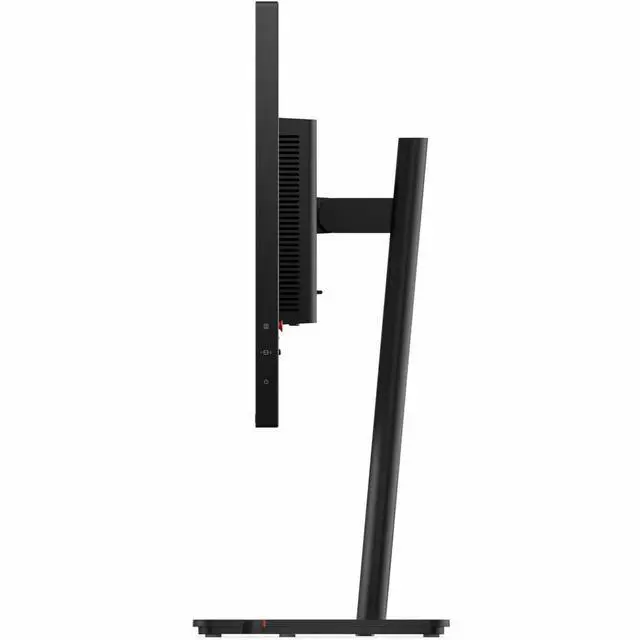
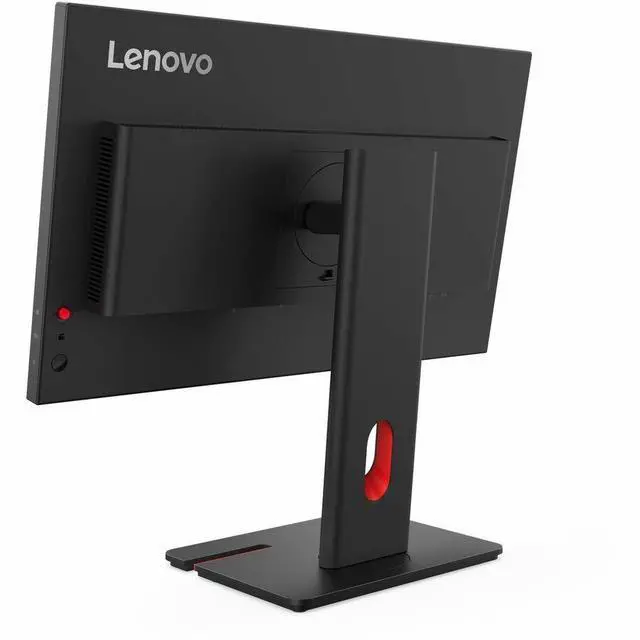
|Save space and reduce clutter with cleaner cable management. Joystick control puts easy control at your fingertips. A full-function ergonomic stand with wider adjustable ranges including lift range and tilt ensure that you can position the monitor perfectly for your comfort. ThinkVision T24-40 Monitor also provide a phone holder for enhanced flexibility. Tiny mounting kit* supported for compact design to save more workspace with Tiny PC installed.
|*Sold separately. Need to assemble ThinkCentre Tiny mounting kit (PN: 4XF1R07369) to support Tiny PC installation.
Lenovo Accessory and Display Manager
|All T-40 series monitors can be managed and controlled by LADM (Lenovo Accessory and Display Manager ThinkColor)
|Pixel Perfect Guarantee
|Get a free panel replacement under the Lenovo ThinkVision monitor warranty, triggered by just one bright pixel.
|*Panel repair and replacement service is exclusively supported on ThinkVision P Series and T Series Gen 40 monitors and may vary by country. Please go to support.lenovo.com to learn more.
Pixel Perfect Guarantee
|Get a free panel replacement under the Lenovo ThinkVision monitor warranty, triggered by just one bright pixel.
|*Panel repair and replacement service is exclusively supported on ThinkVision P Series and T Series Gen 40 monitors and may vary by country. Please go to support.lenovo.com to learn more.
The Lenovo ThinkVision T24-40 is a 23.8-inch Full HD IPS monitor with a 120Hz refresh rate, suited to office users and home users who want smooth everyday viewing, adjustable positioning, and flexible device connections.


