





What You Can Get:
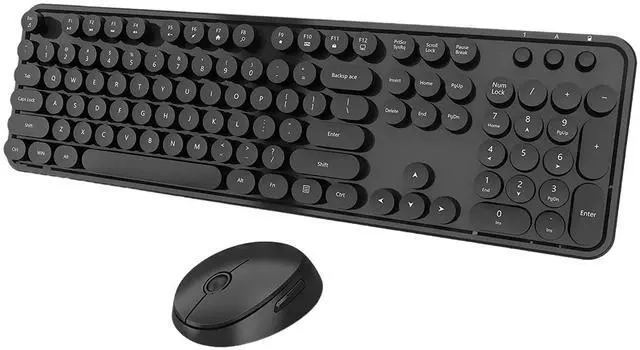
- * 1x Full-size Wireless Keyboard
- * 1x Full-size Wireless Keyboard
- * 1x USB Receiver
- * 2*AA battery (included)
- * 1x User Manual
Cute Wireless Keyboard and Mouse
Solution For Keyboard/Mouse No Response
Step 1: To take out the battery and USB receiver;
Step 2: Turn it ON, press and hold on the ESC+K keys of the keyboard;
Step 3: Inserting the receiver within 10 seconds, then let it go for 5 seconds.
Tips: If plug the USB over 10s ,it need to restart from step 2 again.
* Solution For Mouse
Step 1: To take out the battery and USB receiver;
Step 2: Turn it ON, press and hold on the middle button and the right button of the mouse;
Step 3: Inserting the receiver within 10 seconds, then let it go for 5 seconds.
Tips: If plug the USB over 10s ,it need to restart from step 2 again.
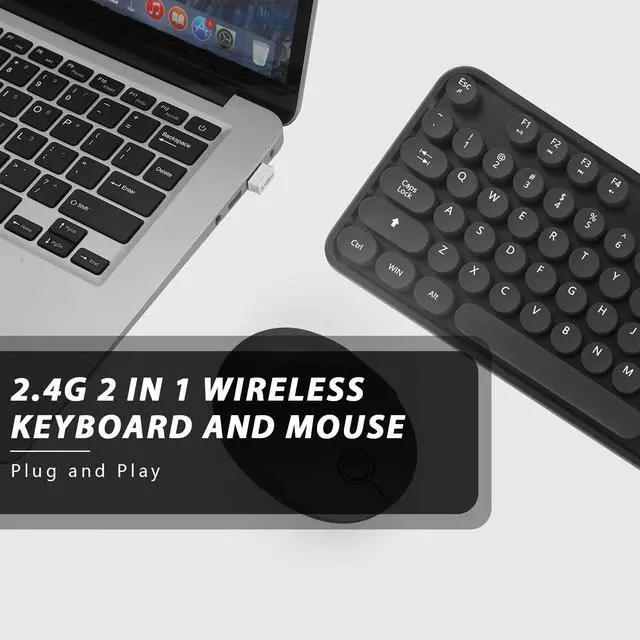
Plug and Play
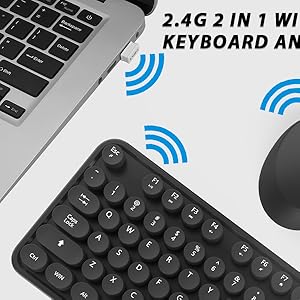
This Blue wireless keyboard and mouse kit is equipped with a nano receiver, only need a USB port, plug and play, no other drivers.
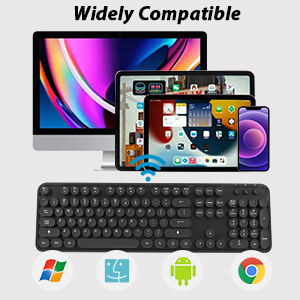
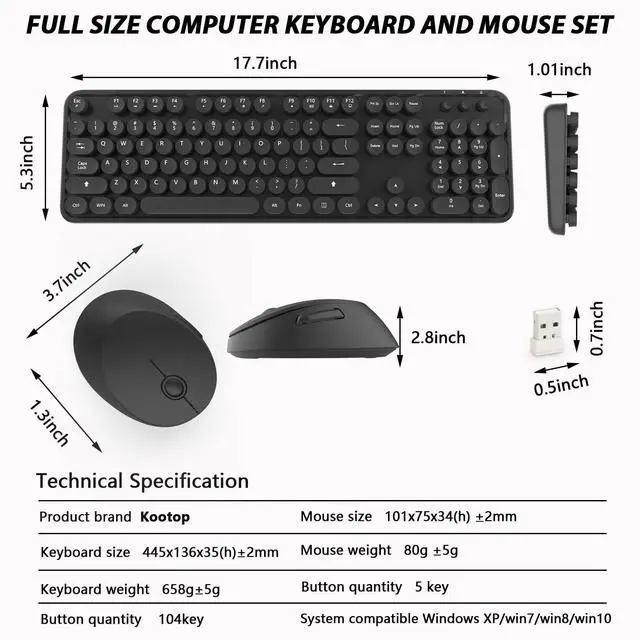
Wide Compatibility
Works with your PC, Desktop, Laptop, Chromebook, Notebook, Computer. Compatible with Windows XP / Vista / 7 / 8 /10 , Linux operating systems.
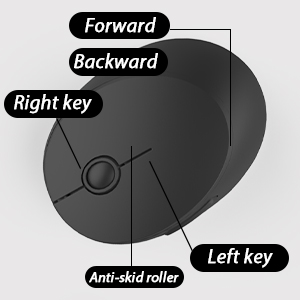
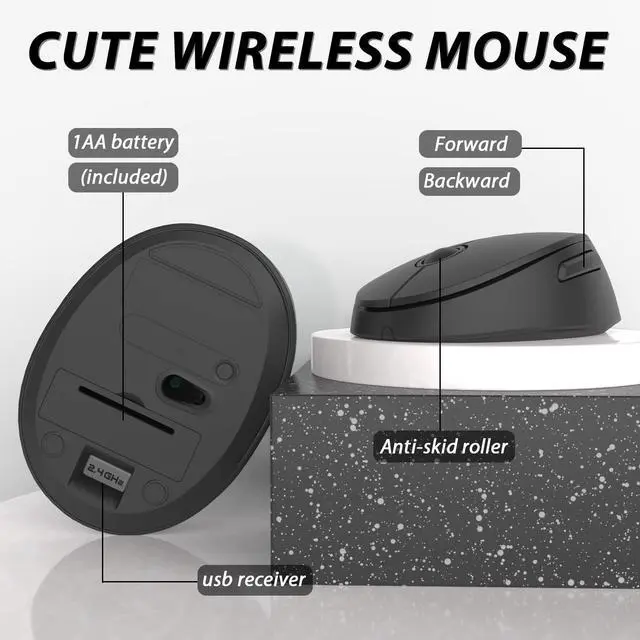
Silent & Cute Wireless Mouse
Quieter click, don't worry about disturbing others, and make you concentrate on your work.
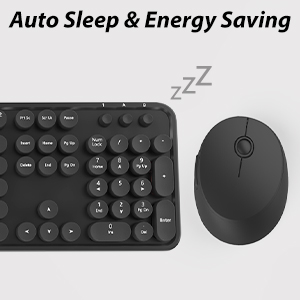
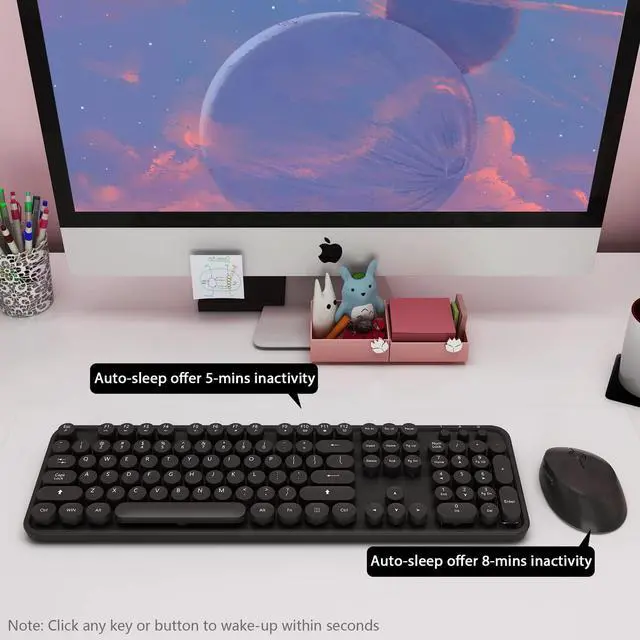
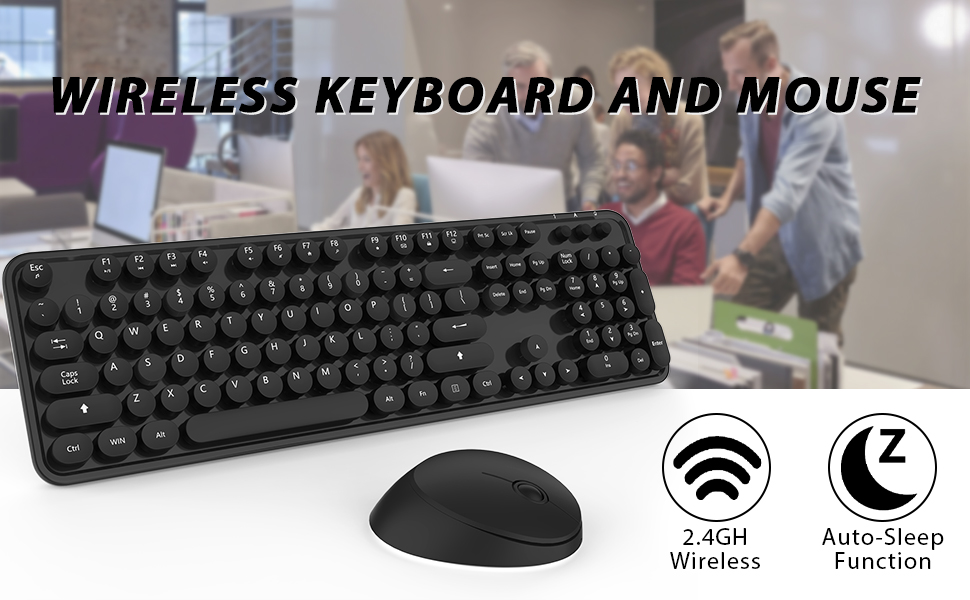
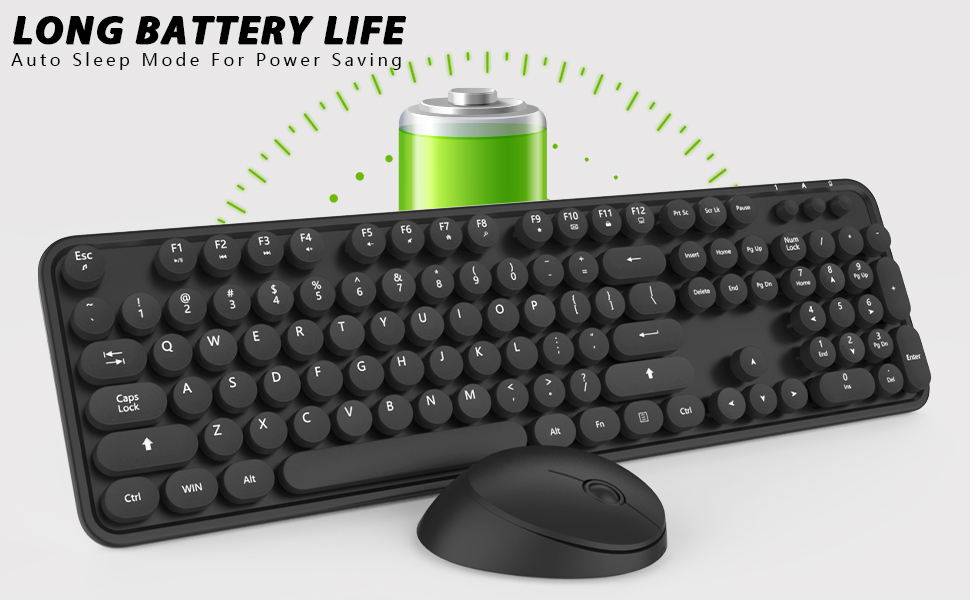
Automatic Sleep Mode
To further conserve battery life, turn into power-save mode automatically.
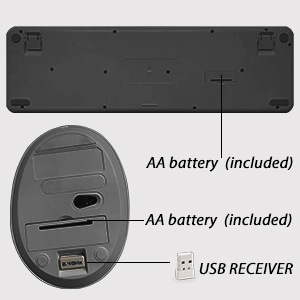
Where to Find USB Receiver?
Wireless keyboard requires 1*AA battery(include), wireless mouse requires 1*AA battery (Include).
Tips: The receiver is placed in the back of the mouse.
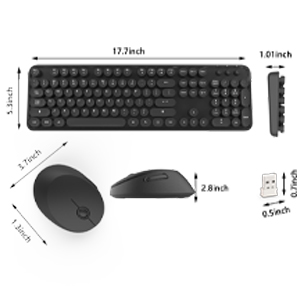
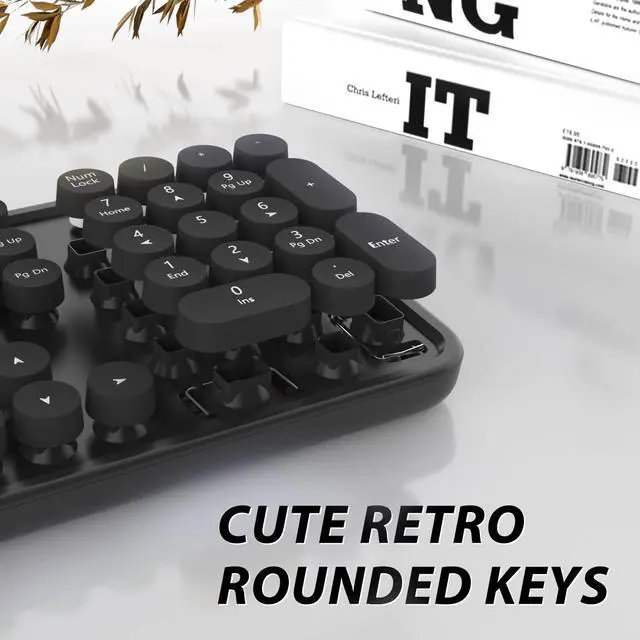
Retro Keyboard Typewriter Style
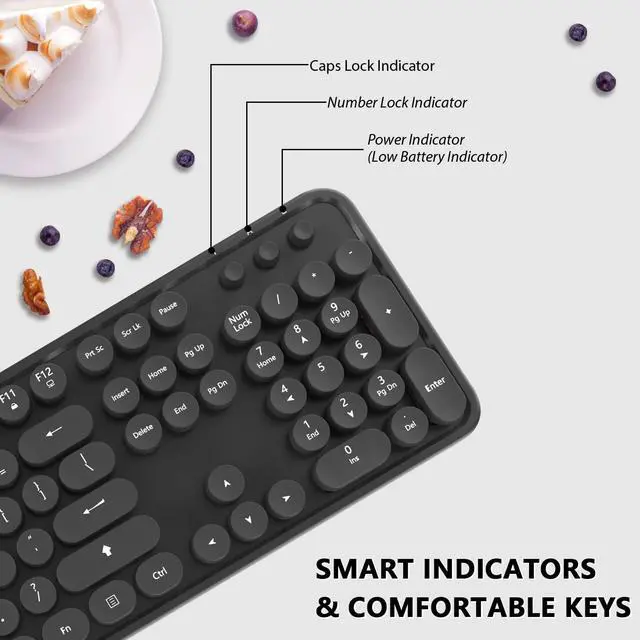
Vintage typewriter-inspired rounded keycaps, gives you the most comfortable typing experience and adds some much needed spunk to your desk.
What You Can Get:
- * 1x Full-size Wireless Keyboard
- * 1x Full-size Wireless Keyboard
- * 1x USB Receiver
- * 2*AA battery (included)
- * 1x User Manual
Cute Wireless Keyboard and Mouse
Solution For Keyboard/Mouse No Response
Step 1: To take out the battery and USB receiver;
Step 2: Turn it ON, press and hold on the ESC+K keys of the keyboard;
Step 3: Inserting the receiver within 10 seconds, then let it go for 5 seconds.
Tips: If plug the USB over 10s ,it need to restart from step 2 again.
* Solution For Mouse
Step 1: To take out the battery and USB receiver;
Step 2: Turn it ON, press and hold on the middle button and the right button of the mouse;
Step 3: Inserting the receiver within 10 seconds, then let it go for 5 seconds.
Tips: If plug the USB over 10s ,it need to restart from step 2 again.
Plug and Play
This Blue wireless keyboard and mouse kit is equipped with a nano receiver, only need a USB port, plug and play, no other drivers.
Wide Compatibility
Works with your PC, Desktop, Laptop, Chromebook, Notebook, Computer. Compatible with Windows XP / Vista / 7 / 8 /10 , Linux operating systems.
Silent & Cute Wireless Mouse
Quieter click, don't worry about disturbing others, and make you concentrate on your work.
Automatic Sleep Mode
To further conserve battery life, turn into power-save mode automatically.
Where to Find USB Receiver?
Wireless keyboard requires 1*AA battery(include), wireless mouse requires 1*AA battery (Include).
Tips: The receiver is placed in the back of the mouse.
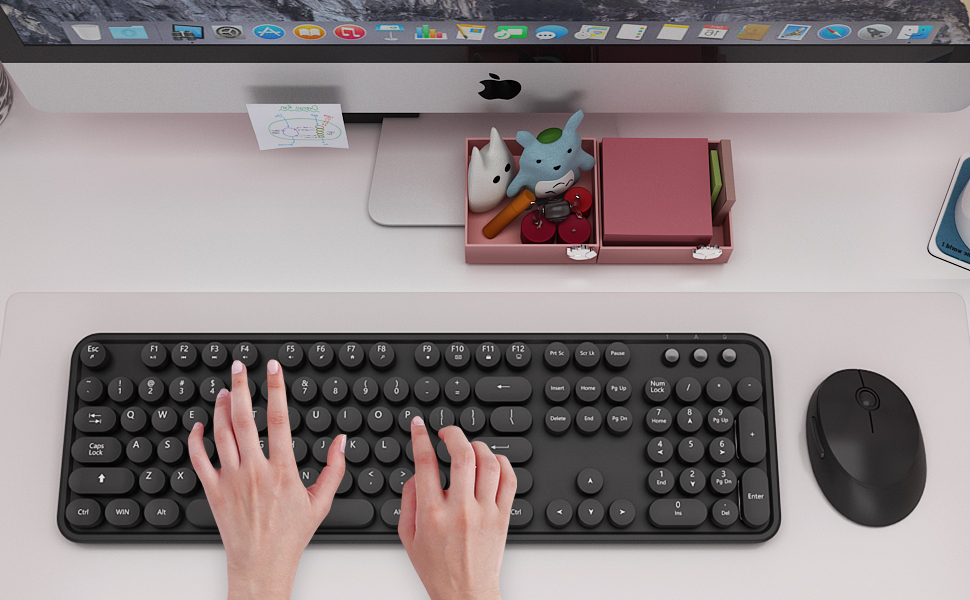
Retro Keyboard Typewriter Style
Vintage typewriter-inspired rounded keycaps, gives you the most comfortable typing experience and adds some much needed spunk to your desk.