






COVEVA Built for Desktop
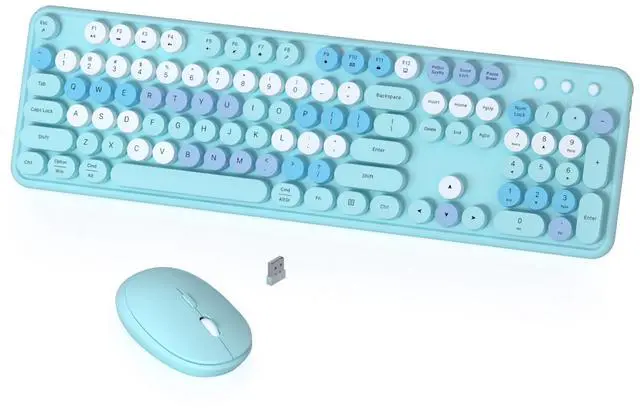
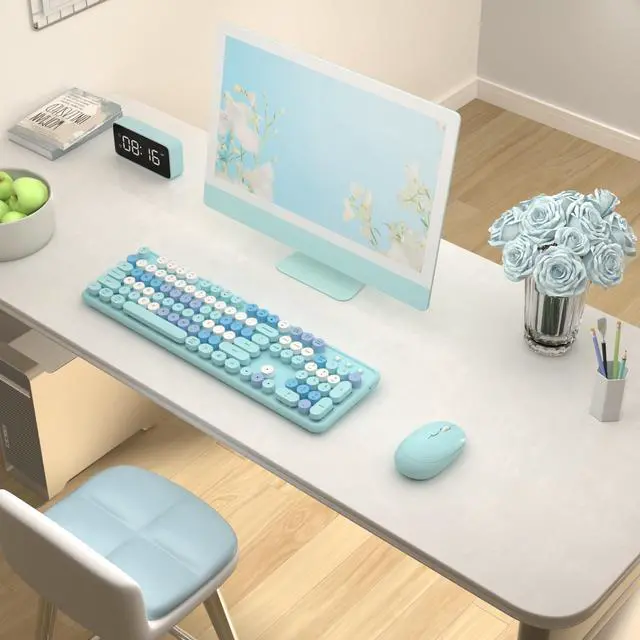
COVEVA explores more colorful possibilities in practical, to add color and fun to your desktop. Choose colorful, get more wonderful
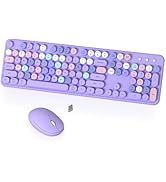
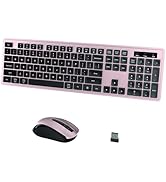
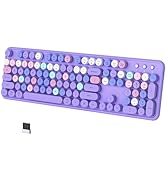
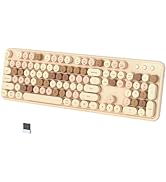
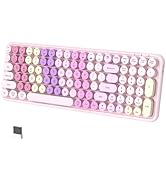
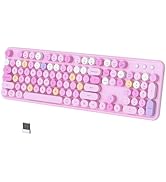


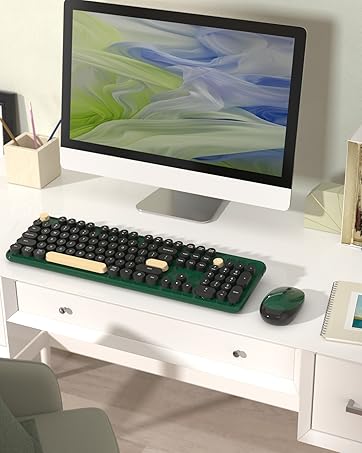
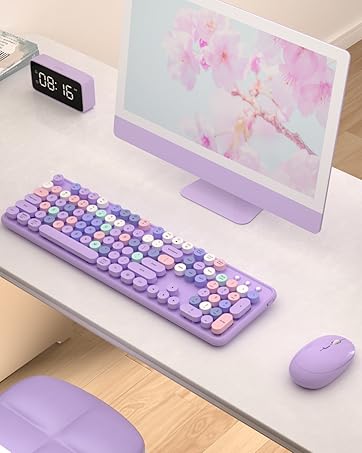
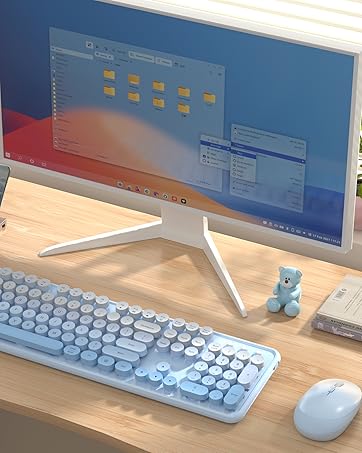
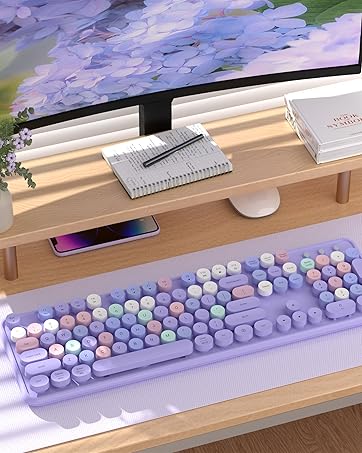
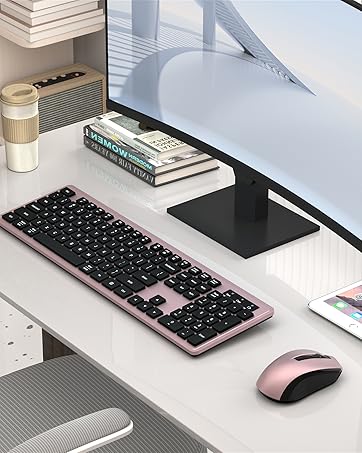
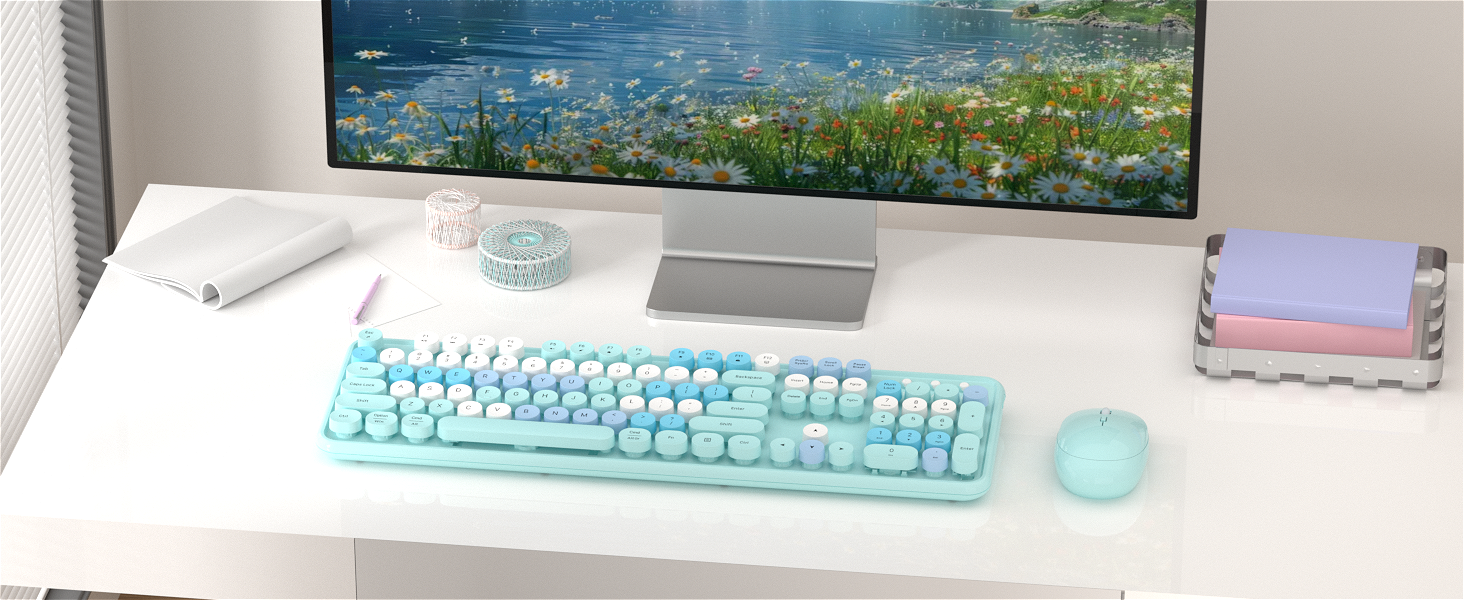




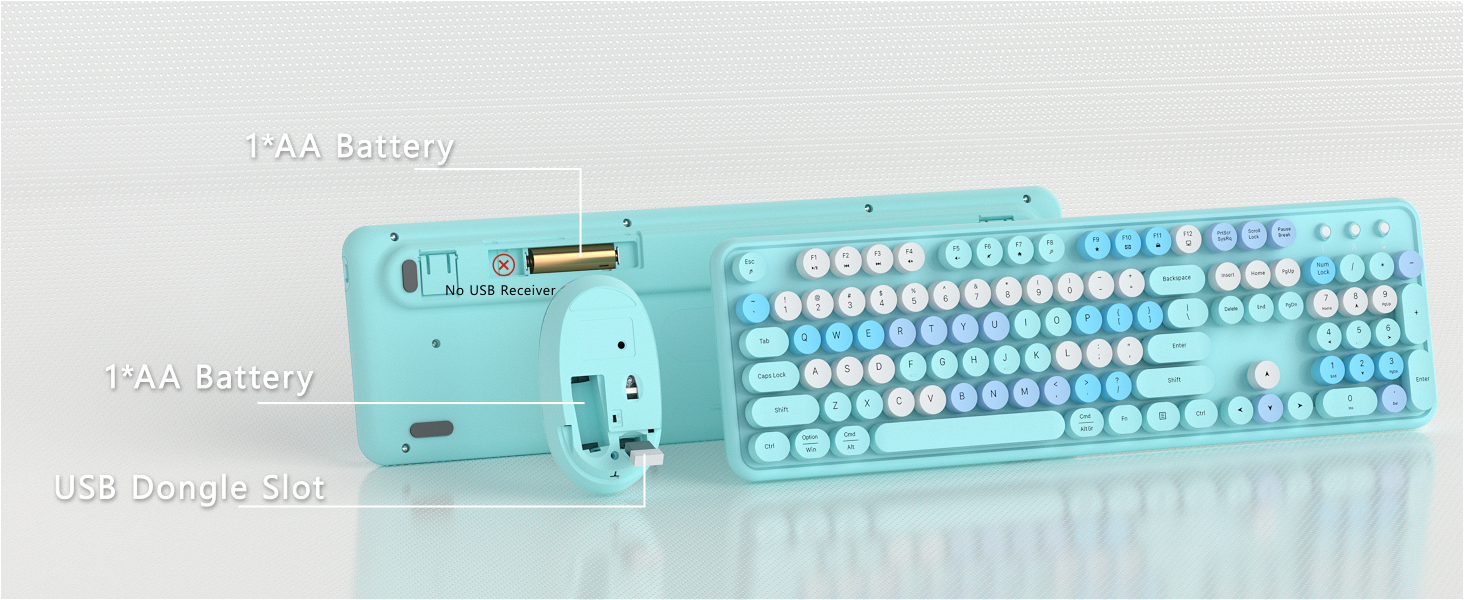
keyboard not include the USB receiver
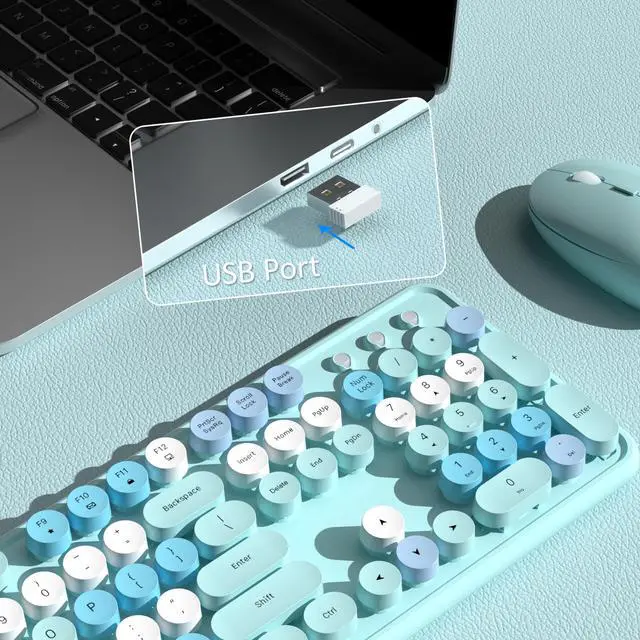
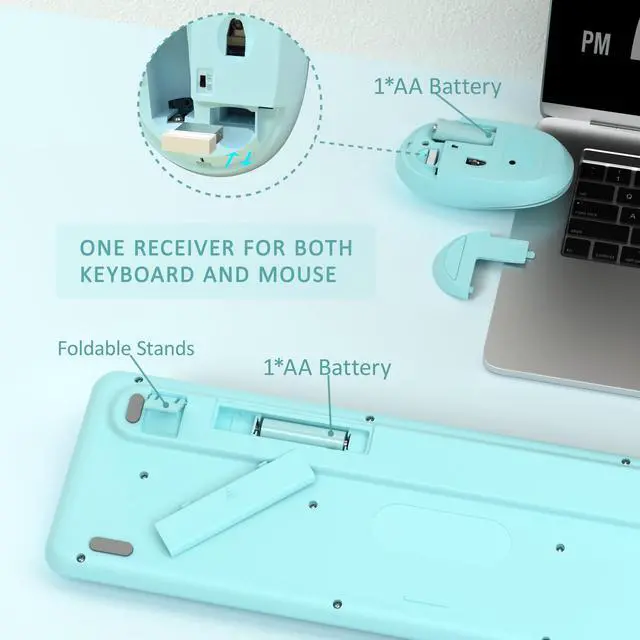
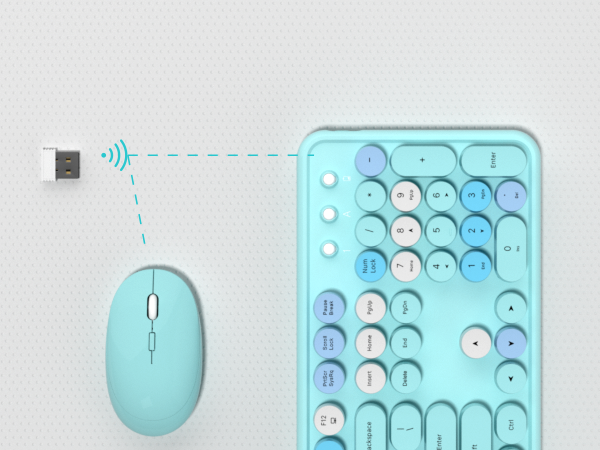
2 IN 1 USB Nano Receiver
Keyboard and Mouse Share 1 USB Receiver(under the mouse cover)
How to Connect the Wireless Keyboard Mouse
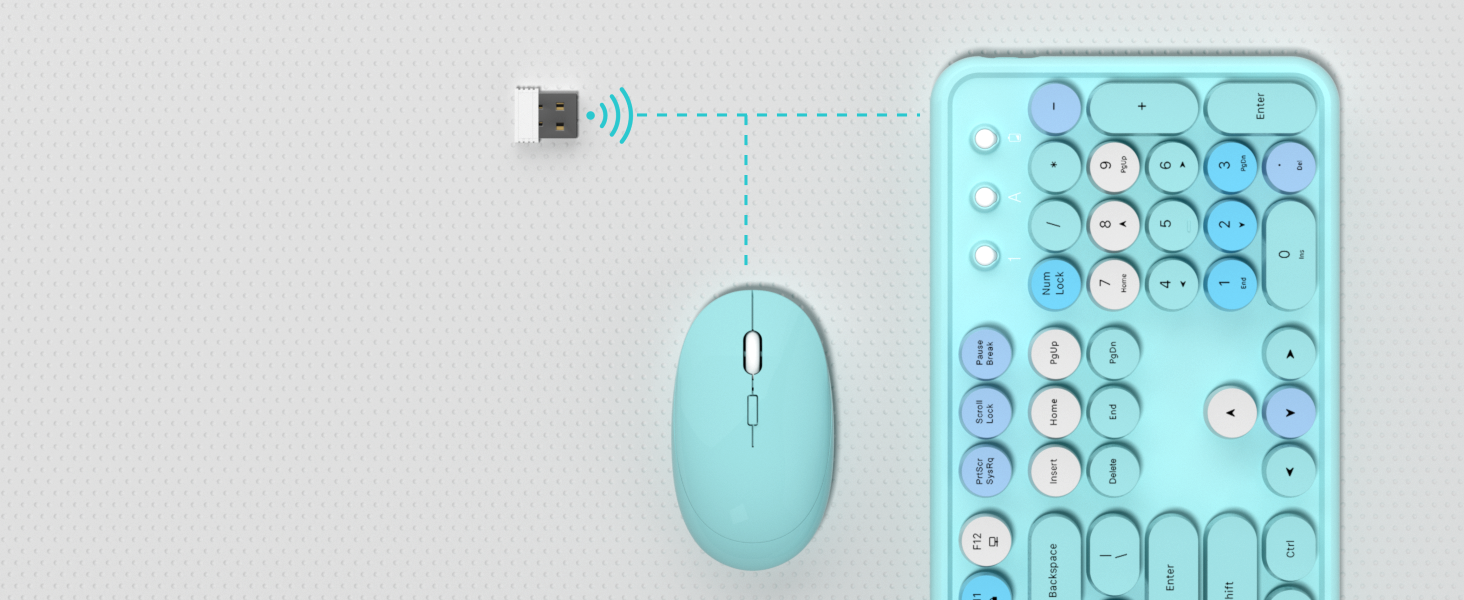
2.4G Stable Connectility
Wireless range of up to 33ft(10m), plug and play ease of use
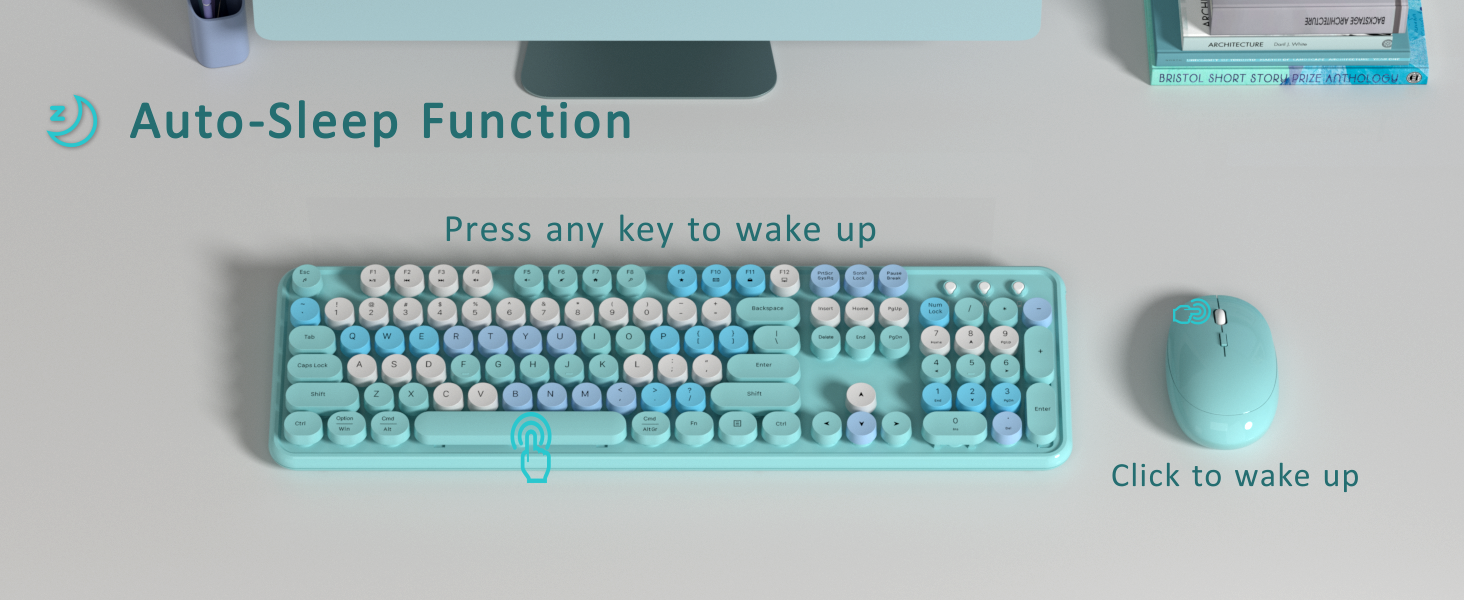
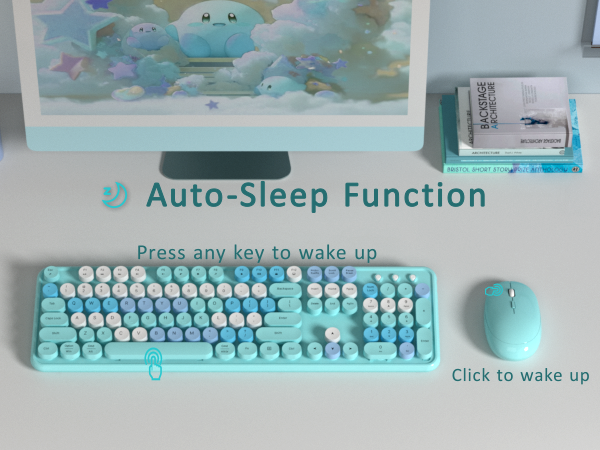
Auto Power Saving
Save battery life and reduce battery replacement
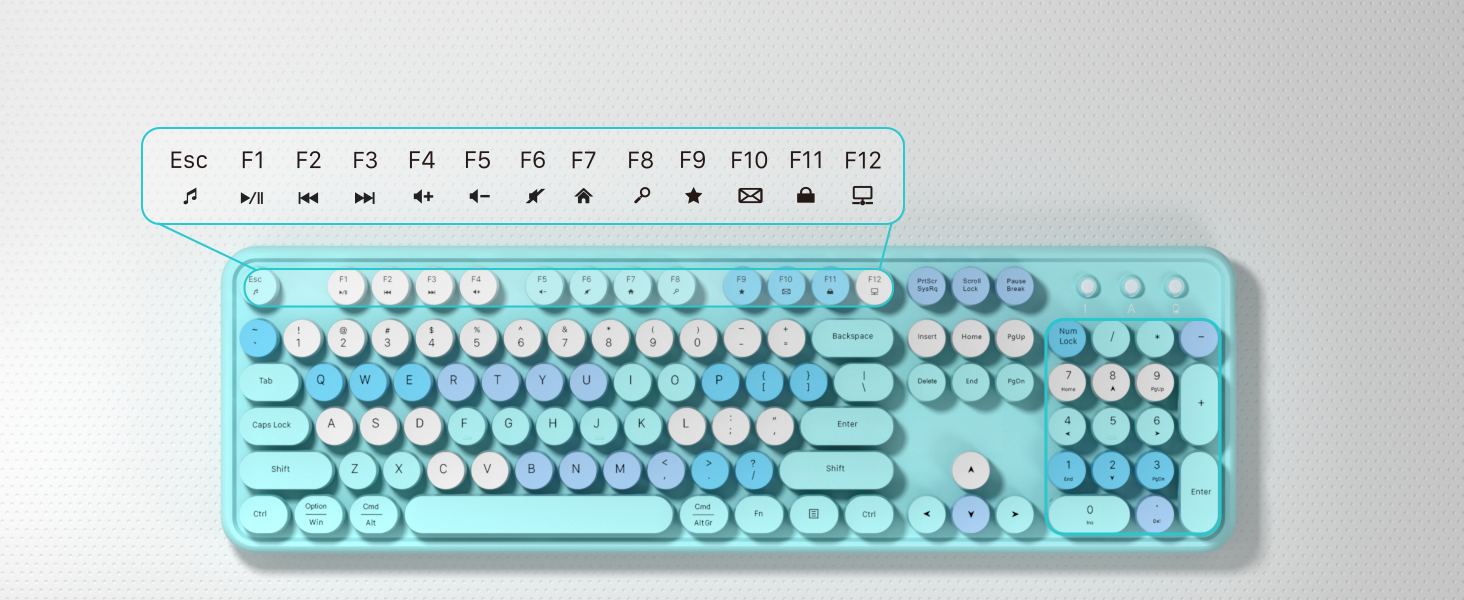
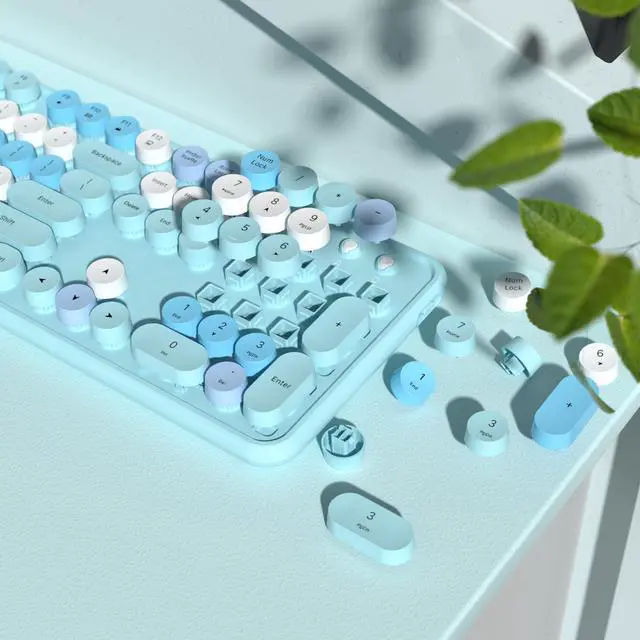
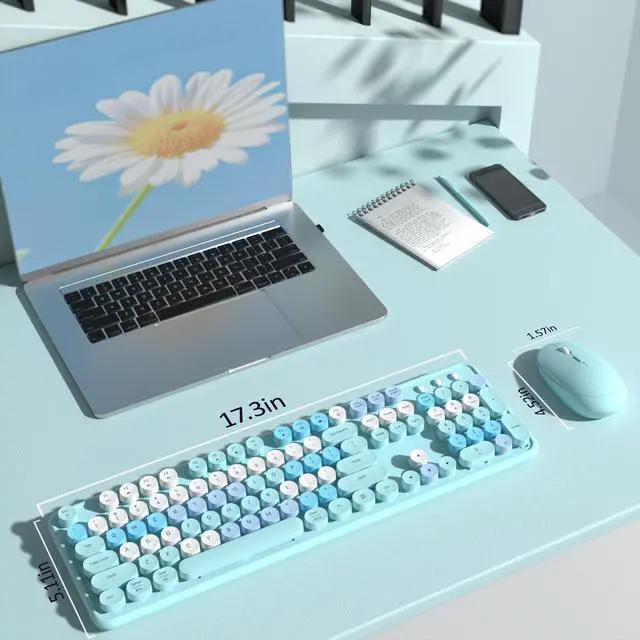
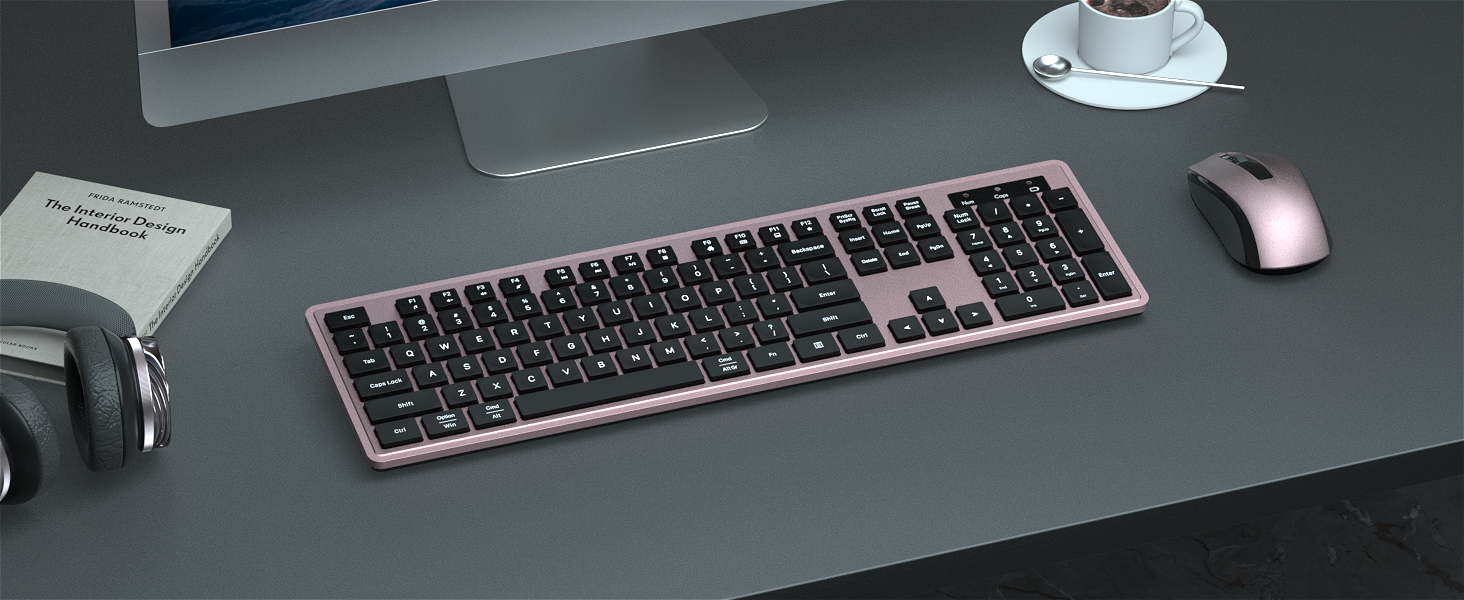
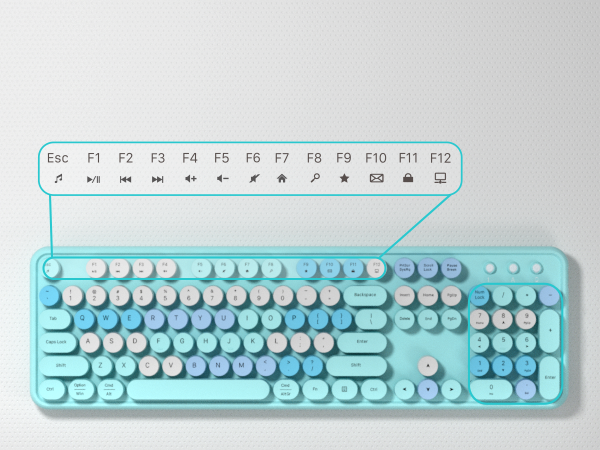
104 Keys Full Size Keyboard
With 13 hotkeys and a numeric keypad to help you type quickly and efficiently(note: some hotkeys are not compatible with Mac systems)
Colorful Wireless Keyboard and Mouse
More Feature
- Clack Clicking Sound-enjoy typing
- Auto Sleep Mode Design-save power
- 104 keys Full-Size Keyboard-improve efficiency
- Some shortcuts are not compatible with Mac
- 3-month free replacement for connection or function issues
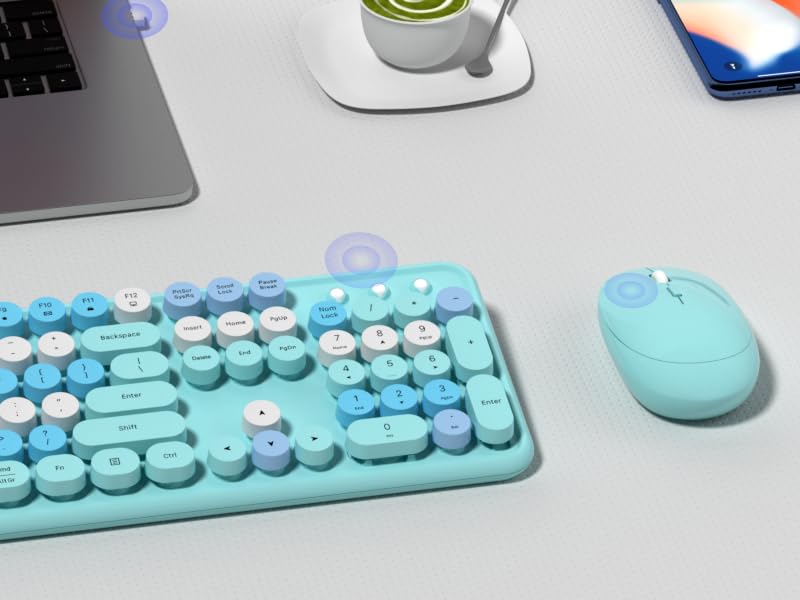
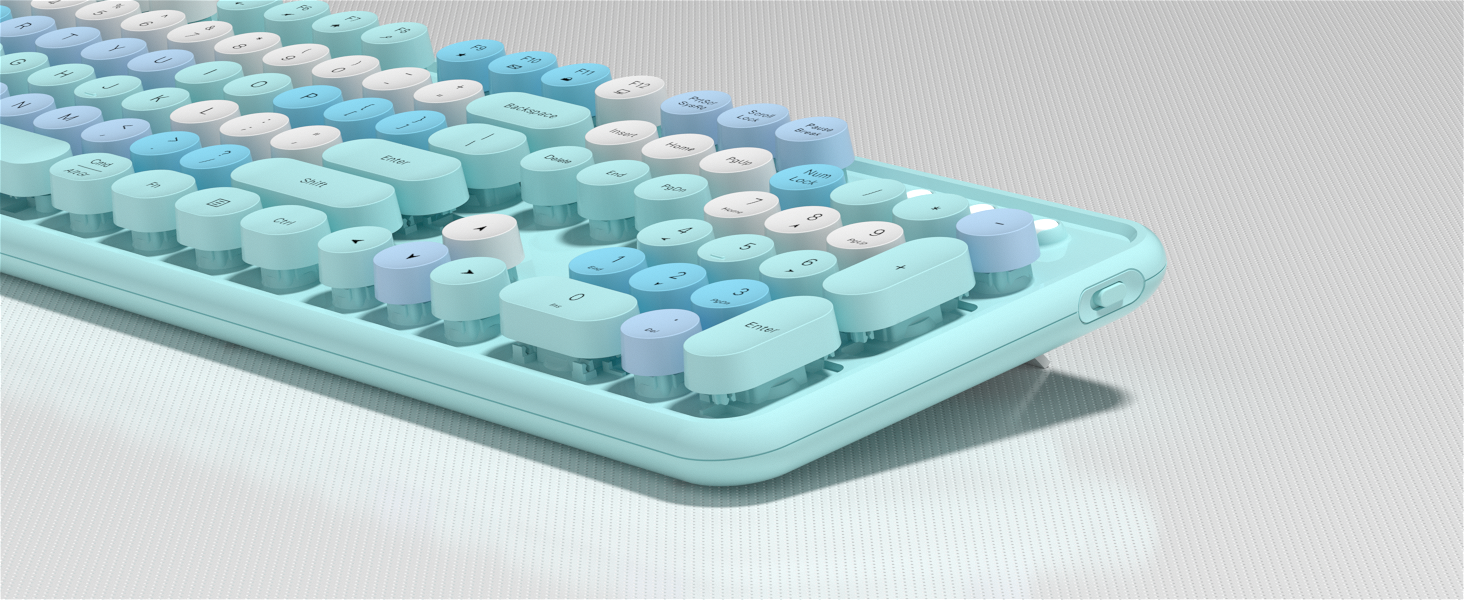
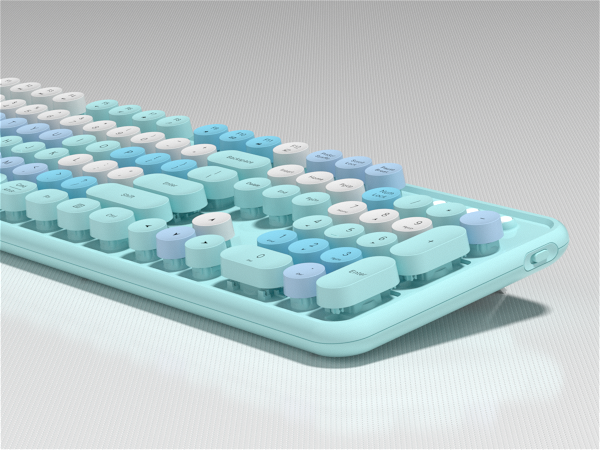
With Power Switch
Separate ON/OFF switch for power saving
The keyboard arrived and doesn't work, what should I do?
Keyboard:
1. Remove the batteries from the keyboard and mouse, and remove the USB receiver.
2. Install the batteries, turn on the keyboard, hold "ESC"+"Q" until the indicator flashes, and plug in the USB receiver at once.
3. Find us for a replace
What should I do when my mouse doesn't work after two months of use?
Mouse:
1. Remove the batteries from the keyboard and mouse, and remove the USB receiver
2. Install the batteries, hold "LEFT"+"RIGHT" button more than three seconds
3. Turn on the mouse switch, insert the USB receiver on PC
4. Find us for a replace.
How to connect the wireless keyboard and mouse?
Wireless keyboard and mouse share one USB receiver.
1. Install the battery for keyboard and mouse
2. Turn on the keyboard and mouse switch
3. Take out the USB receiver from the bottom of the mouse
4. Plug the USB receiver into your computer.
Is this a bluetooth keyboard and mouse?
No, this is a 2.4 GHz wireless keyboard and mouse, connected by a USB receiver, without Bluetooth function.
Why do some of the keyboard shortcuts not work on my Macbook Air?
Due to frequent updates to the Mac OS system, some shortcuts on the keyboard may not be compatible with the Mac
Blue-Colorful
Dark Green Keyboard
New Release
Black Pink Colorful
Purple Keyboard
Rainbow-Pink Colorful
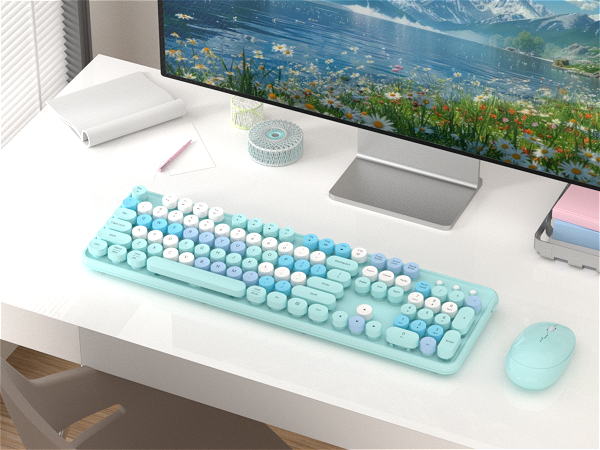


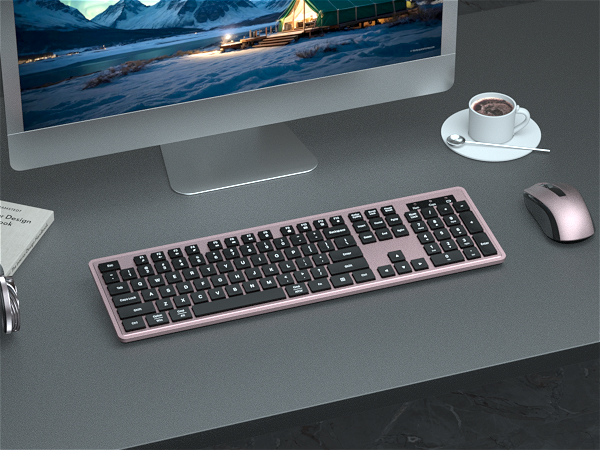


Green Gradient Colorful
Office Wireless Keyboard and Mouse Set
Bluetooth or USB Receiver- 2 Ways Connect Wireless Keyboard
100 Keys Compact Dual Mode Keyboard
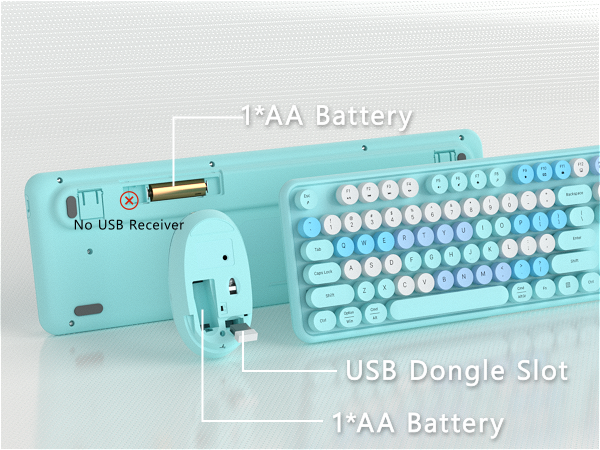
keyboard not include the USB receiver
2 IN 1 USB Nano Receiver
Keyboard and Mouse Share 1 USB Receiver(under the mouse cover)
How to Connect the Wireless Keyboard Mouse
2.4G Stable Connectility
Auto Power Saving
104 Keys Full Size Keyboard
Wireless range of up to 33ft(10m), plug and play ease of use
Save battery life and reduce battery replacement
With 13 hotkeys and a numeric keypad to help you type quickly and efficiently(note: some hotkeys are not compatible with Mac systems)
Colorful Wireless Keyboard and Mouse
More Feature
- Clack Clicking Sound-enjoy typing
- Auto Sleep Mode Design-save power
- 104 keys Full-Size Keyboard-improve efficiency
- Some shortcuts are not compatible with Mac
- 3-month free replacement for connection or function issues
With Power Switch
Separate ON/OFF switch for power saving
The keyboard arrived and doesn't work, what should I do?
Keyboard:
1. Remove the batteries from the keyboard and mouse, and remove the USB receiver.
2. Install the batteries, turn on the keyboard, hold "ESC"+"Q" until the indicator flashes, and plug in the USB receiver at once.
3. Find us for a replace
What should I do when my mouse doesn't work after two months of use?
Mouse:
1. Remove the batteries from the keyboard and mouse, and remove the USB receiver
2. Install the batteries, hold "LEFT"+"RIGHT" button more than three seconds
3. Turn on the mouse switch, insert the USB receiver on PC
4. Find us for a replace.
How to connect the wireless keyboard and mouse?
Wireless keyboard and mouse share one USB receiver.
1. Install the battery for keyboard and mouse
2. Turn on the keyboard and mouse switch
3. Take out the USB receiver from the bottom of the mouse
4. Plug the USB receiver into your computer.
Is this a bluetooth keyboard and mouse?
No, this is a 2.4 GHz wireless keyboard and mouse, connected by a USB receiver, without Bluetooth function.
Why do some of the keyboard shortcuts not work on my Macbook Air?
Due to frequent updates to the Mac OS system, some shortcuts on the keyboard may not be compatible with the Mac
COVEVA Built for Desktop
COVEVA explores more colorful possibilities in practical, to add color and fun to your desktop. Choose colorful, get more wonderful
Black Friday Highly Recommend
Cyber Monday Most Favorites

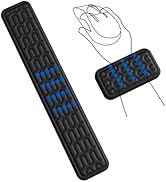
Promotion Wrist Rest Sets
Black Gold Keyboard Collection
Colorful Keyboard Collection
Gradient Keyboard Collection
Wireless Bluetooth Keyboard
Office Keyboard Collection
