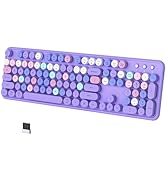
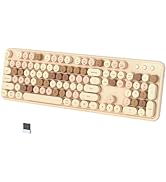
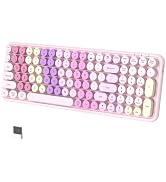
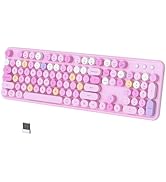
here!
here!
I’m your shopping assistant for PC builds, upgrades, and everything tech.
Got questions? Ask away!
Start a conversation
here!
I’m your shopping assistant for PC builds, upgrades, and everything tech.
Got questions? Ask away!
Start a conversation



Any questions? Ask CelesteSM will help you find out quickly.

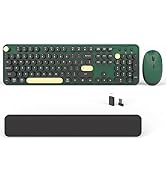
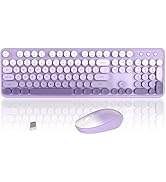
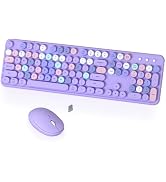
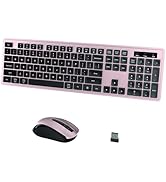
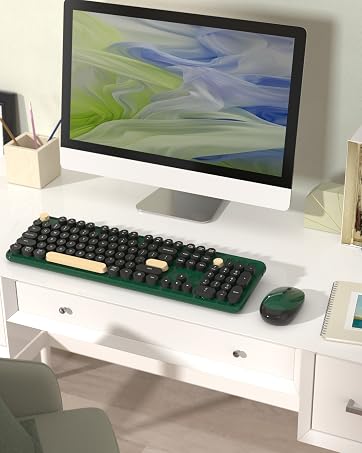
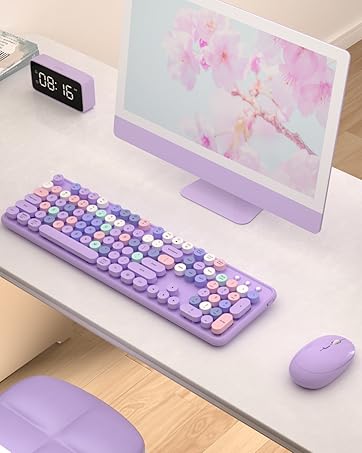
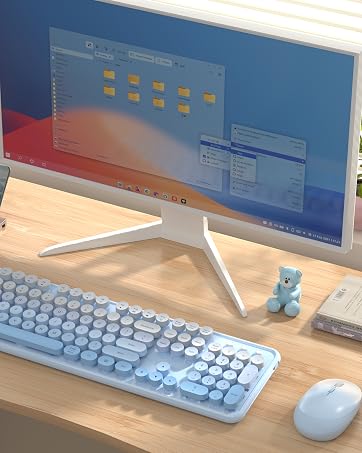
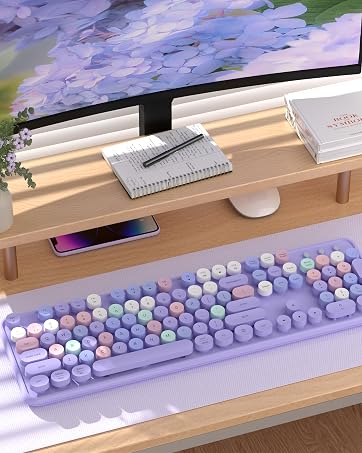
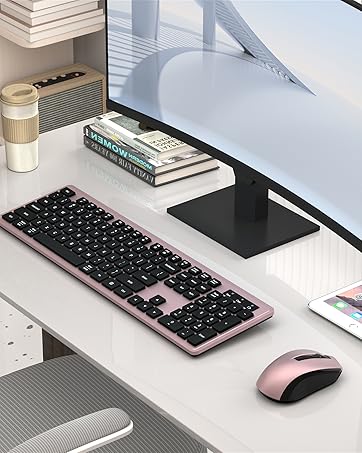
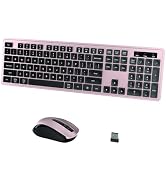
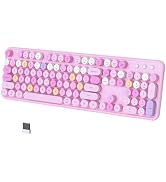
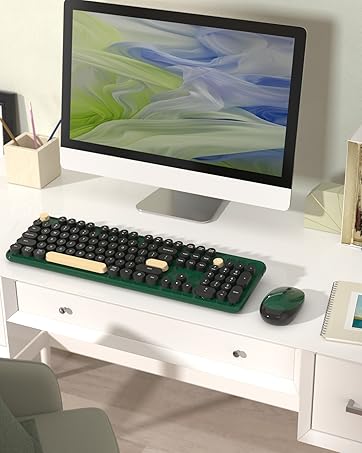
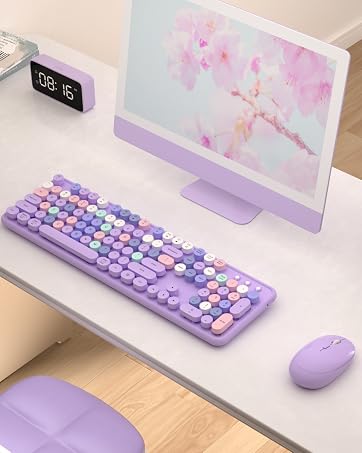
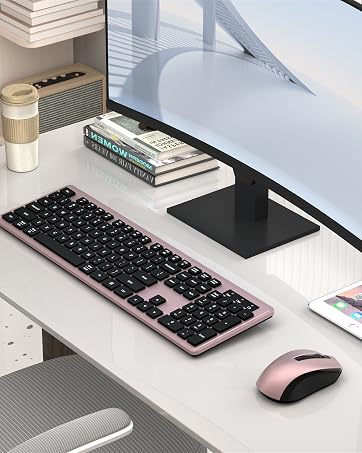
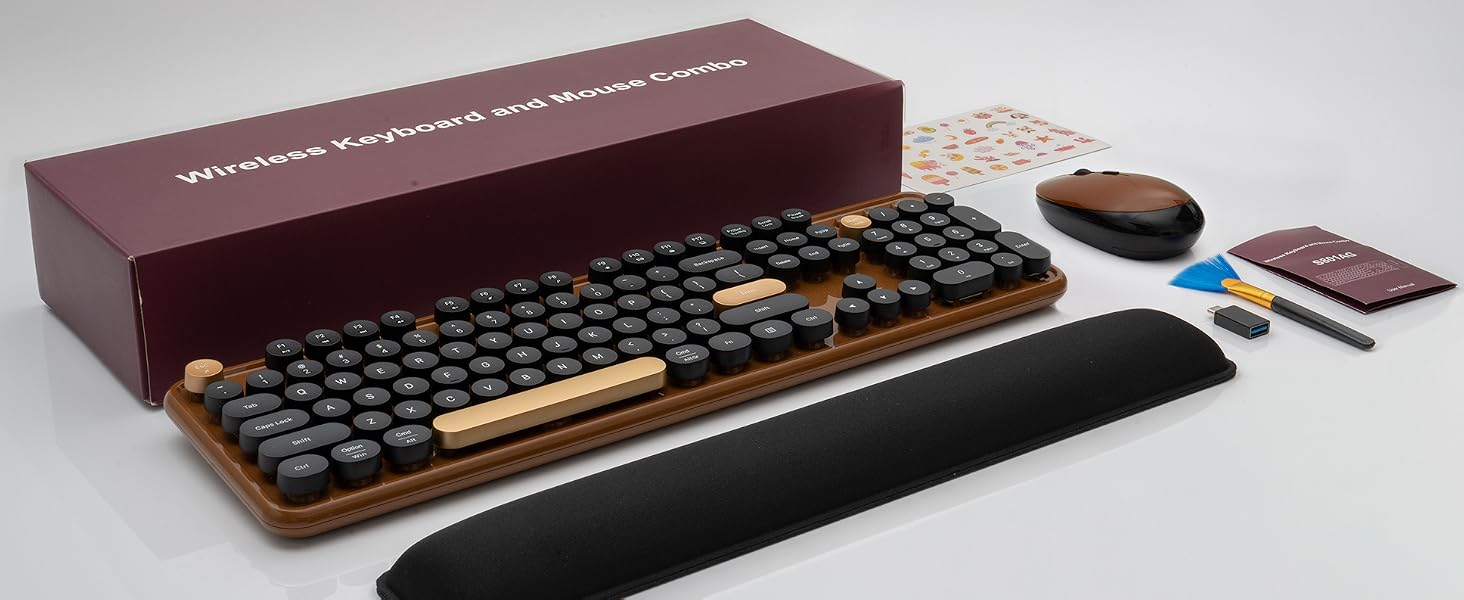
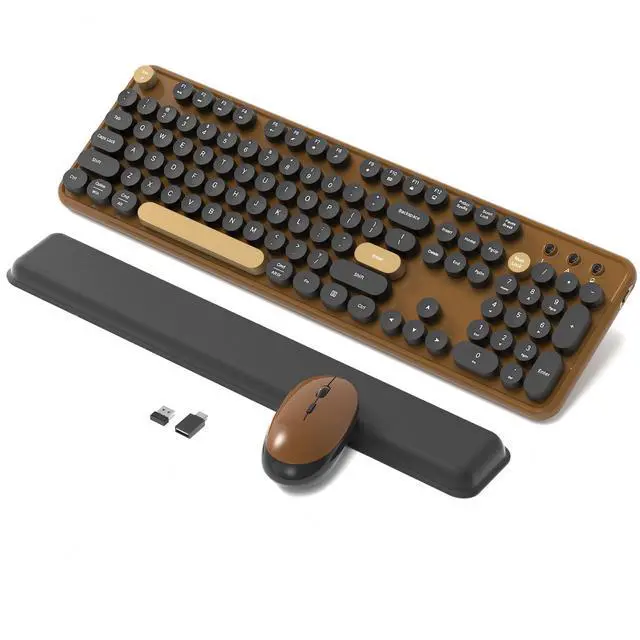
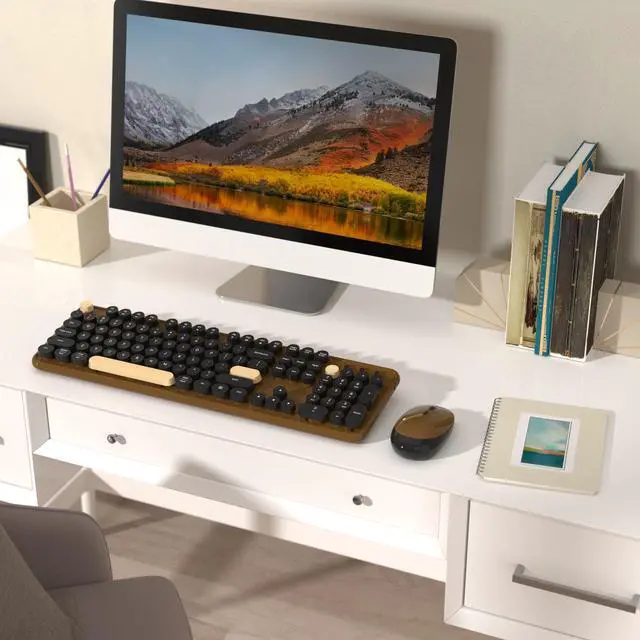
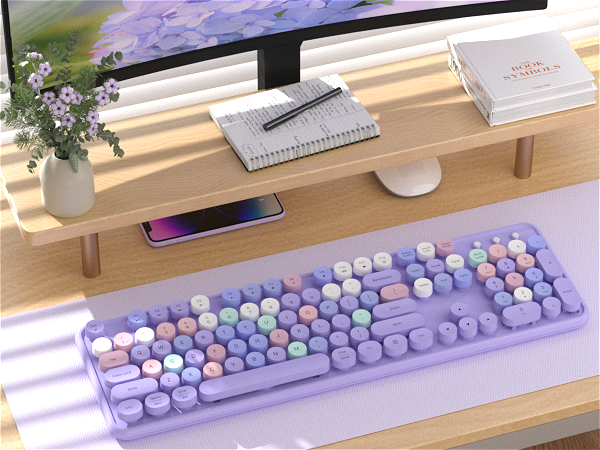
COVEVA explores more colorful possibilities in practical, to add color and fun to your desktop. Choose colorful, get more wonderful
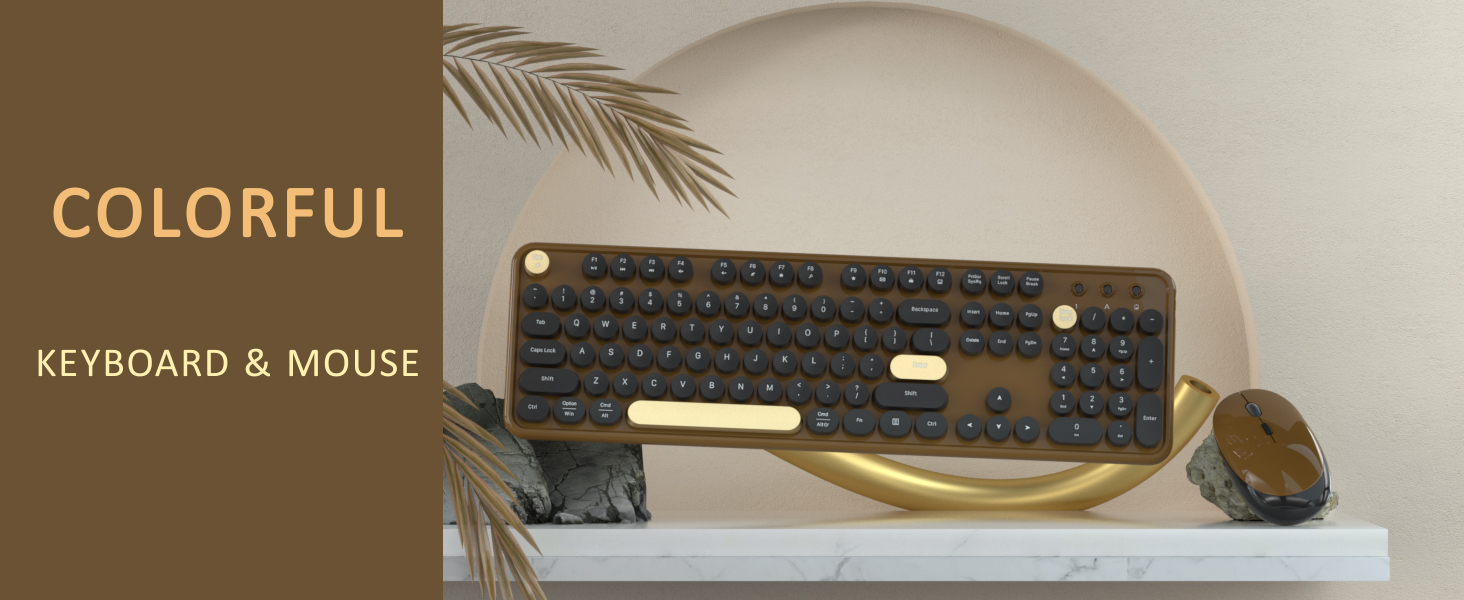

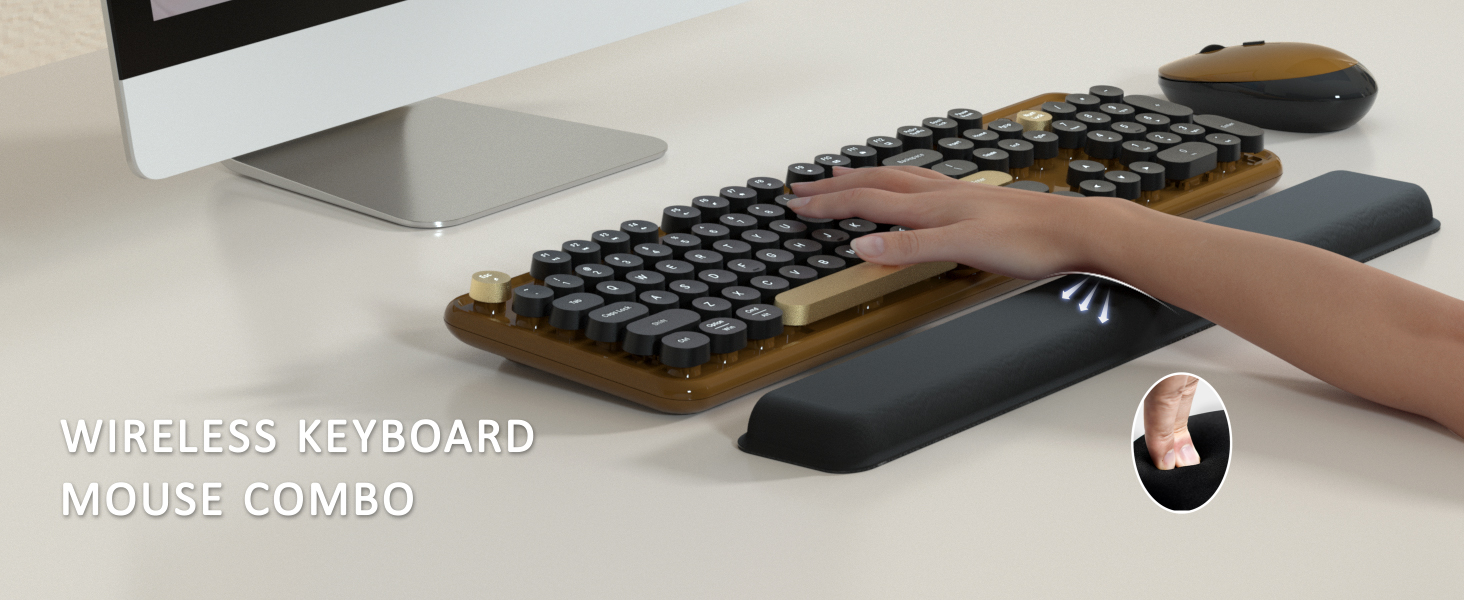
Retro Round Keycaps | Keycaps Style | Retro Round Keycaps |
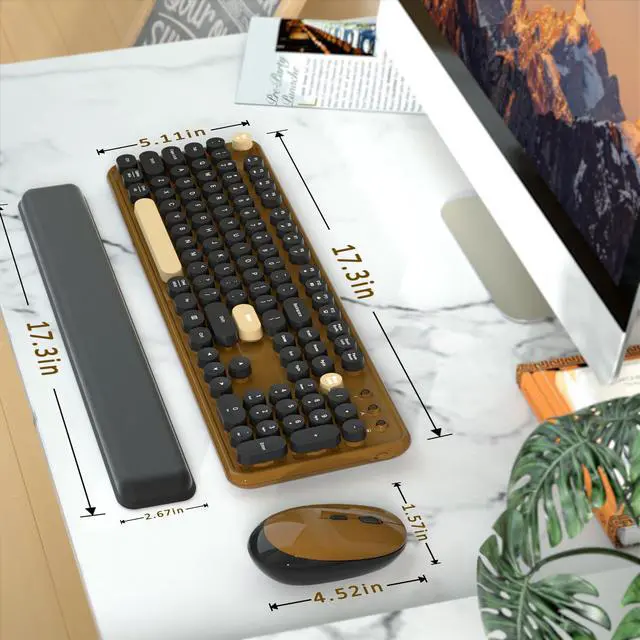
104 keys | Full-size keys | 104 keys |
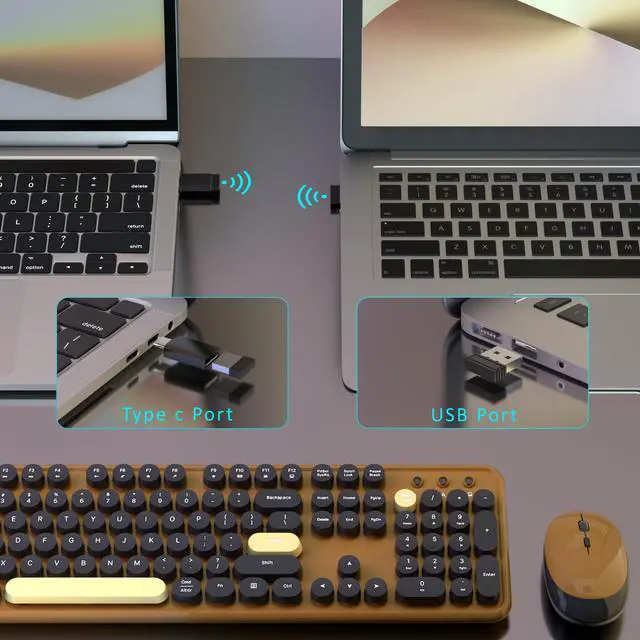
USB Receiver | Connection | USB Receiver |
Windows, MAC OS | Support System | Windows, MAC OS |
No | Silent | No |
Yes | With Mouse | Yes |
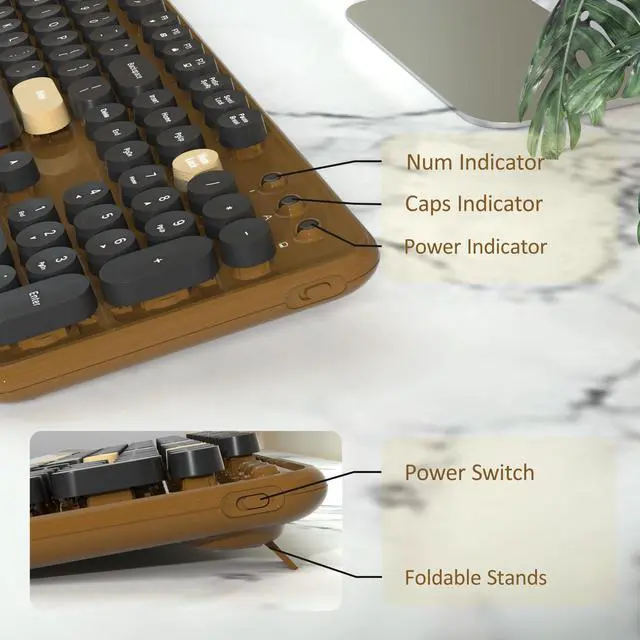
Yes | With ON/OFF Switch | Yes |
Retro Round Keycaps | Keycaps Style | Retro Round Keycaps |
104 keys | Full-size keys | 104 keys |
USB Receiver | Connection | USB Receiver |
Windows, MAC OS | Support System | Windows, MAC OS |
No | Silent | No |
Yes | With Mouse | Yes |
Yes | With ON/OFF Switch | Yes |
Retro Round Keycaps | Keycaps Style | Square Keycaps |
104 keys | Full-size keys | 104 keys |
USB Receiver | Connection | USB Receiver |
Windows, MAC OS | Support System | Windows, MAC OS |
No | Silent | Yes |
Yes | With Mouse | Yes |
Yes | With ON/OFF Switch | Mouse with Switch |
Retro Round Keycaps | Keycaps Style | Retro Round Keycaps |
104 keys | Full-size keys | 104 keys |
USB Receiver | Connection | BT and USB Receiver |
Windows, MAC OS | Support System | Windows, MAC OS |
No | Silent | No |
Yes | With Mouse | No |
Yes | With ON/OFF Switch | Yes |
The keyboard arrived and doesn't work, what should I do?
Keyboard:
1. Remove the batteries from the keyboard and mouse, and remove the USB receiver.
2. Install the batteries, turn on the keyboard, hold "ESC"+"Q" until the indicator flashes, and plug in the USB receiver at once.
3. Find us for a replace
What should I do when my mouse doesn't work after two months of use?
Mouse:
1. Remove the batteries from the keyboard and mouse, and remove the USB receiver
2. Install the batteries, hold "LEFT"+"RIGHT" button more than three seconds
3. Turn on the mouse switch, insert the USB receiver on PC
4. Find us for a replace.
How to connect the wireless keyboard and mouse?
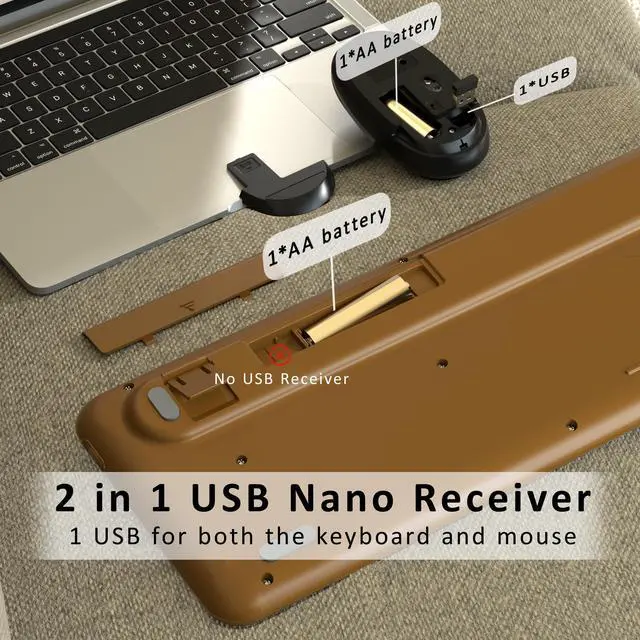
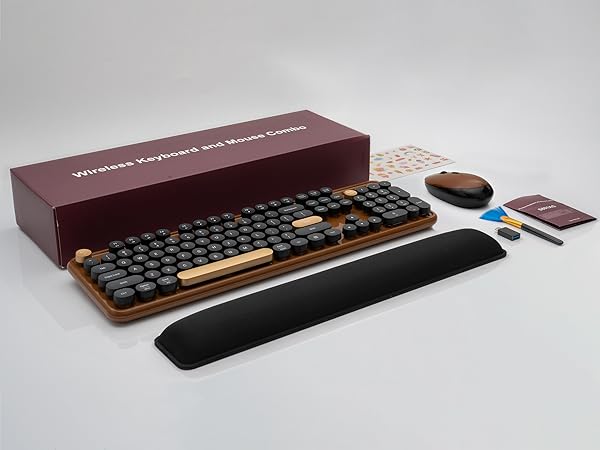
Wireless keyboard and mouse share one USB receiver.
1. Install the battery for keyboard and mouse
2. Turn on the keyboard and mouse switch
3. Take out the USB receiver from the bottom of the mouse
4. Plug the USB receiver into your computer.
Is this a bluetooth keyboard and mouse?
No, this is a 2.4 GHz wireless keyboard and mouse, connected by a USB receiver, without Bluetooth function.
Why do some of the keyboard shortcuts not work on my Macbook Air?
Due to frequent updates to the Mac OS system, some shortcuts on the keyboard may not be compatible with the Mac

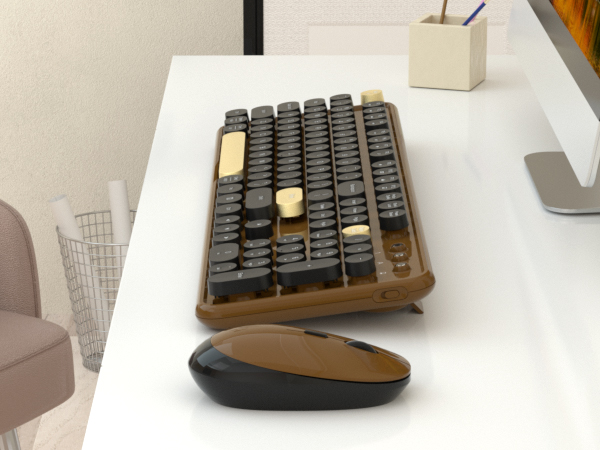
Keycaps Style | Retro Round Keycaps |
Full-size keys | 104 keys |
Connection | USB Receiver |
Support System | Windows, MAC OS |
Silent | No |
With Mouse | Yes |
With ON/OFF Switch | Yes |
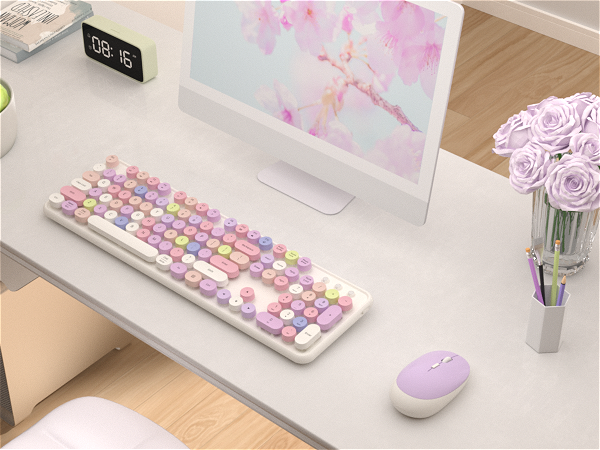
Keycaps Style | Retro Round Keycaps |
Full-size keys | 104 keys |
Connection | USB Receiver |
Support System | Windows, MAC OS |
Silent | No |
With Mouse | Yes |
With ON/OFF Switch | Yes |
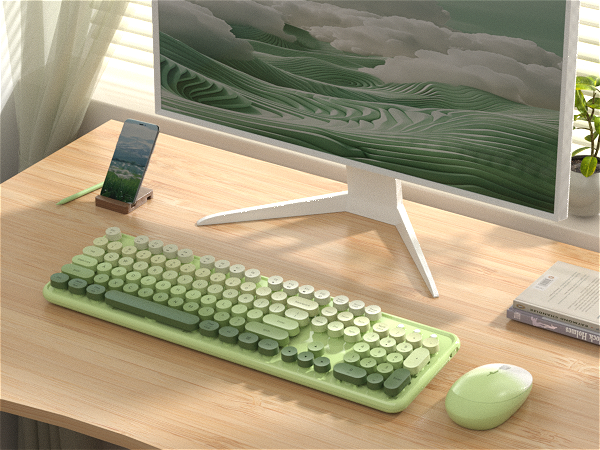
Keycaps Style | Retro Round Keycaps |
Full-size keys | 104 keys |
Connection | USB Receiver |
Support System | Windows, MAC OS |
Silent | No |
With Mouse | Yes |
With ON/OFF Switch | Yes |
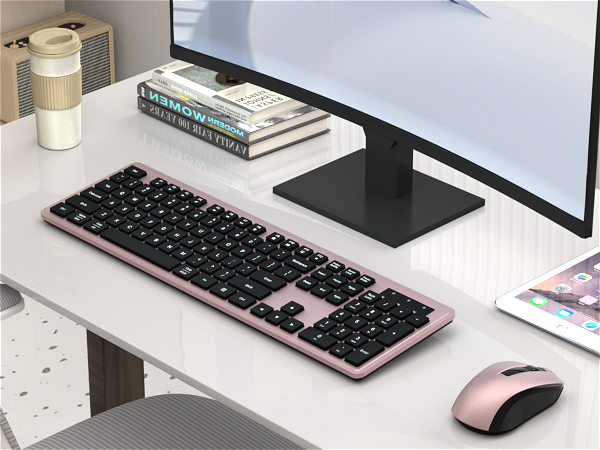
Keycaps Style | Square Keycaps |
Full-size keys | 104 keys |
Connection | USB Receiver |
Support System | Windows, MAC OS |
Silent | Yes |
With Mouse | Yes |
With ON/OFF Switch | Mouse with Switch |
Keycaps Style | Retro Round Keycaps |
Full-size keys | 104 keys |
Connection | BT and USB Receiver |
Support System | Windows, MAC OS |
Silent | No |
With Mouse | No |
With ON/OFF Switch | Yes |

The keyboard arrived and doesn't work, what should I do?
Keyboard:
1. Remove the batteries from the keyboard and mouse, and remove the USB receiver.
2. Install the batteries, turn on the keyboard, hold "ESC"+"Q" until the indicator flashes, and plug in the USB receiver at once.
3. Find us for a replace
What should I do when my mouse doesn't work after two months of use?
Mouse:
1. Remove the batteries from the keyboard and mouse, and remove the USB receiver
2. Install the batteries, hold "LEFT"+"RIGHT" button more than three seconds
3. Turn on the mouse switch, insert the USB receiver on PC
4. Find us for a replace.
How to connect the wireless keyboard and mouse?
Wireless keyboard and mouse share one USB receiver.
1. Install the battery for keyboard and mouse
2. Turn on the keyboard and mouse switch
3. Take out the USB receiver from the bottom of the mouse
4. Plug the USB receiver into your computer.
Is this a bluetooth keyboard and mouse?
No, this is a 2.4 GHz wireless keyboard and mouse, connected by a USB receiver, without Bluetooth function.
Why do some of the keyboard shortcuts not work on my Macbook Air?
Due to frequent updates to the Mac OS system, some shortcuts on the keyboard may not be compatible with the Mac
COVEVA explores more colorful possibilities in practical, to add color and fun to your desktop. Choose colorful, get more wonderful