




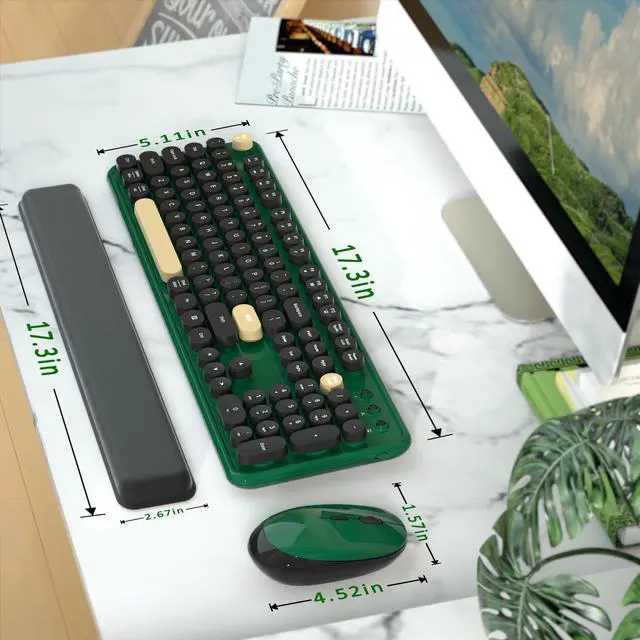


COVEVA Built for Desktop
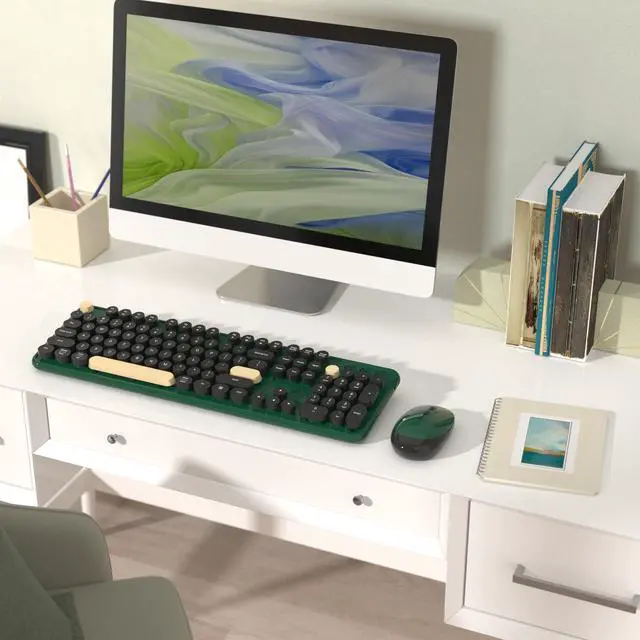
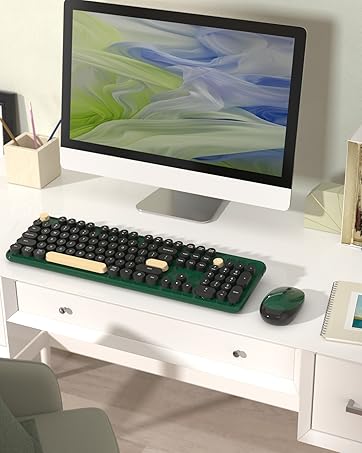
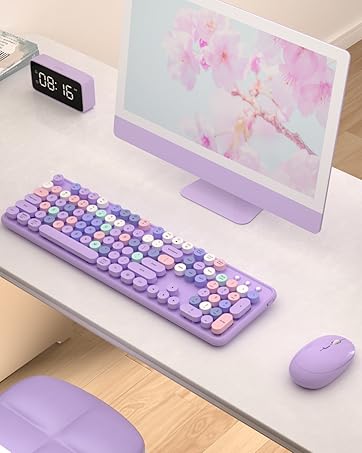
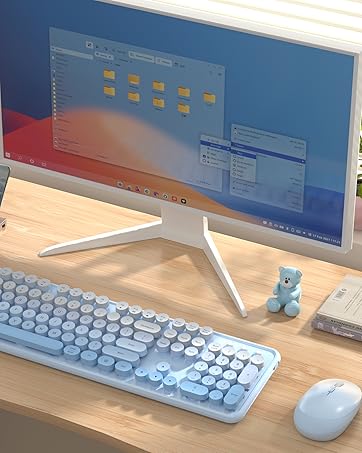
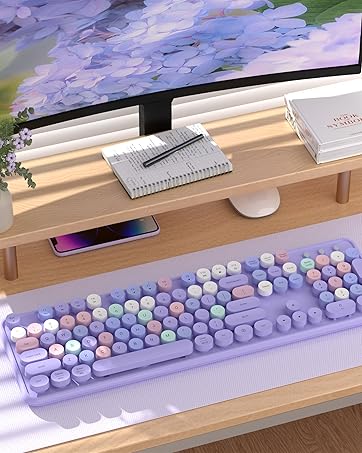
COVEVA explores more colorful possibilities in practical, to add color and fun to your desktop. Choose colorful, get more wonderful
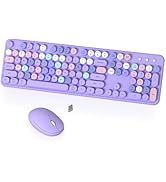
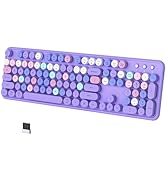
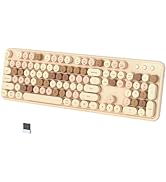


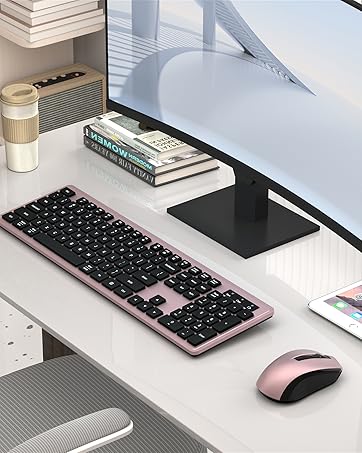


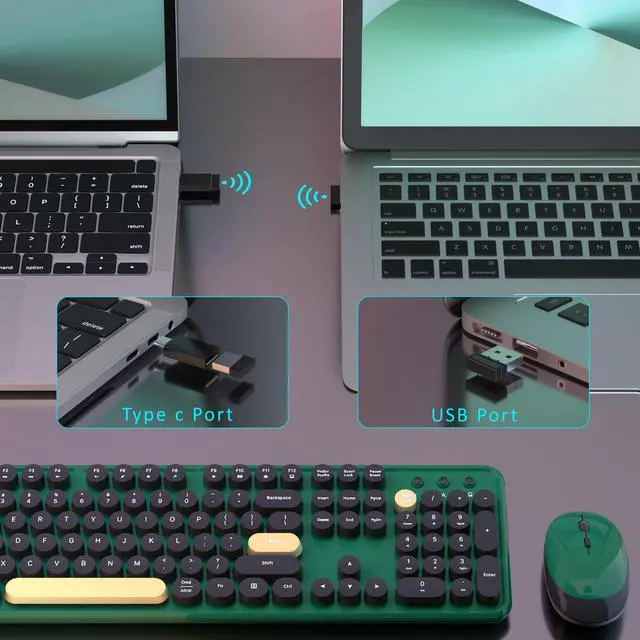
How to Connect the Wireless Keyboard Mouse
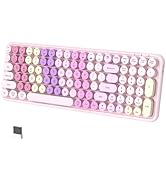
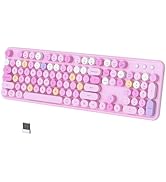
Colorful Wireless Keyboard and Mouse Combo
Merchant Video
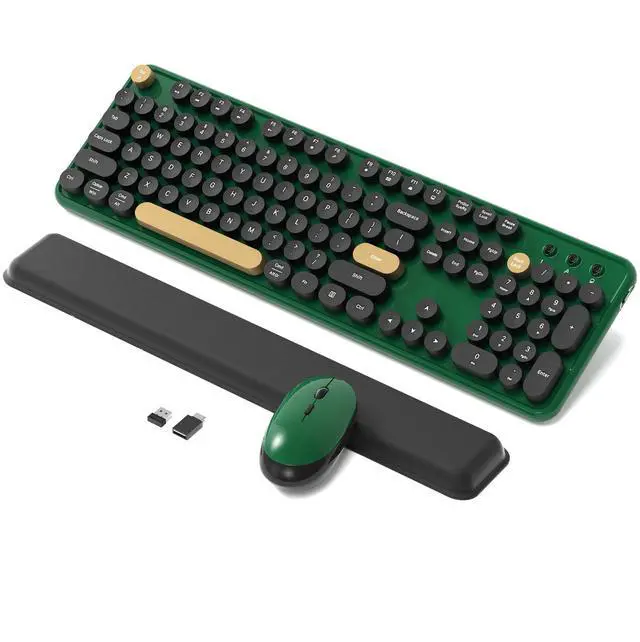
Dark Green Colorful
More Options
Retro Round Keycaps | Keycaps Style | Retro Round Keycaps |
104 keys | Full-size keys | 104 keys |
USB Receiver | Connection | USB Receiver |
Windows, MAC OS | Support System | Windows, MAC OS |
No | Silent | No |
Yes | With Mouse | Yes |
Yes | With ON/OFF Switch | Yes |
Retro Round Keycaps | Keycaps Style | Retro Round Keycaps |
104 keys | Full-size keys | 104 keys |
USB Receiver | Connection | USB Receiver |
Windows, MAC OS | Support System | Windows, MAC OS |
No | Silent | No |
Yes | With Mouse | Yes |
Yes | With ON/OFF Switch | Yes |
Retro Round Keycaps | Keycaps Style | Square Keycaps |
104 keys | Full-size keys | 104 keys |
USB Receiver | Connection | USB Receiver |
Windows, MAC OS | Support System | Windows, MAC OS |
No | Silent | Yes |
Yes | With Mouse | Yes |
Yes | With ON/OFF Switch | Mouse with Switch |
Retro Round Keycaps | Keycaps Style | Retro Round Keycaps |
104 keys | Full-size keys | 104 keys |
USB Receiver | Connection | BT and USB Receiver |
Windows, MAC OS | Support System | Windows, MAC OS |
No | Silent | No |
Yes | With Mouse | No |
Yes | With ON/OFF Switch | Yes |


The keyboard arrived and doesn't work, what should I do?
Keyboard
1. Remove the batteries from the keyboard and mouse, and remove the USB receiver.
2. Install the batteries, turn on the keyboard, hold "ESC"+"Q" until the indicator flashes, and plug in the USB receiver at once.
3. Find us for a replace
What should I do when my mouse doesn't work after two months of use?
Mouse:
1. Remove the batteries from the keyboard and mouse, and remove the USB receiver
2. Install the batteries, hold "LEFT"+"RIGHT" button more than three seconds
3. Turn on the mouse switch, insert the USB receiver on PC
4. Find us for a replace.
How to connect the wireless keyboard and mouse?
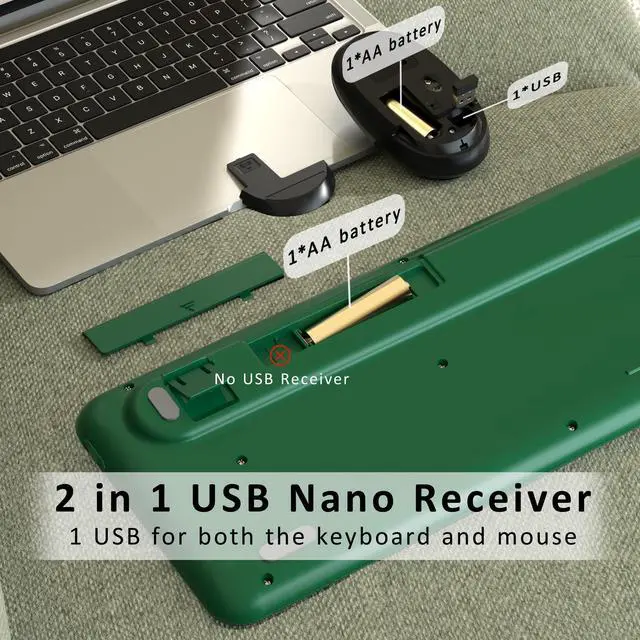
Wireless keyboard and mouse share one USB receiver.
1. Install the battery for keyboard and mouse
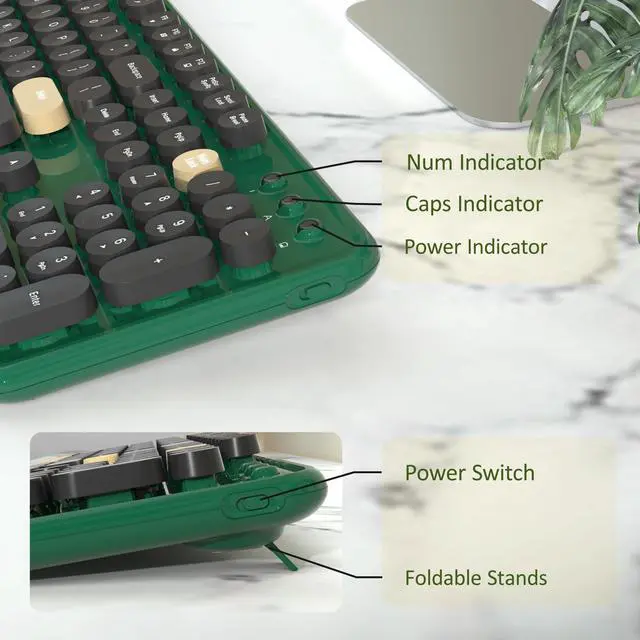
2. Turn on the keyboard and mouse switch
3. Take out the USB receiver from the bottom of the mouse
4. Plug the USB receiver into your computer.
Is this a bluetooth keyboard and mouse?
No, this is a 2.4 GHz wireless keyboard and mouse, connected by a USB receiver, without Bluetooth function.
Why do some of the keyboard shortcuts not work on my Macbook Air?
Due to frequent updates to the Mac OS system, some shortcuts on the keyboard may not be compatible with the Mac


How to Connect the Wireless Keyboard Mouse
Colorful Wireless Keyboard and Mouse Combo
Merchant Video
More Options
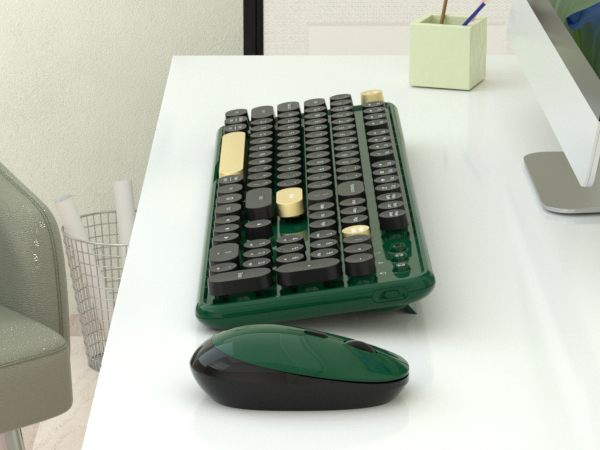
Dark Green Colorful
Keycaps Style
Retro Round Keycaps
Full-size keys
104 keys
Connection
USB Receiver
Support System
Windows, MAC OS
Silent
No
With Mouse
Yes
With ON/OFF Switch
Yes
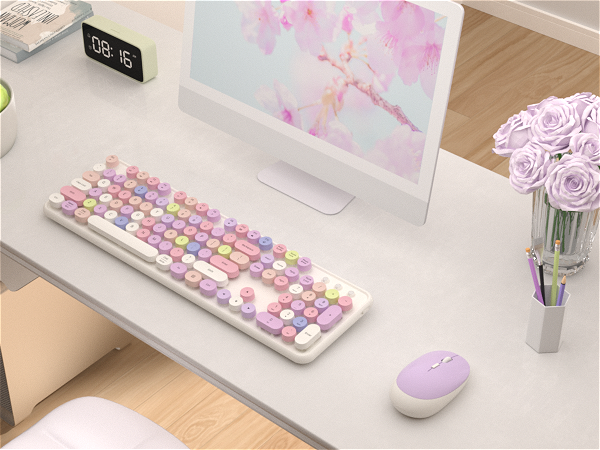
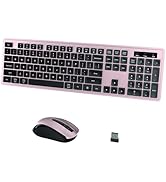
White-Pink Colorful
Keycaps Style
Retro Round Keycaps
Full-size keys
104 keys
Connection
USB Receiver
Support System
Windows, MAC OS
Silent
No
With Mouse
Yes
With ON/OFF Switch
Yes
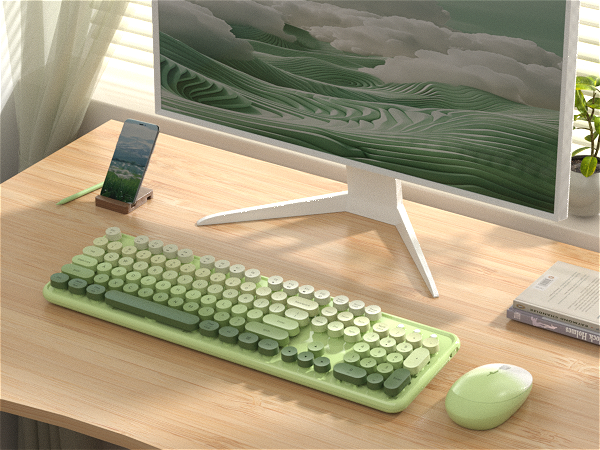
Green Gradient Colorful
Keycaps Style
Retro Round Keycaps
Full-size keys
104 keys
Connection
USB Receiver
Support System
Windows, MAC OS
Silent
No
With Mouse
Yes
With ON/OFF Switch
Yes
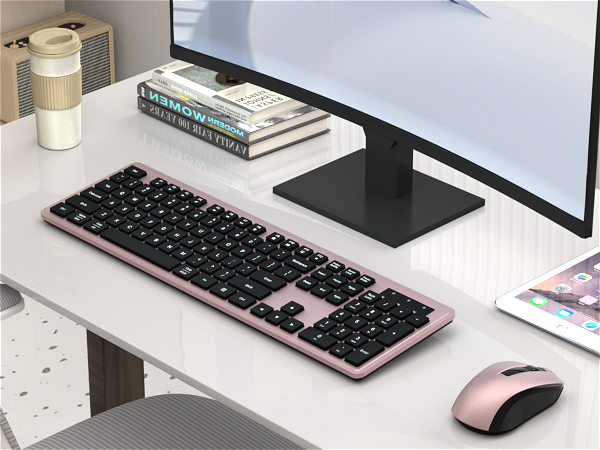
Black-Pink Colorful
Keycaps Style
Square Keycaps
Full-size keys
104 keys
Connection
USB Receiver
Support System
Windows, MAC OS
Silent
Yes
With Mouse
Yes
With ON/OFF Switch
Mouse with Switch
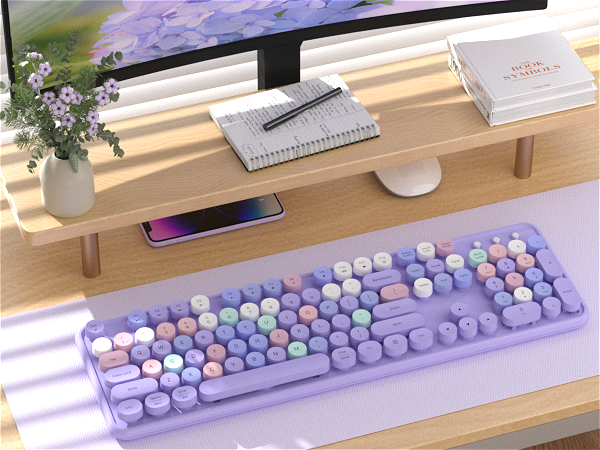
Purple Colorful
Keycaps Style
Retro Round Keycaps
Full-size keys
104 keys
Connection
BT and USB Receiver
Support System
Windows, MAC OS
Silent
No
With Mouse
No
With ON/OFF Switch
Yes


- Note: Some multimedia functions may not be available with Mac Os
- 3-month free replacement for connection or function issues
The keyboard arrived and doesn't work, what should I do?
Keyboard
1. Remove the batteries from the keyboard and mouse, and remove the USB receiver.
2. Install the batteries, turn on the keyboard, hold "ESC"+"Q" until the indicator flashes, and plug in the USB receiver at once.
3. Find us for a replace
What should I do when my mouse doesn't work after two months of use?
Mouse:
1. Remove the batteries from the keyboard and mouse, and remove the USB receiver
2. Install the batteries, hold "LEFT"+"RIGHT" button more than three seconds
3. Turn on the mouse switch, insert the USB receiver on PC
4. Find us for a replace.
How to connect the wireless keyboard and mouse?
Wireless keyboard and mouse share one USB receiver.
1. Install the battery for keyboard and mouse
2. Turn on the keyboard and mouse switch
3. Take out the USB receiver from the bottom of the mouse
4. Plug the USB receiver into your computer.
Is this a bluetooth keyboard and mouse?
No, this is a 2.4 GHz wireless keyboard and mouse, connected by a USB receiver, without Bluetooth function.
Why do some of the keyboard shortcuts not work on my Macbook Air?
Due to frequent updates to the Mac OS system, some shortcuts on the keyboard may not be compatible with the Mac
COVEVA Built for Desktop
COVEVA explores more colorful possibilities in practical, to add color and fun to your desktop. Choose colorful, get more wonderful
Black Friday Highly Recommend
Cyber Monday Most Favorites

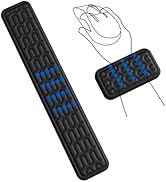
Promotion Wrist Rest Sets
Black Gold Keyboard Collection
Colorful Keyboard Collection
Gradient Keyboard Collection
Wireless Bluetooth Keyboard
Office Keyboard Collection
