





- Focus on Radio and Video products more than 20 years,Leting Team intend to provide our customer the best product with goods exprience,Let us our acquaintance be a beautiful and happy journey.
- You can fell happy listening to a good song, You can feel happy witnessing a beautifl sunrise, you can feel happy in any number of ways that don not require any possessions at all.
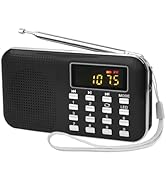
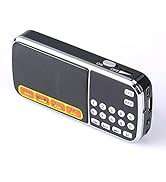
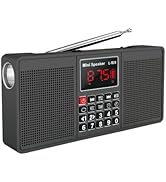
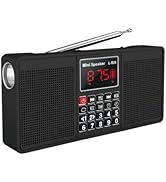
LETING RADIO FAMILIY
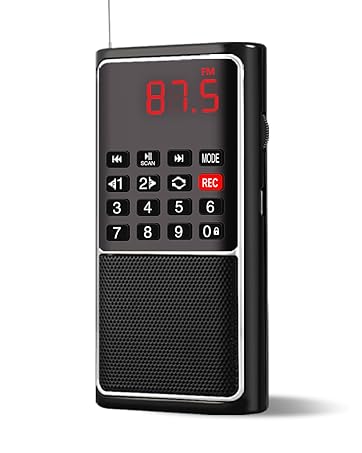
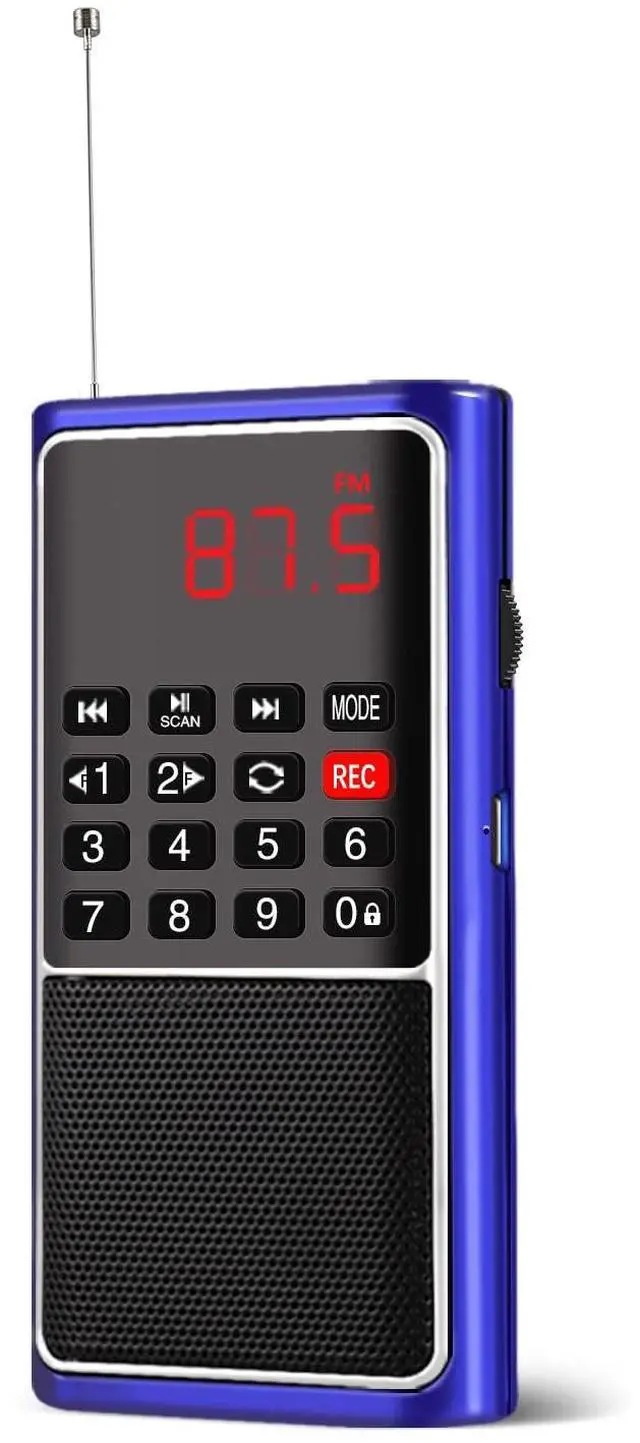
L-338-RED
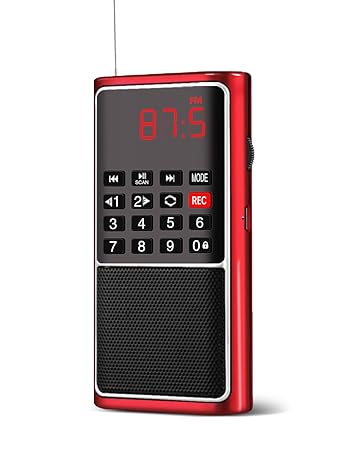
L-338-RED
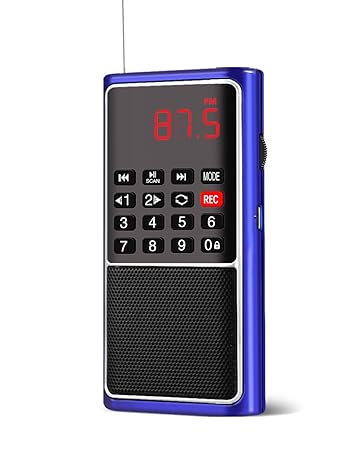
L-338-BLUE
Why Choose Our Radio?
Leting Team Has More Than 20 Years Experience For Developing and Producing Radio and Video Products.
What Can We Do For You?
We Had Being Sell This Model More Than 6 Years and We Have Strict Quality Control Process, If Any Quality Problems, Please Kindly Feedback to US, We Provide 2Years After-Sales Service .
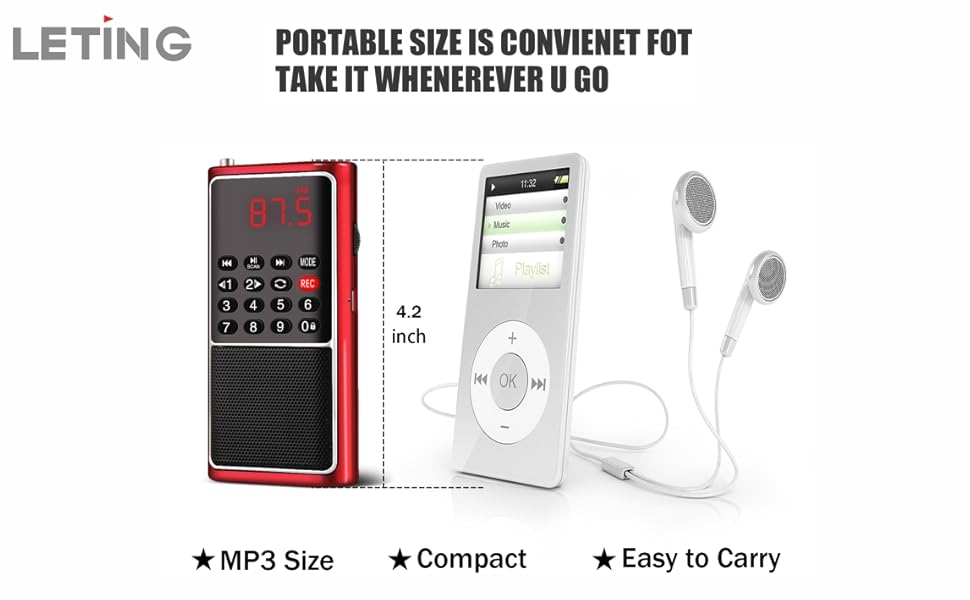
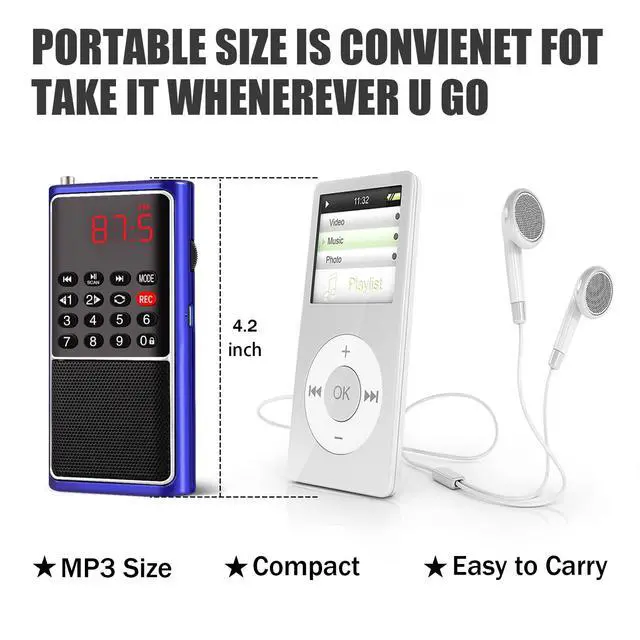
Tiny body with uv shell make it looks high class and classic
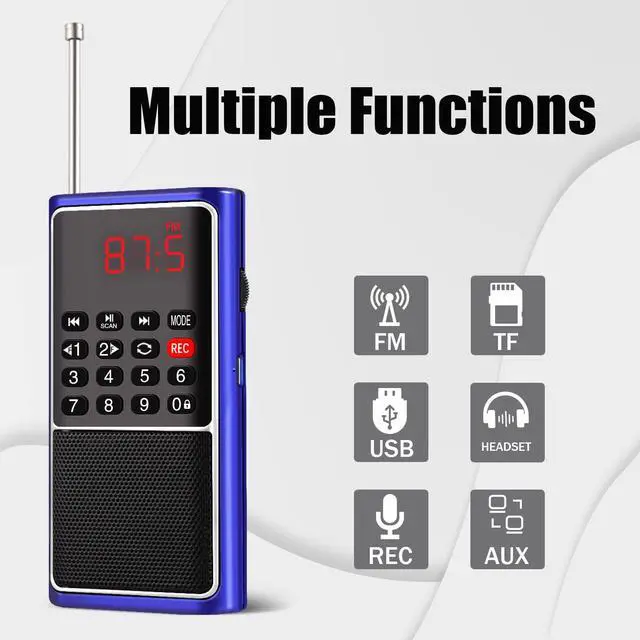
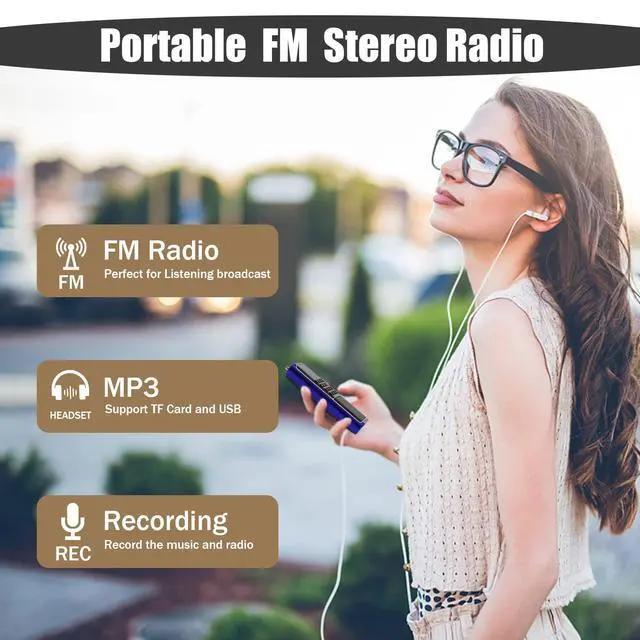
This Tiny but Big energy Radio as well as multi function;
- Charging indicator. When charging, it is in red color; when fully charged, will turn green color;
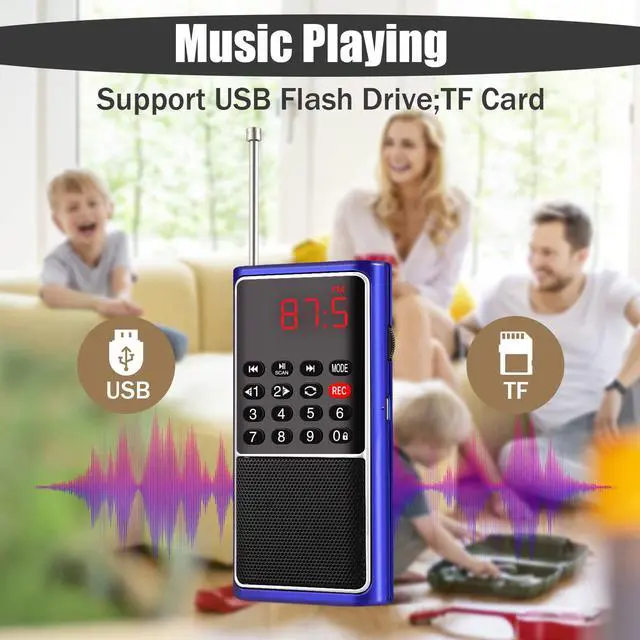
- TF: Plug in TF card with MP3 fifiles inside and then the MP3 fifiles can be played(can not play other format audio fifiles except MP3 format); Please insert the TF card in right direction. If not, may damage the TF card or the TF card slot of this product;
- USB:Plug in USB flash drive with MP3 files inside and then the MP3 files can be played;
- Earphone output jack. Plug in earphone, then the audio will transfer to the earphone, the speaker will be mute;
- MODE:Mode switch among TF/USB/AUX/FM;
0-9 Number Functions:
- In MP3 mode:number buttons 0-9 can be used to select one specifific MP3 fifile
(For example, continuously press buttons 1+3+5 to select the 135th MP3
- In FM radio mode: number buttons 0-9 can be used to select one specifific
channel by radio frequency(For example, in FM radio, continuously press buttons
8+7+8 to select a channel of 87.8 MHz; Or can press 1+5 to choose the 15th
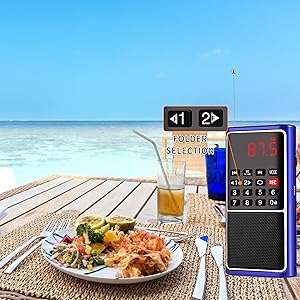
Folder Selection
Hold press button 1 or 2 for previous or next folder
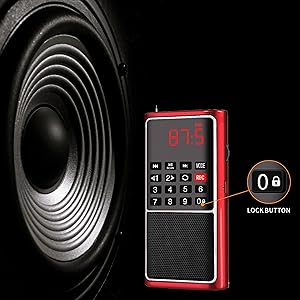
Lock Button
Lock button, hold press this button for over 3 seconds, the display screen will flash, and other buttons will be locked and can not work until you hold press this button to unlock it again
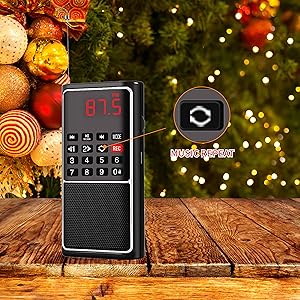
Music Repeat
- First press for ONE, repeating the current one MP3 fifile
- next press for FOLD, repeating the MP3 fifiles of the current folder
- next press for ALL, repeating all the MP3 fifiles
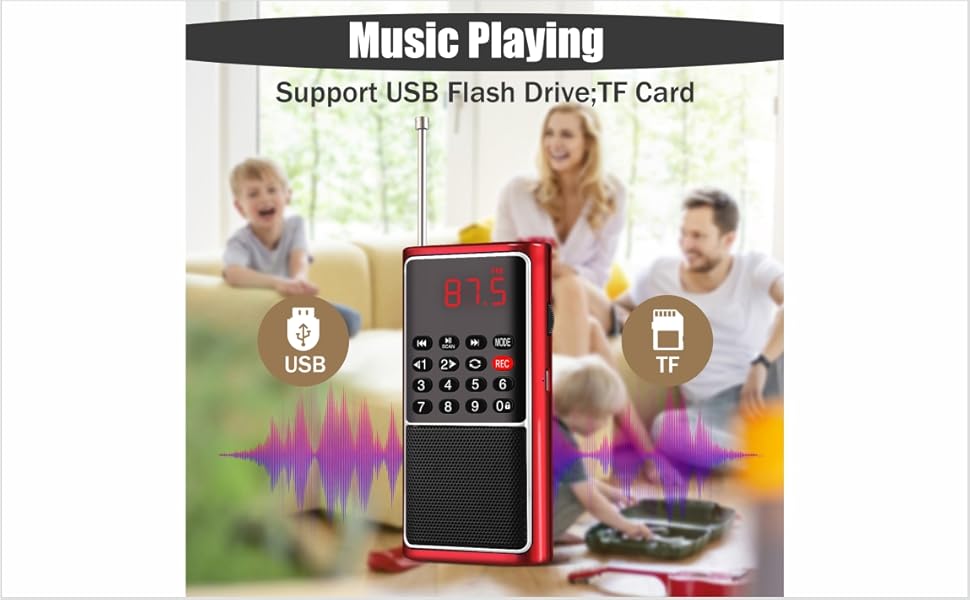
Frequent problems solutions:
- Without sound when play:
- Please check if you have turned the volume knob to the lowest or not;
- Please check if you have pressed“Scan ” button. If yes, please press this button again or you can turn off this product and turn it on again.
- Can not broadcast FM radio channels:
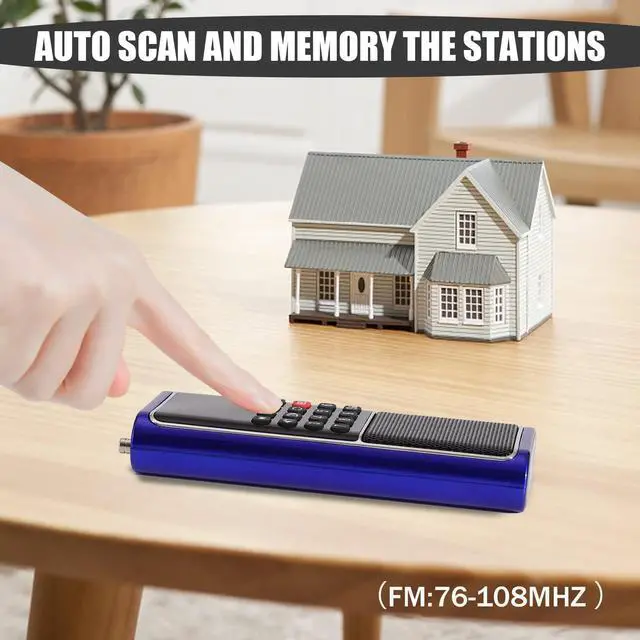
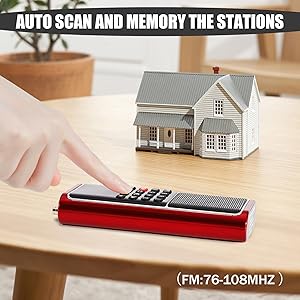
- Need to scan the FM radio when in a new place as follows: Completely pull out the radio antenna, hold press“Scan ” button for over 3 seconds, then it will automatically scan and memory channels. During this time the numbers on the display screen will jump from 76 and will not stop until 108, then it will turn back to play the first channel;
- There are files in TF card or USB flflash drive but fail to read:
- This product can only play MP3 format audio fifiles, can not play other format audio fifiles such as WMA and so on;
- The TF card or USB flash drive may have problems, please change them.
 L-088-BLACK |  L-088-RED |  L-338-BLACK | 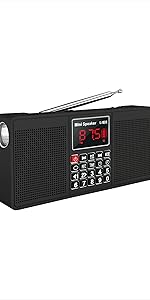 L-528-BLACK | 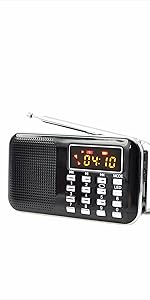 L-218AM | |
|---|---|---|---|---|---|
| Customer Reviews | — | — | — | — | — |
| Price | — | — | — | — no data | — |
| Frency | FM | FM | FM | FM/AM | FM/AM |
| Battery | 800mAH | 800mAh | 700mAh | 2000mAh | 1200mAH |
| TF Support | ? | ? | ? | ? | ? |
| USB Port | ? | ? | ? | ? | ? |
| Bluetooth | no data | no data | no data | ? | no data |
| LED Flashlight | ? | ? | no data | ? | ? |
| Antenna | Robe Antenna | Robe Antenna | 34cm Length | 55cm Length | 34cm Length |
| Music Repeat | ? | ? | ? | ? | ? |
| Recording | no data | no data | ? | ? | ? |
| Mode | FM/TF/USB/AUX | FM/TF/USB/AUX | FM/TF/USB/AUX | FM/AM/TF/USB/AUX/TIME | FM/AM/TF/USB/AUX |
Tiny body with uv shell make it looks high class and classic
This Tiny but Big energy Radio as well as multi function;
- Charging indicator. When charging, it is in red color; when fully charged, will turn green color;
- TF: Plug in TF card with MP3 fifiles inside and then the MP3 fifiles can be played(can not play other format audio fifiles except MP3 format); Please insert the TF card in right direction. If not, may damage the TF card or the TF card slot of this product;
- USB:Plug in USB flash drive with MP3 files inside and then the MP3 files can be played;
- Earphone output jack. Plug in earphone, then the audio will transfer to the earphone, the speaker will be mute;
- MODE:Mode switch among TF/USB/AUX/FM;
0-9 Number Functions:
- In MP3 mode:number buttons 0-9 can be used to select one specifific MP3 fifile
(For example, continuously press buttons 1+3+5 to select the 135th MP3
- In FM radio mode: number buttons 0-9 can be used to select one specifific
channel by radio frequency(For example, in FM radio, continuously press buttons
8+7+8 to select a channel of 87.8 MHz; Or can press 1+5 to choose the 15th
Folder Selection
Hold press button 1 or 2 for previous or next folder
Lock Button
Lock button, hold press this button for over 3 seconds, the display screen will flash, and other buttons will be locked and can not work until you hold press this button to unlock it again
Music Repeat
- First press for ONE, repeating the current one MP3 fifile
- next press for FOLD, repeating the MP3 fifiles of the current folder
- next press for ALL, repeating all the MP3 fifiles
Frequent problems solutions:
- Without sound when play:
- Please check if you have turned the volume knob to the lowest or not;
- Please check if you have pressed“Scan ” button. If yes, please press this button again or you can turn off this product and turn it on again.
- Can not broadcast FM radio channels:
- Need to scan the FM radio when in a new place as follows: Completely pull out the radio antenna, hold press“Scan ” button for over 3 seconds, then it will automatically scan and memory channels. During this time the numbers on the display screen will jump from 76 and will not stop until 108, then it will turn back to play the first channel;
- There are files in TF card or USB flflash drive but fail to read:
- This product can only play MP3 format audio fifiles, can not play other format audio fifiles such as WMA and so on;
- The TF card or USB flash drive may have problems, please change them.
L-088-BLACK | L-088-RED | L-338-BLACK | L-528-BLACK | L-218AM | |
|---|---|---|---|---|---|
| Customer Reviews | — | — | — | — | — |
| Price | — | — | — | — no data | — |
| Frency | FM | FM | FM | FM/AM | FM/AM |
| Battery | 800mAH | 800mAh | 700mAh | 2000mAh | 1200mAH |
| TF Support | ? | ? | ? | ? | ? |
| USB Port | ? | ? | ? | ? | ? |
| Bluetooth | no data | no data | no data | ? | no data |
| LED Flashlight | ? | ? | no data | ? | ? |
| Antenna | Robe Antenna | Robe Antenna | 34cm Length | 55cm Length | 34cm Length |
| Music Repeat | ? | ? | ? | ? | ? |
| Recording | no data | no data | ? | ? | ? |
| Mode | FM/TF/USB/AUX | FM/TF/USB/AUX | FM/TF/USB/AUX | FM/AM/TF/USB/AUX/TIME | FM/AM/TF/USB/AUX |
- Focus on Radio and Video products more than 20 years,Leting Team intend to provide our customer the best product with goods exprience,Let us our acquaintance be a beautiful and happy journey.
- You can fell happy listening to a good song, You can feel happy witnessing a beautifl sunrise, you can feel happy in any number of ways that don not require any possessions at all.
LETING RADIO FAMILIY
L-338-RED
L-338-RED
L-338-BLUE
Why Choose Our Radio?
Leting Team Has More Than 20 Years Experience For Developing and Producing Radio and Video Products.
What Can We Do For You?
We Had Being Sell This Model More Than 6 Years and We Have Strict Quality Control Process, If Any Quality Problems, Please Kindly Feedback to US, We Provide 2Years After-Sales Service .