




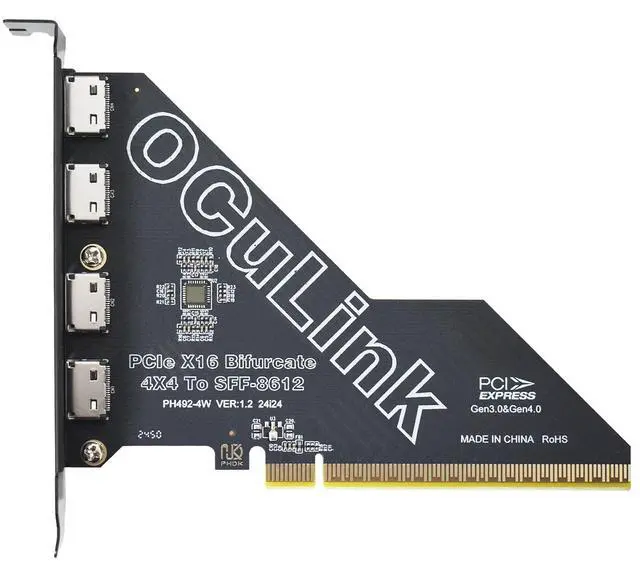
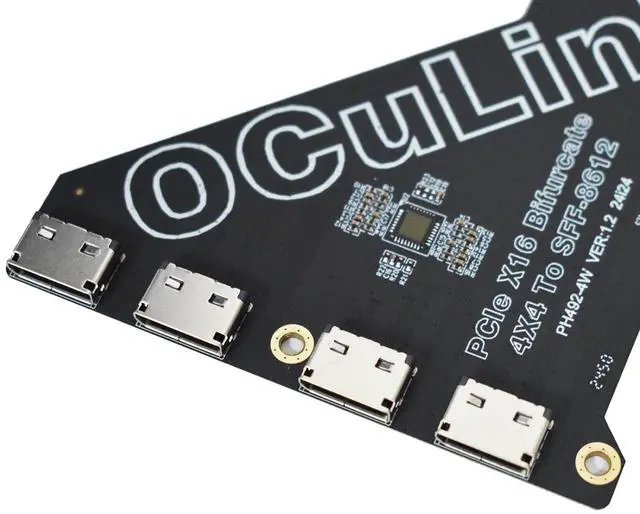
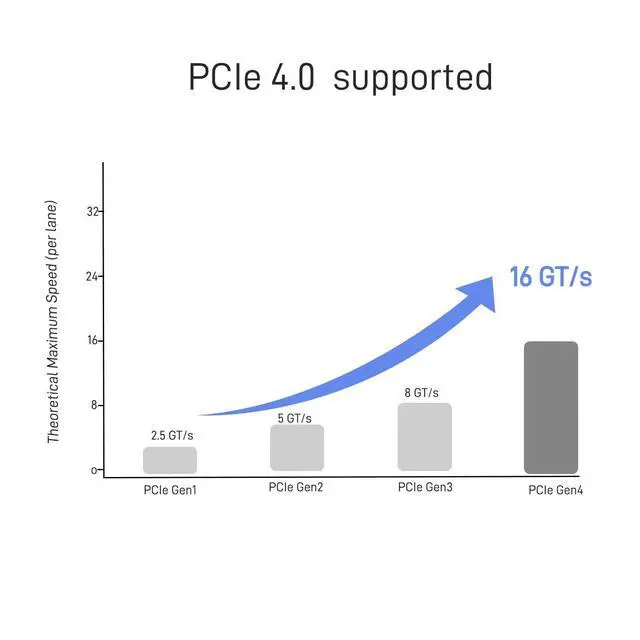
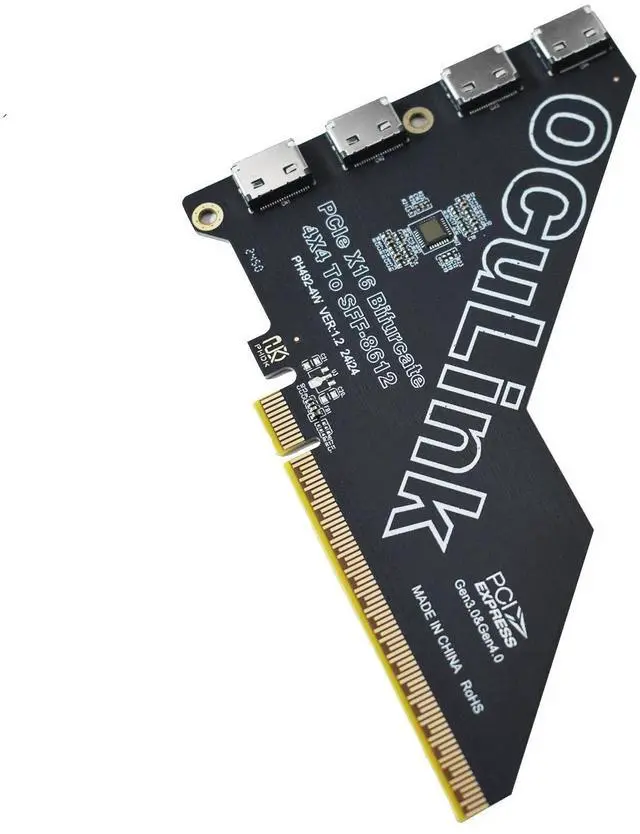
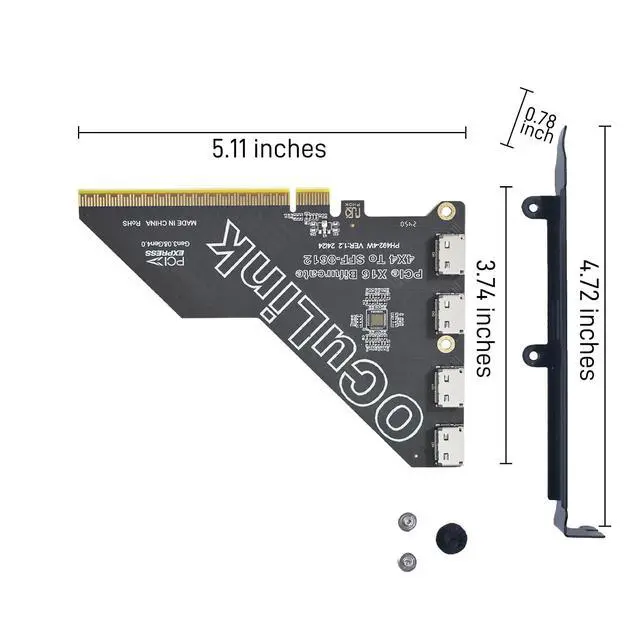




Data moves faster than ever, and your hardware shouldn’t hold you back. At LetLinkSo, we engineer next-generation high-speed interconnects that power modern digital experiences.
We understand the frustration of signal degradation, latency, and hardware bottlenecks. We deliver server-grade, precision-engineered connectivity solutions—ensuring seamless, zero-compromise performance for gaming rigs and enterprise networks.
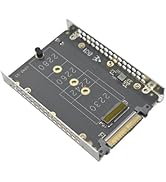
New Release
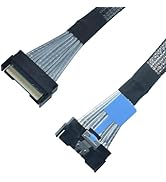
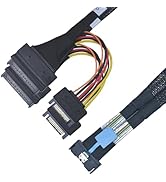
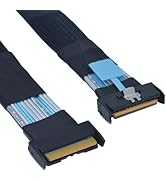
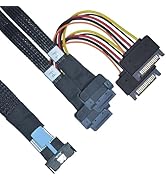
MCIO Cable
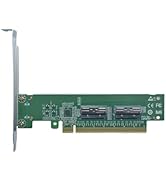
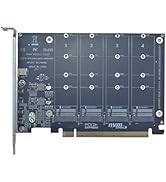
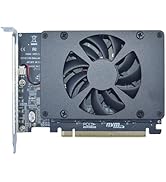
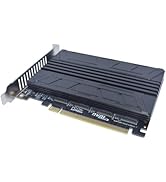
Card
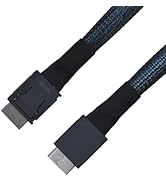
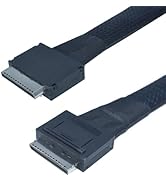
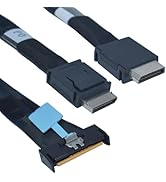
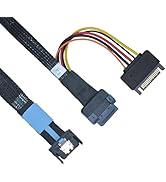
Cable


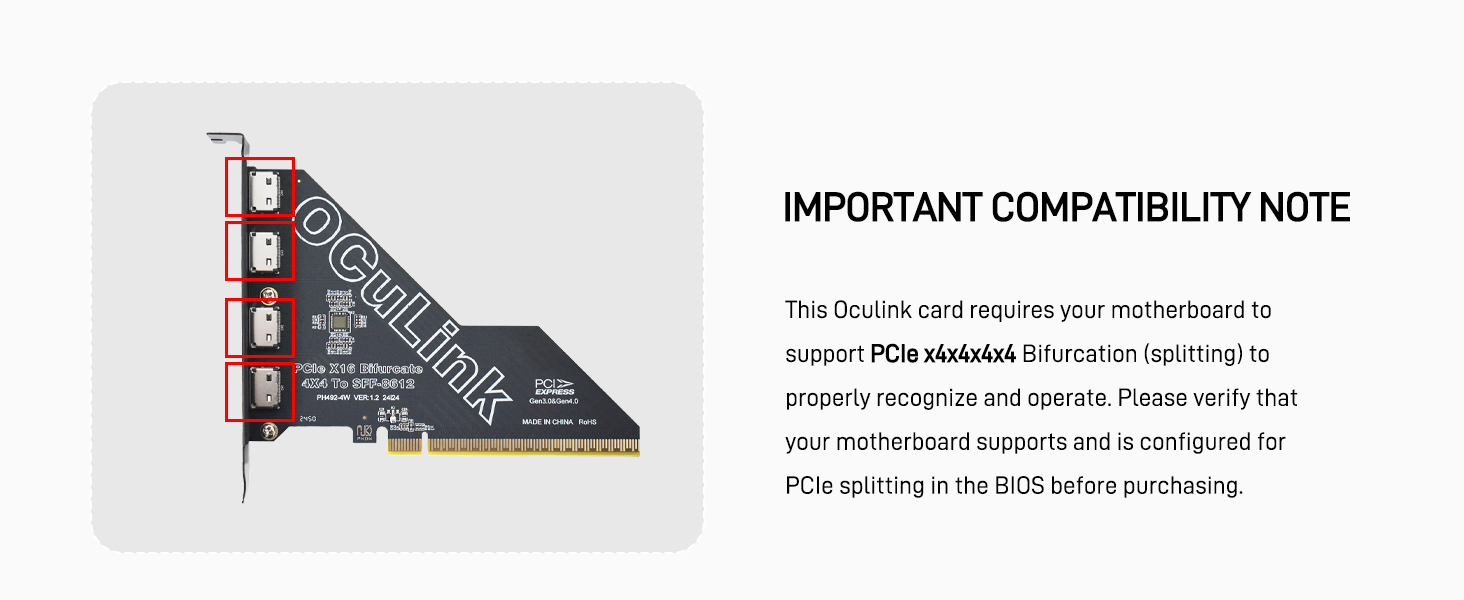


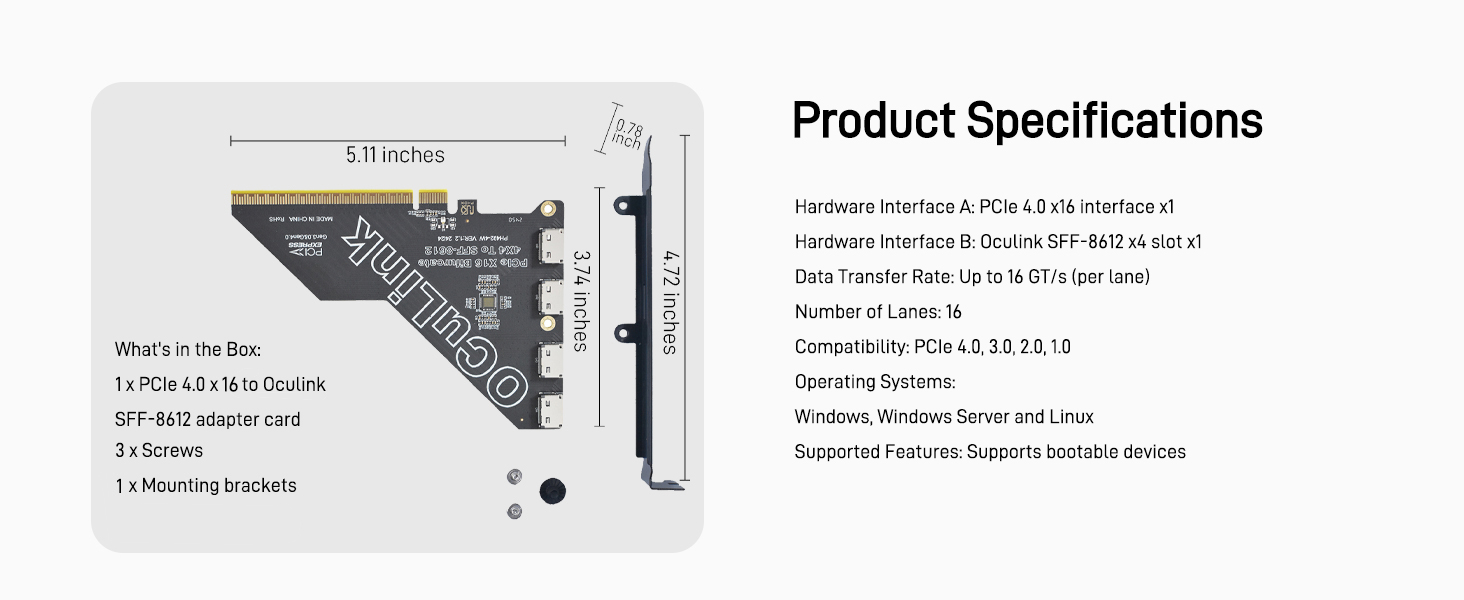
Can I use this adapter for NAS + NVMe SSD over Oculink?
Please ensure your NAS PCle slot mode and BIOS settingssupport external NVMe over Oculink. We also recommend using aCPU-direct PCle x16 slot, setting the slot to PCle/NVMe mode,forcing PCle Gen3 in BIOS, and performing a full cold boot.
Need an OCuLink adapter for devices WITHOUT PCle slot?
We recommend our NEW M.2 to OCuLink Adapter (ASIN:B0GJ4PPLG8) as a perfect alternative. It provides the samehigh-speed performance and is great for laptops, mini PCs anddevices with no PCle slot.
Compared
 PCIex16 to Oculink Card |  PCIe4.0 Oculink 4i |  PCIex8 to Oculink Card |  PCIex4 to Oculink Card |  M.2 to Oculink Adapter |  PCIex1 to Oculink Card |  PCIex4 to Oculink Card | |
|---|---|---|---|---|---|---|---|
Customer Reviews | — | — | — | — | — | — | — |
Price | — | — | — | — | — | — | — |
Brand: | LetLinkSo | LetLinkSo | LetLinkSo | LetLinkSo | LetLinkSo | LetLinkSo | LetLinkSo |
Connectivity Technology: | PCIe 4.0 | PCIe 4.0 | PCIe 4.0 | PCIe 4.0 | PCIe 4.0 | PCIe 4.0 | PCIe 4.0 |
Compliance Standards: | PCIe 4.0, 3.0, 2.0, 1.0 | PCIe 4.0, 3.0, 2.0, 1.0 | PCIe 4.0, 3.0, 2.0, 1.0 | PCIe 4.0, 3.0, 2.0, 1.0 | PCIe 4.0, 3.0, 2.0, 1.0 | PCIe 4.0, 3.0, 2.0, 1.0 | PCIe 4.0, 3.0, 2.0, 1.0 |
Operating System: | Windows,Linux | — | Windows,Linux | Windows,Linux | — | Windows,Linux | Windows,Linux |
Cable Length: | — | 1.6/3.3/4.9/6.6 | — | 1.6/3.3/4.9/6.6 | 5.9/7.8 inches | — | — |
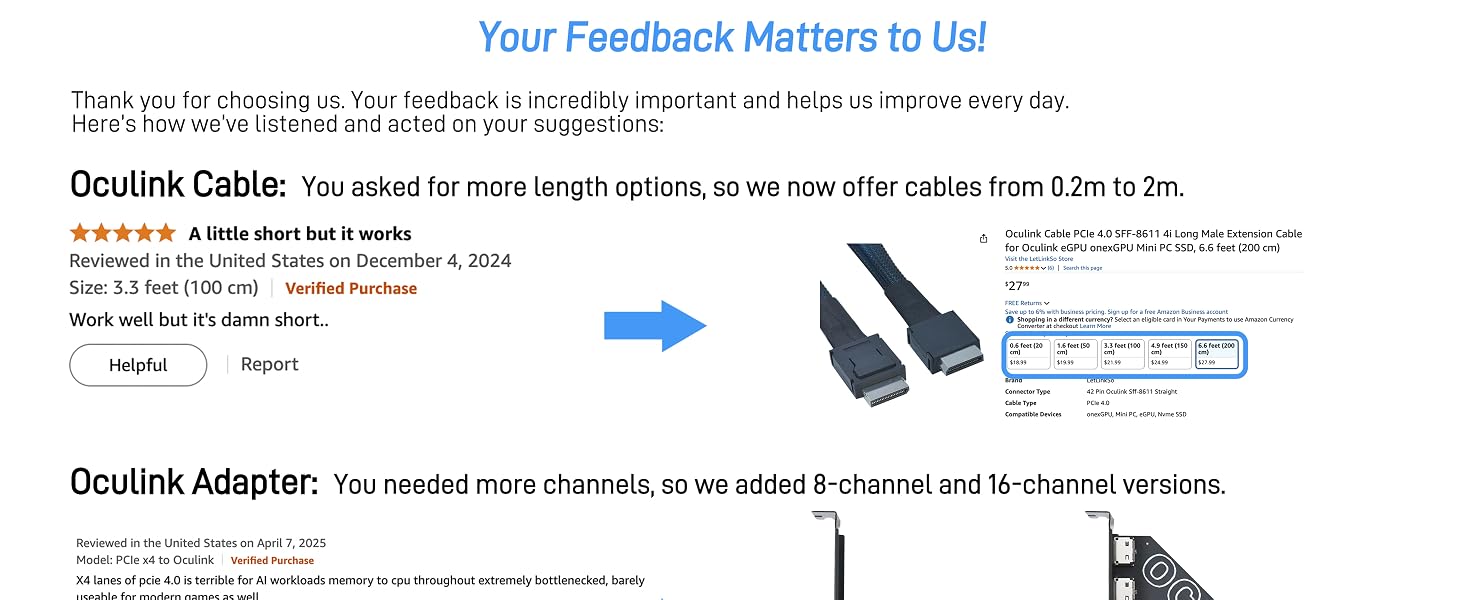


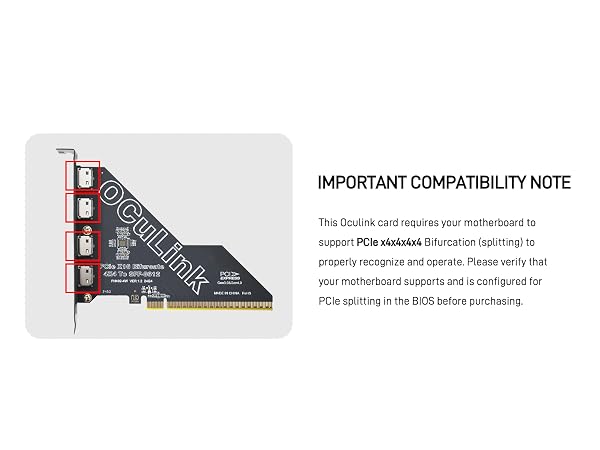


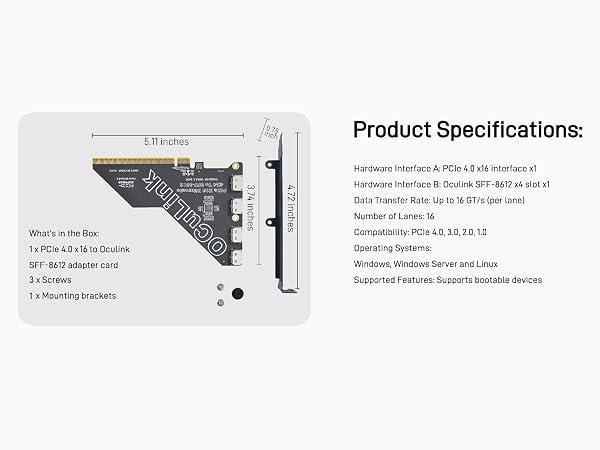
Can I use this adapter for NAS + NVMe SSD over Oculink?
Please ensure your NAS PCle slot mode and BIOS settingssupport external NVMe over Oculink. We also recommend using aCPU-direct PCle x16 slot, setting the slot to PCle/NVMe mode,forcing PCle Gen3 in BIOS, and performing a full cold boot.
Need an OCuLink adapter for devices WITHOUT PCle slot?
We recommend our NEW M.2 to OCuLink Adapter (ASIN:B0GJ4PPLG8) as a perfect alternative. It provides the samehigh-speed performance and is great for laptops, mini PCs anddevices with no PCle slot.
Compared
PCIex16 to Oculink Card | PCIe4.0 Oculink 4i | PCIex8 to Oculink Card | PCIex4 to Oculink Card | M.2 to Oculink Adapter | PCIex1 to Oculink Card | PCIex4 to Oculink Card |
|---|---|---|---|---|---|---|
| Customer Reviews | ||||||
| — | — | — | — | — | — | — |
| Price | ||||||
| — | — | — | — | — | — | — |
| Brand: | ||||||
| LetLinkSo | LetLinkSo | LetLinkSo | LetLinkSo | LetLinkSo | LetLinkSo | LetLinkSo |
| Connectivity Technology: | ||||||
| PCIe 4.0 | PCIe 4.0 | PCIe 4.0 | PCIe 4.0 | PCIe 4.0 | PCIe 4.0 | PCIe 4.0 |
| Compliance Standards: | ||||||
| PCIe 4.0, 3.0, 2.0, 1.0 | PCIe 4.0, 3.0, 2.0, 1.0 | PCIe 4.0, 3.0, 2.0, 1.0 | PCIe 4.0, 3.0, 2.0, 1.0 | PCIe 4.0, 3.0, 2.0, 1.0 | PCIe 4.0, 3.0, 2.0, 1.0 | PCIe 4.0, 3.0, 2.0, 1.0 |
| Operating System: | ||||||
| Windows,Linux | — | Windows,Linux | Windows,Linux | — | Windows,Linux | Windows,Linux |
| Cable Length: | ||||||
| — | 1.6/3.3/4.9/6.6 | — | 1.6/3.3/4.9/6.6 | 5.9/7.8 inches | — | — |


Data moves faster than ever, and your hardware shouldn’t hold you back. At LetLinkSo, we engineer next-generation high-speed interconnects that power modern digital experiences.
We understand the frustration of signal degradation, latency, and hardware bottlenecks. We deliver server-grade, precision-engineered connectivity solutions—ensuring seamless, zero-compromise performance for gaming rigs and enterprise networks.
New Release
MCIO Cable
Card
Cable