here!
here!
I’m your shopping assistant for PC builds, upgrades, and everything tech.
Got questions? Ask away!
Start a conversation
here!
I’m your shopping assistant for PC builds, upgrades, and everything tech.
Got questions? Ask away!
Start a conversation
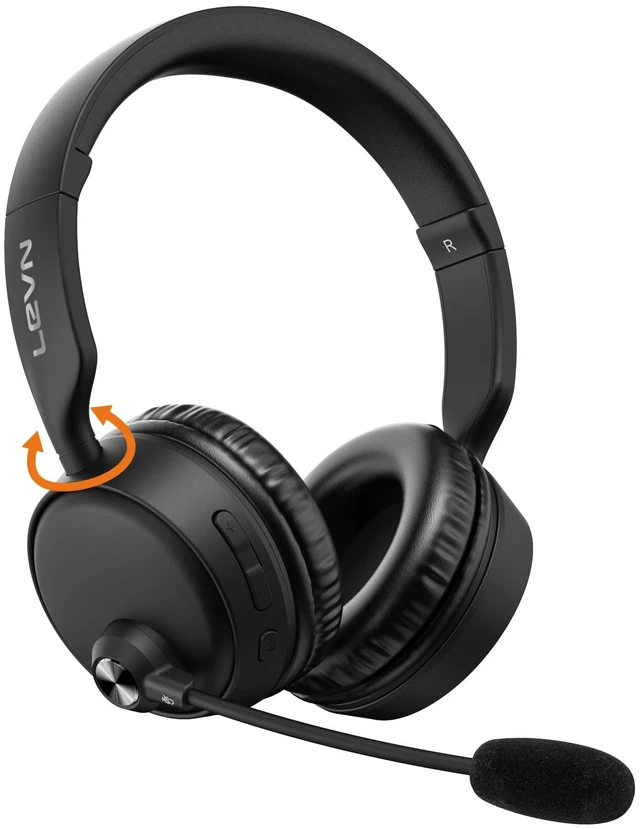

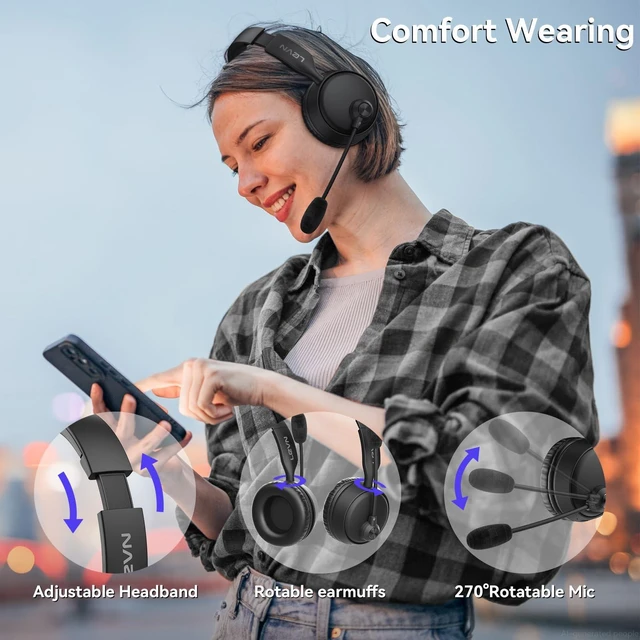




Any questions? Ask CelesteSM will help you find out quickly.
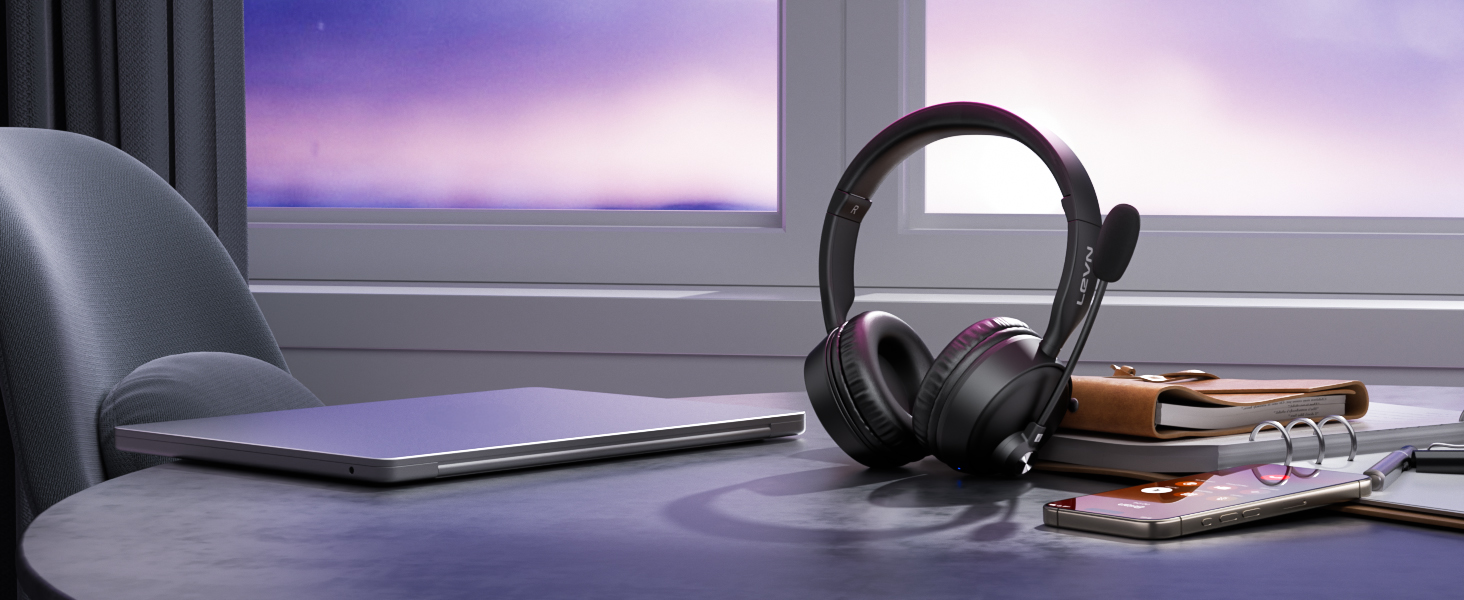
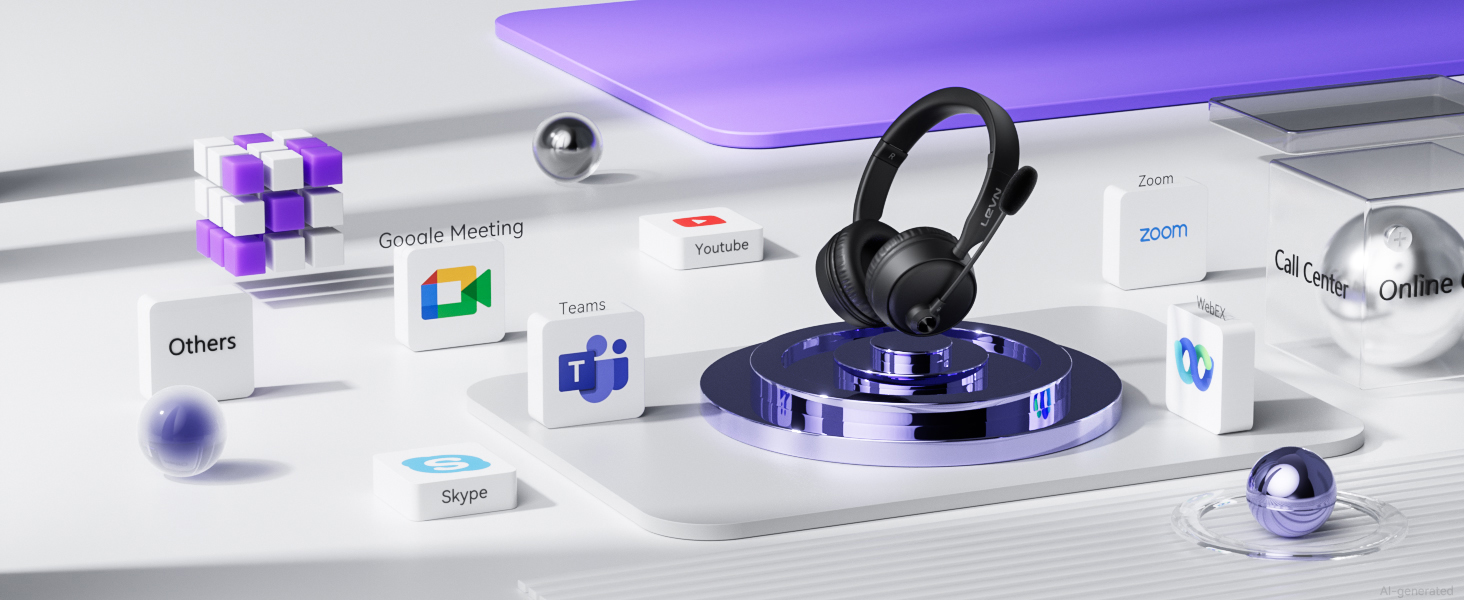
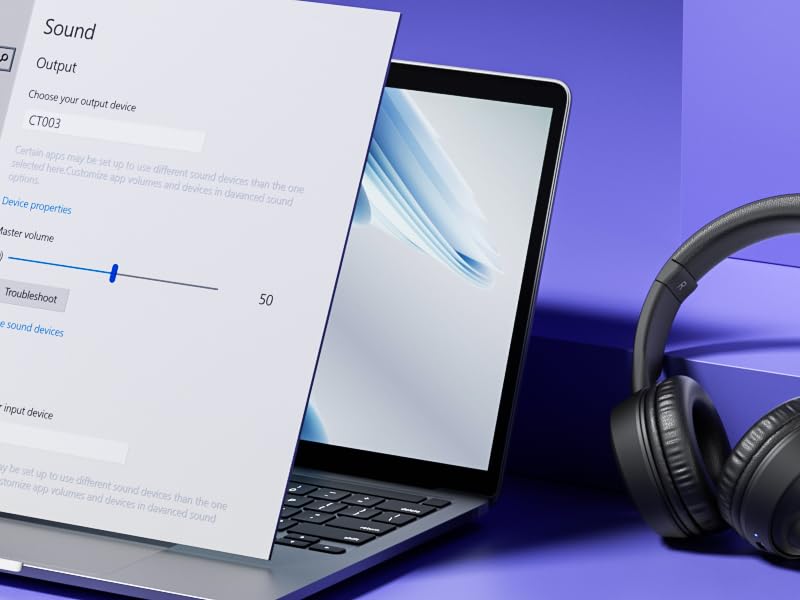
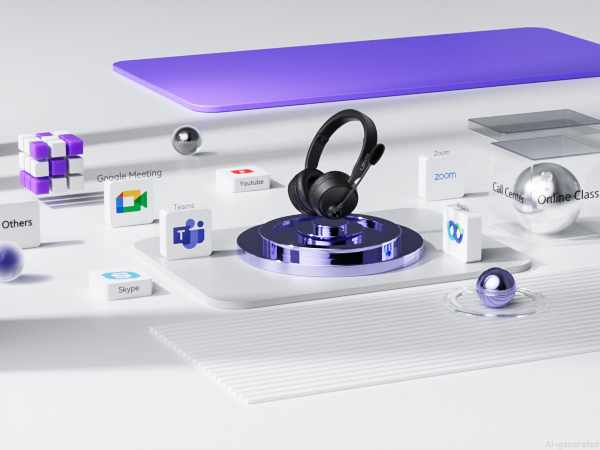
Works with computers, smartphones and other compatible devices for flexible use.
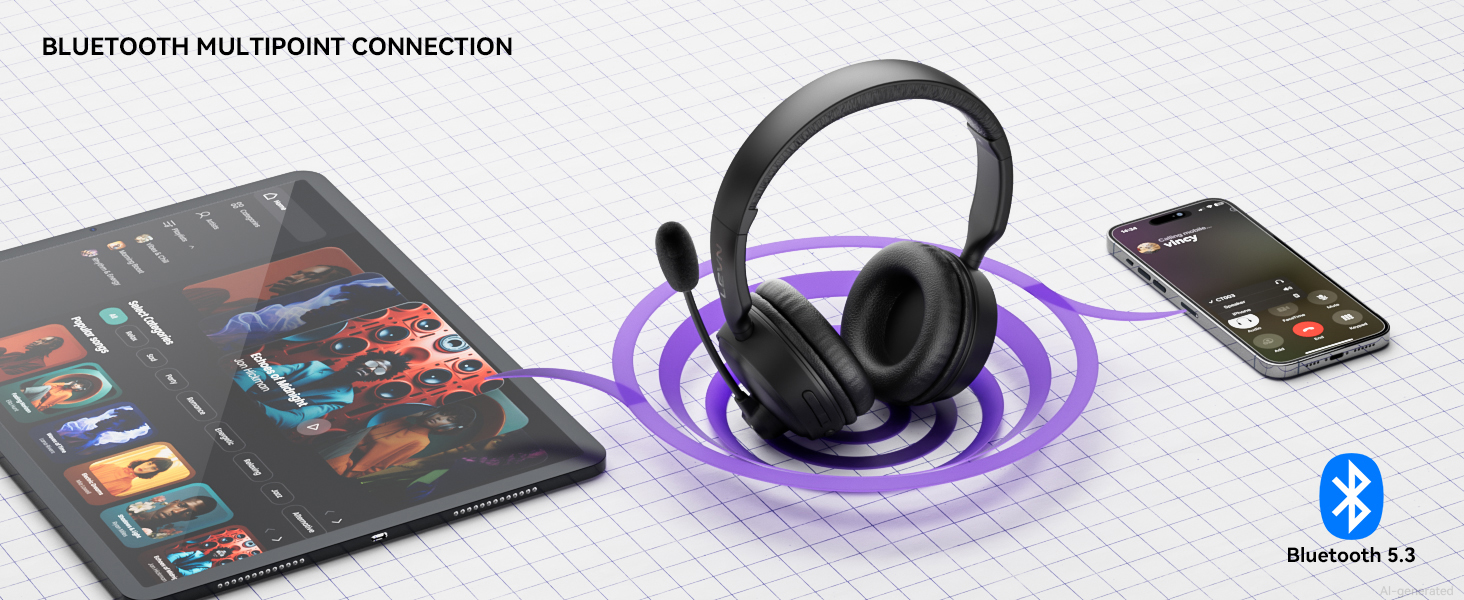
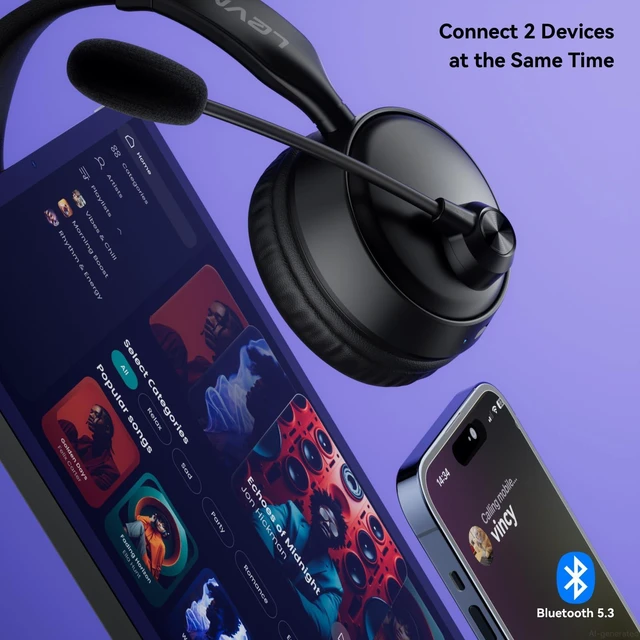
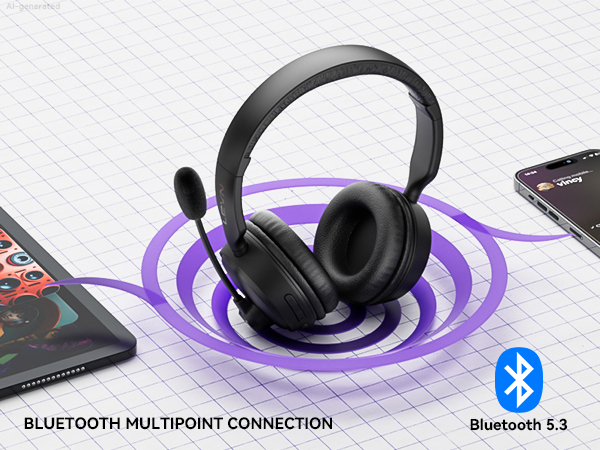
Switch between compatible devices with a stable wireless connection for work and everyday use.
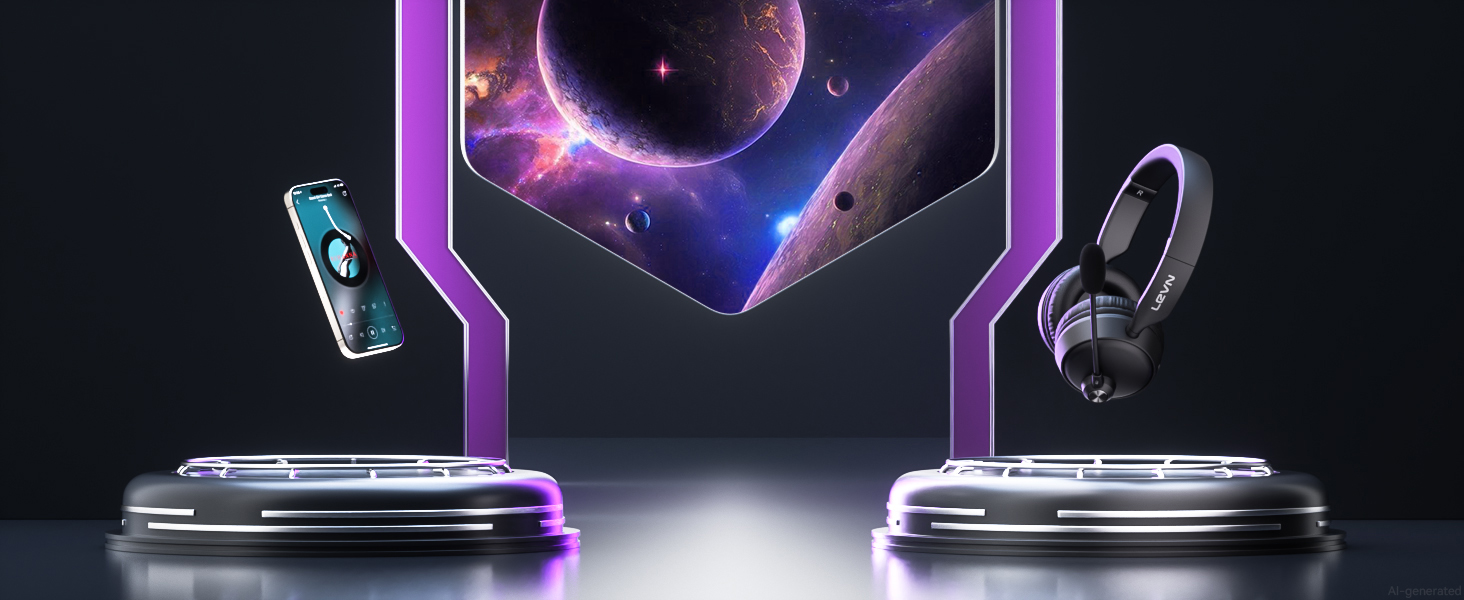
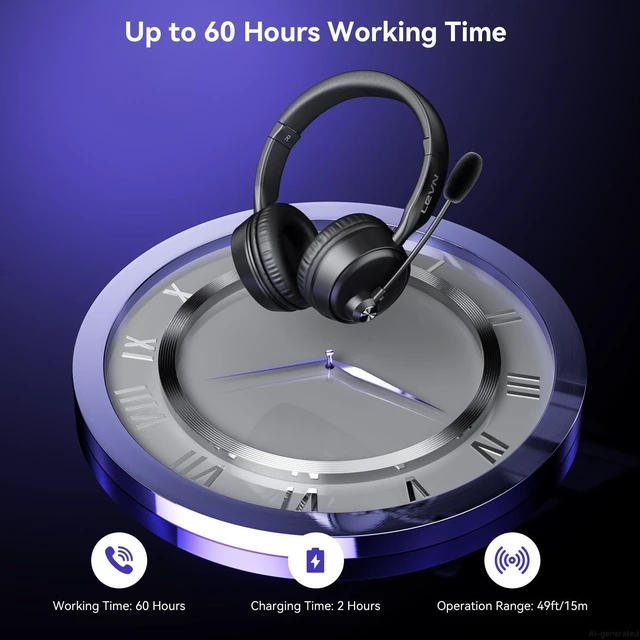
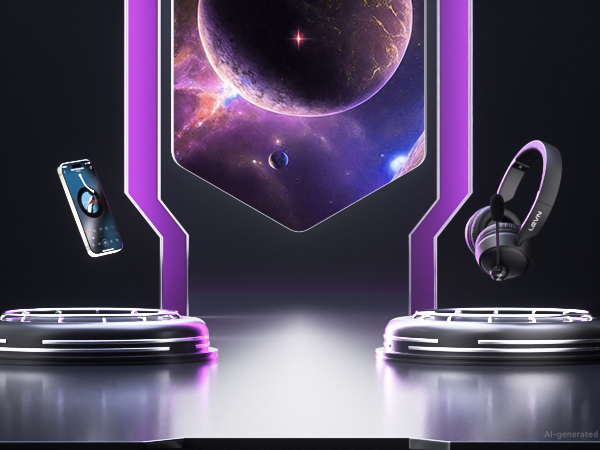
Move freely while staying connected within a wireless range of up to 49 ft.
1. Hold MFB 3-5s until the LED flashes blue/red and “Pairing” is heard. 2. Turn on Bluetooth on Device A and connect [CT003]. “Connected” confirms connection. 3. Turn off Device A Bluetooth. After “Disconnected,” [CT003] enters pairing mode. 4. Turn on Device B Bluetooth and connect [CT003]. 5. Turn Bluetooth on Device A and reconnect [CT003]. “Connected” confirms both devices are connected.
Note: Press MFB to answer a call on Device B while music plays on Device A.
My Bluetooth headset is connected to my cell phone and table at the same time, how do I switch devices?
When your Bluetooth headset is successfully connected to your cellphone and tablet via Bluetooth, please click the MFB button to switch to your calling device or music device.
It's always noisy when I work from home. Can others still hear the sounds around me using this Bluetooth headset?
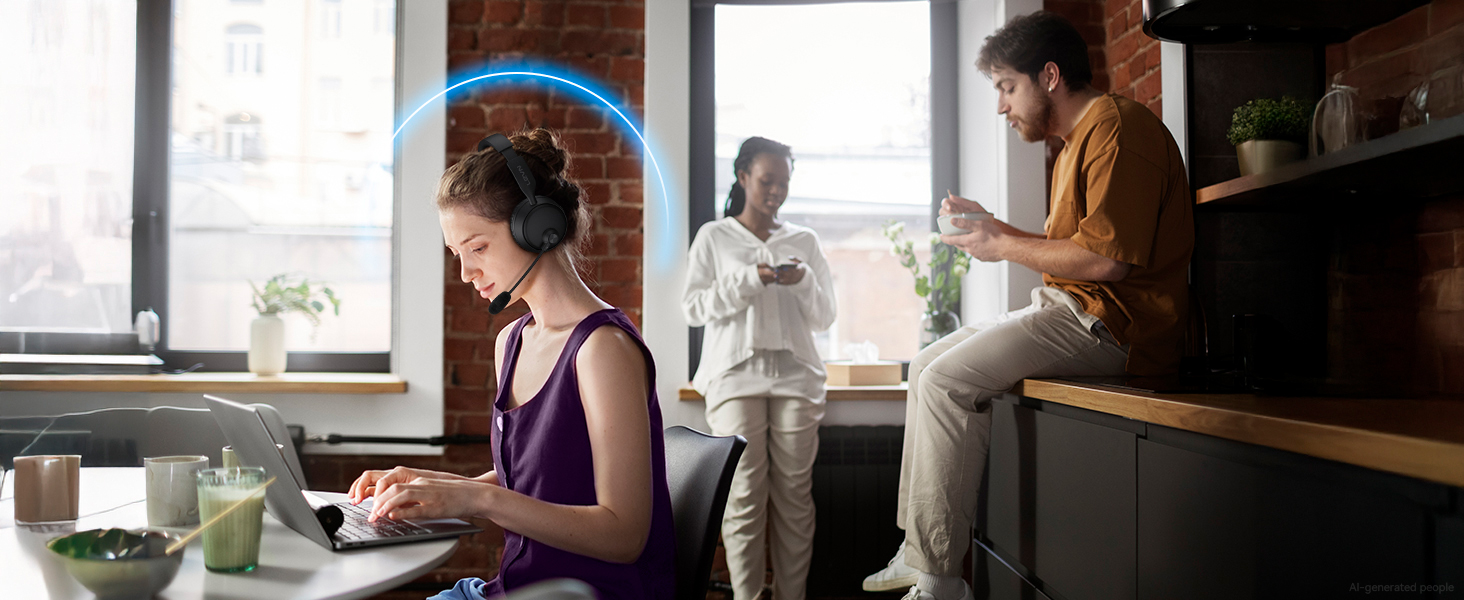
Please don't worry, this bluetooth headset with noise canceling microphone can accurately filter your background noise, so callers can only hear your clear voice. Bring you a better call experience.
Can I use the headset to answer or hang up calls?
If the headset is connected to a mobile phone, you can click the MFB to answer/end calls on the headset; If the headset is connected to a computer, you need to answer calls on the computer. Reminder: MFB does not work with desk phones and landlines
How do I use the headset's mute function during a call or online meeting?
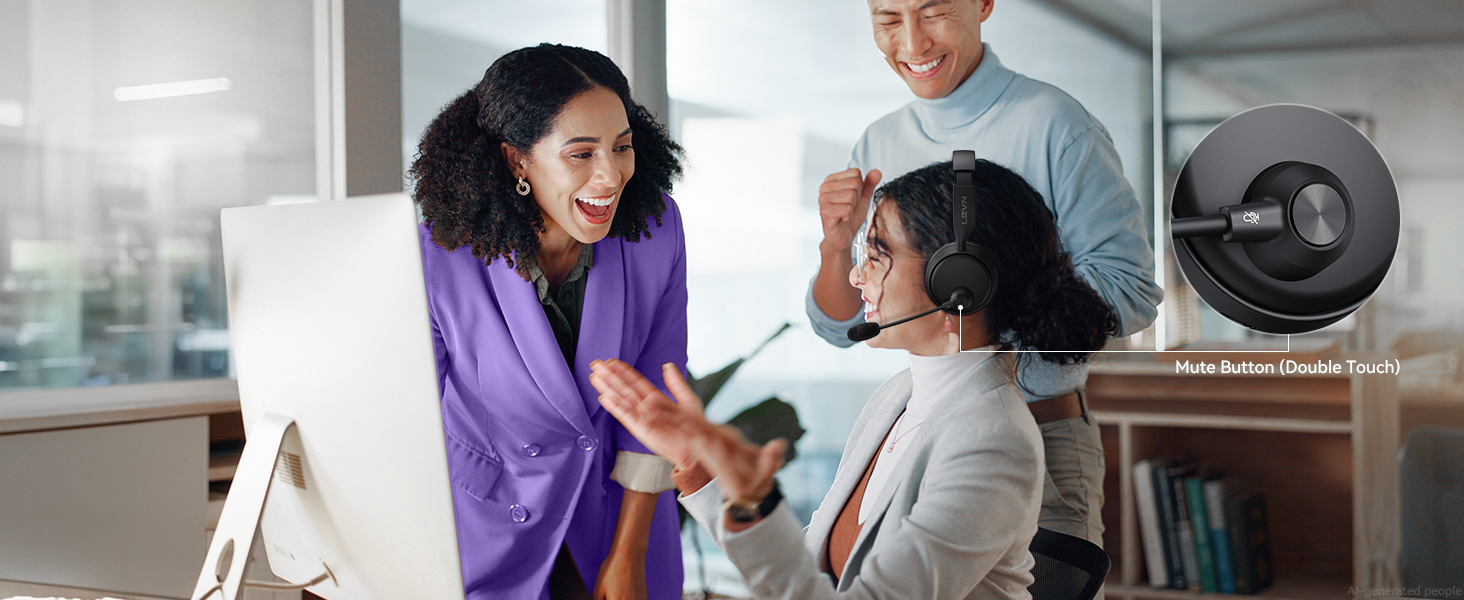
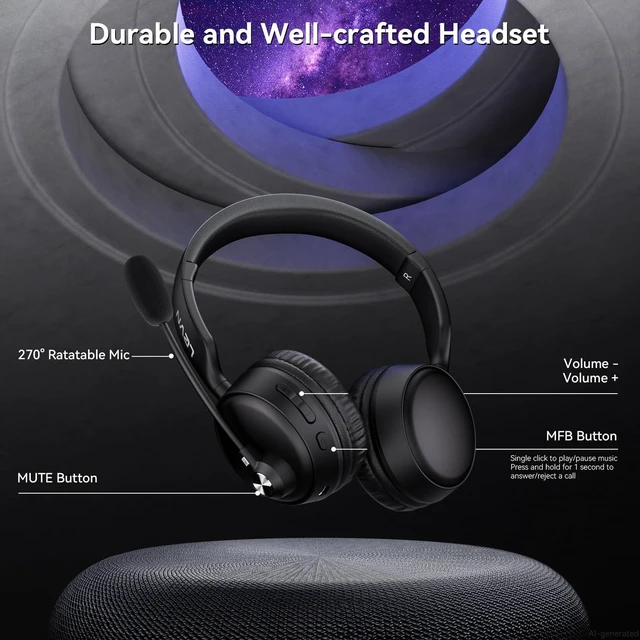
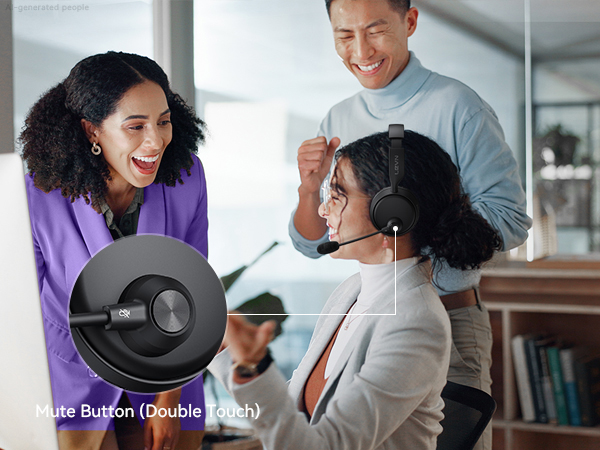
You only need to double touch it to quickly mute the microphone, avoiding disturbance or revealing privacy during calls or meetings.
How to clear the pairing records?
Press and hold the MFB power button and Volume"-" button at the same time for 5-7 seconds. Seeing that the LED indicator light is purple, the headset has cleared the pairing record and restored the factory settings.
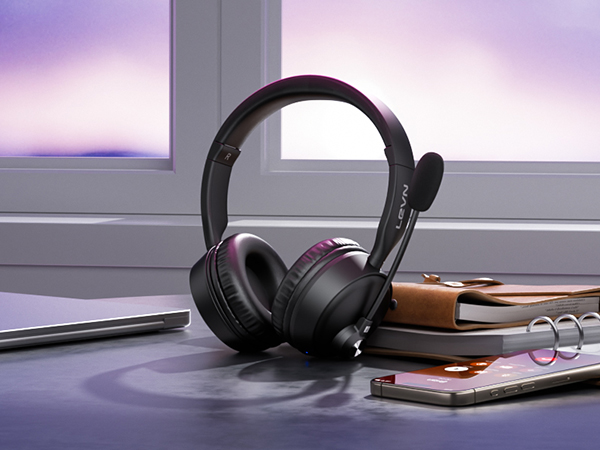
Reduce distracting background noise for clearer conversations in busy environments.
Enjoy balanced stereo sound for music, videos and everyday entertainment.
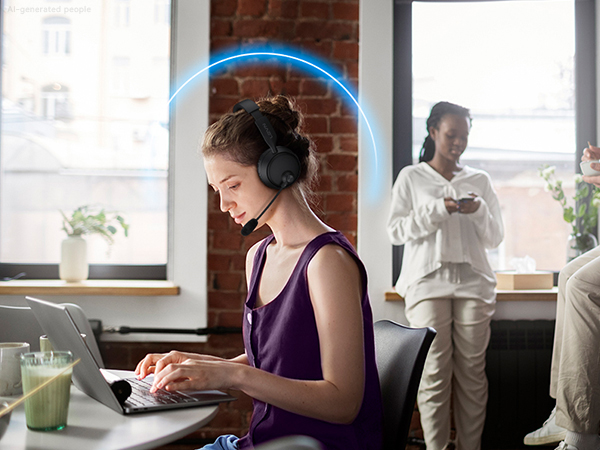
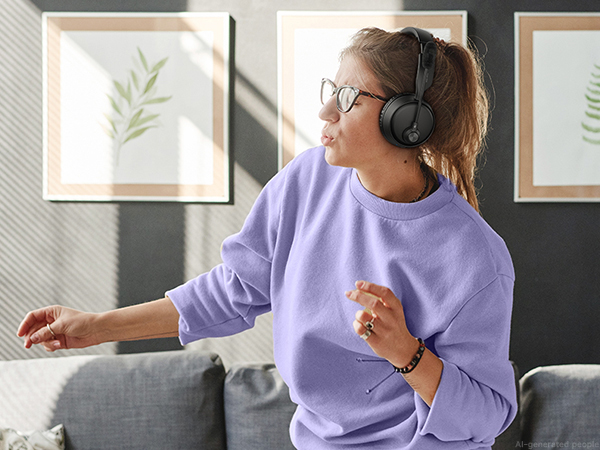
Works with computers, smartphones and other compatible devices for flexible use.
Switch between compatible devices with a stable wireless connection for work and everyday use.
Move freely while staying connected within a wireless range of up to 49 ft.
Quickly mute the microphone when needed for convenient, distraction-free calls and meetings.
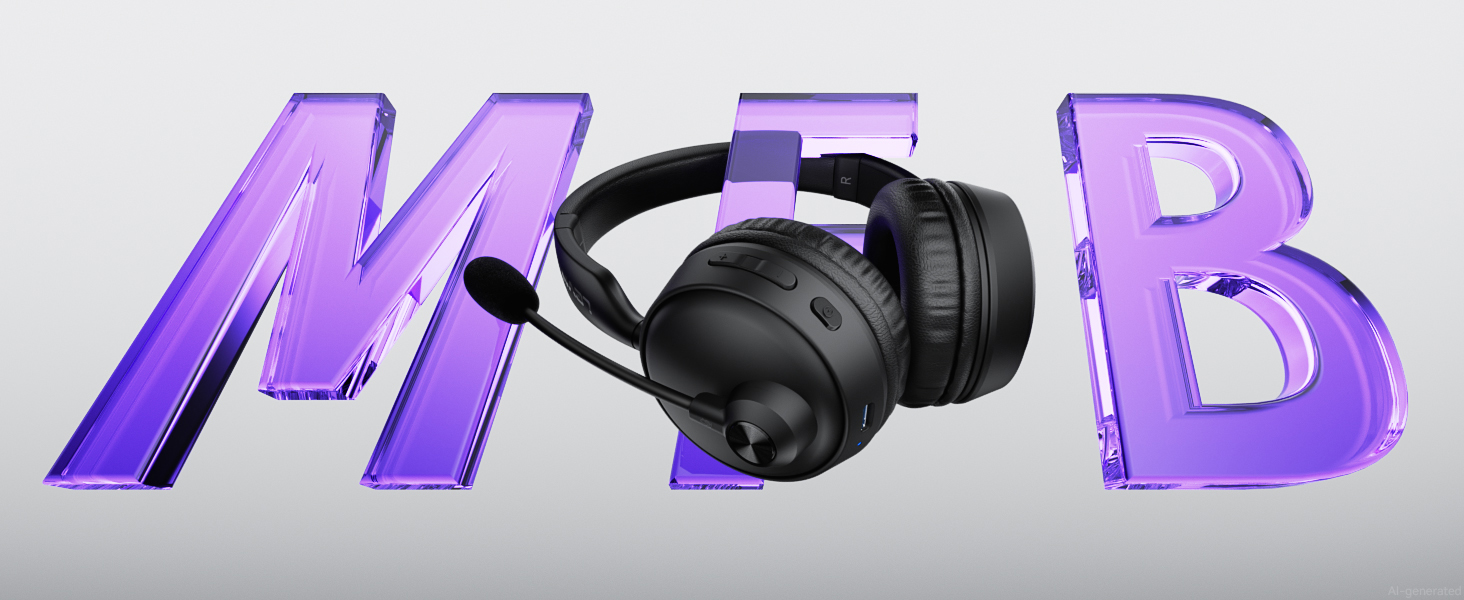
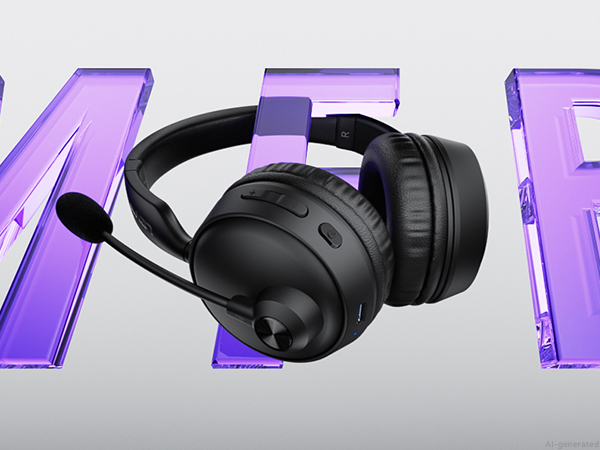
Manage calls, music and other audio functions with the MFB for quick and convenient control.
1. Hold MFB 3-5s until the LED flashes blue/red and “Pairing” is heard. 2. Turn on Bluetooth on Device A and connect [CT003]. “Connected” confirms connection. 3. Turn off Device A Bluetooth. After “Disconnected,” [CT003] enters pairing mode. 4. Turn on Device B Bluetooth and connect [CT003]. 5. Turn Bluetooth on Device A and reconnect [CT003]. “Connected” confirms both devices are connected.
Note: Press MFB to answer a call on Device B while music plays on Device A.
My Bluetooth headset is connected to my cell phone and table at the same time, how do I switch devices?
When your Bluetooth headset is successfully connected to your cellphone and tablet via Bluetooth, please click the MFB button to switch to your calling device or music device.
It's always noisy when I work from home. Can others still hear the sounds around me using this Bluetooth headset?
Please don't worry, this bluetooth headset with noise canceling microphone can accurately filter your background noise, so callers can only hear your clear voice. Bring you a better call experience.
Can I use the headset to answer or hang up calls?
If the headset is connected to a mobile phone, you can click the MFB to answer/end calls on the headset; If the headset is connected to a computer, you need to answer calls on the computer. Reminder: MFB does not work with desk phones and landlines
How do I use the headset's mute function during a call or online meeting?
You only need to double touch it to quickly mute the microphone, avoiding disturbance or revealing privacy during calls or meetings.
How to clear the pairing records?
Press and hold the MFB power button and Volume"-" button at the same time for 5-7 seconds. Seeing that the LED indicator light is purple, the headset has cleared the pairing record and restored the factory settings.