here!
here!
I’m your shopping assistant for PC builds, upgrades, and everything tech.
Got questions? Ask away!
Start a conversation
here!
I’m your shopping assistant for PC builds, upgrades, and everything tech.
Got questions? Ask away!
Start a conversation

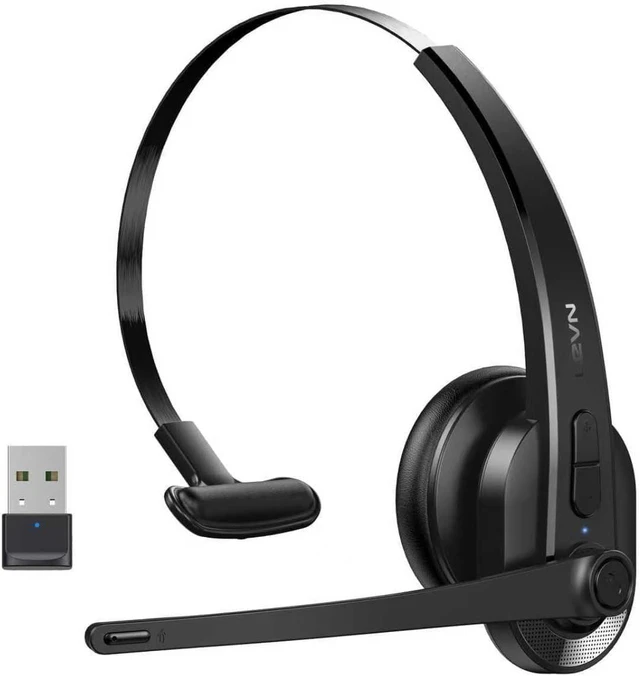




Any questions? Ask CelesteSM will help you find out quickly.


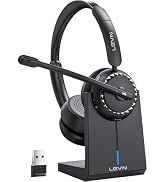
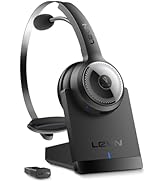
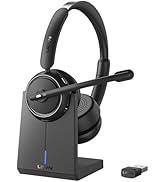
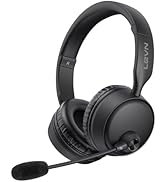
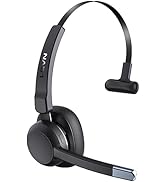
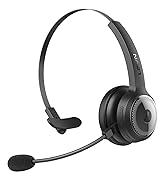
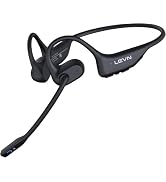
ENC Technology | ||
by 99.9% | AI Noise Canceling | by 99.9% |
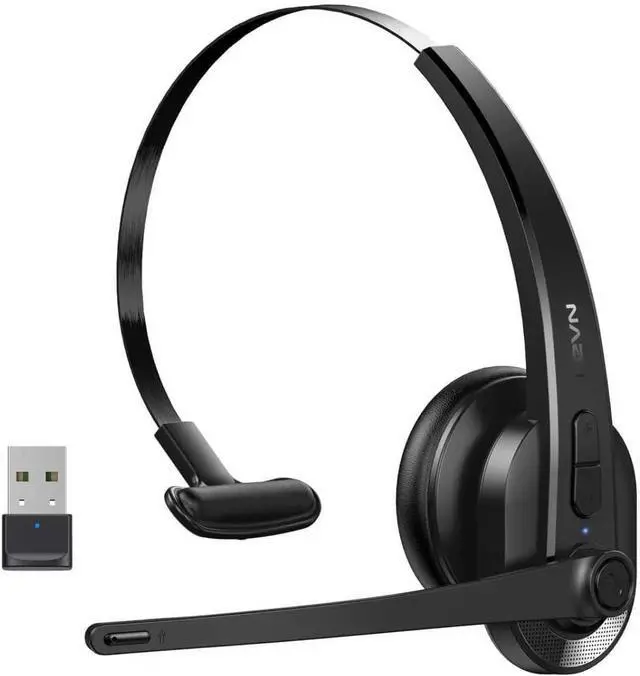
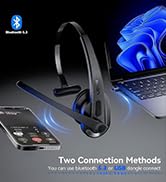
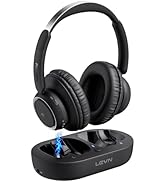
Bluetooth/USB Dongle | Connectivity | Bluetooth/USB Dongle |
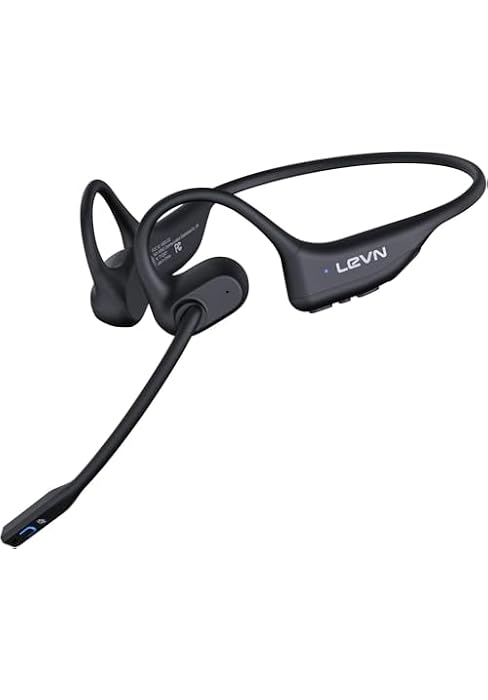
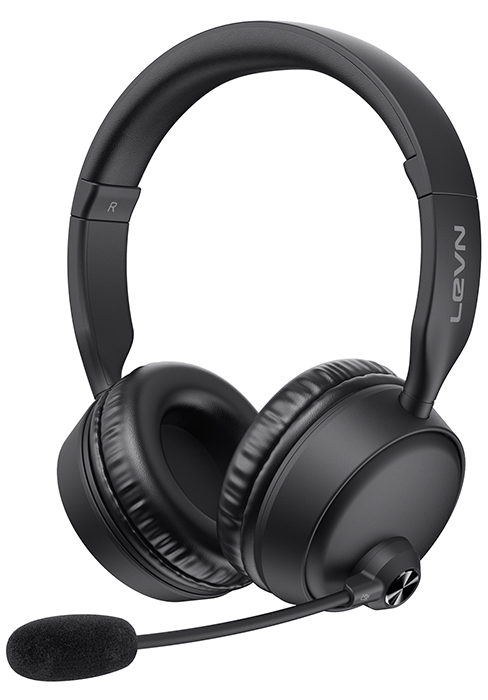
Single Ear | Earcup | Binaural |
1 Device | Bluetooth Multipoint | 1 Device |
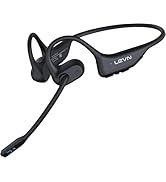
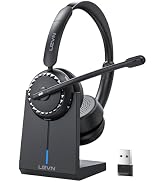
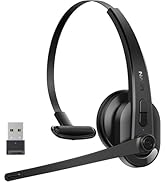
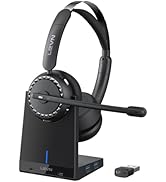
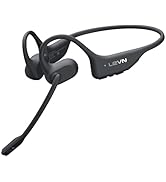
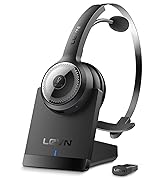
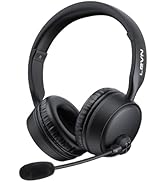
ENC Technology | ||
by 99.9% | AI Noise Canceling | by 99.9% |
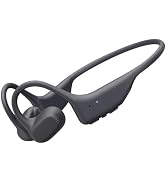
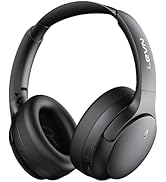
Bluetooth/USB Dongle | Connectivity | Bluetooth |
Single Ear | Earcup | Binaural |
1 Device | Bluetooth Multipoint | 2 Device |
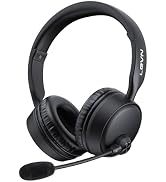
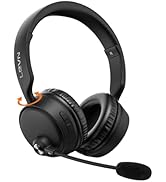
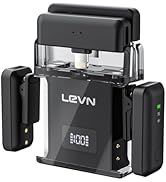
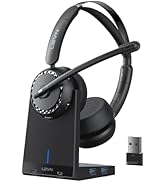
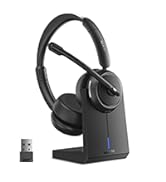
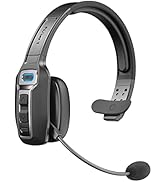
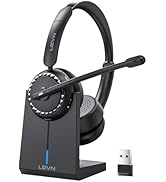
ENC Technology | ||
by 99.9% | AI Noise Canceling | by 99.9% |
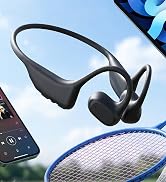
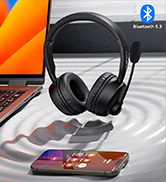
Bluetooth/USB Dongle | Connectivity | Bluetooth 5.3 |
Single Ear | Earcup | Binaural |
1 Device | Bluetooth Multipoint | 2 Device |

Eliminating Unwanted Background Noise and Focusing on your Call with LEVN















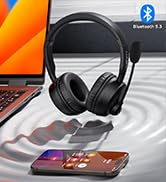

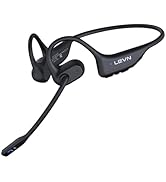



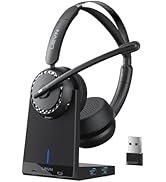

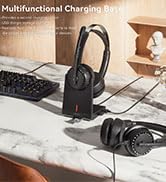




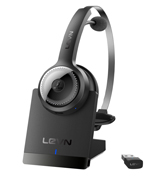






LEVN: Redefining Wireless Audio - Unmatched Quality and Innovation
Established in 2003, LEVN has a two-decade legacy in wireless audio, delivering unmatched expertise, superior quality, and an exceptional user experience. Meticulously crafted headphones ensure superior sound and seamless connectivity. Our goal is to enrich wireless audio with revolutionary features and innovative technology, shaping the future of Bluetooth headsets.
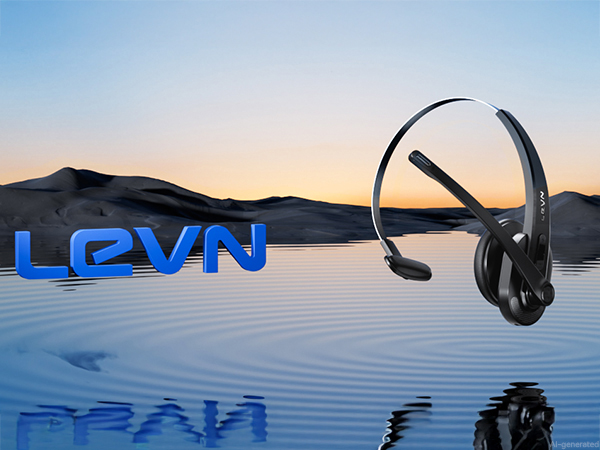
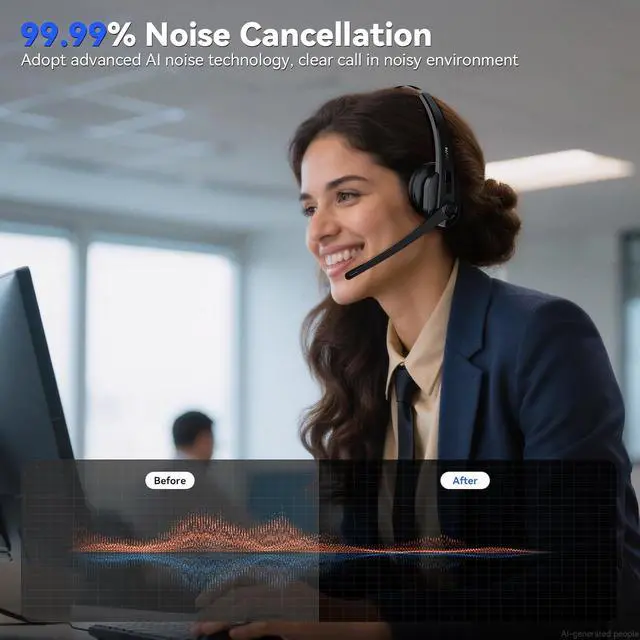
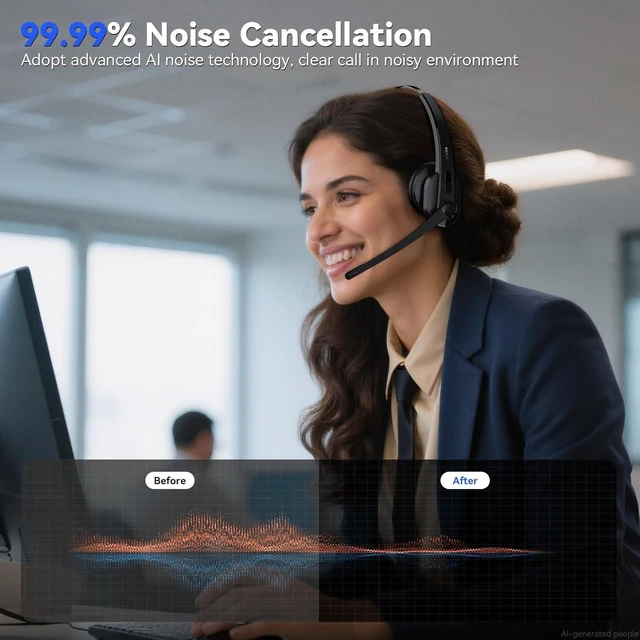
Block up to 99.99% of background noise, ensure your voice clear and professional in any environment
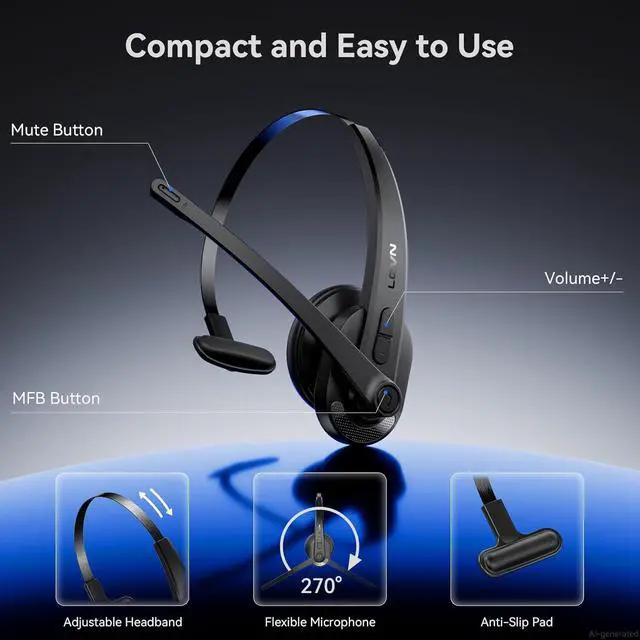
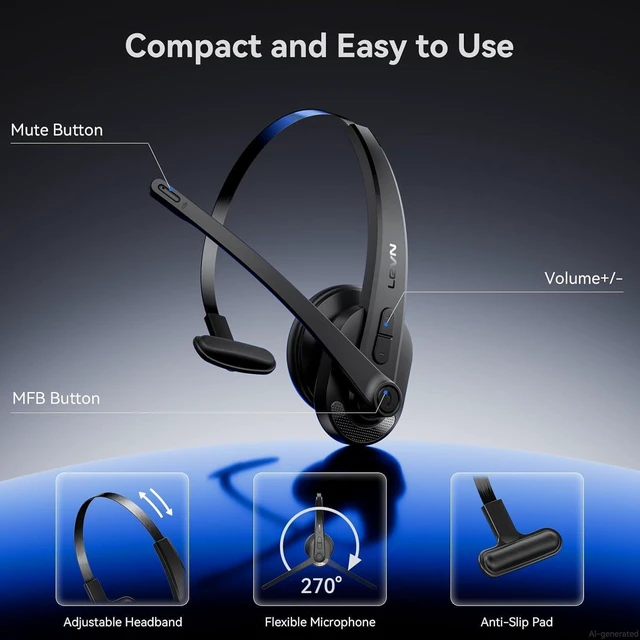
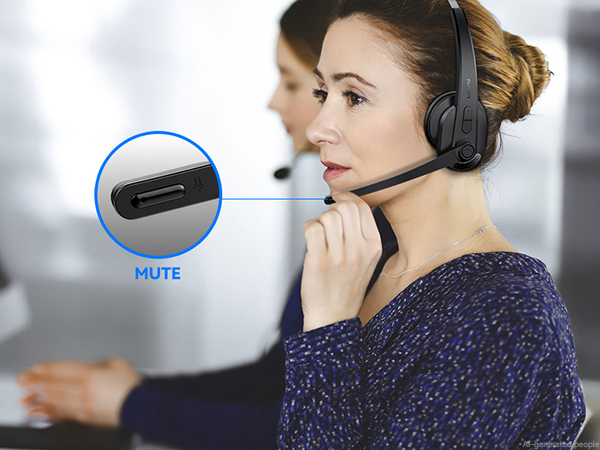
One-touch mute button mic gives you instant privacy and easy control in any conversation

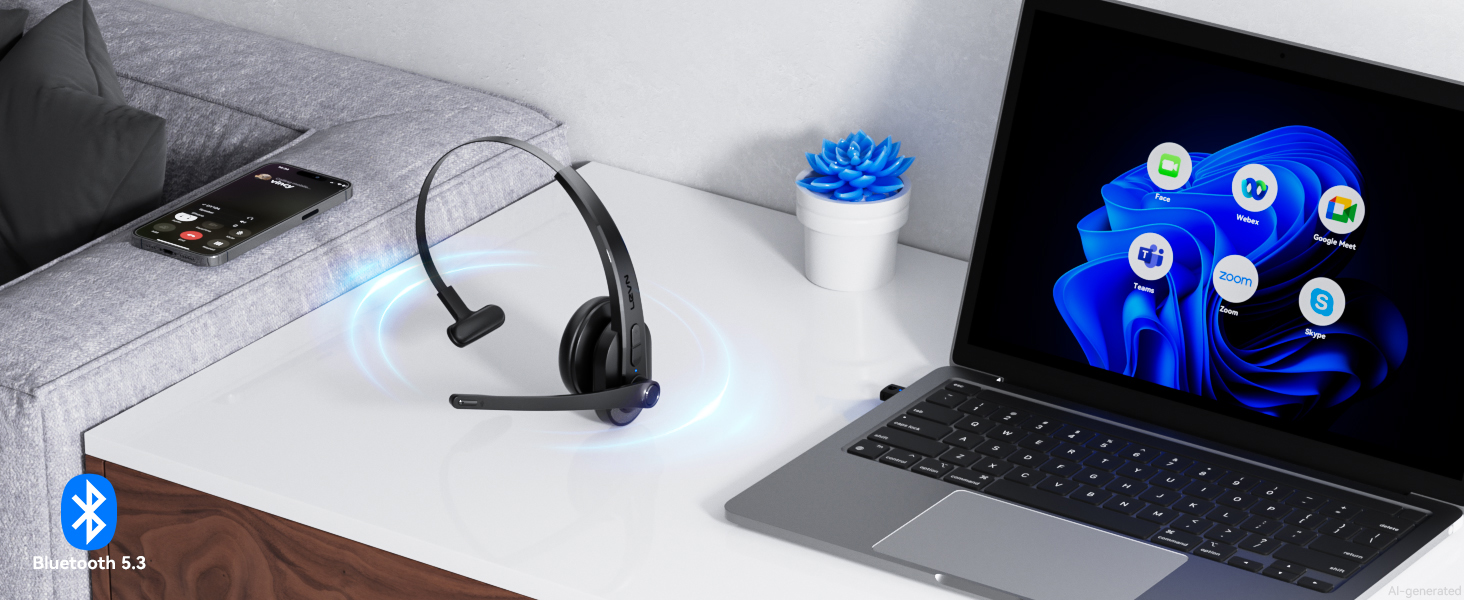
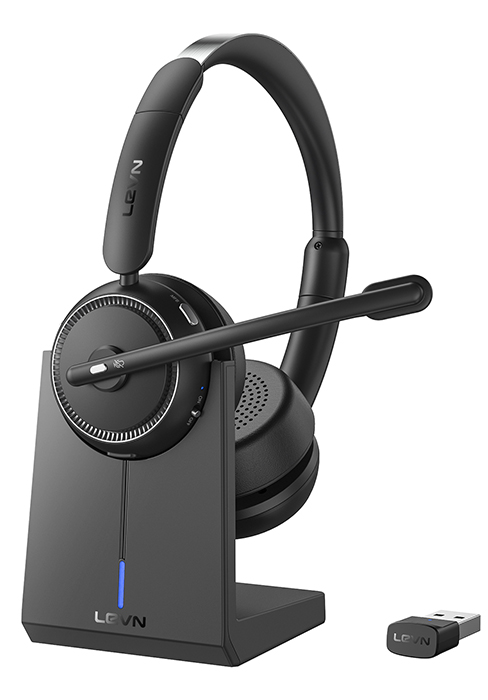
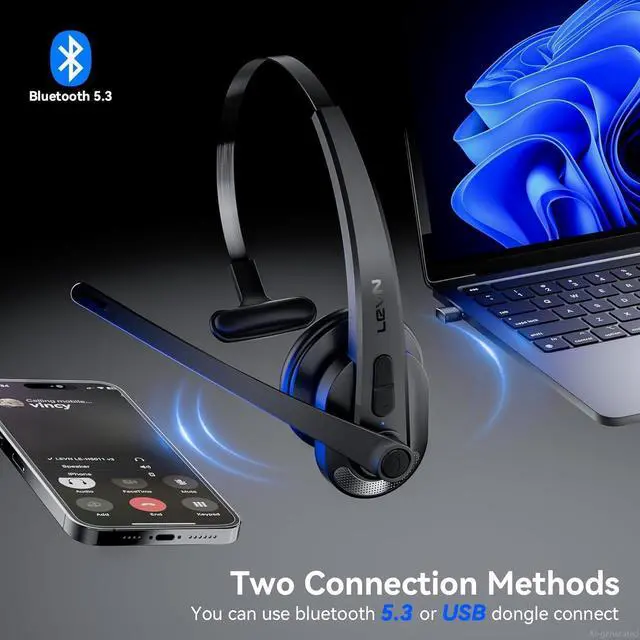
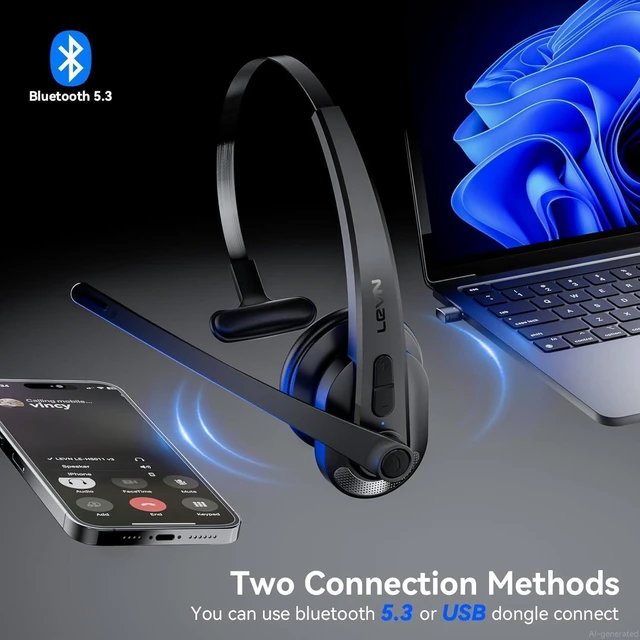
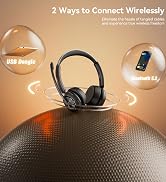
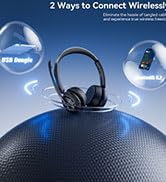
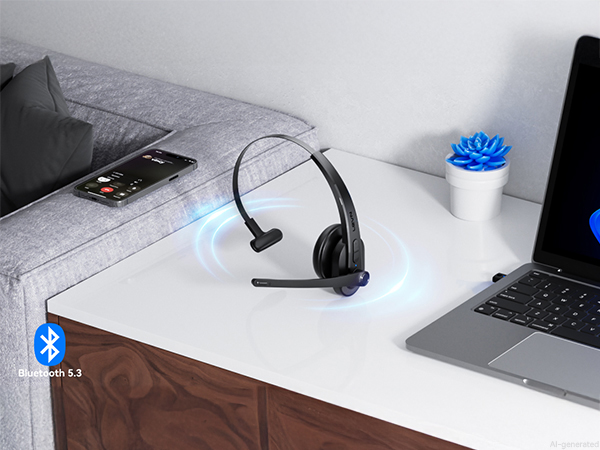
USB Dongle and Bluetooth connection options are available, Reliable,Low-Latency, Convinient
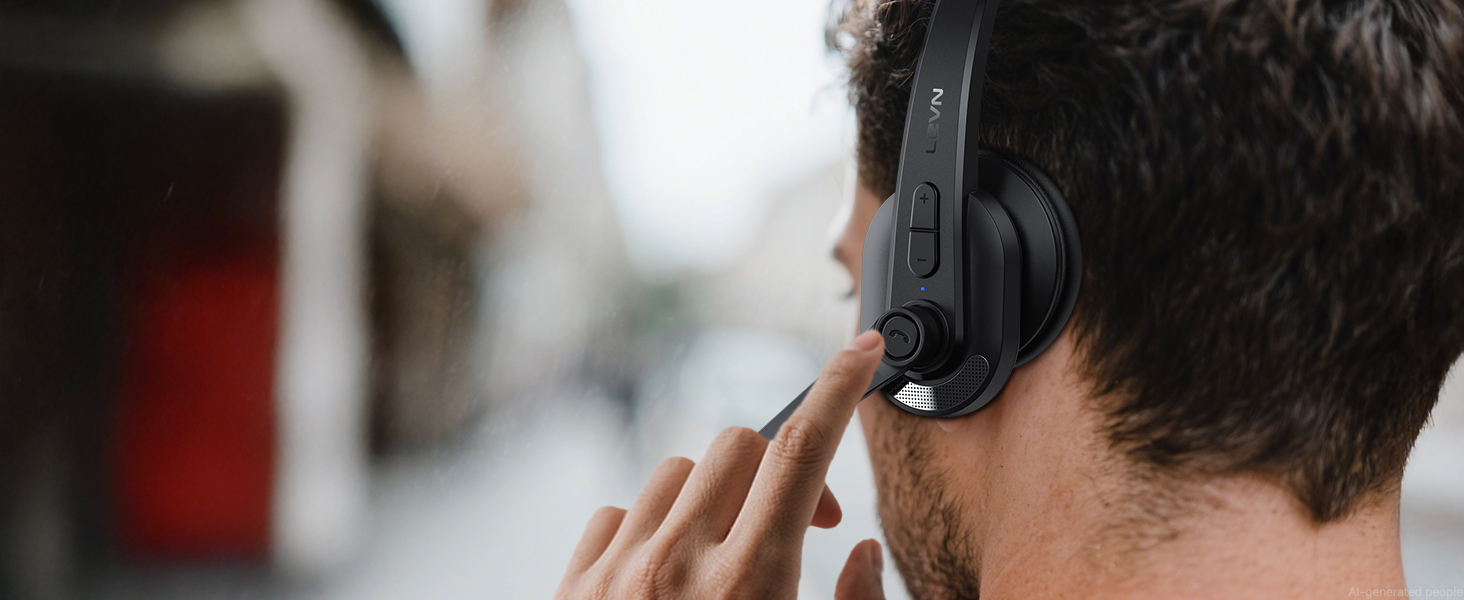
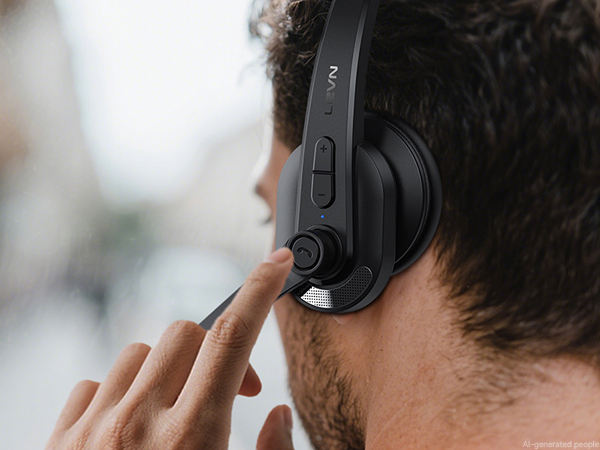
Hands-Free to answer/end a call, adjust volume, switch songs by MFB button,no need reach your phone
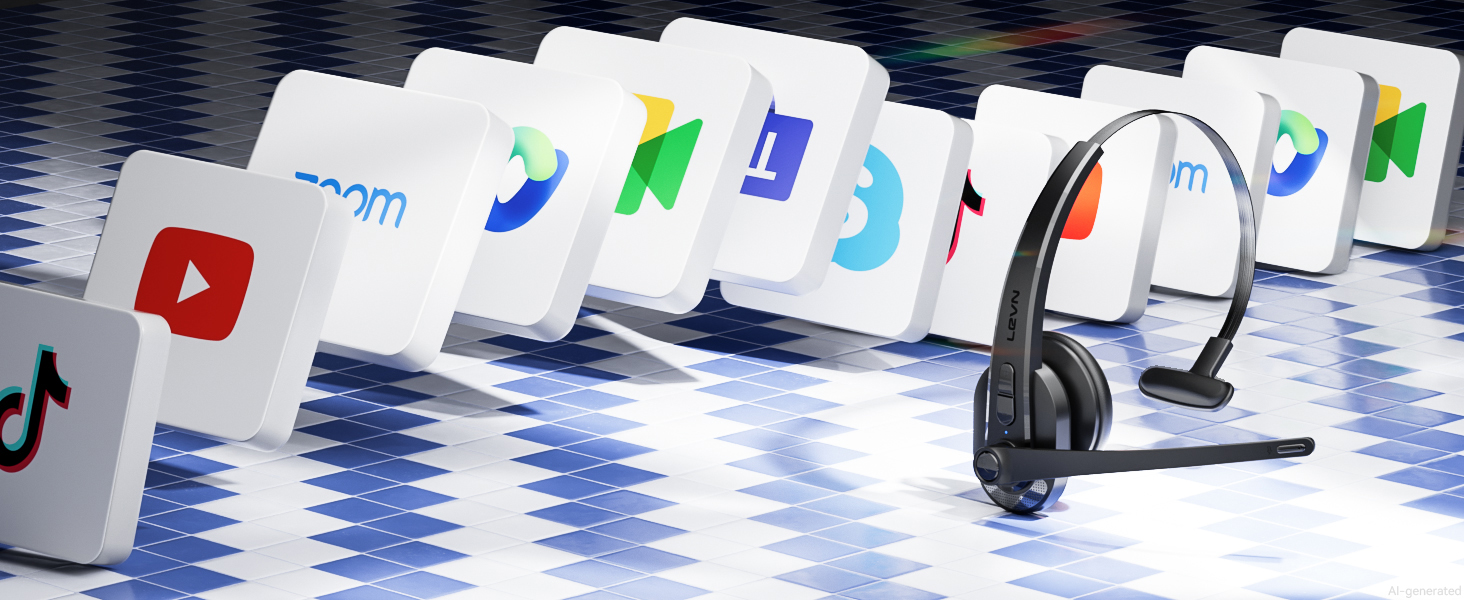
Seamlessly integrates with most platforms, such as Zoom and Teams, ensuring smooth communication
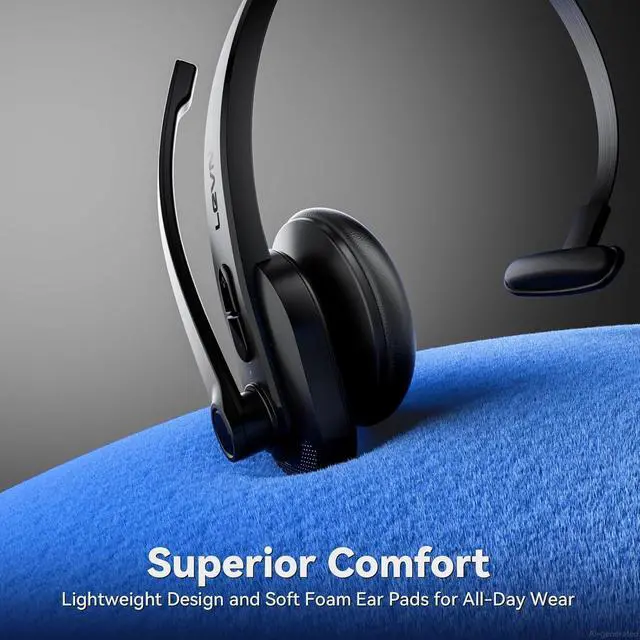
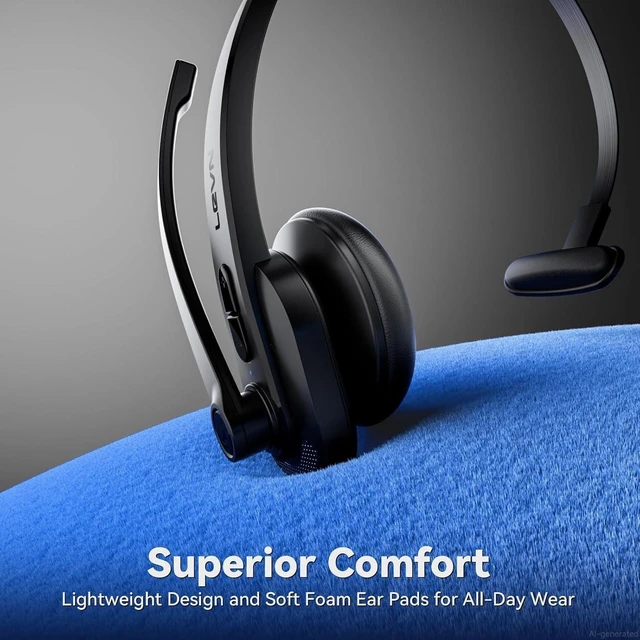
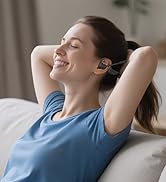
Enjoy silky-light comfort of wireless headset for a pressure-free fit even long listening sessions
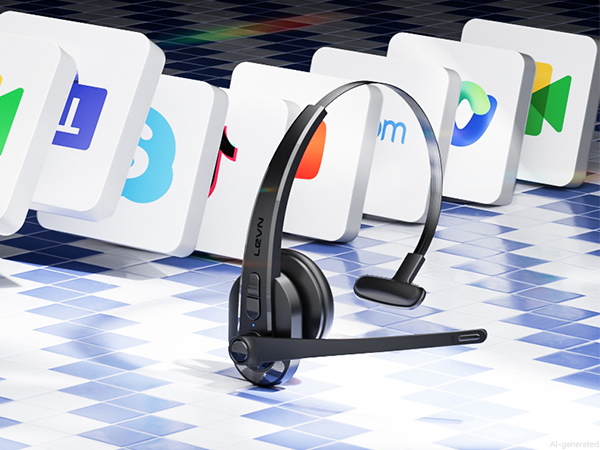
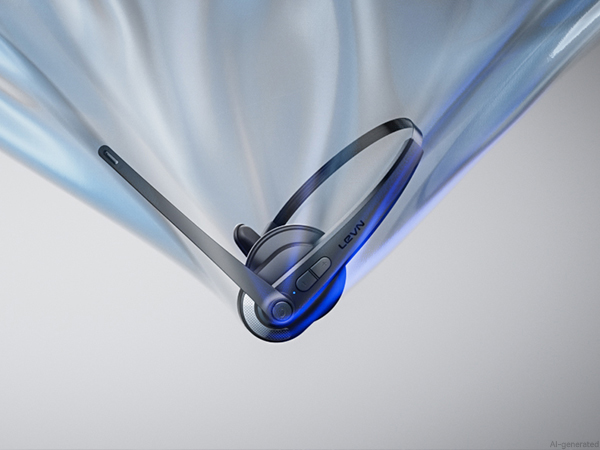

| Wireless Headset Audio Setting | When the computer and the headset have been successfully paired, please ensure that PC System Settings > Sound > Microphone input device & Speaker output device select [LEVN LE-HS011]. If you use office software, you also need to select [LEVN LE-HS011] for the Microphone input device & Speaker output device. |
|---|---|
| About Noise Cancellation | Our Bluetooth headset adopts environment noise cancelation technology, which mainly eliminates the non-human voice frequency band noise on your side to provide good call quality for your callers. (Such as children playing, dogs barking, and TV background sound) however, the voice of family members speaking at a normal volume is not environmental noise and cannot be filtered out. Note: Please check both the computer and the software speaker & microphone device and select [LEVN LE-HS011] |
| Answer or Hang Up the Call | If the wireless headset is connected to a mobile phone, you can click the MFB to answer/end calls on the headset; If the wireless headset is connected to a computer, you need to answer calls on the computer. Warm Reminder: MFB does not work with desk phones and landlines |
| About Mute | The Bluetooth headset mute button supports muting during calls/meetings. Just one touch to mute instantly, the voice promotion will remind you of the mute status (Mute on/Mute off). Kindly note that it doesn't support muting before a call. Mute only works during a call or meeting. |
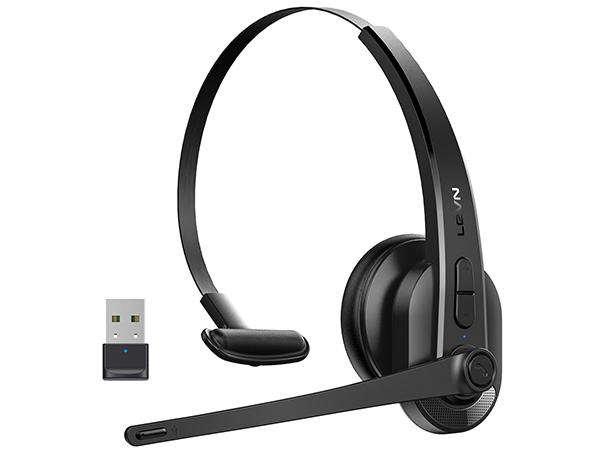
ENC Technology | |
AI Noise Canceling | by 99.9% |
Connectivity | Bluetooth/USB Dongle |
Earcup | Single Ear |
Bluetooth Multipoint | 1 Device |
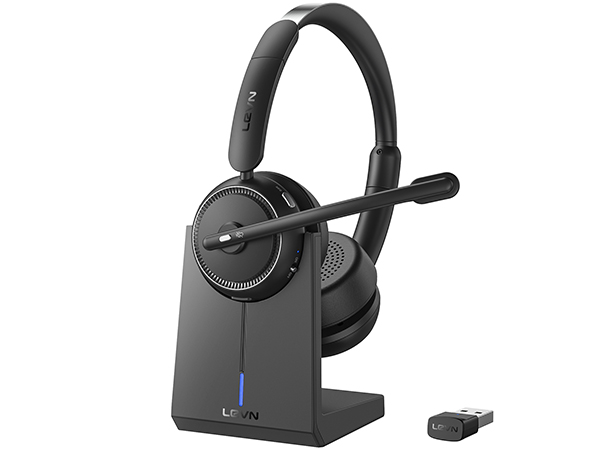
ENC Technology | |
AI Noise Canceling | by 99.9% |
Connectivity | Bluetooth/USB Dongle |
Earcup | Binaural |
Bluetooth Multipoint | 1 Device |
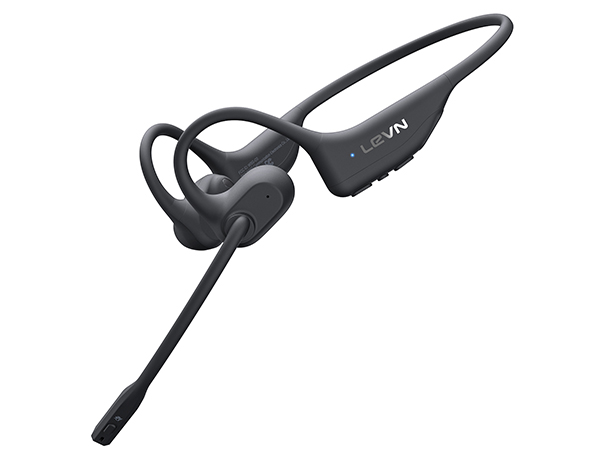
ENC Technology | |
AI Noise Canceling | by 99.9% |
Connectivity | Bluetooth |
Earcup | Binaural |
Bluetooth Multipoint | 2 Device |
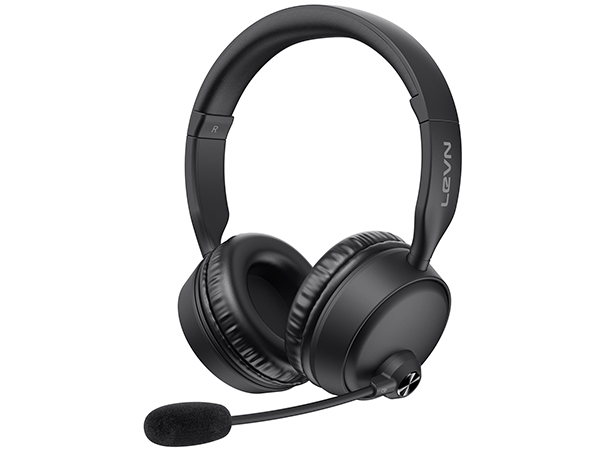
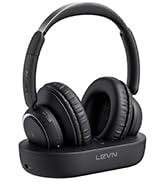
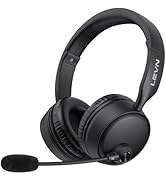
ENC Technology | |
AI Noise Canceling | by 99.9% |
Connectivity | Bluetooth 5.3 |
Earcup | Binaural |
Bluetooth Multipoint | 2 Device |
Eliminating Unwanted Background Noise and Focusing on your Call with LEVN



LEVN: Redefining Wireless Audio - Unmatched Quality and Innovation
Established in 2003, LEVN has a two-decade legacy in wireless audio, delivering unmatched expertise, superior quality, and an exceptional user experience. Meticulously crafted headphones ensure superior sound and seamless connectivity. Our goal is to enrich wireless audio with revolutionary features and innovative technology, shaping the future of Bluetooth headsets.