




 here!
here!
I’m your shopping assistant for PC builds, upgrades, and everything tech.
Got questions? Ask away!
Start a conversation
here!
I’m your shopping assistant for PC builds, upgrades, and everything tech.
Got questions? Ask away!
Start a conversation



Any questions? Ask CelesteSM will help you find out quickly.

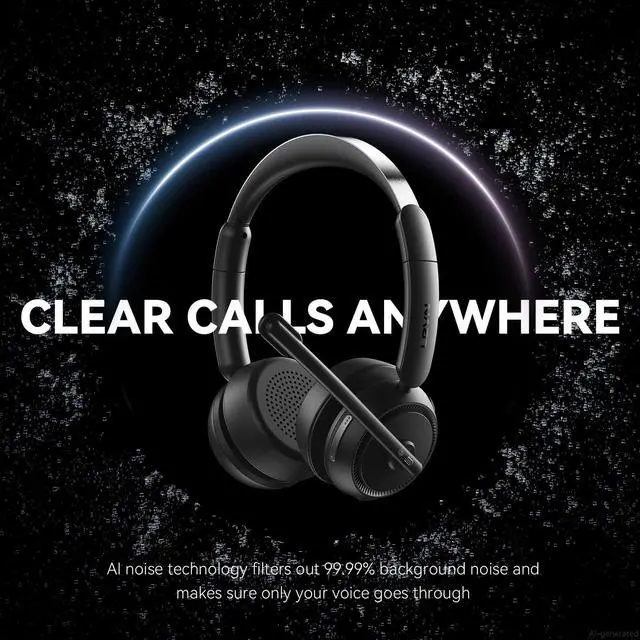
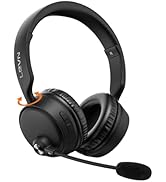
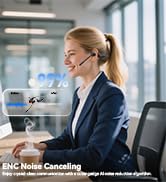
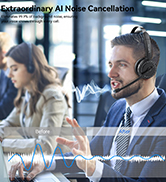
Reduces background noise to keep your voice clear and professional in any environment

Enjoy rich, immersive audio for calls, music, and movies with exceptional clarity
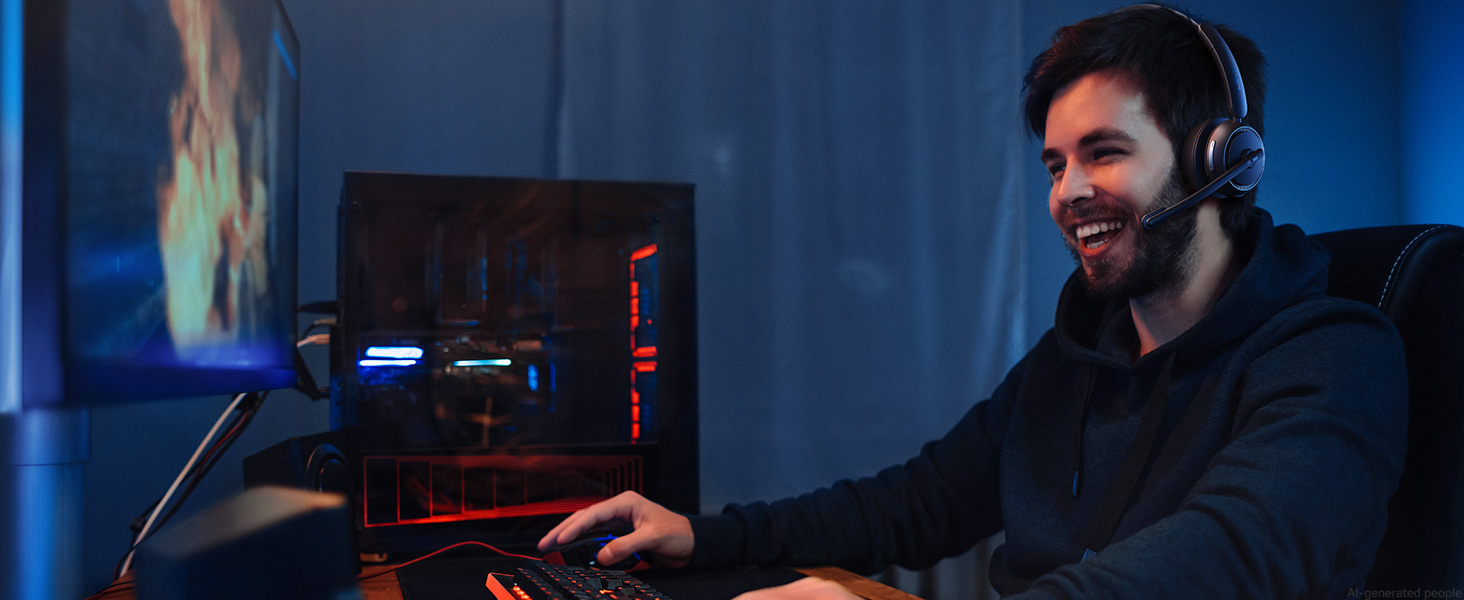
Enjoy immersive, low-latency audio that keeps you ahead in every competitive match
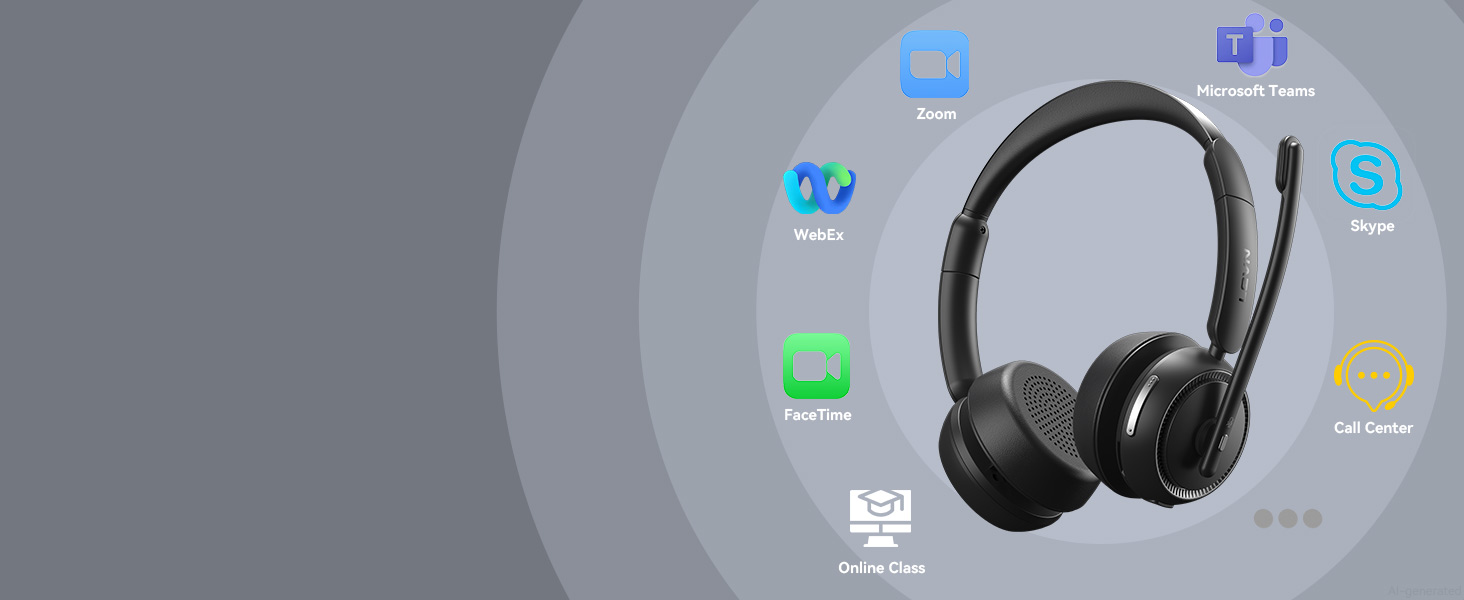
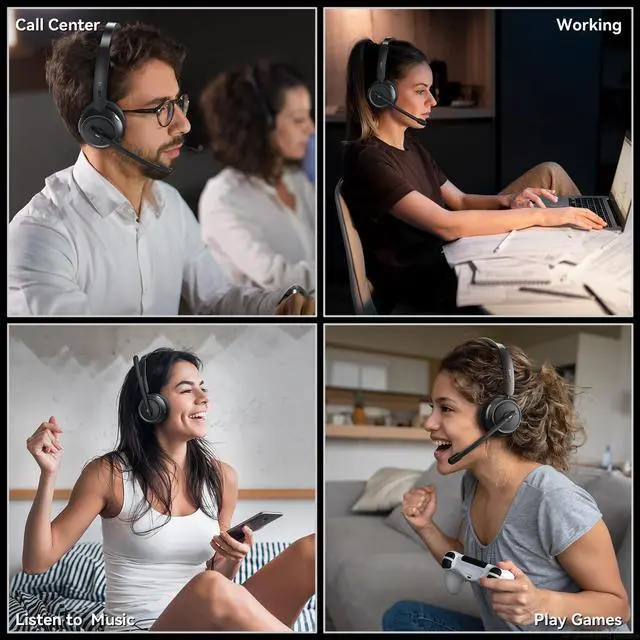
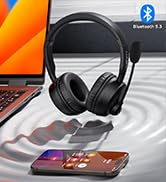
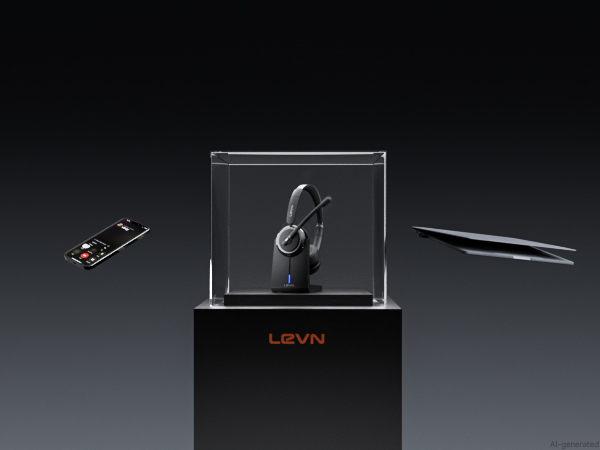
Connect effortlessly to phones, computers, Zoom, and Teams for smooth, hassle-free communication
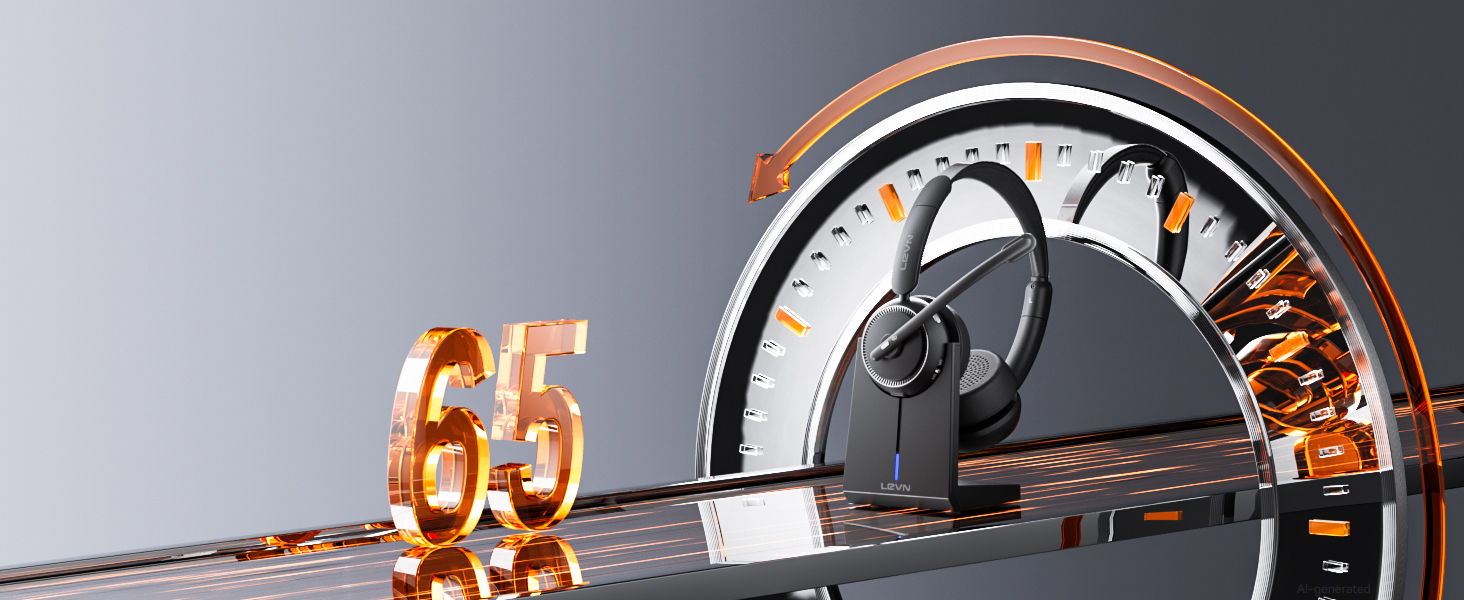
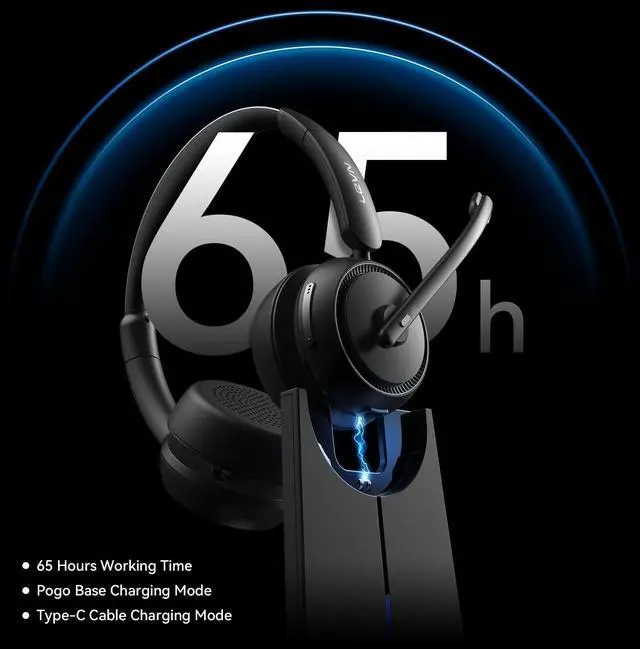
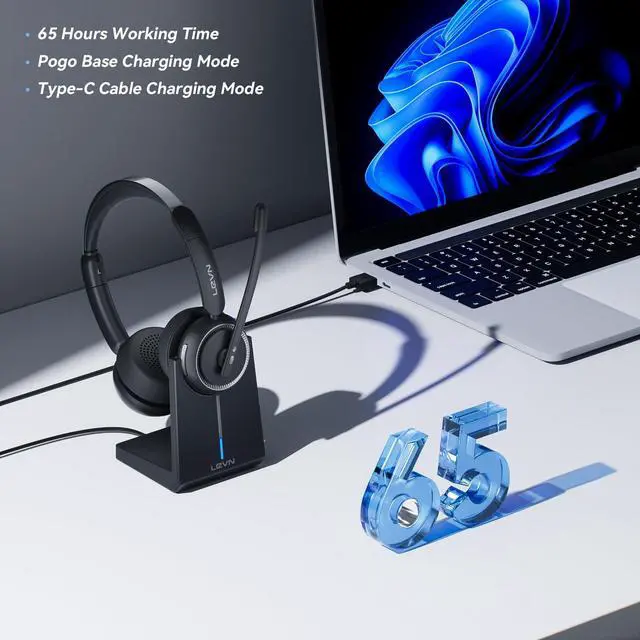
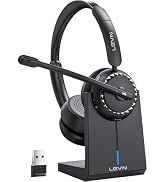
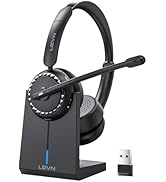
Stay productive with up to 65 hours of battery life and a charging base for effortless recharging
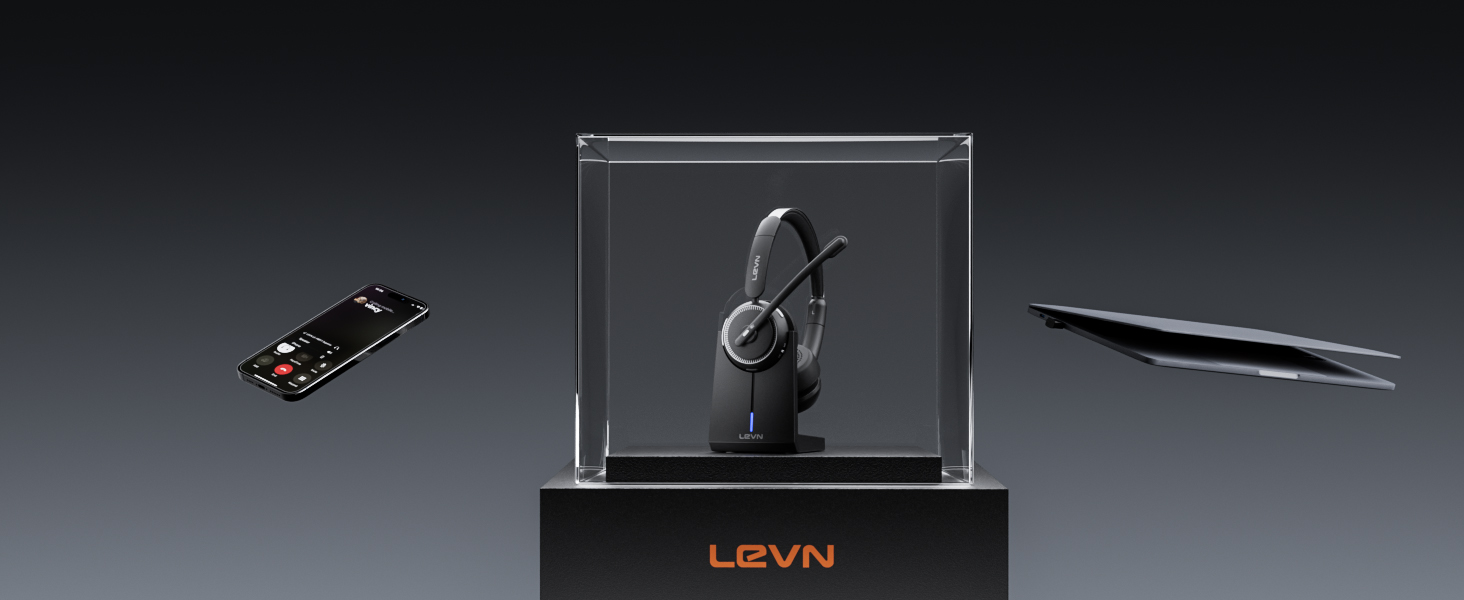
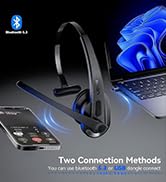
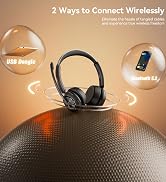
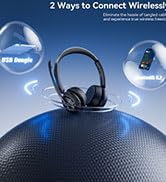
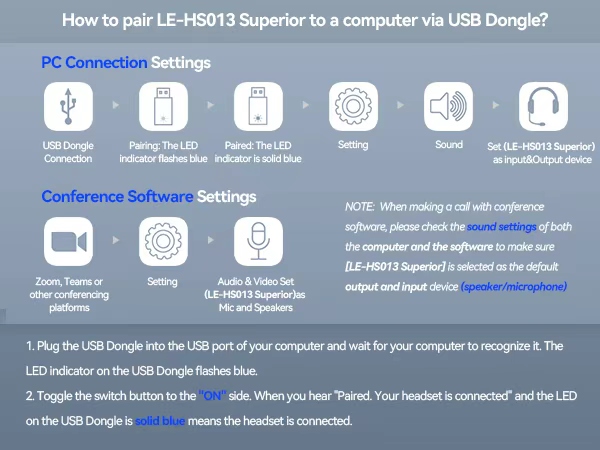
Enjoy seamless pairing with laptops, desktops, and phones using two easy connection options
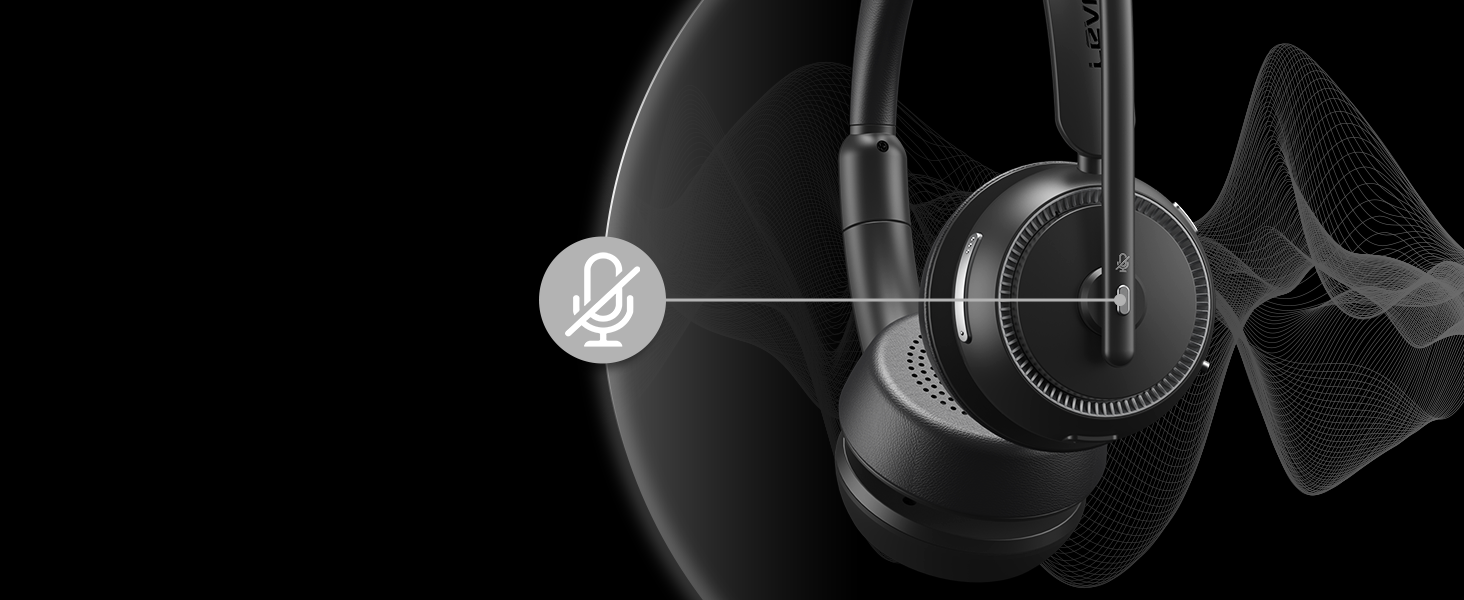
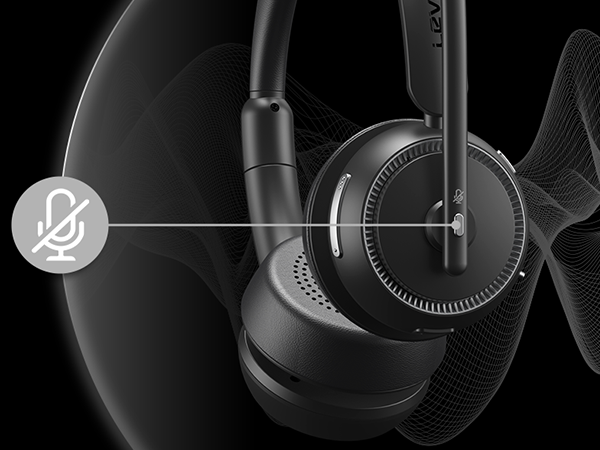
Enjoy quick privacy with a simple mute button, ideal for professionals on the go
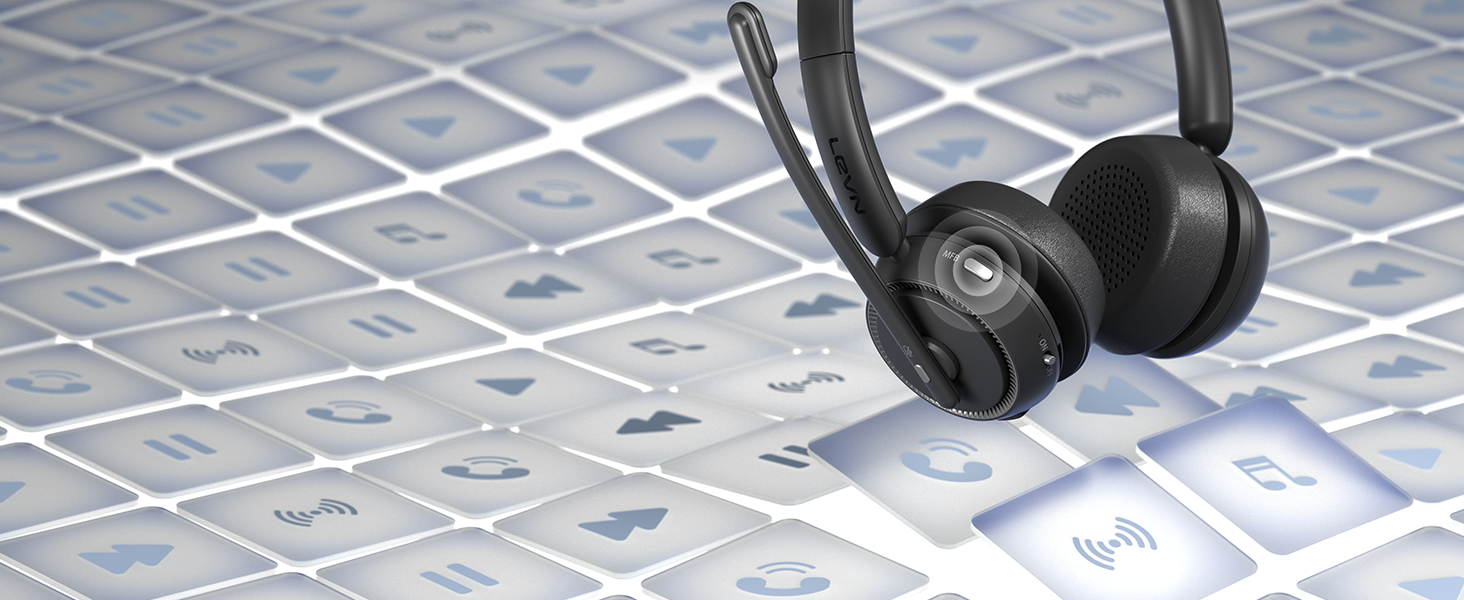
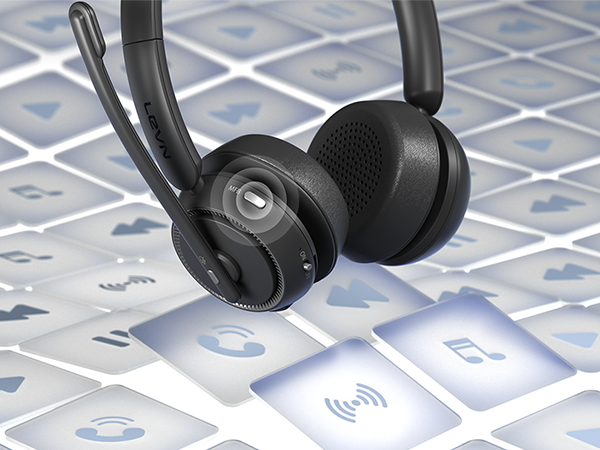
Use the MFB to answer, end, mute, or play music, making communication seamless and efficient
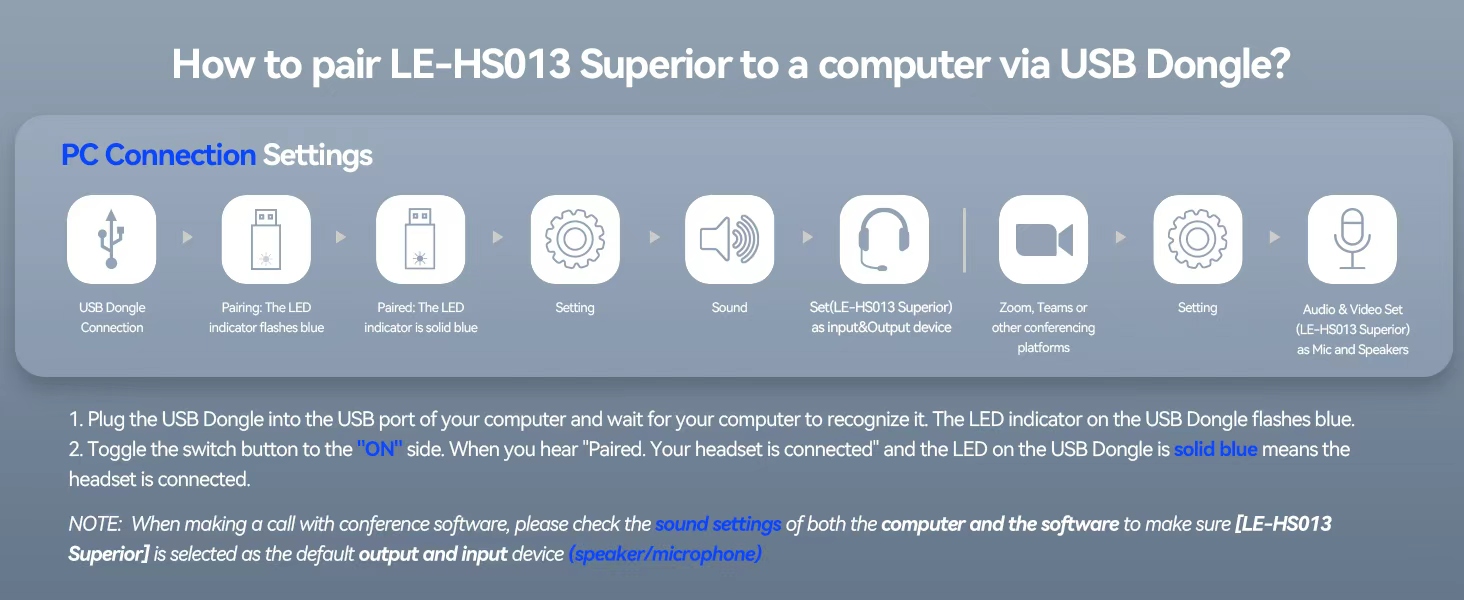
I want to connect wireless headset to my computer. How do I set up the audio?
When the wireless headset with mic is paired with the computer, please check the sound settings of both the computer and the software to make sure [LE-HS013 Superior] is selected as the default output and input device (speaker/microphone)
Can I use the bluetooth headset to answer or hang up calls?
If the wireless headset is connected to a mobile phone, you can click the MFB on the headset to answer/hang up the call; if the wireless headset is connected to a computer, you need to click the MFB on the computer to answer/hang up the call.
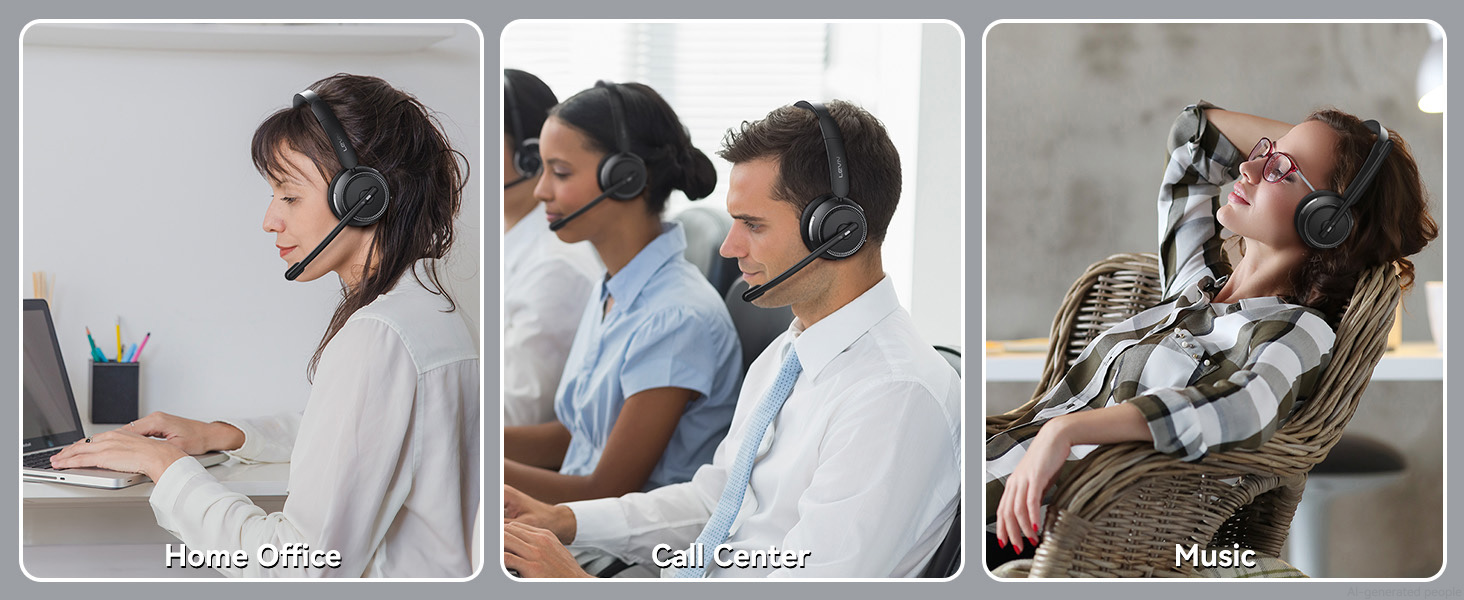
I'm working from home. Can this wireless headset with microphone effectively block out background noise from my family?
Of course, our wireless headset can effectively eliminate unwanted background noise (family screaming and crying, dogs barking...); however, the voice of the family speaking at a normal volume is not environmental noise and cannot be filtered out
How do I charge the wireless headset with mic for work?
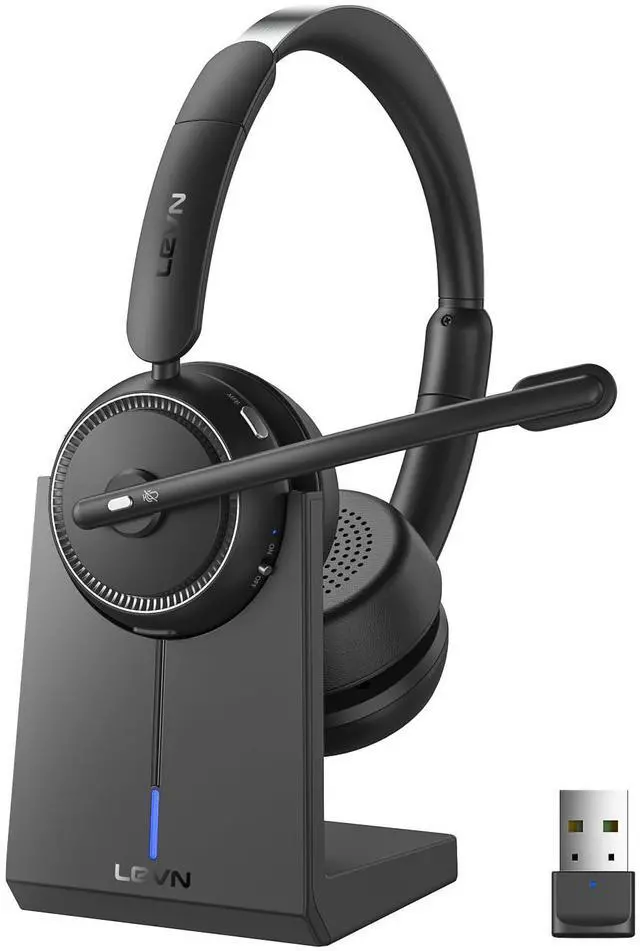
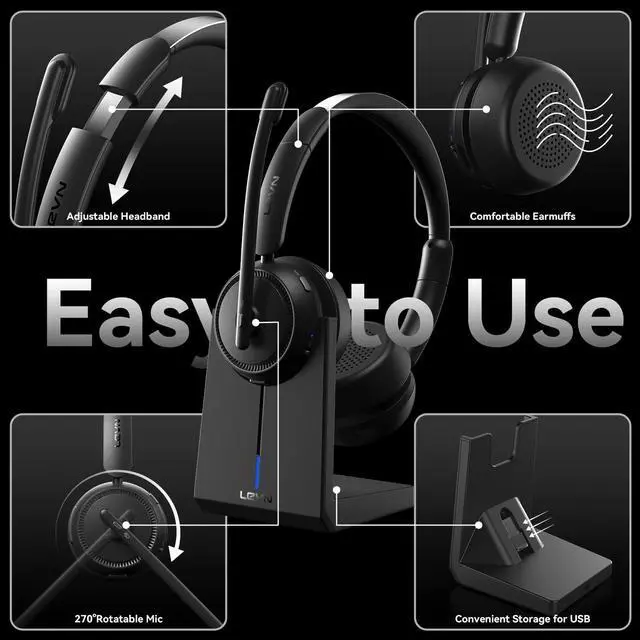
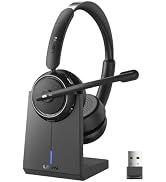
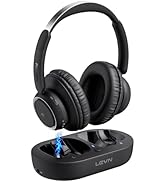
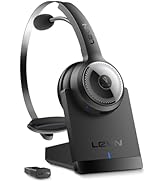
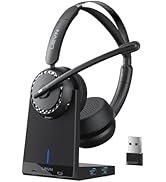
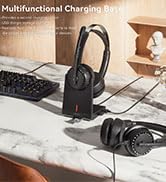
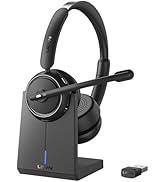
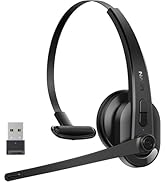
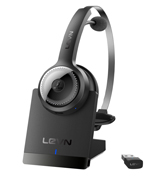
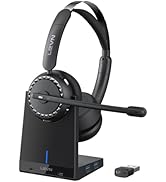
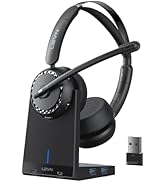
This Bluetooth headset comes with an elegant desktop charging dock for a convenient charging and storage solution. You can also use a Type-C Charging cable to charge it. The charging base has a slot for a USB dongle. Don't worry about losing the USB
What should I do if the device connection fails?
First, in on status, long-press Volume"-" and MFB for 5 seconds to clear the pair record. The light is solid purple for 1 second, which means the pair record has been deleted. Then press and hold the multi-function button for 10s to reset and restart

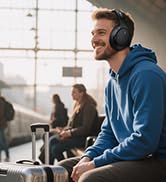
Eliminating Unwanted Background Noise and Focusing on your Call with LEVN







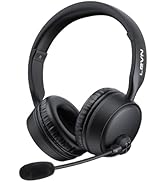


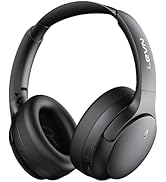



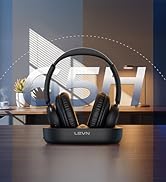



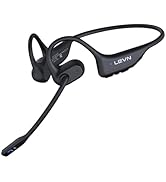









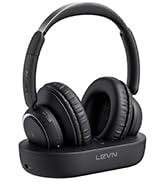

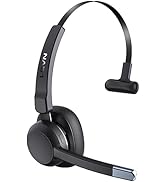
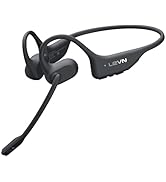
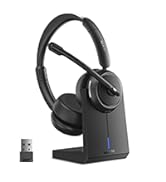
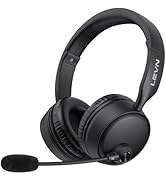
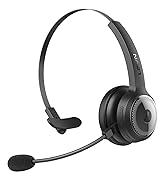
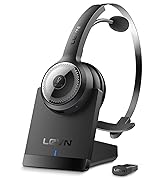
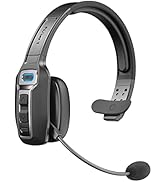
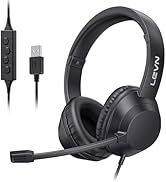


LEVN: Redefining Wireless Audio - Unmatched Quality and Innovation
Established in 2003, LEVN has a two-decade legacy in wireless audio, delivering unmatched expertise, superior quality, and an exceptional user experience. Meticulously crafted headphones ensure superior sound and seamless connectivity. Our goal is to enrich wireless audio with revolutionary features and innovative technology, shaping the future of Bluetooth headsets.
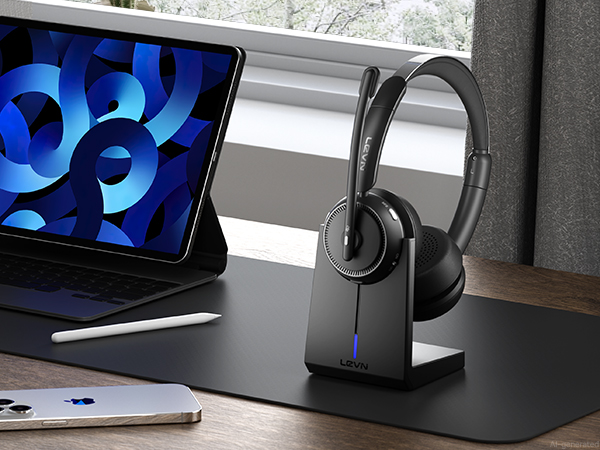
Reduces background noise to keep your voice clear and professional in any environment
Enjoy rich, immersive audio for calls, music, and movies with exceptional clarity
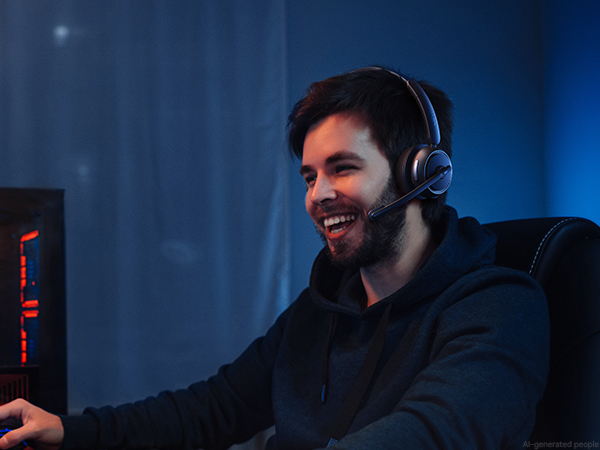
Enjoy immersive, low-latency audio that keeps you ahead in every competitive match
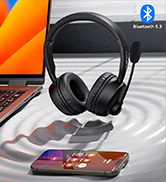
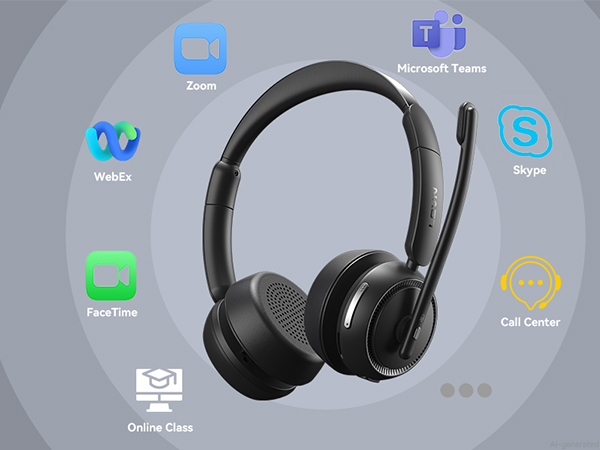
Connect effortlessly to phones, computers, Zoom, and Teams for smooth, hassle-free communication


Stay productive with up to 65 hours of battery life and a charging base for effortless recharging
Enjoy seamless pairing with laptops, desktops, and phones using two easy connection options
Enjoy quick privacy with a simple mute button, ideal for professionals on the go
Use the MFB to answer, end, mute, or play music, making communication seamless and efficient


I want to connect wireless headset to my computer. How do I set up the audio?
When the wireless headset with mic is paired with the computer, please check the sound settings of both the computer and the software to make sure [LE-HS013 Superior] is selected as the default output and input device (speaker/microphone)
Can I use the bluetooth headset to answer or hang up calls?
If the wireless headset is connected to a mobile phone, you can click the MFB on the headset to answer/hang up the call; if the wireless headset is connected to a computer, you need to click the MFB on the computer to answer/hang up the call.
I'm working from home. Can this wireless headset with microphone effectively block out background noise from my family?
Of course, our wireless headset can effectively eliminate unwanted background noise (family screaming and crying, dogs barking...); however, the voice of the family speaking at a normal volume is not environmental noise and cannot be filtered out
How do I charge the wireless headset with mic for work?
This Bluetooth headset comes with an elegant desktop charging dock for a convenient charging and storage solution. You can also use a Type-C Charging cable to charge it. The charging base has a slot for a USB dongle. Don't worry about losing the USB
What should I do if the device connection fails?
First, in on status, long-press Volume"-" and MFB for 5 seconds to clear the pair record. The light is solid purple for 1 second, which means the pair record has been deleted. Then press and hold the multi-function button for 10s to reset and restart
Eliminating Unwanted Background Noise and Focusing on your Call with LEVN

LEVN: Redefining Wireless Audio - Unmatched Quality and Innovation
Established in 2003, LEVN has a two-decade legacy in wireless audio, delivering unmatched expertise, superior quality, and an exceptional user experience. Meticulously crafted headphones ensure superior sound and seamless connectivity. Our goal is to enrich wireless audio with revolutionary features and innovative technology, shaping the future of Bluetooth headsets.


