







Open Listening & Safe
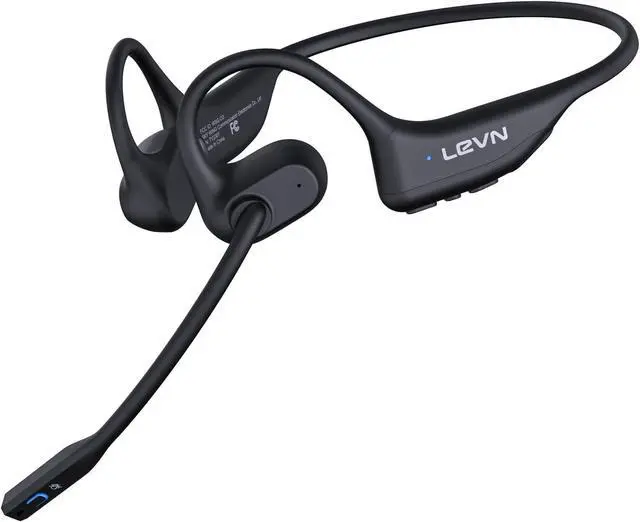
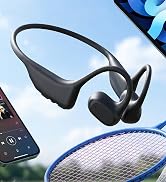
Open-ear headphones design let in ambient sound, helping you stay aware of traffic and hazards while running or cycling outdoors
ENC Noise Cancellation Mic
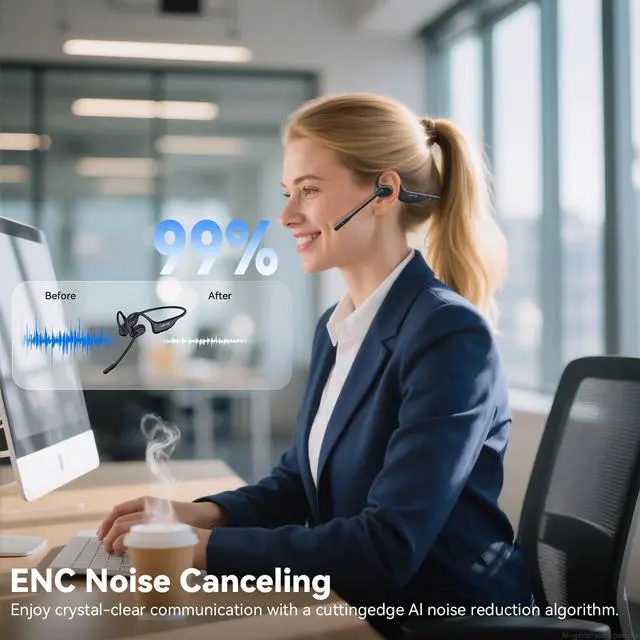
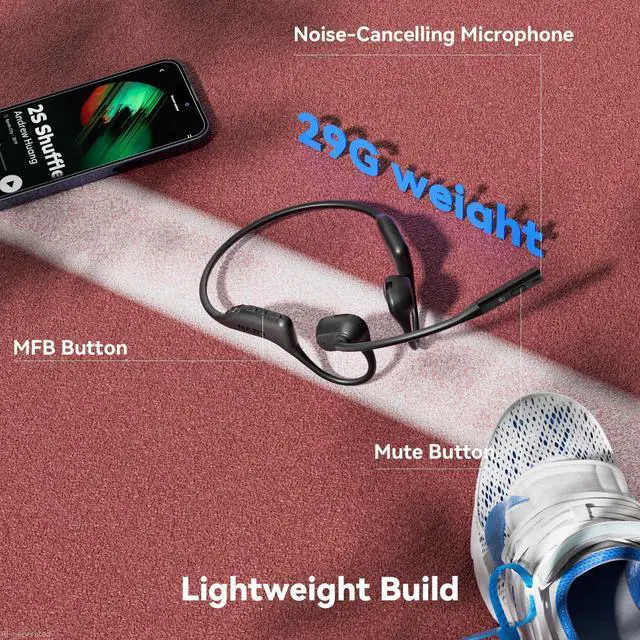
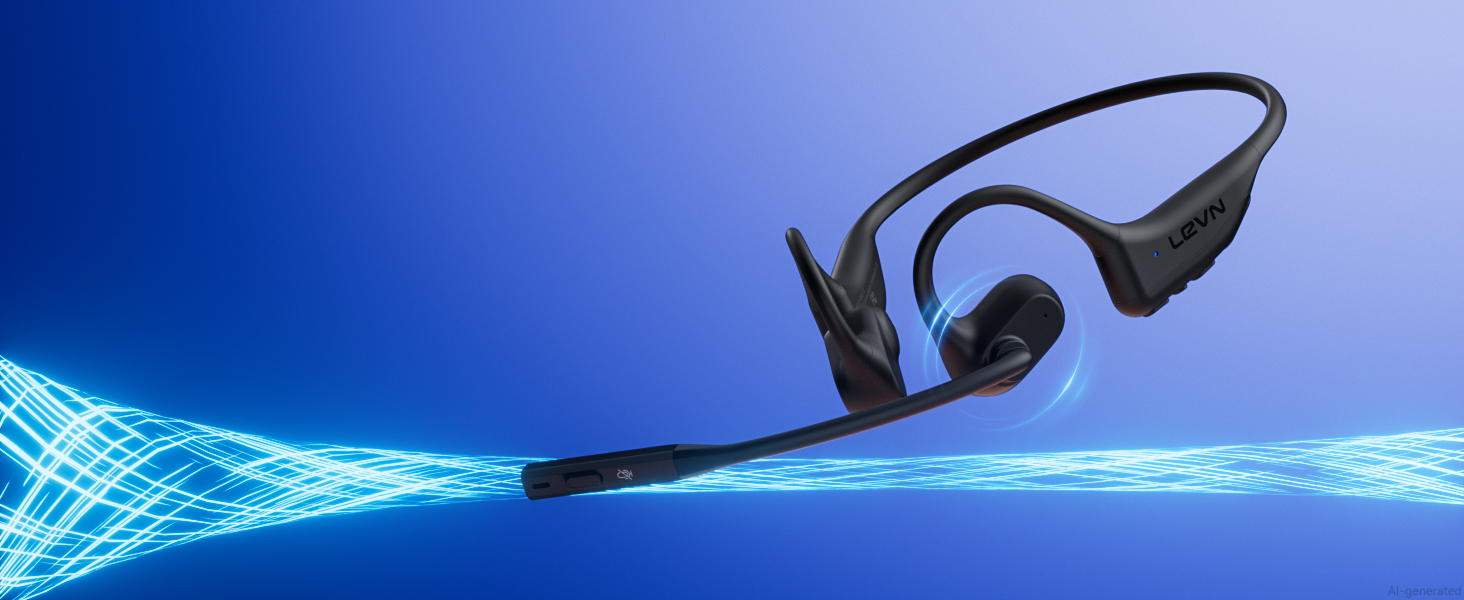
The noise-cancelling mic delivers clear, crisp voice calls by reducing background noise effectively

MFB Button Enables Calling
With the MFB button, you can answer or reject calls, play or pause music, and switch tracks easily
Connect Two Devices
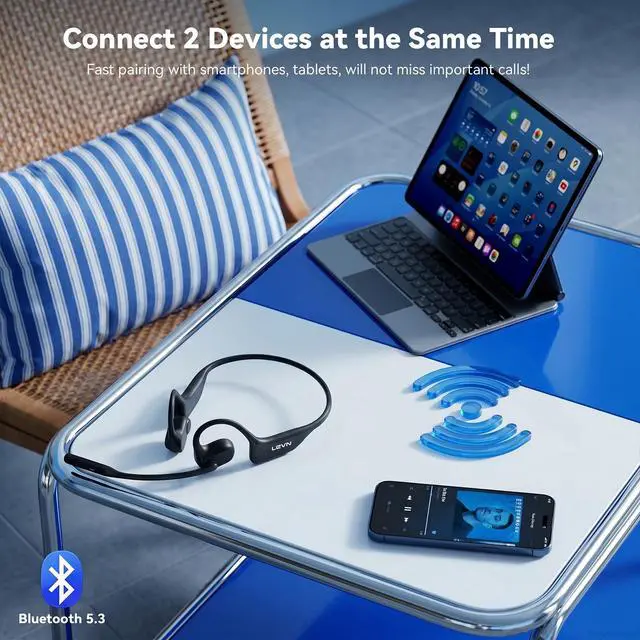
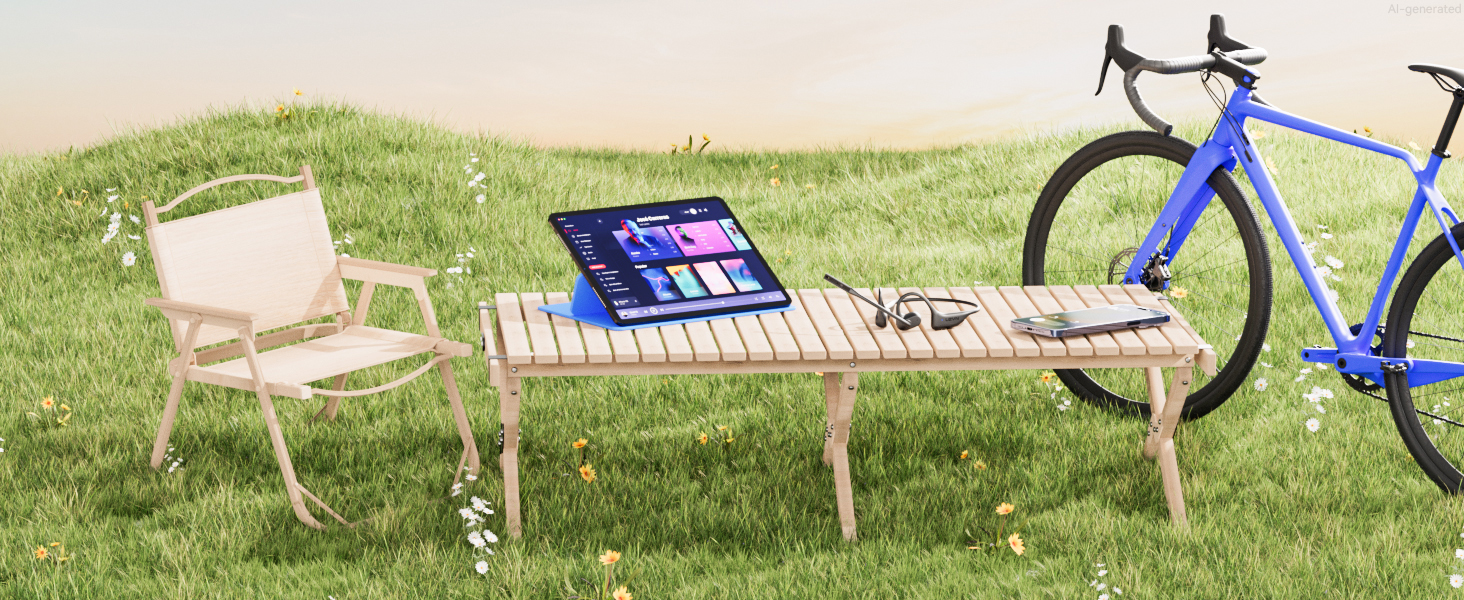
Connect two devices simultaneously and switch easily between them via the MFB to manage messages


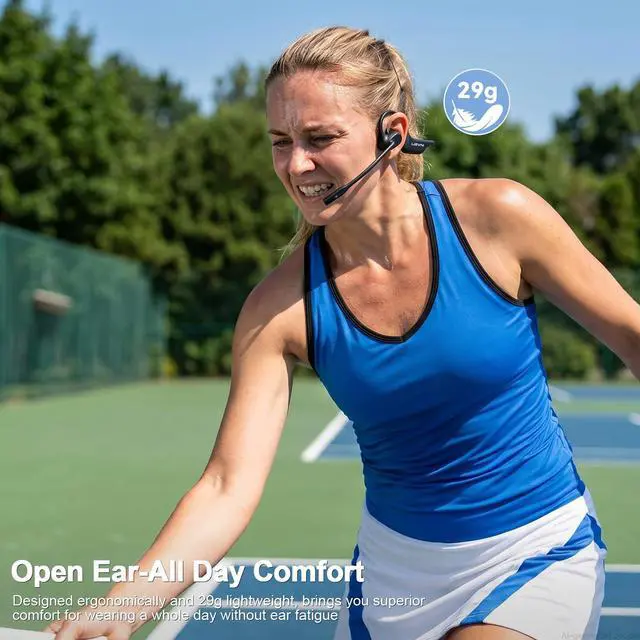
Lightweight & All-Day Comfort
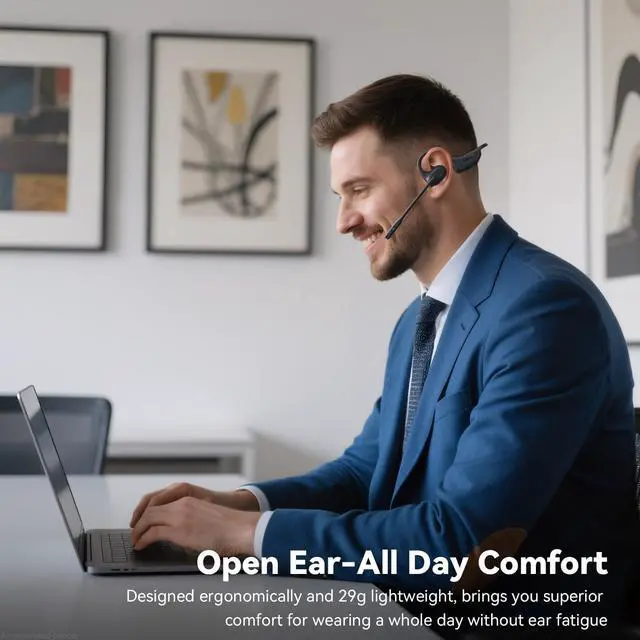
Lightweight 29g design with skin-friendly silicone ensures comfortable wear all day long
How to pair LEVN LE-HS017 with 2 devices simultaneously via Bluetooth?
1. Press and hold MFB button for 3-5s to enter pairing mode, the LED indicator light will flash blue and red alternately, and you could hear "Pairing".
2. Turn on the Bluetooth function of device A, search and connect [LEVN LE-HS017] in the Bluetooth device list. When you hear "connected" and the LED indicator turns blue and flashes slowly every 5s, it means the headset is connected to device A.
3. Turn off the Bluetooth function of device A, when you hear "Disconnected", the LED indicator light will flash blue and red alternately, [LEVN LE-HS017] will re-enter the pairing mode.
4. Turn on the Bluetooth function of device B, search and connect [LEVN LE-HS017] in the Bluetooth device list, when you hear "connected" and the LED indicator turns blue and flashes slowly every 5s, it means the headset B-device connected to device B.
5. Turn on the Bluetooth function of device A, and click "Connect" [LEVN LE-HS017] in the Bluetooth device list. When you hear "connected" again, it means that the headset has been successfully connected to device A and device B at the same time.
Note:
When you listen to music on device A, and device B has an incoming call, just click the MFB button to answer the call (please check the manual for more details).
When making a call, make sure the sound settings of both the computer and the software to make sure [LEVN LE-HS017] is selected as the default output and input device (speaker/microphone)

Eliminating Unwanted Background Noise and Focusing on your Call with LEVN
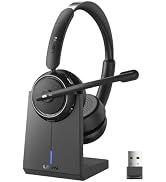



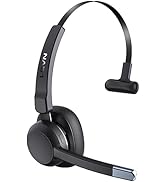
LEVN Wireless headset for work
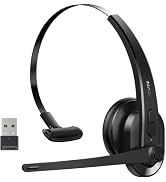
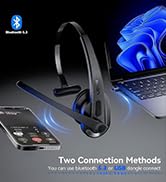


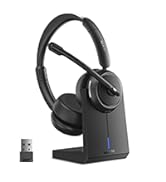
LEVN Wireless Headset with Mic
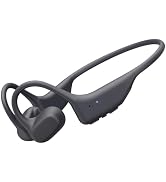
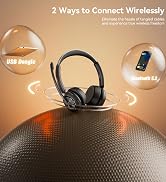
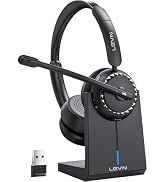
LEVN Bluetooth Headset
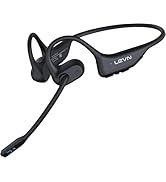

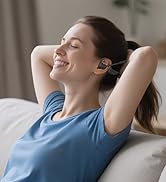

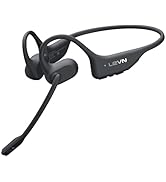
LEVN Open Ear Headphones
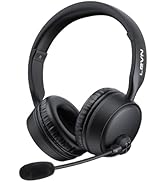
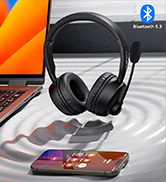


LEVN Bluetooth Headset
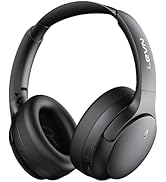



Noise Cancelling Headphones
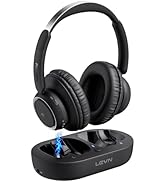


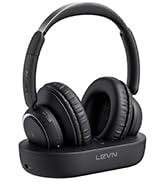
LEVN new TV headphones
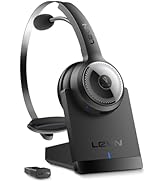


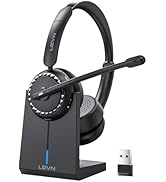
Wireless headset for work
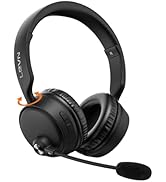
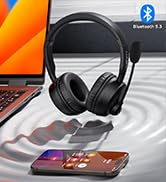

LEVN Bluetooth Headset
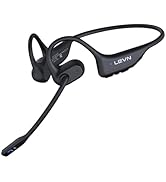



Open Ear Headphones
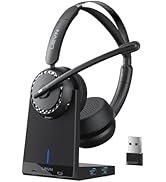

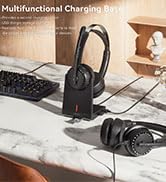

LEVN New Product Alert
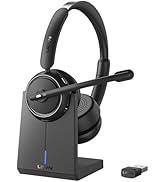



LEVN Wireless headset for work
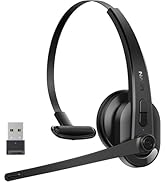
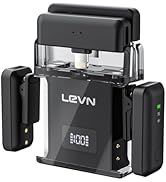
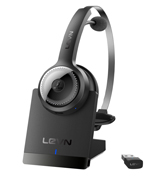

LEVN Wireless Headset with Mic
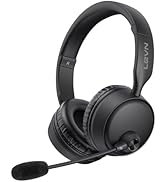
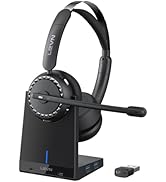

LEVN Wireless Headset with Mic
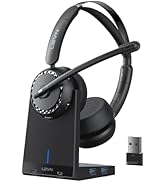


Convenient & Efficient
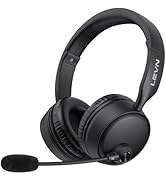
New Product Alert from LEVN
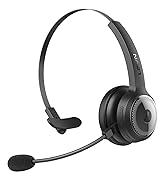
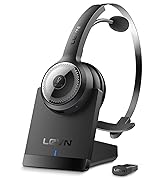
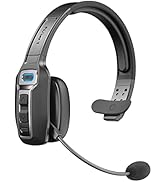
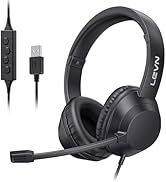
Wireless Freedom


LEVN: Redefining Wireless Audio - Unmatched Quality and Innovation
Established in 2003, LEVN has a two-decade legacy in wireless audio, delivering unmatched expertise, superior quality, and an exceptional user experience. Meticulously crafted headphones ensure superior sound and seamless connectivity. Our goal is to enrich wireless audio with revolutionary features and innovative technology, shaping the future of Bluetooth headsets.


Open Listening & Safe
Open-ear headphones design let in ambient sound, helping you stay aware of traffic and hazards while running or cycling outdoors
ENC Noise Cancellation Mic
The noise-cancelling mic delivers clear, crisp voice calls by reducing background noise effectively
MFB Button Enables Calling
With the MFB button, you can answer or reject calls, play or pause music, and switch tracks easily
Connect Two Devices
Connect two devices simultaneously and switch easily between them via the MFB to manage messages


Lightweight & All-Day Comfort
Lightweight 29g design with skin-friendly silicone ensures comfortable wear all day long
How to pair LEVN LE-HS017 with 2 devices simultaneously via Bluetooth?
1. Press and hold MFB button for 3-5s to enter pairing mode, the LED indicator light will flash blue and red alternately, and you could hear "Pairing".
2. Turn on the Bluetooth function of device A, search and connect [LEVN LE-HS017] in the Bluetooth device list. When you hear "connected" and the LED indicator turns blue and flashes slowly every 5s, it means the headset is connected to device A.
3. Turn off the Bluetooth function of device A, when you hear "Disconnected", the LED indicator light will flash blue and red alternately, [LEVN LE-HS017] will re-enter the pairing mode.
4. Turn on the Bluetooth function of device B, search and connect [LEVN LE-HS017] in the Bluetooth device list, when you hear "connected" and the LED indicator turns blue and flashes slowly every 5s, it means the headset B-device connected to device B.
5. Turn on the Bluetooth function of device A, and click "Connect" [LEVN LE-HS017] in the Bluetooth device list. When you hear "connected" again, it means that the headset has been successfully connected to device A and device B at the same time.
Note:
When you listen to music on device A, and device B has an incoming call, just click the MFB button to answer the call (please check the manual for more details).
When making a call, make sure the sound settings of both the computer and the software to make sure [LEVN LE-HS017] is selected as the default output and input device (speaker/microphone)
Eliminating Unwanted Background Noise and Focusing on your Call with LEVN
LEVN Wireless headset for work
LEVN Wireless Headset with Mic
LEVN Bluetooth Headset
LEVN Open Ear Headphones
LEVN Bluetooth Headset
Noise Cancelling Headphones
LEVN new TV headphones
Wireless headset for work
LEVN Bluetooth Headset
Open Ear Headphones
LEVN New Product Alert
LEVN Wireless headset for work

LEVN Wireless Headset with Mic
LEVN Wireless Headset with Mic
Convenient & Efficient
New Product Alert from LEVN
Wireless Freedom
LEVN: Redefining Wireless Audio - Unmatched Quality and Innovation
Established in 2003, LEVN has a two-decade legacy in wireless audio, delivering unmatched expertise, superior quality, and an exceptional user experience. Meticulously crafted headphones ensure superior sound and seamless connectivity. Our goal is to enrich wireless audio with revolutionary features and innovative technology, shaping the future of Bluetooth headsets.
