





LE-HS018
Open up a New Audio World with LEVN Wirelss Headphones
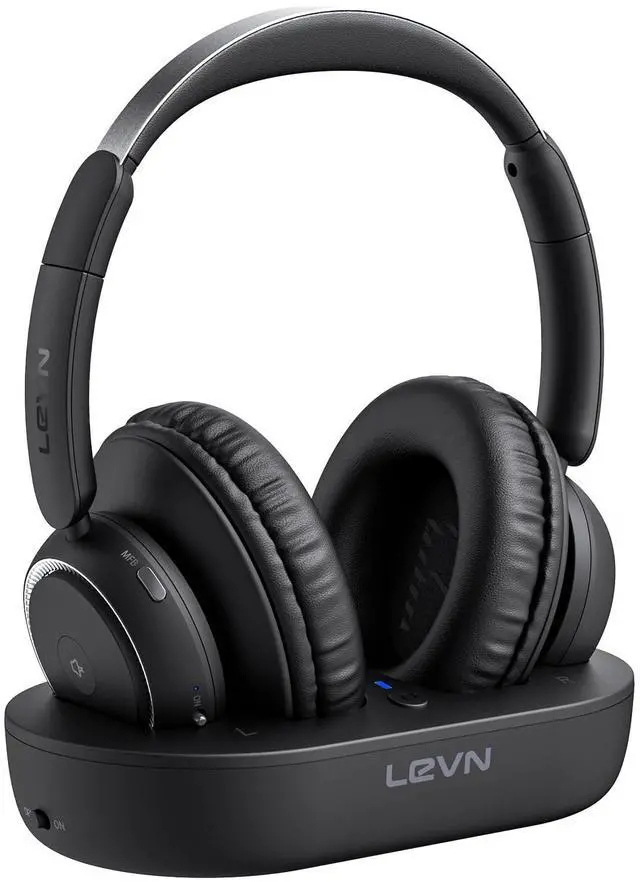
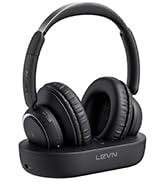
Not only does the TV transmitter charge easily, but it also provides a clever solution for storing your headphones. Enhance your entertainment experience!
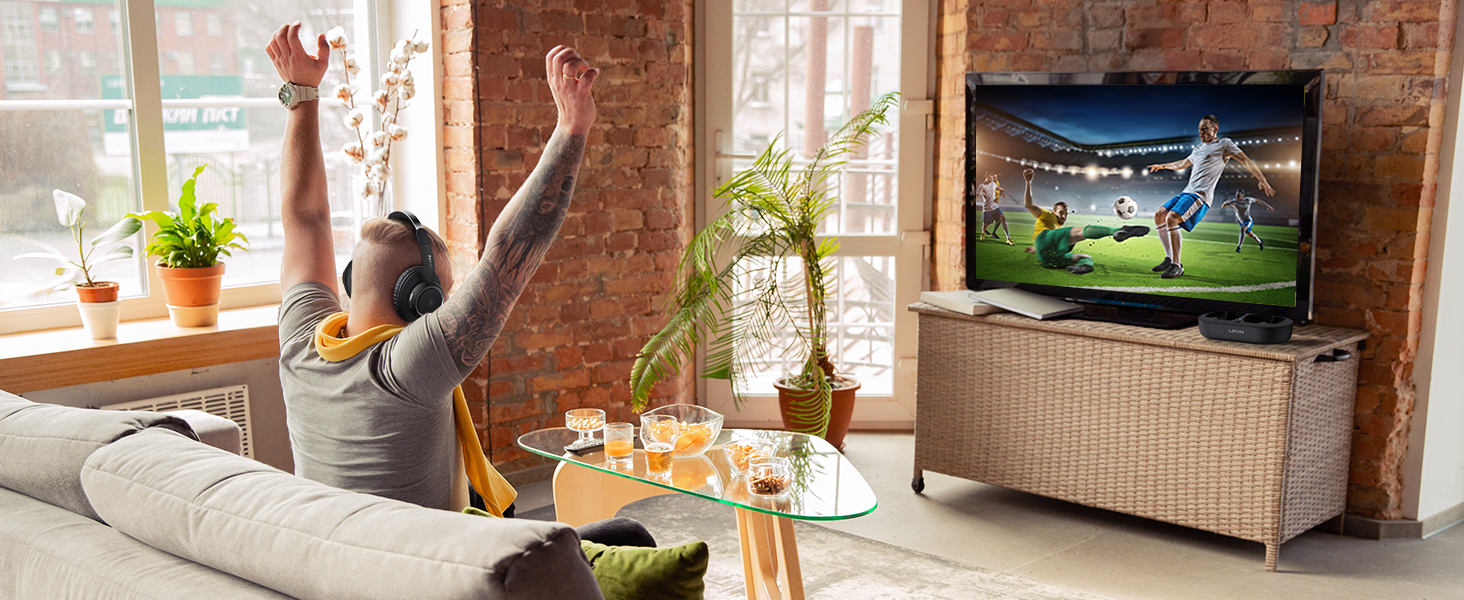
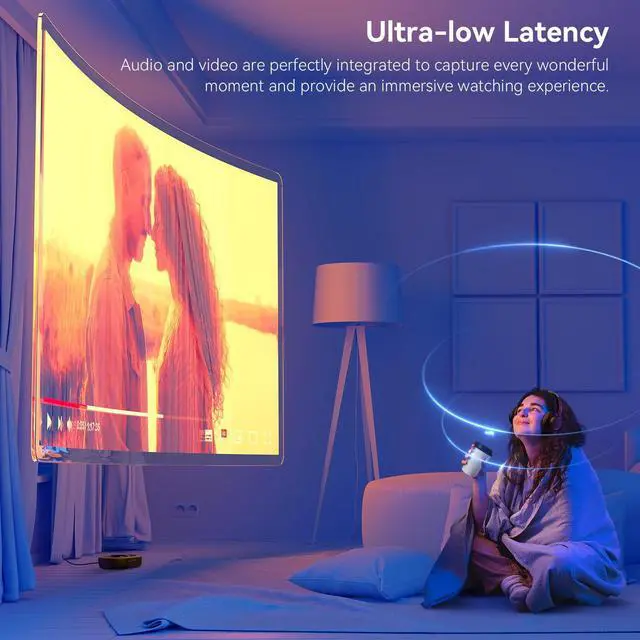
Ultra-low Latency
Experience the perfect synchronization of vision and audio with our wireless headphones for TV.
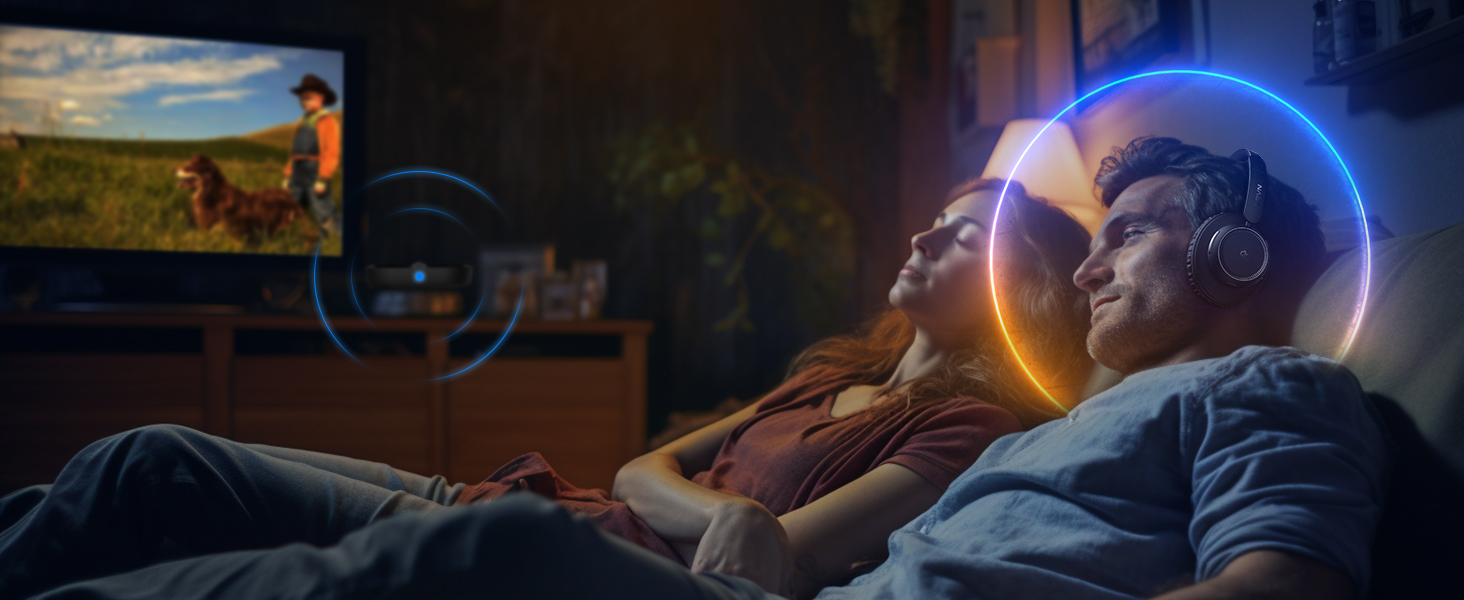
Your Private Oasis
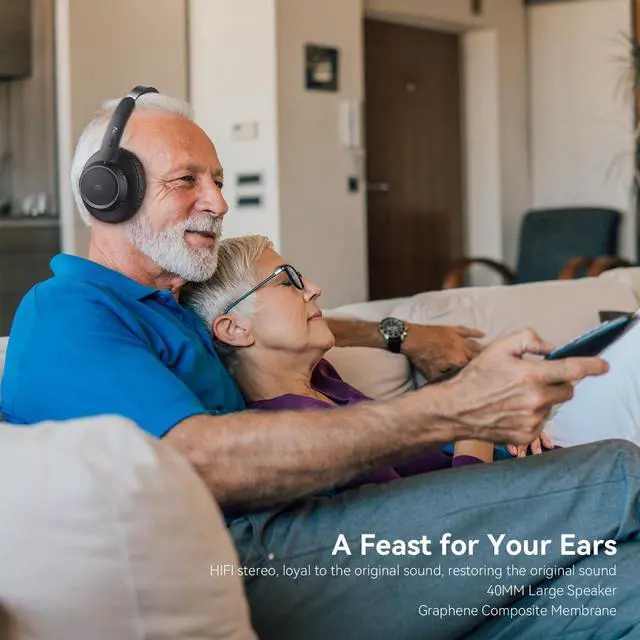
Use TV headphones wireless to enjoy HD original sound without worrying about disturbing your family
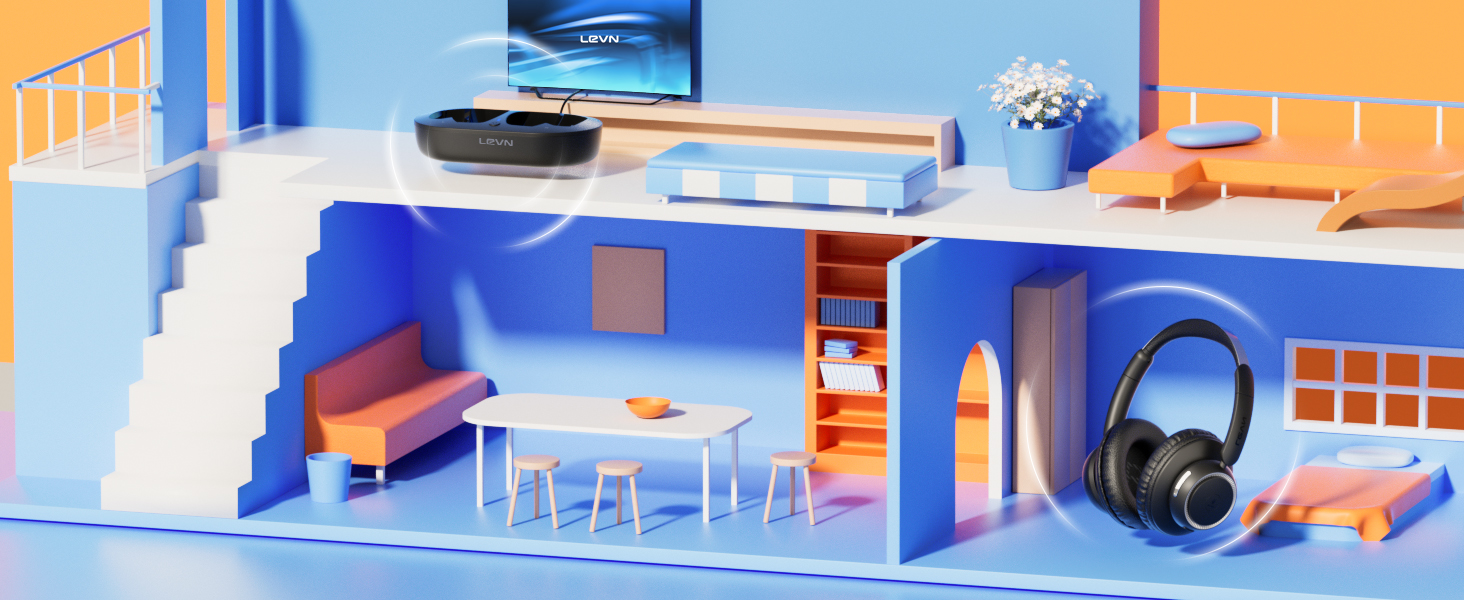
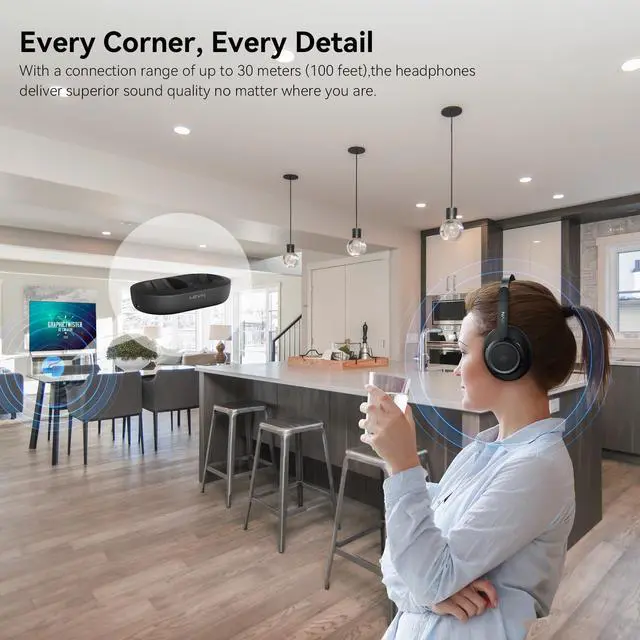
Unlimited Freedom
The 30M connection distance ensures audio is always with you, allowing freedom without boundaries
Introduction to More Functions of Wireless Headphones for TV
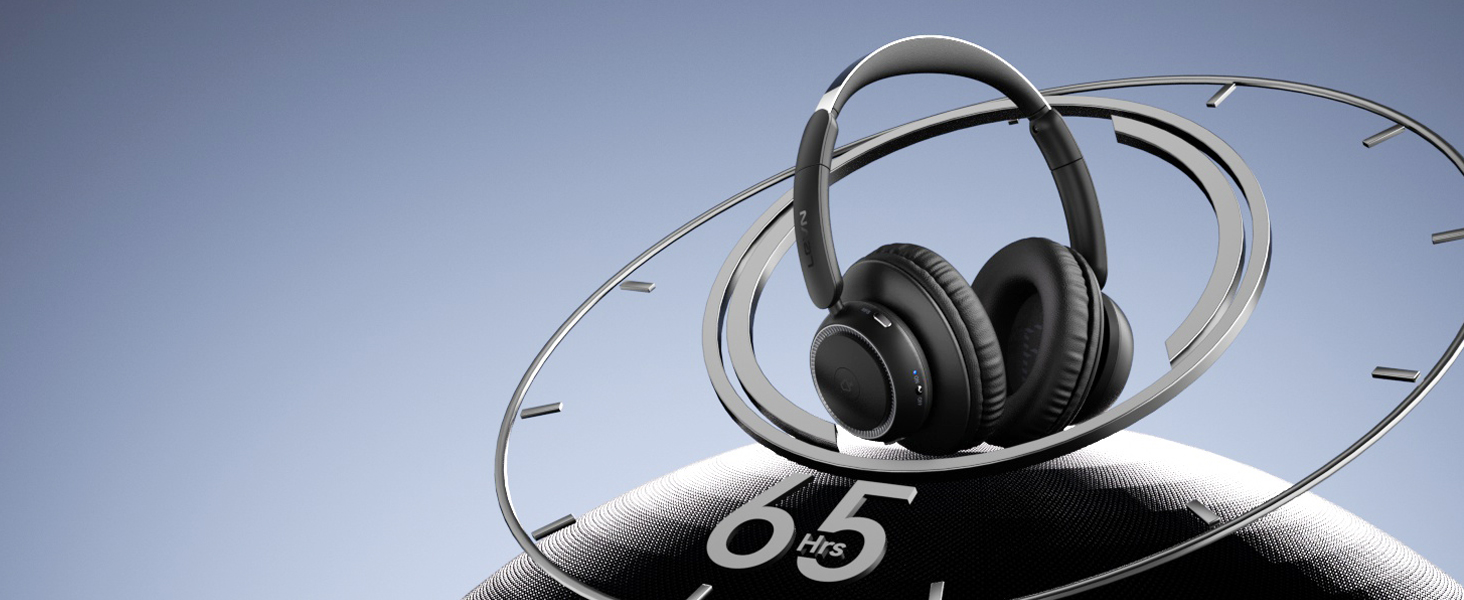
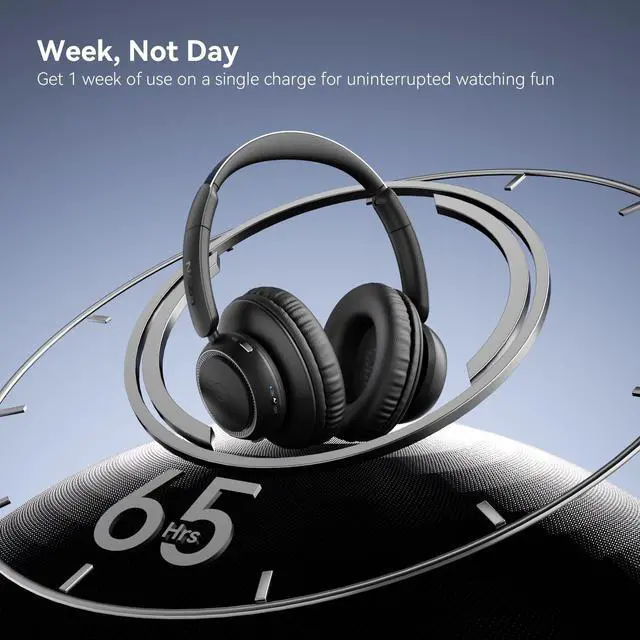
Strong Battery Power
With a battery life of 65 hours on this TV headphones, you can watch your favorite series or movies for a week with confidence knowing there are no limits on your audio journey!
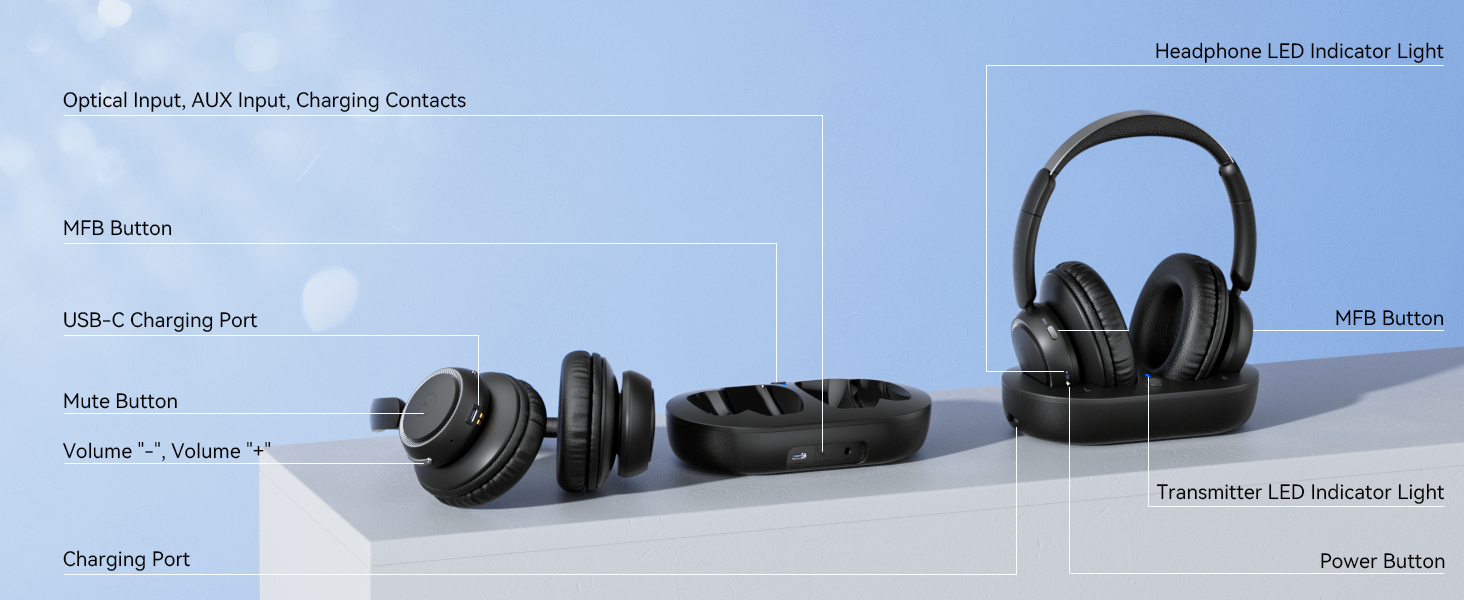
Comprehensive Functionality, Easy Setup
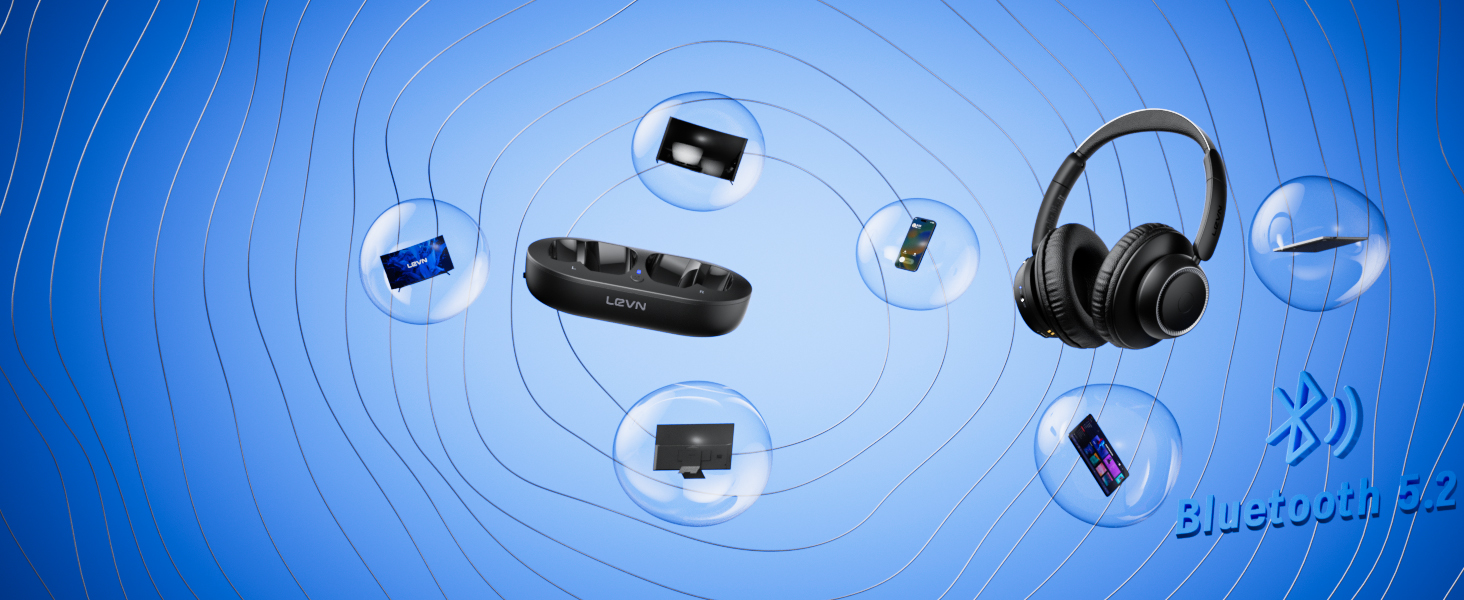
Multi-device Compatibility
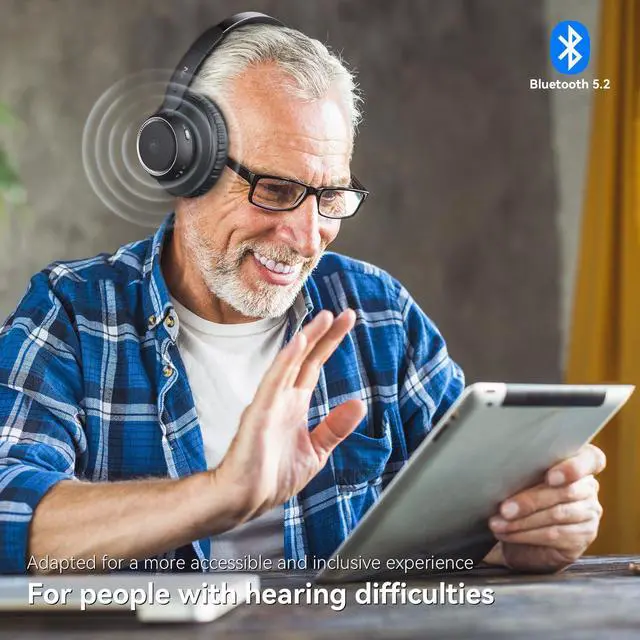
Not only do our wireless headphones for TV connect to your TV via the transmitter, but they can also be easily paired with other devices such as phones and tablets via Bluetooth for standalone use
Easy to Set Up

Charge and Turn on
Connect the charging cable and turn the TV transmitter switch to "ON"

Plug
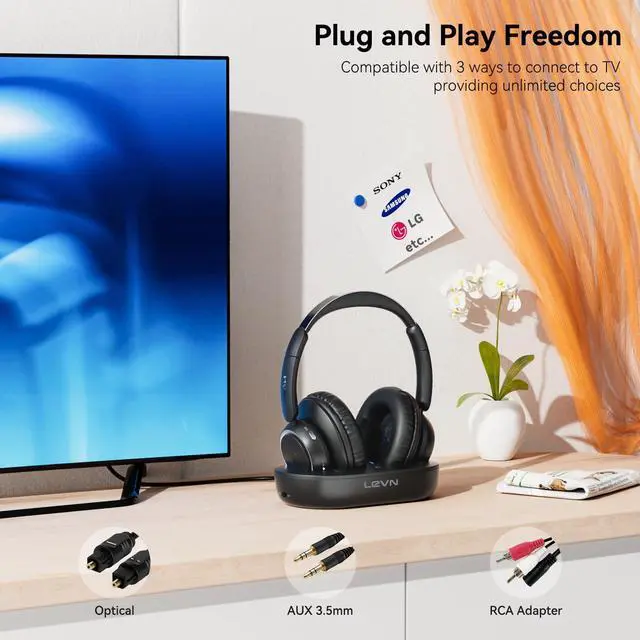
Plug the optical/AUX3.5mm/RCA audio cable into the TV transmitter and TV output port (only one output at a time), then power on the headphones

Switch
"Settings"> Click "Sound/Audio" > Click "Sound Output/Expert Settings/Advanced" > Click "Audio Digital Output Format" > Select "PCM/Stereo/Optical"

Enjoy
Put on your headphones, sit back and start your journey!

LEVN LE-HS018
A Heart-warming Gift
Enhance your family and friends' TV viewing experience with a loving and thoughtful gift
LEVN Product Collection
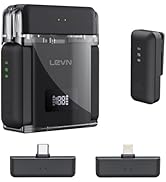
 LE-HS018 | 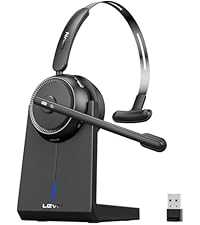 CT001-V4 | 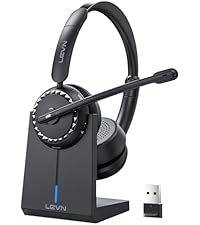 LE-HS016-V5 | 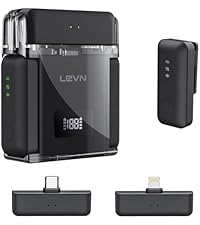 LM101 Wireless Microphone | 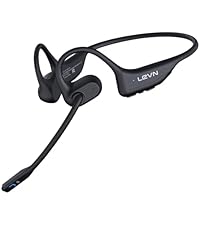 LE-HS017 | 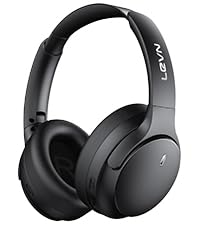 LE-HS041 | 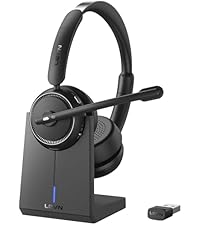 LE-HS013 | |
|---|---|---|---|---|---|---|---|
Customer Reviews | — | — | — | — | — | — | — |
Price | — | — | — | — | — | — | — |
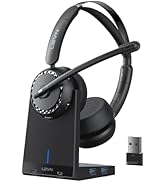
Connection Method | Optical, AUX 3.5mm, RCA | Bluetooth | Bluetooth v5.2 | Type-C&Lighting | Bluetooth v5.3 | Bluetooth, AUX 3.5mm | Bluetooth, USB Dongle |
Appearance | Large double earmuffs | Binaural | Binaural | Lavalier Microphone | Binaural | Binaural | Binaural |
Charging Method | TV Transmitter Charging Base | USB Type-C | Charging Dock, USB Type-C | USB Type-C | Magnetic Induction Charger | USB Type-C | Charging Dock, USB Type-C |
Scope of Application | TV, Music | Call, Music, Transfer Data | Call, Music, TikTok, YouTube, | TikTok, YouTube, Video Record | Call, Music,Workout,Sports | Call, Music, Remote Work | Call, Music, Remote Work |
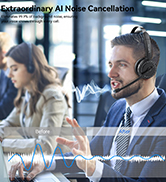
Noise Canceling Technology | AI Noise Canceling | 99% ENC Noise Canceling | 99% ENC Noise Canceling | AI Noise Canceling | 99% ENC Noise Canceling | 99% ANC Noise Canceling | 99% ENC Noise Canceling |
How do I know if my TV headphones are charging?
When you place your headphones on the transmitter, the LED of the headphones and transmitter light up red, indicating that it is charging. When the headset's LED light is blue and the transmitter's LED light is green, it means it is fully charged.
Do I need to pair the headphones with the transmitter when I get them?
No, when the headphones and TV transmitter are turned on, the LED light of the TV transmitter turns blue, indicating that the pairing is successful.
How do I mute my headphones?
Please click the MFB button on the side of the headphones to pause the audio. Kindly note: pressing the MFB button will only pause the audio from the headphones and will not affect the playback of the TV program.
My TV does not have an audio output port. Can I buy these headphones to watch TV?
If your TV has Bluetooth function, you can connect the headphones and TV via Bluetooth. At the same time, please turn off the TV transmitter first, because the headphones will automatically connect to the TV transmitter.
My TV has an optical fiber port and a AUX 3.5 mm port. Can I insert them together?
No, if you use optical cable, please only plug into the optical port, do not plug in the AUX 3.5mm cable

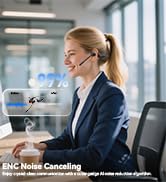
Eliminating Unwanted Background Noise and Focusing on your Call with LEVN

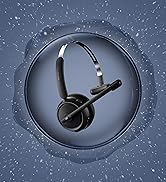
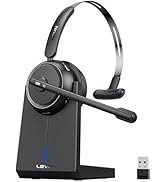
LEVN Bluetooth Headset
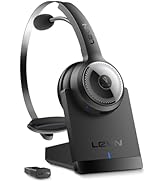

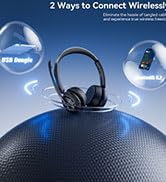
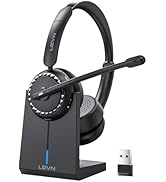
Wireless headset for work

LEVN Bluetooth Headset
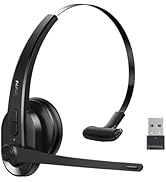

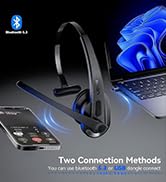
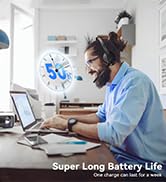
LEVN Wireless Headset with Mic
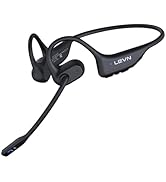


Open Ear Headphones
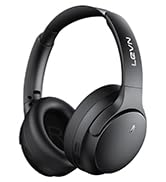

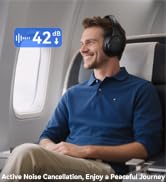

Noise Cancelling Headphones
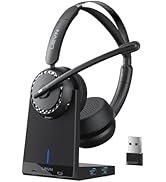

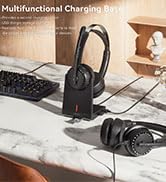

LEVN New Product Alert
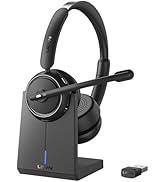
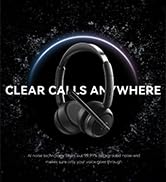


LEVN Wireless headset for work
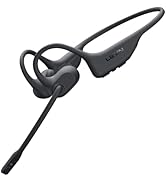
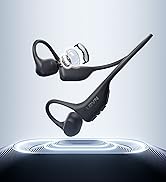
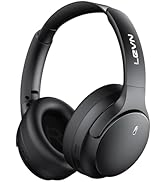
LEVN Wireless Headset

LEVN Binaural Headset
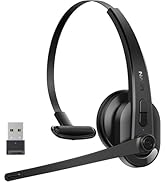
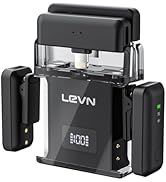
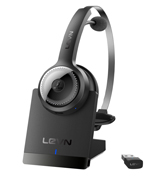

LEVN Wireless Headset with Mic
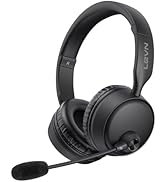
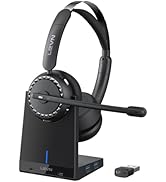
LEVN Wireless Headset with Mic

Convenient & Efficient
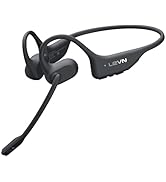
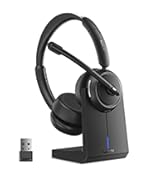
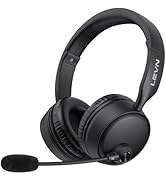
New Product Alert from LEVN
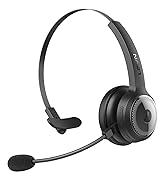
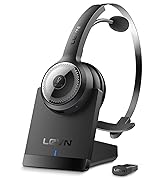
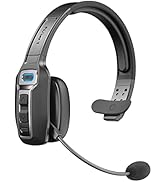
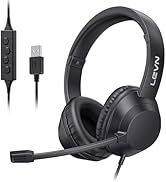
Wireless Freedom


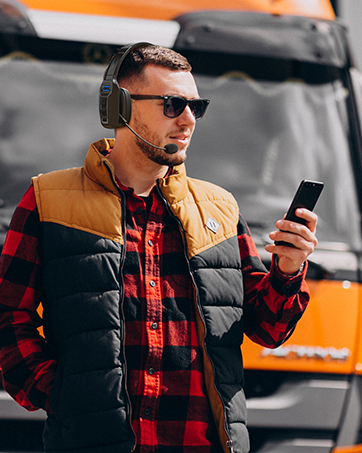

LEVN: Redefining Wireless Audio - Unmatched Quality and Innovation
Established in 2003, LEVN has a two-decade legacy in wireless audio, delivering unmatched expertise, superior quality, and an exceptional user experience. Meticulously crafted headphones ensure superior sound and seamless connectivity. Our goal is to enrich wireless audio with revolutionary features and innovative technology, shaping the future of Bluetooth headsets.

Open up a New Audio World with LEVN Wirelss Headphones
Not only does the TV transmitter charge easily, but it also provides a clever solution for storing your headphones. Enhance your entertainment experience!
Ultra-low Latency
Experience the perfect synchronization of vision and audio with our wireless headphones for TV.
Your Private Oasis
Use TV headphones wireless to enjoy HD original sound without worrying about disturbing your family
Unlimited Freedom
The 30M connection distance ensures audio is always with you, allowing freedom without boundaries


Introduction to More Functions of Wireless Headphones for TV
Strong Battery Power
Comprehensive Functionality, Easy Setup
Multi-device Compatibility


With a battery life of 65 hours on this TV headphones, you can watch your favorite series or movies for a week with confidence knowing there are no limits on your audio journey!
Not only do our wireless headphones for TV connect to your TV via the transmitter, but they can also be easily paired with other devices such as phones and tablets via Bluetooth for standalone use
Easy to Set Up
Charge and Turn on
Connect the charging cable and turn the TV transmitter switch to "ON"
Plug
Plug the optical/AUX3.5mm/RCA audio cable into the TV transmitter and TV output port (only one output at a time), then power on the headphones
Switch
"Settings"> Click "Sound/Audio" > Click "Sound Output/Expert Settings/Advanced" > Click "Audio Digital Output Format" > Select "PCM/Stereo/Optical"
Enjoy
Put on your headphones, sit back and start your journey!

A Heart-warming Gift
Enhance your family and friends' TV viewing experience with a loving and thoughtful gift
LEVN Product Collection
LE-HS018 | CT001-V4 | LE-HS016-V5 | LM101 Wireless Microphone | LE-HS017 | LE-HS041 | LE-HS013 |
|---|---|---|---|---|---|---|
| Customer Reviews | ||||||
| — | — | — | — | — | — | — |
| Price | ||||||
| — | — | — | — | — | — | — |
| Connection Method | ||||||
| Optical, AUX 3.5mm, RCA | Bluetooth | Bluetooth v5.2 | Type-C&Lighting | Bluetooth v5.3 | Bluetooth, AUX 3.5mm | Bluetooth, USB Dongle |
| Appearance | ||||||
| Large double earmuffs | Binaural | Binaural | Lavalier Microphone | Binaural | Binaural | Binaural |
| Charging Method | ||||||
| TV Transmitter Charging Base | USB Type-C | Charging Dock, USB Type-C | USB Type-C | Magnetic Induction Charger | USB Type-C | Charging Dock, USB Type-C |
| Scope of Application | ||||||
| TV, Music | Call, Music, Transfer Data | Call, Music, TikTok, YouTube, | TikTok, YouTube, Video Record | Call, Music,Workout,Sports | Call, Music, Remote Work | Call, Music, Remote Work |
| Noise Canceling Technology | ||||||
| AI Noise Canceling | 99% ENC Noise Canceling | 99% ENC Noise Canceling | AI Noise Canceling | 99% ENC Noise Canceling | 99% ANC Noise Canceling | 99% ENC Noise Canceling |
How do I know if my TV headphones are charging?
When you place your headphones on the transmitter, the LED of the headphones and transmitter light up red, indicating that it is charging. When the headset's LED light is blue and the transmitter's LED light is green, it means it is fully charged.
Do I need to pair the headphones with the transmitter when I get them?
No, when the headphones and TV transmitter are turned on, the LED light of the TV transmitter turns blue, indicating that the pairing is successful.
How do I mute my headphones?
Please click the MFB button on the side of the headphones to pause the audio. Kindly note: pressing the MFB button will only pause the audio from the headphones and will not affect the playback of the TV program.
My TV does not have an audio output port. Can I buy these headphones to watch TV?
If your TV has Bluetooth function, you can connect the headphones and TV via Bluetooth. At the same time, please turn off the TV transmitter first, because the headphones will automatically connect to the TV transmitter.
My TV has an optical fiber port and a AUX 3.5 mm port. Can I insert them together?
No, if you use optical cable, please only plug into the optical port, do not plug in the AUX 3.5mm cable
Eliminating Unwanted Background Noise and Focusing on your Call with LEVN
LEVN Bluetooth Headset
Wireless headset for work
LEVN Bluetooth Headset
LEVN Wireless Headset with Mic
Open Ear Headphones
Noise Cancelling Headphones
LEVN New Product Alert
LEVN Wireless headset for work
LEVN Wireless Headset
LEVN Binaural Headset
LEVN Wireless Headset with Mic
LEVN Wireless Headset with Mic
Convenient & Efficient
New Product Alert from LEVN
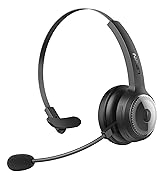
Wireless Freedom
LEVN: Redefining Wireless Audio - Unmatched Quality and Innovation
Established in 2003, LEVN has a two-decade legacy in wireless audio, delivering unmatched expertise, superior quality, and an exceptional user experience. Meticulously crafted headphones ensure superior sound and seamless connectivity. Our goal is to enrich wireless audio with revolutionary features and innovative technology, shaping the future of Bluetooth headsets.
