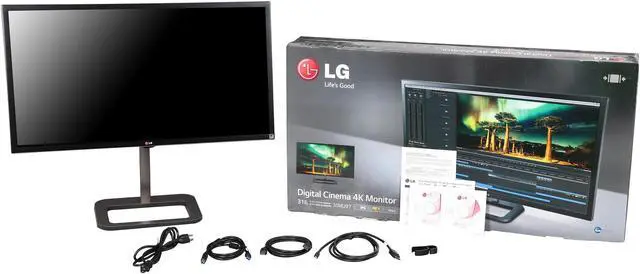
Make informed decisions with expert advice. Learn More

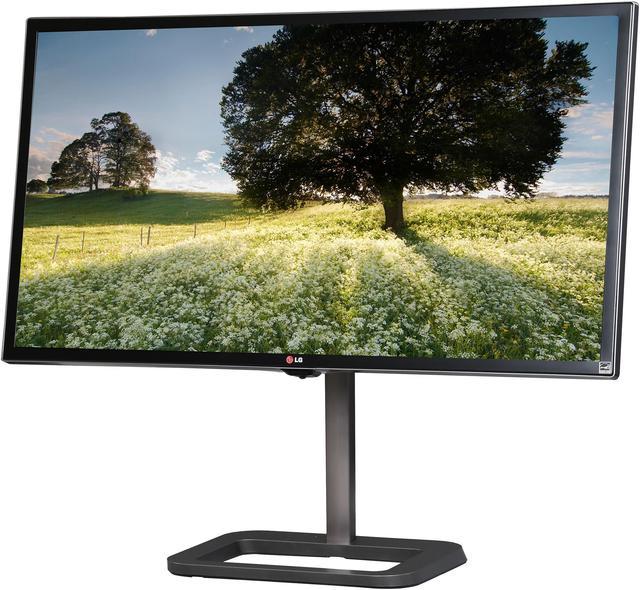
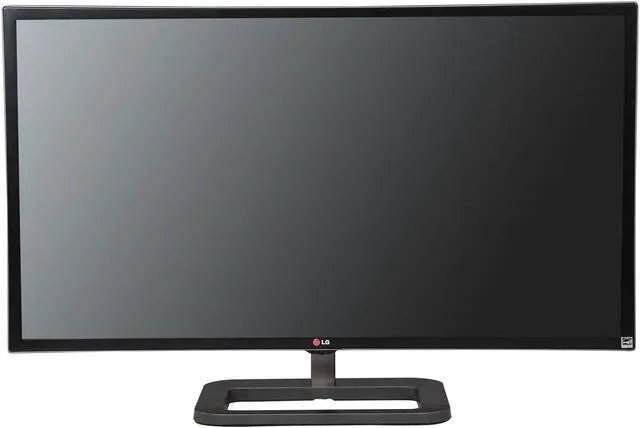
| Brand | LG |
|---|---|
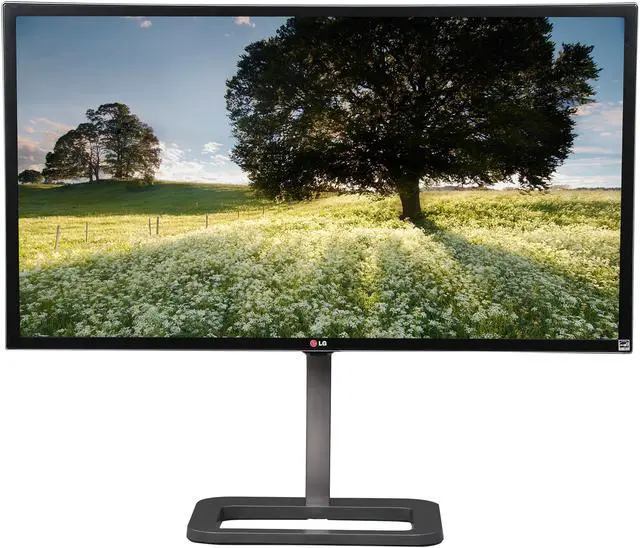
| Model | 31MU97 |
| Cabinet Color | Black |
| Screen Size | 31" |
|---|---|
| Glare Screen | Yes |
| LED Backlight | Yes |
| Widescreen | Yes |
| Recommended Resolution | 4096 x 2160 (4K) |
| Refresh Rate | 60 Hz |
| Viewing Angle | 178° (H) / 178° (V) |
| Display Colors | 1.07 Billion |
| Brightness | 320 cd/m2 |
| Contrast Ratio | DFC 1,000,000:1 (1000:1) |
| Response Time | 5 ms |
| Panel | IPS |
| Input Video Compatibility | Digital |
|---|---|
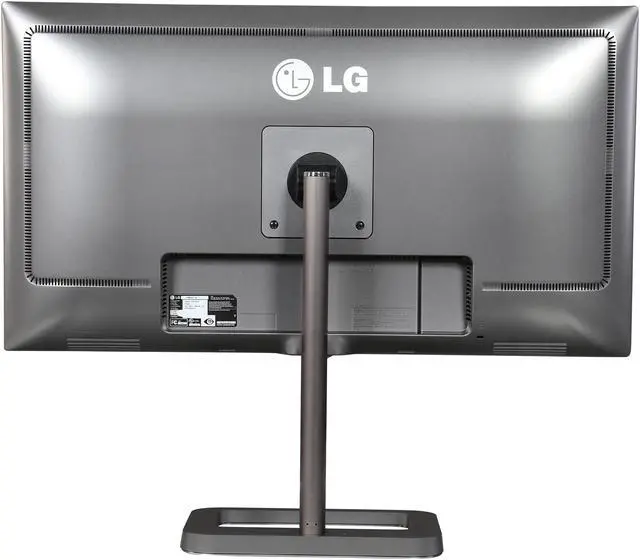
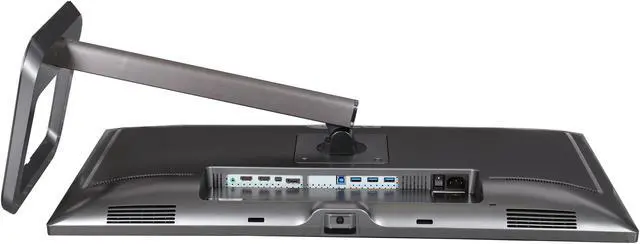
| Connectors | HDMI, DisplayPort |
| HDMI | 2 |
| DisplayPort | 1 x DisplayPort, 1 x Mini DisplayPort |
| USB 3.0 | USB 3.0 1 up 3 down |
| Power Supply | 100 - 240 VAC, 50/60Hz |
|---|---|
| Power Consumption | Normal On (EPA 6.0): 49W |
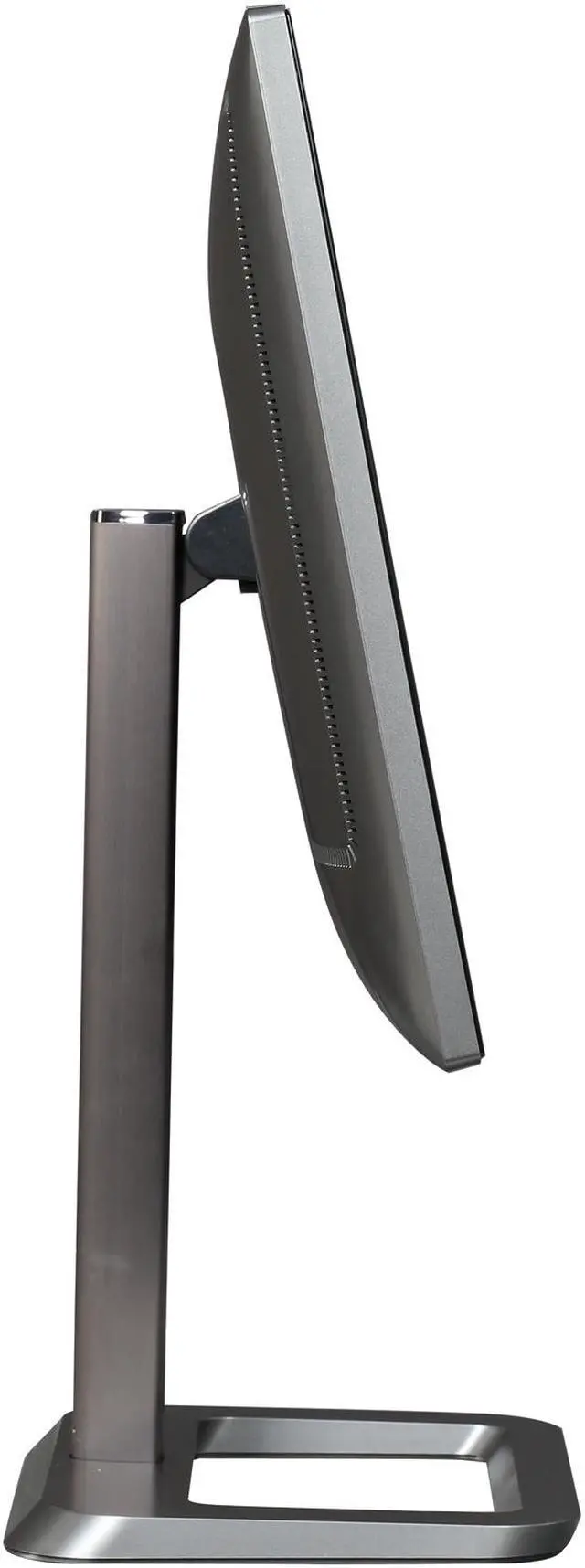
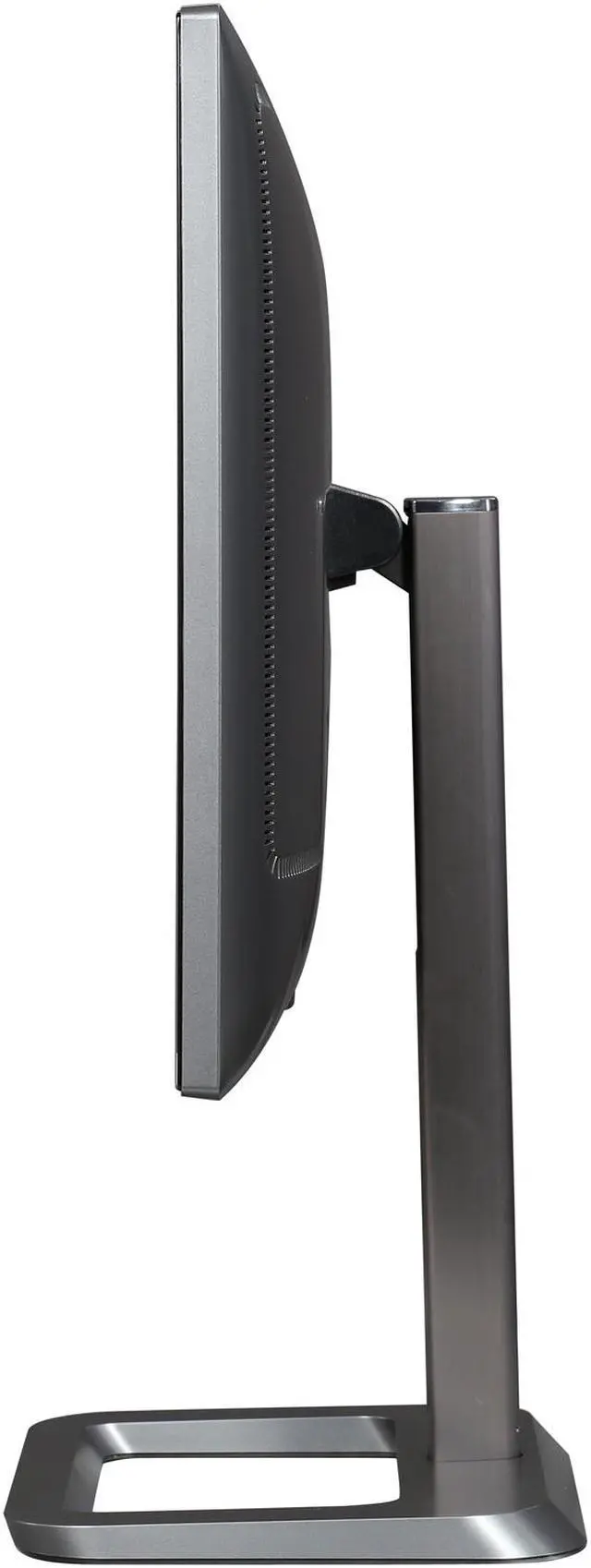
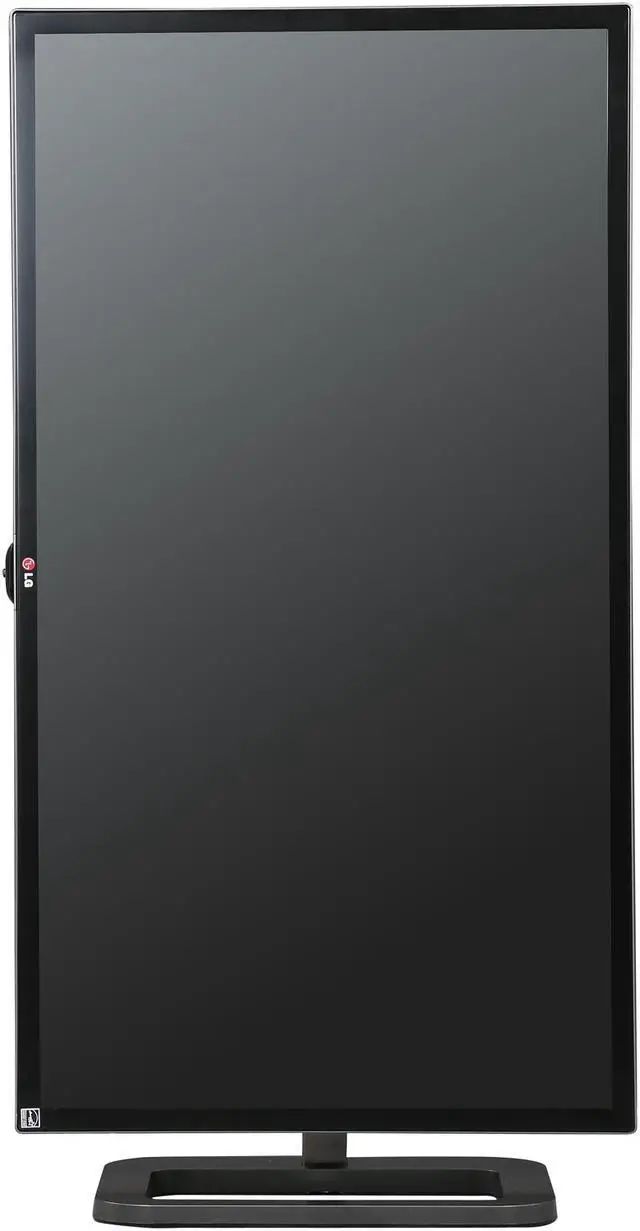
| Stand Adjustments | Height (Range: 140mm) / Pivot / Tilt: -5 - 15 Degree Stand |
|---|---|
| Built-in Speakers | 2 x 5W (MaxxAudio Virtual Surround) |
| HDCP Support | Yes |
| VESA Compatibility - Mountable | 100 x 100mm |
| Dimensions (H x W x D) | 19.00"-24.50" x 29.00" x 9.50" w/ stand 16.04" x 29.00" x 2.10" w/o stand |
|---|---|
| Weight | 21.97 lbs. w/ stand 16.97 lbs. w/o stand |
| Date First Available | October 31, 2014 |
|---|
Pros: I'm a computer technician, but not a photography or video expert, so I can't say anything about professional color accuracy. PROS: 1) Picture quality is awesome - the whites are as clear as an iPad screen, and the sharpness is perfect as expected. 2) Works exactly as it should, and this thing is big! 3) The menu joystick works great, and there are lot of settings provided. 4) Speakers are loud and crisp, albeit completely lacking in bass. 5) Has all the inputs one could want 6) Can rotate it to Portrait mode.
Cons: CONS: 1) I'm not sure what the DisplayPort EQ function does yet (need to read up on it), but when I first connected the display with the provided DP cable, image was jumping around, lots of popping noises were coming from the speakers (since DP carries audio as well), and display would go black for a few seconds, every 10 sec or so. I really thought the monitor was defective. Once I turned on the DisplayPort EQ setting in the menu, everything worked perfectly. 2) With the size of the monitor I wish they were able to add a bit more bass to it so I don't have to pick up my own set. 3) Windows 10 drivers don't exist from Microsoft so you have to download it separately from LG.
Overall Review: Other thoughts: 1) I had to reduce the brightness from 100 to about 35; I was getting a headache and my eyes were getting tired really fast. 2) I like having smaller fonts and fitting as much as possible into a screen, so I had to adjust the scaling (under advanced settings in Windows 10) from 150% default to about 135%. 3) I have not yet installed the software package, which enables the Screen Split function as wells as some color settings.
Pros: Great Matte panel, Good color reproduction, 99% Adobe RGB out of the box, convenient controls, good stand and easy adjustments. Real 4k.
Cons: Broke after 1 day of use, DP controller stopped working and went into limp mode, 640x480 resolution. RMA in progress......
Pros: Large screen, Beautiful picture quality, Sturdy Metal adjustable stand, Nice joystick control. Ever since This monitor was shown at CES 2014 I wanted it. But I first needed to upgrade my computer. You definitely need to make sure you're PC has the power to run this Monitor. Some of the problems I see described with this monitor is most likely due to their graphics card not being up to the task. Make sure your card is rated for 4096 x 2160.
Cons: Aside from what I said above this monitor can be hit and miss. It seems some have had problems with the input board. The first monitor I had to RMA the first day because the Display port wouldn't work at all. My second monitor the screen flickered on the right hand side until I changed the cable with a higher quality one. I recommend you don't use the cables that come with the monitor. When it works though it is a very beautiful. I took one egg away for having to RMA first monitor and one egg for having low quality cables.
Overall Review: I recommend also you buy from Newegg and not a 3rd party Newegg seller. if you do have to RMA dealing with Newegg directly is a big plus then the headache of trying to RMA with an overseas seller. I got Mine on sale for 1099.00 plus a 50.00 instant rebate from Newegg.
Pros: Beautiful picture! Absolutely gorgeous!
Cons: Some annoying bugs
Overall Review: 1) It get's hot to the touch - you don't notice this because you normally don't sit very close to a big 31" monitor. However, when it's heating up, it's like logic board is expanding or something and it may glitch (lose signal for a split second) a few times during the first 15 minutes that it's on. After it's heated up, it seems stable. 2) When you turn off the monitor, windows thinks it's disconnected and re-sizes your desktop, all your open windows, etc. to 480 x 640 resolution. THIS IS REALLY ANNOYING! If anyone knows a workaround to this, please, let me know! All that said though, I kept the monitor and didn't return it because the pictures is just beautiful.
Pros: - I love the extra screen size and crisp resolution, makes my second monitor seem fuzzy. I think it was a great move to step up to monitors in this class - adjustable monitor height is best I have seen. Smooth glide up and down
Cons: - NONE of the software installed correctly on my setup (Windows 10). It won't install directly from the CD, it throws errors continually, never worked, and eventually, i just uninstalled all of it. - There is a subtle flickering in the screen that comes and goes and makes me very nervous. I am keeping the box just in case. - I think its 'plug and play' colors are too warm, but I am definitely afraid to muss with it. And of course, since I couldn't get its own color calibration software working with more than reasonable effort, I won't ever really know - speakers are totally useless for anything but system notifications. was hoping to clear some space off my desk by switching to monitor speakers, but everything was so tinny, abandoned that idea quickly
Overall Review: - I think this could really be a great monitor, but it will take a lot of additional work to get it running at peak potential, and they are really doing nothing to facilitate that process - Frankly its been emotionally stressful purchase and upgrade, which is kinda the sorta think I was hoping to buy out of. That subtle, occasional flickering is likely something I will never get to the bottom of.
Pros: Color reproduction is one of the most accurate I've seen on 4k Thin bezels! Extra wide panel is nice to have for editing Solid metal stand that isn't bulky A good response time and minimal ghosting for a 4k IPS panel Good contrast Perfect white levels
Cons: Some slight color shifting left to right There is some back light bleed. But unless you are looking at a black screen in the pitch dark, you won't notice it. Stand has no swivel :( A single button for using the monitor settings, does not work well Can only modify Kelvin in intervals of 500K... should be able to have much more granularity Included color correction software is bugged and unusable Very poor black levels, but this is common for IPS
Overall Review: I've been waiting for a good 4k monitor for years. Only now have we finally come into line with the combination of this monitor and recent updates to Windows 8.1. The LG 31MU97 is a solid monitor. But far from perfect. A little bit about my background: I work as a professional designer and programmer, and the CEO of a software development company. I spend most of my time designing UIs in the sRGB color spectrum, programming, or editing photography in Adobe RGB. I also spend a good amount of time on After Effects doing motion graphics. I do put these monitors through their paces up to 20 hours a day, and I like my screens to be flawless. I have used the Samsung UD970, the Dell 24" 4k, 32" 4k, and their 27" 5k. The iMac retina, non retina, and thunderbolt displays. All of the professional offerings from NEC and Eizo. PA328Q, Pro Arts, PBs, Acer's 4k, the TN based 4k panels. I've really used just about every 4k panel there is, and a huge amount of the great 1440p panels out there for professional use. I'm the kind of person that will run a color callibration suite on 3 different calibrators 6 times each. I'm that OCD about my monitors This one beats them all, but it's far from perfect. In my opinion, it's the best 4k monitor you can buy right now. I hope that changes, and some day we can enter monitor nirvana with the perfect monitor that does everything we want perfectly. But until that day, this will be my monitor of choice. The most dissapointing part of this monitor is the slight color shifting on the left and right sides. It starts to get a little bit red. It can get frustrating at times. But until there is something better (all 4k monitors color shift a ton and this probably has the least of all, it's just very persistent) this is the one I will use for work that isn't super critical (I'll be sticking with my NEC PA272W for anything that needs to be exactly perfect, although I do love the 4k, until they get a little more accurate we will still need our good ol 1440p)
Pros: Supports high resolution modes
Cons: only up to 30 Hz refresh through HDMI Only on Display Port is 60 Hz refresh supported and this is with only a high quality cable. Not all DP cables are created equal. Took me 3 tries/ 3 different cables before I sustained a stable display with no random signal drops.
Overall Review: Only using the DP ( display port ) is 60 Hz refresh supported. I have found that even using some cables that say they are DP 1.4 compliant that I would get random drops of signal. Aggravating!!!! After trying 3 different brands I found one that works! From reading other reviews on this cable other users found that it too also started dropping the signal months later. Jury is still out on a good quality DP cable.

Pros: A true cinema 4k monitor at 60Hz! Has plenty of connectivity options, supports scaling, and after calibration I can hit 100% of the AdobeRGB gamut according to the Sypder Elite. My photos never looked so good
Cons: Quality control on these is a little... iffy. The one I got sometimes has startup issues. It also makes a popping noise when it comes out of standby. It's being serviced to replace the mainboard, but since this is a niche product, it's taking longer than I would like. I get the feeling LG released this and then kinda forgot about it (maybe on purpose). Also, the menu system is not the most elegant. It takes way too many motions to perform common tasks. I wish LG stuck with their old multiple-button functionality.
Overall Review: To the person with a supposed high tech level who couldn't get it to work above 1080p@60Hz... you're doing it wrong. You need to be using newer hardware that supports displayport 1.2, Older computers (especially Apple ones) have problems getting the full resolution. I'm using a GTX980 with absolutely no problems. Also, your cable starts to matter. If you need longer than the cable it gives you, you MUST buy high-quality cables; you're pushing the boundaries of bandwidth at 4096x2160@60Hz. I have a couple cables that refuse to sync at that resolution because they're small gauge. I'd post a picture if I could.