






aplus content video
aplus content video
How to connect with the smart watch?
1.Search “FitCloundPro” on Google Play or APP Store or scan the QR co-de to download.
2.Open the "FitCloundPro" APP,click the "+ Add Peripheral Now" button on the "Devices" screen.
3.Tap "NX17PRO" to pair.
Sometimes I want to keep my watch quiet, how do I set it?
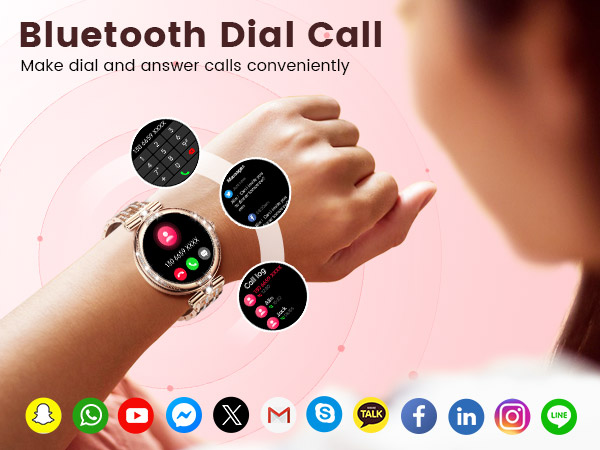
When the smartwatch and phone are connected by Bluetooth, the smartwatch may sync the phone audio.Please tap the phone icon and turn off the "media audio" to keep it quiet!
How do I adjust the length of the strap to fit my wrist dimension?
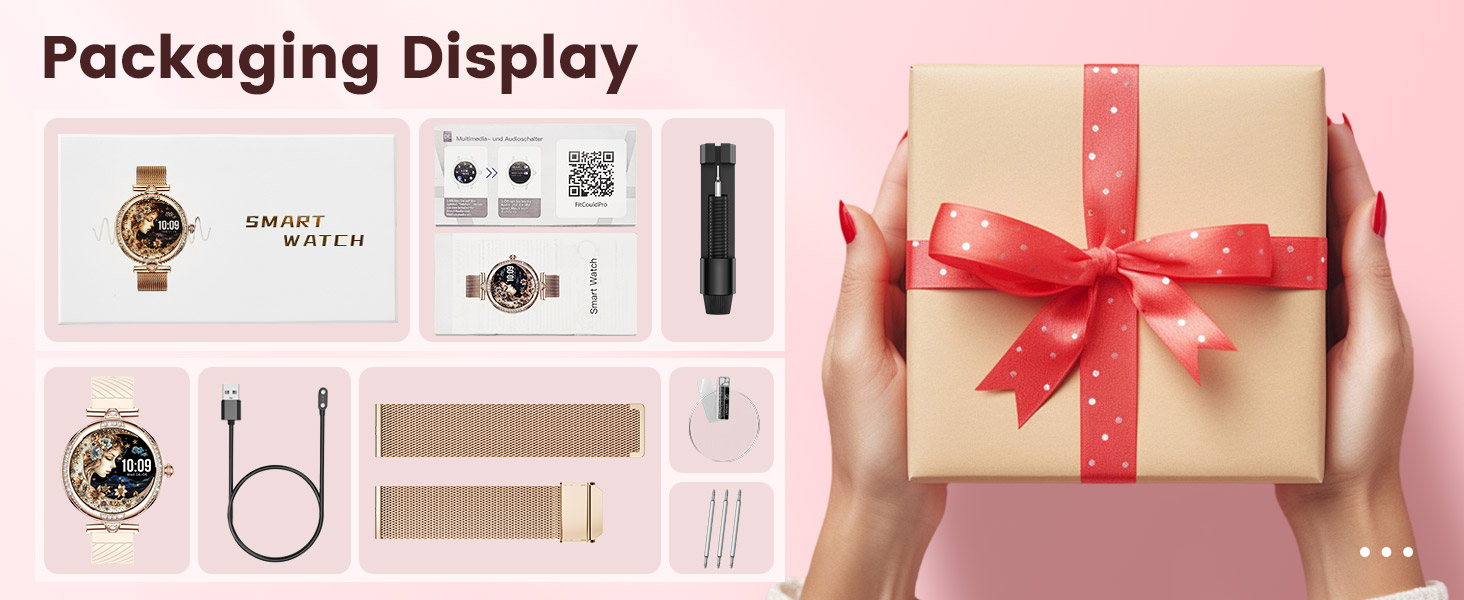
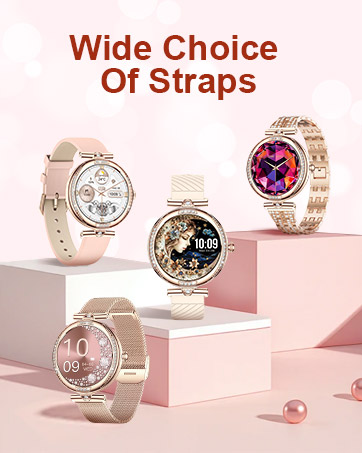
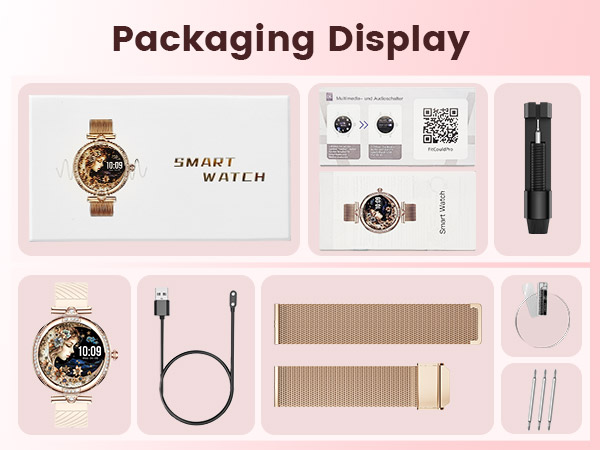
The product comes with a strap regulator, which can be adjusted according to your wrist.


aplus content video

aplus content video
How to connect with the smart watch?
1.Search “FitCloundPro” on Google Play or APP Store or scan the QR co-de to download.
2.Open the "FitCloundPro" APP,click the "+ Add Peripheral Now" button on the "Devices" screen.
3.Tap "NX17PRO" to pair.
Sometimes I want to keep my watch quiet, how do I set it?
When the smartwatch and phone are connected by Bluetooth, the smartwatch may sync the phone audio.Please tap the phone icon and turn off the "media audio" to keep it quiet!
How do I adjust the length of the strap to fit my wrist dimension?
The product comes with a strap regulator, which can be adjusted according to your wrist.