




 here!
here!
I’m your shopping assistant for PC builds, upgrades, and everything tech.
Got questions? Ask away!
Start a conversation
here!
I’m your shopping assistant for PC builds, upgrades, and everything tech.
Got questions? Ask away!
Start a conversation





Any questions? Ask CelesteSM will help you find out quickly.

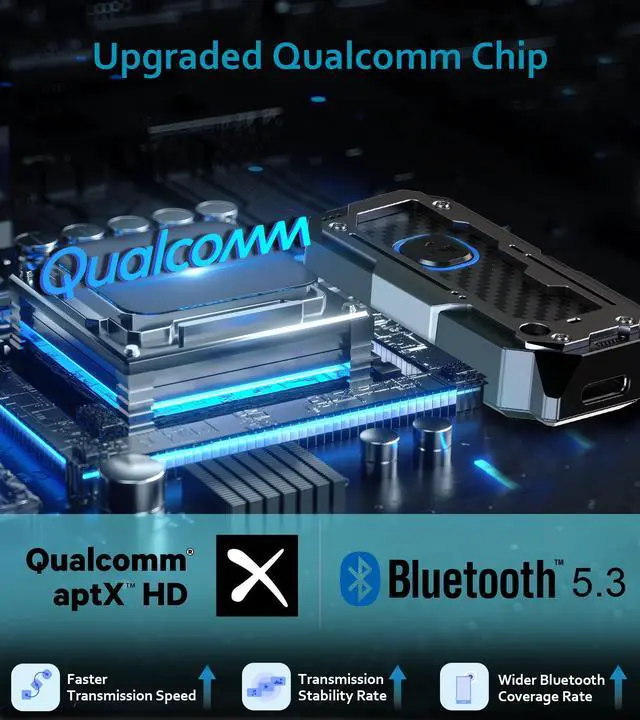
Double the Connection, Double the Clarity: Bluetooth Transmitter with Qualcomm Chip - Connect 2 Devices Simultaneously.

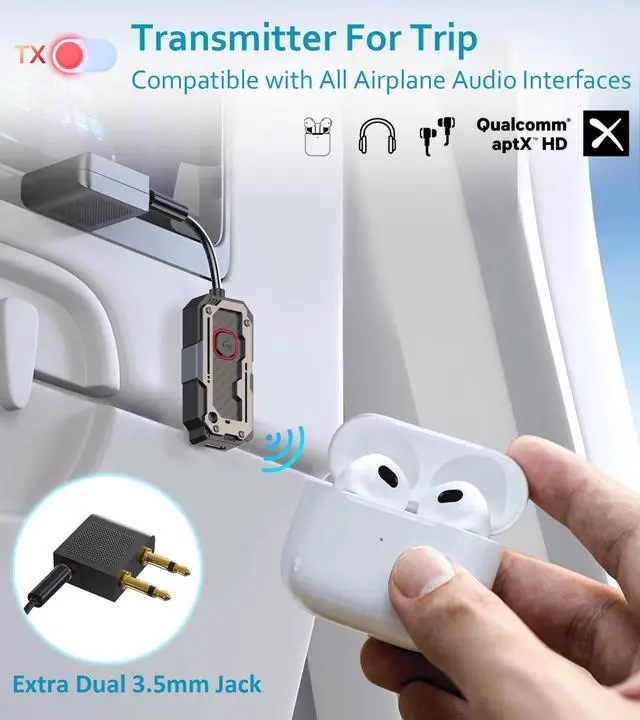
Cut the Cords, Keep the Quality: Bluetooth 5.3 Transmitter with Superior Audio – Perfect for TV / Flights / Gym / Computer.

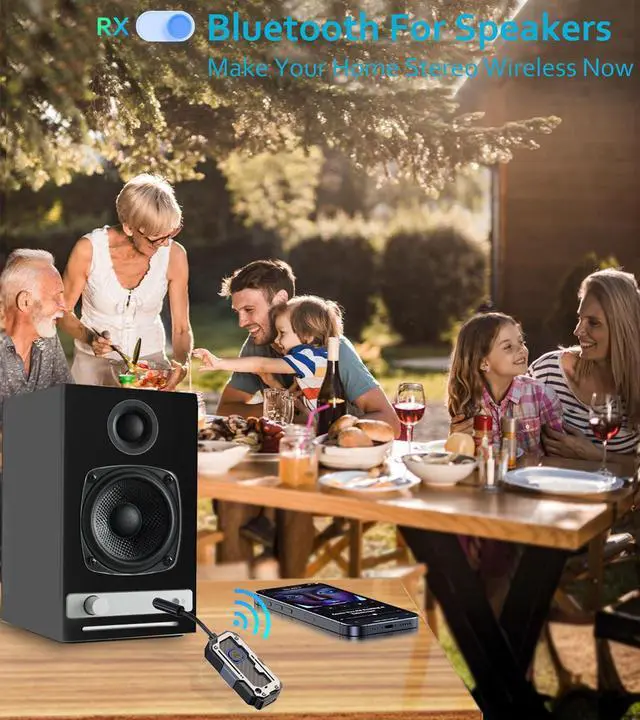
Unleash Your Space: Bluetooth Receiver with 10m/33ft Reach – Relax and Enjoy.

Crystal Clear Calls & Lag-Free Audio: Bluetooth Adapter with Built-in Microphone and aptX Low Latency.

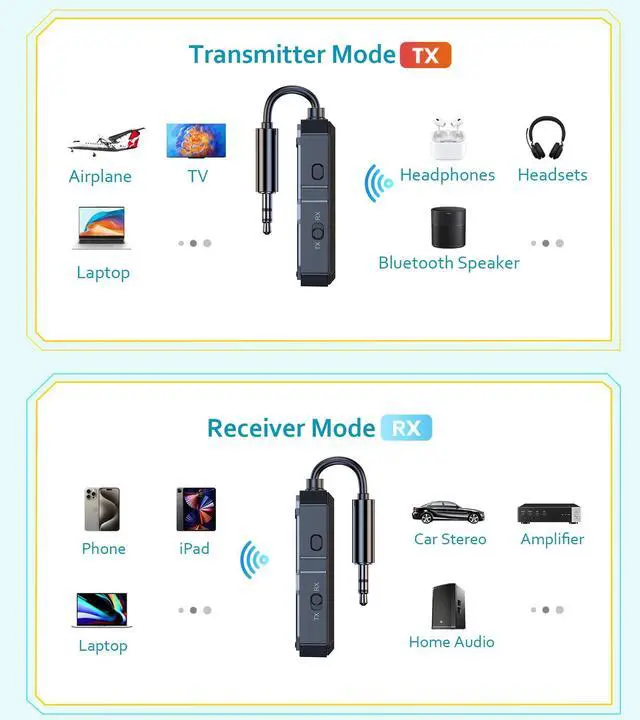
- The blue light means the device is in RX mode.
- Use your Bluetooth device (e.g., phone, tablet) search for the Bluetooth name "C82" and connect it.
- Insert the device into the 3.5MM jack of the speaker. You can use the speaker to play audio from your phone or tablet.
- Allows 2 phones or tablets to connect to the device simultaneously, but only 1 phone or tablet can be used to play audio at a time.
- Push the side button to switch the mode. The red light means the device is in TX mode.
- Insert the device into the audio output of a TV, computer, airplane, etc.
- Put your Bluetooth headphones into automatic pairing mode. The headphones will automatically connect to the device and receive audio from the TV, computer, airplane, etc.
- Allows 2 pairs of headphones to connect to the device simultaneously and enjoy audio at the same time.

Double the Connection, Double the Clarity: Bluetooth Transmitter with Qualcomm Chip - Connect 2 Devices Simultaneously.

Cut the Cords, Keep the Quality: Bluetooth 5.3 Transmitter with Superior Audio – Perfect for TV / Flights / Gym / Computer.

Unleash Your Space: Bluetooth Receiver with 10m/33ft Reach – Relax and Enjoy.

Crystal Clear Calls & Lag-Free Audio: Bluetooth Adapter with Built-in Microphone and aptX Low Latency.

- The blue light means the device is in RX mode.
- Use your Bluetooth device (e.g., phone, tablet) search for the Bluetooth name "C82" and connect it.
- Insert the device into the 3.5MM jack of the speaker. You can use the speaker to play audio from your phone or tablet.
- Allows 2 phones or tablets to connect to the device simultaneously, but only 1 phone or tablet can be used to play audio at a time.
- Push the side button to switch the mode. The red light means the device is in TX mode.
- Insert the device into the audio output of a TV, computer, airplane, etc.
- Put your Bluetooth headphones into automatic pairing mode. The headphones will automatically connect to the device and receive audio from the TV, computer, airplane, etc.
- Allows 2 pairs of headphones to connect to the device simultaneously and enjoy audio at the same time.


Bluetooth adapter for TV

Airplane adapter for headphones

Bluetooth adapter for stereo


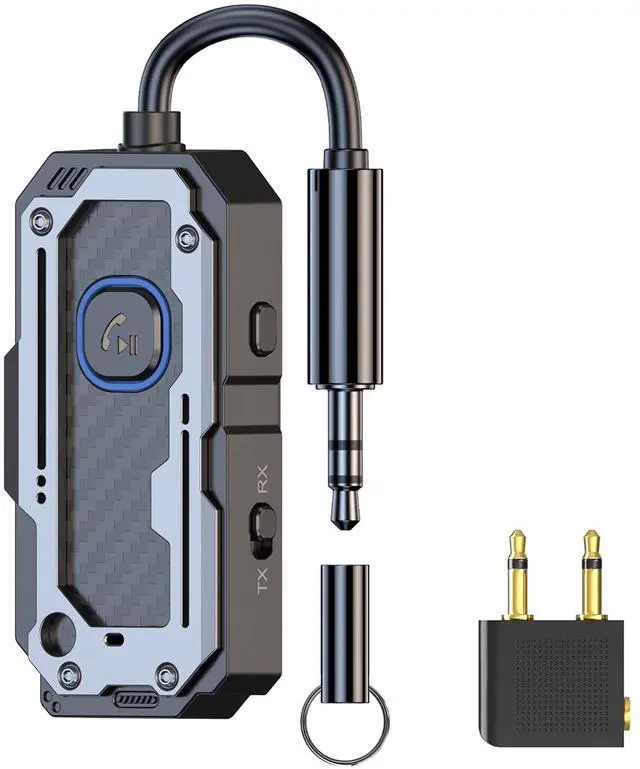
bluetooth radio transmitter Receiver Audio Adapter. Wireless AUX for 2 Headphones / Phones aux bluetooth adapter Use Any 3.5mm bluetooth audio jack on Airplanes, headphones, Car Radio, TVs, PCs, Stereos. High-Quality Audio Steaming, Hands-free Call. LIHAN C82 bluetooth receiver 3.5 bluetooth transmitter receiver easily switches from transmit to receive and has a reset button to clear the cache easily. The Bluetooth adapter's compact size is perfect for travel. Charge before or during your flight with the included charging cable (can charge while using). Tip: Turn off your phone's Bluetooth before you begin pairing to avoid interference when pairing. Cords Ruining Your Workout? Wirelessly transmit audio from gym equipment. Use your earbuds or wireless headphones anywhere with no more cords . Send Audio to a Car Stereo Connect to your rental car without syncing your entire phone. Use it on an older vehicle or classic car that doesnt have Bluetooth. Unlimited Applications Use it on your boat to stream music, or stream to that awesome non-Bluetooth speaker or device you can't part with.
| Special Feature | aux bluetooth adapter, bluetooth receiver 3.5mm, bluetooth to headphone jack, bluetooth transmitter receiver, radio bluetooth adapter |
| Brand | LIHAN |
| Connectivity Technology | Bluetooth |
| Power Source | Battery Powered |
| Material | Plastic |
| Product Dimensions | 1 x 0.5 x 5 inches |
| Item Weight | 3.2 ounces |
| Item model number | C82 |
| Batteries | 1 Lithium Ion batteries required. (included) |
| Date First Available | July 1, 2024 |
| Manufacturer | DongguanJieshengdazhinengkejiyouxiangongsi |


