here!
here!
I’m your shopping assistant for PC builds, upgrades, and everything tech.
Got questions? Ask away!
Start a conversation
here!
I’m your shopping assistant for PC builds, upgrades, and everything tech.
Got questions? Ask away!
Start a conversation



Any questions? Ask CelesteSM will help you find out quickly.
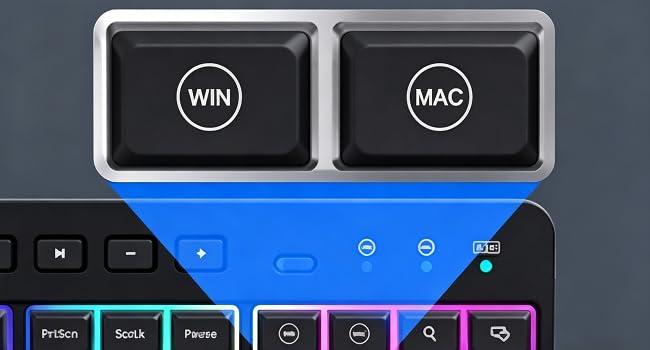
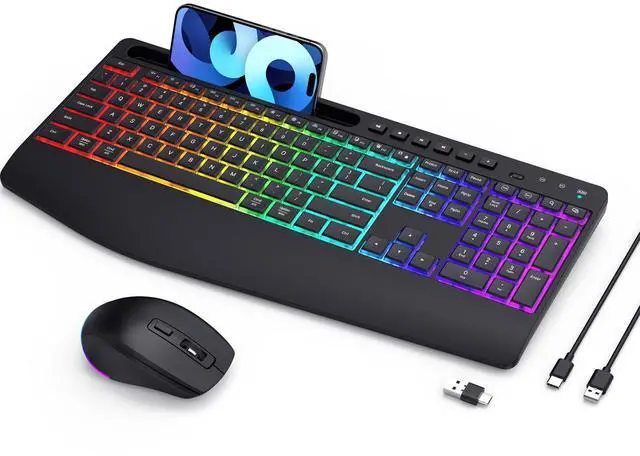
Easily switch between two different devices or operating systems — works seamlessly on both Windows and Mac.
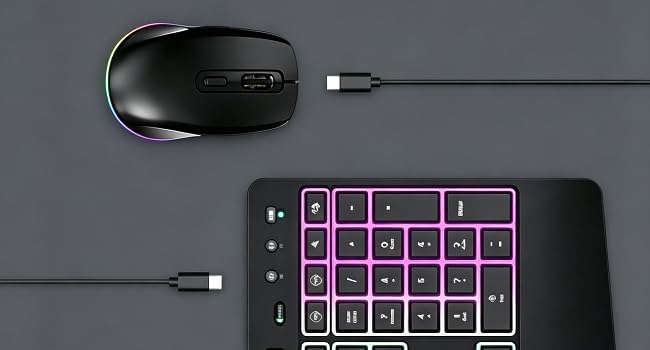
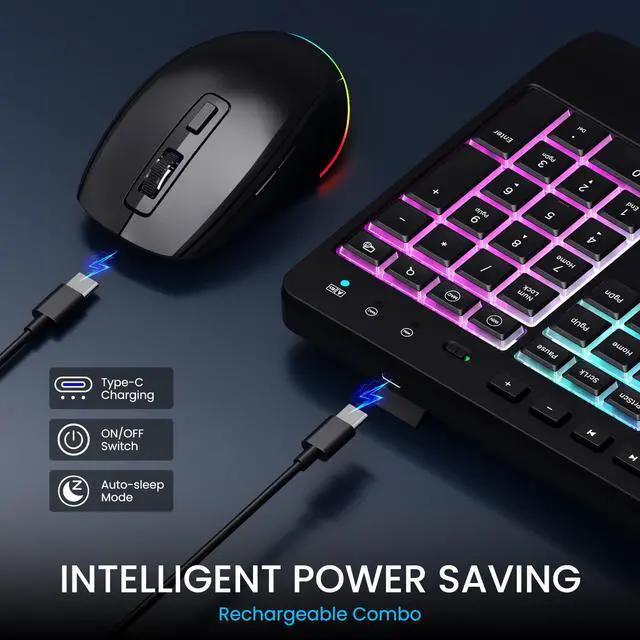
The keyboard and mouse can stay on standby for up to 6 months on a single charge. Auto sleep mode and the on/off switch help extend battery life.
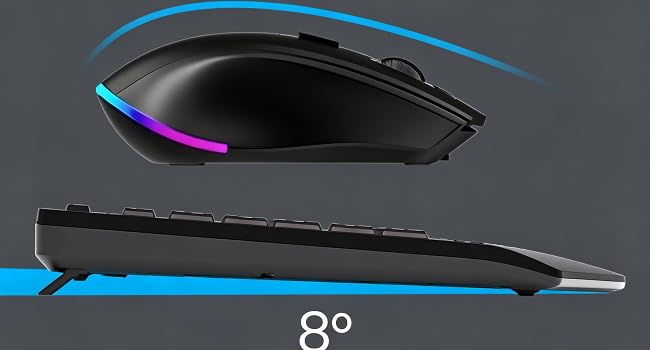
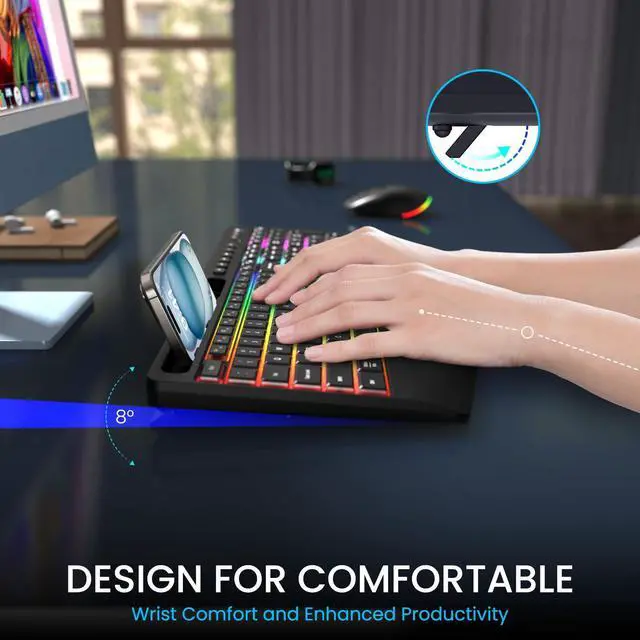
With adjustable tilt and a wrist rest, your hands and wrists stay in a more natural position — helping you work comfortably for longer.
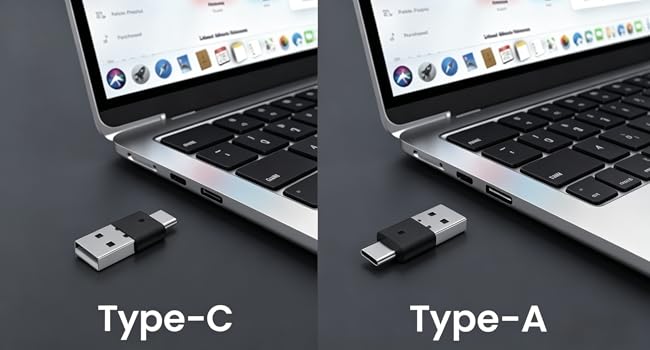
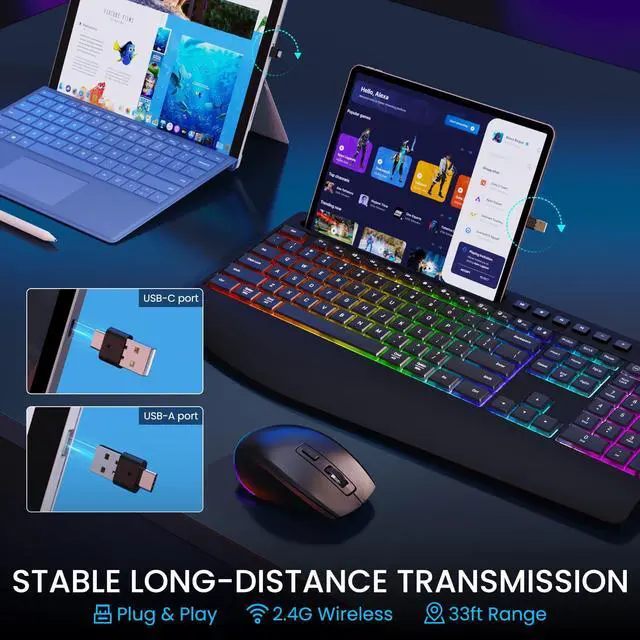
This wireless keyboard and mouse are designed to work with both Windows and Mac layouts. No lag — with a reliable range of up to 33 feet.
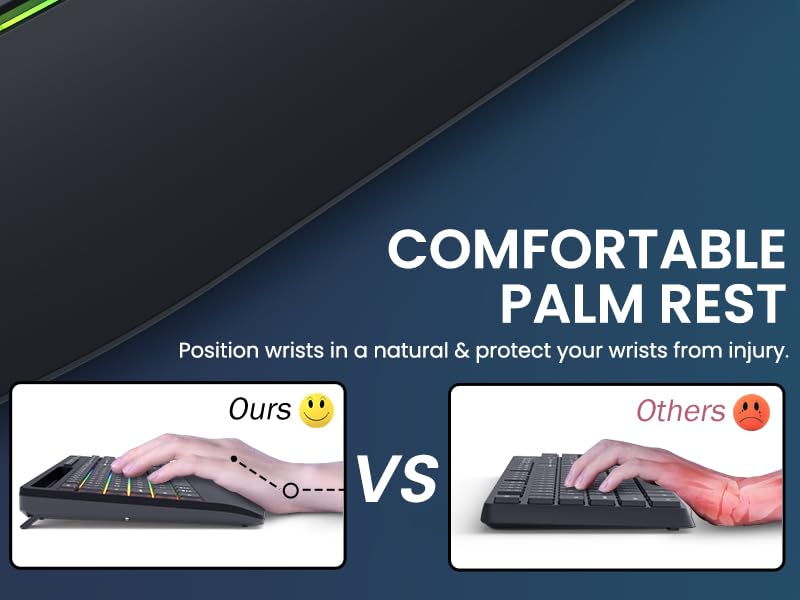
Designed with an integrated wrist rest, this keyboard helps reduce wrist pressure by up to 30%. It promotes a more natural hand position, minimizes strain, and lets you work longer with less fatigue.

How do I charge the keyboard and mouse?
Both devices come with built-in rechargeable lithium batteries (2200mAh for keyboard, 650mAh for mouse) and share one USB charging cable. Make sure to fully charge both devices right out of the box before first use.
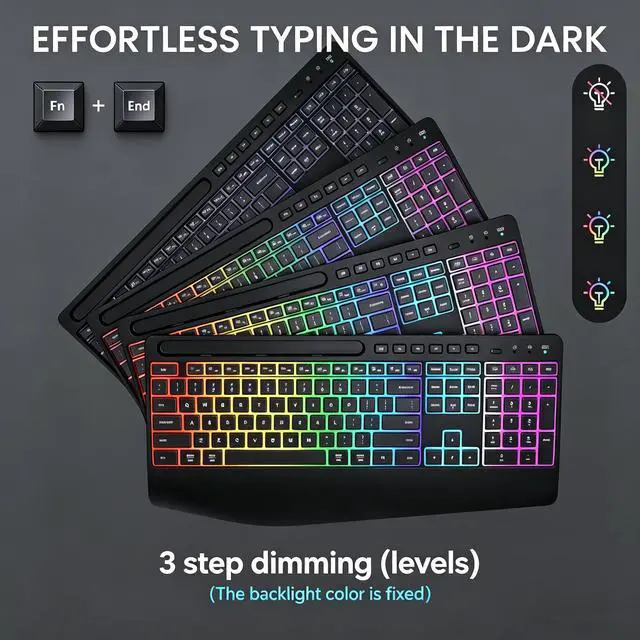
Can I adjust the backlight brightness?
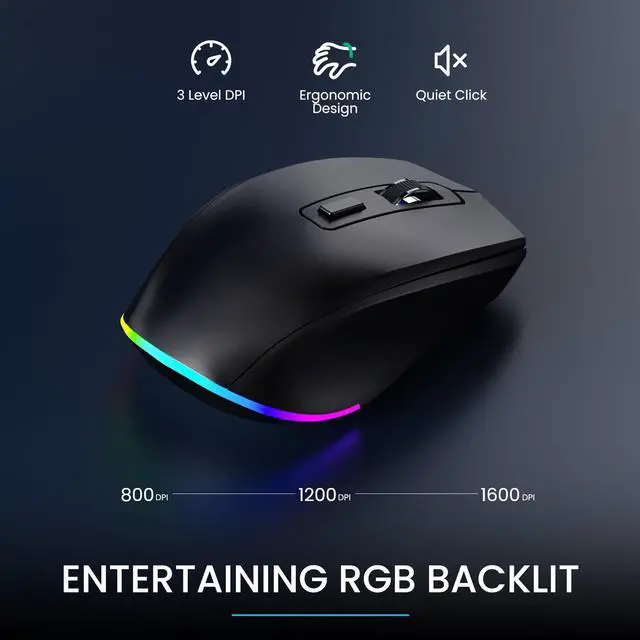
Yes, the keyboard has 3 brightness levels that you can adjust by pressing Fn+End. The mouse offers 22 different light modes and allows you to customize the RGB effects. You can also turn off either backlight completely.(The backlight color is fixed)
Is this suitable for gaming?
It performs well for everyday office work and boosting productivity. The mouse supports DPI adjustment (3 levels), and the keyboard is highly responsive. It’s also well-suited for competitive games that require fast response times.
Why won't the keyboard connect to my computer?
The combo uses a 2.4G USB dongle (not Bluetooth). Ensure the USB receiver is properly plugged into a USB port. The dongle is located on the back of the keyboard.
Does this work with both Windows and Mac?
Yes, the keyboard and mouse are compatible with both Windows and macOS. You can press a dedicated key to switch between systems, and the shortcut keys automatically adjust based on your operating system.



Easily switch between two different devices or operating systems — works seamlessly on both Windows and Mac.
The keyboard and mouse can stay on standby for up to 6 months on a single charge. Auto sleep mode and the on/off switch help extend battery life.
With adjustable tilt and a wrist rest, your hands and wrists stay in a more natural position — helping you work comfortably for longer.
This wireless keyboard and mouse are designed to work with both Windows and Mac layouts. No lag — with a reliable range of up to 33 feet.
Designed with an integrated wrist rest, this keyboard helps reduce wrist pressure by up to 30%. It promotes a more natural hand position, minimizes strain, and lets you work longer with less fatigue.
How do I charge the keyboard and mouse?
Both devices come with built-in rechargeable lithium batteries (2200mAh for keyboard, 650mAh for mouse) and share one USB charging cable. Make sure to fully charge both devices right out of the box before first use.
Can I adjust the backlight brightness?
Yes, the keyboard has 3 brightness levels that you can adjust by pressing Fn+End. The mouse offers 22 different light modes and allows you to customize the RGB effects. You can also turn off either backlight completely.(The backlight color is fixed)
Is this suitable for gaming?
It performs well for everyday office work and boosting productivity. The mouse supports DPI adjustment (3 levels), and the keyboard is highly responsive. It’s also well-suited for competitive games that require fast response times.
Why won't the keyboard connect to my computer?
The combo uses a 2.4G USB dongle (not Bluetooth). Ensure the USB receiver is properly plugged into a USB port. The dongle is located on the back of the keyboard.
Does this work with both Windows and Mac?
Yes, the keyboard and mouse are compatible with both Windows and macOS. You can press a dedicated key to switch between systems, and the shortcut keys automatically adjust based on your operating system.