



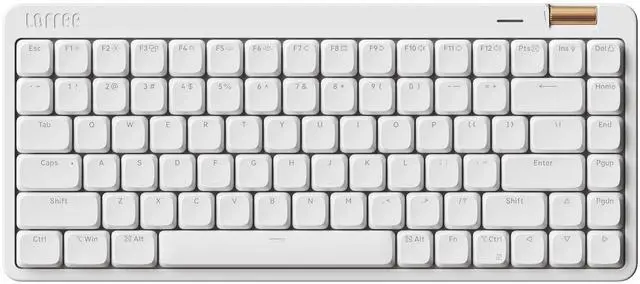


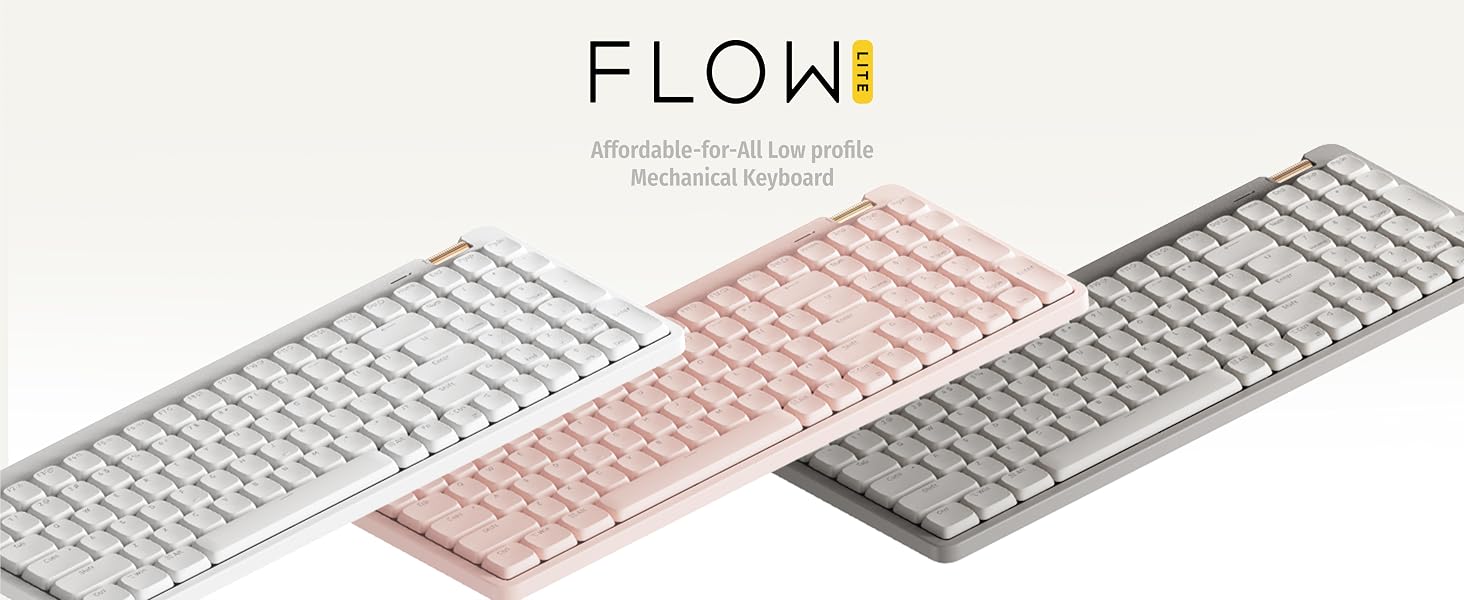
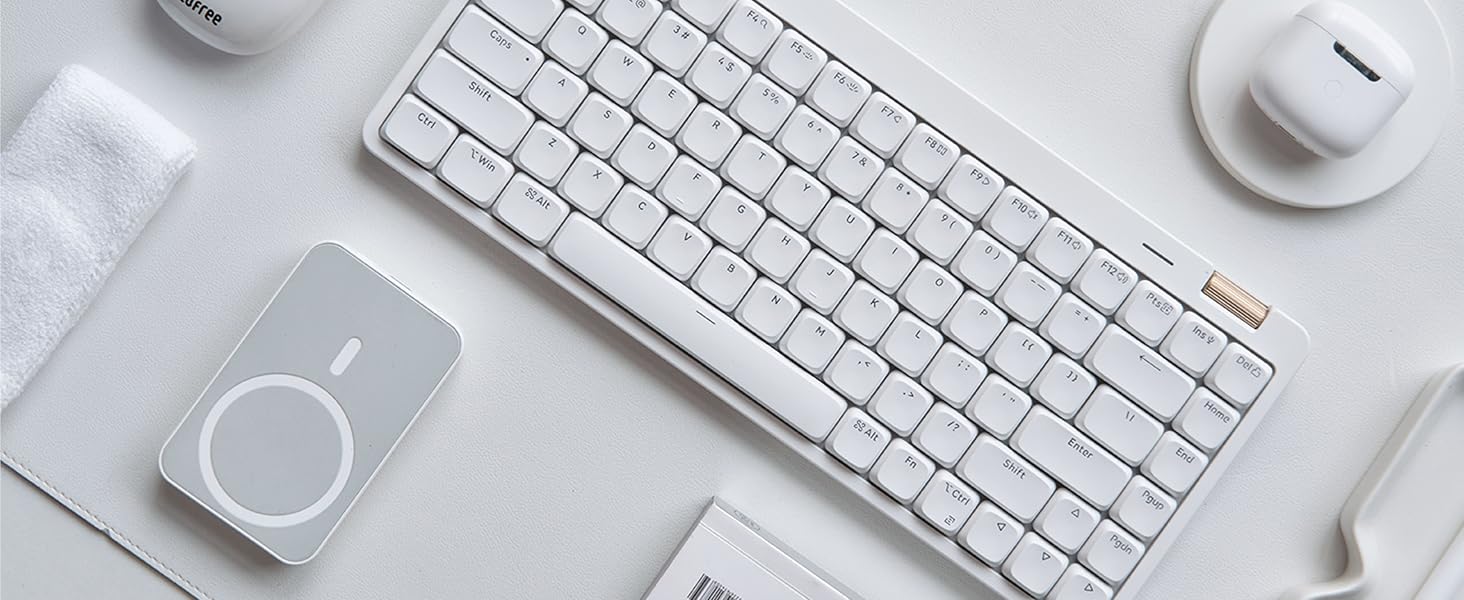
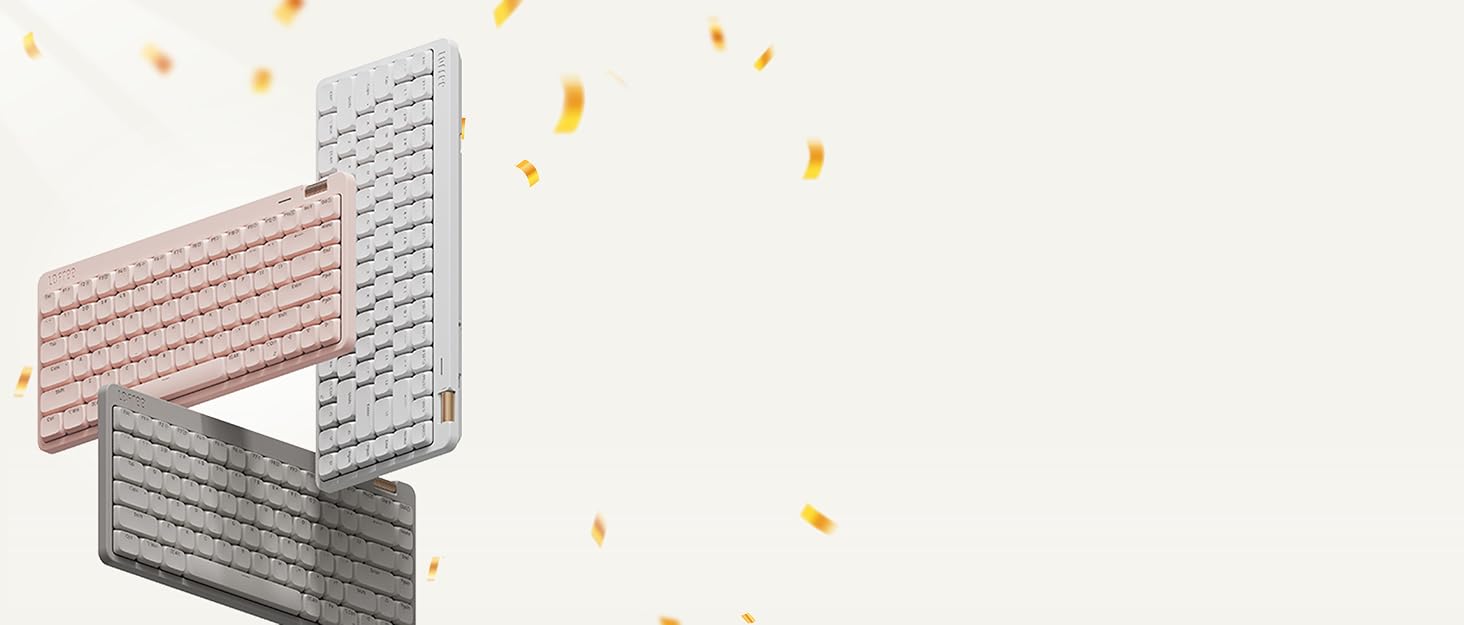
Now, we’re excited to return with an even more affordable successor for everyone, the Lofree Flow Lite. The smoothest, affordable-for-all mechanical keyboard
Everything You Need In A Good Keyboard
aplus content video
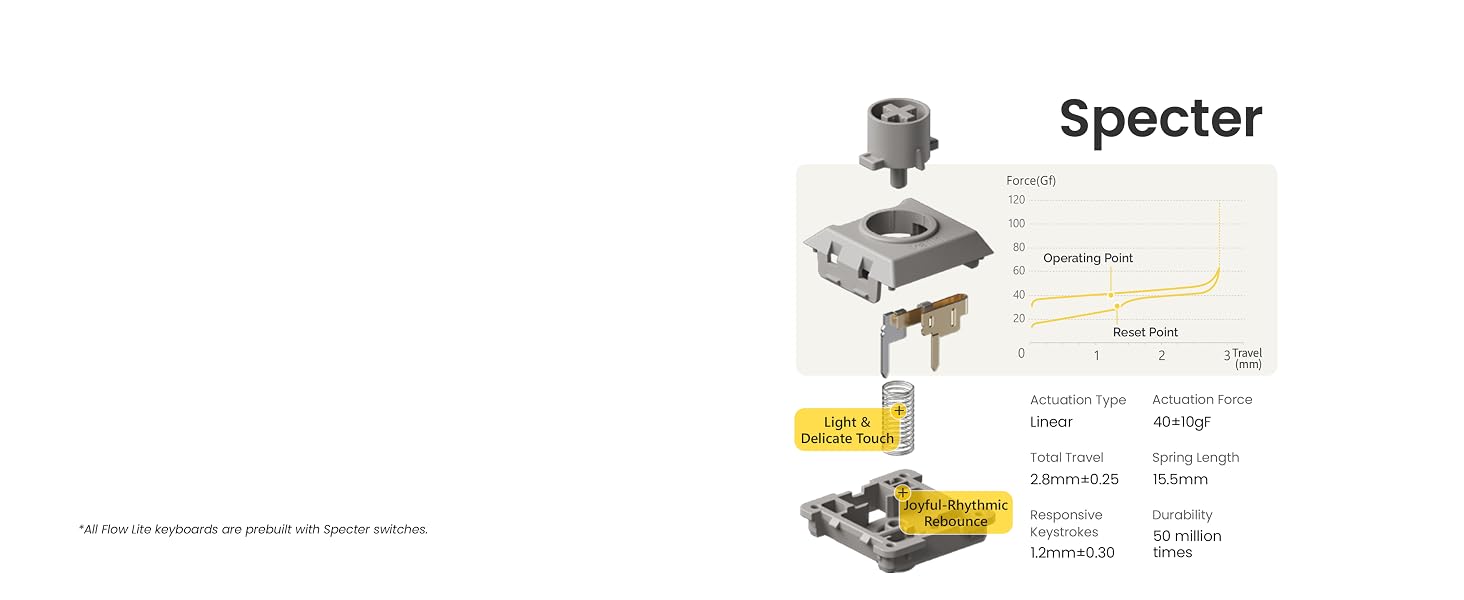
Harmony of touch & sound
Carefully crafted specifically for the Flow Lite
The Flow Lite + Specter combo delivers the ultimate low-profile keyboard experience you want.
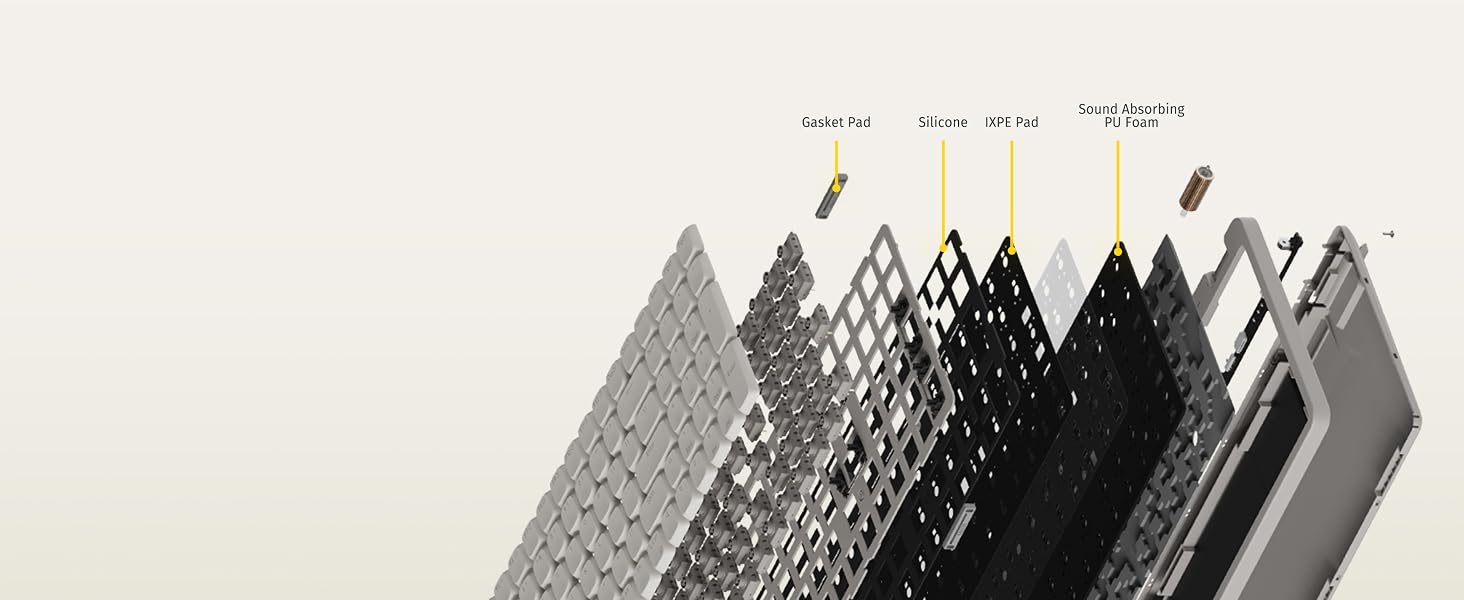
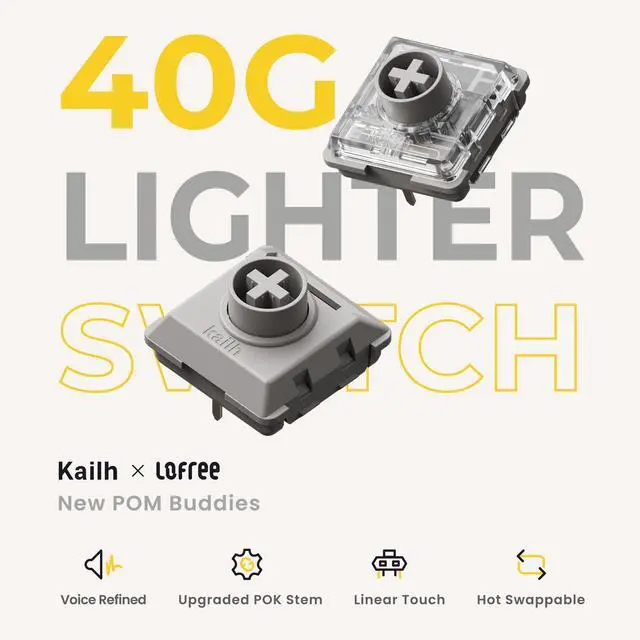
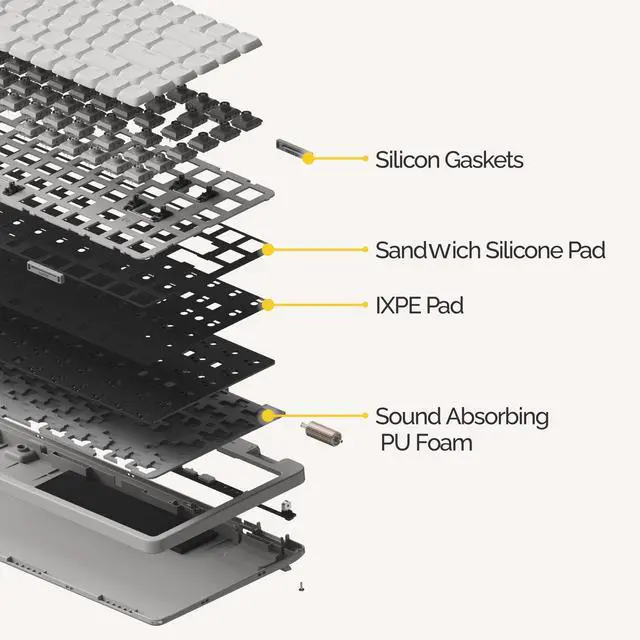
Combination of gasket mount & full-pom switches
It pioneered the first-ever combination of a gasket mount and Full-POM switches in this industry.

Let your hands relax
Finger & Wrist Friendly
Lower front height than the original Flow, reducing wrist strain allowing faster and easier typing.

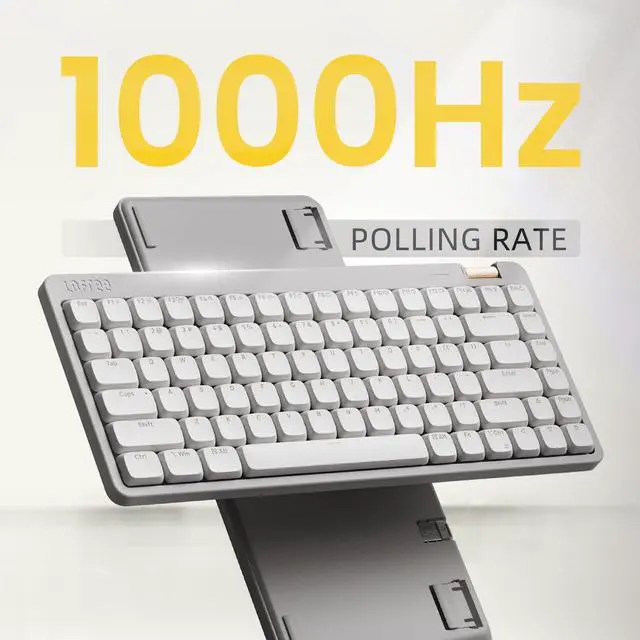
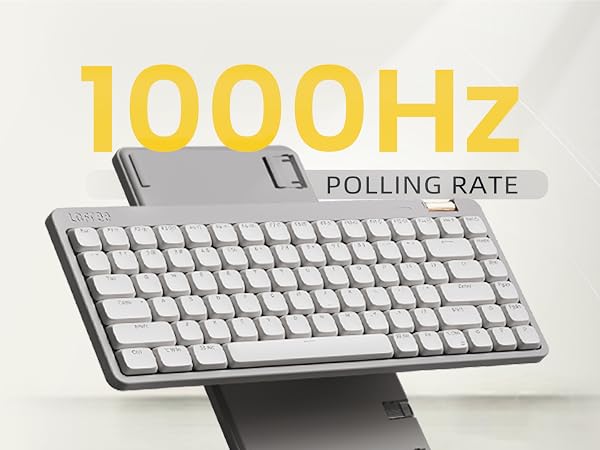
Fast and responsive performace with 2.4GHz support
Good performing in both a wired & wireless connection,perfect for any high-performance devices!
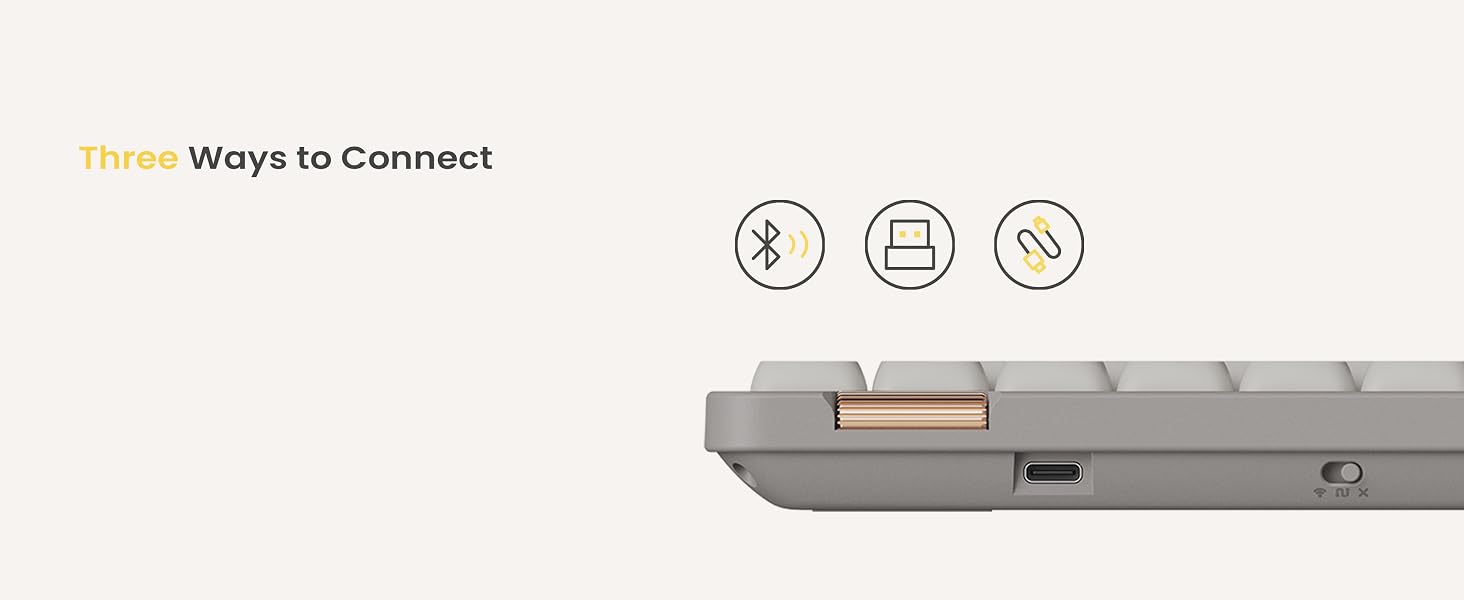
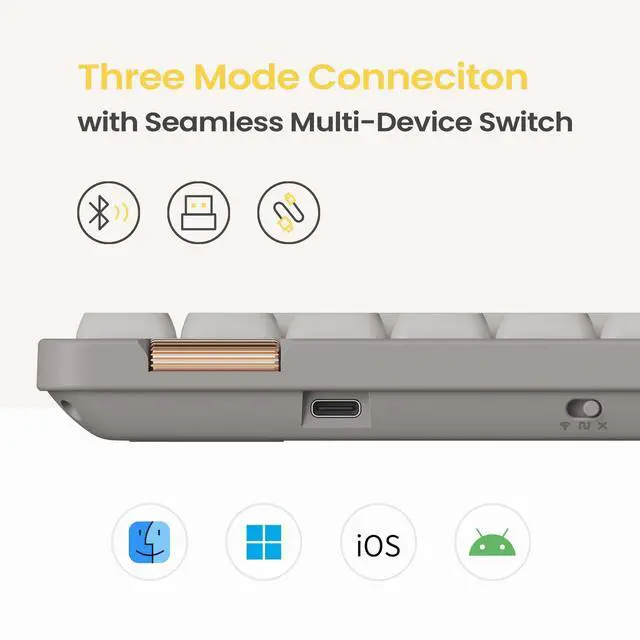
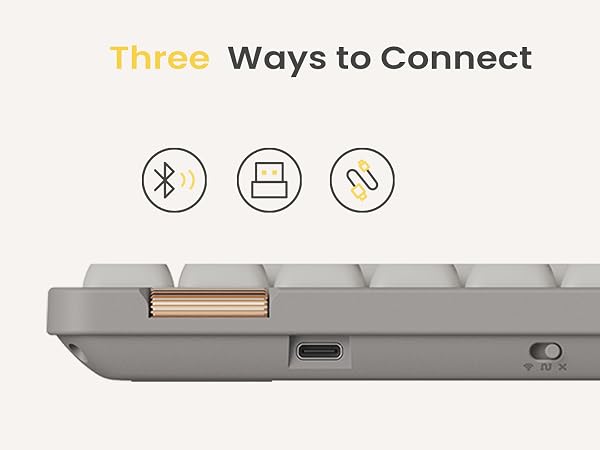
Flow Lite offers 3 ways to connect:wired(USB-C),Bluetooth wireless &2.4GHz wireless via USB dongle.

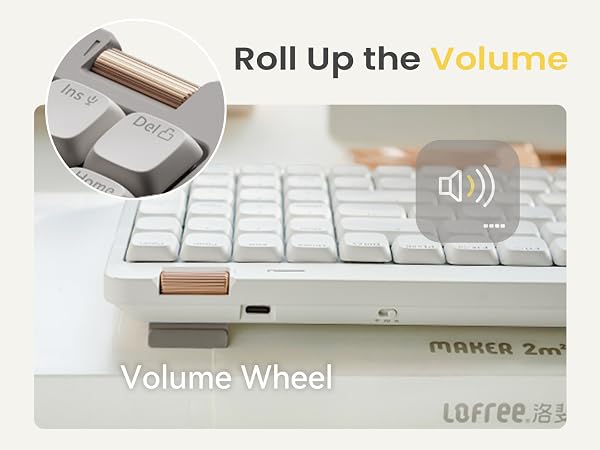
Adjust the volume by rolling up the volume wheel
Blend practicality with fun, the added aluminum volume wheel is simpler and more intuitive to use.
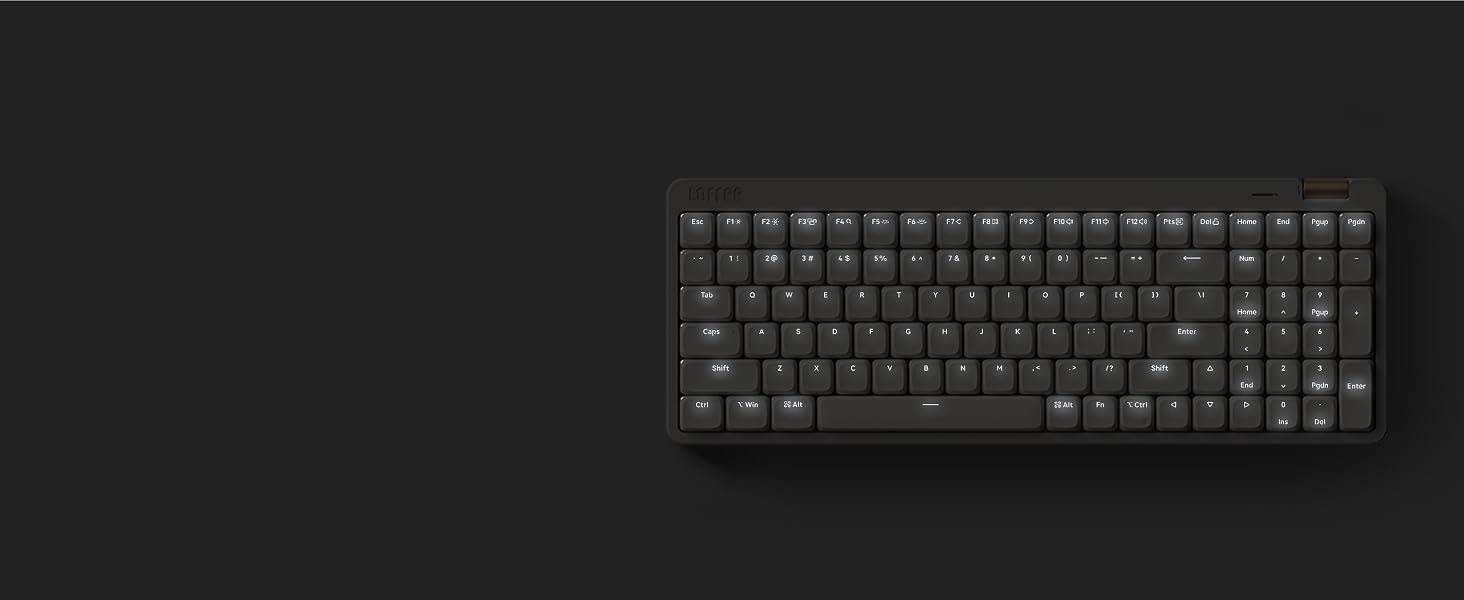
Two lighting modes: constant light and breathing
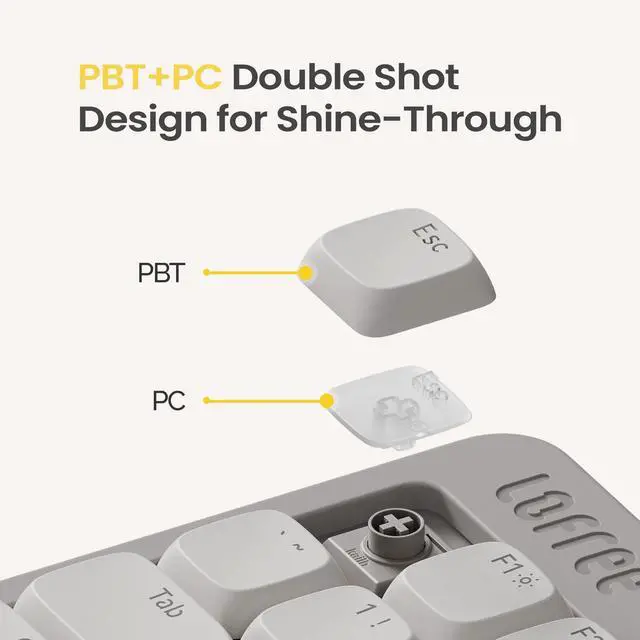
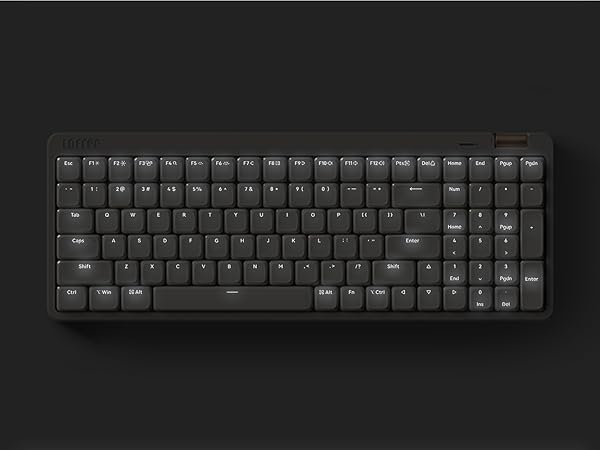
Backlight goes through the keycaps. The translucent keycaps embellish the workspace atmosphere.
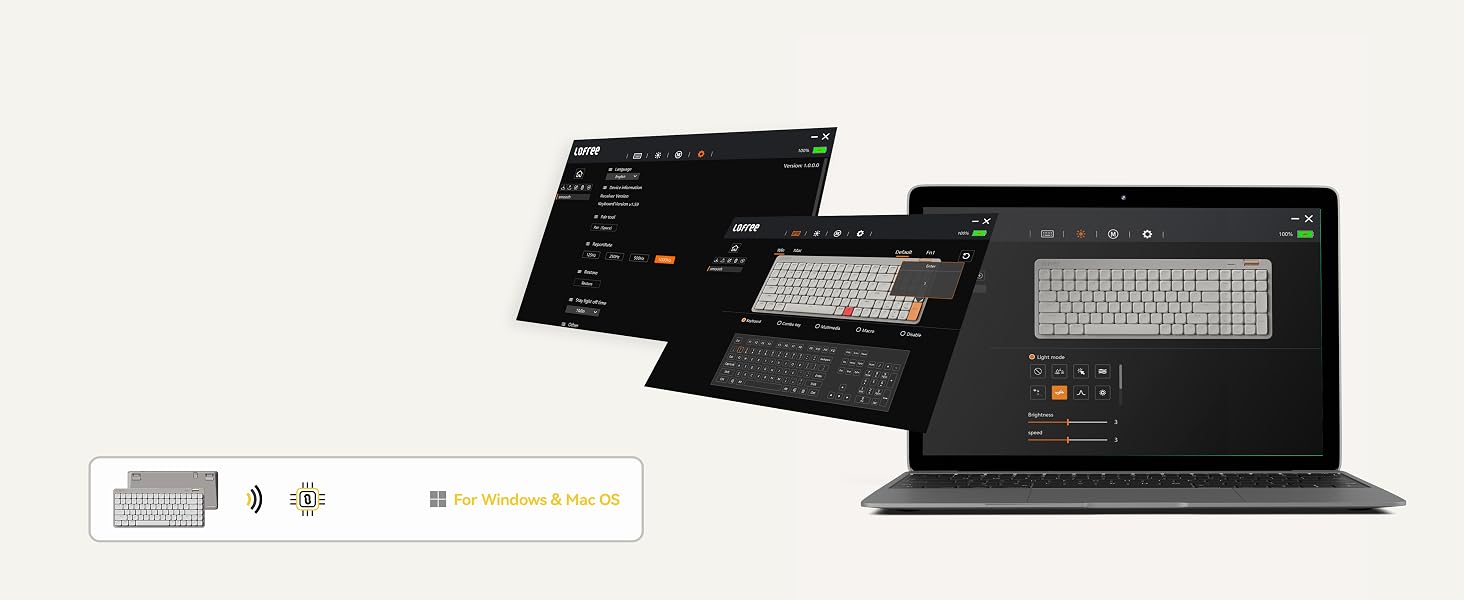
For wired & 2.4G Only
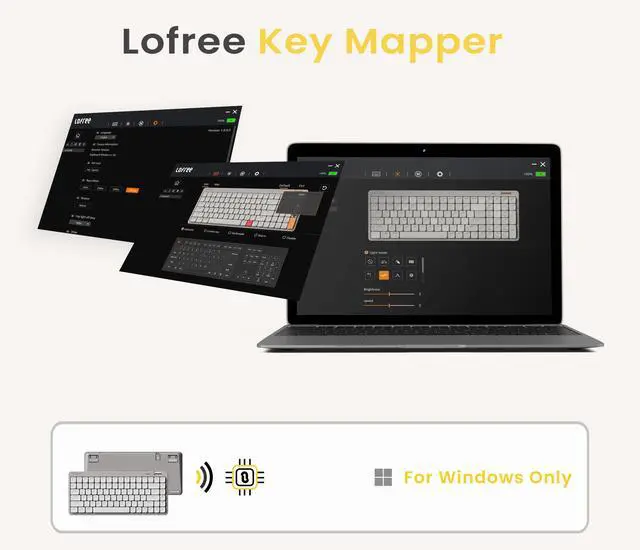
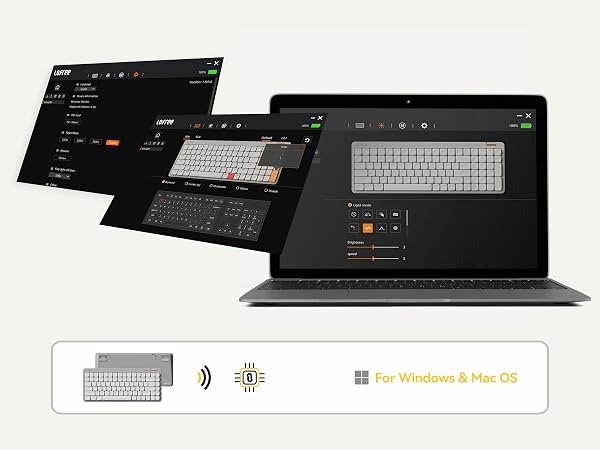
Customize New Lofree Key Mapper.
Updated LOFREE online key mapper. Easily obtain your needed version via our key mapper web page.
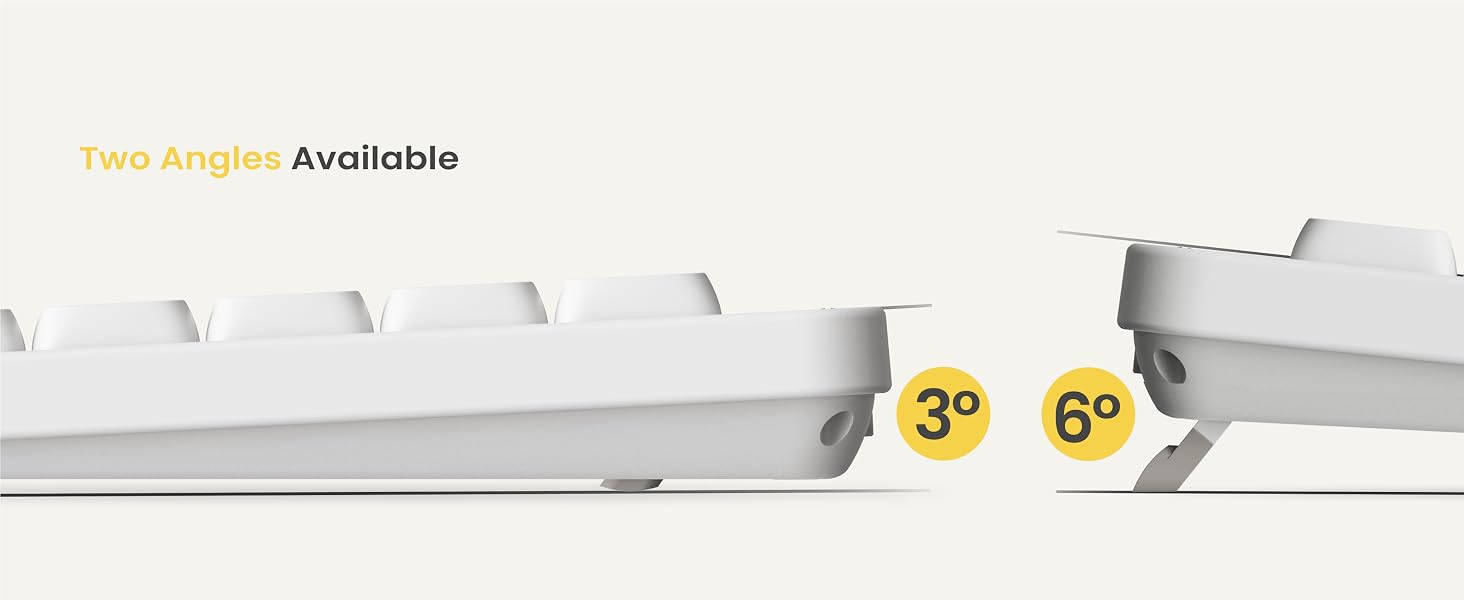
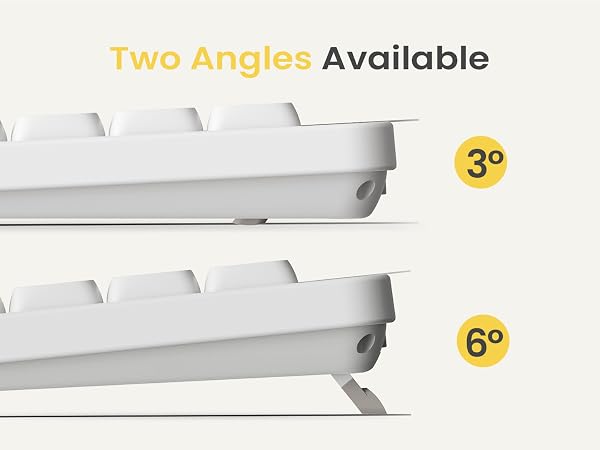
Two angles available
The built-in stand showcases our commitment to simplicity - no worry about losing extra accessories.
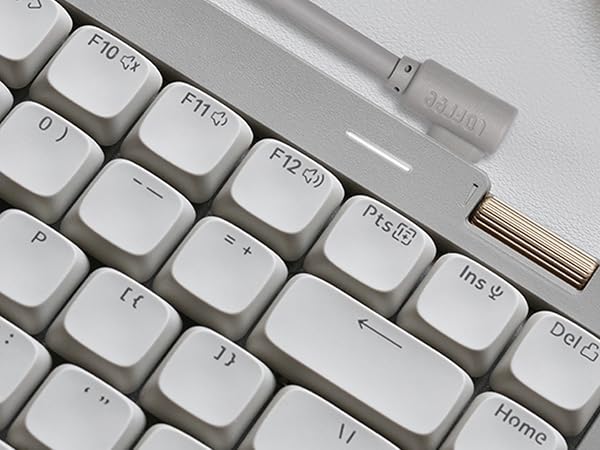
Indicator light remind the status of battery power
When keyboard is fully charged,the light is always white while in low battery the light flashes red
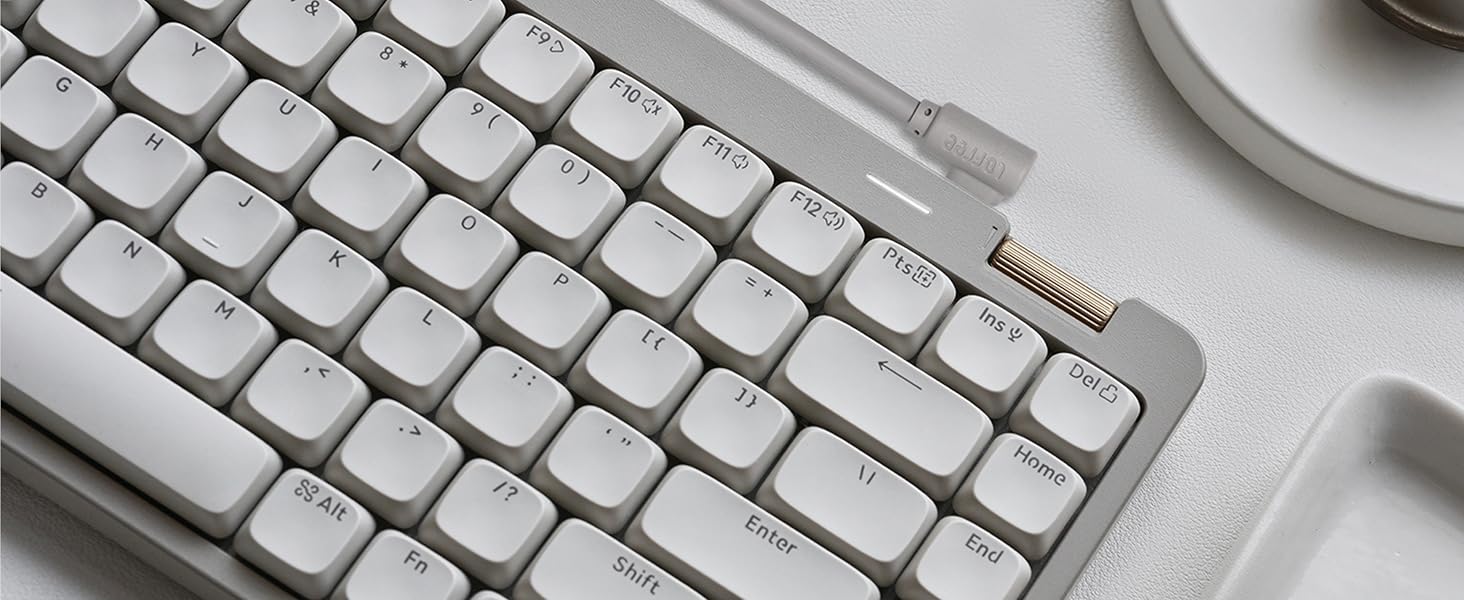
Light Guide Design
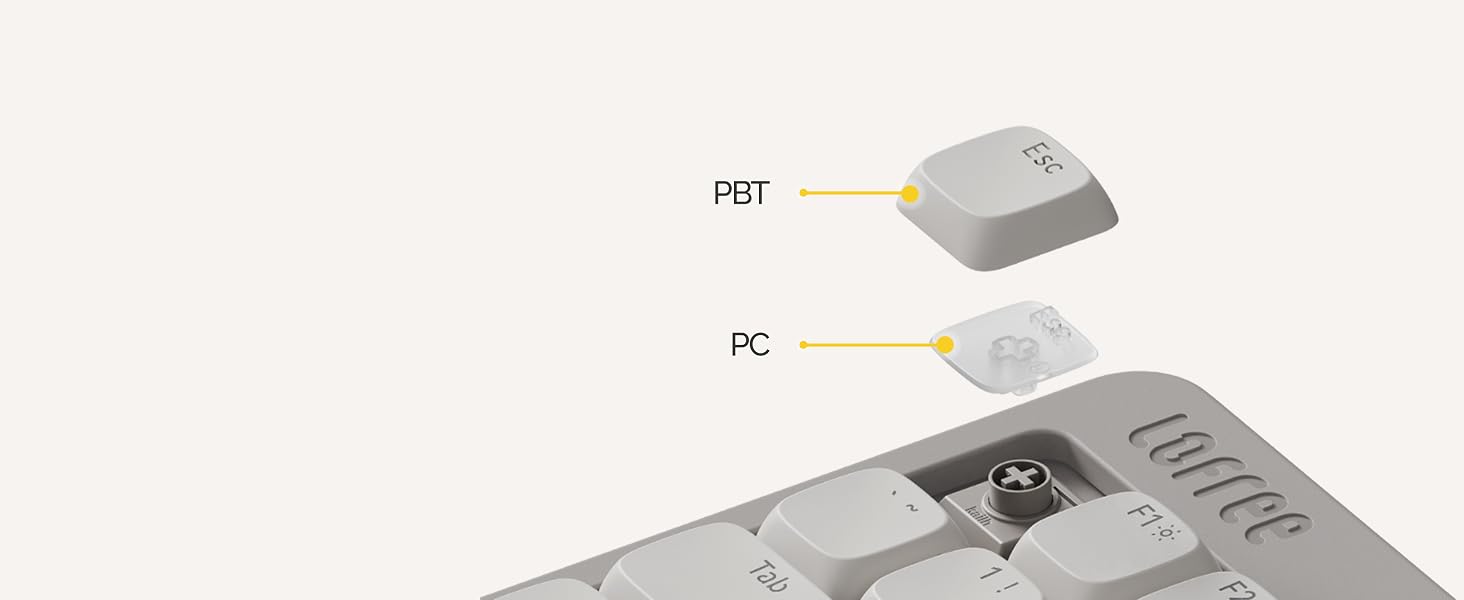
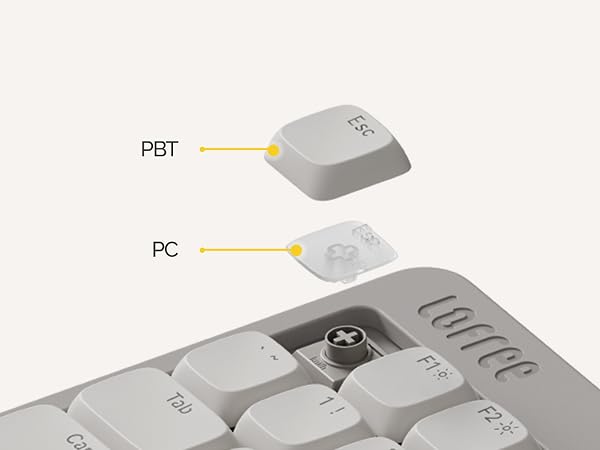
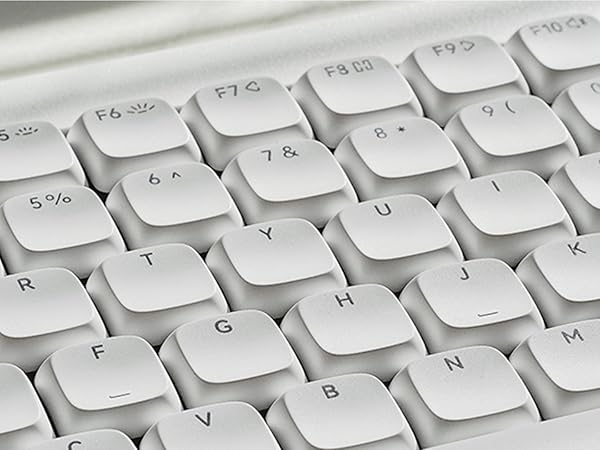
100% durable and non-slip with PBT keycap
Light guide design of keycaps makes a pefect backlight effec.To be Enjoyed with a dark environment .

Delicate touch and oil-resistant
PBT & ABS two-color injection molding process makes the touch delicate and does not lose characters.

Work at any will
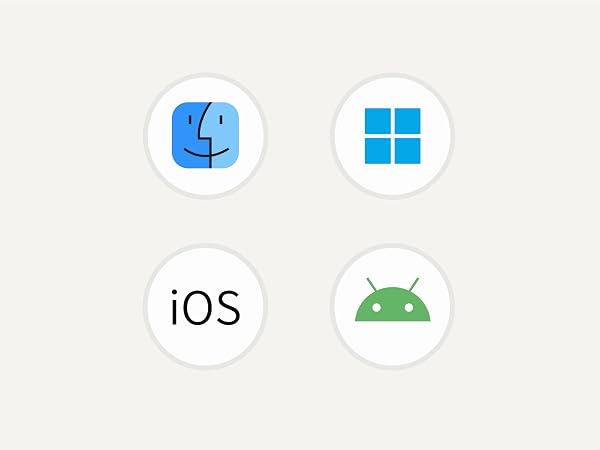
Compatible with Windows, MacOS iOS and Android.
Trigger function key of windows/Android:press Fn+N. Trigger function key of Mac/IOS:press Fn+M.

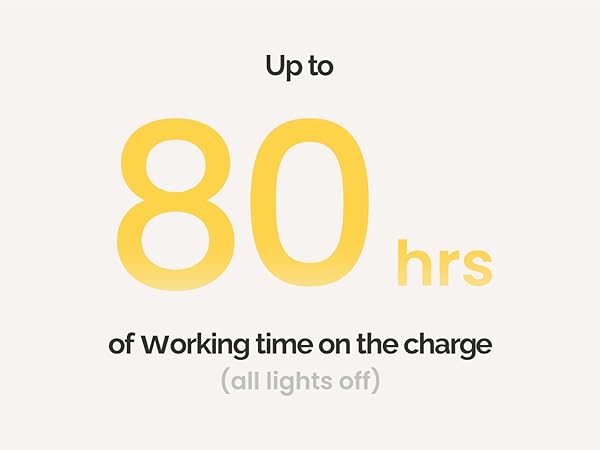
Up to 80 hours
Non-stop working
Charge in time when less than 20% battery to stay a good wireless connection status.
Comparison
 FLOW Lite84 Keyboard |  FLOW84 Keyboard White |  FLOW84 Keyboard Black | 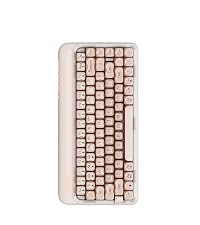 Foundation Keyboard | 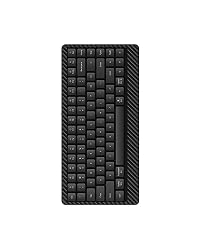 EDGE84 Keyboard | 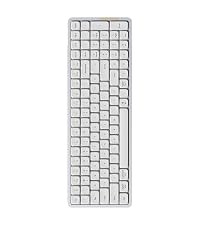 FLOW100 Keyboard White | 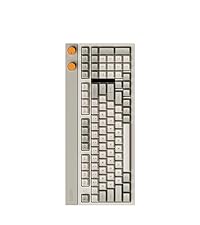 BLOCK Keyboard | |
|---|---|---|---|---|---|---|---|
Customer Reviews | — | — | — | — | — | — | — |
Price | — | — | — | — | — | — | — |
Keys Number | 84 | 84 | 84 | 84 | 84 | 100 | 100 |
Switch Type | Linear Switches | Linear Switches | Phantom Switches | Linear Switches | Linear Switches | Linear Switches | Linear Switches |
Material | ABS | Aluminum-alloy | Aluminum-alloy | ABS | Carbon fiber & Mg alloy | Aluminum-alloy | ABS |
Low Profile | ? | ? | ? | ? | ? | ? | ? |
Connection Mode | Wired/BT/2.4G | Wired/BT | Wired/BT | Wired/BT/2.4G | Wired/BT | Wired/BT | Wired/BT/2.4G |
Volume Control Roller | ? | ? | ? | ? | ? | ? | ? |
Multifunction Keys | 16 | 16 | 16 | 10 | 16 | 16 | 13 |
flip-out kickstand | ? | ? | ? | ? | ? | ? | ? |
Customize keys | ? | ? | ? | ? | ? | ? | ? |
Backlight | ? | ? | ? | ? | ? | ? | ? |
Sidelight | ? | ? | ? | ? | ? | ? | ? |
Does this keyboard have a sleep mode?
-Stage 1 (1 minute idle):
Turns off indicator/backlight; wakes with any keystroke.
-Stage 2 (10 minutes idle):
The keyboard's Bluetooth signal turns off. Keyboard cannot wake sleeping computer via Bluetooth—computer's Bluetooth is off in sleep.
Why can't my keyboard wake up the computer after a long idle period?
If both keyboard and computer sleep, Bluetooth disconnects and can't wake it up.
Fix: Wake up PC via power button or by switching keyboard to wirred mode.
Tip: Adjust PC power settings to keep Bluetooth active during sleep for seamless reconnection.
Why the keys Win, Alt, Function keys do not work?
Please check the system of your device. Here is the solution: Note: Fn+N is to trigger the corresponding system function key of windows/Android. Fn+M is to trigger the corresponding system function key of Mac/IOS.
How to trigger the Bluetooth connection mode?
1.To toggle the mode switch to wireless mode;2.Long press Fn+1/Fn+2/Fn+3 until indicator blinks slowly on blue; 3. Find and pair "Flow84-@Lofree ";4.Indicator keeps on for 3s and turn off; 5. Fn+1/Fn+2/Fn+3=Switch Bluetooth Device
Does the key mapper apply to both Windows/Android and Mac/iOS system? How can I obtain the key mapper software?
Yes, the key mapper apply to both Windows/Android and Mac/iOS system. It only apply to wired or 2.4G wireless connection mode (Bluetooth excluded). You can go to official software specified website for direct using (See our product page for detail).
About Us
Lofree is a brand created by a team of intelligent designers with a background of designing more than 150 electronic products.

Our Mission
Every individual deserves to be treated with genuine care. We aim to connect with and assist those who are sensitive, artistic, and energetic.
Who we are?
Lofree is a brand created by a team of intelligent designers with a background of designing more than 150 electronic products.
What we do?
Lofree innovates fascinating and refined products to motivate like-minded individuals to curate their own chic 2m² space conveniently.
Our core members?
Dennis,W Product Developer
With 8-year experience and 30+hardware products developed in Acer PC department,Dennis has great craftsmanspirit in engineering.
Shawn,S Chief Designer
Shawn is a Red Dot Design and IF Design winner.The Dot Keyboard he designedhas sold more than 2 million units worldwide.

Why we design the Flow Lite?
We hope everything you need are in a good keyboard,that's why we design the Flow Lite Series, which is the most smoothest, affordable-for-all mechanical keyboard for everyone.
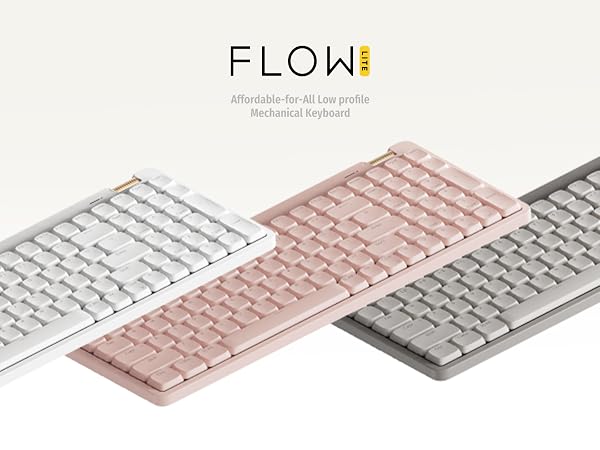
Now, we’re excited to return with an even more affordable successor for everyone, the Lofree Flow Lite. The smoothest, affordable-for-all mechanical keyboard
Everything You Need In A Good Keyboard
aplus content video
Harmony of touch & sound
Carefully crafted specifically for the Flow Lite
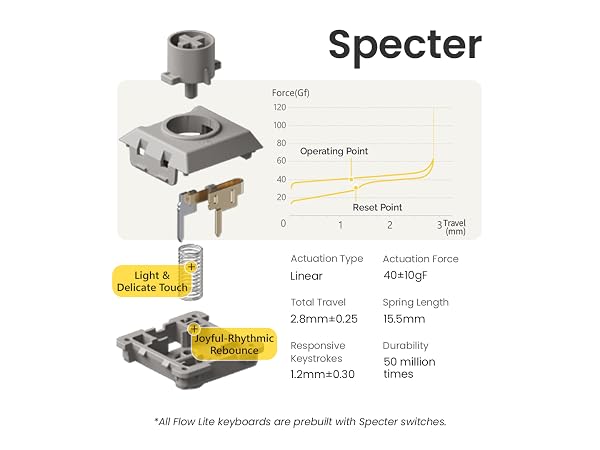
The Flow Lite + Specter combo delivers the ultimate low-profile keyboard experience you want.
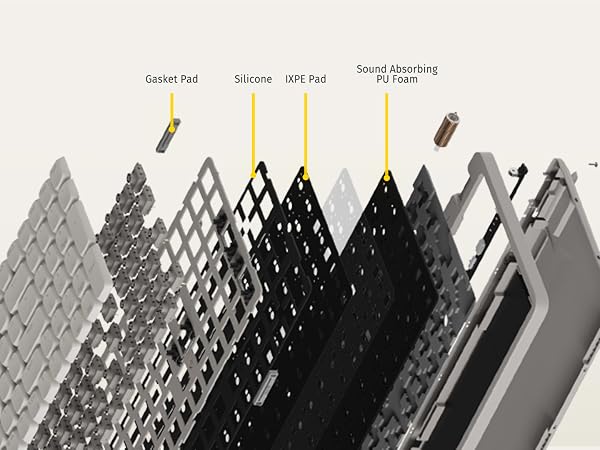
Combination of gasket mount & full-pom switches
It pioneered the first-ever combination of a gasket mount and Full-POM switches in this industry.
Let your hands relax
Finger & Wrist Friendly
Lower front height than the original Flow, reducing wrist strain allowing faster and easier typing.
Fast and responsive performace with 2.4GHz support
Good performing in both a wired & wireless connection,perfect for any high-performance devices!
Flow Lite offers 3 ways to connect:wired(USB-C),Bluetooth wireless &2.4GHz wireless via USB dongle.

Adjust the volume by rolling up the volume wheel
Blend practicality with fun, the added aluminum volume wheel is simpler and more intuitive to use.
Two lighting modes: constant light and breathing
Backlight goes through the keycaps. The translucent keycaps embellish the workspace atmosphere.
For wired & 2.4G Only
Customize New Lofree Key Mapper.
Updated LOFREE online key mapper. Easily obtain your needed version via our key mapper web page.
Two angles available
The built-in stand showcases our commitment to simplicity - no worry about losing extra accessories.
Indicator light remind the status of battery power
When keyboard is fully charged,the light is always white while in low battery the light flashes red
Light Guide Design
100% durable and non-slip with PBT keycap
Light guide design of keycaps makes a pefect backlight effec.To be Enjoyed with a dark environment .
Delicate touch and oil-resistant
PBT & ABS two-color injection molding process makes the touch delicate and does not lose characters.
Work at any will
Compatible with Windows, MacOS iOS and Android.
Trigger function key of windows/Android:press Fn+N. Trigger function key of Mac/IOS:press Fn+M.
Up to 80 hours
Non-stop working
Charge in time when less than 20% battery to stay a good wireless connection status.


Comparison
FLOW Lite84 Keyboard | FLOW84 Keyboard White | FLOW84 Keyboard Black | Foundation Keyboard | EDGE84 Keyboard | FLOW100 Keyboard White | BLOCK Keyboard |
|---|---|---|---|---|---|---|
| Customer Reviews | ||||||
| — | — | — | — | — | — | — |
| Price | ||||||
| — | — | — | — | — | — | — |
| Keys Number | ||||||
| 84 | 84 | 84 | 84 | 84 | 100 | 100 |
| Switch Type | ||||||
| Linear Switches | Linear Switches | Phantom Switches | Linear Switches | Linear Switches | Linear Switches | Linear Switches |
| Material | ||||||
| ABS | Aluminum-alloy | Aluminum-alloy | ABS | Carbon fiber & Mg alloy | Aluminum-alloy | ABS |
| Low Profile | ||||||
| ? | ? | ? | ? | ? | ? | ? |
| Connection Mode | ||||||
| Wired/BT/2.4G | Wired/BT | Wired/BT | Wired/BT/2.4G | Wired/BT | Wired/BT | Wired/BT/2.4G |
| Volume Control Roller | ||||||
| ? | ? | ? | ? | ? | ? | ? |
| Multifunction Keys | ||||||
| 16 | 16 | 16 | 10 | 16 | 16 | 13 |
| flip-out kickstand | ||||||
| ? | ? | ? | ? | ? | ? | ? |
| Customize keys | ||||||
| ? | ? | ? | ? | ? | ? | ? |
| Backlight | ||||||
| ? | ? | ? | ? | ? | ? | ? |
| Sidelight | ||||||
| ? | ? | ? | ? | ? | ? | ? |
Does this keyboard have a sleep mode?
-Stage 1 (1 minute idle):
Turns off indicator/backlight; wakes with any keystroke.
-Stage 2 (10 minutes idle):
The keyboard's Bluetooth signal turns off. Keyboard cannot wake sleeping computer via Bluetooth—computer's Bluetooth is off in sleep.
Why can't my keyboard wake up the computer after a long idle period?
If both keyboard and computer sleep, Bluetooth disconnects and can't wake it up.
Fix: Wake up PC via power button or by switching keyboard to wirred mode.
Tip: Adjust PC power settings to keep Bluetooth active during sleep for seamless reconnection.
Why the keys Win, Alt, Function keys do not work?
Please check the system of your device. Here is the solution: Note: Fn+N is to trigger the corresponding system function key of windows/Android. Fn+M is to trigger the corresponding system function key of Mac/IOS.
How to trigger the Bluetooth connection mode?
1.To toggle the mode switch to wireless mode;2.Long press Fn+1/Fn+2/Fn+3 until indicator blinks slowly on blue; 3. Find and pair "Flow84-@Lofree ";4.Indicator keeps on for 3s and turn off; 5. Fn+1/Fn+2/Fn+3=Switch Bluetooth Device
Does the key mapper apply to both Windows/Android and Mac/iOS system? How can I obtain the key mapper software?
Yes, the key mapper apply to both Windows/Android and Mac/iOS system. It only apply to wired or 2.4G wireless connection mode (Bluetooth excluded). You can go to official software specified website for direct using (See our product page for detail).
About Us
Lofree is a brand created by a team of intelligent designers with a background of designing more than 150 electronic products.
Our Mission
Every individual deserves to be treated with genuine care. We aim to connect with and assist those who are sensitive, artistic, and energetic.
Who we are?
Lofree is a brand created by a team of intelligent designers with a background of designing more than 150 electronic products.
What we do?
Lofree innovates fascinating and refined products to motivate like-minded individuals to curate their own chic 2m² space conveniently.
Our core members?
Dennis,W Product Developer
With 8-year experience and 30+hardware products developed in Acer PC department,Dennis has great craftsmanspirit in engineering.
Shawn,S Chief Designer
Shawn is a Red Dot Design and IF Design winner.The Dot Keyboard he designedhas sold more than 2 million units worldwide.
Why we design the Flow Lite?
We hope everything you need are in a good keyboard,that's why we design the Flow Lite Series, which is the most smoothest, affordable-for-all mechanical keyboard for everyone.