Your Browsing History
- Free 30-day Returns
$199.99
Add to PC build list
Login to Make an Offer
Sold by Newegg
Shipped by Newegg
Add to Wish List(Found on 8 wish lists)
Best Sellers
- $199.99
- + FREE SHIPPING
- $228.18
- + FREE SHIPPING
- $233.49
- + FREE SHIPPING
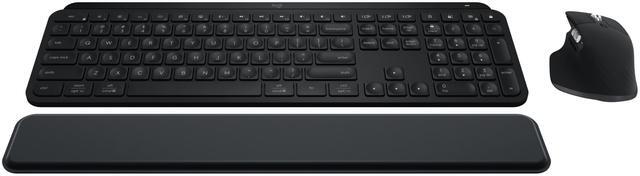
Logitech MX Keys S Combo: MX Master 3S, MX Keys S & MX Palm Rest, Customizable Illumination, Fast Scrolling, Bluetooth, USB C, for Windows, Linux, Chrome, Mac (Black)
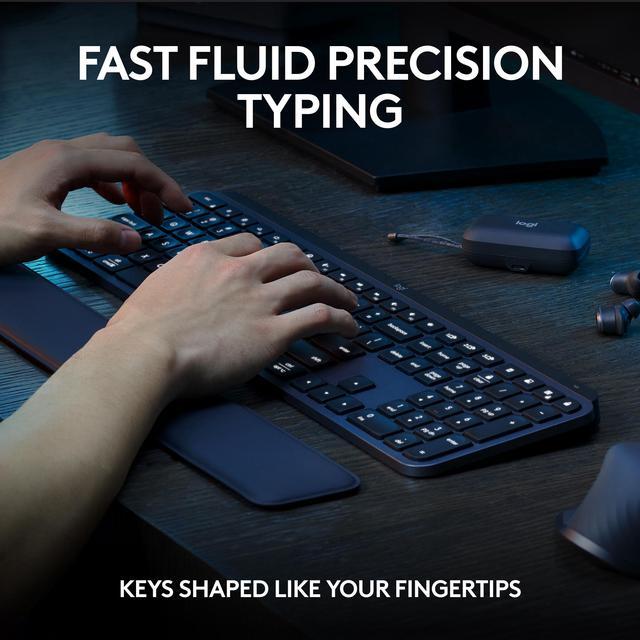
- Engineered for Speed and Precision: MX Keys S Wireless Keyboard features fast fluid laptop-like typing combined with the fast, precise scrolling of MX Master 3S Wireless Mouse
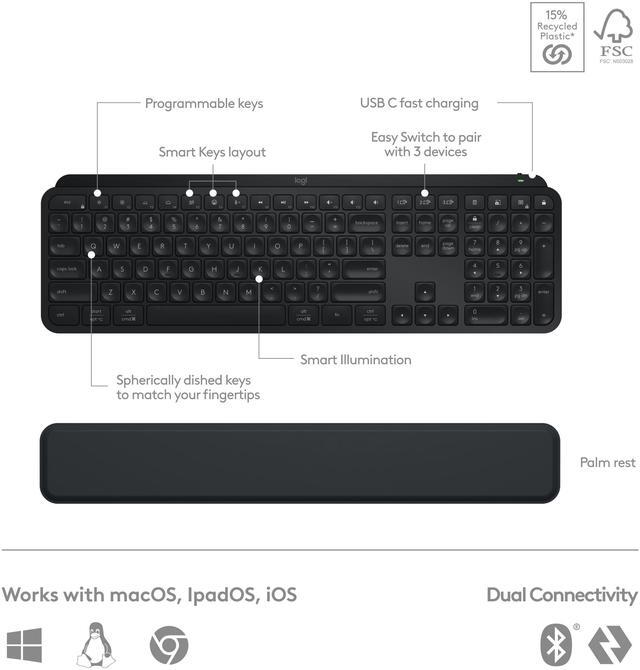
- Fluid Typing Experience: Laptop-like profile with spherically-dished keys shaped for your fingertips delivers a fast, fluid, precise and quieter typing experience
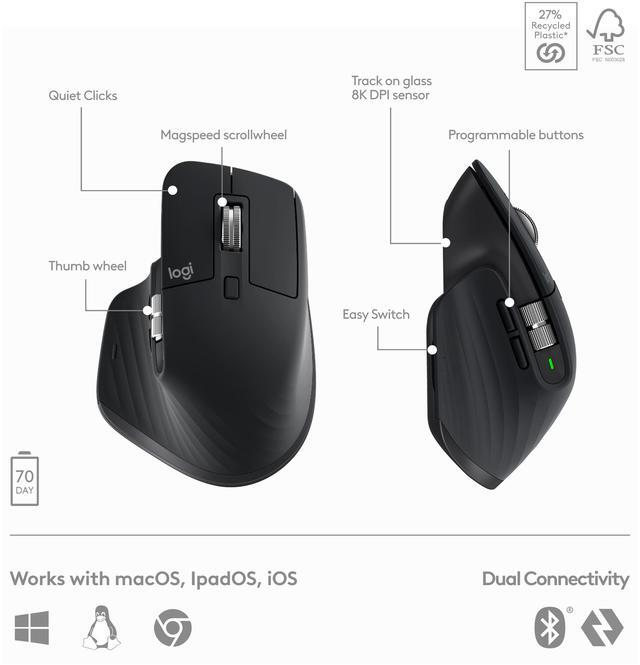
- Scroll 1000 Lines Per Second: With MagSpeed, Logitech’s fastest and most precise scroll wheel, and an 8K DPI sensor, this Logitech Mouse tracks anywhere – even on glass
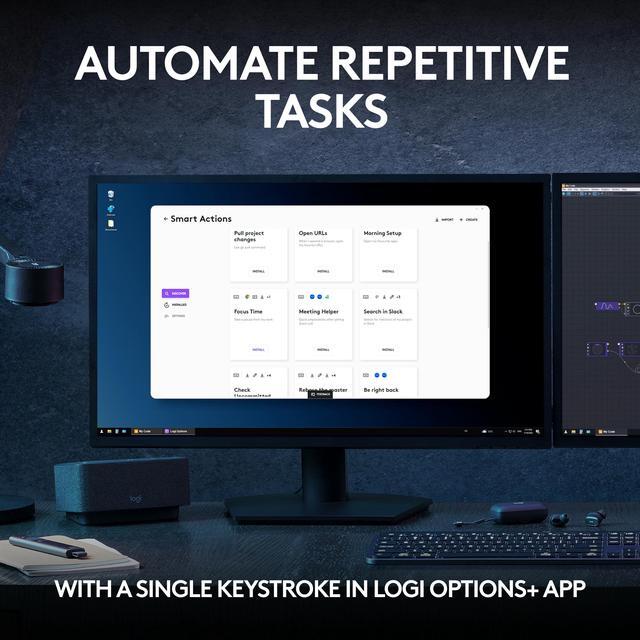
- Automate Repetitive Tasks: Easily create and share time-saving Smart Actions shortcuts that perform multiple actions with a single keystroke with the Logi Options+ app
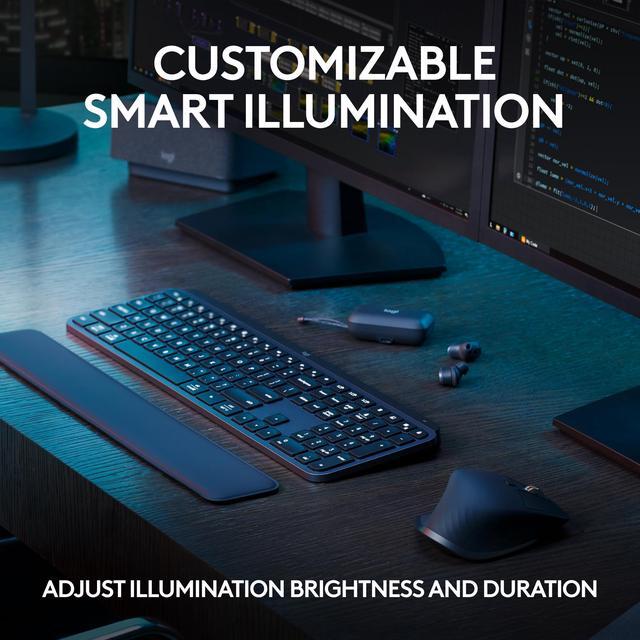
- Smarter Illumination: Backlit keyboard keys light up as your hands approach and adapt to the environment; now with more lighting customizations on Logi Options+
- More Comfort, Deeper Focus: Mouse and keyboard engineered for hours of work.
+
+
Overview
Specs
Reviews (2)
See all Q & A
Any questions? Ask CelesteSM will help you find out quickly.
Try me now
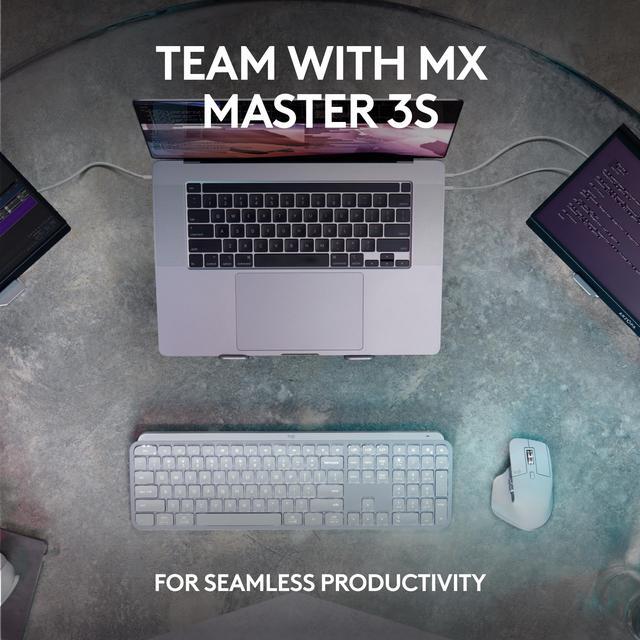
Introducing the Logitech MX Keys S Combo - the ultimate set of precision tools engineered to get you in your flow for hours of comfortable productivity. The power of the fluid, fast precision typing of MX Keys S keyboard combined with the precise, fast scrolling experience of MX Master 3S mouse. Dominate the workday and night with MX Keys S and its time-saving Smart Actions, customizable smart illumination, while the MX Master 3S mouse takes your productivity further with Quiet Click buttons, ultra fast Magspeed scrolling and an 8K DPI optical sensor that tracks even on glass.
Warranty & Returns
Warranty, Returns, And Additional Information
Warranty
- Limited Warranty period (parts): 3 years
- Limited Warranty period (labor): 3 years
- Read full details
Return Policies
- Return for refund within: 30 days
- Return for replacement within: 30 days
- This item is covered by Newegg.com's 30-Day Return Policy.
- Read full return policy for details.
Manufacturer Contact Info
- Manufacturer Product Page
- Manufacturer Website
- Support Phone: 1-646-454-3200
- Support Website
- View other products from Logitech
LOADING...
LOADING...
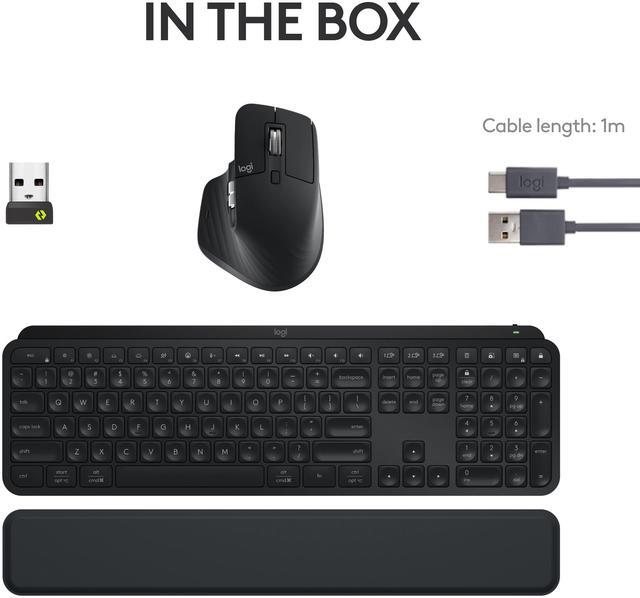
The Logitech MX Keys S Combo is a wireless productivity set with the MX Keys S keyboard, MX Master 3S mouse, and palm rest, suited to people who spend long hours typing, navigating documents, or working across multiple devices. It combines fingertip-shaped keys, customizable illumination, MagSpeed scrolling, and support for pairing with up to three devices.
Recommended For
- Desk-based professionals who spend long sessions writing, coding, or handling email and prefer quiet, laptop-like typing over mechanical-keyboard feedback.
- People who work across documents, spreadsheets, code, or editing timelines and want a sculpted productivity mouse with fast scrolling, customizable controls, and a second wheel for horizontal navigation.
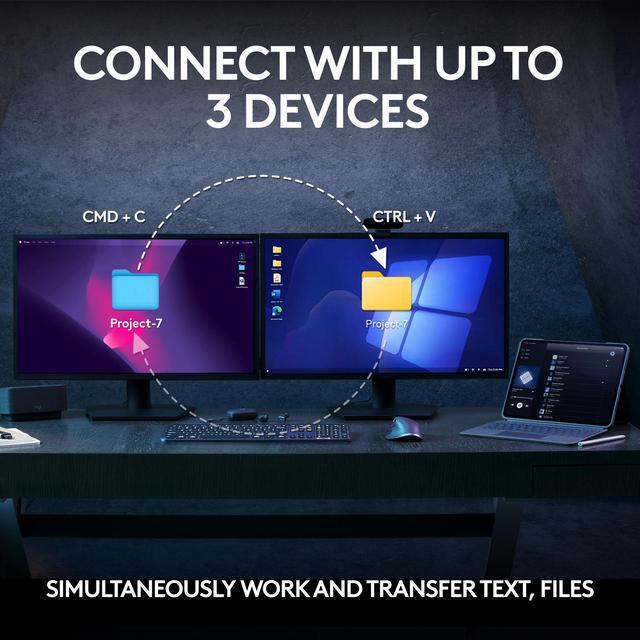
- Users who regularly switch between up to three computers or operating systems and want a keyboard and mouse designed to support a multi-device desk setup.
- People who share a quiet office or work in low light and value subdued keyboard typing, quiet mouse clicks, and adjustable keyboard backlighting.
Real-World Use Scenarios
- For a desk-based workday involving email, documents, spreadsheets, and frequent typing, the MX Keys S provides a familiar low-profile typing feel, while the MX Master 3S makes navigation and scrolling easier to manage from one matched setup.
- When one workstation serves both a work computer and a personal laptop, users can pair the keyboard and mouse with multiple devices and switch between them, avoiding the need to keep separate input sets on the desk.
- For work that involves reviewing long documents, code, or large spreadsheets, the MX Master 3S’s fast scroll wheel can help move through lengthy pages quickly; switching to controlled scrolling is useful when precision matters.
- For photo or video editing, users can configure supported mouse buttons and keyboard shortcuts for recurring actions; this can reduce repeated menu navigation, though the shortcuts depend on the app and software setup.
- In a shared office or home workspace, the keyboard’s quiet typing and the mouse’s quieter main clicks can help keep routine computer work less audible to people nearby.
Spec Summary
| Attribute | Value |
|---|---|
| Best For | Users looking for a wireless keyboard-and-mouse setup for typing, scrolling, and customizable task shortcuts across supported operating systems |
| Keyboard Design And Typing | Standard, non-mechanical QWERTY keyboard with a laptop-like typing profile and palm rest; backlighting is listed as absent |
| Mouse Tracking And Controls | Included optical mouse with an 8K DPI sensor and 7 buttons; its MagSpeed scroll wheel supports scrolling up to 1,000 lines per second |
| Connectivity And Compatibility | Connects via Bluetooth Low Energy or the Logi Bolt USB receiver; supports up to 3 paired devices. Compatible with Windows, macOS, Linux, Chrome OS, iPadOS, and Android, with availability varying by connection method |
| Ergonomics And Dimensions | Keyboard has an optimum typing angle and measures 20.5 × 430.2 × 131.63 mm; external attributes also list adjustable tilt and spill resistance |
| Power | Battery-powered with a rechargeable battery; batteries are included |
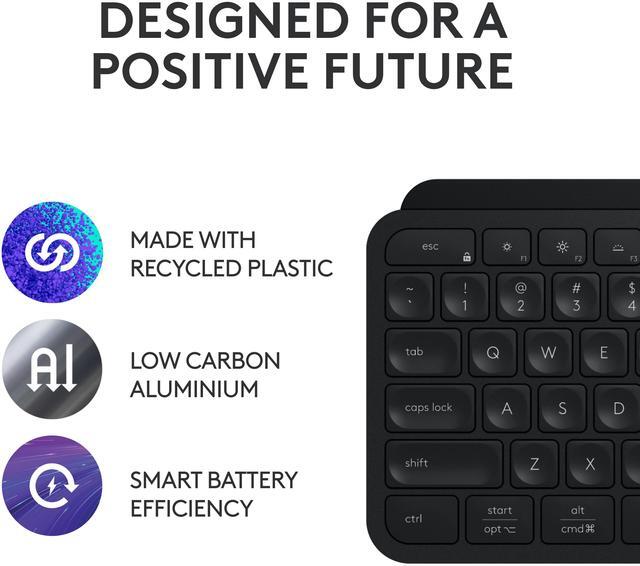
| Color And Materials | Black; the keyboard and mouse include post-consumer recycled plastic |
| Model Identifiers | Logitech MX Keys S Combo, model/part number 920-012274 |