




 here!
here!
I’m your shopping assistant for PC builds, upgrades, and everything tech.
Got questions? Ask away!
Start a conversation
here!
I’m your shopping assistant for PC builds, upgrades, and everything tech.
Got questions? Ask away!
Start a conversation

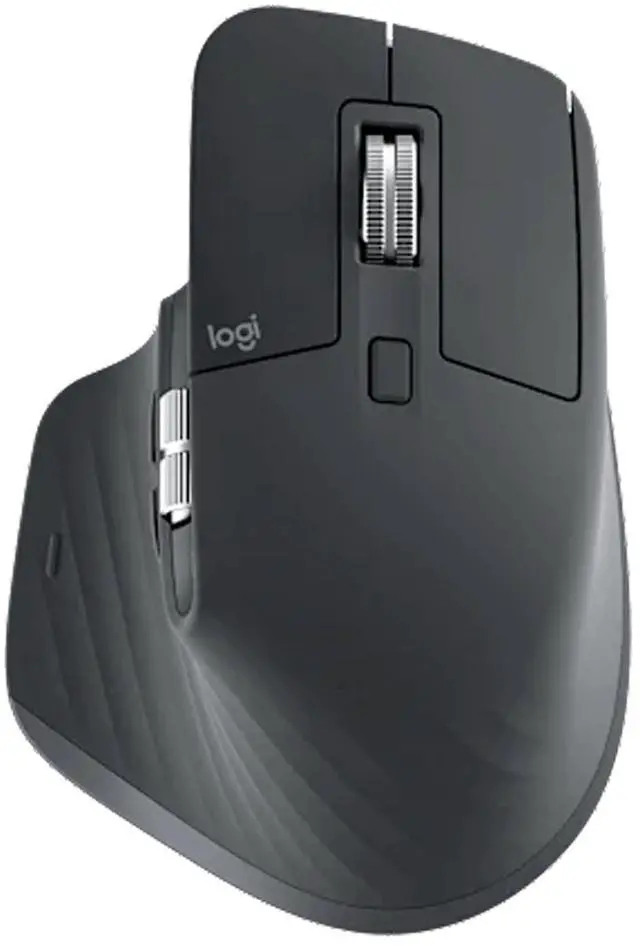
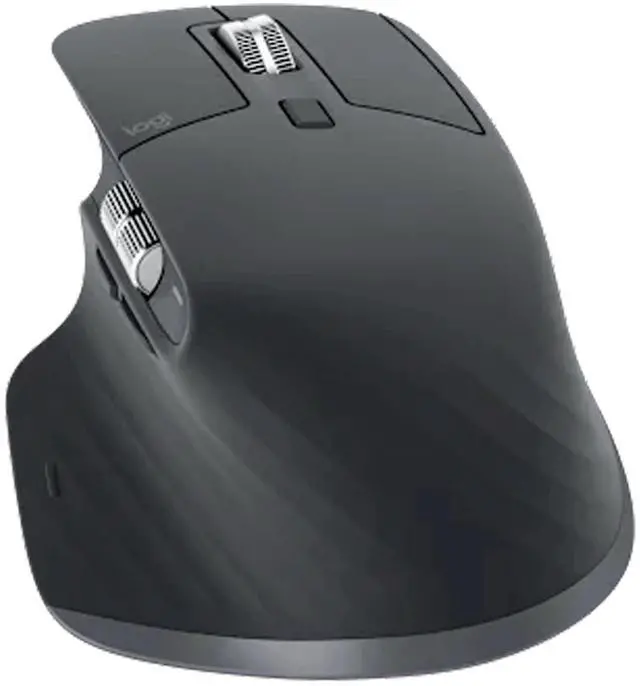
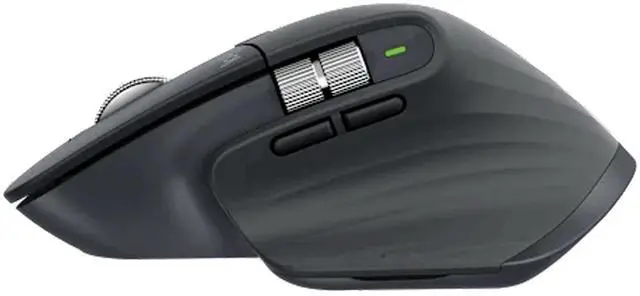
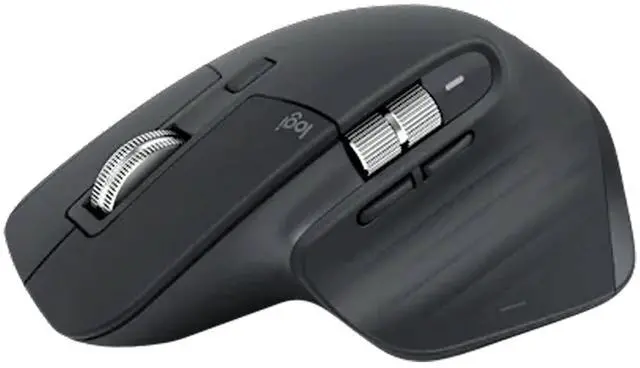
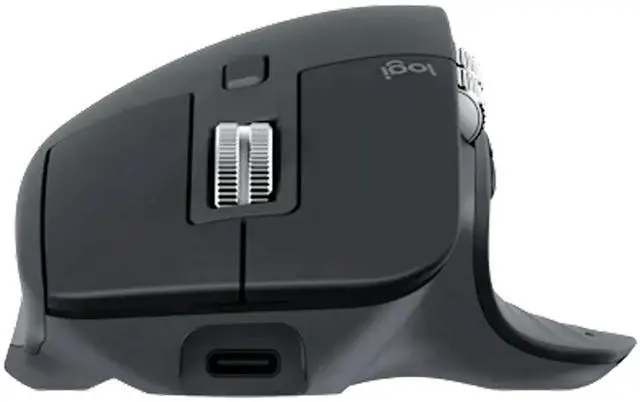
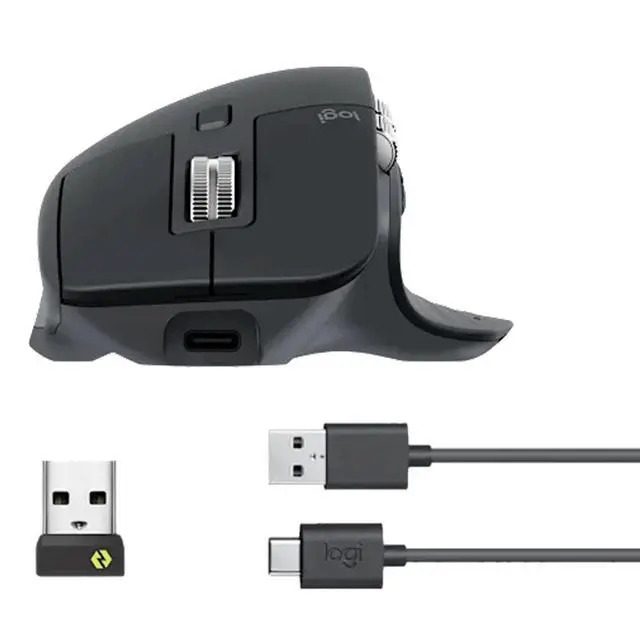
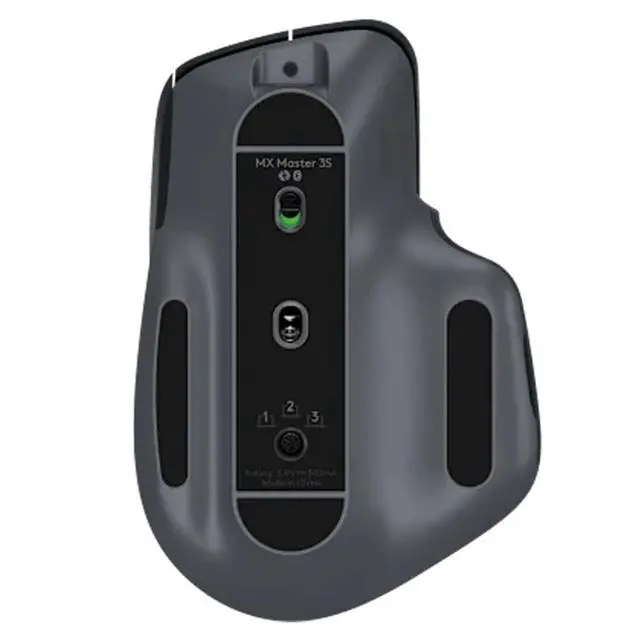



Any questions? Ask CelesteSM will help you find out quickly.

Specifications and Compatibility
Dimensions
MX Master 3S Mouse
Height: 124.9 mm
Width: 84.3 mm
Depth: 51 mm
Weight: 141 g
Logi Bolt USB Receiver (Standard Edition only)
Height: 6.11 mm
Width: 14.4 mm
Depth: 18.65 mm
Weight: 1.68 g
Technical Specifications
Sensor
Sensor Technology: Darkfield High Precision
Rated: 1000 DPI
DPI (Minimum and Maximum): 2008000 DPI (adjustable in 50 DPI increments)
Buttons
Number of Buttons: 7 buttons (Left/Right, Back/Forward, App Switch, Scroll Mode Switch, Middle Button)
Scroll Wheel: Yes, with auto-switch
Thumb Wheel: Yes
Gesture Button: Yes
Customization App: Logi Options+ supports Windows and macOS*. (*Available for Windows and macOS; visit logitech.com/optionsplus to download)
Battery and Charging
Battery Type: Rechargeable lithium-ion battery (500 mAh)
Battery Life: One minute of fast charging provides three hours of use.* (*Battery life varies depending on user and computing conditions.)
Connectivity
Wireless Technology: Bluetooth Low Energy
Wireless Range: 10 meters* (*Wireless range varies depending on the work environment and computer settings.)
System Requirements
Requirements: An internet connection is required to download the optional customization app Logi Options+.* (*Available for Windows and macOS; visit logitech.com/optionsplus to download)
Logitech Bolt USB Receiver: Requirements: Available USB-A port; Windows 10, 11, or later; macOS 10.15 or later; Linux*; ChromeOS*. (*Basic device functionality is supported without software on operating systems other than Windows and macOS)
Compatibility: Requires Bluetooth Low Energy technology. Designed for Intel® Evo laptops, Windows 10, 11, or later; macOS 10.15 or later; Linux*; ChromeOS*; iPadOS* 14 or later; Android* 8.0 or later. Not compatible with Logitech Unifying USB receiver technology. (*Systems other than Windows and macOS support basic device functions without software.)
Package Contents
Standard Edition:
Mouse
Logi Bolt USB receiver
USB-C charging cable (USB-A to USB-C)
User documentation
Bluetooth Edition:
Mouse
User documentation


