here!
here!
I’m your shopping assistant for PC builds, upgrades, and everything tech.
Got questions? Ask away!
Start a conversation
here!
I’m your shopping assistant for PC builds, upgrades, and everything tech.
Got questions? Ask away!
Start a conversation



Any questions? Ask CelesteSM will help you find out quickly.
People cannot hear me clearly when I use the Zone 300/301 microphone.
Download Logi Tune app and check for firmware updates. Make sure your headset is selected as input device and mic boom is down. Try adjusting “Mic level” settings in Logi Tune.
The volume on my Zone 300/301 is very low.
Make sure your headset is up to date in Logi Tune app. Try adjusting the output volume in your system settings, and check if your headset is selected as output device.
The bass and treble performance on my Zone 300/301 is bad even when I’m not on a call.
Try to quit other applications running in the background that may have activated your mic. Reboot your headset or computer if the problem persists.
My voice fluctuates in Zoom calls when I use the Zone 300/301 microphone.
In some rare instances, we have seen some cases where voice is fluctuating in the Zoom app. In that case, try to turn off the Auto-Gain-Control (AGC) setting in Zoom.
Is the Zone 300/301 compatible with calling platforms like Microsoft Teams, Google Meet, and Zoom?
Yes, you can use it on these platforms. However, call controls and mute sync with meeting platforms are only available on Zone 305, which is certified for the above platforms.
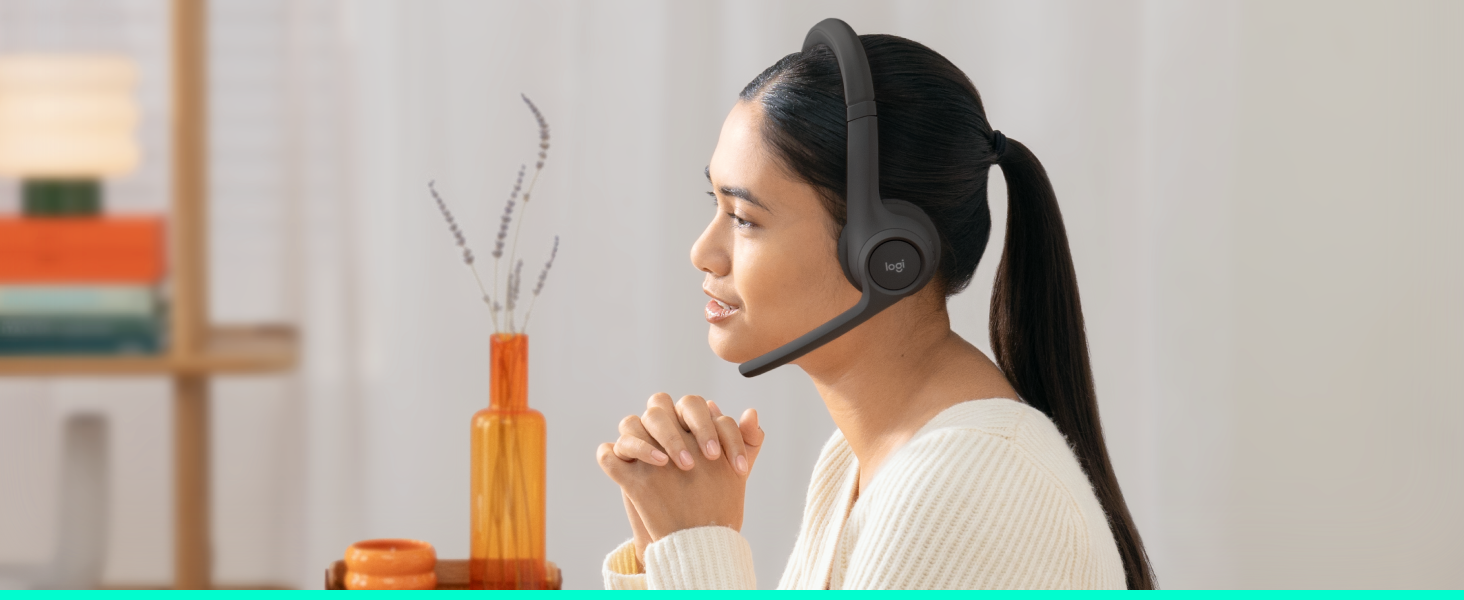
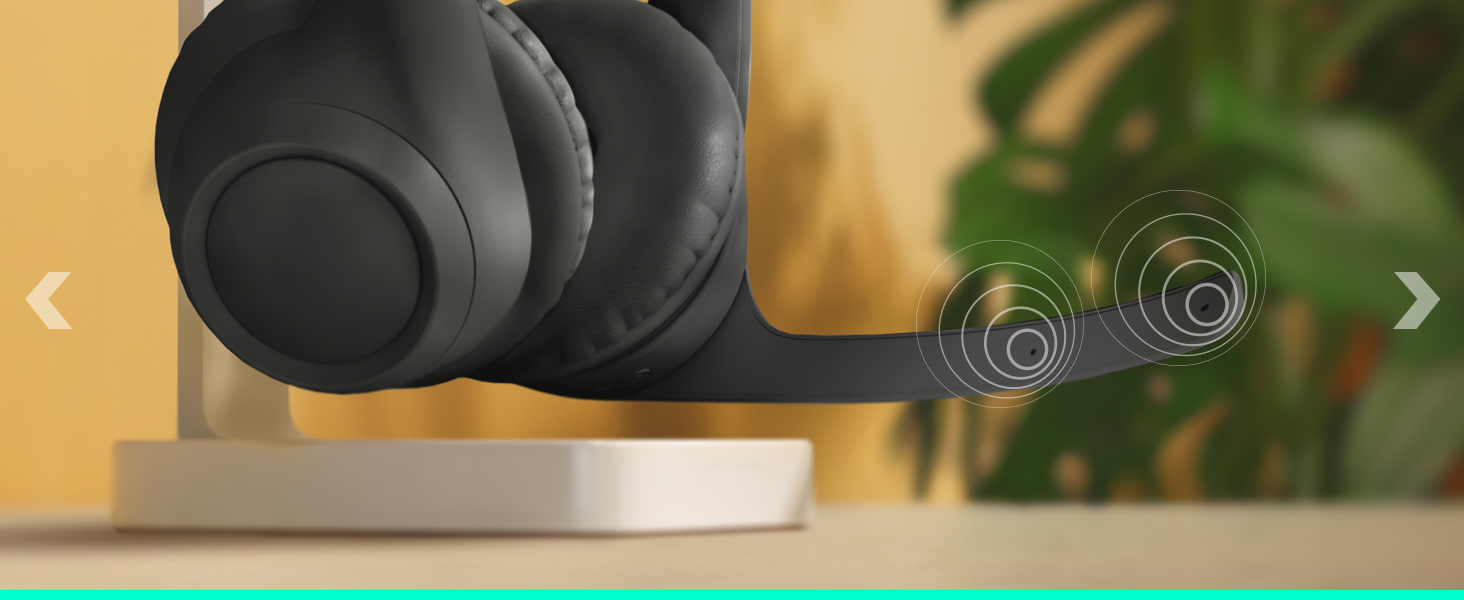
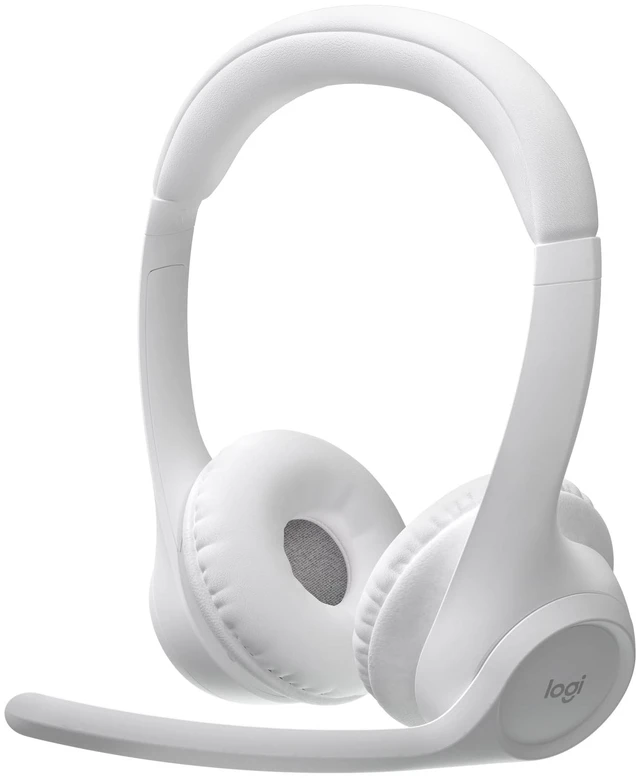
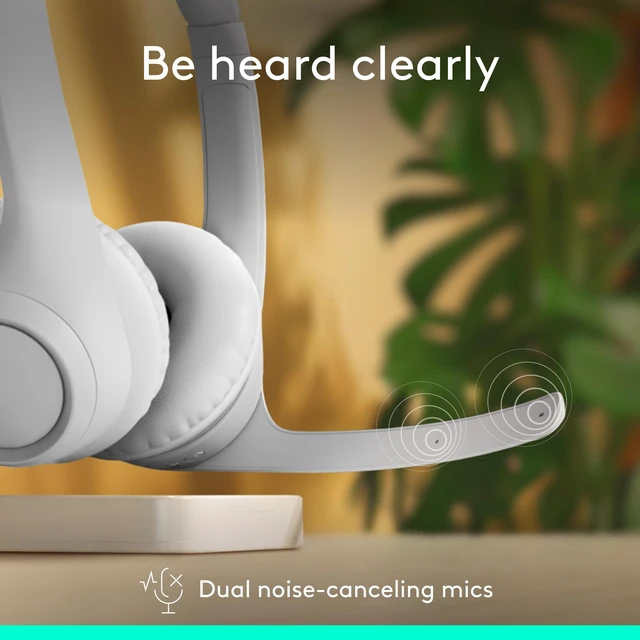
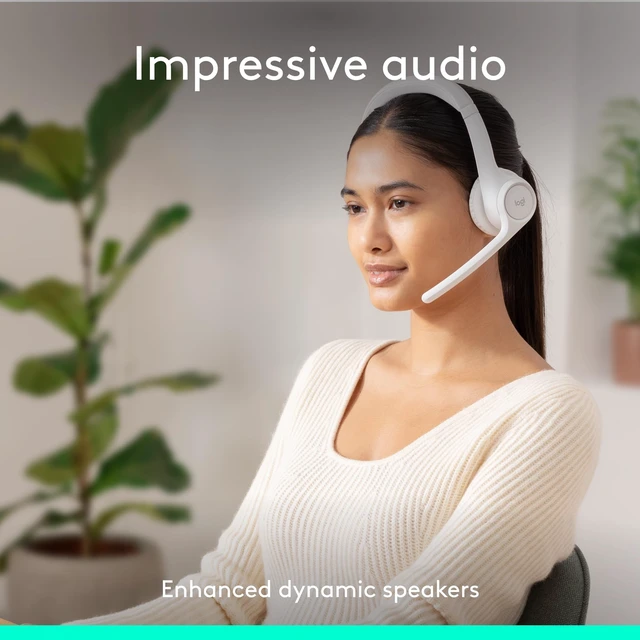
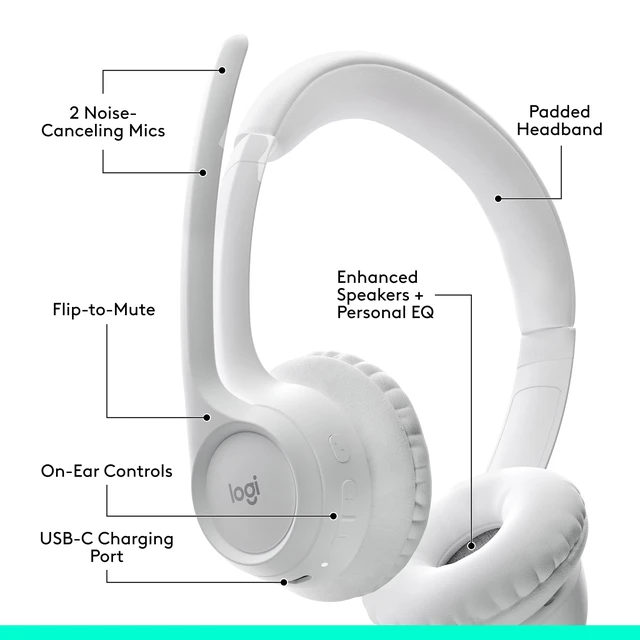
With dual noise-canceling mics and enhanced speakers, Zone 300 delivers clear audio and great sound quality for calls and more. Go all-day wireless and break free from cords and limitations.
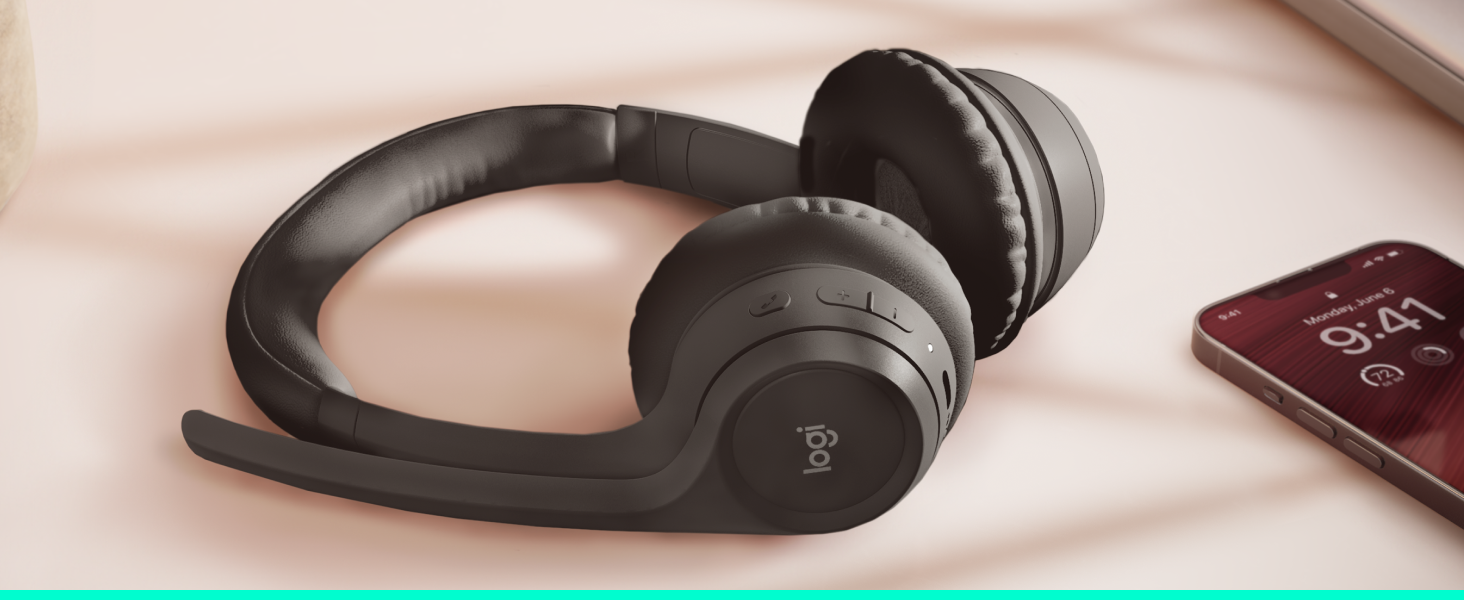
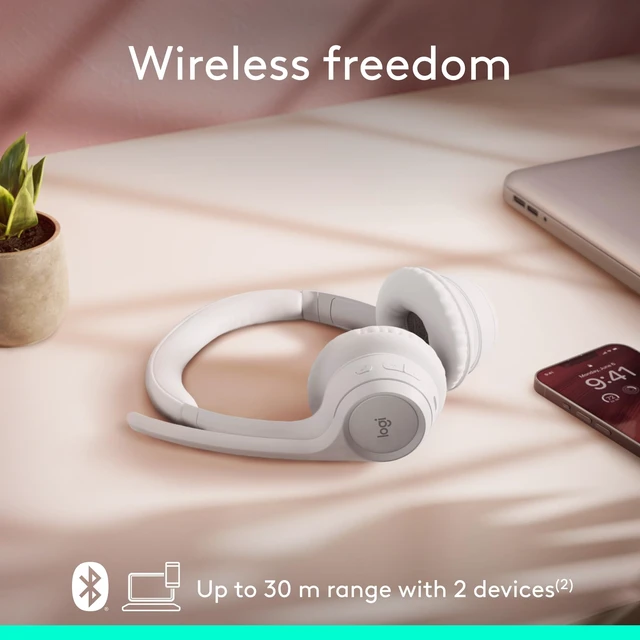
Move freely about your home or office and stay reliably connected with multipoint 5.3 Bluetooth — up to 30 meters away*. Seamlessly switch between computer and smartphone.
*Open field line of sight. Wireless range may vary depending on the operating environment and computer setup.
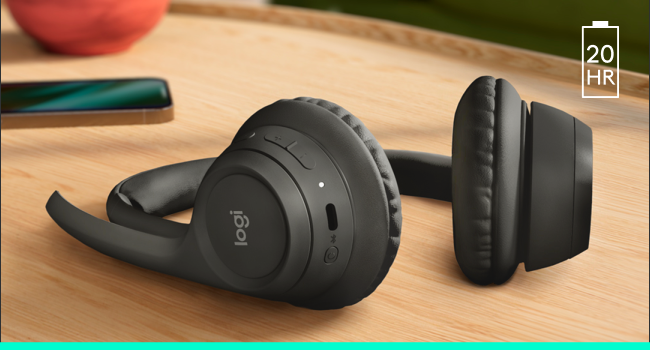
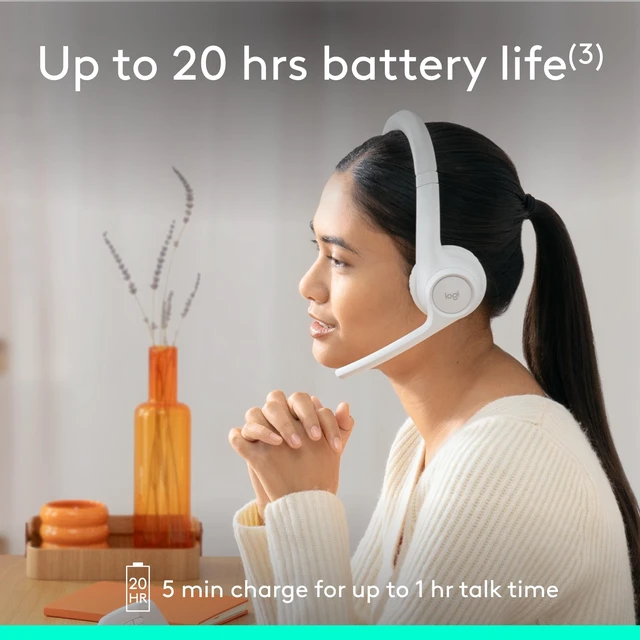
Get up to 20 hours of listening time and 16 hours of talk time on a full charge for uninterrupted use. A 5-minute quick charge gives you up to 1 hour of talk time.**
**Up to 20 hrs listening time and 16 hrs talk time. Battery life may vary based on user and computing conditions.
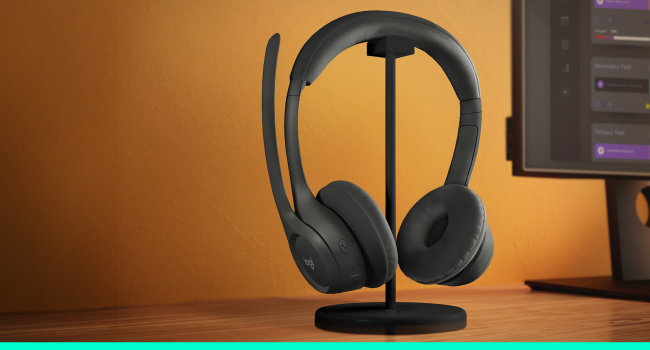
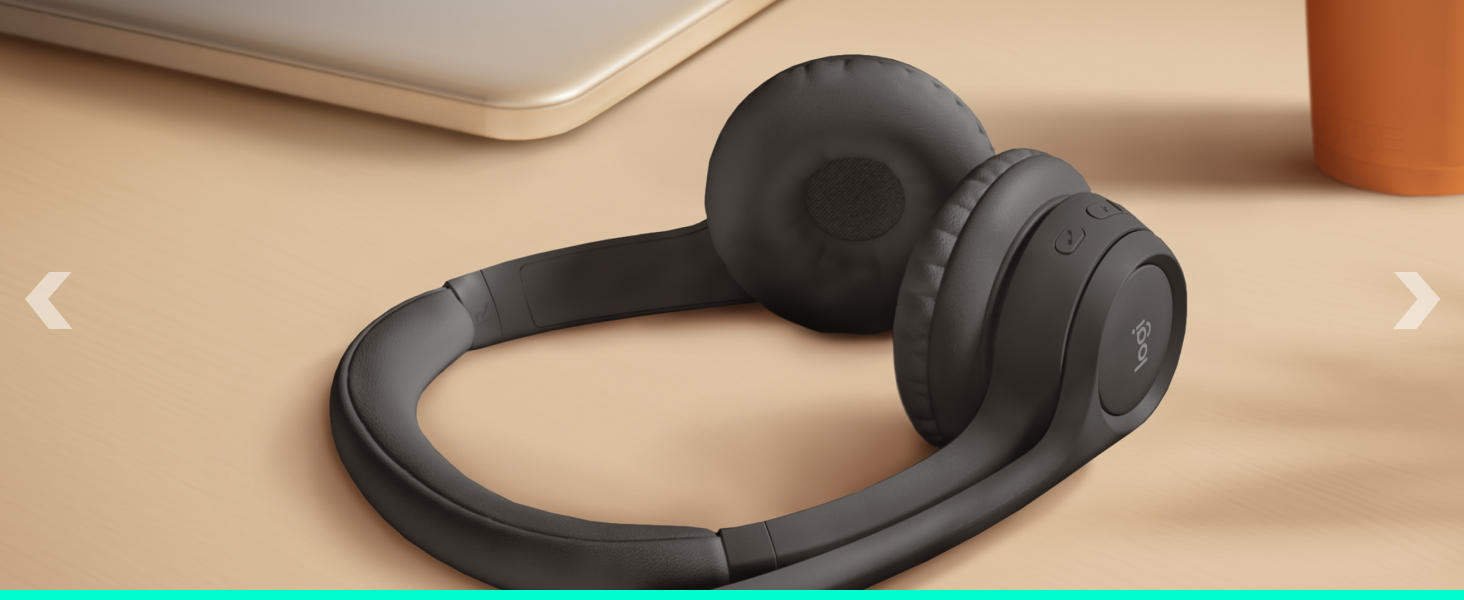
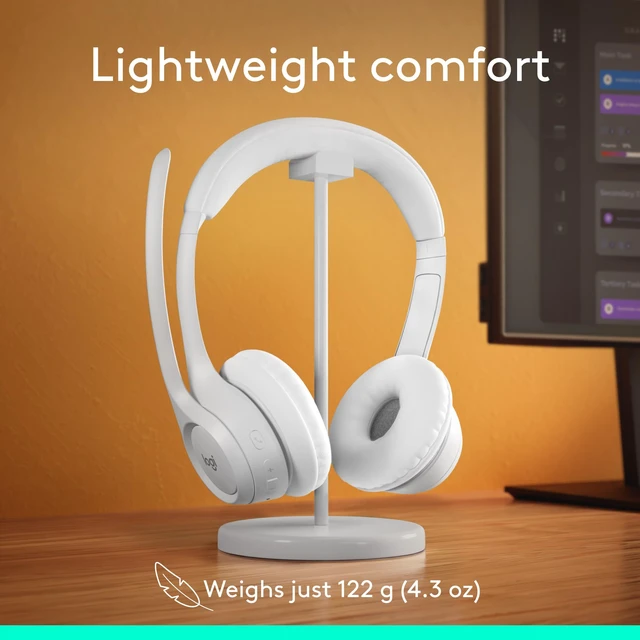
Lightweight design (just 122 grams, or 4.3 oz), enlarged earpads and padded headband for increased comfort make all-day use possible.
 Zone 300 |  Zone Vibe 100 | 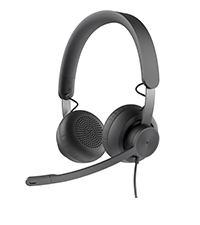 Zone 750 | 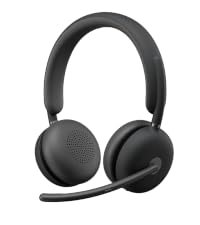 Zone 950 | |
|---|---|---|---|---|
Customer Reviews | — | — | — | — |
Price | — | — | — | — |
Connections | Bluetooth | Bluetooth | Wired USB-C, USB-A | Wireless USB-C, USB-A |
Cable Length | Wireless (no cable) | Wireless (no cable) | 6.23 ft | Wireless (no cable) |
Style | On-ear | Over-the-ear | On-ear | On-ear |
Padded Headband | ? | ? | ? | ? |
Noise-canceling Mic | 2 Omni-directional | 2 Omni-directional | 1 uni-, 1 omnidirectional | 5 Omni-directional |
In-line Control | ? | ? | ? | ? |
On-ear Controls | ? | ? | ? | ? |
Fip-to-mute Mic | ? | ? | ? | ? |
Audio Driver Size | 30 mm | 40 mm | 40 mm | 40 mm |
Battery Life (Talk Time)* | Up to 16 hrs | Up to 18 hrs | Wired (unlimited battery life) | Up to 14 hrs |
Certification | Works With Chrombook (WWCB) | Works With Chrombook (WWCB) | Zoom,Google Meet,Google Voice | - |
Compatibility | Windows, macOS, ChromeOS | Windows, macOS, ChromeOS | Windows, macOS, ChromeOS | Windows, macOS, ChromeOS |
People cannot hear me clearly when I use the Zone 300/301 microphone.
Download Logi Tune app and check for firmware updates. Make sure your headset is selected as input device and mic boom is down. Try adjusting “Mic level” settings in Logi Tune.
The volume on my Zone 300/301 is very low.
Make sure your headset is up to date in Logi Tune app. Try adjusting the output volume in your system settings, and check if your headset is selected as output device.
The bass and treble performance on my Zone 300/301 is bad even when I’m not on a call.
Try to quit other applications running in the background that may have activated your mic. Reboot your headset or computer if the problem persists.
My voice fluctuates in Zoom calls when I use the Zone 300/301 microphone.
In some rare instances, we have seen some cases where voice is fluctuating in the Zoom app. In that case, try to turn off the Auto-Gain-Control (AGC) setting in Zoom.
Is the Zone 300/301 compatible with calling platforms like Microsoft Teams, Google Meet, and Zoom?
Yes, you can use it on these platforms. However, call controls and mute sync with meeting platforms are only available on Zone 305, which is certified for the above platforms.

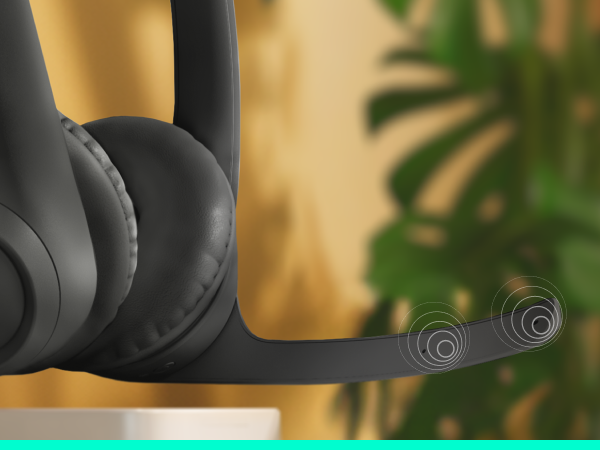
With dual noise-canceling mics and enhanced speakers, Zone 300 delivers clear audio and great sound quality for calls and more. Go all-day wireless and break free from cords and limitations.
Dual noise-canceling mics suppress background noise for better call clarity.
Enhanced speakers deliver crisp audio and great sound for calls and more.
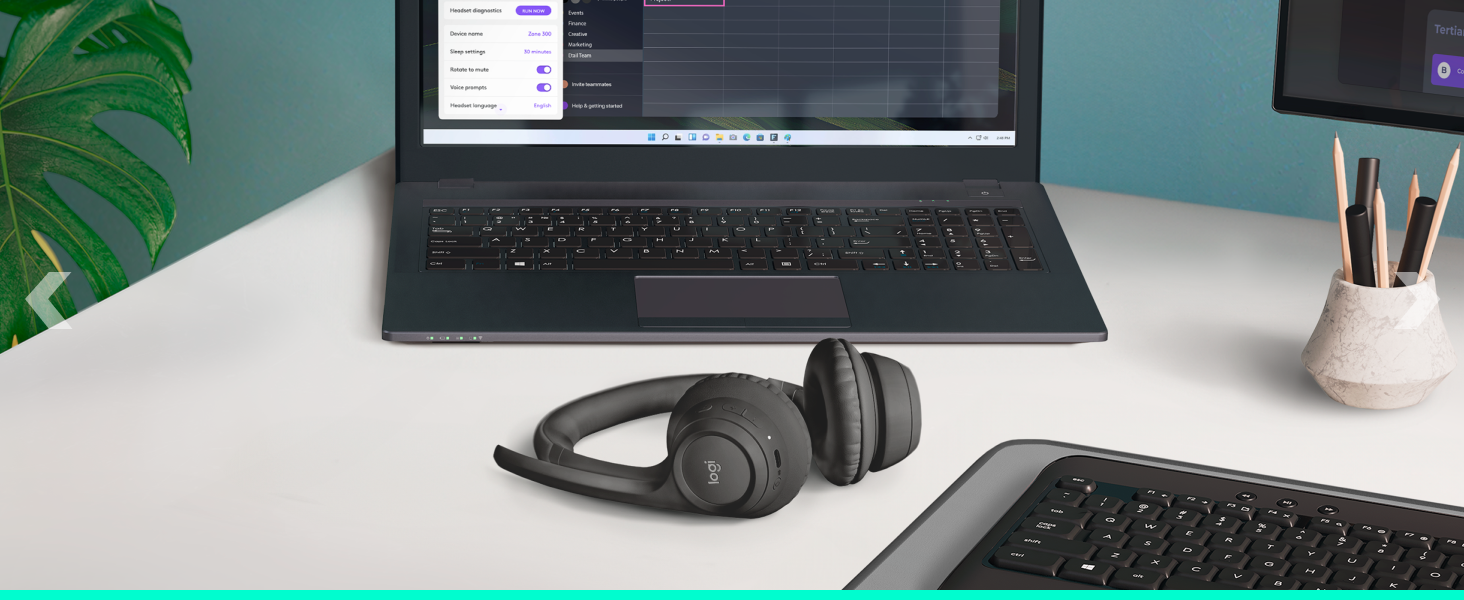
Customize audio with Logi Tune - Adjust sidetone, mic level, and EQ.
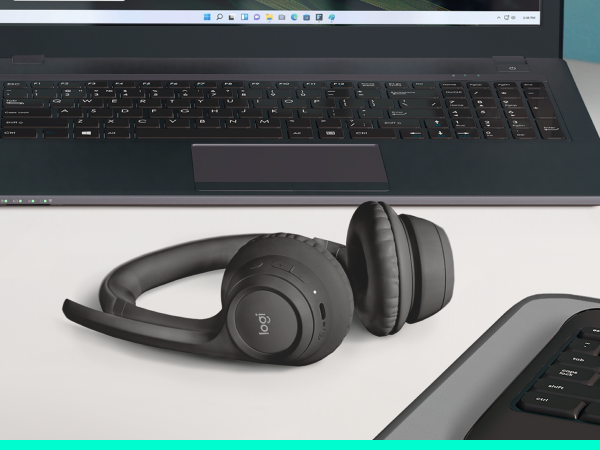
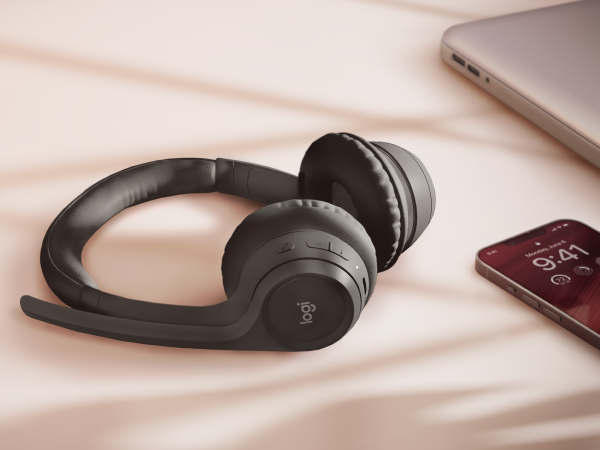
Move freely about your home or office and stay reliably connected with multipoint 5.3 Bluetooth — up to 30 meters away*. Seamlessly switch between computer and smartphone.
*Open field line of sight. Wireless range may vary depending on the operating environment and computer setup.
Get up to 20 hours of listening time and 16 hours of talk time on a full charge for uninterrupted use. A 5-minute quick charge gives you up to 1 hour of talk time.**
**Up to 20 hrs listening time and 16 hrs talk time. Battery life may vary based on user and computing conditions.
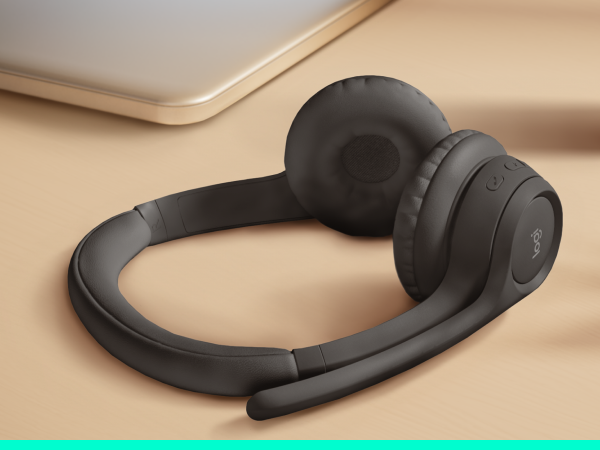
Lightweight design (just 122 grams, or 4.3 oz), enlarged earpads and padded headband for increased comfort make all-day use possible.
Zone 300 | Zone Vibe 100 | Zone 750 |  Zone 950 |
|---|---|---|---|
| Customer Reviews | |||
| — | — | — | — |
| Price | |||
| — | — | — | — |
| Connections | |||
| Bluetooth | Bluetooth | Wired USB-C, USB-A | Wireless USB-C, USB-A |
| Cable Length | |||
| Wireless (no cable) | Wireless (no cable) | 6.23 ft | Wireless (no cable) |
| Style | |||
| On-ear | Over-the-ear | On-ear | On-ear |
| Padded Headband | |||
| ? | ? | ? | ? |
| Noise-canceling Mic | |||
| 2 Omni-directional | 2 Omni-directional | 1 uni-, 1 omnidirectional | 5 Omni-directional |
| In-line Control | |||
| ? | ? | ? | ? |
| On-ear Controls | |||
| ? | ? | ? | ? |
| Fip-to-mute Mic | |||
| ? | ? | ? | ? |
| Audio Driver Size | |||
| 30 mm | 40 mm | 40 mm | 40 mm |
| Battery Life (Talk Time)* | |||
| Up to 16 hrs | Up to 18 hrs | Wired (unlimited battery life) | Up to 14 hrs |
| Certification | |||
| Works With Chrombook (WWCB) | Works With Chrombook (WWCB) | Zoom,Google Meet,Google Voice | - |
| Compatibility | |||
| Windows, macOS, ChromeOS | Windows, macOS, ChromeOS | Windows, macOS, ChromeOS | Windows, macOS, ChromeOS |