






Any questions? Our AI mode will help you find out quickly.
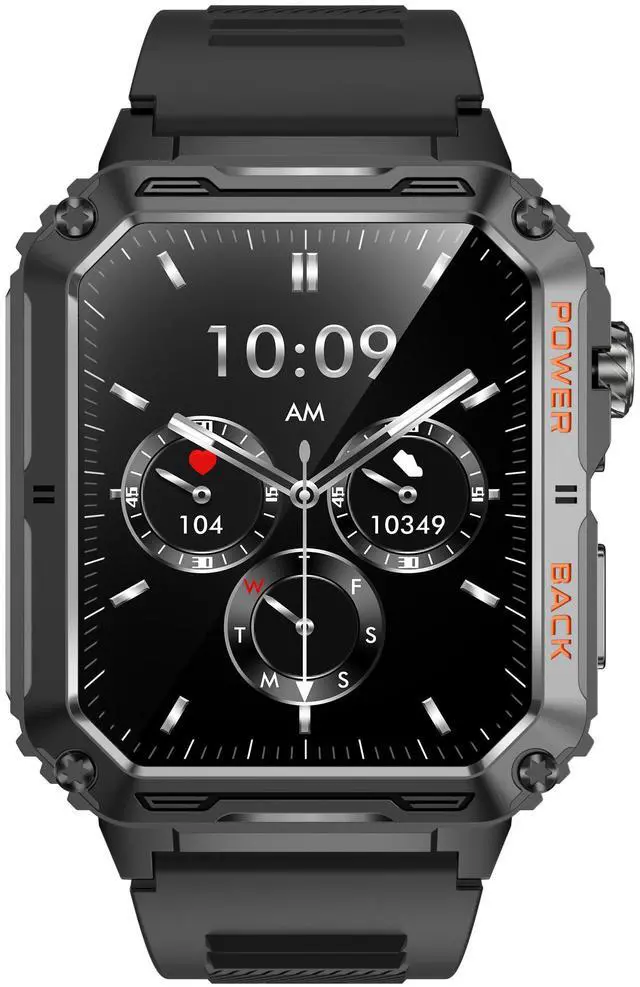
[Rugged Military Standards Quality] Smart Watch is made of tough aviation titanium alloy,3D digital engraving technology, has a vacuum plating process, integrated molding to create an all-metal body, and is waterproof, dust-proof, and resistant to wear and tear.
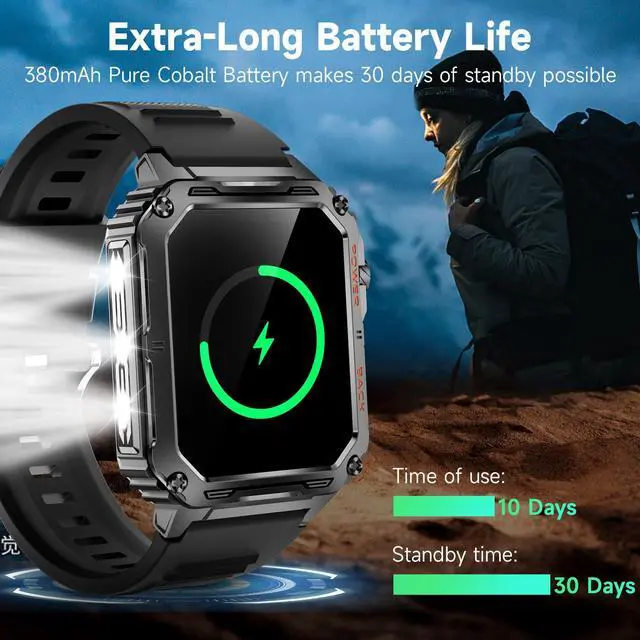
[1.91inch Full HD Display & Long-lasting Battery Life] Its 380mAh huge battery with dual-mode single-core chip, ultra-low power consumption the smartwatch ensures long-lasting battery life, 70-day standby time and 25 days for daily usage.
[Excellent 10ATM Waterproof]Fully enclosed all-metal body shell designed android smart watch can be immersed in 100m (10ATM waterproof) The military smart watches has got through the demanding IP69K rating test.
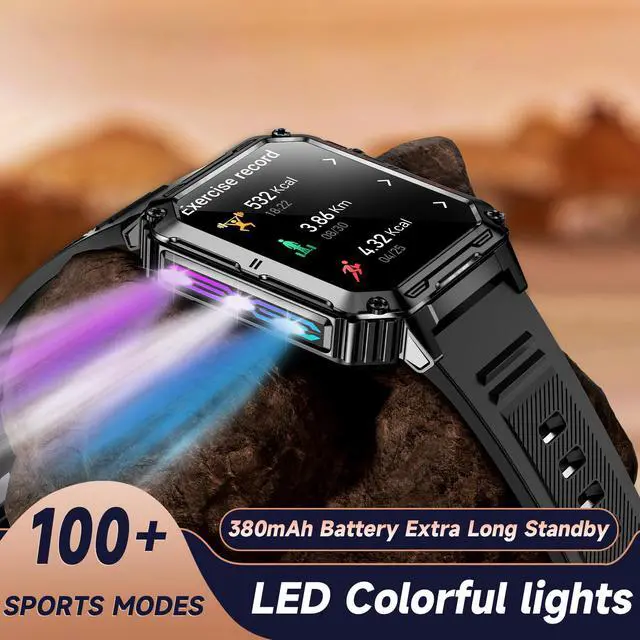
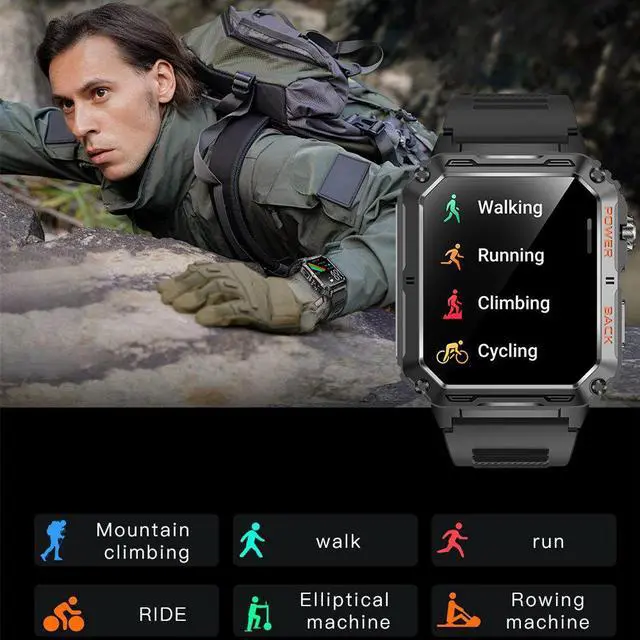
[100+ Sport Modes Fitness Tracker] The Smart watch supports 100+ sport modes, such as walking, running, hiking, basketball, cycling and more.
[HR/BP/SPO2/Sleep Monitoring] Smart Watch has a built-in upgraded sensor, supports heart rate, blood pressure, blood oxygen and sleep monitoring.