





Any questions? Our AI beta will help you find out quickly.
A: First of all, please make sure to connect our smartwatch using the "FitCloudPro" application.
1. Turn on the "Bluetooth" function on your mobile phone.
2. Open the "Google Play Store" or "App Store", or scan the QR code on the smartwatch.
3. Search for the "FitCloudPro" application and download it.
4. Open the application, click "Add Device", find "ZEUS 5 PRO" and complete the binding.
How to enable/disable the "Answer/Call" function?
B: Please follow the steps below to activate the "Answer/Call" function.
1. Pull down the main page to enter the control center, then click to turn on the audio.
2. Open the "Settings" menu of the phone, then turn on the "Bluetooth" function.
3. Find "ZEUS 5 PRO" and click to establish a connection.
4. Once the connection is successful, you can use the watch to answer/call any calls at any time.
If you don't need to use the calling function, you can turn off the answering/phone function, which will extend the battery life.
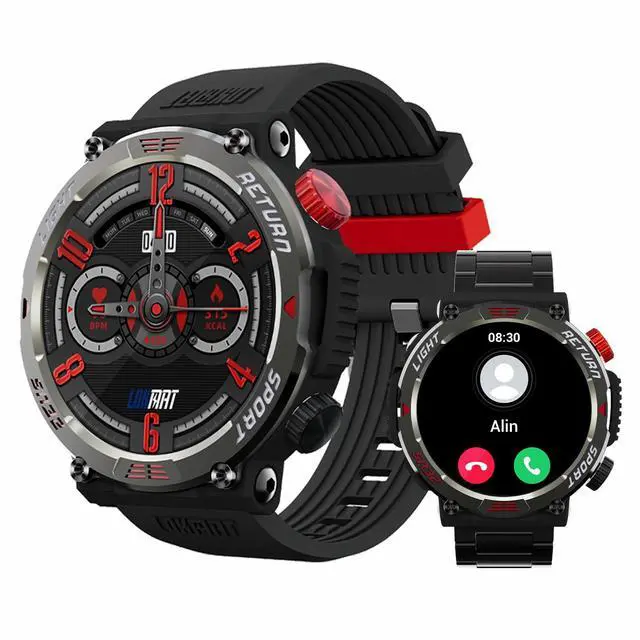
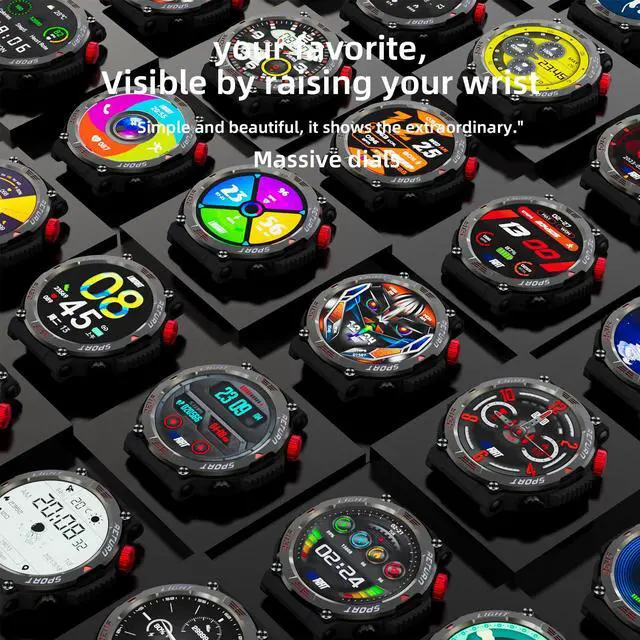
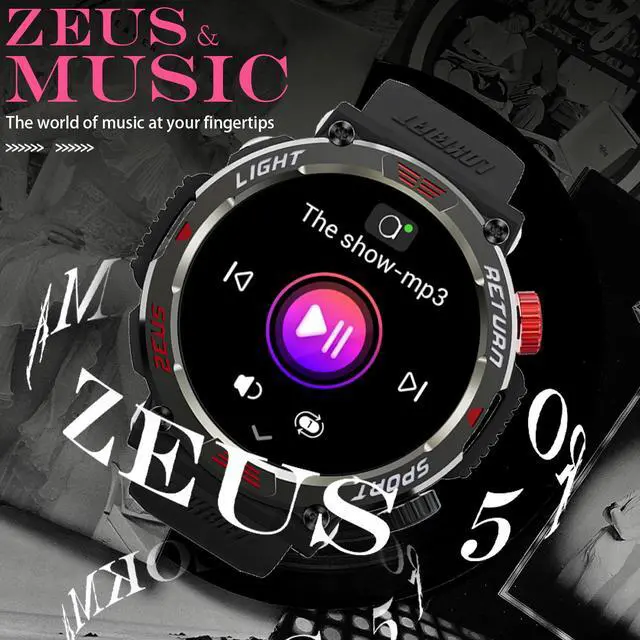
Multifunctional smart watch, meeting your needs!
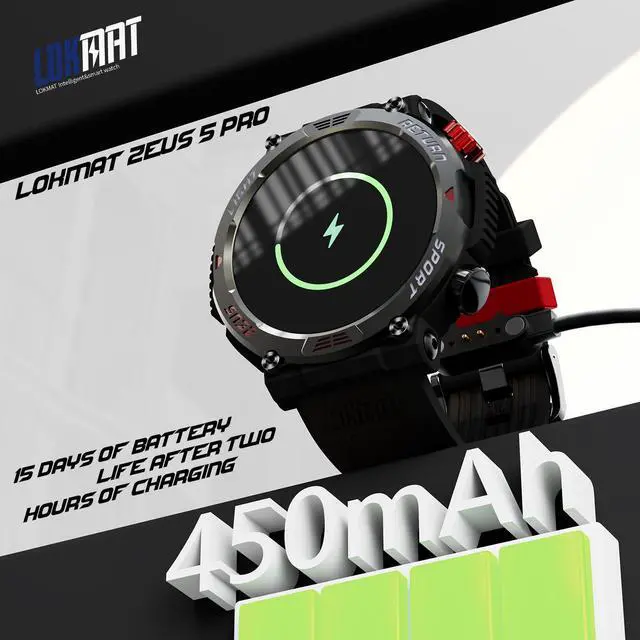
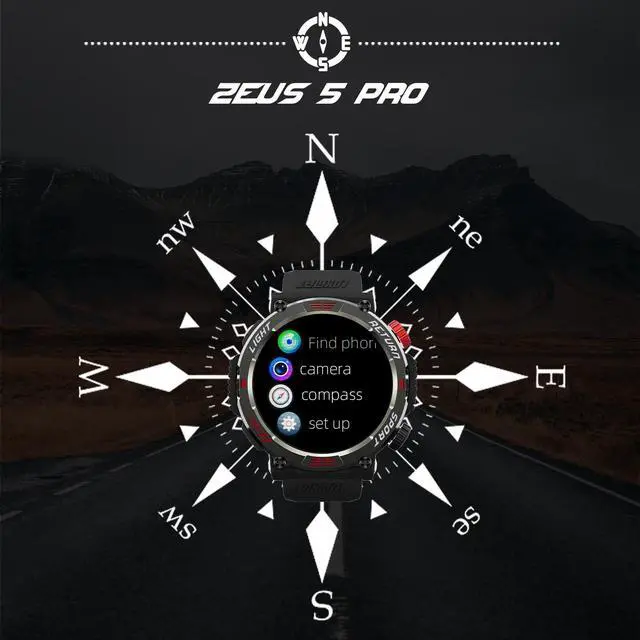
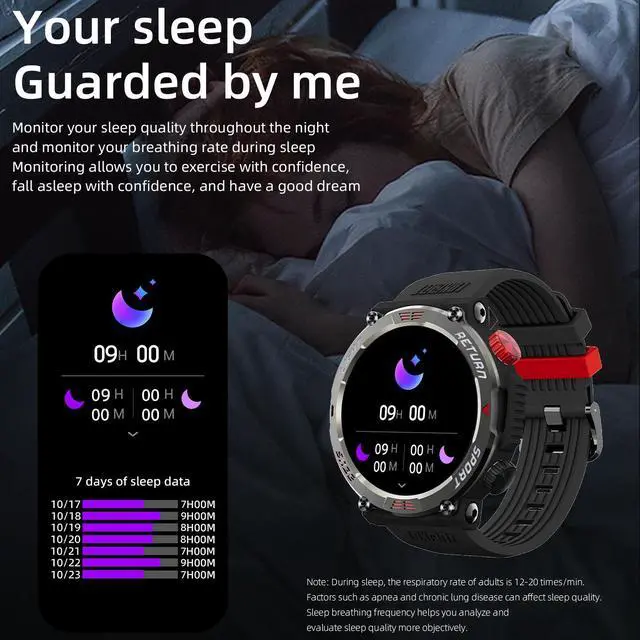
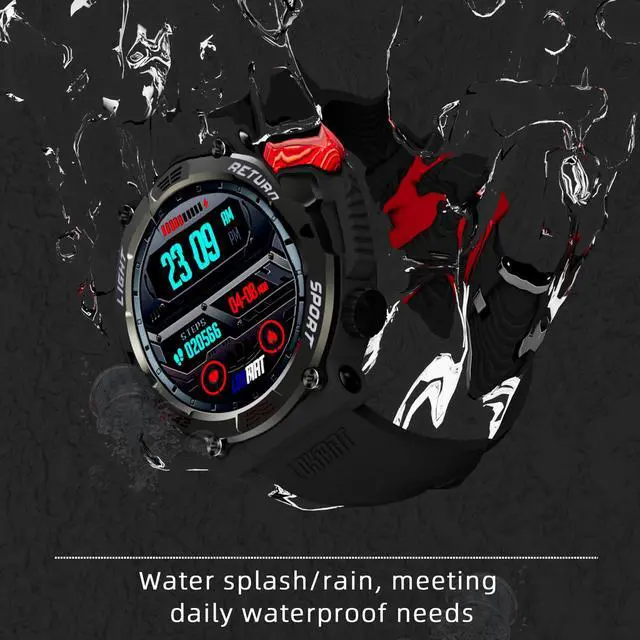
The smart watch is made of high-quality zinc alloy, which is sturdy, durable and shockproof. It has a high brightness of 1.95 and a resolution of 240*282, providing a more outstanding visual experience. With ultra-low power consumption design, it supports a standby time of over 30 days and a normal usage time of 10 days. It not only meets daily monitoring needs, but also can be used for outdoor sports. This multifunctional outdoor sports smart watch undoubtedly will be your reliable companion.
How to connect the smart watch?
A: First of all, please make sure to connect our smart watch through the "FitCloudPro" application.
1. Turn on the "Bluetooth" function on your phone.
2. Open the "Google Play Store" or "App Store", or scan the QR code on the smart watch.
3. Search for the "FitCloudPro" application and download it.
4. Open the application, click "Add Device", find "ZEUS 5 PRO" and bind it.