






1Mii is a high-tech enterprise composed of a group of innovative industrial designers, aesthetic masters, a team of PhDs in acoustic tuning, and musicians.
Each 1Mii product has been rigorously researched and developed by the 1Mii professional acoustic laboratory to ensure it meets the brand's values: Bring Music to Life!
At present, 1Mii has more than 10 million users, products cover audio accessories and HiFi audiophile devices.
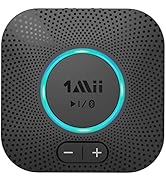
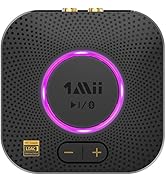
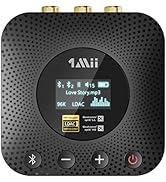
B06Plus/B06S/B06S+/B06HD+
B06 Plus Bluetooth Receiver
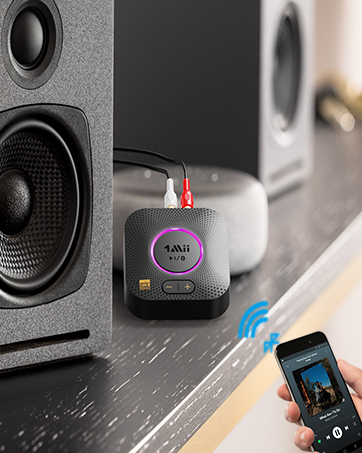
B06S+ HiFi Bluetooth Receiver
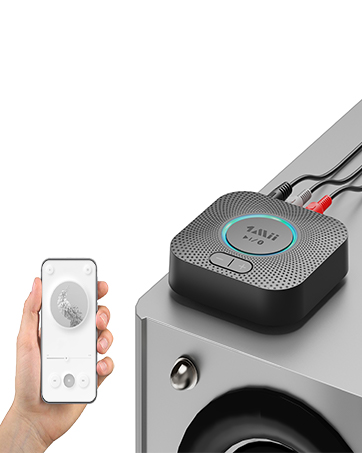
B06S Bluetooth Receiver
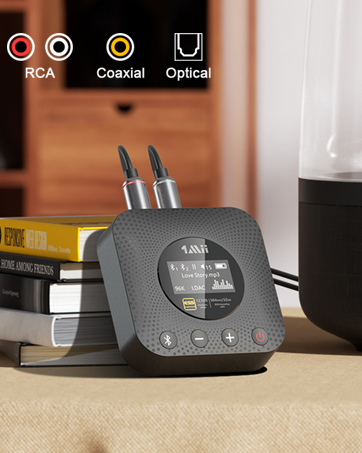
B06HD+ Hi-Res BT Receiver


High-Definition Audio and Low Delay
aptX HD & aptX Low Latency
Premium Qualcomm Bluetooth chip
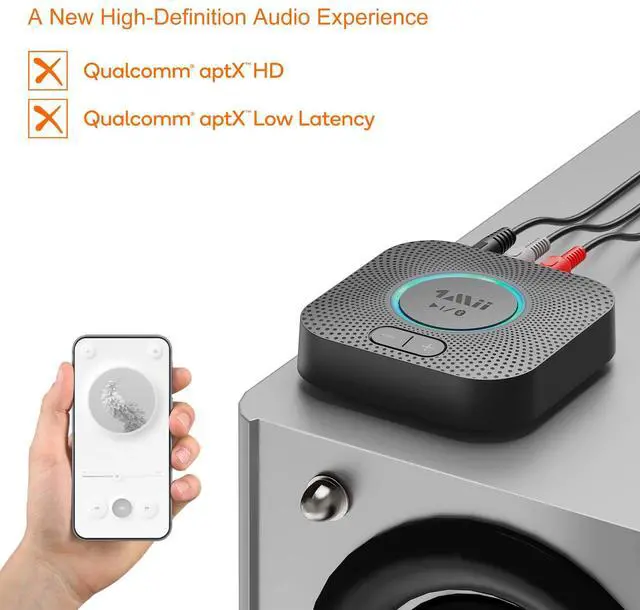
Featuring aptX HD and aptX Low Latency, it delivers an enhanced audio performance with crystal clear, high-definition music for room-filling sound. Low delay makes the listening experience better.
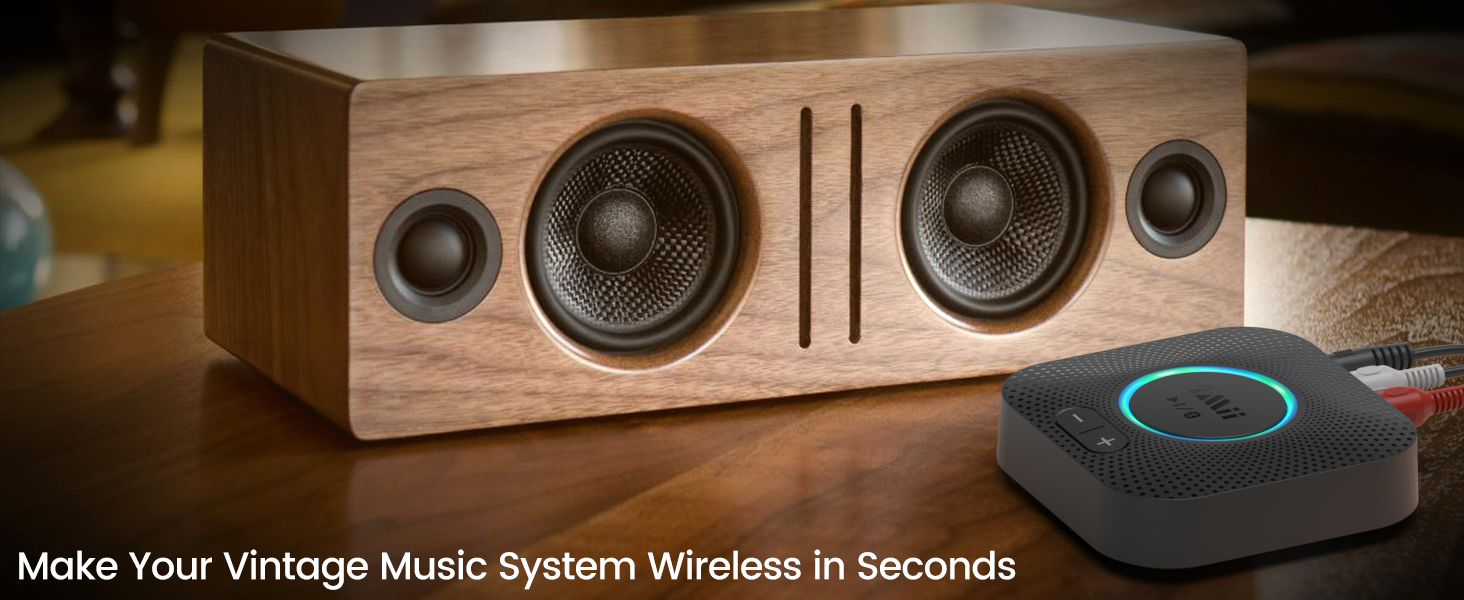
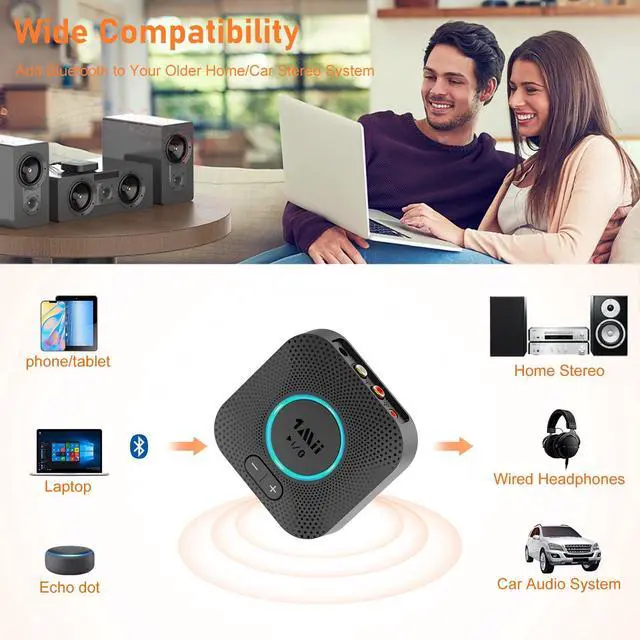
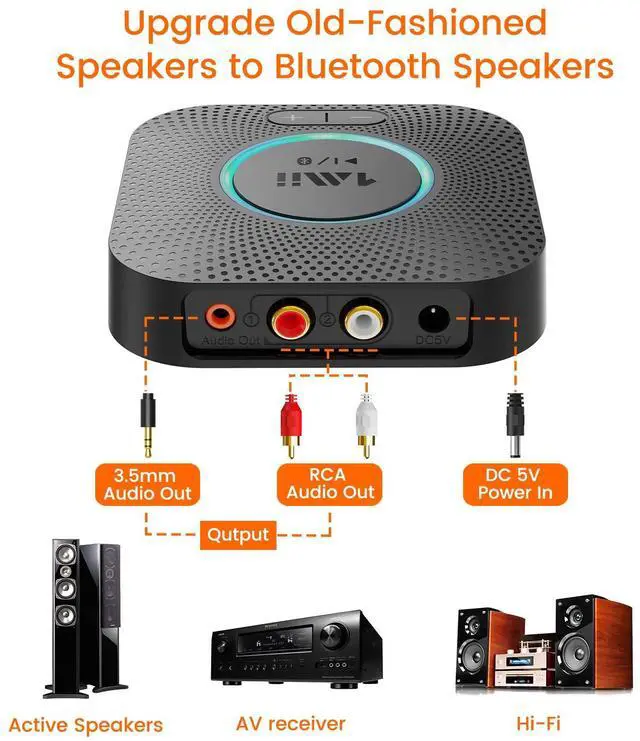
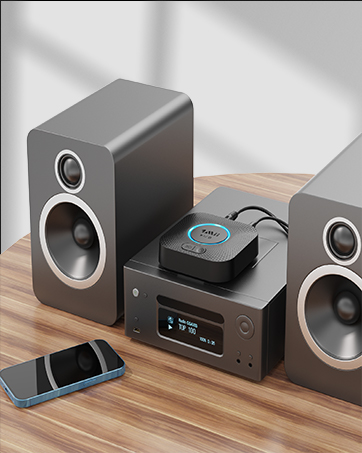
Add Bluetooth Connectivity to Your Vintage Stereo
No need to buy a new stereo setup. Get this B06S Bluetooth adapter to upgrade your older stereo
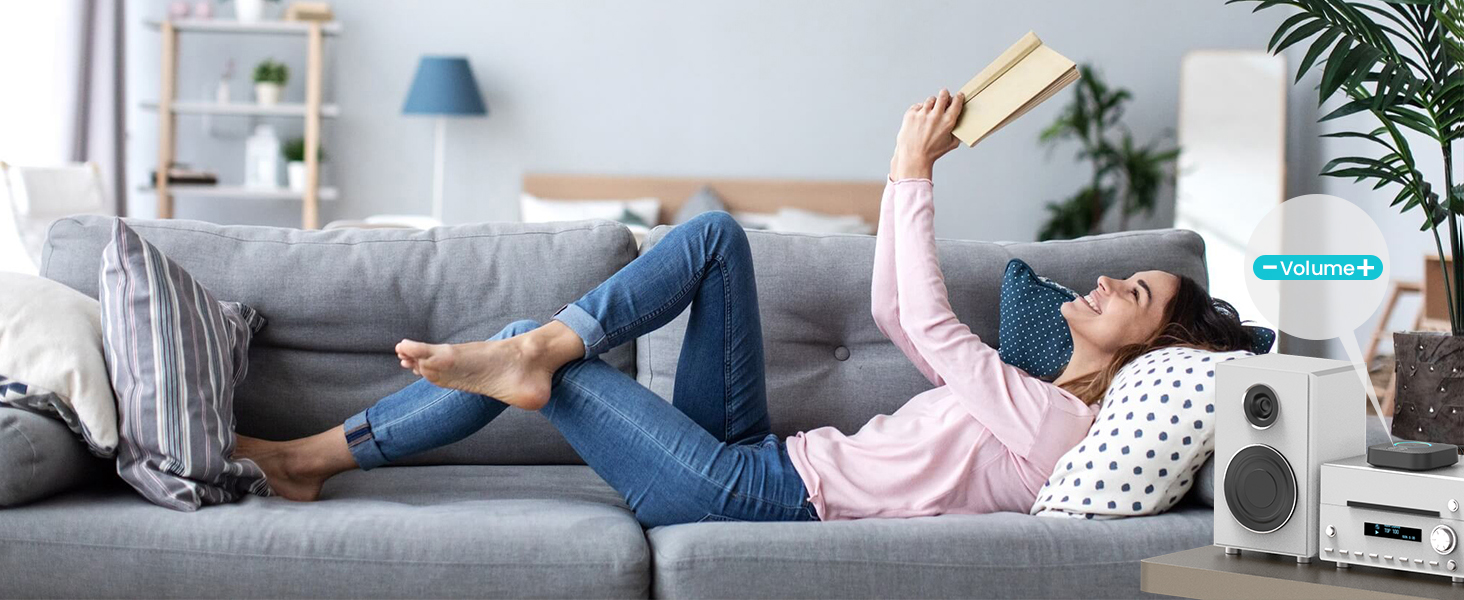
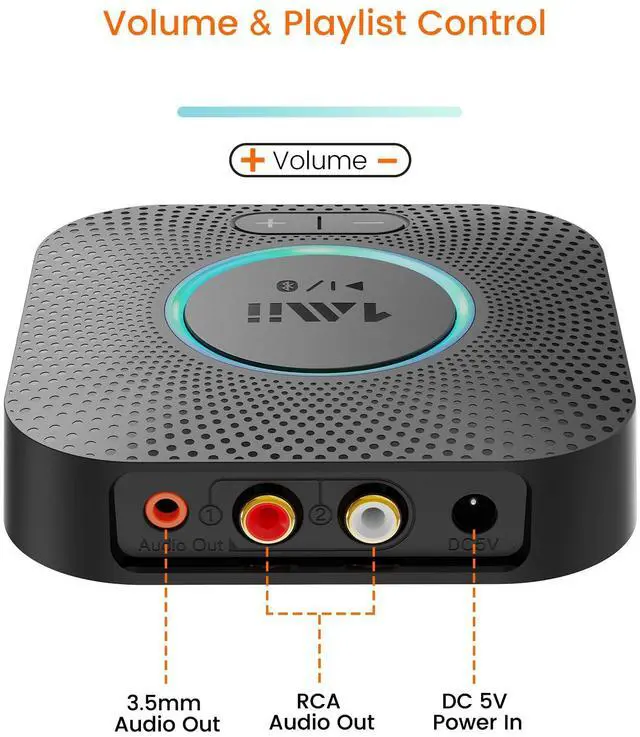
Volume & Playlist Control
Press the volume +/- buttons on the B06S Bluetooth receiver to control the volume and track easily
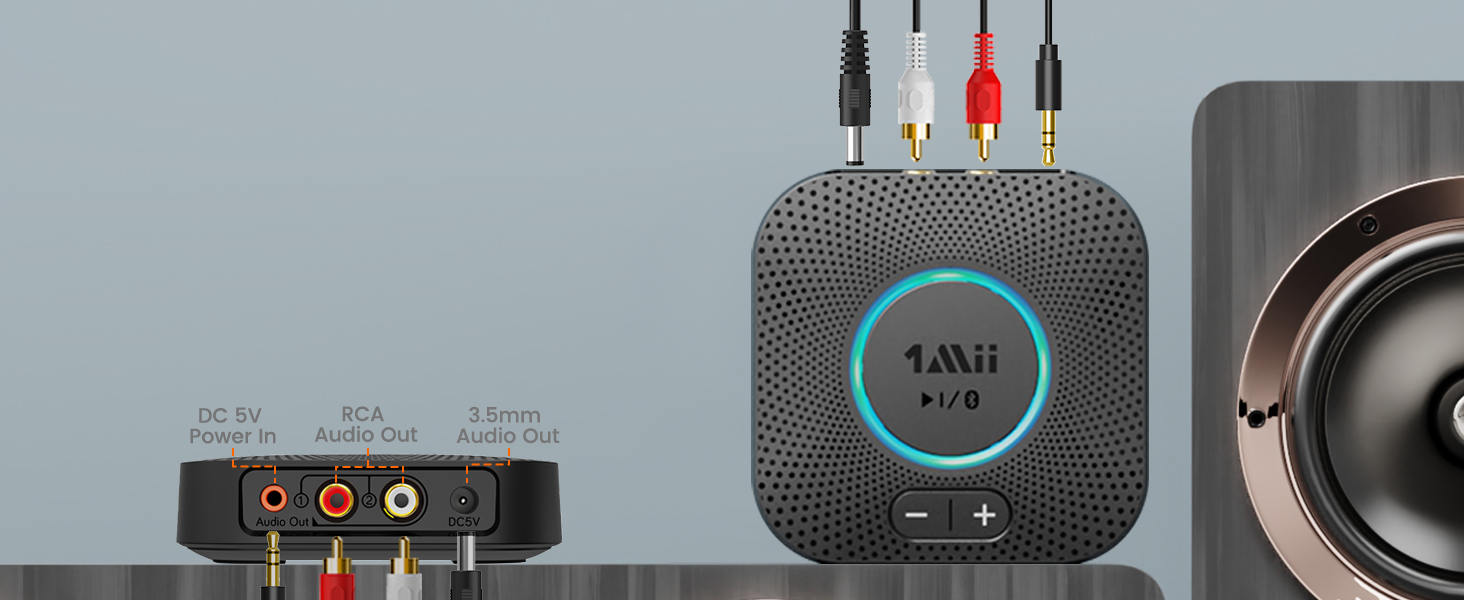
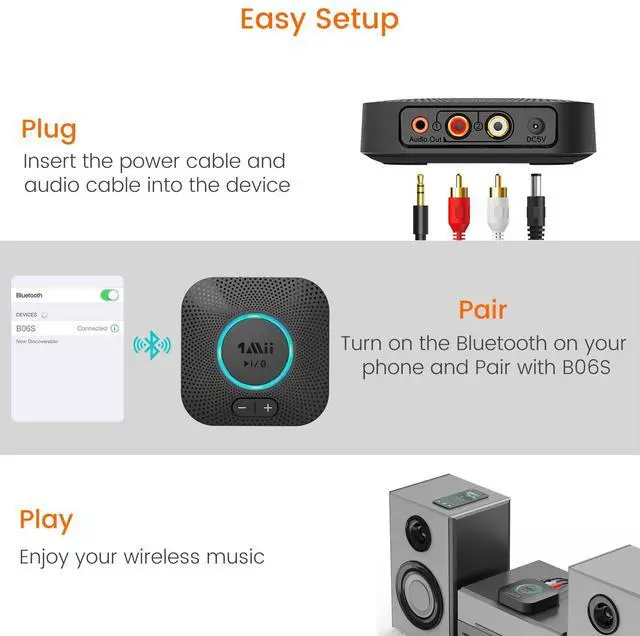
Plug n Play, Super Easy Setup
Plug B06S audio adapter to your stereo via a 3.5mm jack/RCA cable. Pair with your phone or tablet

Long Operating Range
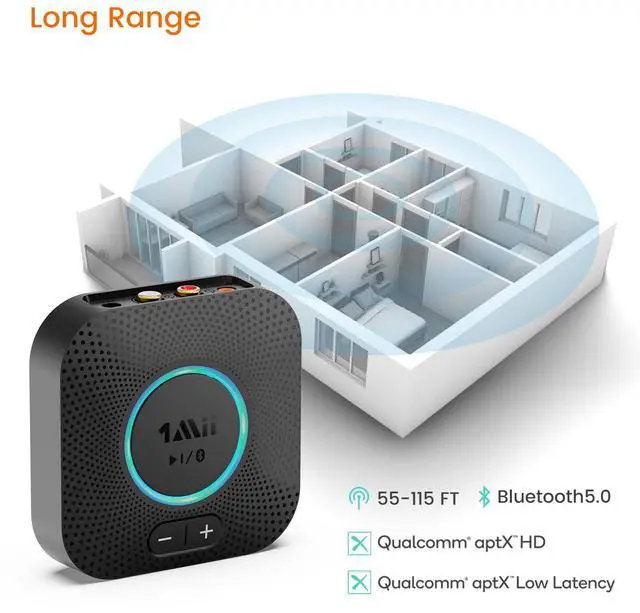
Working range up to 115ft line-of-sight in the open air and 55ft indoors(with no obstacles)
Special Features

Long Distance Operating Range
The 1Mii B06S Bluetooth receiver can achieve a range of up to 115ft line-of-sight in open air and up to 50-70ft indoors (without obstacles).

Power-on Auto Reconnection
It can reconnect to the previously paired device automatiically when powered on.

Dual Connection
Dual connection supported. You can connect this 1Mii B06S Bluetooth recevier with two Bluetooth-enabled devices such as cellphone or tablet at a time.

Chic Design
Not only a Bluetooth adapter for home stereo, but also a nice decoration for your vintage music sytem.
Plug&Play - Quick Guide to Install 1Mii B06S Bluetooth Receiver to An Old Stereo
- 1. For first-time use. Power on and it will automatically enter the pairing mode, connect it to your home stereo system via the RCA or 3.5mm aux cable.
- 2. Turn on Bluetooth on your smartphone or tablet and choose "B06S" to connect. To pair the second Bluetooth device, press and hold the Bluetooth pairing button to set the B06S in pairing mode.
- 3. When connected, you can press the volume buttons to control the volume and playlist.
*NOTE: this B06S is ONLY aBluetooth receiver, to give Bluetooth capabilities to an existing stereo / powered speaker / PA, NOT a Bluetooth transmitter nor an amplifier.
1Mii Premium B06 Series of Bluetooth Receiver for Home Stereo Music Streaming
 1Mii B06S |  1Mii B06 Plus |  1Mii B06Pro | 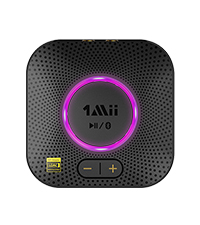 1Mii B06S+ | 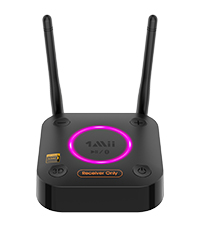 1Mii B06Ultra | 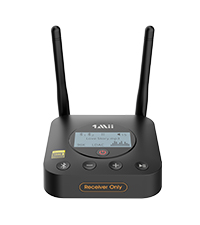 1Mii B06Pro+ | 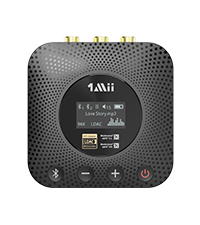 1Mii B06HD+ | |
|---|---|---|---|---|---|---|---|
Customer Reviews | — | — | — | — | — | — | — |
Price | — | — | — | — | — | — | — |
Item Type | Bluetooth Receiver | Bluetooth Receiver | Bluetooth Receiver | Bluetooth Receiver | Bluetooth Receiver | Bluetooth Receiver | Bluetooth Receiver |
Bluetooth Version | BT 5.2 | BT 5.3 | BT 5.1 | BT 5.2 | BT 5.2 | BT 5.1 | BT 5.1 |
Audio Input Support | Bluetooth | Bluetooth | Bluetooth | Bluetooth | Bluetooth | Bluetooth | Bluetooth |
Audio Output Support | AUX / RCA | AUX / RCA | Optical / Coaxial / AUX | AUX / RCA | Optical / Coaxial / AUX | Optical / Coaxial / AUX | Optical / Coaxial / RCA |
Audio Codec Support | aptX LL, aptX HD, SBC | aptX AD, aptX HD, SBC | aptX LL, aptX HD, SBC | LDAC, aptX HD, aptX LL, SBC | LDAC, aptX HD/aptX LL, SBC | LDAC, aptX HD/aptX LL, SBC | LDAC, aptX HD/aptX LL, SBC |
Extra Audiophile DAC | X | X | X | X | ? | X | ? |
Battery Built-in | X | X | X | X | X | X | ? |
Screen Display | X | X | X | X | X | ? | ? |
Volume Control | ? | X | ? | ? | ? | ? | ? |
Will it connect with more than one device at a time?
Yes, you can connect this 1Mii B06S Bluetooth recevier with two devices at a time.
Once two devices are paired, is there a way to overwrite one or both of them with a new device?
You can press the pairing button to reset the device to pairing mode and pair with a new device, the first connected device will be disconnected automatically.
I want to send a signal to my BT headphones, can I use this item?
No, this device is a Receiver ONLY, to give Bluetooth capabilities to an existing stereo / powered speaker / PA, NOT a Bluetooth transmitter nor an amplifier. You may want a BT transmitter to send signals to your BT headphones.
How do you use this with your echo?
1. Connect B06S to your stereo via a 3.5mm jack or RCA cable, make sure the audio cable was plugged into B06S and stereo, not with the echo. 2. Enter the Alexa on line app, Settings->Devices/Echo->Bluetooth->Pair a New Device->B06S.
How to reset this device?
Press the pairing button for 10 seconds till the purple light flashes to reset this device.


aptX HD & aptX Low Latency
Premium Qualcomm Bluetooth chip
Featuring aptX HD and aptX Low Latency, it delivers an enhanced audio performance with crystal clear, high-definition music for room-filling sound. Low delay makes the listening experience better.
Add Bluetooth Connectivity to Your Vintage Stereo
No need to buy a new stereo setup. Get this B06S Bluetooth adapter to upgrade your older stereo
Volume & Playlist Control
Press the volume +/- buttons on the B06S Bluetooth receiver to control the volume and track easily
Plug n Play, Super Easy Setup
Plug B06S audio adapter to your stereo via a 3.5mm jack/RCA cable. Pair with your phone or tablet
Long Operating Range
Working range up to 115ft line-of-sight in the open air and 55ft indoors(with no obstacles)


Special Features
Long Distance Operating Range
The 1Mii B06S Bluetooth receiver can achieve a range of up to 115ft line-of-sight in open air and up to 50-70ft indoors (without obstacles).
Power-on Auto Reconnection
It can reconnect to the previously paired device automatiically when powered on.
Dual Connection
Dual connection supported. You can connect this 1Mii B06S Bluetooth recevier with two Bluetooth-enabled devices such as cellphone or tablet at a time.
Chic Design
Not only a Bluetooth adapter for home stereo, but also a nice decoration for your vintage music sytem.
Plug&Play - Quick Guide to Install 1Mii B06S Bluetooth Receiver to An Old Stereo
- 1. For first-time use. Power on and it will automatically enter the pairing mode, connect it to your home stereo system via the RCA or 3.5mm aux cable.
- 2. Turn on Bluetooth on your smartphone or tablet and choose "B06S" to connect. To pair the second Bluetooth device, press and hold the Bluetooth pairing button to set the B06S in pairing mode.
- 3. When connected, you can press the volume buttons to control the volume and playlist.
*NOTE: this B06S is ONLY aBluetooth receiver, to give Bluetooth capabilities to an existing stereo / powered speaker / PA, NOT a Bluetooth transmitter nor an amplifier.
1Mii Premium B06 Series of Bluetooth Receiver for Home Stereo Music Streaming
1Mii B06S | 1Mii B06 Plus | 1Mii B06Pro | 1Mii B06S+ | 1Mii B06Ultra | 1Mii B06Pro+ | 1Mii B06HD+ |
|---|---|---|---|---|---|---|
| Customer Reviews | ||||||
| — | — | — | — | — | — | — |
| Price | ||||||
| — | — | — | — | — | — | — |
| Item Type | ||||||
| Bluetooth Receiver | Bluetooth Receiver | Bluetooth Receiver | Bluetooth Receiver | Bluetooth Receiver | Bluetooth Receiver | Bluetooth Receiver |
| Bluetooth Version | ||||||
| BT 5.2 | BT 5.3 | BT 5.1 | BT 5.2 | BT 5.2 | BT 5.1 | BT 5.1 |
| Audio Input Support | ||||||
| Bluetooth | Bluetooth | Bluetooth | Bluetooth | Bluetooth | Bluetooth | Bluetooth |
| Audio Output Support | ||||||
| AUX / RCA | AUX / RCA | Optical / Coaxial / AUX | AUX / RCA | Optical / Coaxial / AUX | Optical / Coaxial / AUX | Optical / Coaxial / RCA |
| Audio Codec Support | ||||||
| aptX LL, aptX HD, SBC | aptX AD, aptX HD, SBC | aptX LL, aptX HD, SBC | LDAC, aptX HD, aptX LL, SBC | LDAC, aptX HD/aptX LL, SBC | LDAC, aptX HD/aptX LL, SBC | LDAC, aptX HD/aptX LL, SBC |
| Extra Audiophile DAC | ||||||
| X | X | X | X | ? | X | ? |
| Battery Built-in | ||||||
| X | X | X | X | X | X | ? |
| Screen Display | ||||||
| X | X | X | X | X | ? | ? |
| Volume Control | ||||||
| ? | X | ? | ? | ? | ? | ? |
Will it connect with more than one device at a time?
Yes, you can connect this 1Mii B06S Bluetooth recevier with two devices at a time.
Once two devices are paired, is there a way to overwrite one or both of them with a new device?
You can press the pairing button to reset the device to pairing mode and pair with a new device, the first connected device will be disconnected automatically.
I want to send a signal to my BT headphones, can I use this item?
No, this device is a Receiver ONLY, to give Bluetooth capabilities to an existing stereo / powered speaker / PA, NOT a Bluetooth transmitter nor an amplifier. You may want a BT transmitter to send signals to your BT headphones.
How do you use this with your echo?
1. Connect B06S to your stereo via a 3.5mm jack or RCA cable, make sure the audio cable was plugged into B06S and stereo, not with the echo. 2. Enter the Alexa on line app, Settings->Devices/Echo->Bluetooth->Pair a New Device->B06S.
How to reset this device?
Press the pairing button for 10 seconds till the purple light flashes to reset this device.
1Mii is a high-tech enterprise composed of a group of innovative industrial designers, aesthetic masters, a team of PhDs in acoustic tuning, and musicians.
Each 1Mii product has been rigorously researched and developed by the 1Mii professional acoustic laboratory to ensure it meets the brand's values: Bring Music to Life!
At present, 1Mii has more than 10 million users, products cover audio accessories and HiFi audiophile devices.
B06Plus/B06S/B06S+/B06HD+
B06 Plus Bluetooth Receiver
B06S+ HiFi Bluetooth Receiver
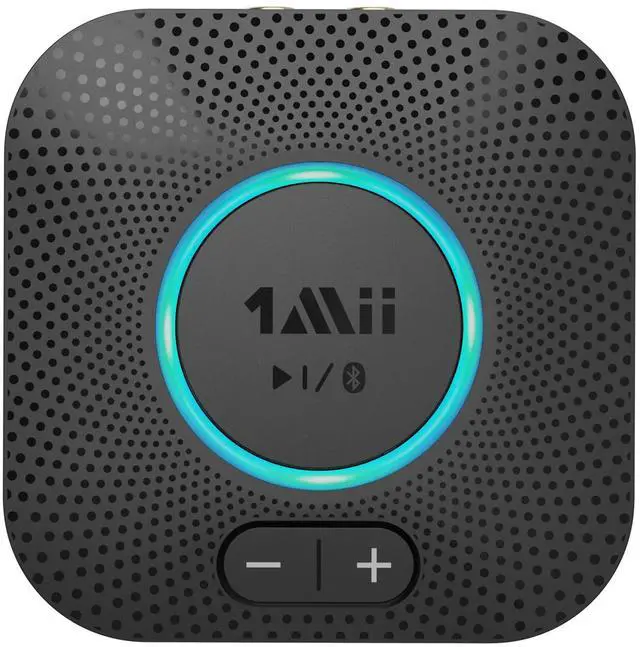
B06S Bluetooth Receiver
B06HD+ Hi-Res BT Receiver