




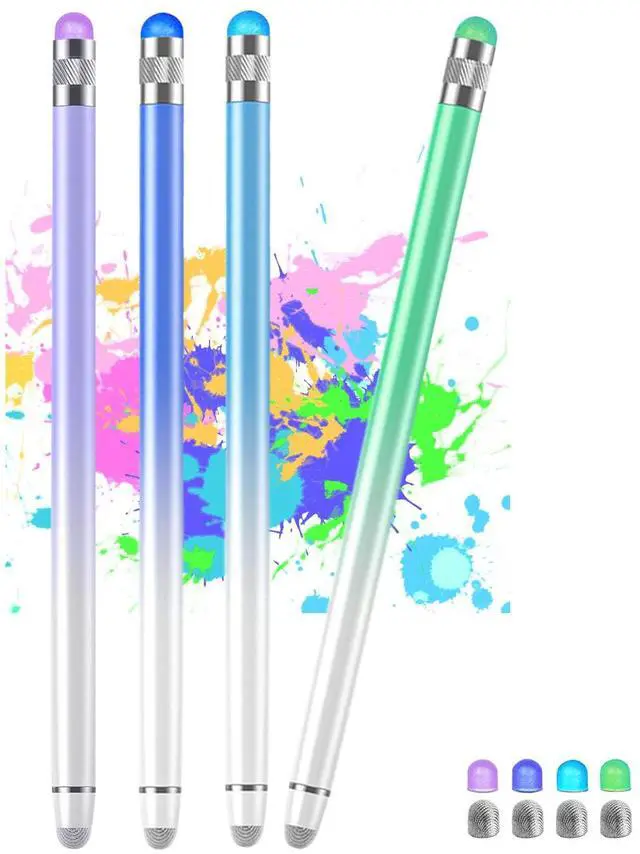


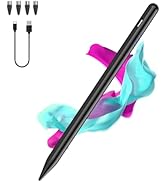
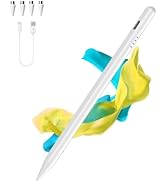
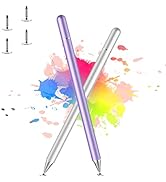
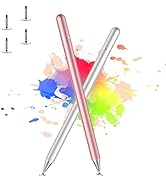
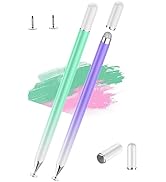
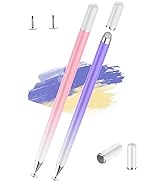

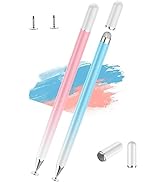
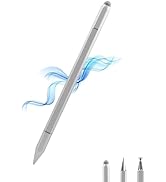
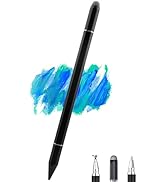
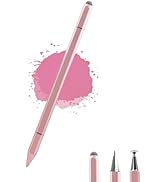
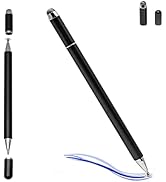
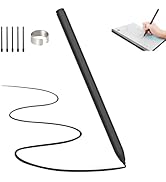
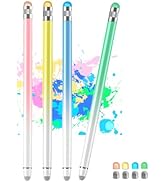
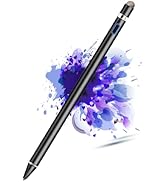
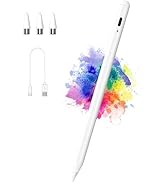
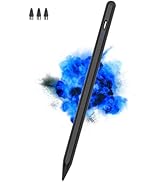
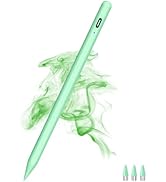

Package Including:
- Stylus Pen X4(Blue/Green/Yellow/Pink)
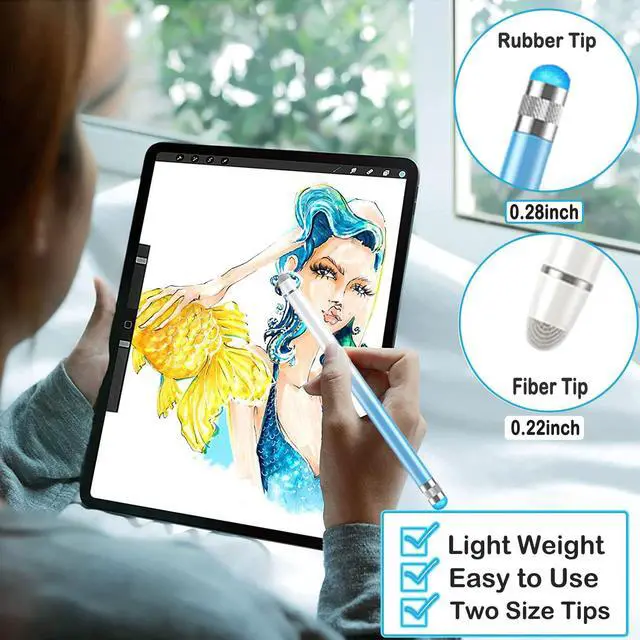
- Rubber NibX4
- Fiber NibX4

Attention Tips in Use
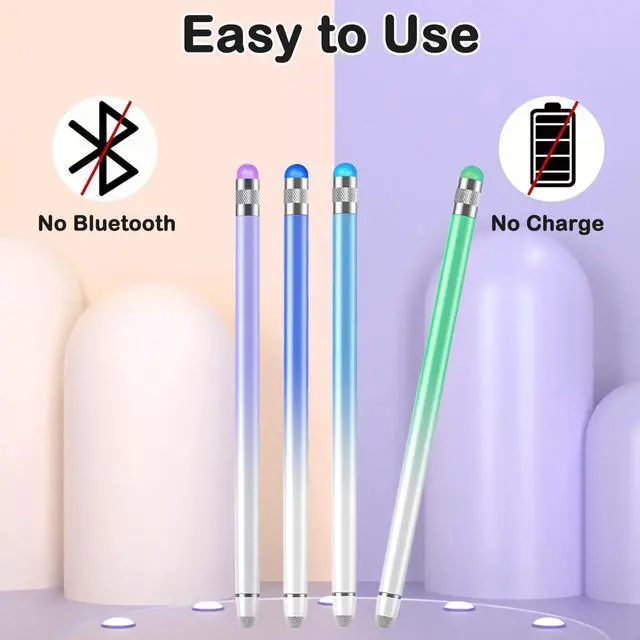
- The pen has NO Bluetooth function and does NOT support "Palm Rejection".
- The pen has NO pressure sensitivity.
If the stylus cannot write and your phone or tablet was ever used with Apple Pencil through Bluetooth connection.
Please set your iPad or iPad Pro as follows:
- Go to Settings > Apple Pencil > Turn off the Apple Pencil.
- Settings > Notes > Turn off "Only Draw with Apple Pencil.
- Then you'll will be ready to use the Active Stylus.

How to Replace the Rubber Tip
- Unscrew the stylus tip in the direction of the arrow.
- Remove the old tip,replace the new one.
- Unscrew the stylus tip in the direction of the arrow.


 Active Stylus Pens for Touch Screens Rechargeable Tablet Pen |  Luntak Active Stylus Pen for Touch Screen |  Stylus Pen for iPad 2018-2021 Luntak Active ipad pencil |  Stylus Pen for iPad with Palm Rejection and Tilt Sensitivity |  Stylus Pen for iPad (2018-2022)with Palm Rejection &Tilt Sensitivity |  Multi Plug Outlet Surge Protector Power Strip | |
|---|---|---|---|---|---|---|
| Customer Reviews | — | — | — | — | — | — |
| Price | — | — no data | — no data | — no data | — no data | — no data |
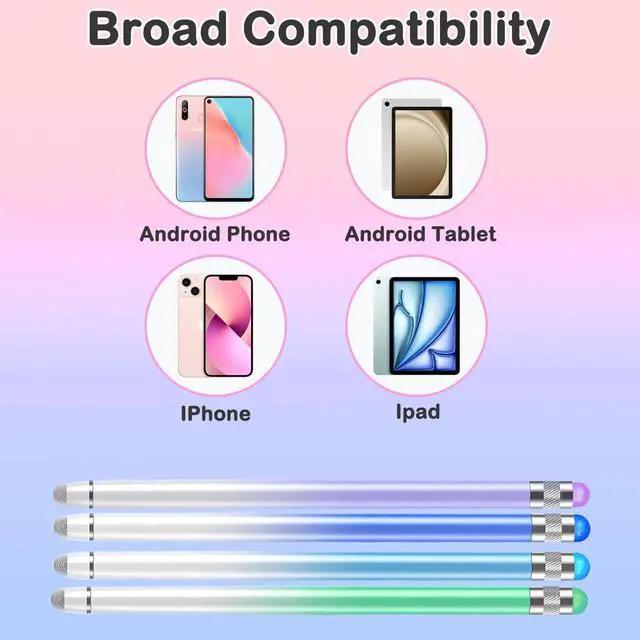
| Applicable Model | iPad/Pro/Air/Mini/iPhone/Samsung/Lenovo/IOS/Android and Other Smartphone Device | iPad/Pro/Air/Mini/iPhone/Samsung/Lenovo/IOS/Android and Other Smartphone Device | iPad 6/7/8/9,iPad Pro 11/12.9,iPad Mini 5/6,iPad Air 3/4/5… | Compatible with iPad Pro 11/12.9 inch,iPad 6/7/8/9/10,iPad Air 3/4/5,iPad Mini 5/6 | iPad 6th/7th/8th/9th/10th Gen, iPad Air 3rd/4th/5th Gen, iPad Pro 11" 1st/2nd/3rd/4th, iPad Pro12.9" 3rd/4th/5th/6th, iPad Mini 5th/6th Gen | USB A & USB C |
Package Including:
- Stylus Pen X4(Blue/Green/Yellow/Pink)
- Rubber NibX4
- Fiber NibX4
Attention Tips in Use
- The pen has NO Bluetooth function and does NOT support "Palm Rejection".
- The pen has NO pressure sensitivity.
If the stylus cannot write and your phone or tablet was ever used with Apple Pencil through Bluetooth connection.
Please set your iPad or iPad Pro as follows:
- Go to Settings > Apple Pencil > Turn off the Apple Pencil.
- Settings > Notes > Turn off "Only Draw with Apple Pencil.
- Then you'll will be ready to use the Active Stylus.
How to Replace the Rubber Tip
- Unscrew the stylus tip in the direction of the arrow.
- Remove the old tip,replace the new one.
- Unscrew the stylus tip in the direction of the arrow.
Active Stylus Pens for Touch Screens Rechargeable Tablet Pen | Luntak Active Stylus Pen for Touch Screen | Stylus Pen for iPad 2018-2021 Luntak Active ipad pencil | Stylus Pen for iPad with Palm Rejection and Tilt Sensitivity | Stylus Pen for iPad (2018-2022)with Palm Rejection &Tilt Sensitivity | Multi Plug Outlet Surge Protector Power Strip | |
|---|---|---|---|---|---|---|
| Customer Reviews | — | — | — | — | — | — |
| Price | — | — no data | — no data | — no data | — no data | — no data |
| Applicable Model | iPad/Pro/Air/Mini/iPhone/Samsung/Lenovo/IOS/Android and Other Smartphone Device | iPad/Pro/Air/Mini/iPhone/Samsung/Lenovo/IOS/Android and Other Smartphone Device | iPad 6/7/8/9,iPad Pro 11/12.9,iPad Mini 5/6,iPad Air 3/4/5… | Compatible with iPad Pro 11/12.9 inch,iPad 6/7/8/9/10,iPad Air 3/4/5,iPad Mini 5/6 | iPad 6th/7th/8th/9th/10th Gen, iPad Air 3rd/4th/5th Gen, iPad Pro 11" 1st/2nd/3rd/4th, iPad Pro12.9" 3rd/4th/5th/6th, iPad Mini 5th/6th Gen | USB A & USB C |
Luntak Stylus Pen for Android
Luntak Stylus Pen
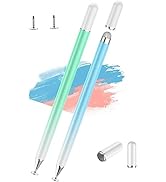
Luntak Stylus Pen
Luntak Stylus Pen
Luntak Stylus Pen for tablet
