




 here!
I’m your shopping assistant for PC builds, upgrades, and everything tech.
Got questions? Ask away!
Start a conversation


 All Categories
here!
I’m your shopping assistant for PC builds, upgrades, and everything tech.
Got questions? Ask away!
Start a conversationAll Categories



Any questions? Ask CelesteSM will help you find out quickly.


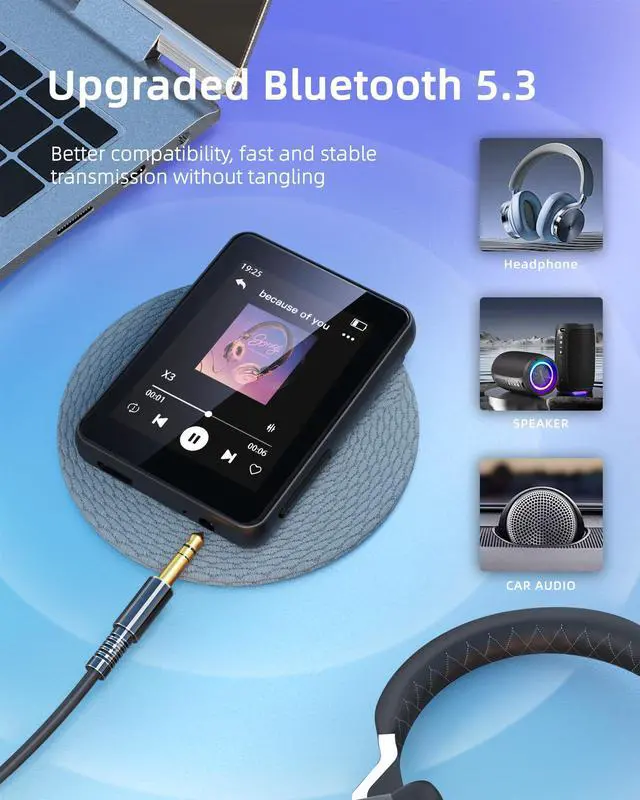
Bluetooth 5.3 means faster transmission speed, more stable performance and higher anti-interference ability, you can easily connect to Bluetooth headphone/speaker/car audio without tangling.

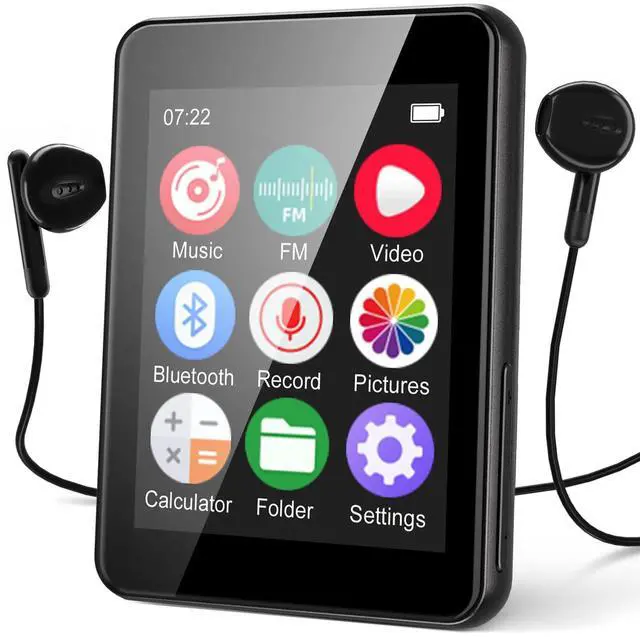
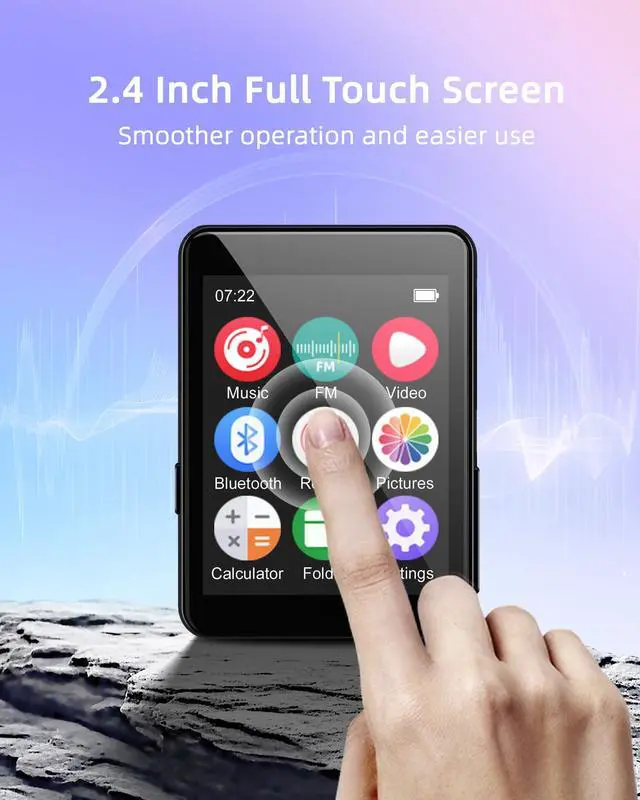
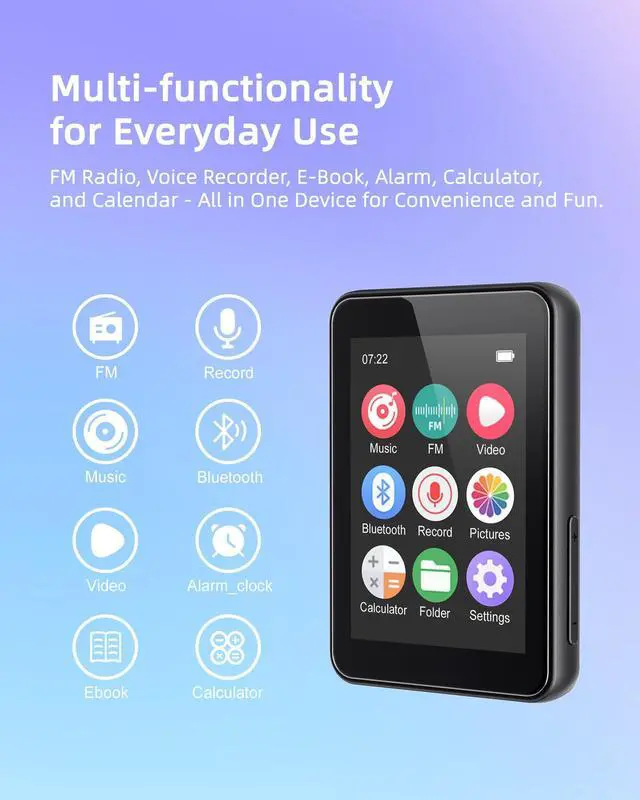
Brand new UI interface and 2.4 Inch full touch screen, which give you a smooth operation and innovative visual appeal.

Features FM radio function, easily access news, sports, and music stations. What’s more, it’s recordable, ensuring you never miss important news. Please be informed, while using FM radio, please plug onto the included wired earphone as anternna.

With just one click, you can record meetings, classes, lectures, or interviews. No complicated setup - just click and record.

The S5 features OTG for easy file transfer between phones and computers. Quickly connect to most phones to transfer audio files.

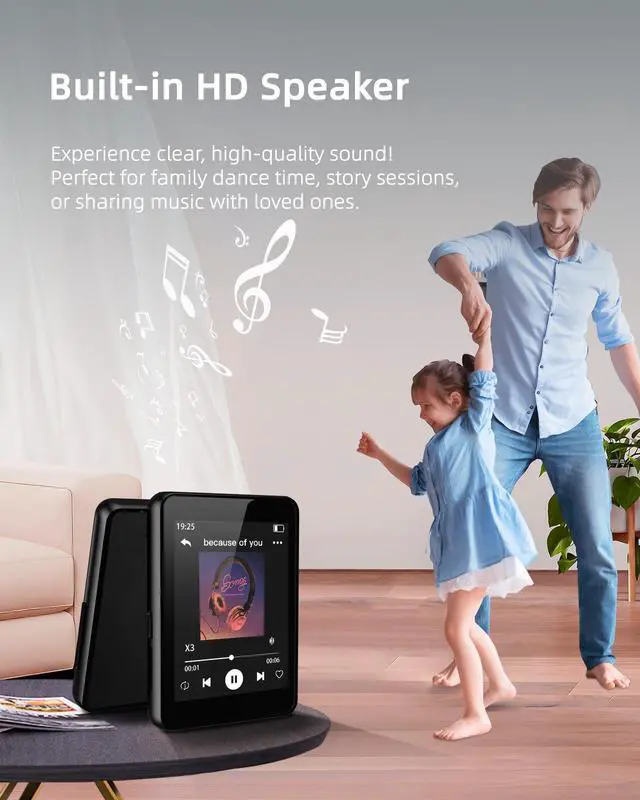
Enjoy loud, clear music through the built-in speaker, perfectly designed for home relaxation or small social gatherings.

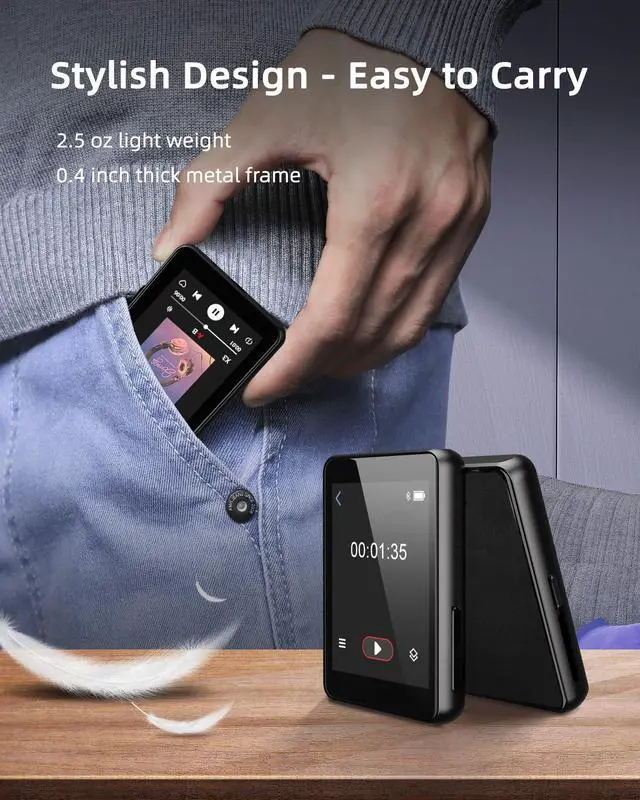
Portable and light weight, so you can easily put it into pocket or bag to enjoy music anytime, anywhere. It's a good choice for doing sports.

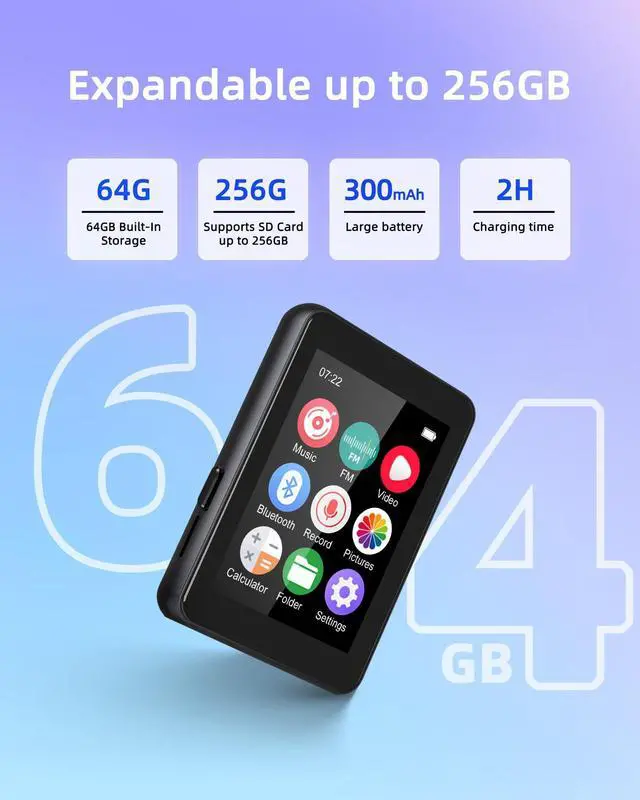
64GB built-in storage holds thousands of songs, expandable up to 256GB with a memory card (FAT32 format).

How to use the FM Radio function?
Please plug onto the included wired earphone as anternna before searching FM radio channels.
If the player acts abnormally, freezes or lockups, how to factory reset the device?
Power on mode: Setting---Restore---Confirm the Restore Factory Reset.
Power off mode: Use an ejector to press the reset button, refer user manual.
How do I transfer files using a phone or PC?
Easily transfer music: 1) Connect phone via OTG cable to copy files, 2) use a USB cable to drag files from your computer, 3) Load songs onto a Micro-SD card first. For complete instructions, please refer to the manual included in the box.
What capacity and format of the sd card does the player support?
The S5 player supports maximum 256GB memory card, FAT32 format, please format the card before plugging onto the player, otherwise, it may effect offline music files loading, or cause freeze or lockup problem.
Player can’t turn on?
Firstly, check if the player has run out of power. Secondly, try factory reset by press the reset button. If the problem presists, our Luoran support team will be 24hours standby for assistance.


Luoran focus on the R&D audio devices, including music players and accessories, USB DAC sound adapter, electronic kids toy, etc. Among them, our music players has 3 series:
Kids series, (model M4B, M4S, M4Pro)
Smart series, (model N2, N5, N7)
HiFi series, (model S6, S9)
We will as always stand behind our products and brand, hoping that through our efforts, more and more users can enjoy their lives in a more freely and convenient way.

Special for Kids and Teenagers


Bluetooth 5.3 means faster transmission speed, more stable performance and higher anti-interference ability, you can easily connect to Bluetooth headphone/speaker/car audio without tangling.
Brand new UI interface and 2.4 Inch full touch screen, which give you a smooth operation and innovative visual appeal.
Features FM radio function, easily access news, sports, and music stations. What’s more, it’s recordable, ensuring you never miss important news. Please be informed, while using FM radio, please plug onto the included wired earphone as anternna.
With just one click, you can record meetings, classes, lectures, or interviews. No complicated setup - just click and record.
The S5 features OTG for easy file transfer between phones and computers. Quickly connect to most phones to transfer audio files.
Enjoy loud, clear music through the built-in speaker, perfectly designed for home relaxation or small social gatherings.
Portable and light weight, so you can easily put it into pocket or bag to enjoy music anytime, anywhere. It's a good choice for doing sports.
64GB built-in storage holds thousands of songs, expandable up to 256GB with a memory card (FAT32 format).
| Model: | Luoran S5 |
|---|---|
| Screen Size: | 2.4 inch |
| Screen Resolution: | 240×320 pixels |
| Weight: | 54.4 Gram |
| Bluetooth: | V5.3 |
| Battery Capacity: | 300mAh |
| Charging: | 5V 1A (Non-PD charger) |
| Internal Memory: | 64 GB |
| Expansion Slot: | 256GB memory card (FAT32) |
| FM Radio: | Frequency 87.5MHz-108MHz |
| Music Format: | MP1, MP2, MP3, WMA, OGG, APE, FLAC, WAV, AAC-LC, M4A |
| Video Format: | AVI only |
| Image Format: | JPG, JPEG, BMP |
| Language Support: | Multiple Languages |

How to use the FM Radio function?
Please plug onto the included wired earphone as anternna before searching FM radio channels.
If the player acts abnormally, freezes or lockups, how to factory reset the device?
Power on mode: Setting---Restore---Confirm the Restore Factory Reset.
Power off mode: Use an ejector to press the reset button, refer user manual.
How do I transfer files using a phone or PC?
Easily transfer music: 1) Connect phone via OTG cable to copy files, 2) use a USB cable to drag files from your computer, 3) Load songs onto a Micro-SD card first. For complete instructions, please refer to the manual included in the box.
What capacity and format of the sd card does the player support?
The S5 player supports maximum 256GB memory card, FAT32 format, please format the card before plugging onto the player, otherwise, it may effect offline music files loading, or cause freeze or lockup problem.
Player can’t turn on?
Firstly, check if the player has run out of power. Secondly, try factory reset by press the reset button. If the problem presists, our Luoran support team will be 24hours standby for assistance.
Luoran focus on the R&D audio devices, including music players and accessories, USB DAC sound adapter, electronic kids toy, etc. Among them, our music players has 3 series:
Kids series, (model M4B, M4S, M4Pro)
Smart series, (model N2, N5, N7)
HiFi series, (model S6, S9)
We will as always stand behind our products and brand, hoping that through our efforts, more and more users can enjoy their lives in a more freely and convenient way.
Special for Kids and Teenagers

