




 here!
here!
I’m your shopping assistant for PC builds, upgrades, and everything tech.
Got questions? Ask away!
Start a conversation
here!
I’m your shopping assistant for PC builds, upgrades, and everything tech.
Got questions? Ask away!
Start a conversation
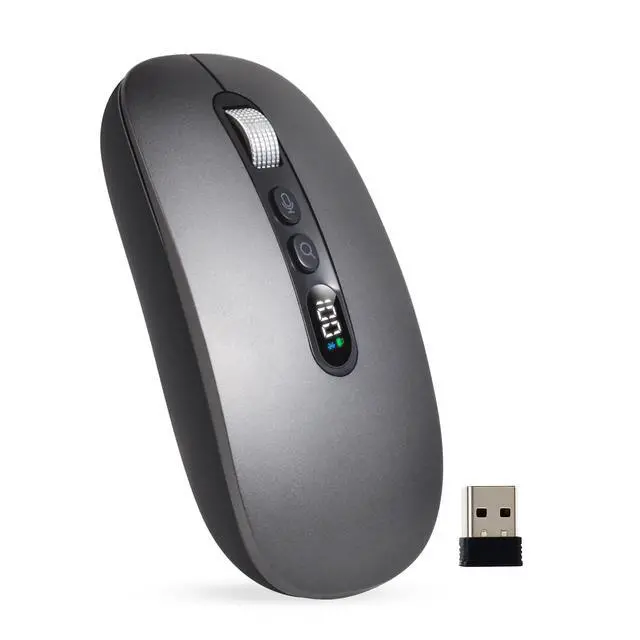
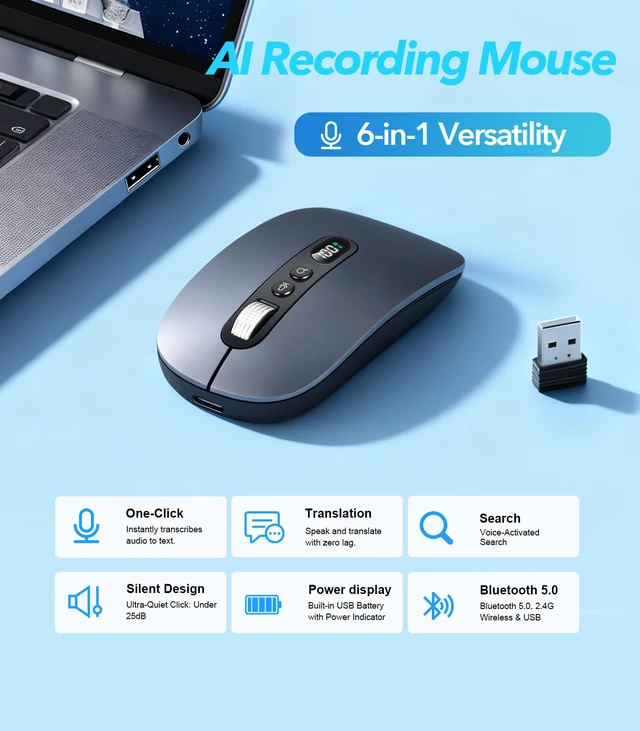
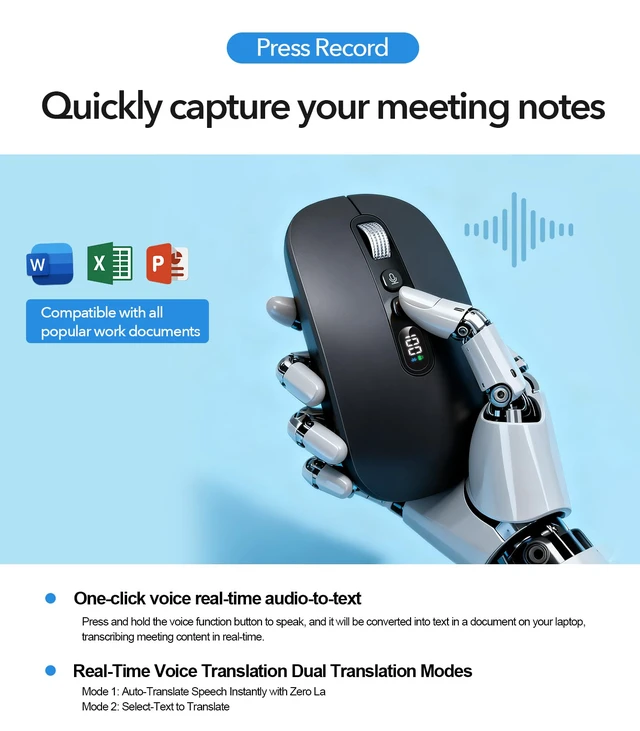
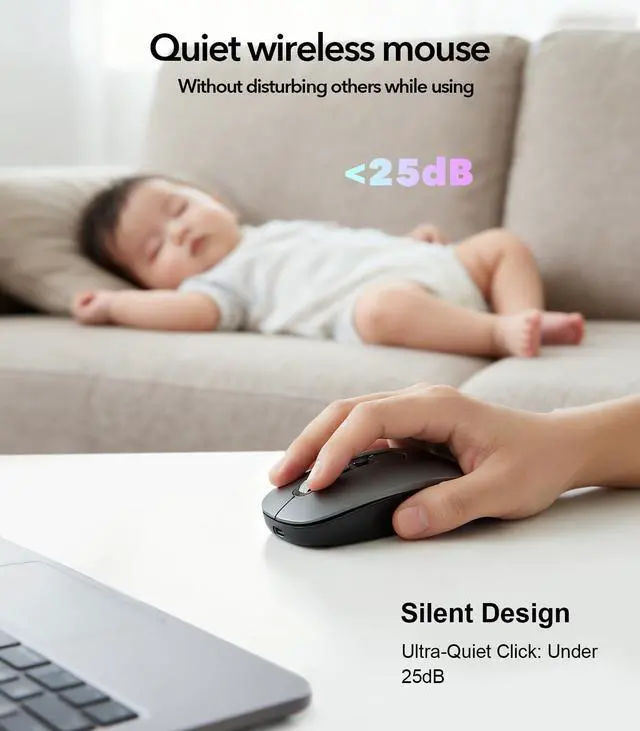
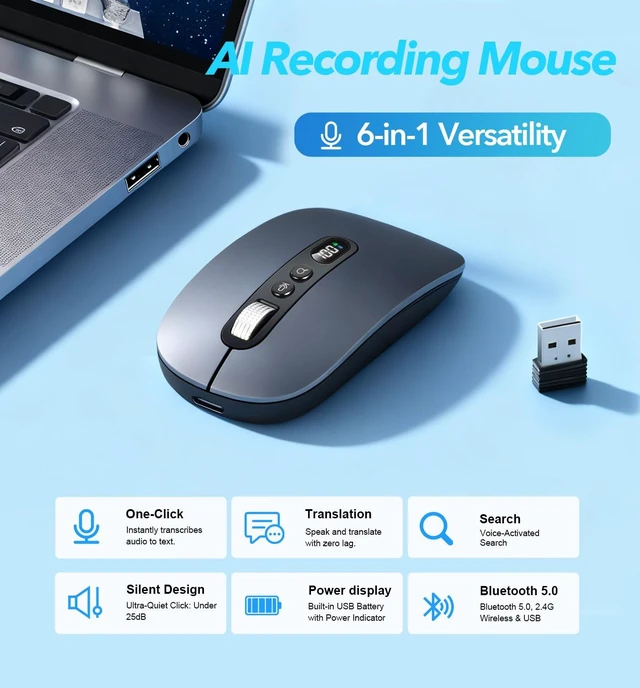
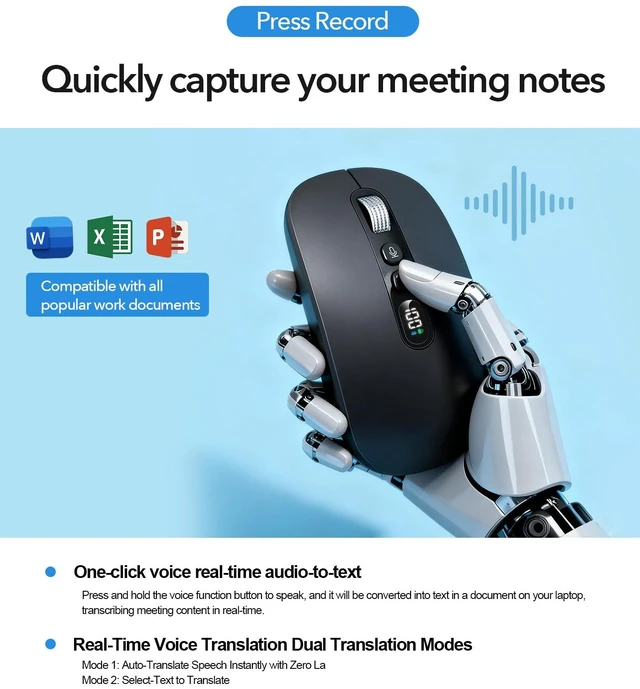
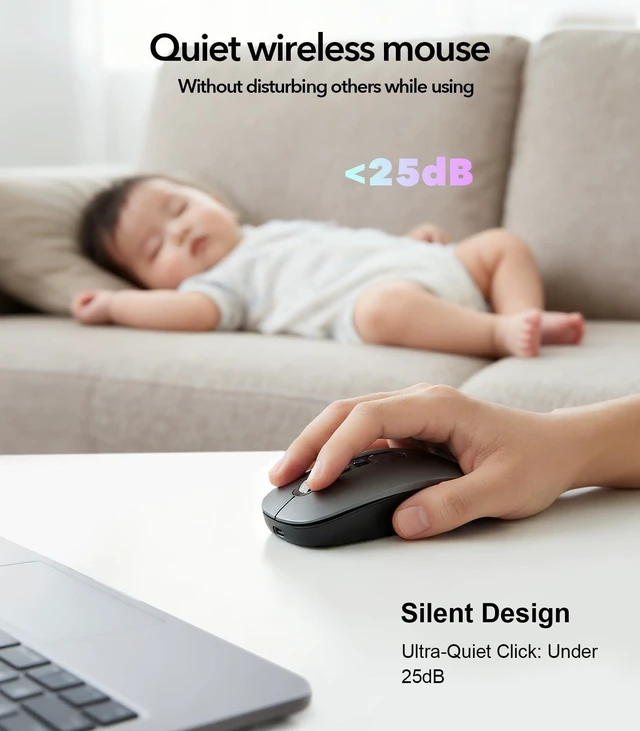
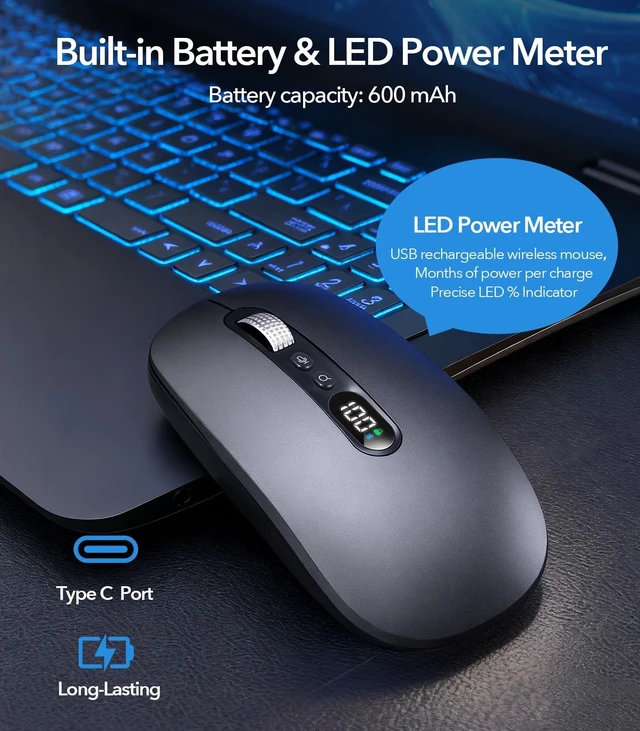
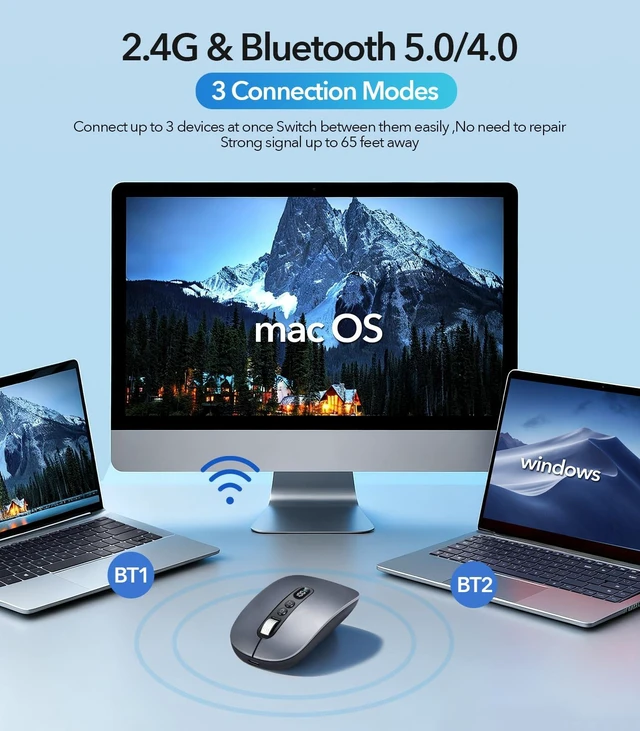
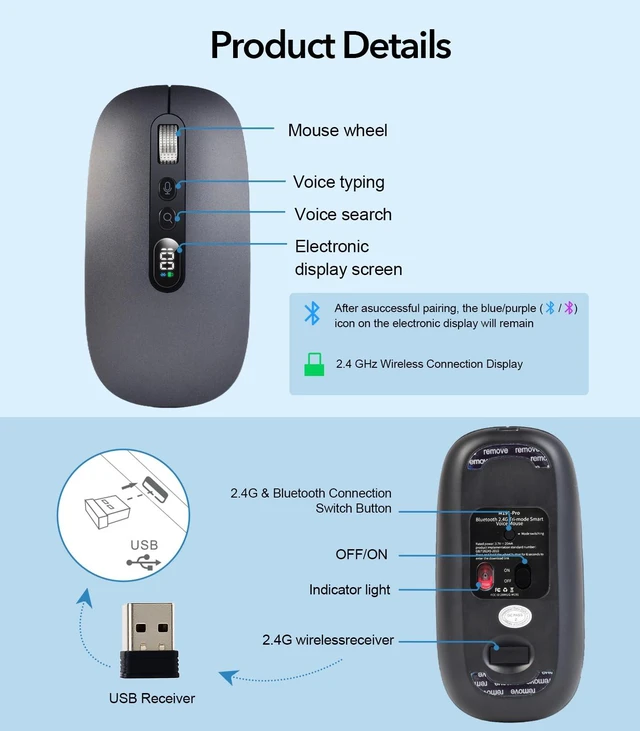



Any questions? Ask CelesteSM will help you find out quickly.


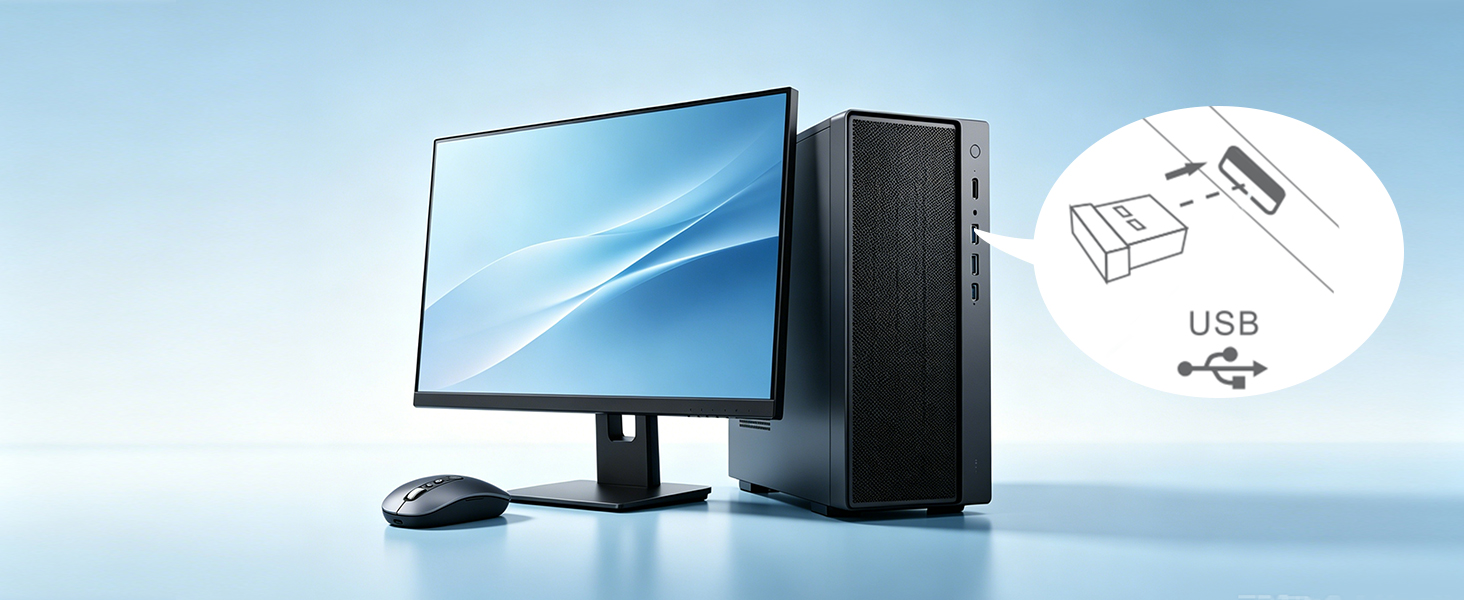
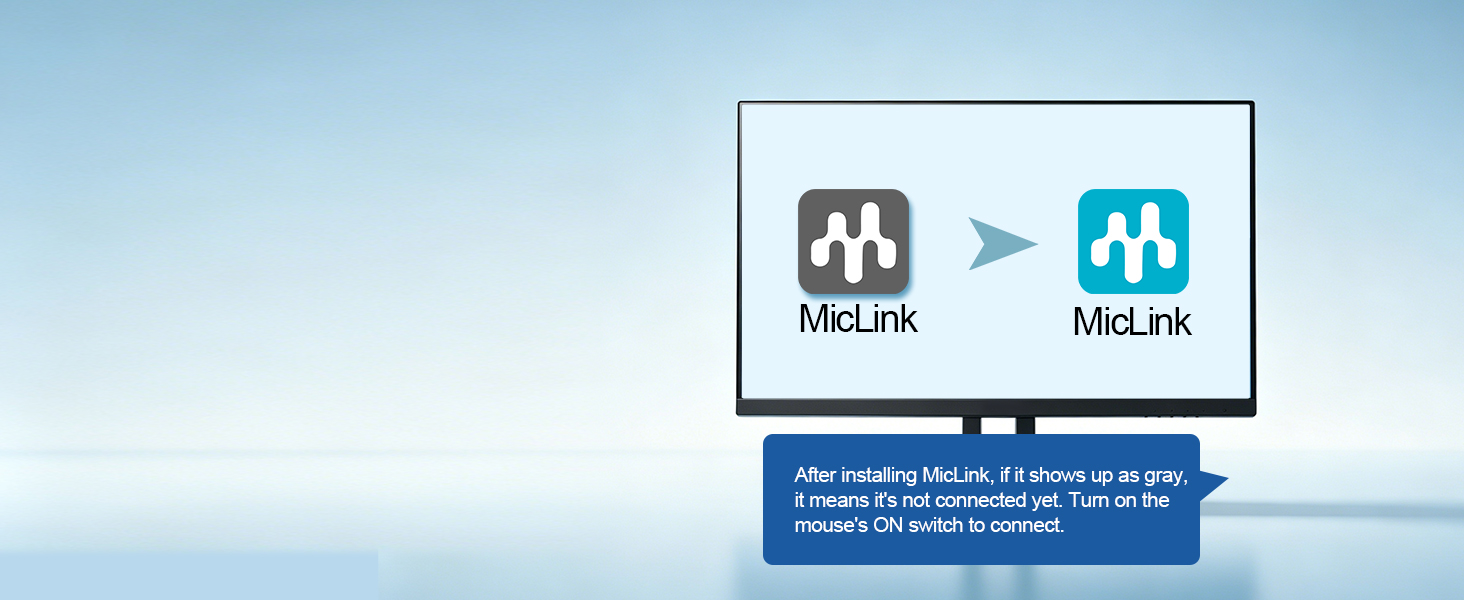
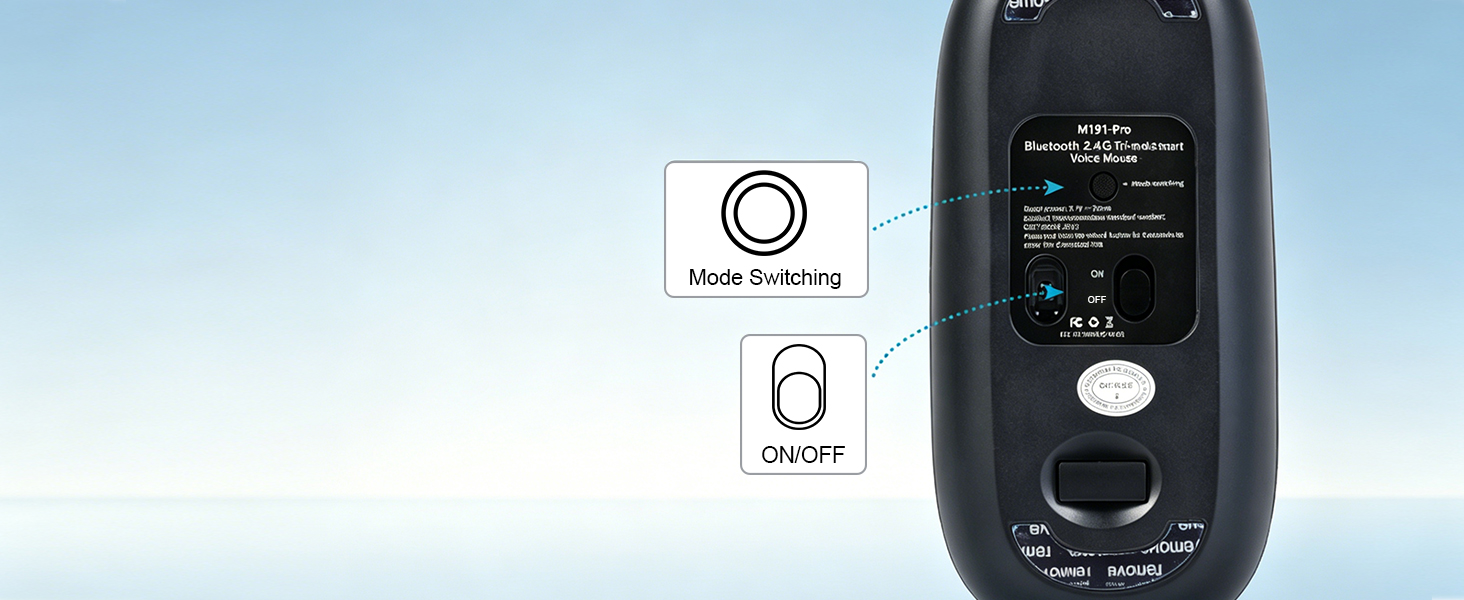
Turn the mouse on with the bottom switch, then Long press mode switch until the 2.4G icon lights up again. The app shifts from grey to green when connected.
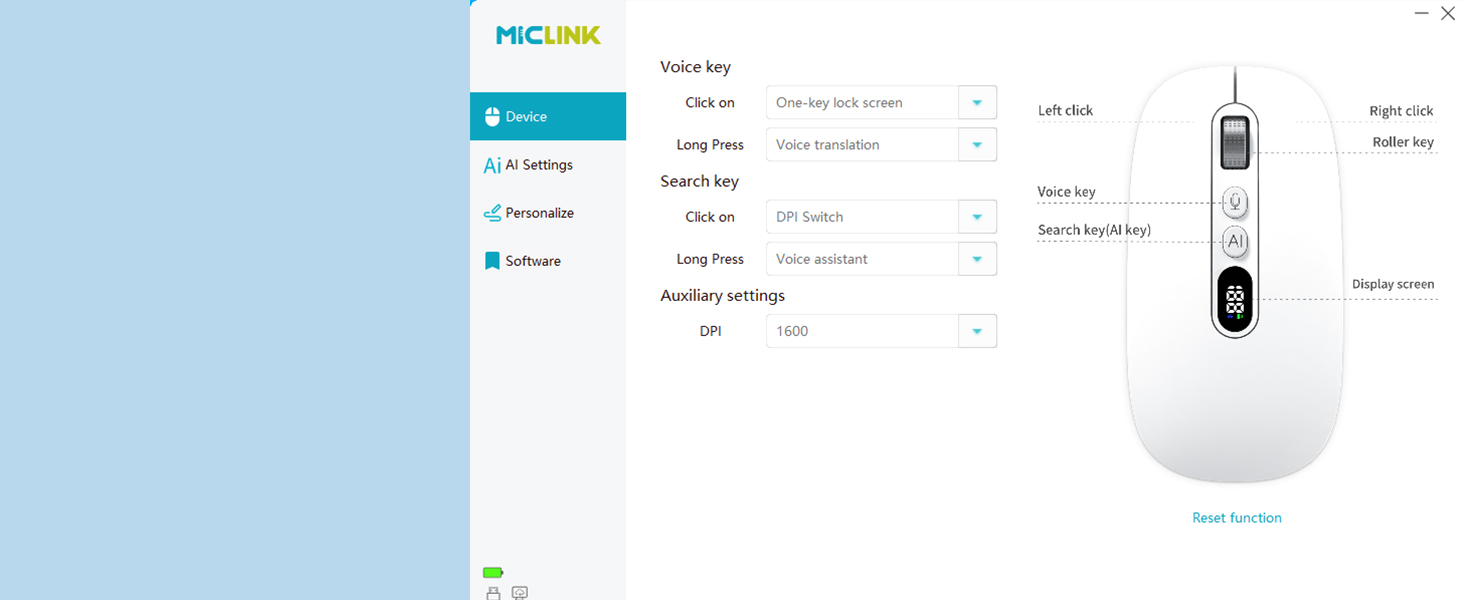
Set up MicLink to tailor AI to better suit your usage habits.
What after-sales services can I get?
Feel free to message us via anytime for issues. We reply within 8 hours with solutions. We provide a two-year fault protection, free new replacement for any product breakdown within two years.
Where to download MicLink? Is installation mandatory?
Download link is available on the user manual, or get it by sending an inquiry via . Installation is necessary for AI voice features. This lightweight program occupies minimal memory and never lags your computer.
Why doesn’t the mouse’s AI voice work after installing MicLink?
After installing MicLink,You need to activate MicLink
1.Restart your computer;
2.Re-plug the USB receiver;
3.Long press the mode switch button till the 2.4G/Bluetooth icon lights up. The app - MicLink turns green from grey once connected.
Is MicLink AI software paid? Can I adjust its settings?
It’s totally free! You may set languages and personal preferences directly inside MicLink.
Will this AI mouse leak my private data?
No worries! All voice & translation data is processed locally on your device instead of cloud to fully protect your privacy.


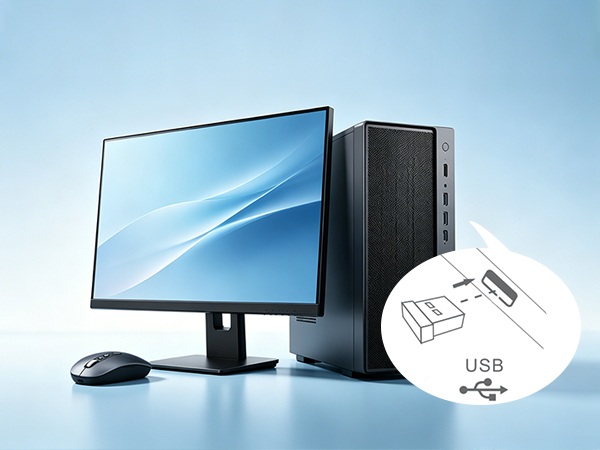
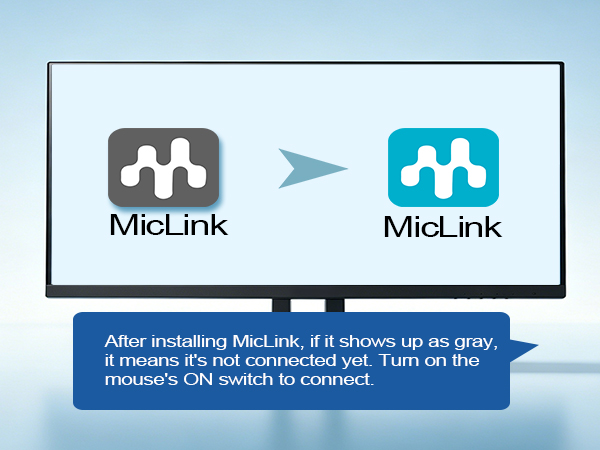
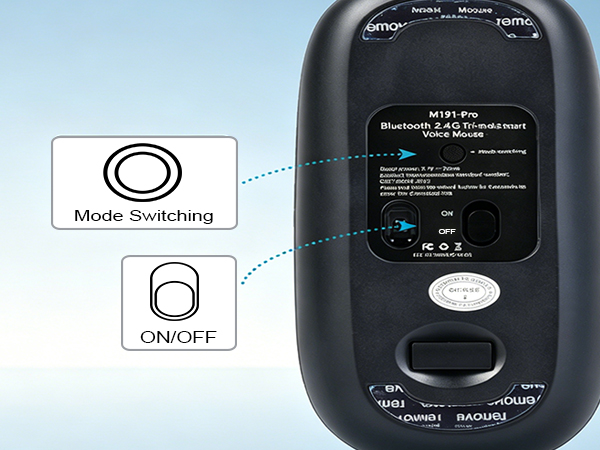
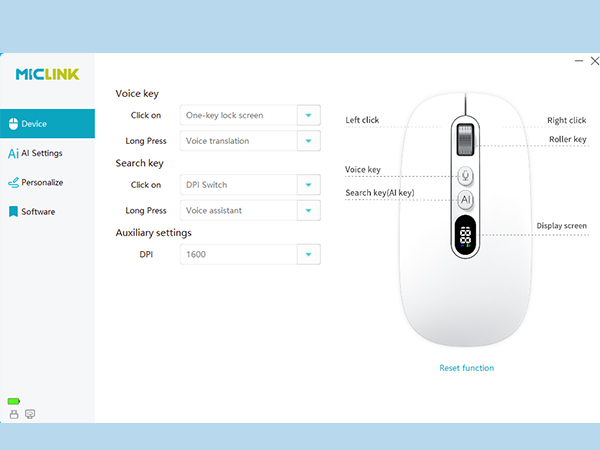
Turn the mouse on with the bottom switch, then Long press mode switch until the 2.4G icon lights up again. The app shifts from grey to green when connected.
Set up MicLink to tailor AI to better suit your usage habits.


What after-sales services can I get?
Feel free to message us via anytime for issues. We reply within 8 hours with solutions. We provide a two-year fault protection, free new replacement for any product breakdown within two years.
Where to download MicLink? Is installation mandatory?
Download link is available on the user manual, or get it by sending an inquiry via . Installation is necessary for AI voice features. This lightweight program occupies minimal memory and never lags your computer.
Why doesn’t the mouse’s AI voice work after installing MicLink?
After installing MicLink,You need to activate MicLink
1.Restart your computer;
2.Re-plug the USB receiver;
3.Long press the mode switch button till the 2.4G/Bluetooth icon lights up. The app - MicLink turns green from grey once connected.
Is MicLink AI software paid? Can I adjust its settings?
It’s totally free! You may set languages and personal preferences directly inside MicLink.
Will this AI mouse leak my private data?
No worries! All voice & translation data is processed locally on your device instead of cloud to fully protect your privacy.


