here!
here!
I’m your shopping assistant for PC builds, upgrades, and everything tech.
Got questions? Ask away!
Start a conversation
here!
I’m your shopping assistant for PC builds, upgrades, and everything tech.
Got questions? Ask away!
Start a conversation
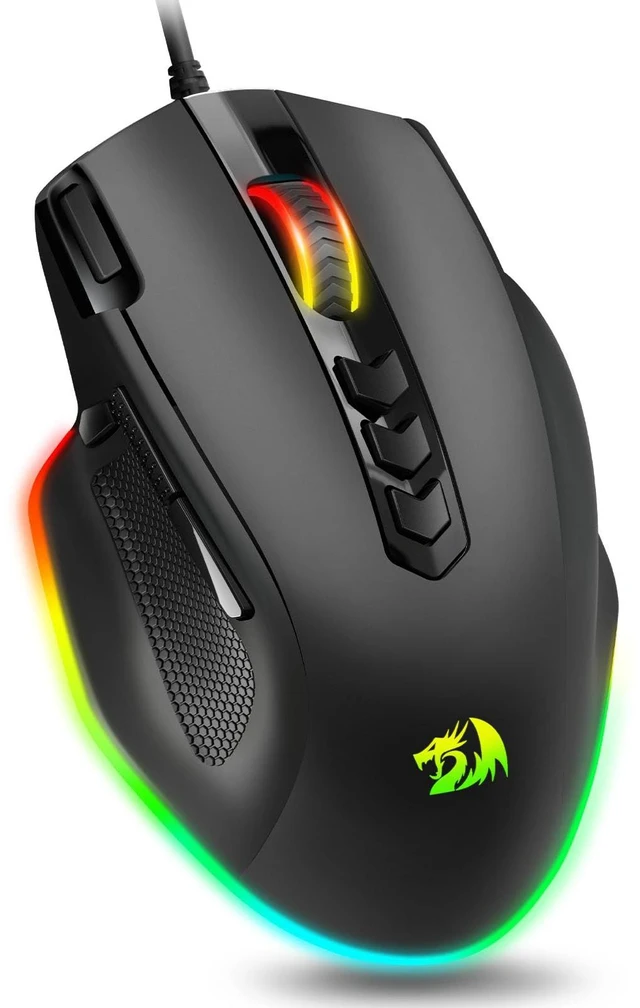






Any questions? Ask CelesteSM will help you find out quickly.


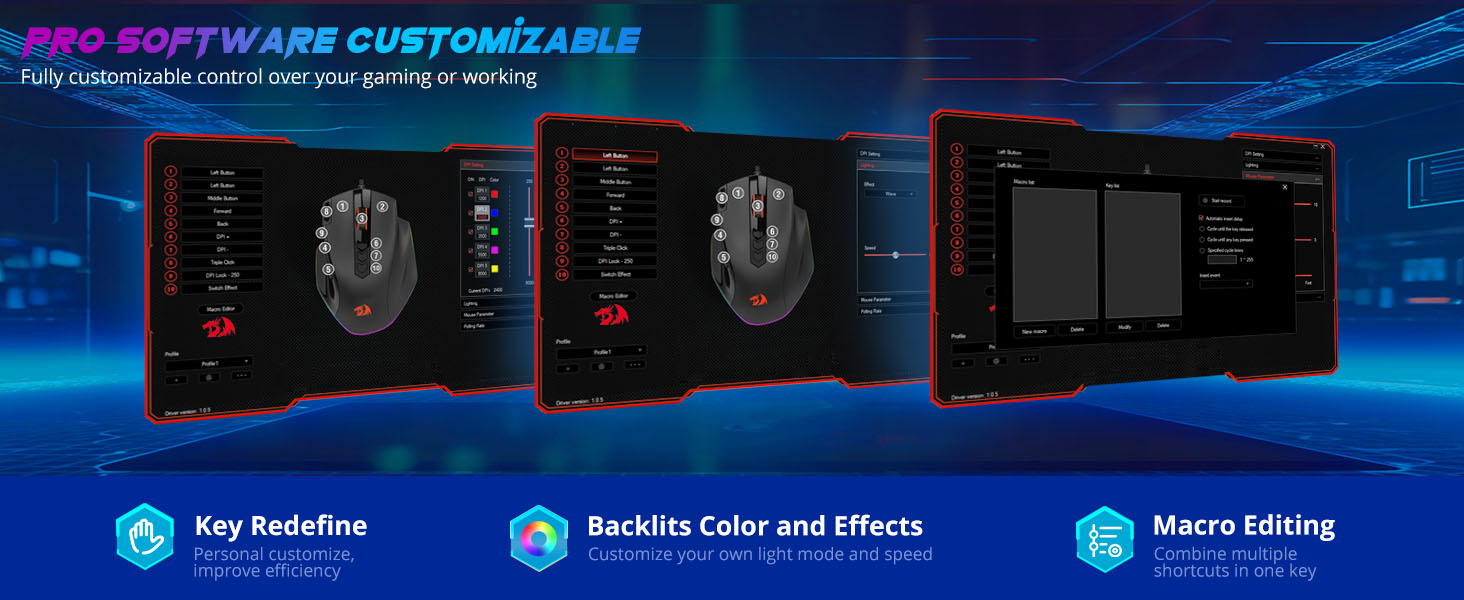
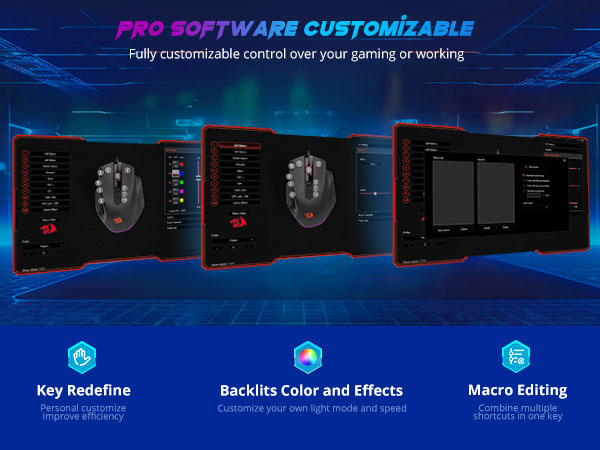
How to download the software?
Download Steps
1. Visit the Redragon website,
2. Click the “Download” button, then enter the model number in the search box: M614
3. Find “M614” and click “Download” to jump to the driver download path.
Can I use this wired gaming mouse on Mac system?
Yes, you can. However, please note that the software is only compatible with Windows systems.
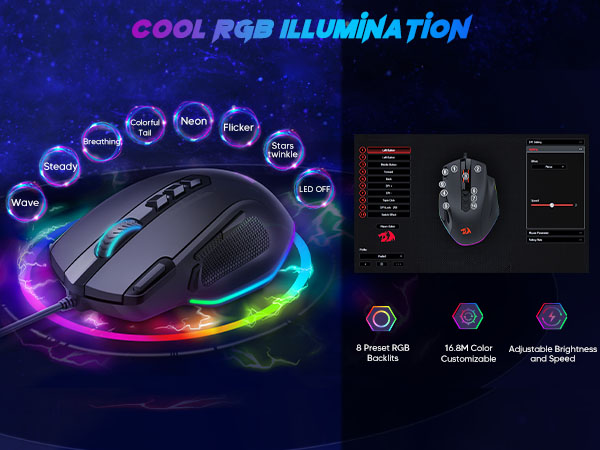
How do I change the mouse backlight color to a fixed color, such as green or red?
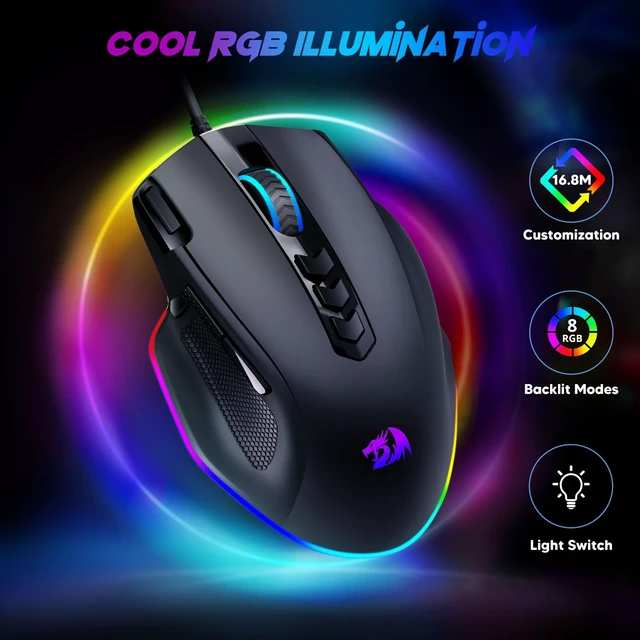
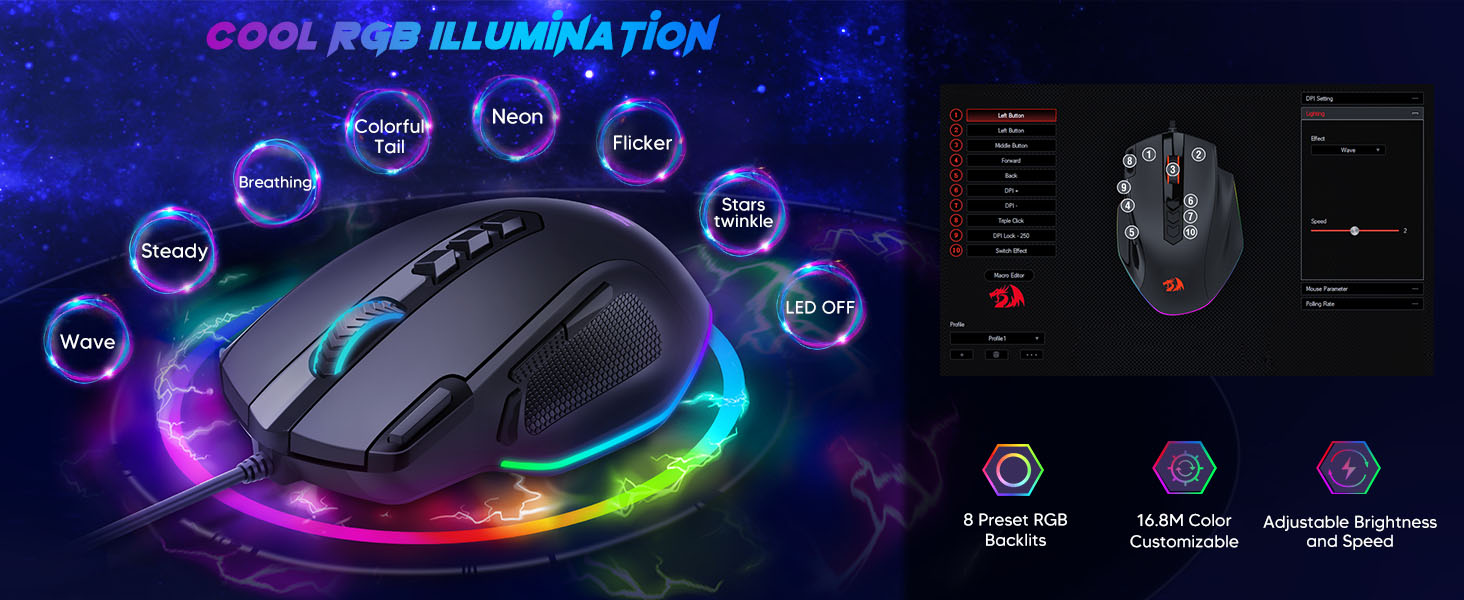
The mouse's fixed lighting modes include preset green and red colors. You can also customize the color to your preference using programming software.


How to download the software?
Download Steps
1. Visit the Redragon website,
2. Click the “Download” button, then enter the model number in the search box: M614
3. Find “M614” and click “Download” to jump to the driver download path.
Can I use this wired gaming mouse on Mac system?
Yes, you can. However, please note that the software is only compatible with Windows systems.
How do I change the mouse backlight color to a fixed color, such as green or red?
The mouse's fixed lighting modes include preset green and red colors. You can also customize the color to your preference using programming software.