here!
here!
I’m your shopping assistant for PC builds, upgrades, and everything tech.
Got questions? Ask away!
Start a conversation
here!
I’m your shopping assistant for PC builds, upgrades, and everything tech.
Got questions? Ask away!
Start a conversation








Any questions? Ask CelesteSM will help you find out quickly.
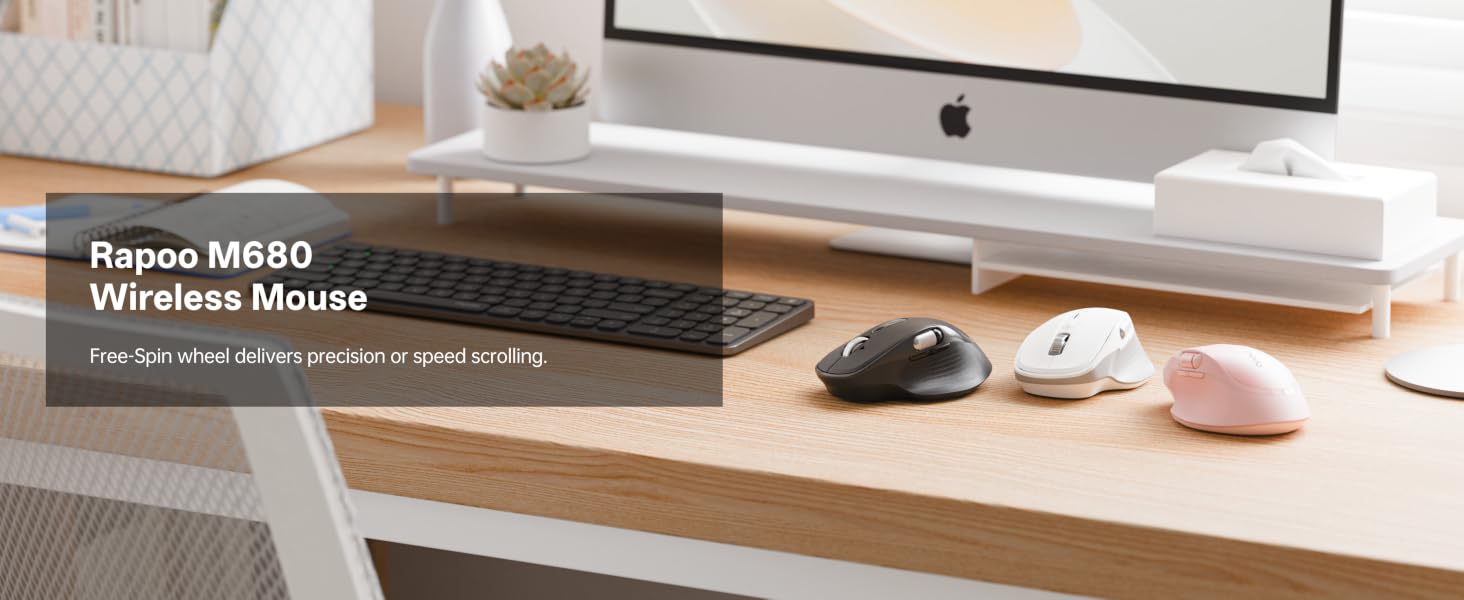
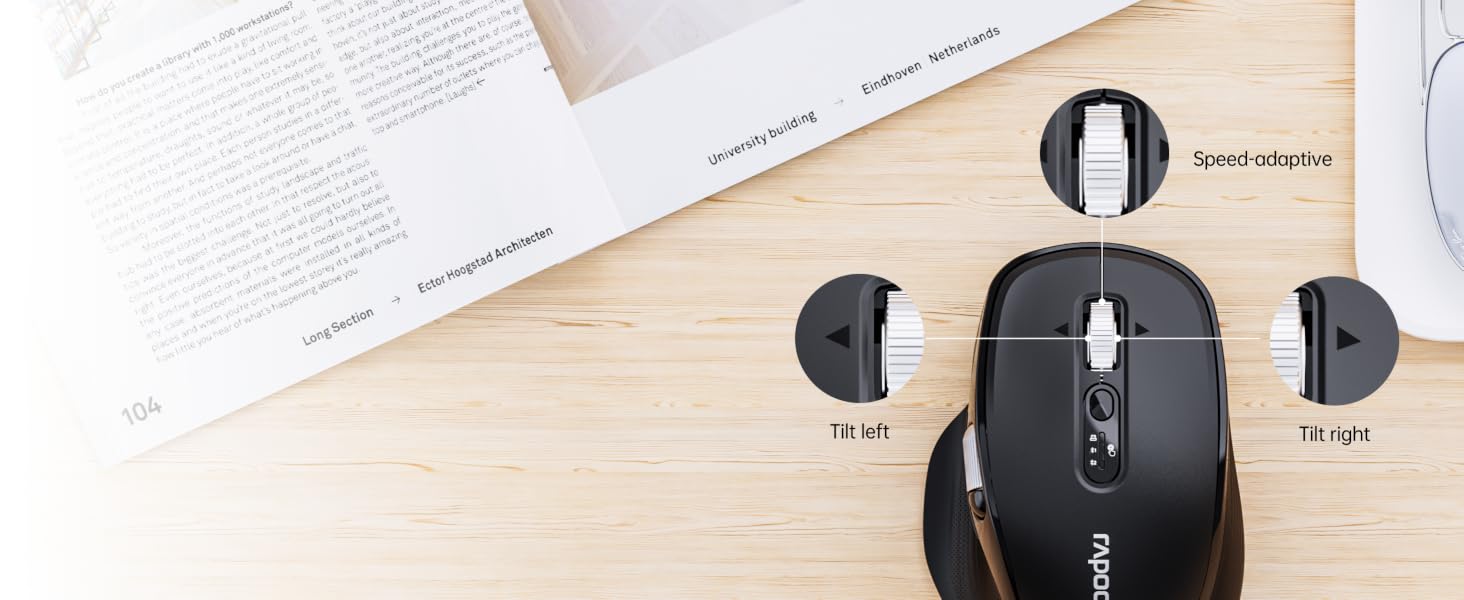
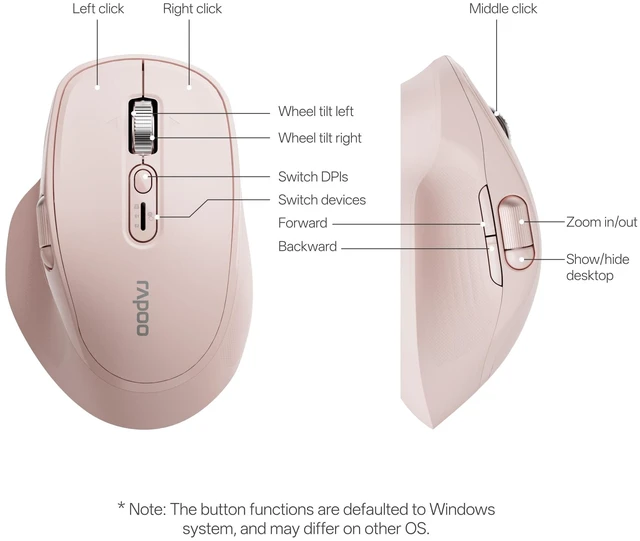
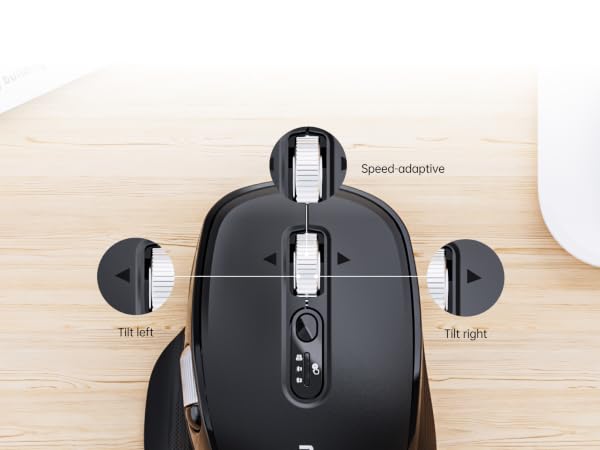
Automatically switch modes, delivering line-by-line precision and free-spin fast scrolling.
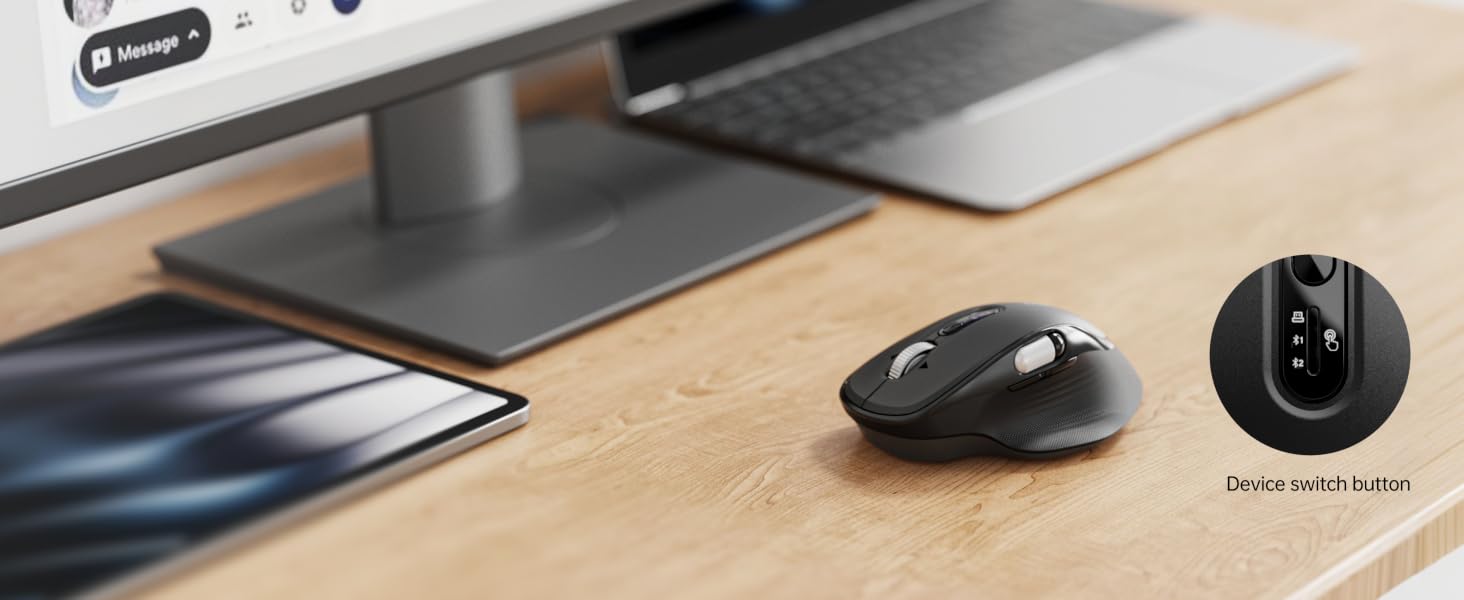
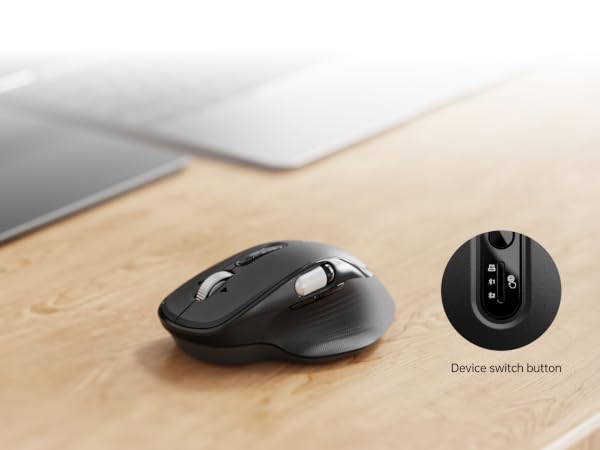
Connect up to 3 devices (2*BT + 1*2.4G) and switch between them with the flick of your finger.
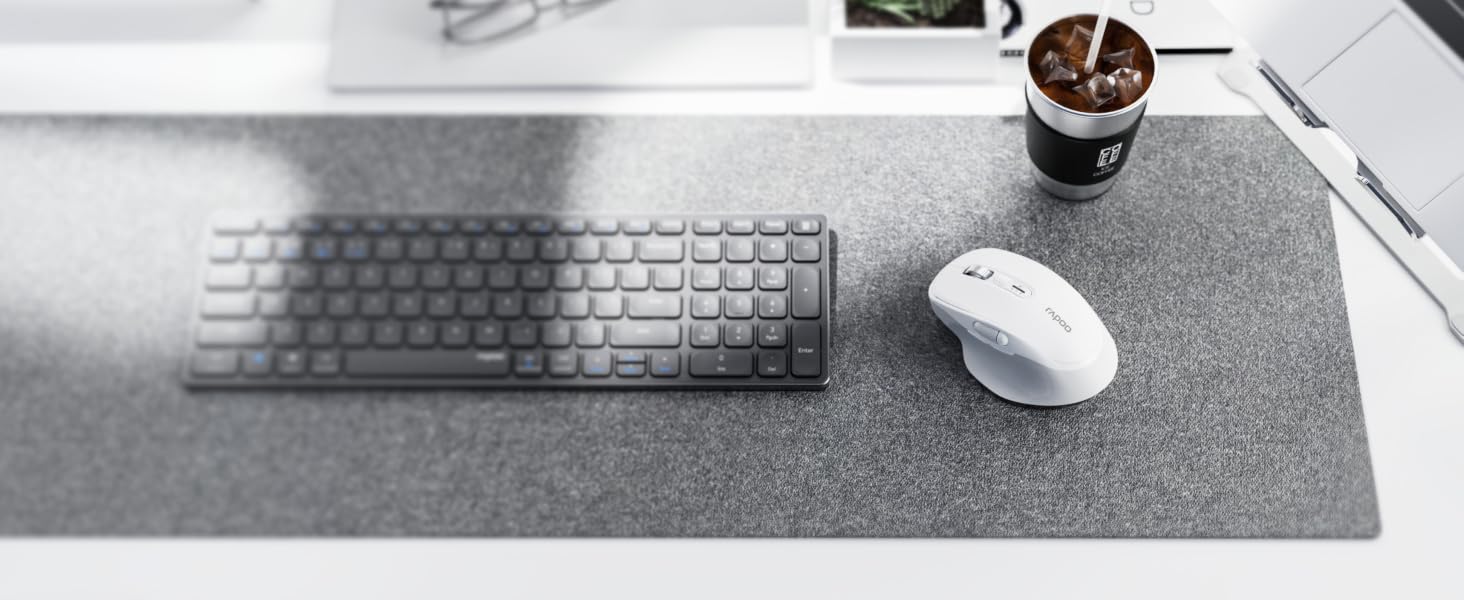
Enjoy 90% less clicking noise and long hours of comfort, whether working at the office or at home.
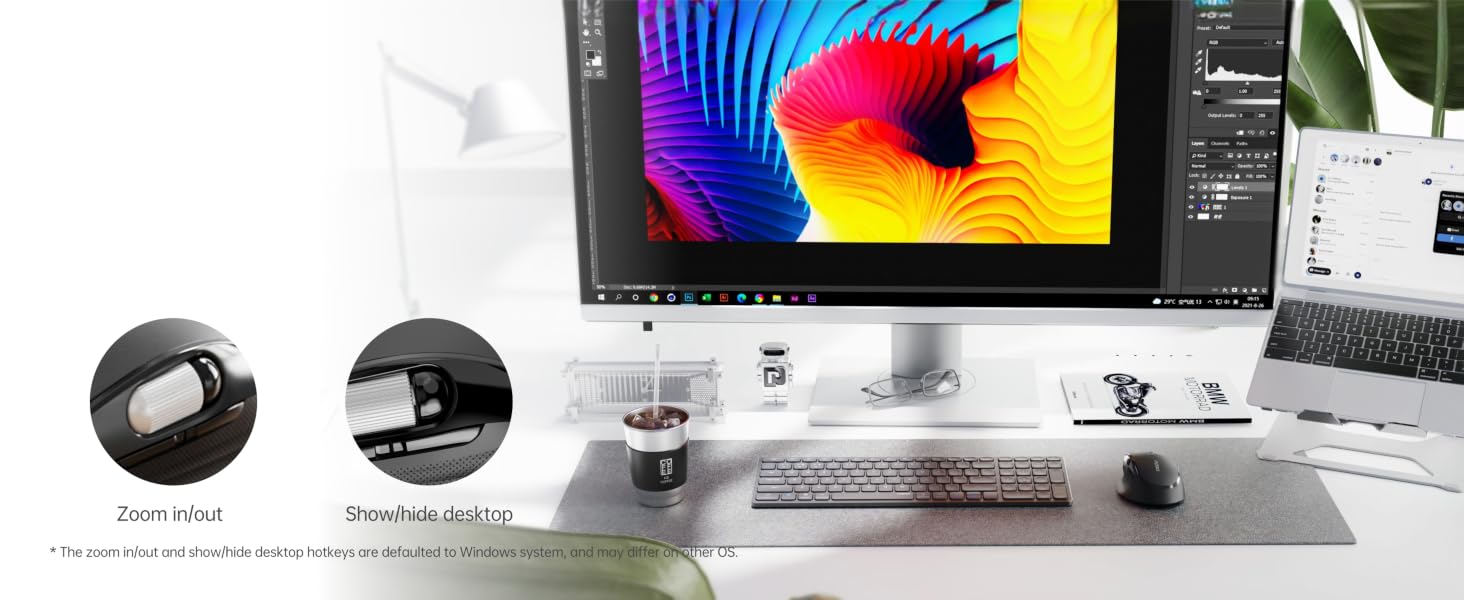
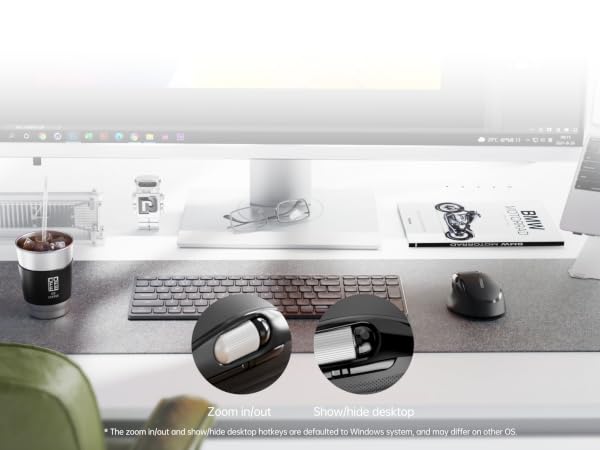
Pre-set zoom in/out hotkeys for CAD and graphics editors - in case app installation is prohibited.
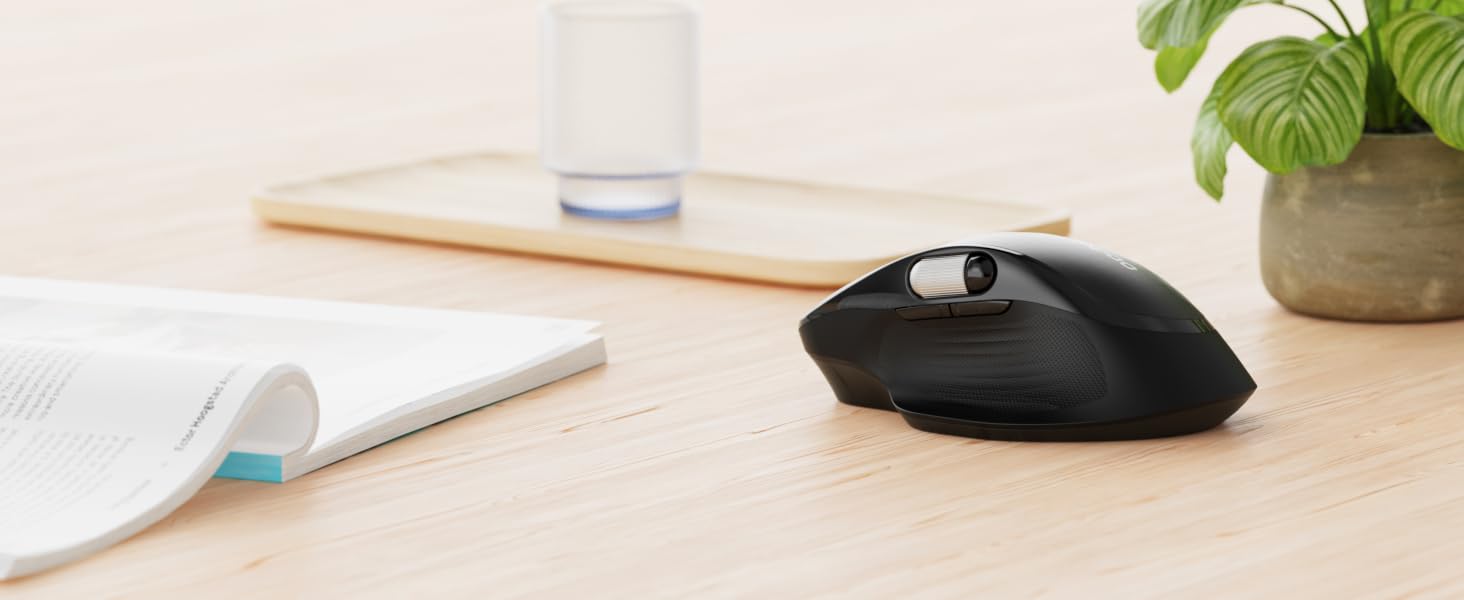
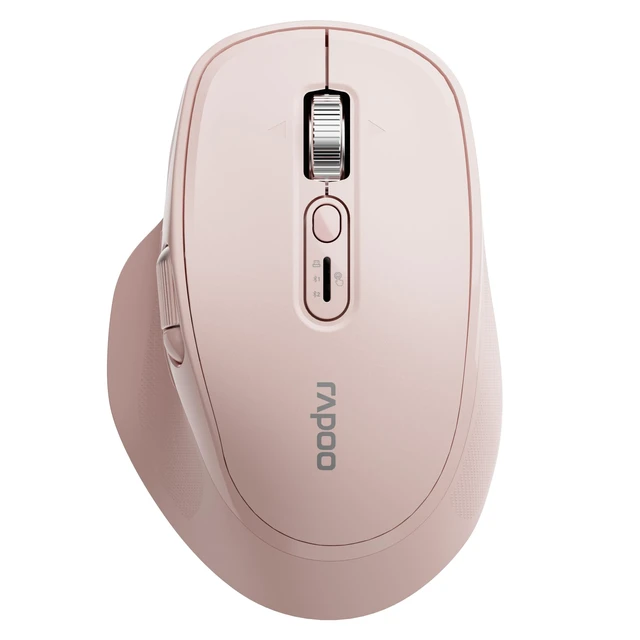
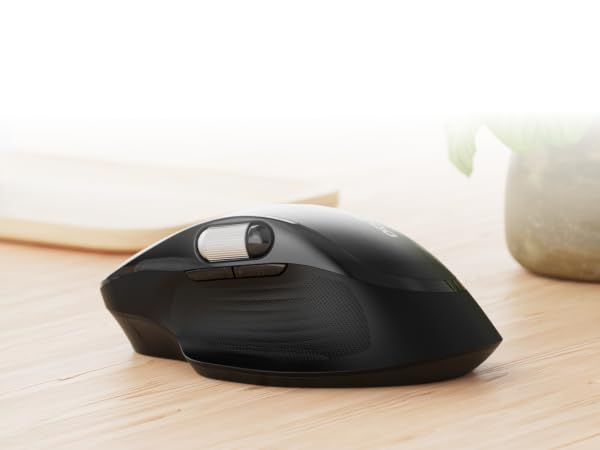
The sculpted, right-hand design fits naturally with your palm and provides long hours of comfort.
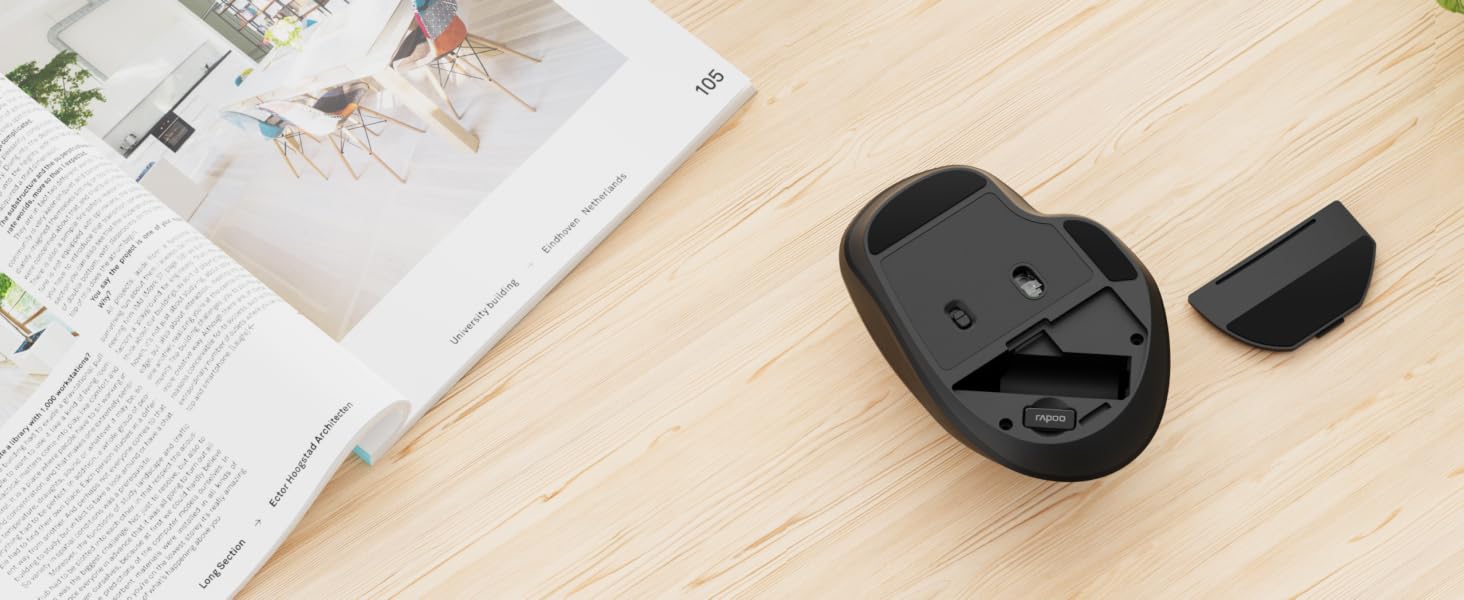
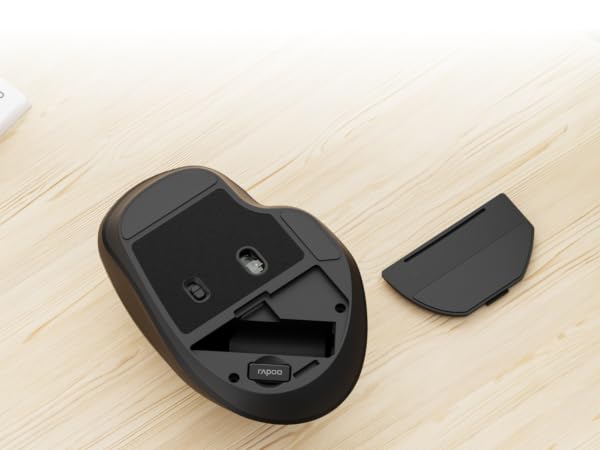
Lasts up to 2 years on 1*AA battery (included in the box, battery life may vary on user conditions).
Is the M680 programmable?
It's basically driver-free, with pre-set zoom in/out and show/hide desktop hotkeys for Windows - in case computer is not allowed to install external app. But users can use third-party tools like X-Mouse Button Control to remap the mouse buttons.
Does it have on-board memory?
No, please be noted that all your settings via third-party tools won’t be stored in the mouse. We recommend choosing MT750 Plus or MT760 series if you need more advanced features.
My computer can’t find the mouse in Bluetooth mode, how to fix this connection issue?
Sometimes, the computer's Bluetooth enumerator may fail to list all the devices when there are too many Bluetooth devices nearby. Please turn off other Bluetooth devices, or find a place with fewer Bluetooth devices to complete the connection.
Why does the mouse disconnect after my computer enters sleep or hibernate mode?
Please take these settings: Enable [Allow this device to wake the computer] and disable [Allow the computer to turn off this device to save power] (for Windows). Or enable [Allow accessories to connect - Always allow] (for Mac OS).
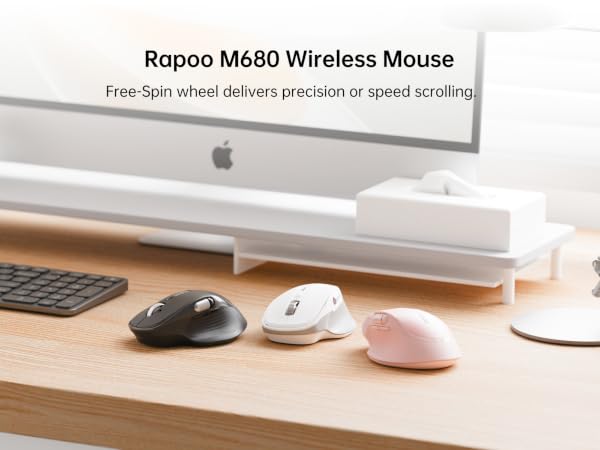
Automatically switch modes, delivering line-by-line precision and free-spin fast scrolling.
Connect up to 3 devices (2*BT + 1*2.4G) and switch between them with the flick of your finger.
Enjoy 90% less clicking noise and long hours of comfort, whether working at the office or at home.
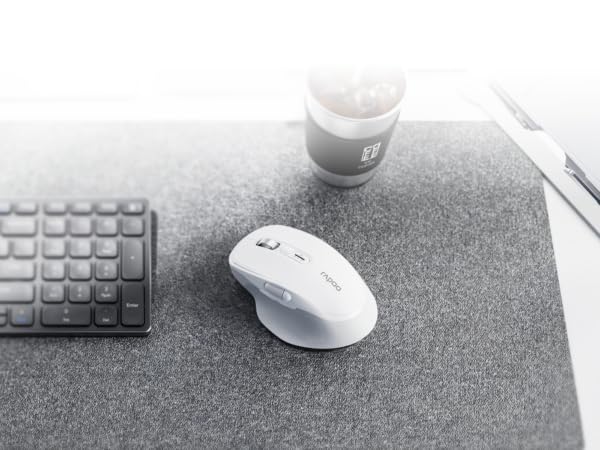
Pre-set zoom in/out hotkeys for CAD and graphics editors - in case app installation is prohibited.
The sculpted, right-hand design fits naturally with your palm and provides long hours of comfort.
Lasts up to 2 years on 1*AA battery (included in the box, battery life may vary on user conditions).
Is the M680 programmable?
It's basically driver-free, with pre-set zoom in/out and show/hide desktop hotkeys for Windows - in case computer is not allowed to install external app. But users can use third-party tools like X-Mouse Button Control to remap the mouse buttons.
Does it have on-board memory?
No, please be noted that all your settings via third-party tools won’t be stored in the mouse. We recommend choosing MT750 Plus or MT760 series if you need more advanced features.
My computer can’t find the mouse in Bluetooth mode, how to fix this connection issue?
Sometimes, the computer's Bluetooth enumerator may fail to list all the devices when there are too many Bluetooth devices nearby. Please turn off other Bluetooth devices, or find a place with fewer Bluetooth devices to complete the connection.
Why does the mouse disconnect after my computer enters sleep or hibernate mode?
Please take these settings: Enable [Allow this device to wake the computer] and disable [Allow the computer to turn off this device to save power] (for Windows). Or enable [Allow accessories to connect - Always allow] (for Mac OS).