




 here!
I’m your shopping assistant for PC builds, upgrades, and everything tech.
Got questions? Ask away!
Start a conversation
here!
I’m your shopping assistant for PC builds, upgrades, and everything tech.
Got questions? Ask away!
Start a conversation



Any questions? Ask CelesteSM will help you find out quickly.

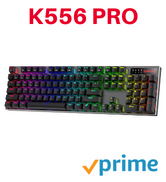
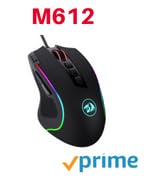
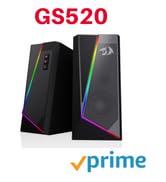
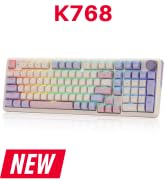
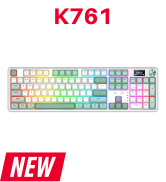
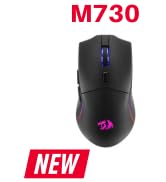
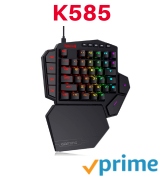
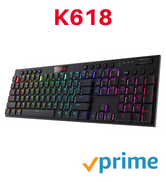
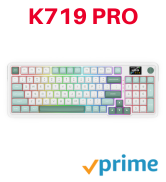
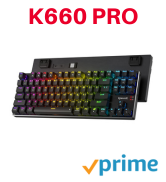
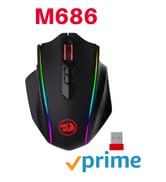






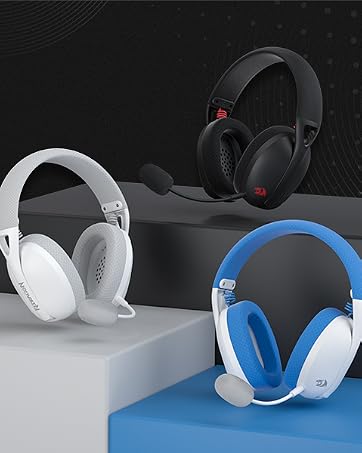
Weighs only 178g (6.2 oz)
Comfortable to wear all day long!
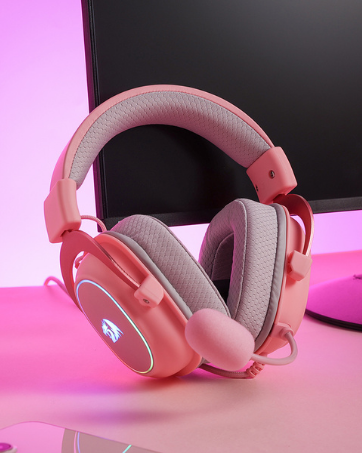
Pink! Yes, that is PINK available now, cute & hot.
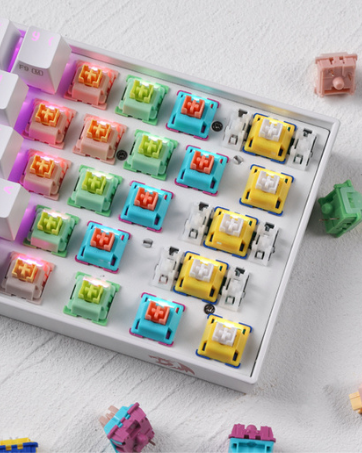
6 Types Available for Any Keyboard Moding
Tactile, Linear, Silent, We Got What You Want
Troubleshooting Steps for wireless connectivity issues:
1. Turn on the button on the bottom of your mouse.
2. Make sure the mouse battery is full.
3. Connect the mouse to your device in one of the following ways:
-Take out the battery of your mouse, insert it again, and plug in the USB receiver repeatedly to establish a connection.
-Press the middle button (scroll wheel) and click the right mouse button at the same time, then connect the USB receiver.
4. You can also try another USB port or computer to see if the same problem exists.
Note: Wireless disconnection issues may also be caused by interference from nearby electronic devices, such as WiFi router, a wireless keyboard, or metal surfaces. Please use the mouse in an open area to check again.


NOTE:
1. The Back and Forward Buttons are not available for Mac OS because the system itself is a closed one, not open to the public, but the other function can be used normally.
2. No any software is required.
Package Included:
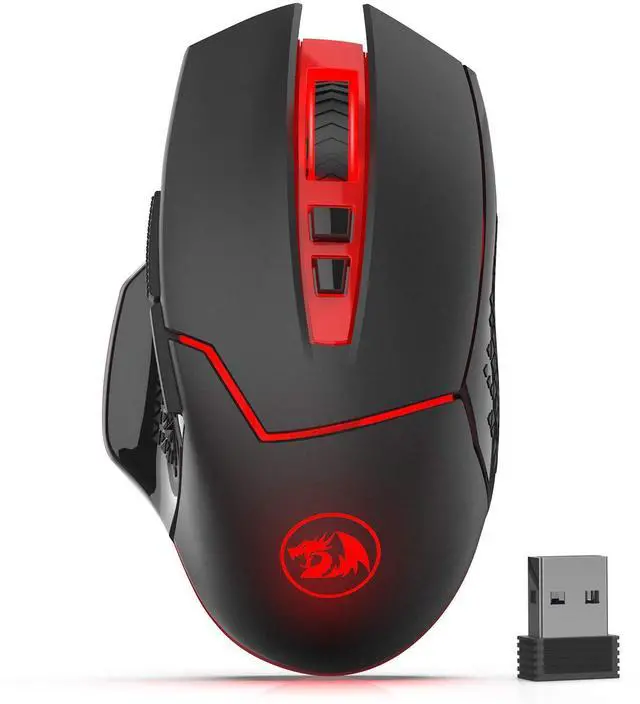
1 X Wireless Mouse (Battery is not included)
1 X USB Receiver
1 X User Manual
 M690-1 |  M686 |  M652 |  M913 |  M991 | |
|---|---|---|---|---|---|
| Customer Reviews | — | — | — | — | — |
| Price | — | — | — no data | — | — |
| Mode | Wireless | Wireless/Wired | Wireless | Wireless/Wired | 2.4G Wireless/Wired |
| DPI | 800-2,400 | 100-16,000 | 800-2,400 | 100-16,000 | 100-19,000 |
| Side Buttons | 3 | 3 | 2 | 12 | 2 |
| Backlit | Red | RGB | Red | RGB | RGB |
| Rechargeable | / | ? | / | ? | ? |
| Software | / | ? | / | ? | ? |
| Programmable | / | ? | / | ? | ? |
Troubleshooting Steps for wireless connectivity issues:
1. Turn on the button on the bottom of your mouse.
2. Make sure the mouse battery is full.
3. Connect the mouse to your device in one of the following ways:
-Take out the battery of your mouse, insert it again, and plug in the USB receiver repeatedly to establish a connection.
-Press the middle button (scroll wheel) and click the right mouse button at the same time, then connect the USB receiver.
4. You can also try another USB port or computer to see if the same problem exists.
Note: Wireless disconnection issues may also be caused by interference from nearby electronic devices, such as WiFi router, a wireless keyboard, or metal surfaces. Please use the mouse in an open area to check again.
NOTE:
1. The Back and Forward Buttons are not available for Mac OS because the system itself is a closed one, not open to the public, but the other function can be used normally.
2. No any software is required.
Package Included:
1 X Wireless Mouse (Battery is not included)
1 X USB Receiver
1 X User Manual
M690-1 | M686 | M652 | M913 | M991 | |
|---|---|---|---|---|---|
| Customer Reviews | — | — | — | — | — |
| Price | — | — | — no data | — | — |
| Mode | Wireless | Wireless/Wired | Wireless | Wireless/Wired | 2.4G Wireless/Wired |
| DPI | 800-2,400 | 100-16,000 | 800-2,400 | 100-16,000 | 100-19,000 |
| Side Buttons | 3 | 3 | 2 | 12 | 2 |
| Backlit | Red | RGB | Red | RGB | RGB |
| Rechargeable | / | ? | / | ? | ? |
| Software | / | ? | / | ? | ? |
| Programmable | / | ? | / | ? | ? |
Weighs only 178g (6.2 oz)
Comfortable to wear all day long!
Pink! Yes, that is PINK available now, cute & hot.
6 Types Available for Any Keyboard Moding
Tactile, Linear, Silent, We Got What You Want
Features:
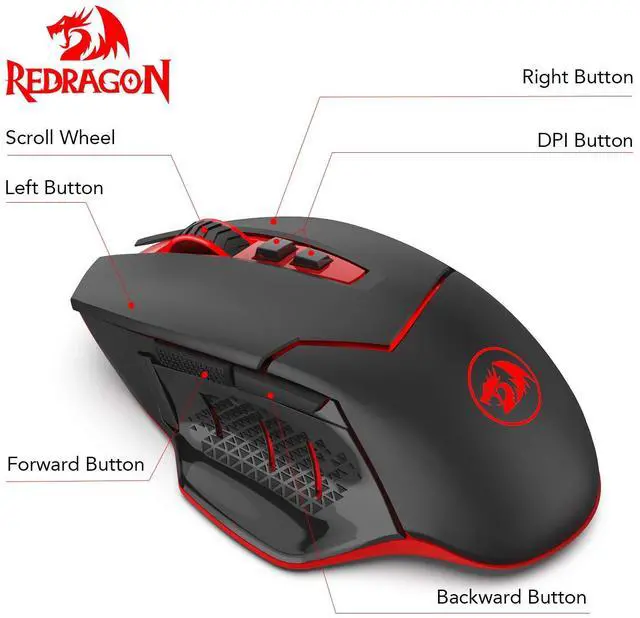
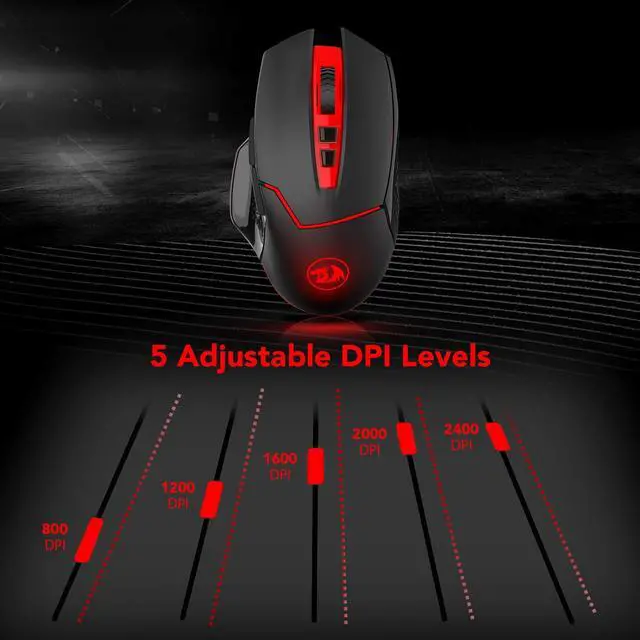
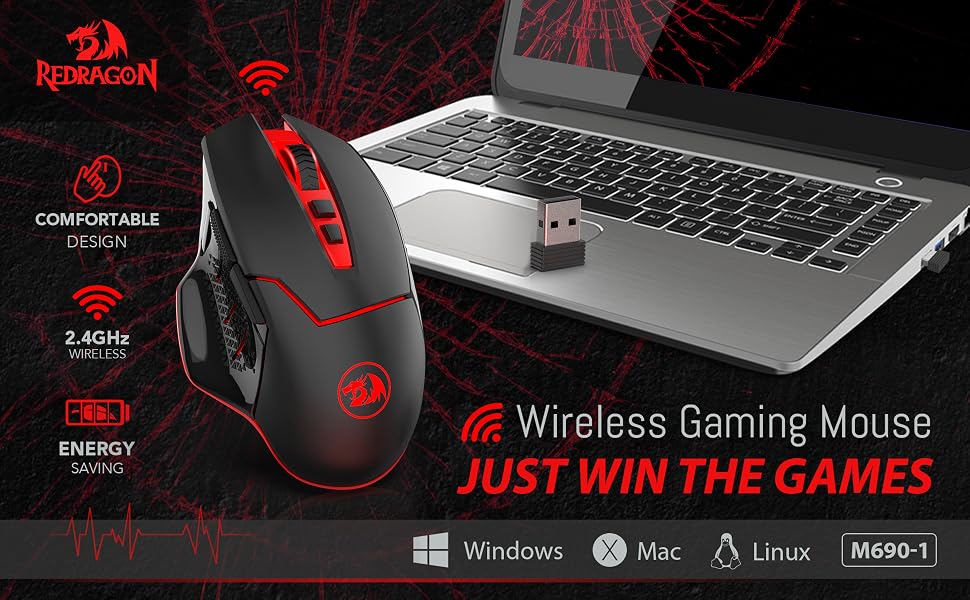
5 adjustable DPI levels (800,1200,1600,2000,2400) and 8 Buttons: Left&Right, Scroll Wheel, Forward&Backward, DPI+, DPI-, Rapid fire button (Defaulted to three rapid clicks of the left mouse button).
Power Saving Mode and Power Switch off.
If mouse stays out of work for 8 minutes, it will turn to power saving mode, press any button to restart it.
If you turn off PC or take out Nano receiver from the USB port, press any button or move the mouse to enter the power saving mode.
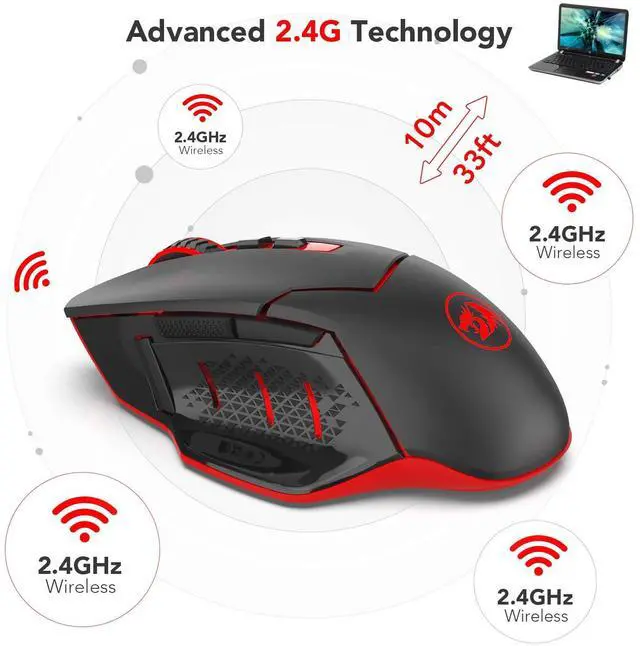
2.4 G Wireless Transmission Technology: Enjoy the faster and stable data transmission.
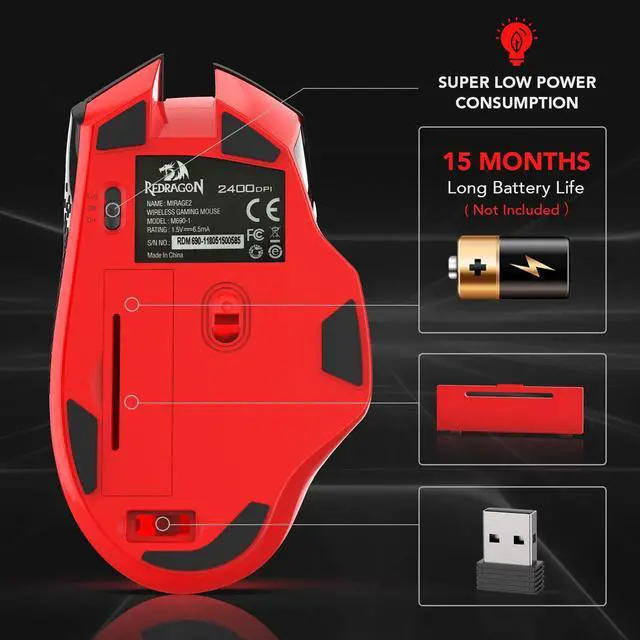
Compact Receiver: The wireless tiny receiver can be inserted into the slot next to the battery slot, allowing ease of storage when not used.
Wide Compatibility: Compatible with the most system including Windows, Mac and Linux.
How to set DPI:
There are 5 levels of DPIswitch by DPI+ and DPI-
Press DPI button, if the red indicator light flashes once, its DPI is 800
Press DPI button, if the red indicator light flashes twice, its DPI is 1200
Press DPI button, if the red indicator light flashes three times, its DPI is 1600
Press DPI button, if the red indicator light flashes four times, its DPI is 2000
Press DPI button, if the red indicator light flashes five times, its DPI is 2400
(The default DPI is 1200)
Specification:
Color: Black
Weight: 82g
Polling Rate: 125/250 HZ
Number of the Key: 8 Buttons
DPI: 800-1200-1600-2000-2400
Power Source: 1*PCS AA Battery(Not included)
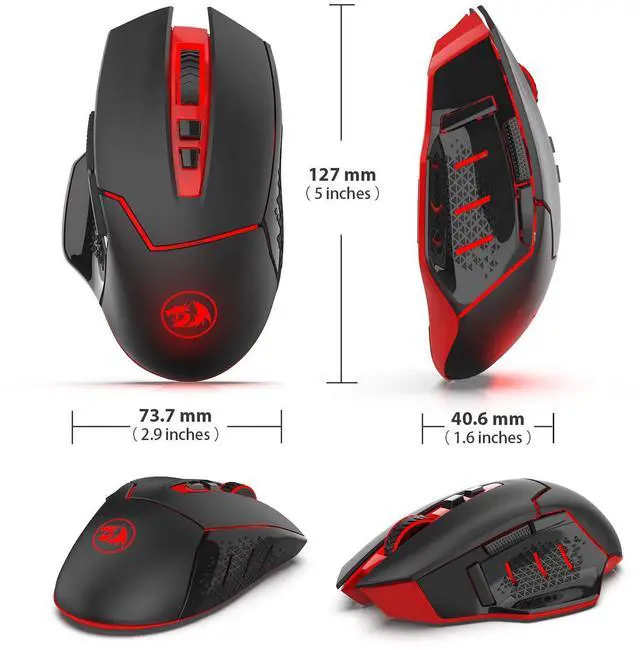
Mouse size: 5.0 x 2.9 x 1.6 inches
NOTE:
1. The Back and Forward Buttons are not available for Mac OS because the system itself is a closed one, not open to the public, but the other function can be used normally.
2. No any software is required.
Package Included:
1 X Wireless Mouse (Battery is not included)
1 X USB Receiver
1 X User Manual


