here!
here!
I’m your shopping assistant for PC builds, upgrades, and everything tech.
Got questions? Ask away!
Start a conversation
here!
I’m your shopping assistant for PC builds, upgrades, and everything tech.
Got questions? Ask away!
Start a conversation





Any questions? Ask CelesteSM will help you find out quickly.
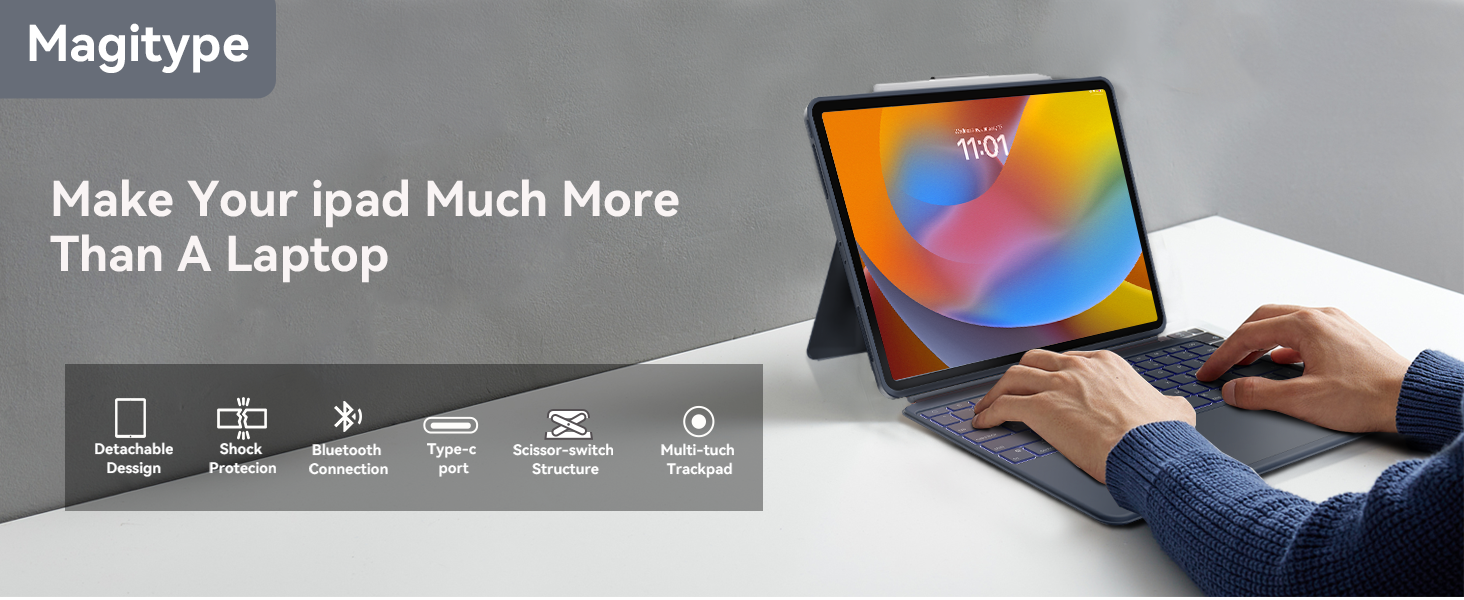

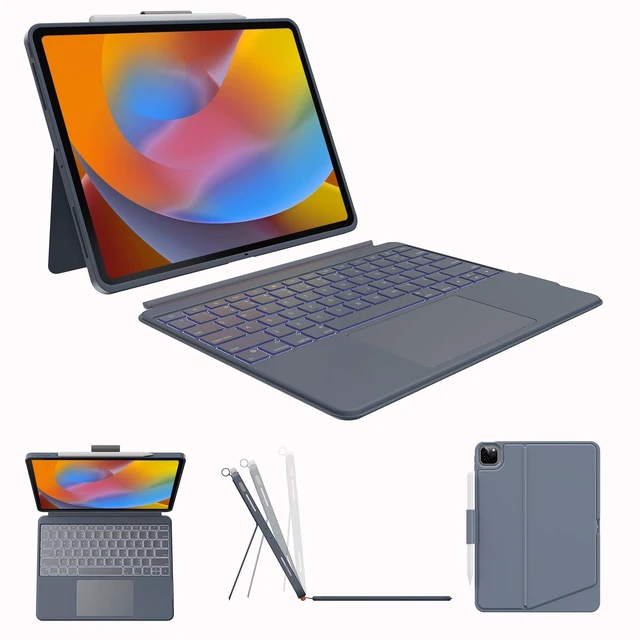
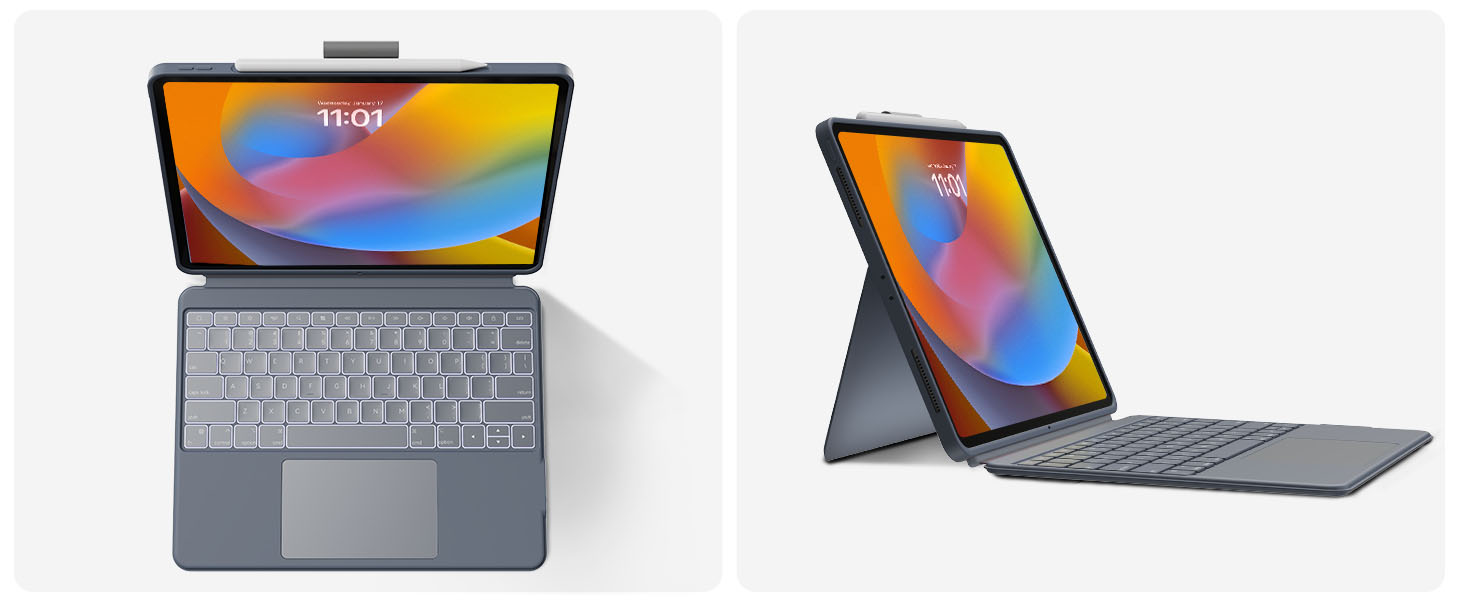
Dock the keyboard upright, pull out the kickstand, and you’re ready to type out notes, emails, etc

Fully extend the kickstand for the perfect angle to take handwritten notes and draw with Pencil

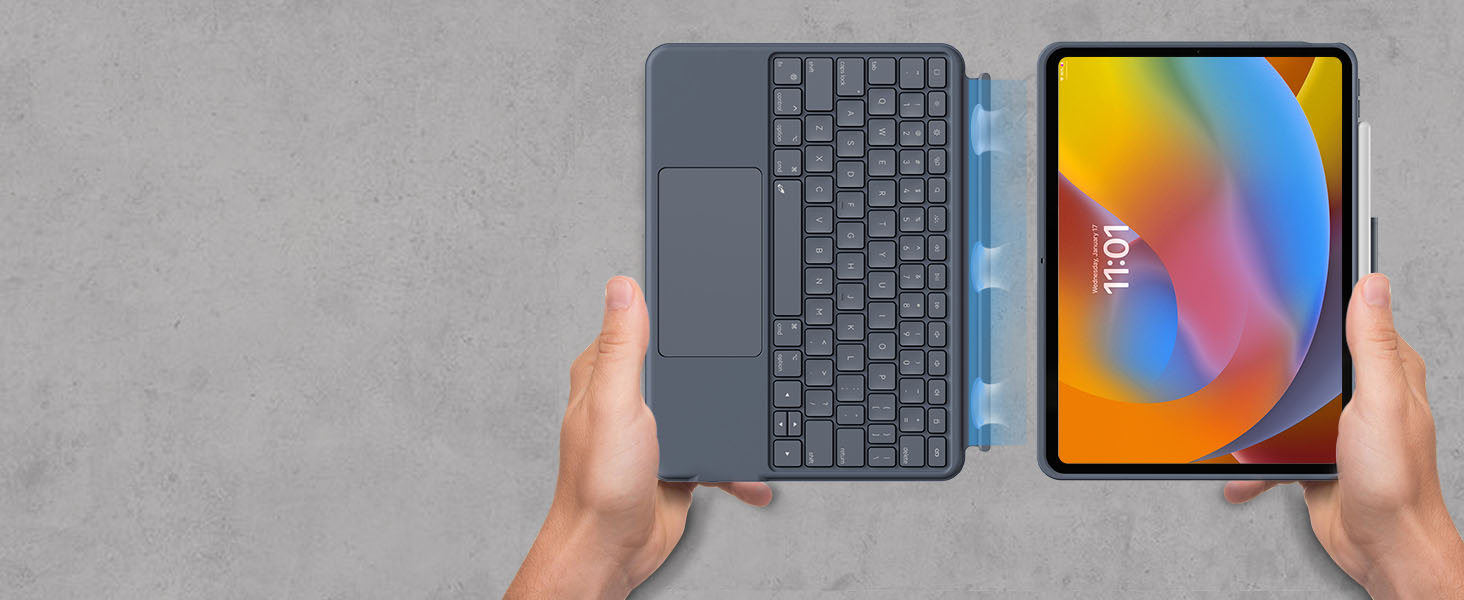
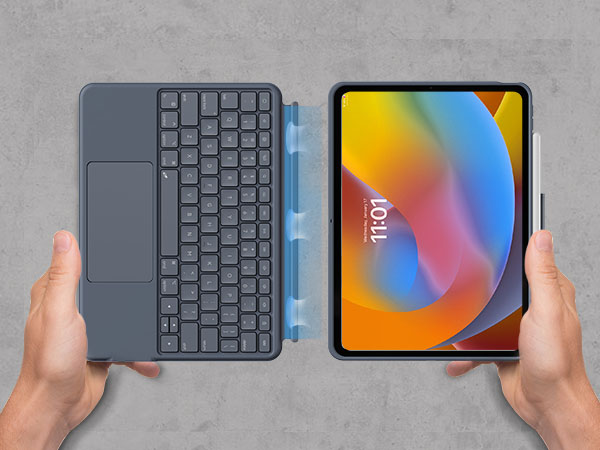
Detach the keyboard from the case and pull out the kickstand to watch movies and videos

Detach the keyboard and hold it in your hand to read books, articles, and more
How does this keyboard connect to ipad? Is this rechargeable?
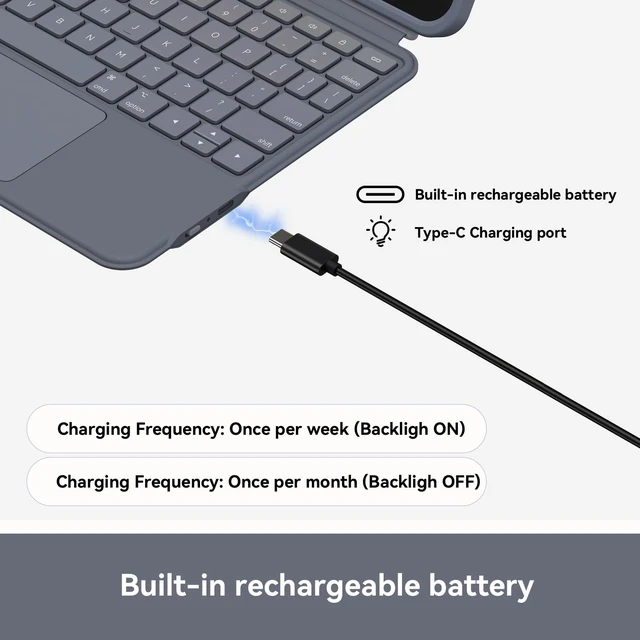
At the first time, you should pair the keyboard to ipad through bluetooth function. After that, it will automatically connect to each other. Yes, it has independent battery so that it would not use the battery of iPad.
How to set 'tap to click' function on this keyboard case?
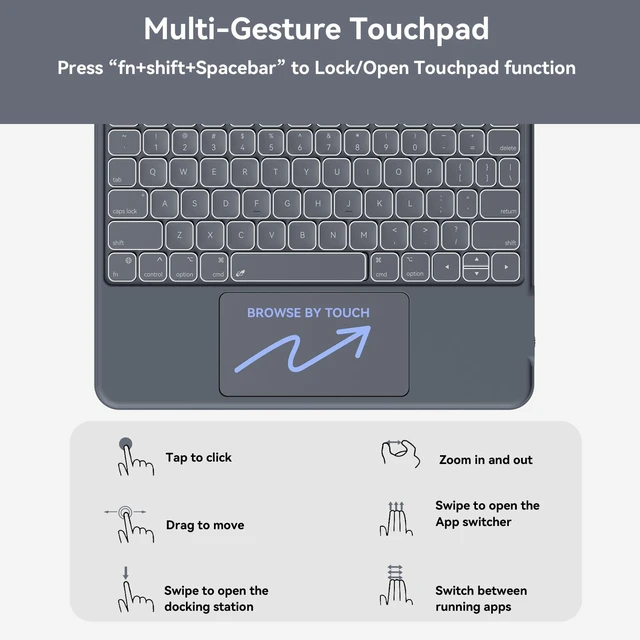
iPad Settings -> General -> Trackpad -> Tap to click.
Why is this trackpad a bit jerky? Not smooth?
Please update iPadOS in time for your iPad and clear Bluetooth pairing history. Then restart the iPad, and re-pair the device through bluetooth funciton of your iPad.
Can I turn off the touchscreen while I'm typing? To prevent accidental touching of the screen
Yes, you can press "fn" + "shift" + "spacebar" keys to turn on/off the touchpad function
Can I reset the keyboard?
Yes, you should press "fn"+"Shift"+"delete" keys to reset the keyboard.
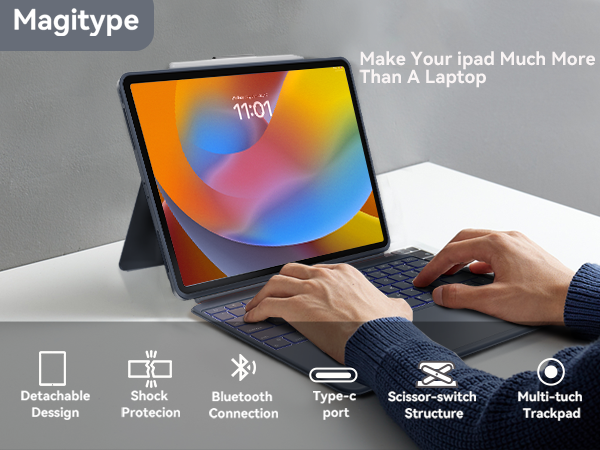
Dock the keyboard upright, pull out the kickstand, and you’re ready to type out notes, emails, etc
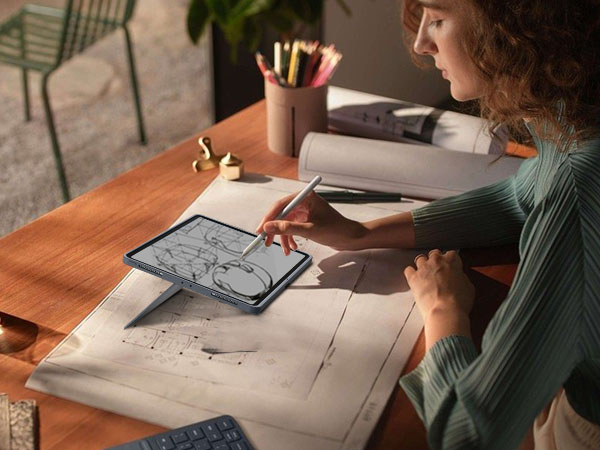
Fully extend the kickstand for the perfect angle to take handwritten notes and draw with Pencil
Detach the keyboard from the case and pull out the kickstand to watch movies and videos
Detach the keyboard and hold it in your hand to read books, articles, and more



Equipped with magnetic connector, you can switch between four modes as you wish
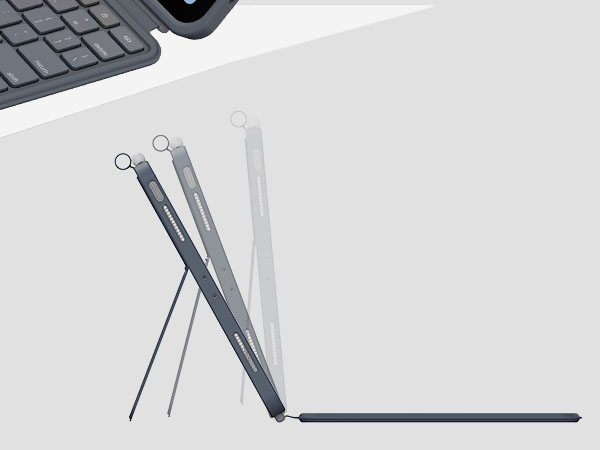
You can adjust the stand to find the ideal viewing angle (max. 155°)
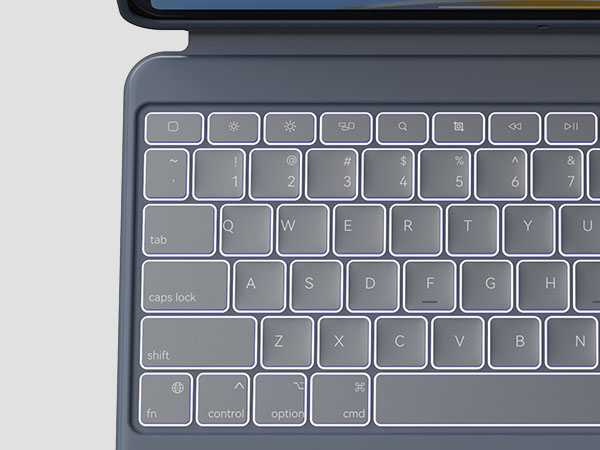
You can work anywhere even if in night
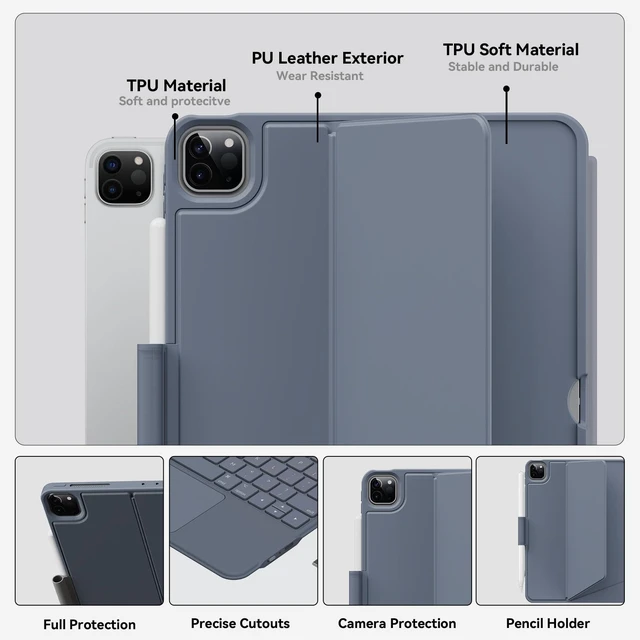
The lightweight and sleek materials have excellent abrasion resistance, easy to clean and maintain
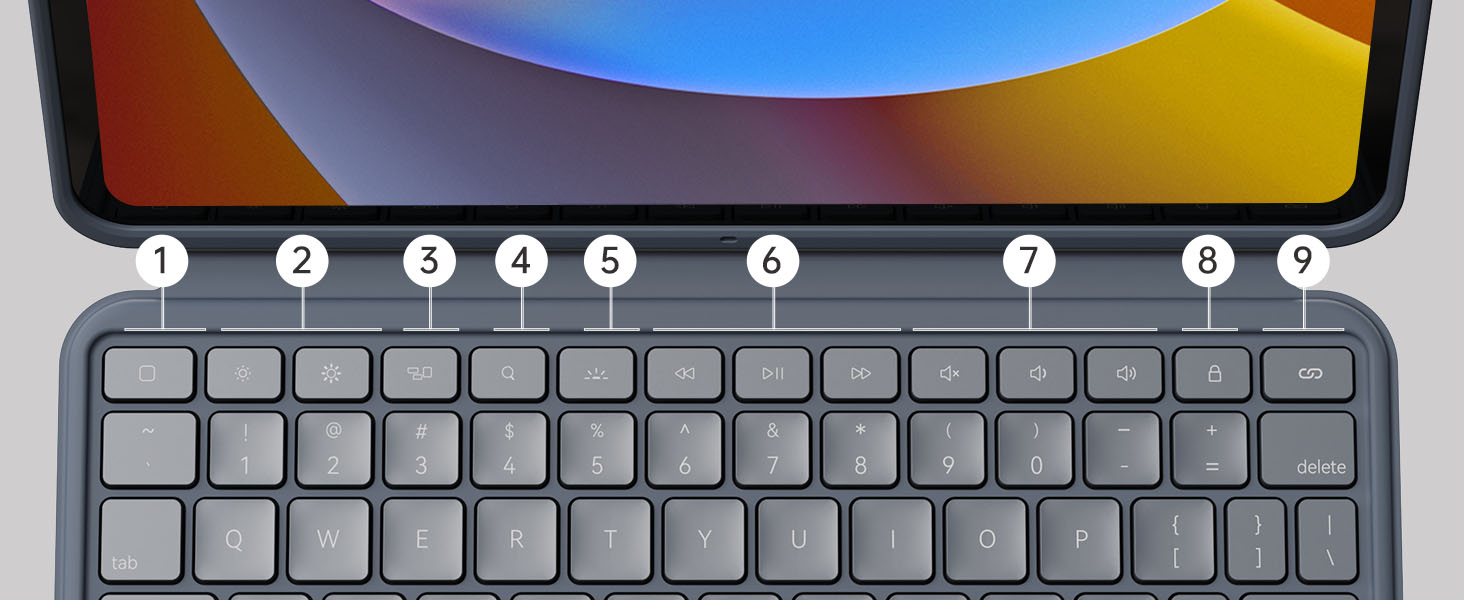
Easily access media controls, brightness levels, screenshots and more, combining with the "fn" key
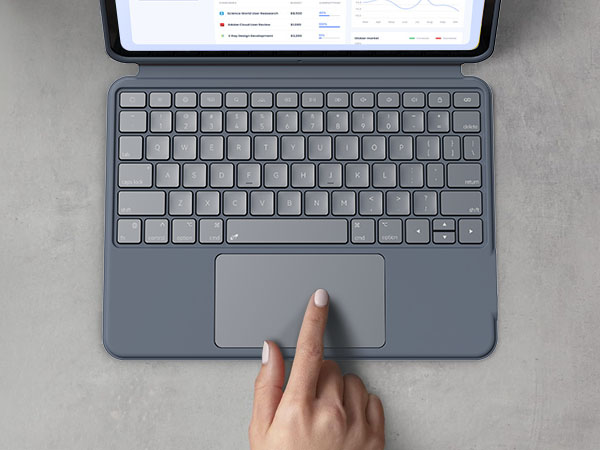
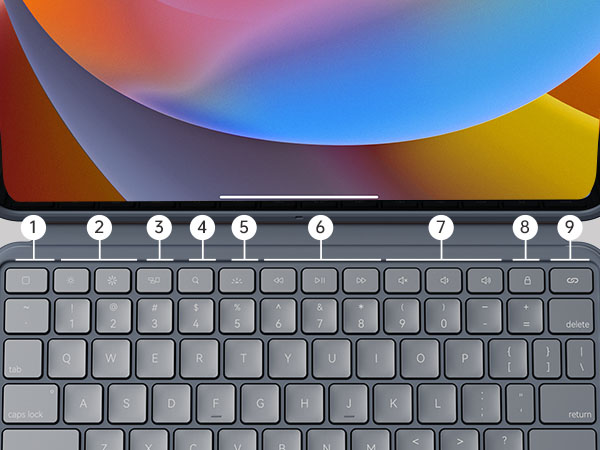
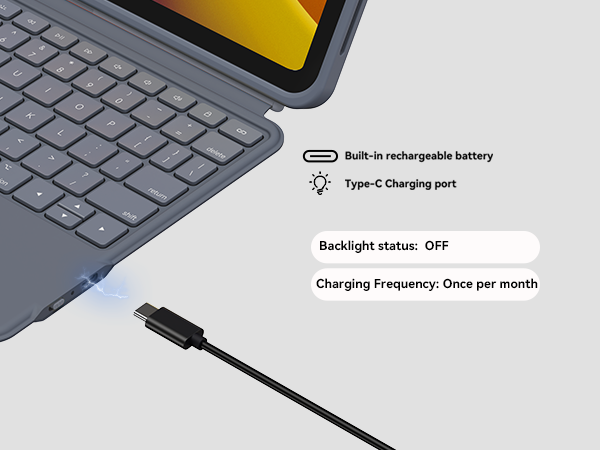
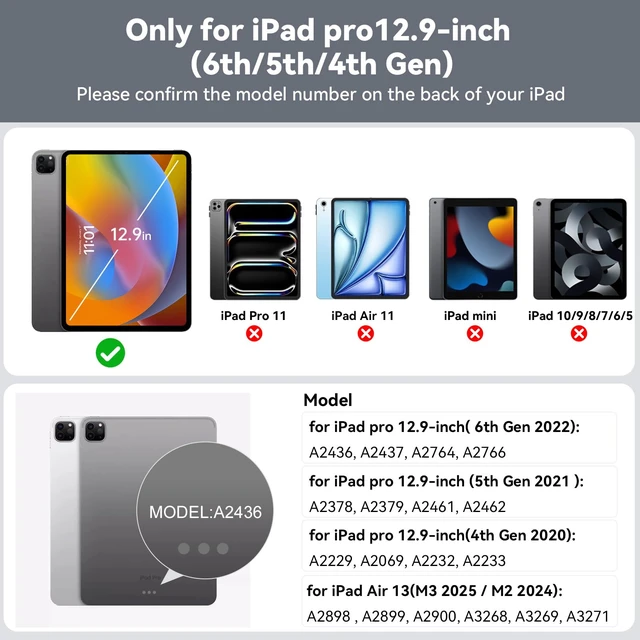
| Compatibility | Only for iPad Pro 12.9 inches 6th generation/ 5th generation/ 4th generation and 13 inch iPad Air 13 inch (M2,2024), Model number: A2436, A2437, A2764, A2766, A2378, A2379, A2461, A2462, A2229, A2069, A2232, A2233, A2898 , A2899, A2900 |
|---|---|
| Bluetooth Version | 5.0 |
| Number of Keys | 78 |
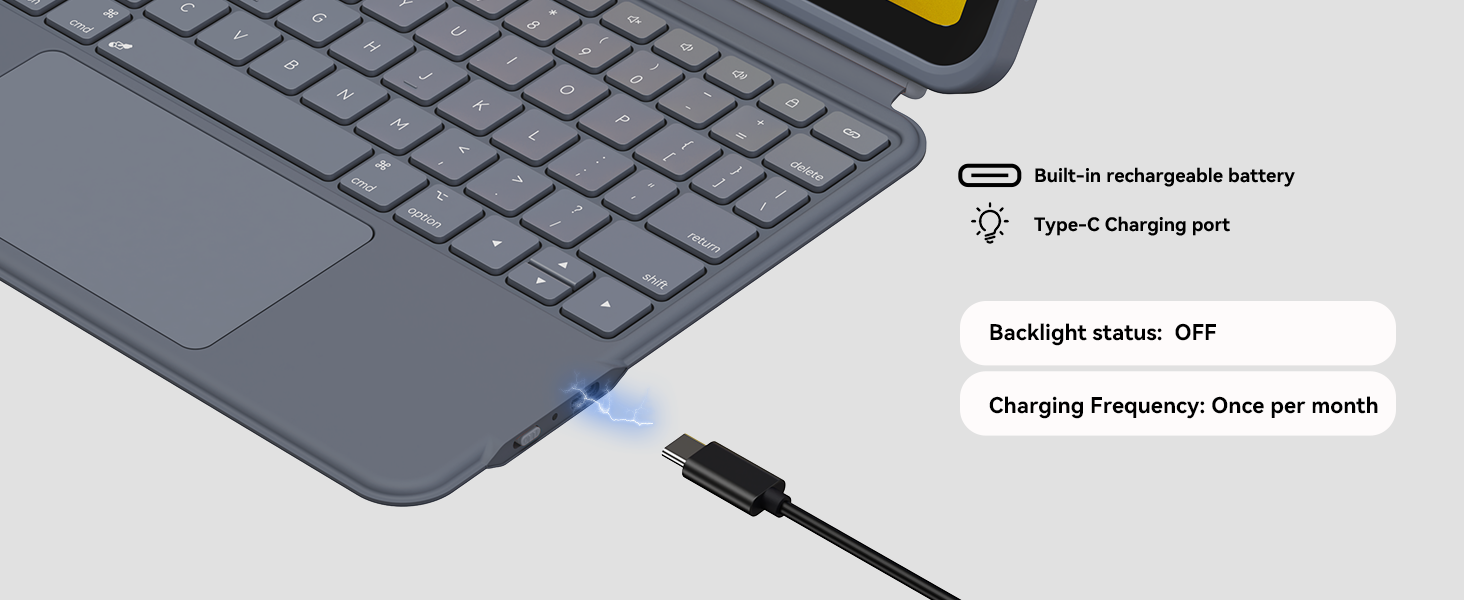
| Charging Port | USB C |
| Battery | 750mAh (it has independent battery so that it would not use the battery of iPad) |
| Charging Time | Less than 2.5 hours |
| White Backlight | Adjustable 3 brightness levels |
| Sleep Mode | 30 minutes of inactivity |
| Weight | keyboard case weighs 1.77 pounds (The 12.9-inch iPad Pro weighs about 1.5 pounds, so the total weight is 3.27 pounds.) |
| Not suitable for model | iPad Pro 12.9 1st generation/ 2nd generation/ 3rd generation, iPad Air 13 inch M3, iPad Pro 13 inch M4. |
How does this keyboard connect to ipad? Is this rechargeable?
At the first time, you should pair the keyboard to ipad through bluetooth function. After that, it will automatically connect to each other. Yes, it has independent battery so that it would not use the battery of iPad.
How to set 'tap to click' function on this keyboard case?
iPad Settings -> General -> Trackpad -> Tap to click.
Why is this trackpad a bit jerky? Not smooth?
Please update iPadOS in time for your iPad and clear Bluetooth pairing history. Then restart the iPad, and re-pair the device through bluetooth funciton of your iPad.
Can I turn off the touchscreen while I'm typing? To prevent accidental touching of the screen
Yes, you can press "fn" + "shift" + "spacebar" keys to turn on/off the touchpad function
Can I reset the keyboard?
Yes, you should press "fn"+"Shift"+"delete" keys to reset the keyboard.
Case with Keyboard for iPad Pro 12.9-inch (6th, 5th, 4th Gen), iPad Air 13(M3 2025 / M2 2024): Bluetooth Wireless Detachable Magnetic Stand Rechargeable Keyboard with Removable Cover/ Trackpad(Grey)