




shipping Holiday Shipping Details & Extended Holiday Returns
Out of stock
This item is currently out of stock and it may or may not be restocked.
Most customers receive within 5-7 days.
Add to wish list(Found on 1 wish list)
NAS Builder
Shop it at NeweggBusiness.

Meet Your Seller

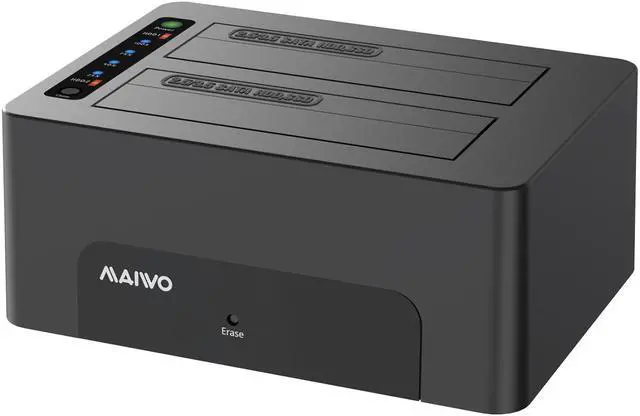
MAIWO K3082CE Dual Bay USB 3.0 to SATA I/II/III Dual Bay External Hard Drive Docking Station Clone Erase Dock for 2.5 or 3.5in HDD, SSD with Hard Drive Duplicator/Cloner/Eraser Function

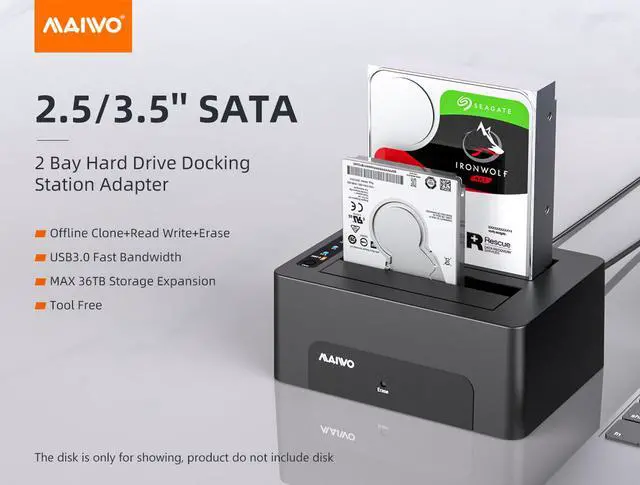
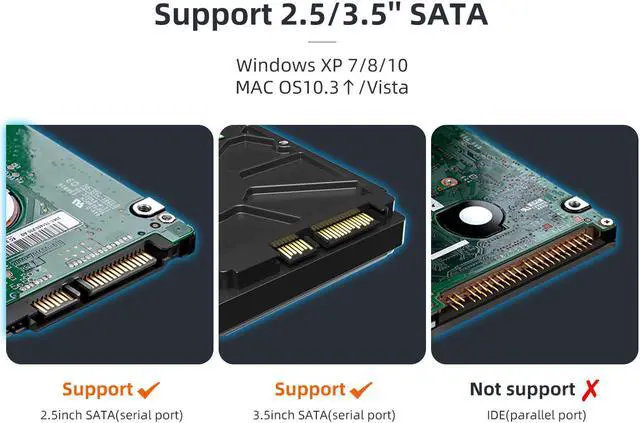
  • Dual Bay HHD docking station supports standard desktop 2.5"/3.5" SATA Hard Drives or SSD and UASP protocol
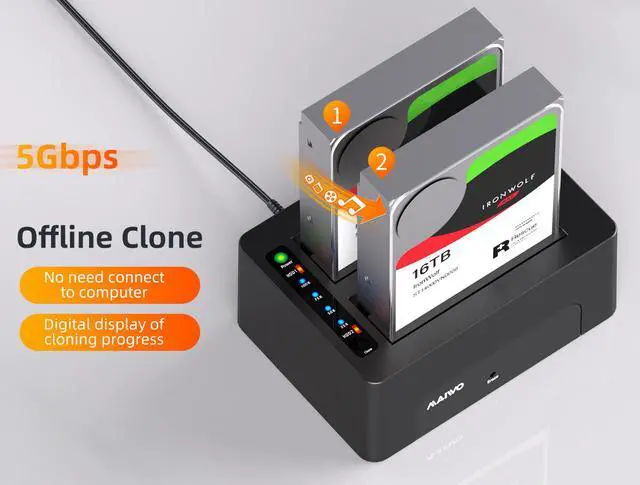
  • Support offline clone function,backup master HDD to secondly HDD automatic, no drivers needed, easy installation
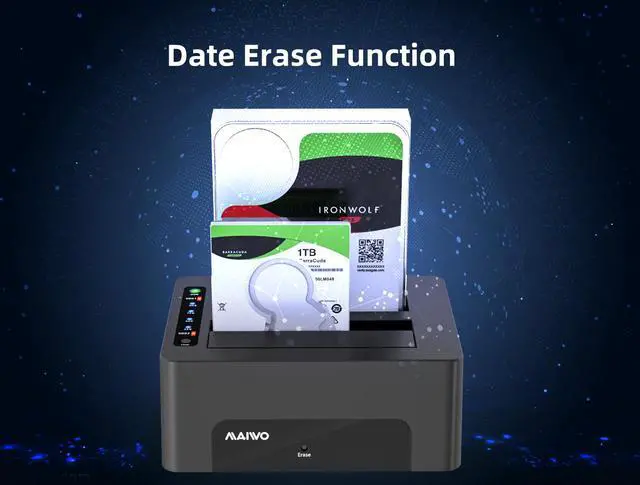
  • Support offline data erasure function,able to erase 2 HDDs simultaneously without PC
  • Supports hard drives up to 18TB per disk,total 36TB large storage,the target disk must be larger/equal than the source disk
  • 25%-50%-75%-100% LED light indicator(blue light flashing) for clone progress, after completed all the lights off
  • Wide Compatibility:compatible with Windows 98/Me/2000/XP/Vista/7/8/10, Mac OS X 10.4 or above and Linux, work with PC/TV/Wireless Router
Overview
Specs
Reviews
avatar

Any questions? Our AI beta will help you find out quickly.

USB 3.0 to SATA I/II/III 2 Bay External Hard Drive Docking Station
MAIWO USB SATA 2.5 & 3.5 Inch Dual Bay Docking Station

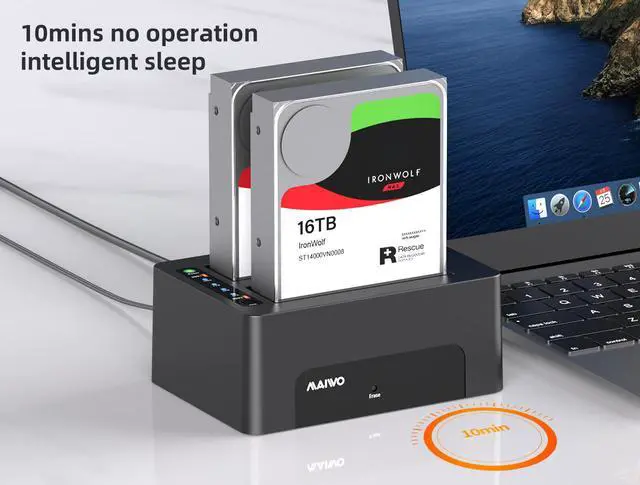
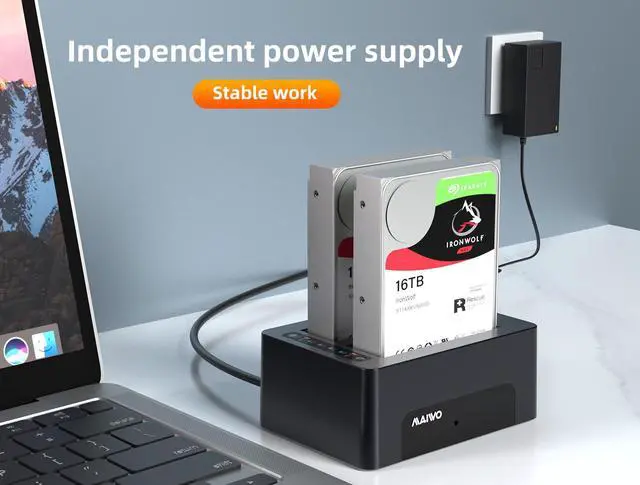
The Maiwo SATA Hard Drive Docking Station enables you to access desktop or laptop hard drives, without the frustration of assembling hard drive enclosures. By inserting a 2.5"/3.5" SATA hard drive directly into this docking station, you can quickly access drive contents and transfer files. Plus you can swap out hard drives effortlessly with plug and play mounting. Transfer data quickly and easily through USB 3.0 at speeds up to 5Gbps.Supports offline disk data erasure.


USB 3.0 to SATA I/II/III 2 Bay External Hard Drive Docking Station
Offline clone and offline data erase functions
USB 3.0 to SATA I/II/III 2 Bay External Hard Drive Docking Station
How To Use Hard Drive Offline Clone Function

Before cloning, pleae make sure that the USB cable is disconnected from your computer and the capacity of target HDD is larger than the source HDD.

  1. Insert Source Disk into hard drive HDD 1, then insert Target Disk into hard drive HDD 
  2. Connect power supply and switch on power.
  3. Press twice the CLONE button, release when you see a Blue LED.
  4. The Blue LED will flash on 25% indicating that the cloning process has begun.
  5. The cloning process is complete when all the lights turn solid Blue (25%-100%).
  6. Finally press the power switch to the OFF position and take out your drives from the dock.
Supports Standard Desktop 2.5" / 3.5" SATA Hard Drives or SSD Supports hard drives up to 18TB. Plug and play, no drivers needed. Supports Offline Cloning up to 60Mbps. Support offline data erasure function Supports Transfer Speeds up to 5Gbps (USB 3.0 ), 480Mbps (USB 2.0 ), 12Mbps (USB 1.1 )

Warranty & Returns

Warranty, Returns, And Additional Information

Warranty

  • Please contact the Seller directly for warranty information. Warranty information may also be found on the Manufacturer's website.
  • CONTACT

Return Policies

Manufacturer Contact Info

LOADING...