



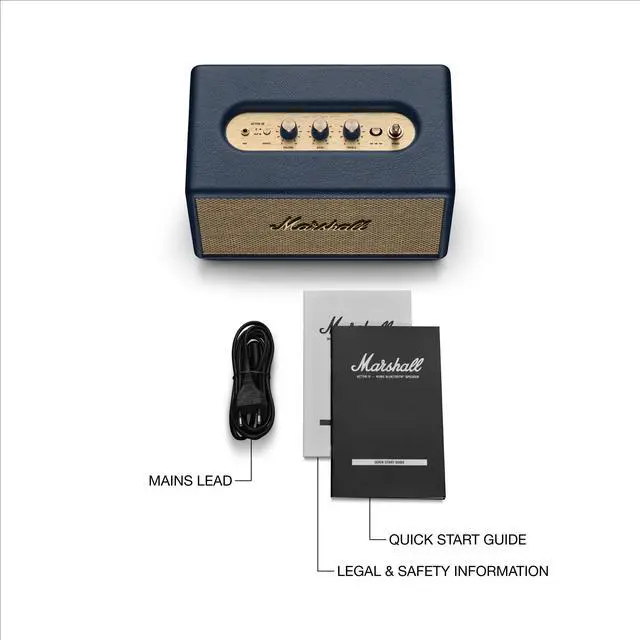


Acton III Product Overview
Merchant Video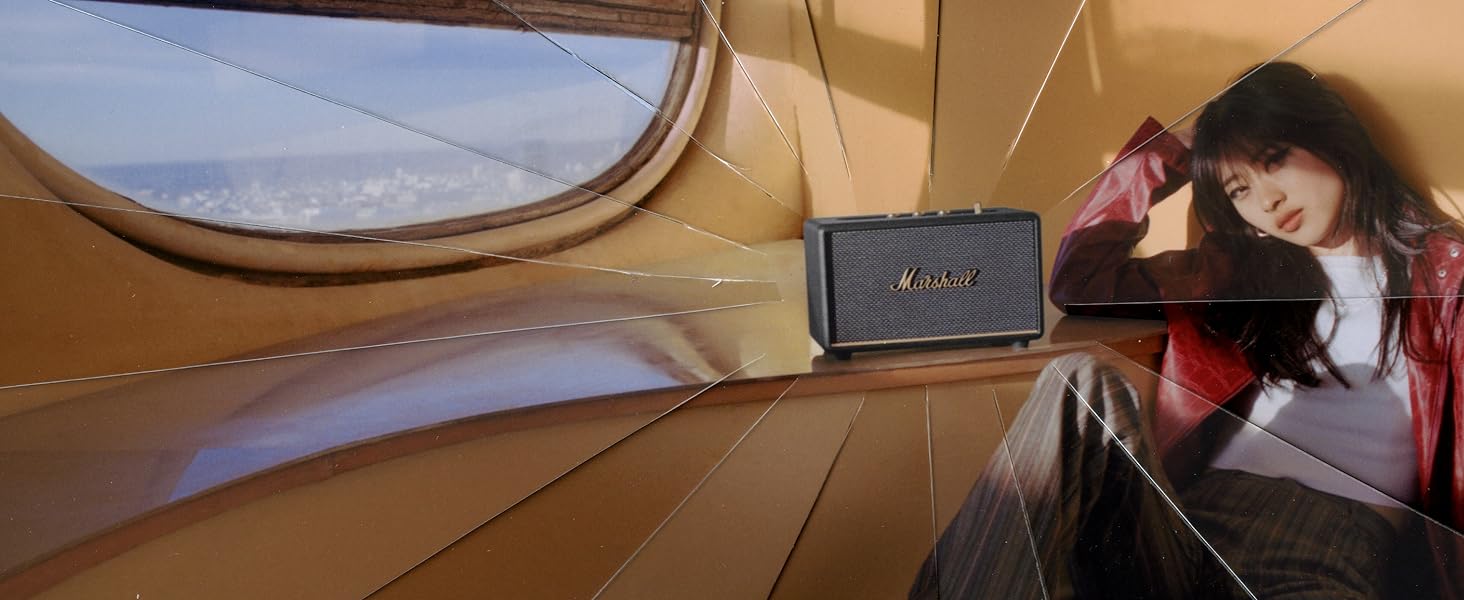
ROOM-FILLING SOUND
Acton III has an even wider soundstage than its predecessor, delivering immersive, room-filling Marshall signature sound.

PAIR, PLAY AND TURN IT UP
Acton III is straight to business, so you can just pair and play without the hassle of a complex set-up.
NEXT-GENERATION BLUETOOTH
Acton III is ready for the future of Bluetooth technology and has been built to deliver next-generation Bluetooth features the moment they are available.
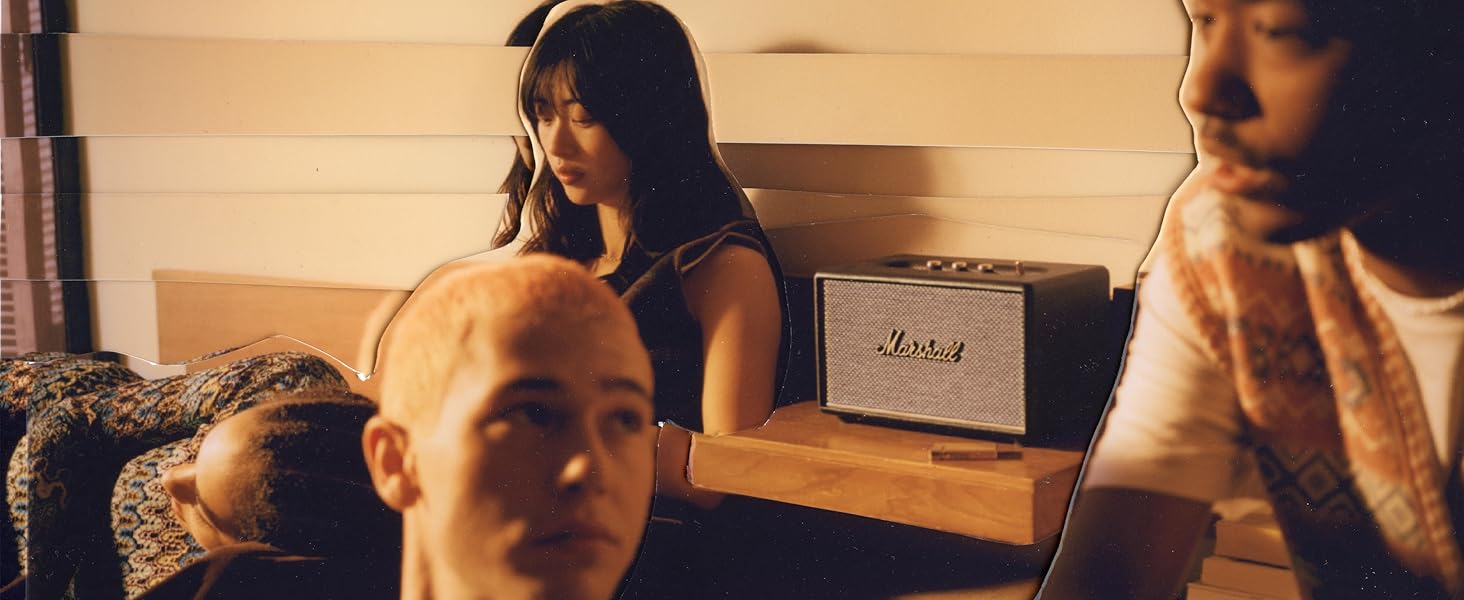
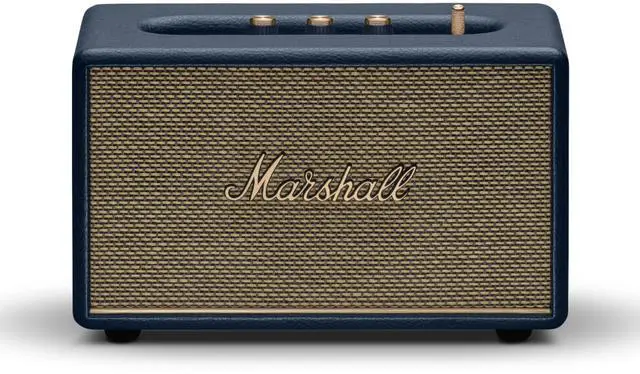
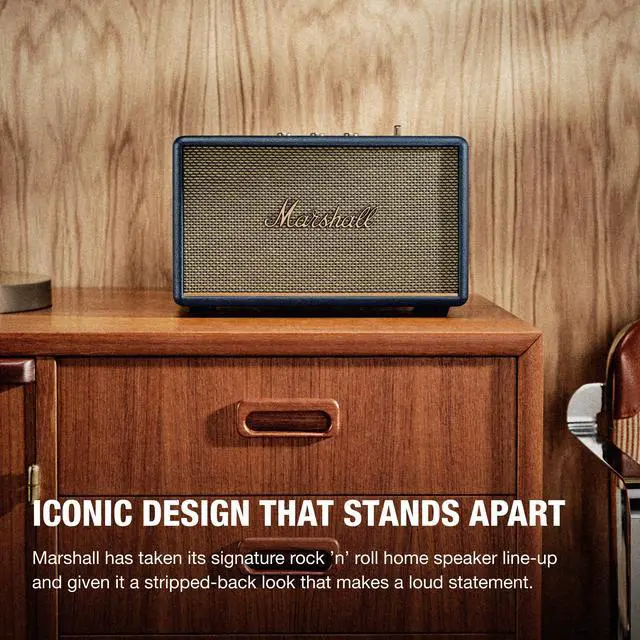
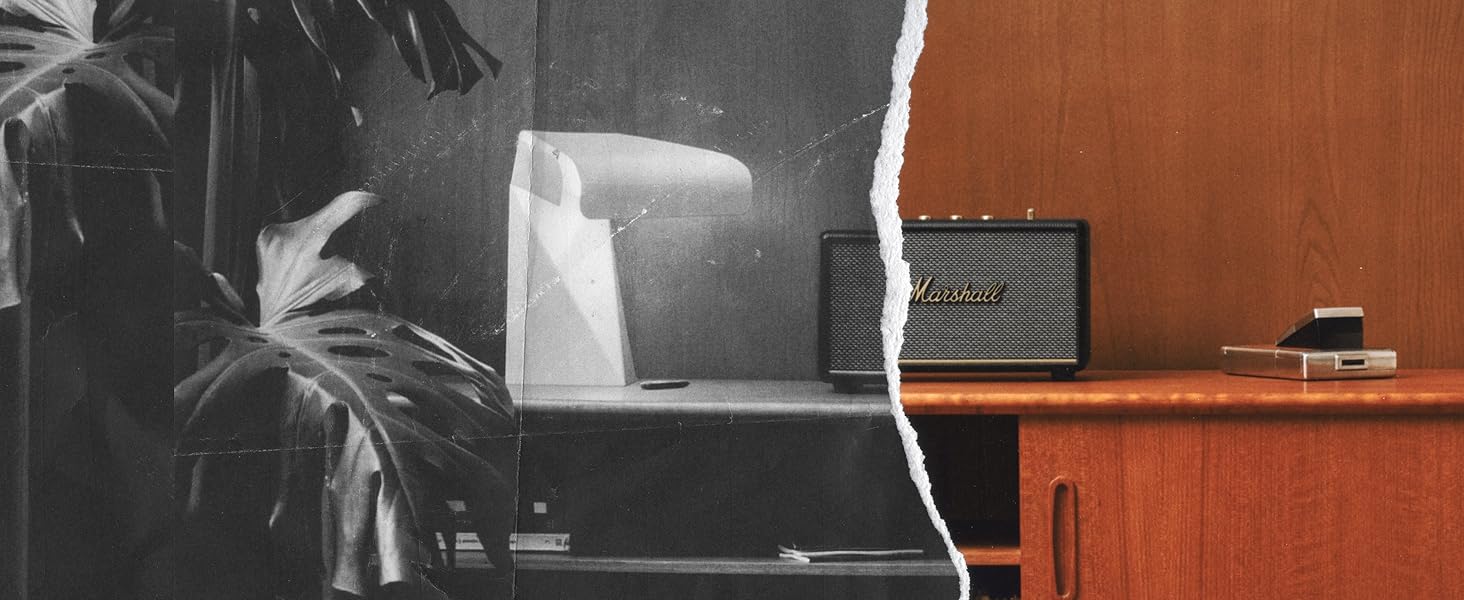
ICONIC DESIGN THAT STANDS APART
Marshall has taken its signature rock ’n’ roll home speaker line-up and given it a stripped-back look that makes a loud statement.

Acton III
Acton III
5.2 LE | Bluetooth | 5.0 |
45-20,000 Hz | Frequency Range | 50-20,000 Hz |
Analogue Controls | ||
Marshall BT App | ||
3.5 mm | Wired Connectivity | 3.5 mm |
5.2 LE | Bluetooth | 5.2 LE |
45-20,000 Hz | Frequency Range | 45-20,000 Hz |
Analogue Controls | ||
Marshall BT App | ||
3.5 mm | Wired Connectivity | 3.5 mm |


Do I need an app to use this product?
No, you don't need an app to use the product. But the app will give you several advantages, such as over-the-air software updates, giving you the latest and greatest user Experience, and the ability to use the app as a remote.
How do I pair a new device?
1. Use the source button to select Bluetooth.
2. Push the source button until the Bluetooth LED pulses red.
3. Select ACTON III from your audio device’s Bluetooth list.
What kind of devices can I pair?
Mobile phones, tablets, personal computers and similar devices with Bluetooth transmission capability.
Where do I ideally place it in my home?
With the new Placement Correction you can place it anywhere in your home and adjust for it in the Marshall app

Acton III Product Overview
Merchant VideoROOM-FILLING SOUND
PAIR, PLAY AND TURN IT UP
NEXT-GENERATION BLUETOOTH
ICONIC DESIGN THAT STANDS APART


Acton III has an even wider soundstage than its predecessor, delivering immersive, room-filling Marshall signature sound.
Acton III is straight to business, so you can just pair and play without the hassle of a complex set-up.
Acton III is ready for the future of Bluetooth technology and has been built to deliver next-generation Bluetooth features the moment they are available.
Marshall has taken its signature rock ’n’ roll home speaker line-up and given it a stripped-back look that makes a loud statement.
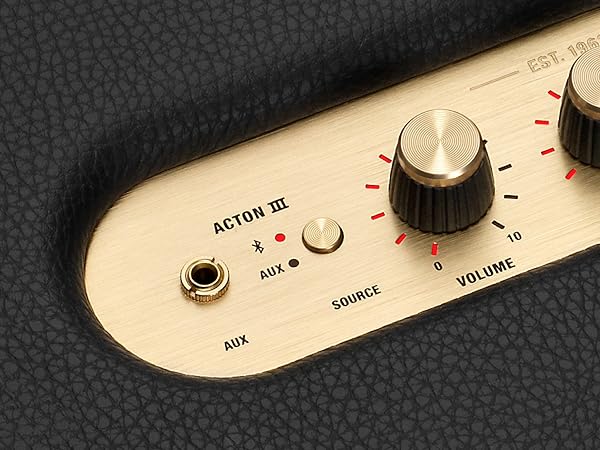
CONNECT AND CONTROL
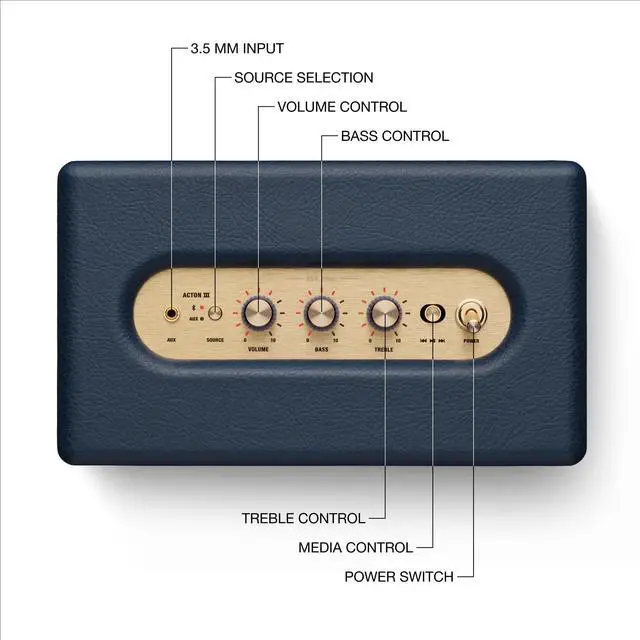
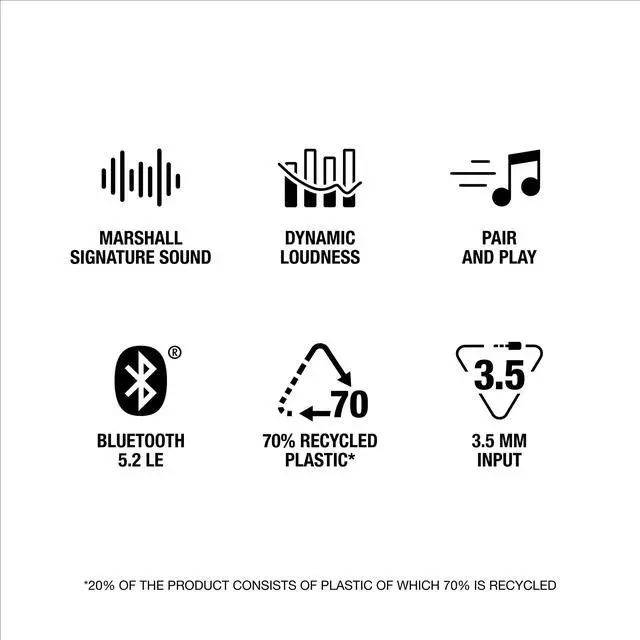
With next generation bluetooth 5.2 and the 3.5 mm input, connecting to Acton III and listening to your music has never been so effortless
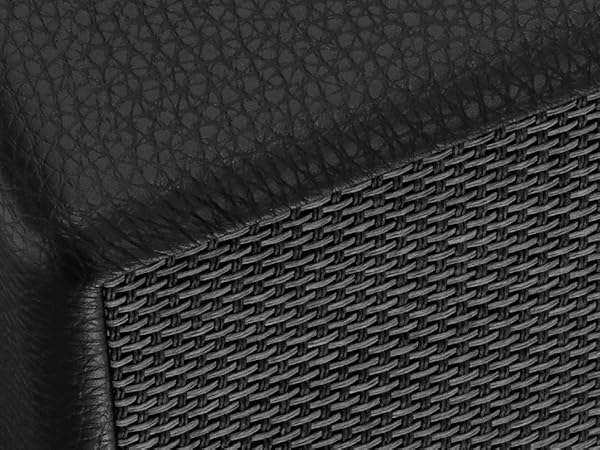
A MORE SUSTAINABLE APPROACH
While staying true to the iconic design that speaks to the brand’s heritage, Acton III has a PVC-free build that comprises 70% recycled plastic and only vegan materials.
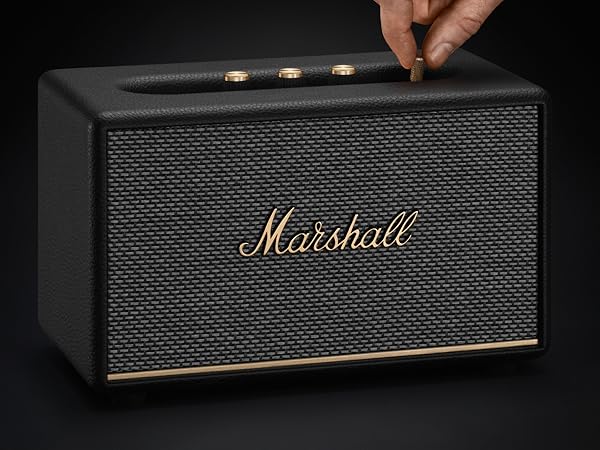
ICONIC DESIGN THAT STANDS APART
Marshall has taken its signature rock ’n’ roll home speaker line-up and given it a stripped- back look that makes a loud statement.
Acton III
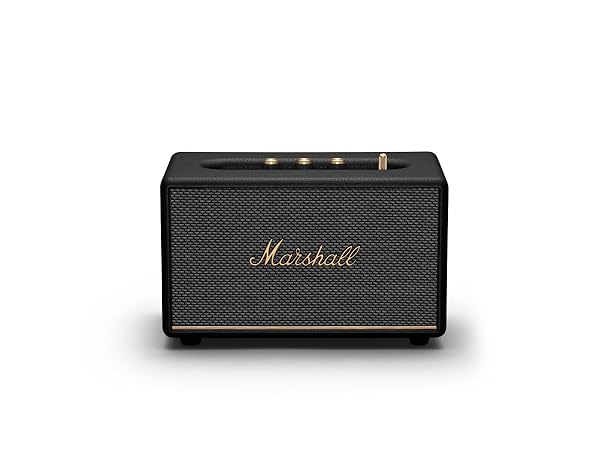
Acton III
Bluetooth
5.2 LE
Frequency Range
45-20,000 Hz
Analogue Controls
Marshall BT App
Wired Connectivity
3.5 mm
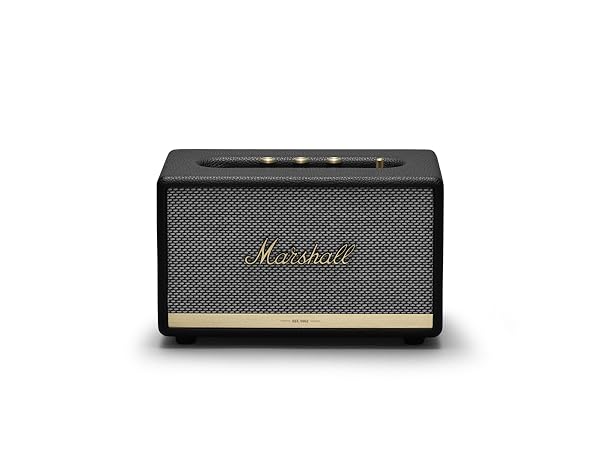
Acton II
Bluetooth
5.0
Frequency Range
50-20,000 Hz
Analogue Controls
Marshall BT App
Wired Connectivity
3.5 mm
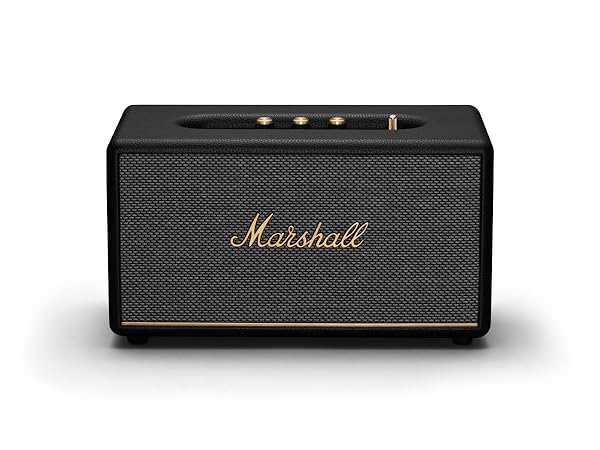
Stanmore III
Bluetooth
5.2 LE
Frequency Range
45-20,000 Hz
Analogue Controls
Marshall BT App
Wired Connectivity
3.5 mm


Do I need an app to use this product?
No, you don't need an app to use the product. But the app will give you several advantages, such as over-the-air software updates, giving you the latest and greatest user Experience, and the ability to use the app as a remote.
How do I pair a new device?
1. Use the source button to select Bluetooth.
2. Push the source button until the Bluetooth LED pulses red.
3. Select ACTON III from your audio device’s Bluetooth list.
What kind of devices can I pair?
Mobile phones, tablets, personal computers and similar devices with Bluetooth transmission capability.
Where do I ideally place it in my home?
With the new Placement Correction you can place it anywhere in your home and adjust for it in the Marshall app