




 here!
here!
I’m your shopping assistant for PC builds, upgrades, and everything tech.
Got questions? Ask away!
Start a conversation
here!
I’m your shopping assistant for PC builds, upgrades, and everything tech.
Got questions? Ask away!
Start a conversation





Any questions? Ask CelesteSM will help you find out quickly.
Smart Ink - Your smart cartridge choice!
Your printer is something you use every day, making printer ink one of the things you have to buy regularly. Unfortunately, replacing printer ink can be expensive, especially if you think your ink needs to come from the same manufacturer as your printer.
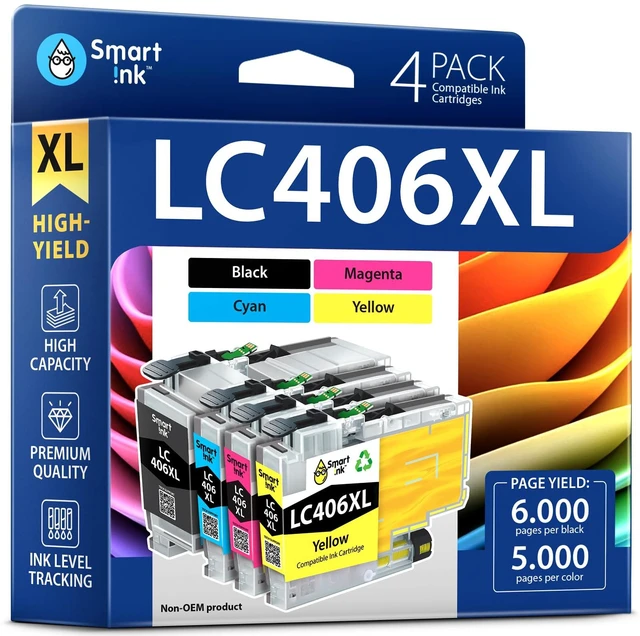
With its vibrant colors and professional quality, the Compatible Ink Cartridges produced by Smart Ink are the ticket to replacing ink quickly and more affordably.
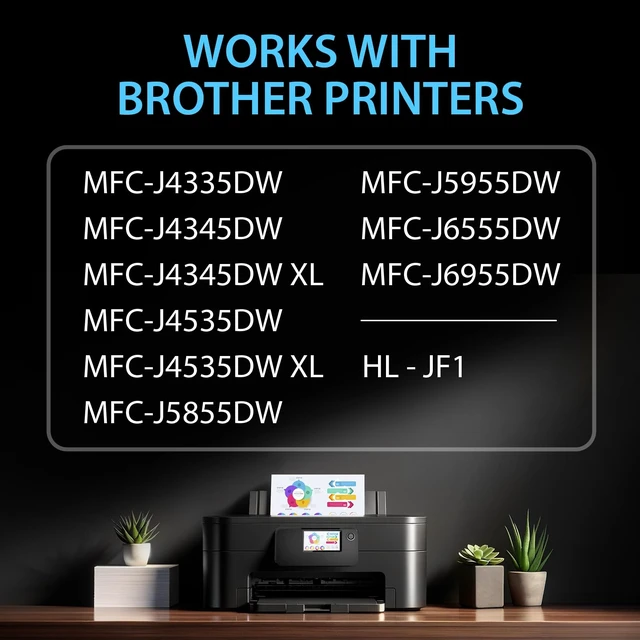
These cartridges are compatible with many Brother printers. You can use these cartridges for Brother HL - JF1, MFC-J4335DW, MFC-J4345DW, MFC-J4535DW, MFC-J5855DW, MFC-J5955DW, MFC-J6555DW, MFC-J6955DW, MFC-J4345DW XL, MFC-J4535DW XL printers.
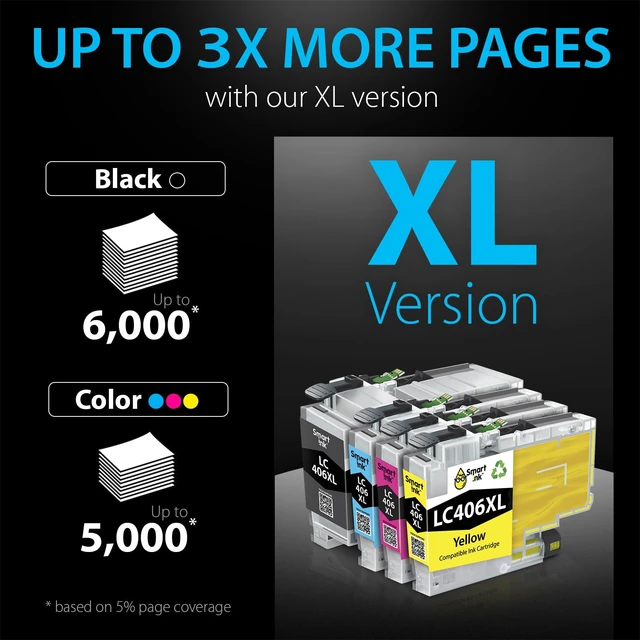
These Compatible LC406XL LC406 XL Ink Cartridges can print out up to 6000 pages per XL Black, 5000 pages per XL color cartridges (at 5% page coverage).
User Manual (added to each set)
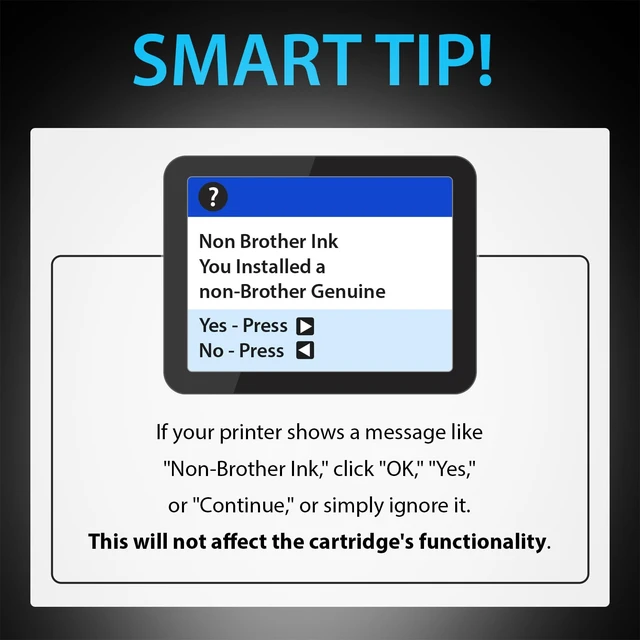
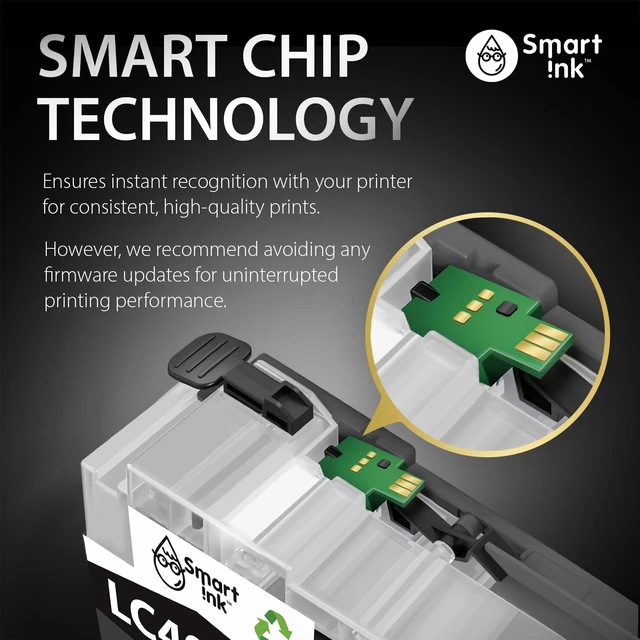
If your printer displays a "Non-Genuine" message, press "Proceed"/"Continue"/"Accept" or "OK" to continue.
If you receive the error "Ink Cartridge not recognized" or "Missing or damaged ink," remove the indicated cartridge. Then use a dry, lint-free cloth to gently wipe the copper-colored contacts on the cartridge and carriage to remove any buildup. Replace the cartridge and make sure that it clicks securely into the corresponding slot.
If you get "Ink out/Empty/Low Ink" error, remove and reinstall indicated cartridge until it firmly seats into the slot. If all the cartridges are correctly installed, press "OK" or "Continue" to clear the message, and resume printing.


