• $58.74
  • Free 30-day Returns
  • Ships from China.

    Shipped by Gaming on Home

    Price alert
    Shop it at NeweggBusiness.

    Meet Your Seller

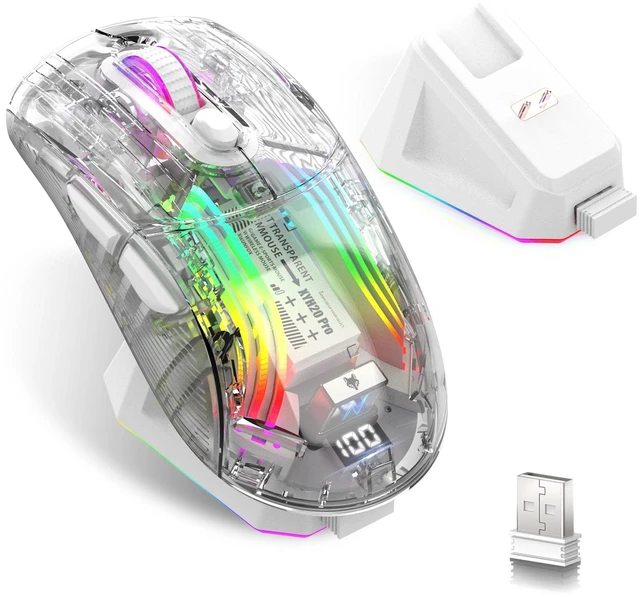
    Gaming Mouse with Transparent RGB Mechanical, Tri-Mode 2.4GHz/Bluetooth/Wired Mouse, Charging Base, Digital Display,Silent Mice, 7 Buttons, Computer Mouse for Gaming and Esports (White)

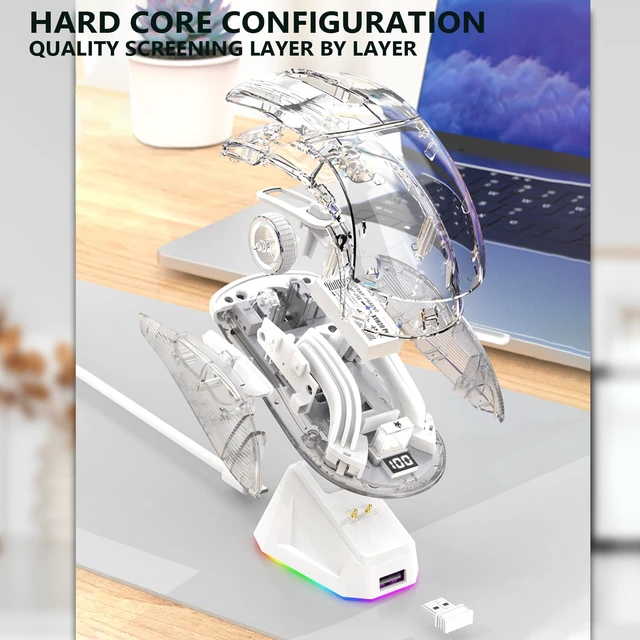
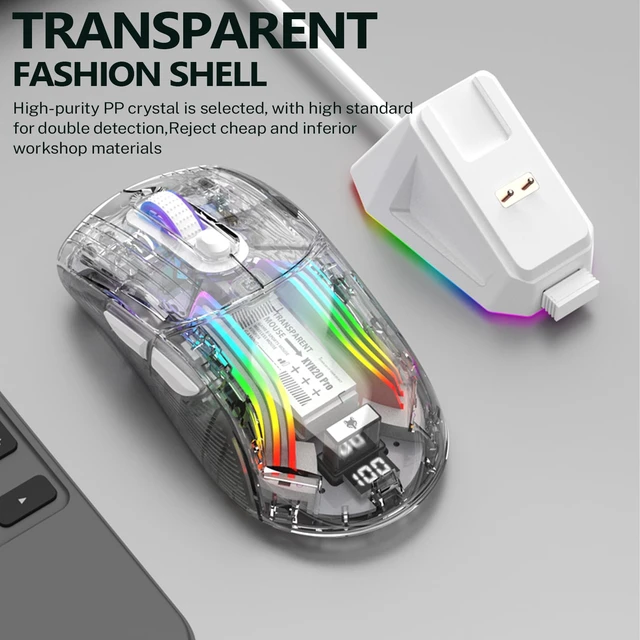
    • Mechanical Gaming Mouse: The Mouse is Designed with a Fully Transparent Body Shell, Which Makes the Mouse Cooler and More Luxurious. The Unique Design Gives Your Desktop a New Look.
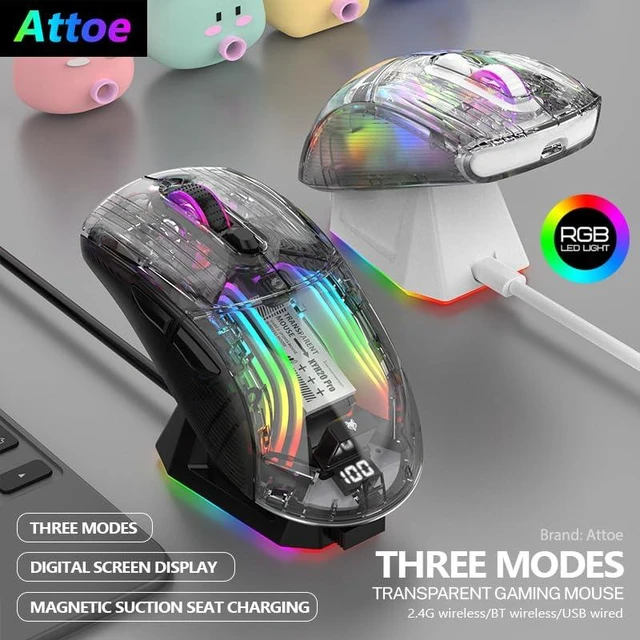
    • Three Connection Modes: Wireless Gaming Mouse Offers Three Reliable Connection Modes, Including BT5.0, 2.4GHz Wireless Mode and USB C Wired Mode with an Operating Distance of up to 33 Feet (15 metres), Eliminating Latency, Dropouts and Interference.
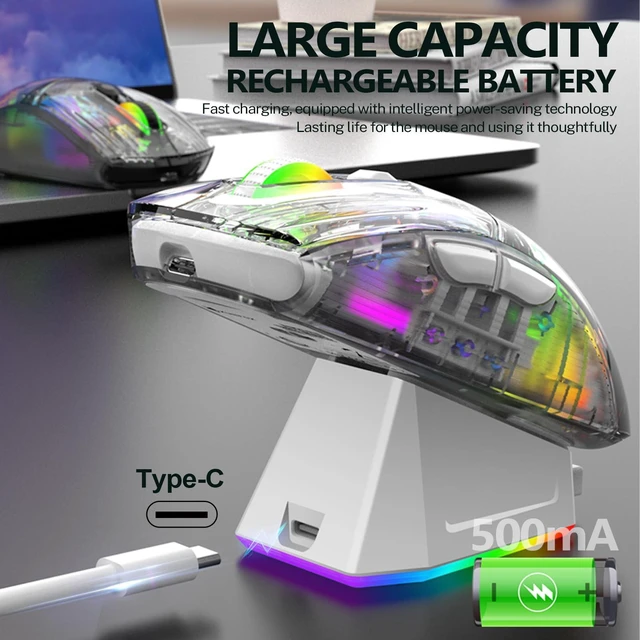
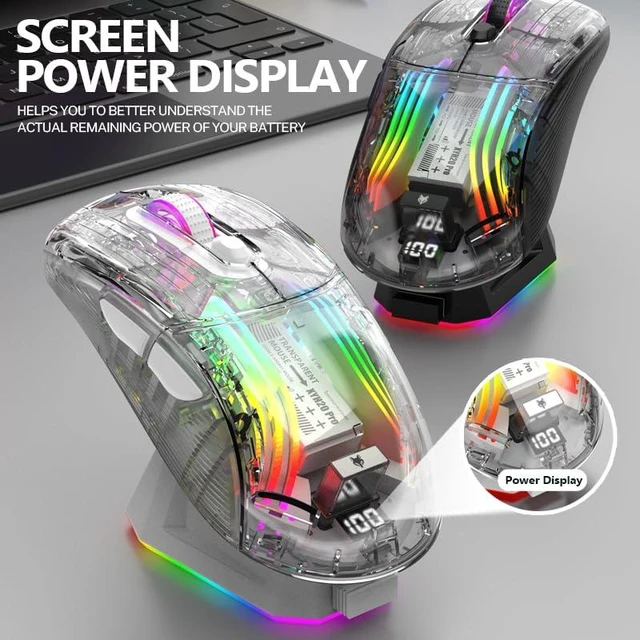
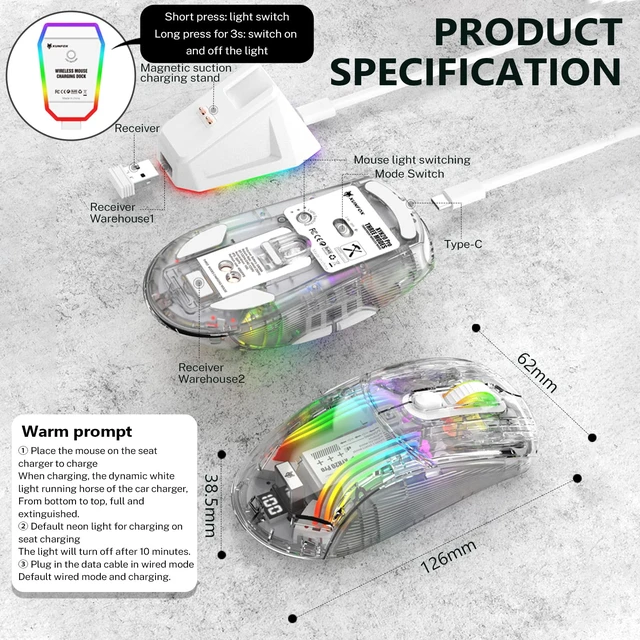
    • Charging Base Battery Level Visible: This Gaming Mouse Comes with a 500MA Rechargeable Battery and a Magnetic Charging Base that Allows you to use The Mouse for up to 5 Hours within 10 Minutes of Charging. The End of The Mouse is Designed with a Screen that Displays The Power Level, so you can Check The Remaining Power Level at any Time.
    • RGB Backlight Gaming Mice: Various RGB Lighting Effects can be Adjusted Through The Bottom Buttons and The Crystal Clear Lighting Effect Brings more Atmosphere and fun to Work and Entertainment. You could Adjust Different Lighting Modes and Switch off the Light by Pressing the Lighting Switch Button.
    • Ergonomic Mouse for Laptop: Ergonomic Design and Skin-Friendly Surface Offers Comfortable grips and etter Gaming Experience, Long Time using and Playing Without Fatigue. Best Choice for Gamer and Office.
    +
    +
    Overview
    Specs
    Reviews

    Any questions? Ask CelesteSM will help you find out quickly.

    Product Features:

    Three connection modes:

    2.4G connection

    1.Toggle the switch on the back of the mouse to 2.4g.

    2.Connect the receiver to the USB port on the PC side.

    3.Wait for the system to read and ready to use.

    BT connection

    1. Toggle the switch on the back of the mouse to BT.

    2. Press and hold the left, middle and right mouse buttons at the same time for 4 seconds,

    and the scroll wheel appears to flash rapidly with a blue light.

    3. Then open the Bluetooth search to connect, when the device appears "X2PRo".

    4. Click match to connect.

    Wired connection

    Connect the mouse and the PC port with the Type-c, then you can use it.

    Product Specification

    Colour: Black/White

    Product size: 12.6*6.25*3.85cm/5*2.5*1.5inch

    Package size: 19.2*13.3*4.9cm/7.5*5.2*2inch

    Product weight: 220g

    Product weight: 260g

    Package Includes

    Wireless Gaming Mouse*1

    Charging base*1

    User manual *1

    TYPE-C cable *1

    USB receiver *1

    Product Parameters:

    Acceleration: 10g

    Refresh rate: 4000FPS

    Number of buttons: 7

    Frame rate: 30IPS

    Battery capacity: 500MA

    Warm tips:

    1. When the mouse is placed on the base to charge,

    the base lights up with a white light that From bottom to top,

    full automatically extinguished.

    2. The base charging default neon light, 10 minutes after the extinction.

    3. Wired mode plug in the cable that is the default wired mode and charging.

    4. Magnetic charging base, switch short press, light switch.Long press 3s, switch light.

    5.RGB light mode adjustment button, located at the bottom of the shell.

    Warranty & Returns

    Warranty, Returns, And Additional Information

    Warranty

    • Please contact the Seller directly for warranty information. Warranty information may also be found on the Manufacturer's website.
    • CONTACT

    Return Policies

    Manufacturer Contact Info

    LOADING...