



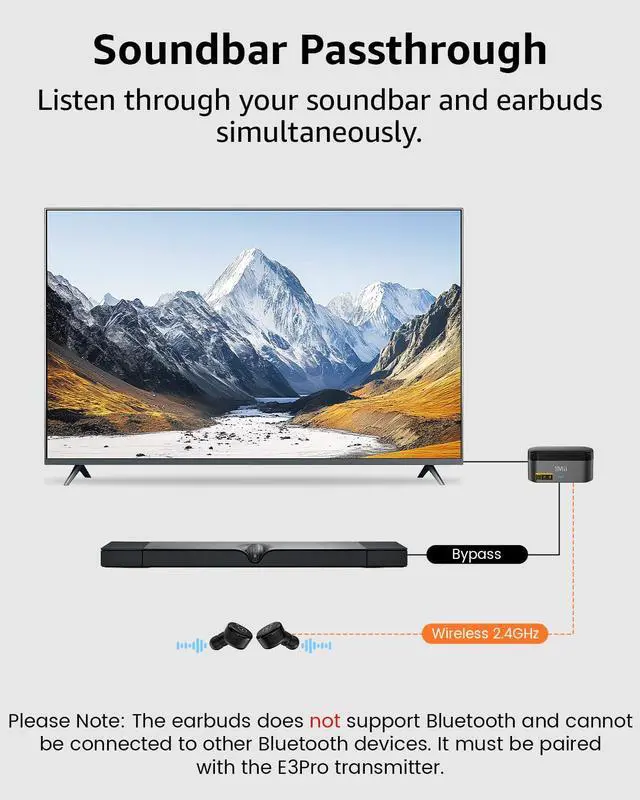


Soundbar Passthrough for Shared Audio
Enjoy clear TV audio through your wireless earbuds while simultaneously sharing the same sound with a connected soundbar using the built-in bypass feature.


Easy to Use

Plug in a Power Source
Easily power the transmitter with the included cable and adapter.

Choose Your Audio Cable
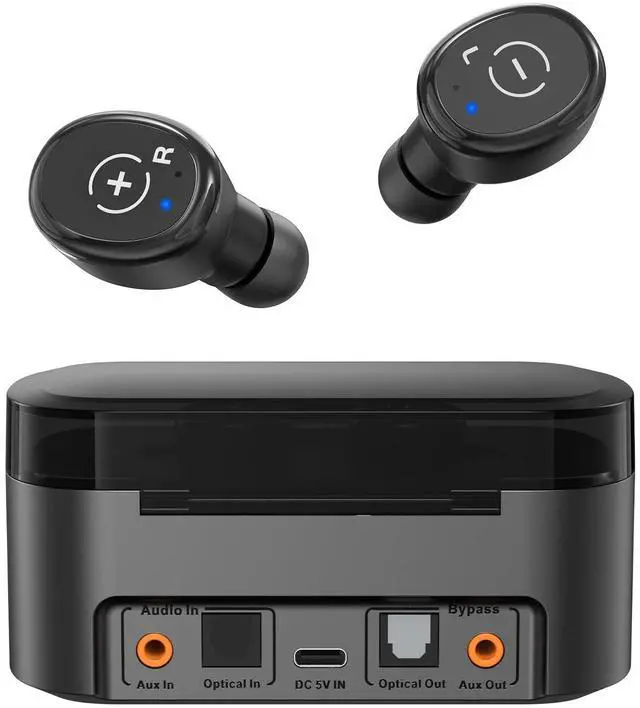
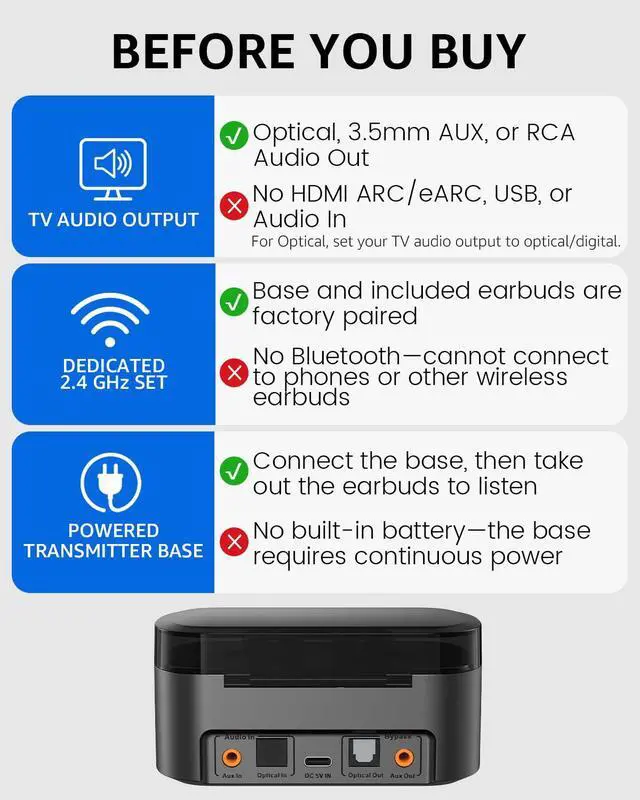
Connect the fiber, AUX 3.5mm, or RCA cable from the transmitter input to your TV output. Only one can be used at a time.

Change TV Sound Settings
To use optical output, navigate to "Settings" > "Sound/Audio" > "Sound Output" and select "Optical." No setup needed for 3.5mm.

Enjoy Uninterrupted Audio
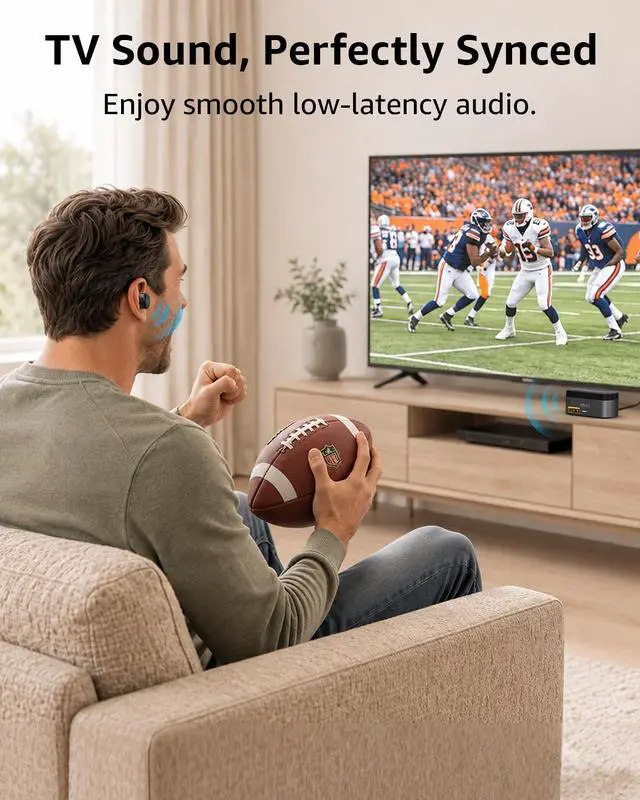
Put on your wireless headphones and immerse yourself in high-quality sound for your TV shows.
Why is there no sound?
1) Confirm the earbuds are paired and the transmitter LED is solid blue.
2) For optical, set TV Sound Output to Digital/Optical.
3) Connect TV's Audio Out to E3Pro's Audio In.
4) Use either AUX In or Optical In, never both.
How can I fix static noise when using the wireless earbuds?
1) Please use the included power adapter and power cable to power the transmitter base.
2) Ensure both ends of the cables are securely connected.
3) Ensure the OPT input is set audio output to digital/optical.
How to use two E3Pro at the same time to share the audio?
1) Power on both E3Pro.
2) Connect your TV’s Audio Out to the Audio In of the first E3Pro.
3) Then connect frist E3Pro's Audio Out to the Audio In of the second E3Pro.
Note: Use matching ports: AUX In with AUX Out, or Optical In with Optical Out.
How can I fix charging issues with the wireless earbuds?
1) Check if the charger (original or 5V 1A) works.
2) Inspect charging pins and earbud port for dirt or damage.
3) Ensure earbuds are properly placed and press gently to confirm charging.
4) Charge for 30 minutes and check for a red light.
Why is the range of my device shorter than expected?
The range may be affected by interference from walls, routers, or other devices.
SPECIFICATIONS


Soundbar Passthrough for Shared Audio
Enjoy clear TV audio through your wireless earbuds while simultaneously sharing the same sound with a connected soundbar using the built-in bypass feature.
Adjust Volume Directly from the Earbuds
Press the left earbud to lower the volume and the right earbud to raise it, no remote needed.
One-Touch Sound for Every Show
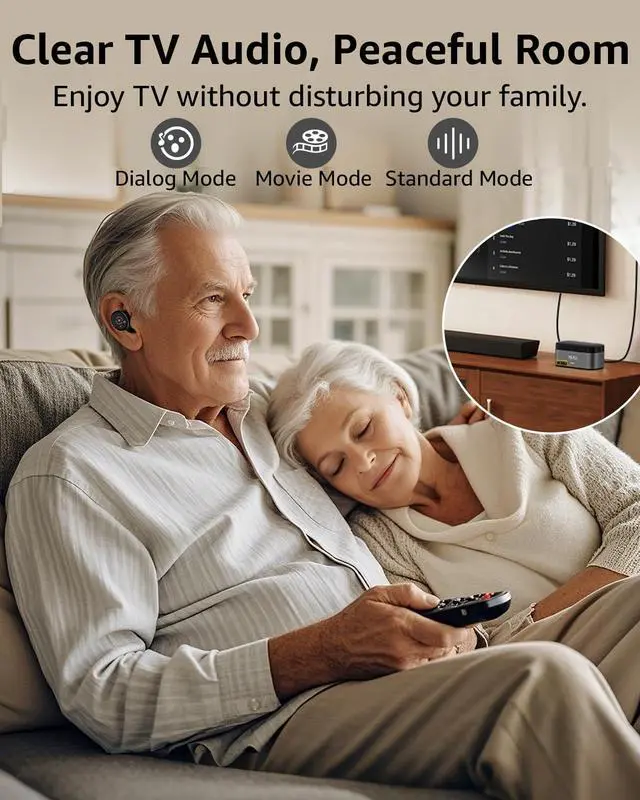
Switch between Dialog, Movie, and Standard modes with one button for clear, enjoyable TV sound.


Easy to Use
Plug in a Power Source
Easily power the transmitter with the included cable and adapter.
Choose Your Audio Cable
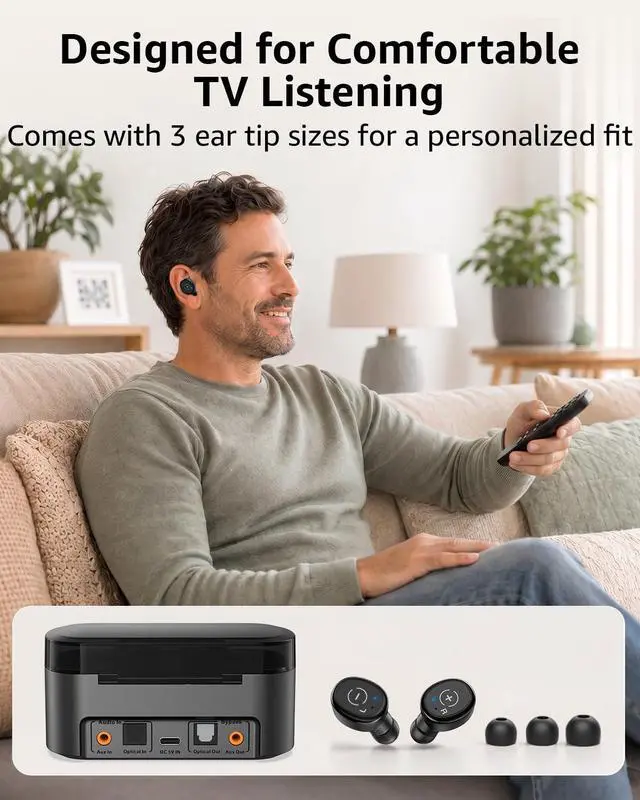
Connect the fiber, AUX 3.5mm, or RCA cable from the transmitter input to your TV output. Only one can be used at a time.
Change TV Sound Settings
To use optical output, navigate to "Settings" > "Sound/Audio" > "Sound Output" and select "Optical." No setup needed for 3.5mm.
Enjoy Uninterrupted Audio
Put on your wireless headphones and immerse yourself in high-quality sound for your TV shows.
Why is there no sound?
1) Confirm the earbuds are paired and the transmitter LED is solid blue.
2) For optical, set TV Sound Output to Digital/Optical.
3) Connect TV's Audio Out to E3Pro's Audio In.
4) Use either AUX In or Optical In, never both.
How can I fix static noise when using the wireless earbuds?
1) Please use the included power adapter and power cable to power the transmitter base.
2) Ensure both ends of the cables are securely connected.
3) Ensure the OPT input is set audio output to digital/optical.
How to use two E3Pro at the same time to share the audio?
1) Power on both E3Pro.
2) Connect your TV’s Audio Out to the Audio In of the first E3Pro.
3) Then connect frist E3Pro's Audio Out to the Audio In of the second E3Pro.
Note: Use matching ports: AUX In with AUX Out, or Optical In with Optical Out.
How can I fix charging issues with the wireless earbuds?
1) Check if the charger (original or 5V 1A) works.
2) Inspect charging pins and earbud port for dirt or damage.
3) Ensure earbuds are properly placed and press gently to confirm charging.
4) Charge for 30 minutes and check for a red light.
Why is the range of my device shorter than expected?
The range may be affected by interference from walls, routers, or other devices.
SPECIFICATIONS
| Connectivity Technology | 2.4 GHz Wireless |
|---|---|
| Audio Options | Optical, 3.5mm AUX |
| Operating Range | 60 ft / 18 m |
| Product Size | 4.33 x 2.36 x 2.13 inch |
| Product Weight | 127 g / 4.48 oz |
| Power Port | USB-C |
| Operating Voltage | DC-5V |
| Compatible Devices | Compatible with TVs featuring Optical (TOSLINK), RCA, or 3.5 mm AUX/headphone audio outputs. |
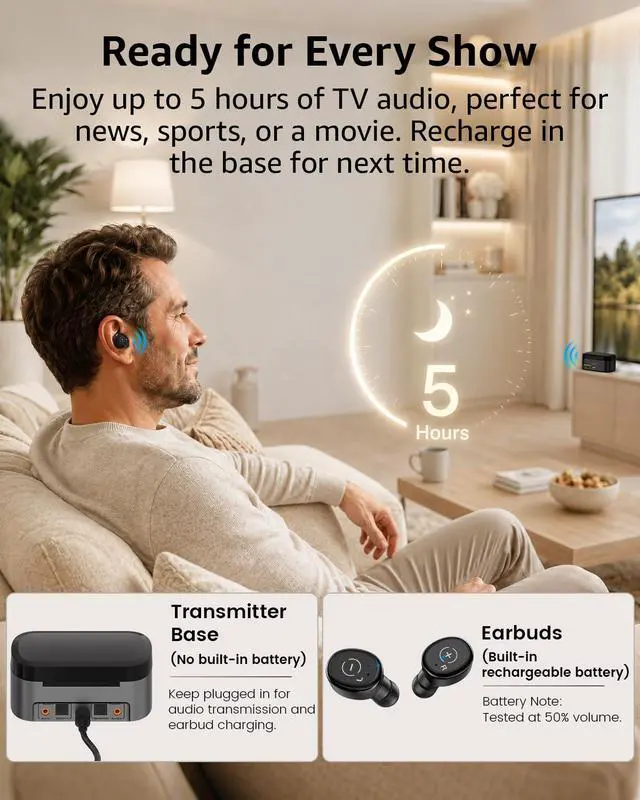
| Charging Time | 2-Hour Earbud Charging; No Built-In Battery in the Transmitter Base |
| Earbuds Work Time | 5 Hours |