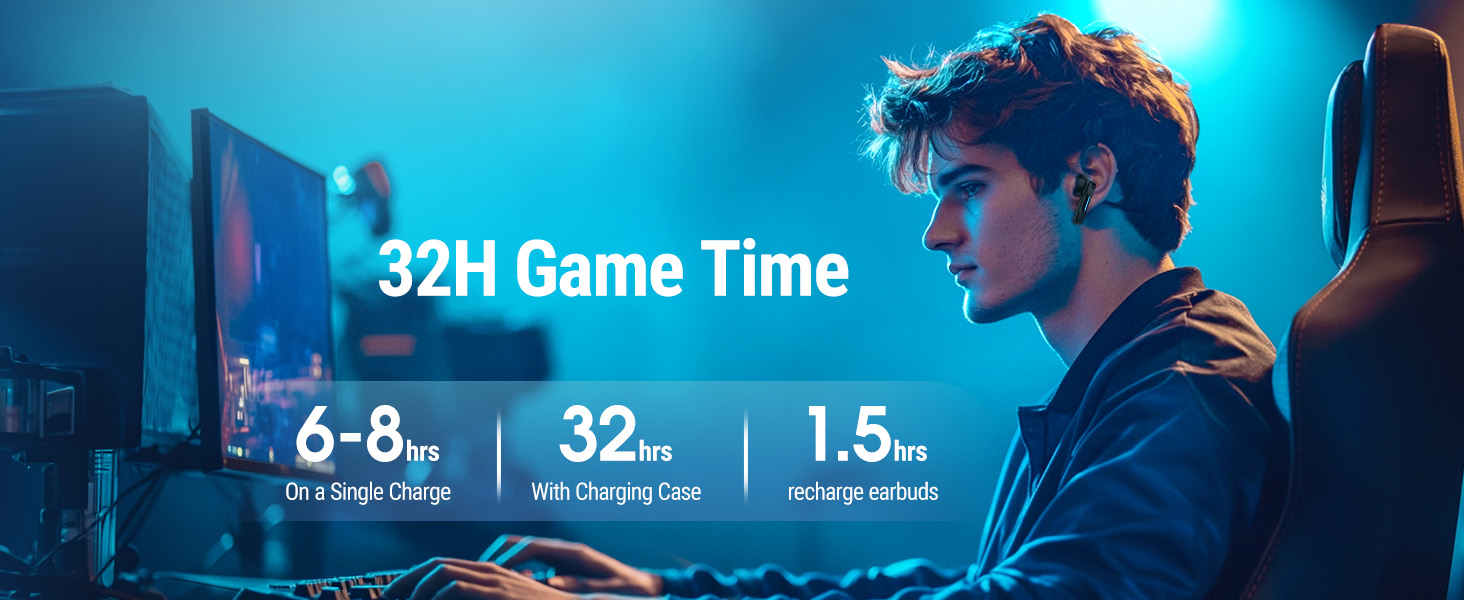
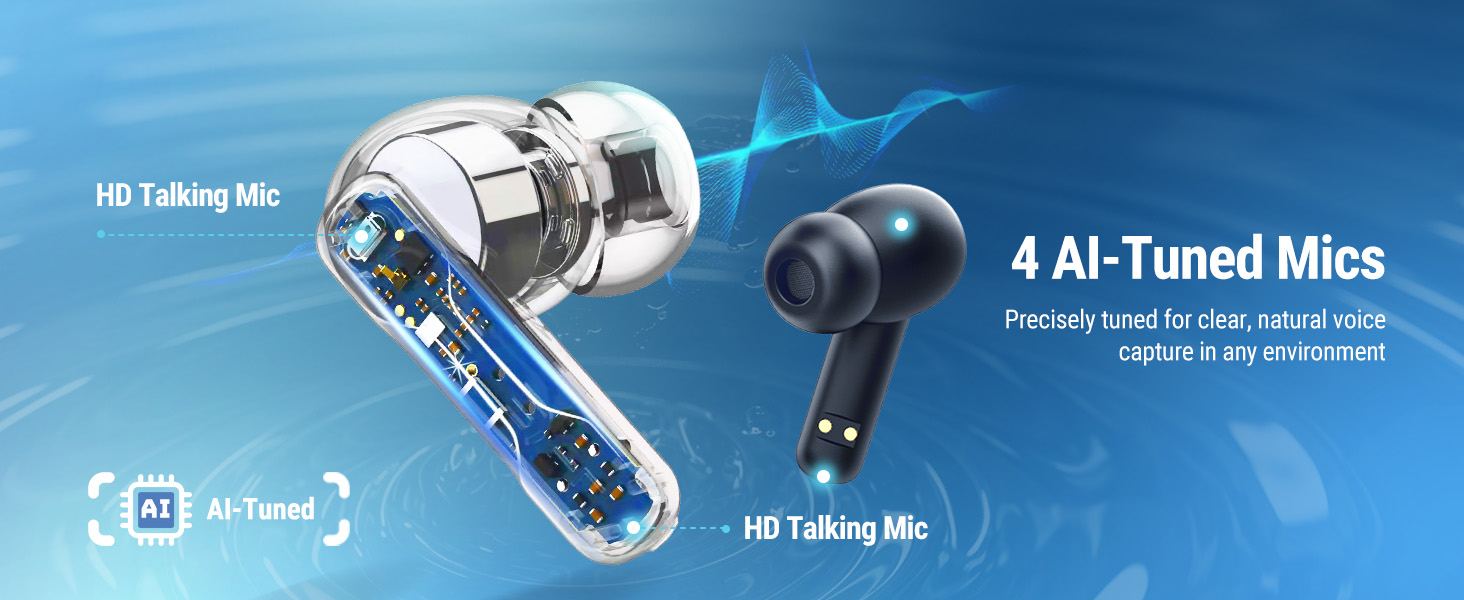
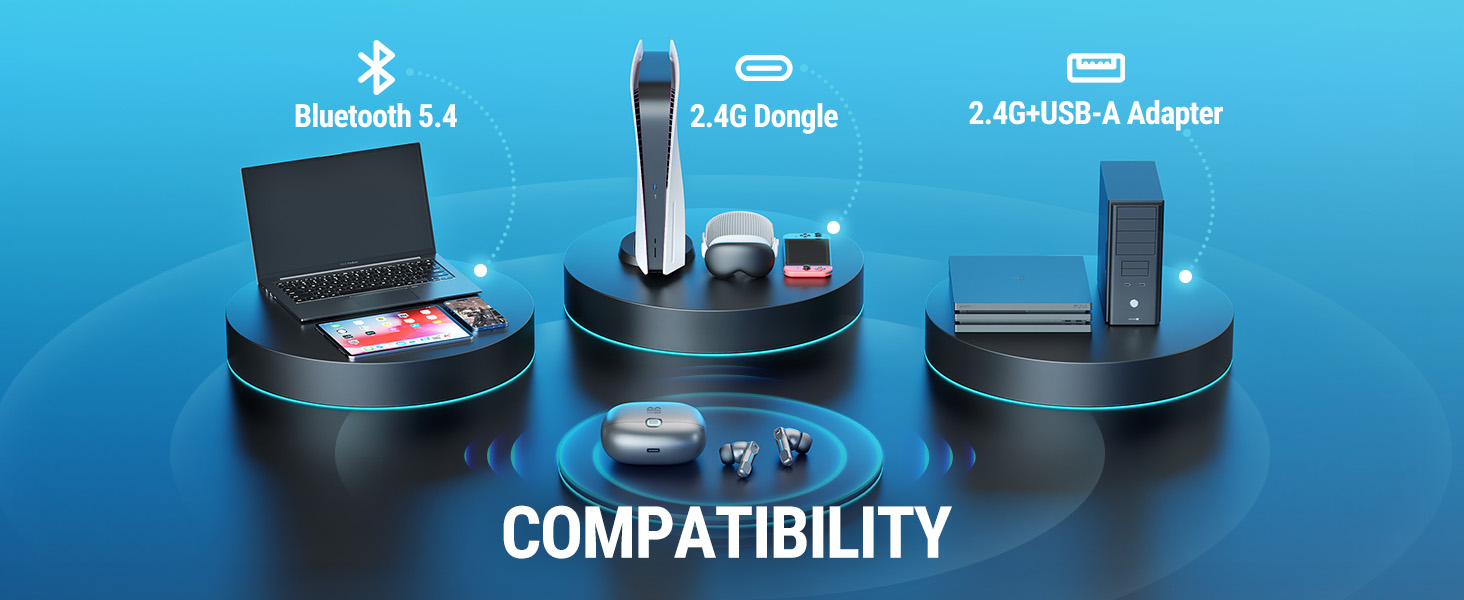
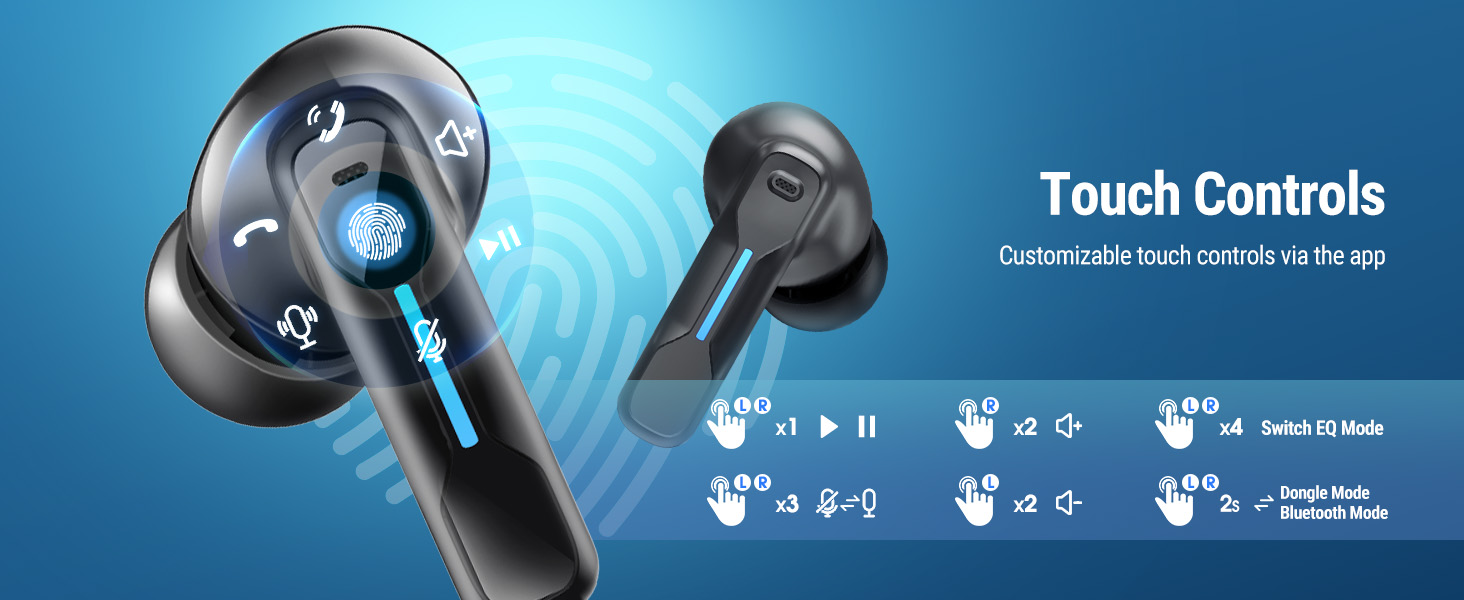
here!
here!
I’m your shopping assistant for PC builds, upgrades, and everything tech.
Got questions? Ask away!
Start a conversation
here!
I’m your shopping assistant for PC builds, upgrades, and everything tech.
Got questions? Ask away!
Start a conversation



Any questions? Ask CelesteSM will help you find out quickly.

At Middle Rabbit, we believe in genuine feedback and are committed to building trust with our customers. We value your honest experiences with our products and welcome all constructive feedback to help us continue improving. Our commitment is to transparency, quality, and trust – thank you for being part of our journey!

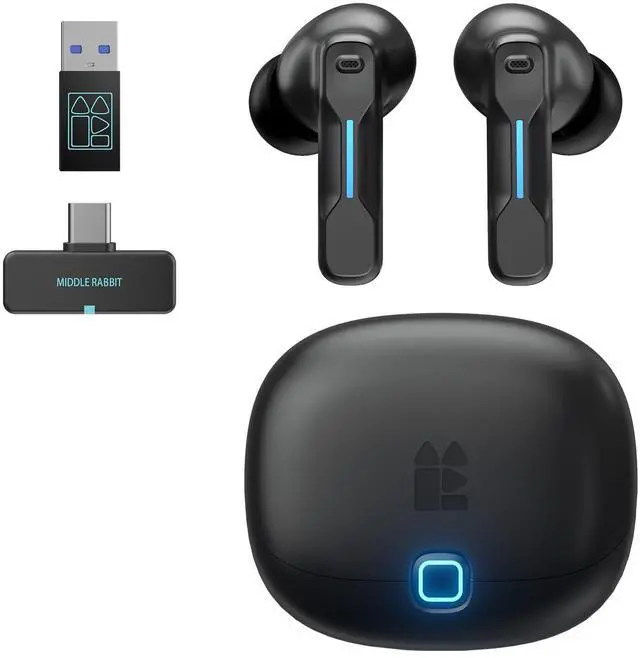
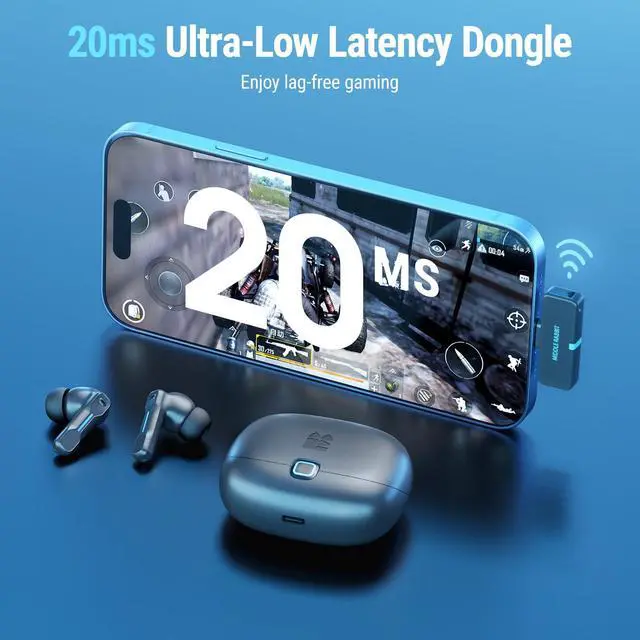
Founded in 2021, Middle Rabbit specializes in dual-mode 2.4G+Bluetooth wireless earbuds. Our mission is to deliver comfortable, high-quality, and cost-effective audio solutions, ideal for gamers and office workers. We quickly became one of the first brands to market 2.4G earbuds, standing by our commitment to 'Innovation Meets Affordability.' We strive to enhance the daily lives of our customers with innovative and affordable products.
Our vision is to be the preferred brand for gamers and office workers, enhancing their everyday life and work experience with our innovative and cost-effective headphones.
We are committed to providing high-quality, comfortable, and cost-effective headphones that meet the audio needs of gamers and office users. At the same time, through excellent user support and responsiveness, we continuously enhance the living and working experiences of our users.
· Customer First · Cost-Effectiveness
· Product Innovation
· Continuous Improvement
· Integrity in Business
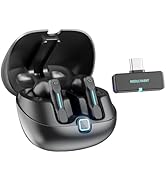
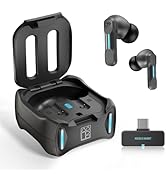
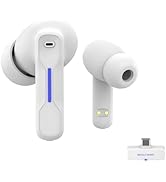
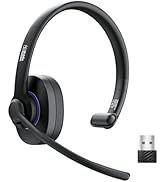
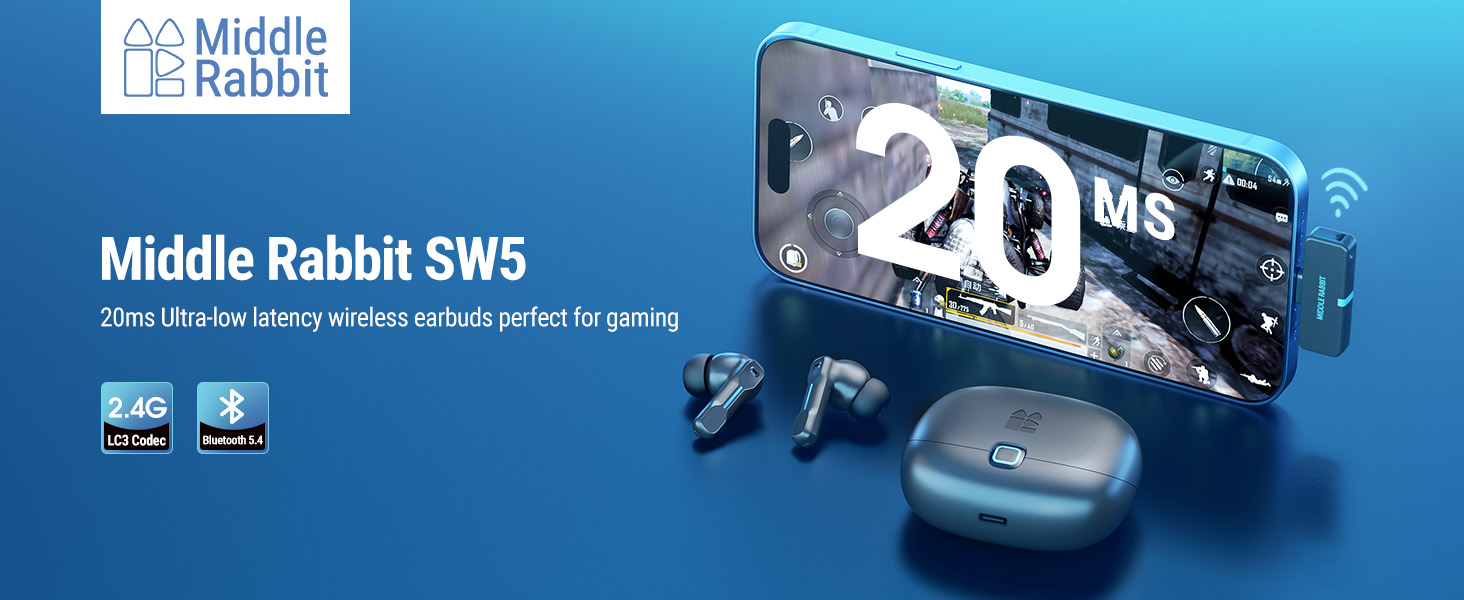
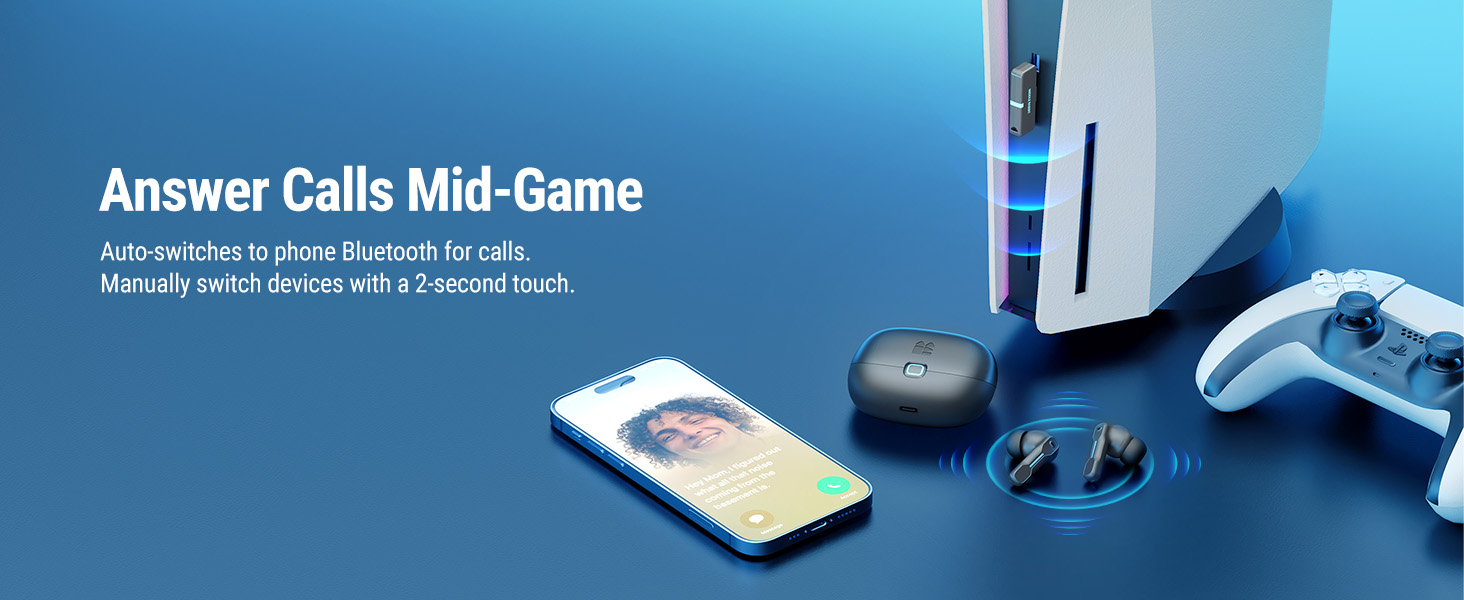
Manual Switch: Press and hold either earbud to switch between Bluetooth and dongle mode.
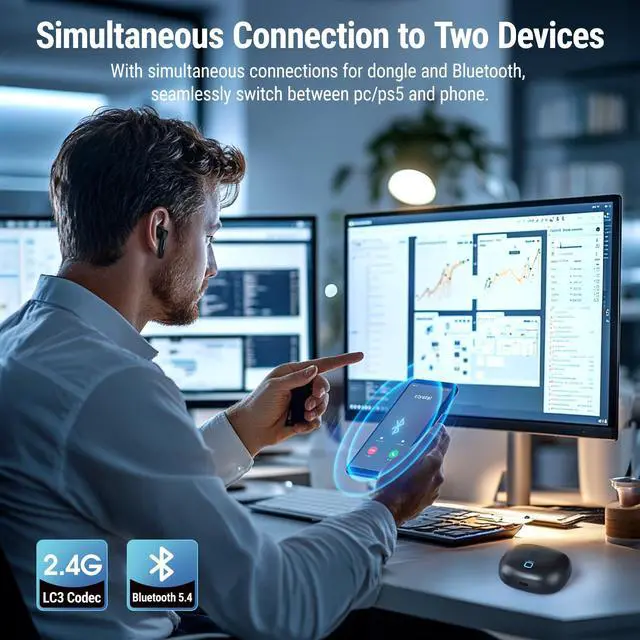
The earbuds support two connection modes: dongle and Bluetooth. Long-press either earbud to switch modes, and make sure you are in the correct mode to hear audio.
They can connect to one dongle device + one Bluetooth device, but audio can only play from one at a time.
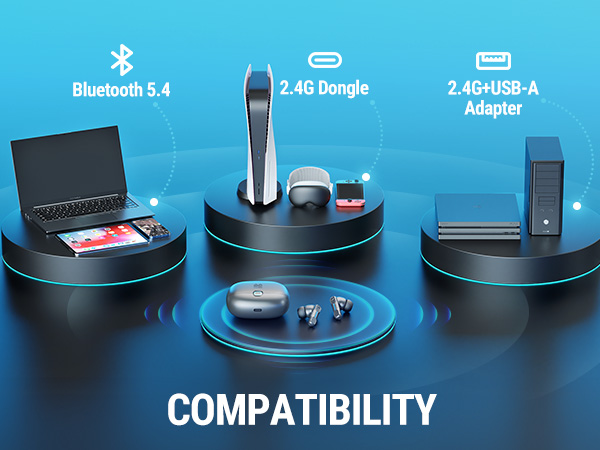
How to use the earbuds on PC, PS5/4? NOT compatible with Xbox and PS Portal
Still unable to connect to the dongle?
Please try resetting the earbuds by placing both earbuds back into the charging case, keeping the lid open, and pressing and holding the button on the back of the case for 5 seconds until the light flashes. Then, re-insert the dongle and try connecting again.
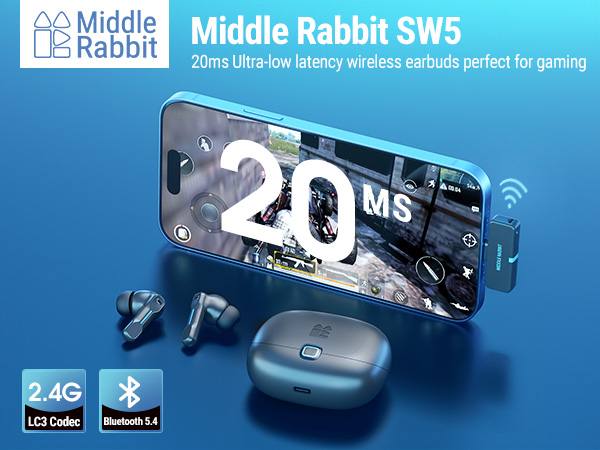
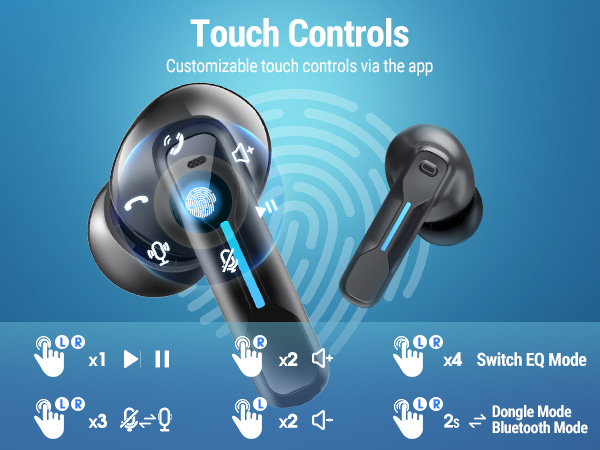
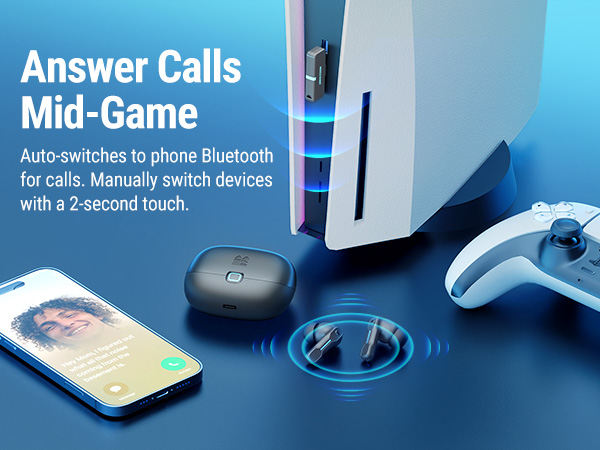
Manual Switch: Press and hold either earbud to switch between Bluetooth and dongle mode.
The earbuds support two connection modes: dongle and Bluetooth. Long-press either earbud to switch modes, and make sure you are in the correct mode to hear audio.
They can connect to one dongle device + one Bluetooth device, but audio can only play from one at a time.
How to use the earbuds on PC, PS5/4? NOT compatible with Xbox and PS Portal
Still unable to connect to the dongle?
Please try resetting the earbuds by placing both earbuds back into the charging case, keeping the lid open, and pressing and holding the button on the back of the case for 5 seconds until the light flashes. Then, re-insert the dongle and try connecting again.
At Middle Rabbit, we believe in genuine feedback and are committed to building trust with our customers. We value your honest experiences with our products and welcome all constructive feedback to help us continue improving. Our commitment is to transparency, quality, and trust – thank you for being part of our journey!
Founded in 2021, Middle Rabbit specializes in dual-mode 2.4G+Bluetooth wireless earbuds. Our mission is to deliver comfortable, high-quality, and cost-effective audio solutions, ideal for gamers and office workers. We quickly became one of the first brands to market 2.4G earbuds, standing by our commitment to 'Innovation Meets Affordability.' We strive to enhance the daily lives of our customers with innovative and affordable products.
Our vision is to be the preferred brand for gamers and office workers, enhancing their everyday life and work experience with our innovative and cost-effective headphones.
We are committed to providing high-quality, comfortable, and cost-effective headphones that meet the audio needs of gamers and office users. At the same time, through excellent user support and responsiveness, we continuously enhance the living and working experiences of our users.
· Customer First · Cost-Effectiveness
· Product Innovation
· Continuous Improvement
· Integrity in Business