

Your Browsing History
- Free 30-day Returns
$443.49


Meet Your Seller


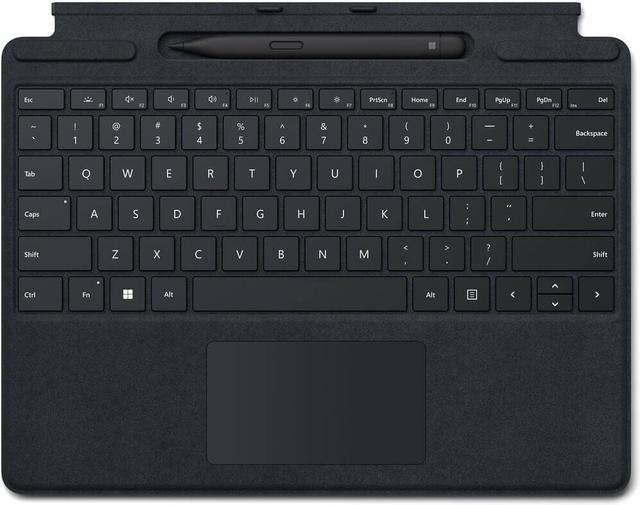
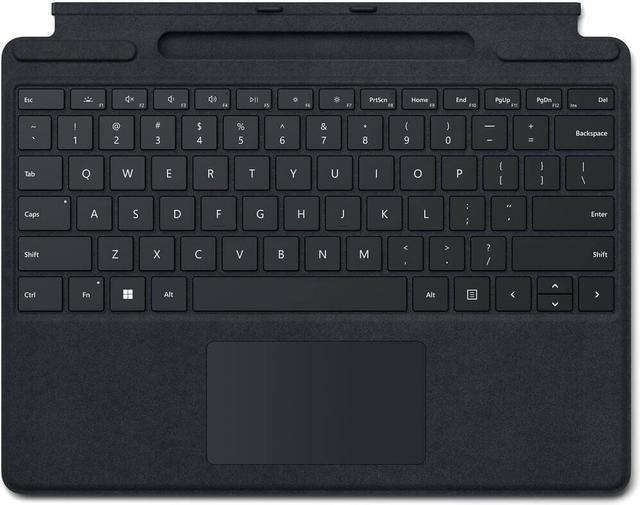

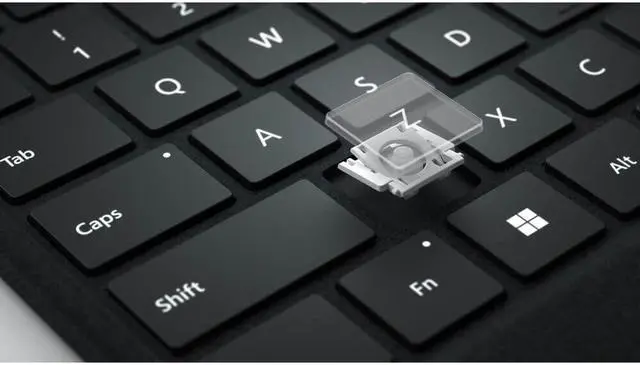
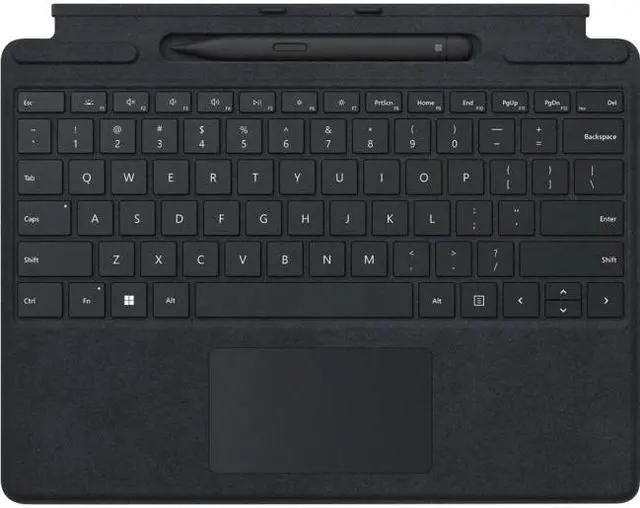
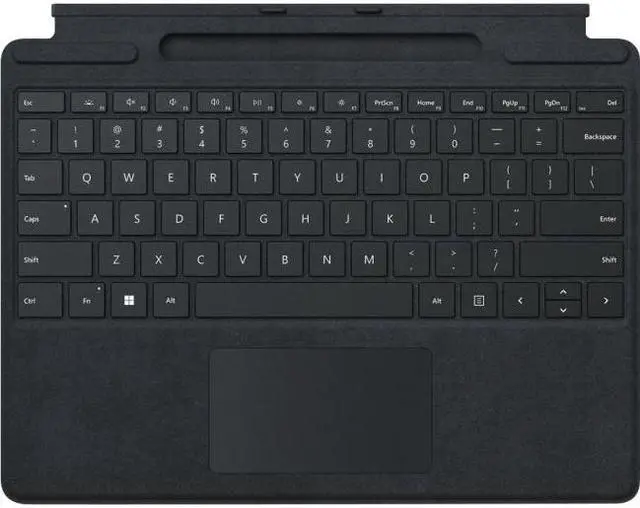

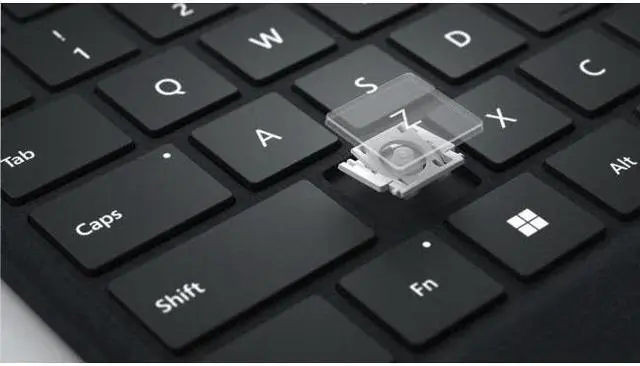
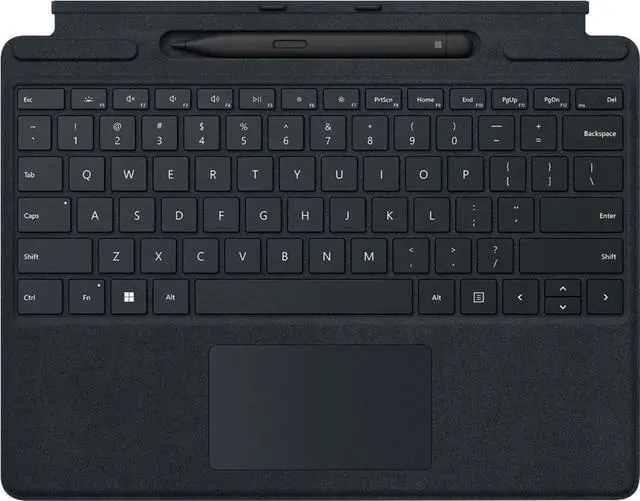
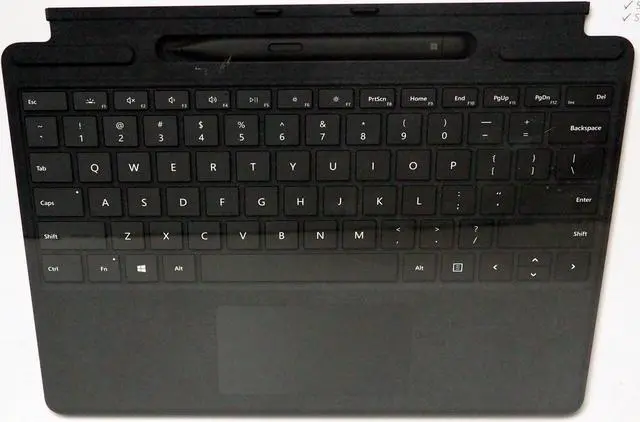
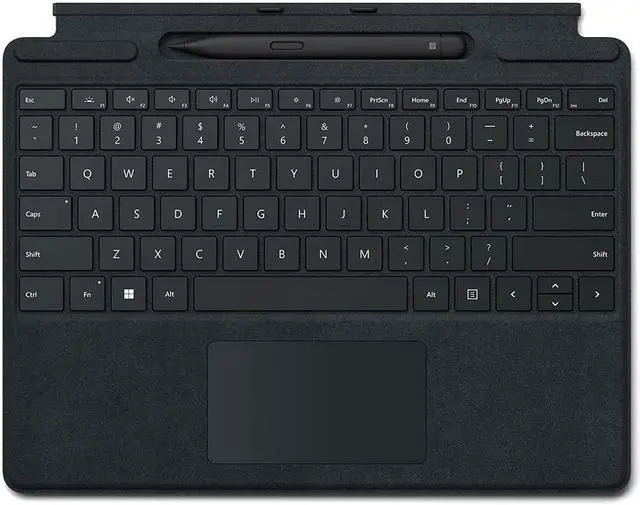

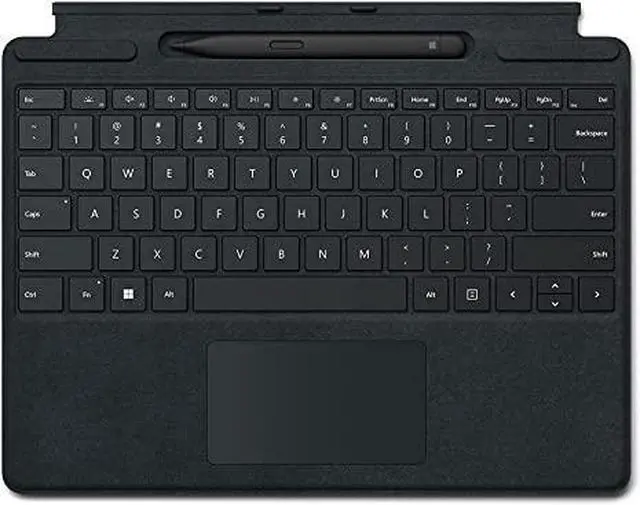
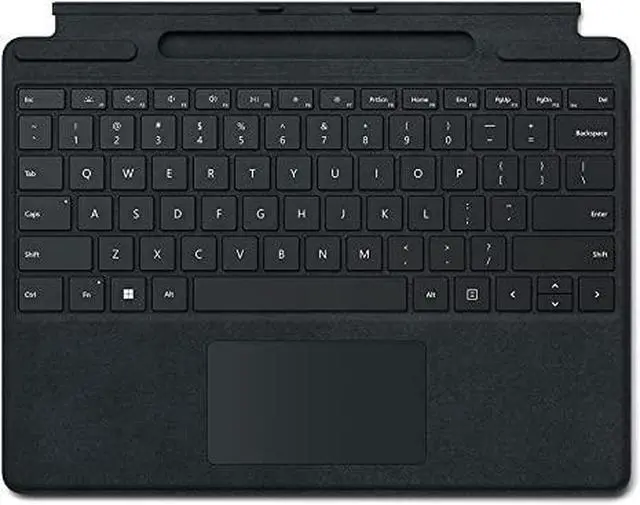




Microsoft 8X6-00001 Surface Pro Signature Keyboard with Slim Pen 2 - Black
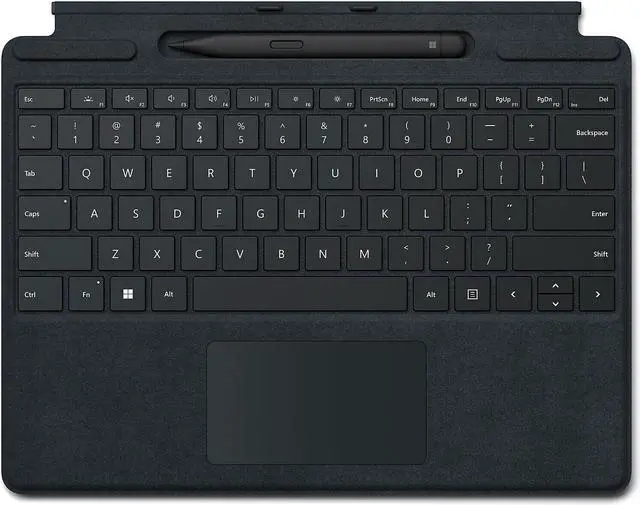
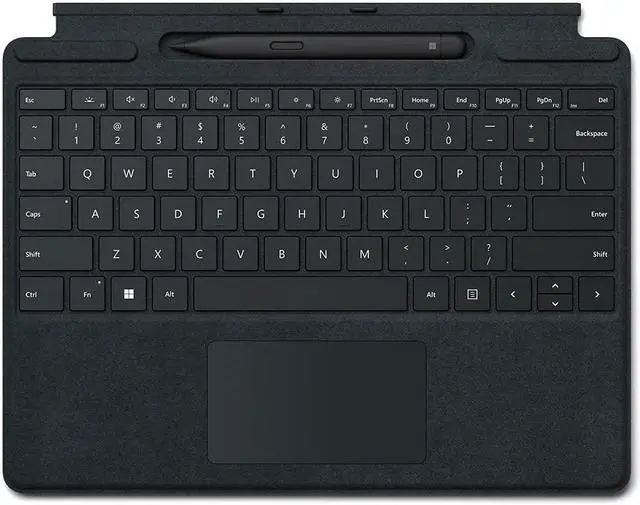
- Store, charge, type, and write - Transform Surface Pro 8 and Surface Pro X into a full laptop with the premium keyboard. And with Surface Slim Pen 2 stored, charged, and close at hand, it delivers typing and on-screen writing in one.
- Fast, fluid, and perfect with your Surface - Our best performing pen yet, with real-time writing, pinpoint accuracy, and incredible shading thanks to a sharper pen tip and improved design.
- Always ready at your fingertips - Surface Slim Pen 2 securely sits and recharges in the keyboard’s built-in storage tray. Typing and writing in one, without the bulk, Surface Pro Signature Keyboard delivers fast, accurate typing like a traditional, full-size keyboard, plus natural on-screen writing with our best inking experience yet.
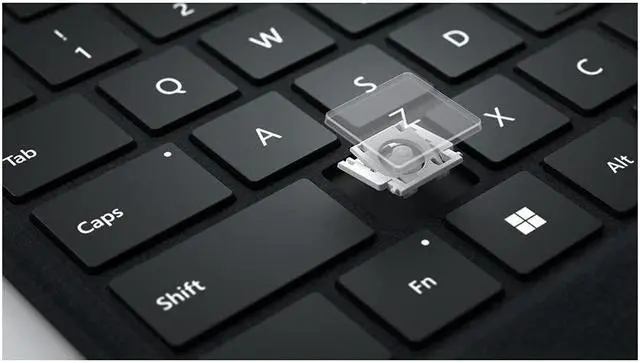
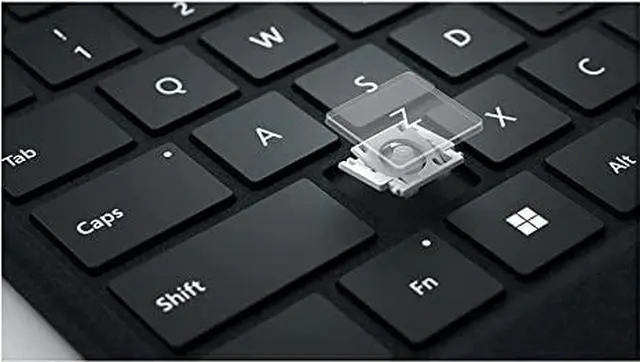
- An exceptional typing experience - Type in comfort with Surface Pro Signature Keyboard. Sleek and compact, it performs like a traditional laptop keyboard, complete with a large touchpad for precise control and navigation.
+
+
Overview
Specs
Reviews (1)

Any questions? Our AI mode will help you find out quickly.
Try me now
Warranty & Returns
Warranty, Returns, And Additional Information
Warranty
- Please contact the Seller directly for warranty information. Warranty information may also be found on the Manufacturer's website.
- Read full details
- CONTACT
Return Policies
- Return for refund within: 30 days
- Return for replacement within: 30 days
- This item is covered by Technology Galaxy Return Policy
Manufacturer Contact Info
- For a directory of all our manufacturers, please click below.
- Manufacturers Directory
LOADING...